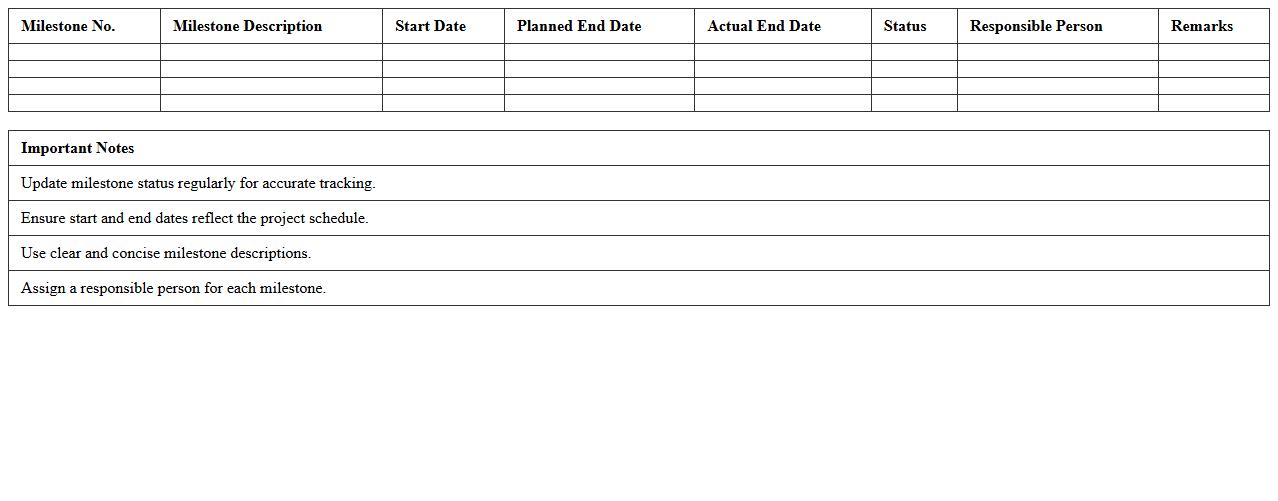
Construction Project Milestone Tracker Excel Template
The
Construction Project Milestone Tracker Excel Template document is a strategic tool designed to monitor key phases and deadlines in construction projects, enabling precise tracking of project progress. It helps project managers and teams identify critical milestones, allocate resources efficiently, and ensure timely completion of tasks by providing a clear visual timeline and status updates. Using this template enhances project transparency, reduces risks of delays, and supports informed decision-making throughout the construction lifecycle.
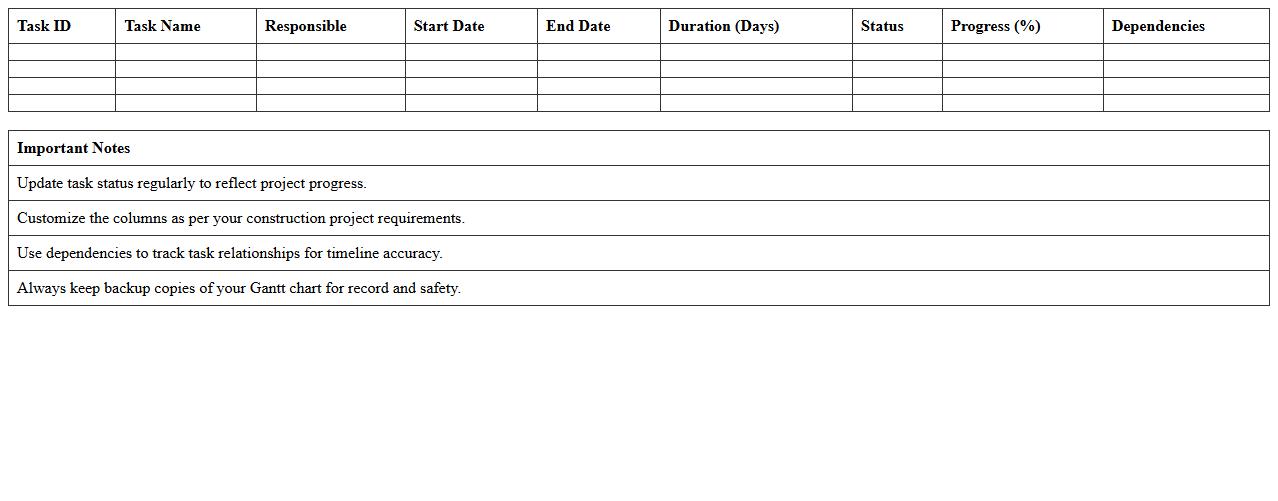
Construction Project Gantt Chart Dashboard Excel Template
The
Construction Project Gantt Chart Dashboard Excel Template document is a dynamic tool designed to visually track project timelines, tasks, and milestones in construction management. It consolidates schedules, resource allocation, and progress updates into an interactive, easy-to-use format that enhances project monitoring and decision-making. This template improves efficiency by providing real-time insights, enabling teams to identify delays, optimize workflows, and ensure timely project completion.
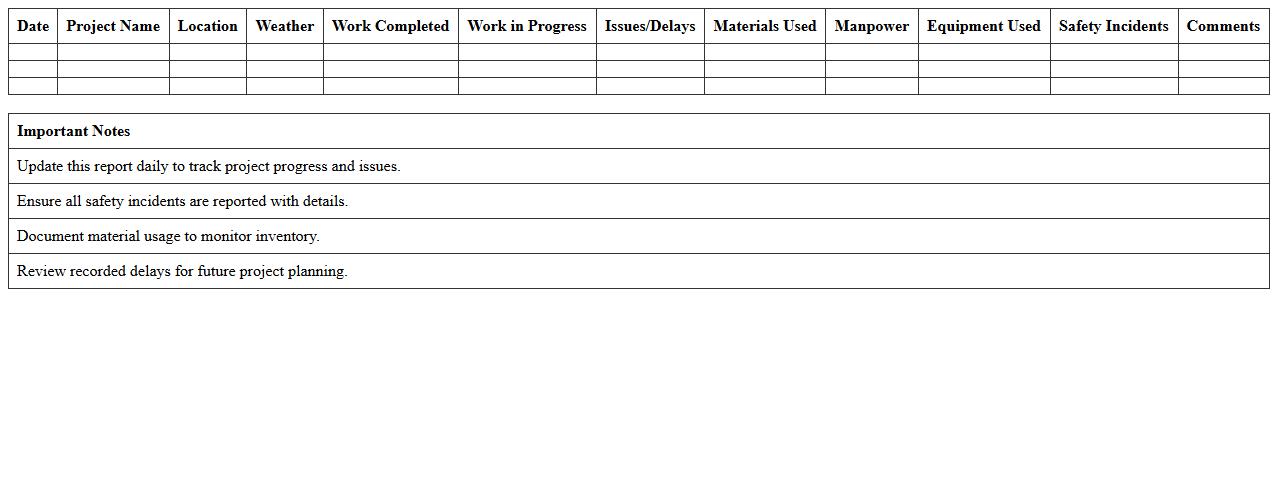
Construction Site Progress Reporting Excel Template
A
Construction Site Progress Reporting Excel Template is a structured document designed to track and document the daily, weekly, or monthly progress of construction projects. It allows project managers to efficiently record tasks completed, resources used, and timelines met, facilitating accurate monitoring and timely decision-making. This template enhances communication among stakeholders by providing clear, organized reports that highlight project status and any potential delays or issues.
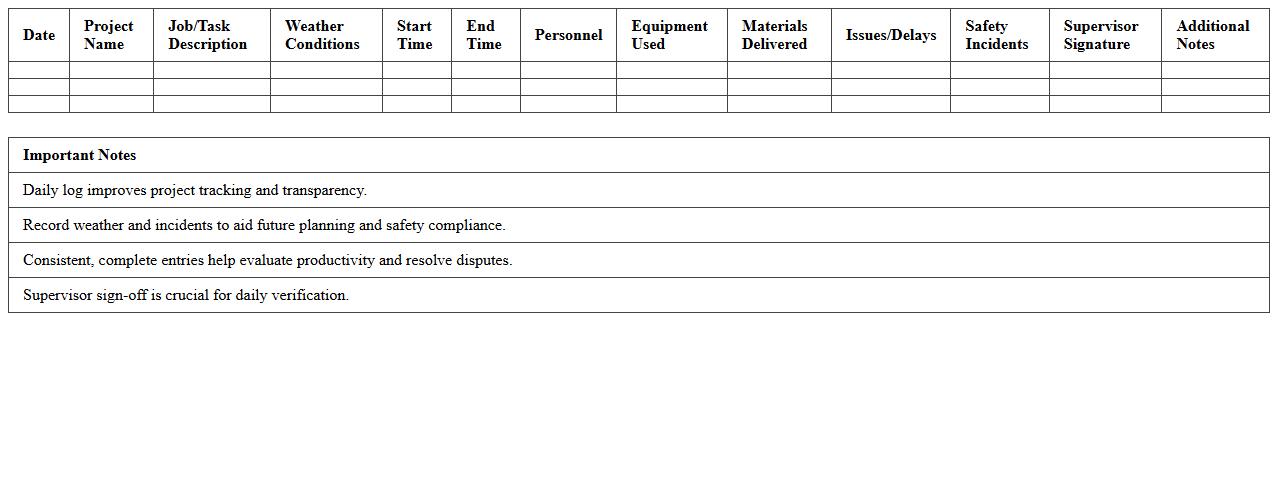
Daily Construction Activity Log Dashboard Excel Template
The
Daily Construction Activity Log Dashboard Excel Template is a comprehensive tool designed to track and organize daily construction activities, materials used, labor hours, and project progress in a centralized spreadsheet format. It enhances project management efficiency by providing real-time data visualization, enabling quick identification of delays, resource allocation, and task completion status. This template supports effective communication among stakeholders and helps maintain accurate records for budgeting, reporting, and compliance purposes.
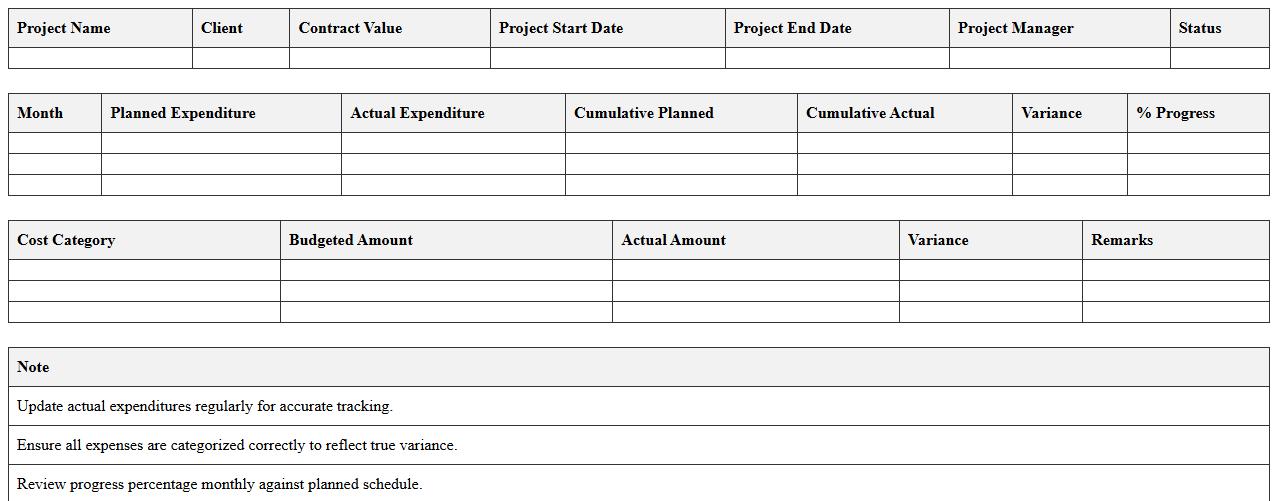
Construction Project Financial Progress Dashboard Excel Template
The
Construction Project Financial Progress Dashboard Excel Template is a comprehensive tool designed to track and visualize the financial performance of construction projects in real time. It consolidates key financial metrics such as budget expenditure, cost variances, and cash flow, enabling project managers to make informed decisions and maintain budget control. This template enhances project oversight by providing clear, actionable insights that improve financial accountability and resource allocation.
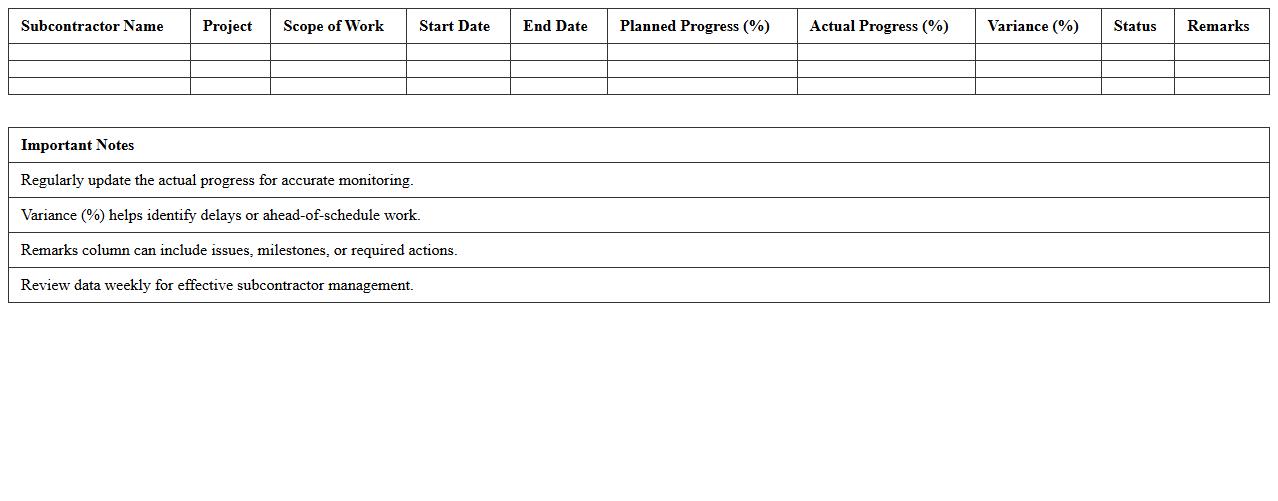
Subcontractor Progress Monitoring Excel Template
The
Subcontractor Progress Monitoring Excel Template is a comprehensive tool designed to track and evaluate the performance and progress of subcontractors in construction projects. It consolidates data such as task completion percentages, deadlines, and resource allocation, enabling project managers to identify delays or issues early. This document ensures efficient project management by improving communication, accountability, and timely decision-making, ultimately contributing to the smooth execution of complex projects.
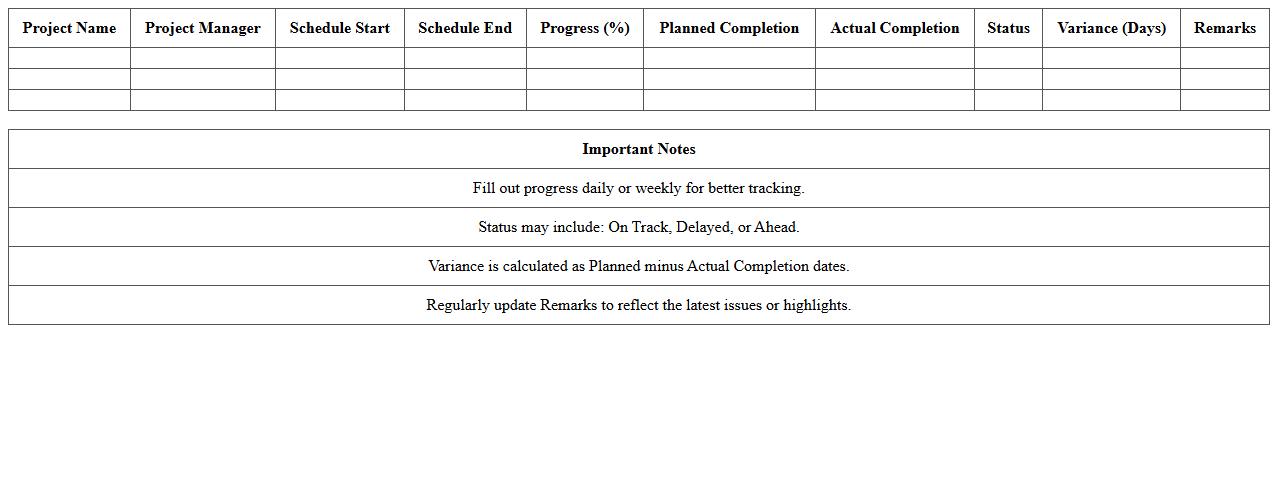
Construction Schedule Progress KPI Dashboard Excel Template
The
Construction Schedule Progress KPI Dashboard Excel Template is a powerful tool designed to track and visualize key performance indicators related to project timelines and milestones. It helps project managers monitor the completion status of various tasks, identify delays, and allocate resources efficiently to stay on schedule. By providing real-time data insights and customizable reports, this template enhances decision-making and ensures timely project delivery.
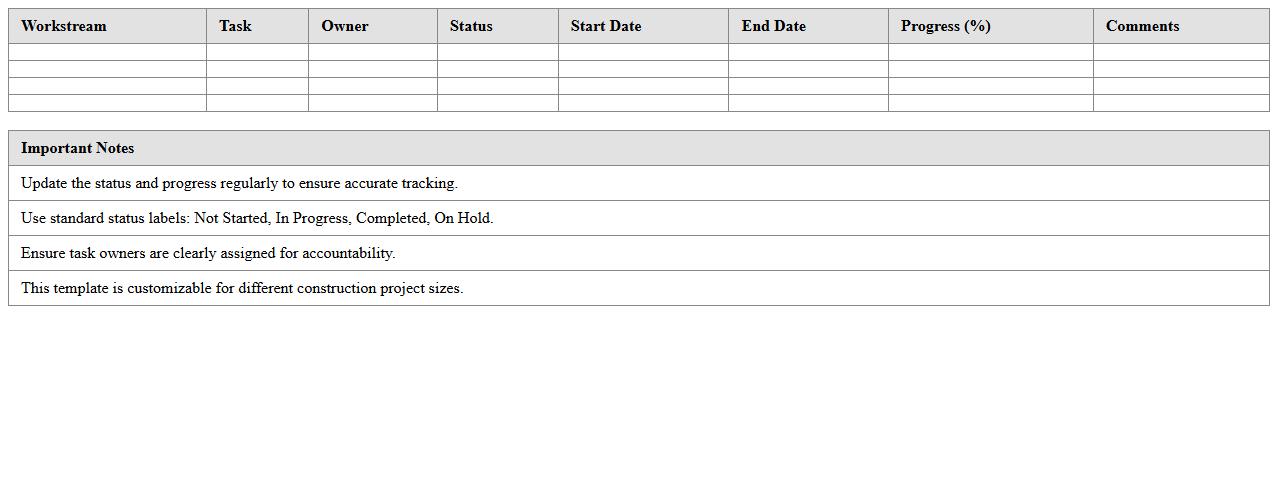
Construction Workstream Progress Dashboard Excel Template
The
Construction Workstream Progress Dashboard Excel Template is a comprehensive tool designed to track and visualize project milestones, resource allocation, and task completion in real time. It enables project managers to monitor workflow efficiency, identify bottlenecks, and ensure timely delivery of construction phases. This template enhances decision-making by providing clear insights into progress trends and performance metrics, ultimately improving project management accuracy and communication.
Construction Material Delivery Tracking Dashboard Excel Template
The
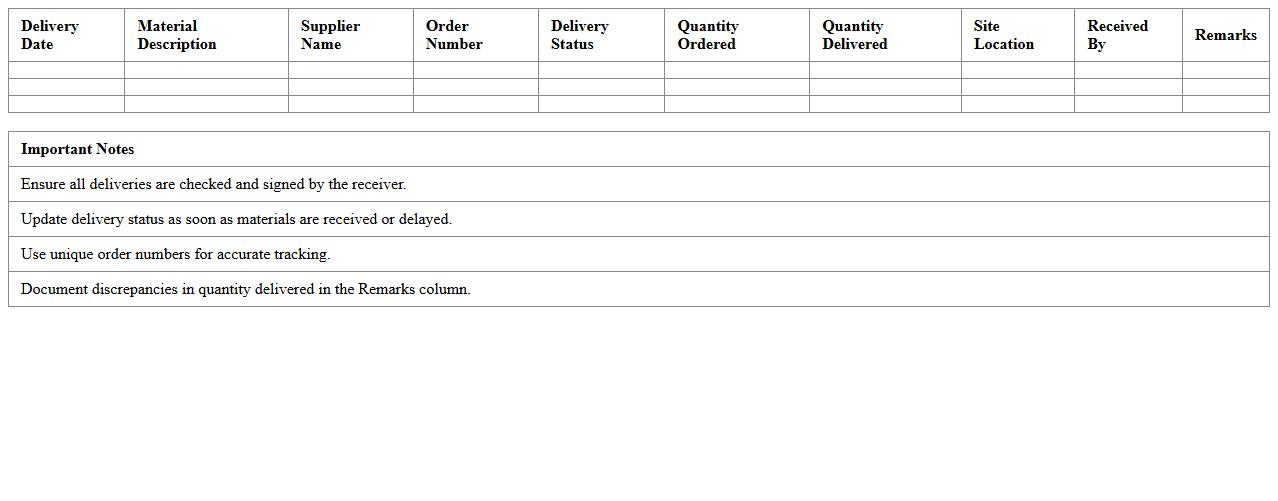
Construction Material Delivery Tracking Dashboard Excel Template is a comprehensive tool designed to monitor and manage the timely arrival of construction materials on-site. It consolidates data on delivery schedules, vendor performance, and inventory levels, enabling project managers to identify delays and streamline procurement processes effectively. By using this template, teams can enhance project efficiency, reduce downtime, and ensure uninterrupted workflow through real-time tracking and reporting.
Construction Task Completion Status Dashboard Excel Template
The
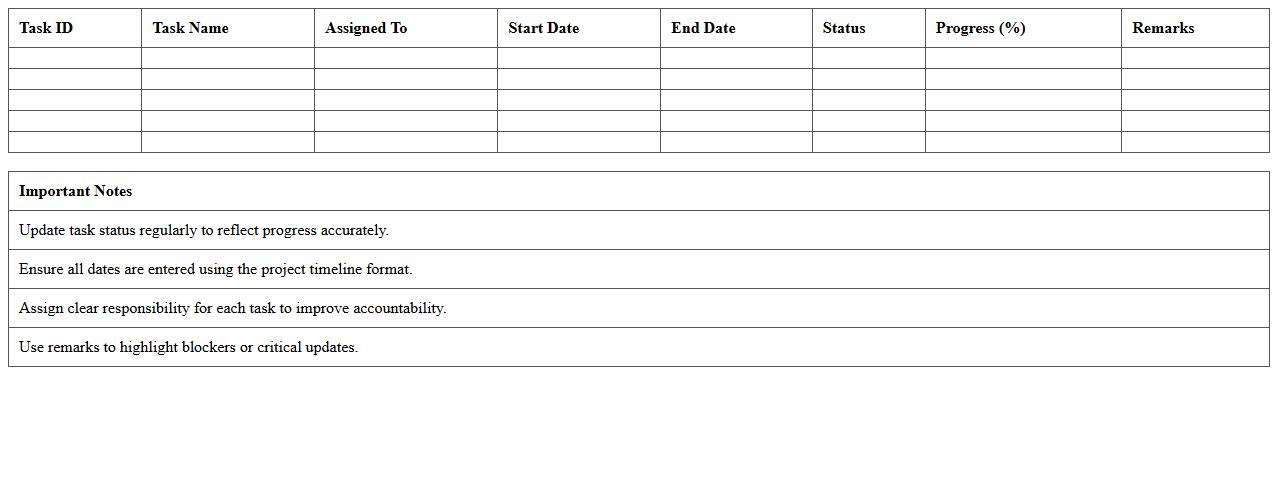
Construction Task Completion Status Dashboard Excel Template document is a dynamic tool designed to track and visualize the progress of construction projects by summarizing task completion rates, deadlines, and resource allocation. It enables project managers to monitor real-time updates, identify bottlenecks, and ensure timely delivery by providing clear, actionable insights in a consolidated format. This template improves efficiency, accountability, and decision-making by offering a comprehensive overview of project status in an easy-to-understand dashboard.
How can I automate daily progress updates in a Project Progress Dashboard Excel for construction projects?
Automating daily progress updates in Excel can be achieved using Power Query to import data directly from source files or databases, ensuring data is refreshed without manual input. Additionally, setting up macros can streamline repetitive data entry tasks, saving time and reducing errors. Scheduling automatic refreshes and linking Excel with project management software via APIs can also enhance real-time updates.
What are the best visualization charts for tracking subcontractor performance in an Excel dashboard?
Bar charts and stacked column charts effectively compare subcontractor performance metrics side-by-side. A Gantt chart is useful for visualizing timelines and task completion statuses for each subcontractor. Incorporating heat maps can also highlight performance variances and trends quickly within the dashboard.
How can I integrate budget variance analysis into a construction progress dashboard in Excel?
Budget variance analysis can be integrated by calculating the difference between planned vs. actual costs using dynamic formulas embedded in the dashboard. Visual aids like variance bar charts and traffic light indicators using conditional formatting help users quickly identify budget overruns. Linking expense data directly from accounting sources through Power Query ensures up-to-date financial insights.
Which Excel formulas are optimal for calculating project milestone completion rates in real-time?
The COUNTIF formula is essential for tracking completed milestones against total milestones dynamically. Combining NETWORKDAYS with milestone dates helps calculate punctuality and progress rates precisely. Using SUMPRODUCT can also aggregate weighted milestone completions for a comprehensive progress percentage.
How can I track material delivery status using conditional formatting in a construction project dashboard?
Conditional formatting can visually indicate material delivery status by applying color codes based on criteria such as expected delivery date vs. actual delivery date. Creating rules that highlight overdue deliveries in red and timely deliveries in green helps manage logistics efficiently. Additionally, data bars can represent partial deliveries, providing a clear and quick status overview within the dashboard.