The Profit and Loss Statement Excel Template for Freelancers simplifies financial tracking by organizing income and expenses in a clear, user-friendly format. It enables freelancers to monitor profitability, manage cash flow, and prepare accurate tax reports with minimal effort. Customizable categories and automated calculations enhance efficiency and financial insight.
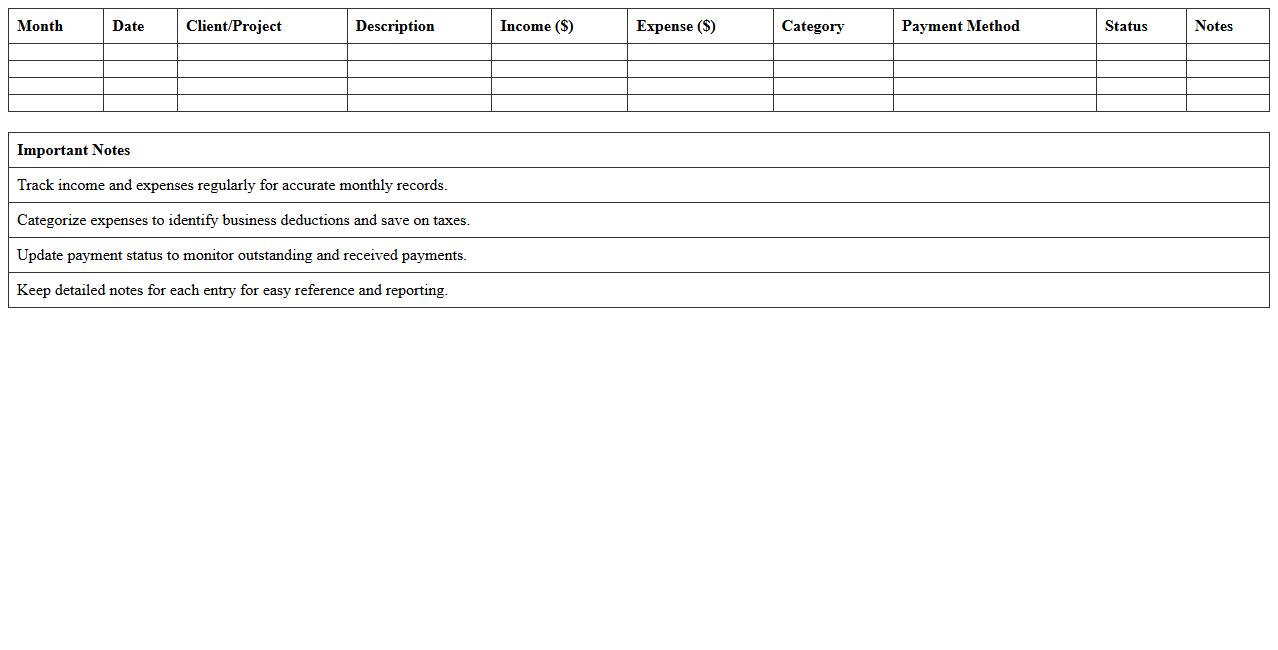
Monthly Freelance Income and Expense Tracker
The
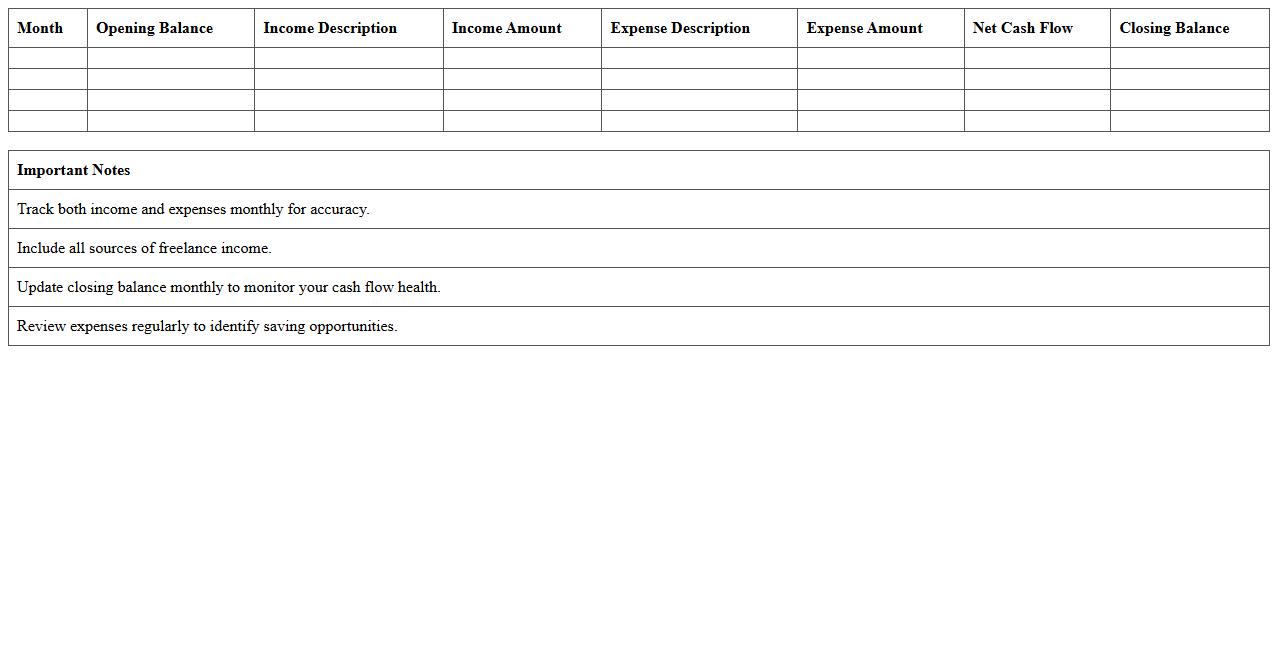
Monthly Freelance Income and Expense Tracker document is a comprehensive tool designed to monitor and organize all financial transactions related to freelance work, including client payments and business costs. By maintaining accurate records monthly, freelancers can easily analyze cash flow, calculate profits, and prepare for tax filings with greater accuracy. This document enhances financial management, enabling freelancers to make informed decisions, improve budgeting, and ensure consistent income growth.
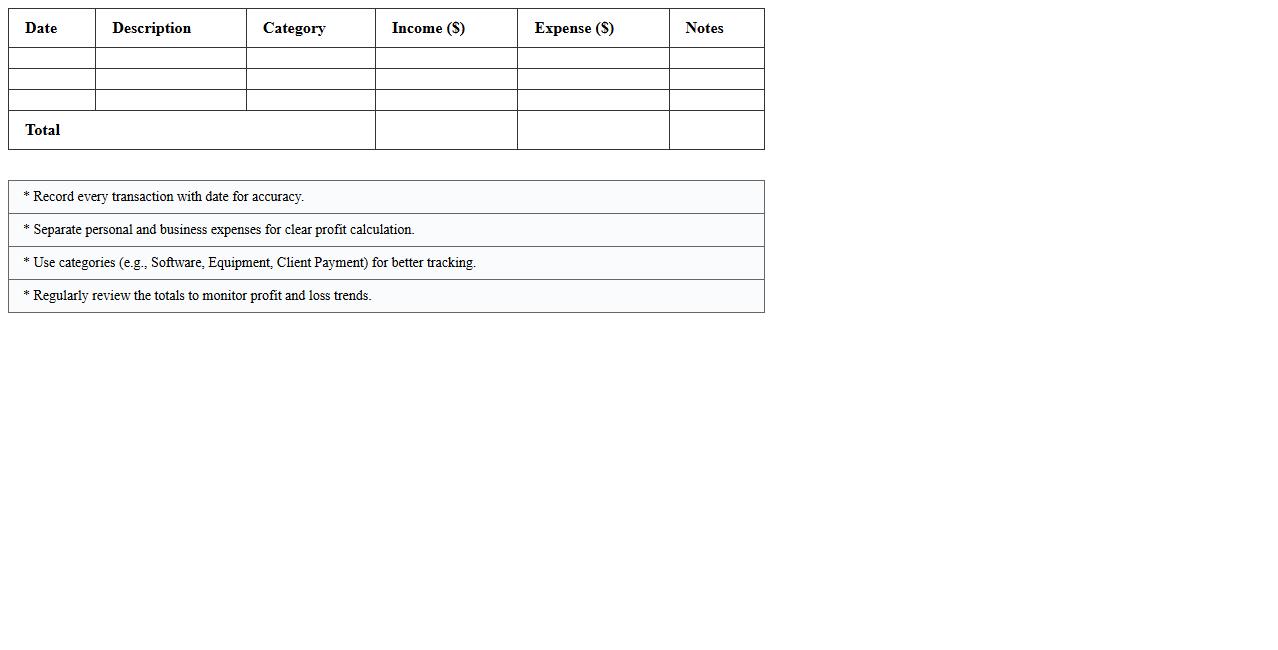
Simple Freelancer Profit and Loss Spreadsheet
The
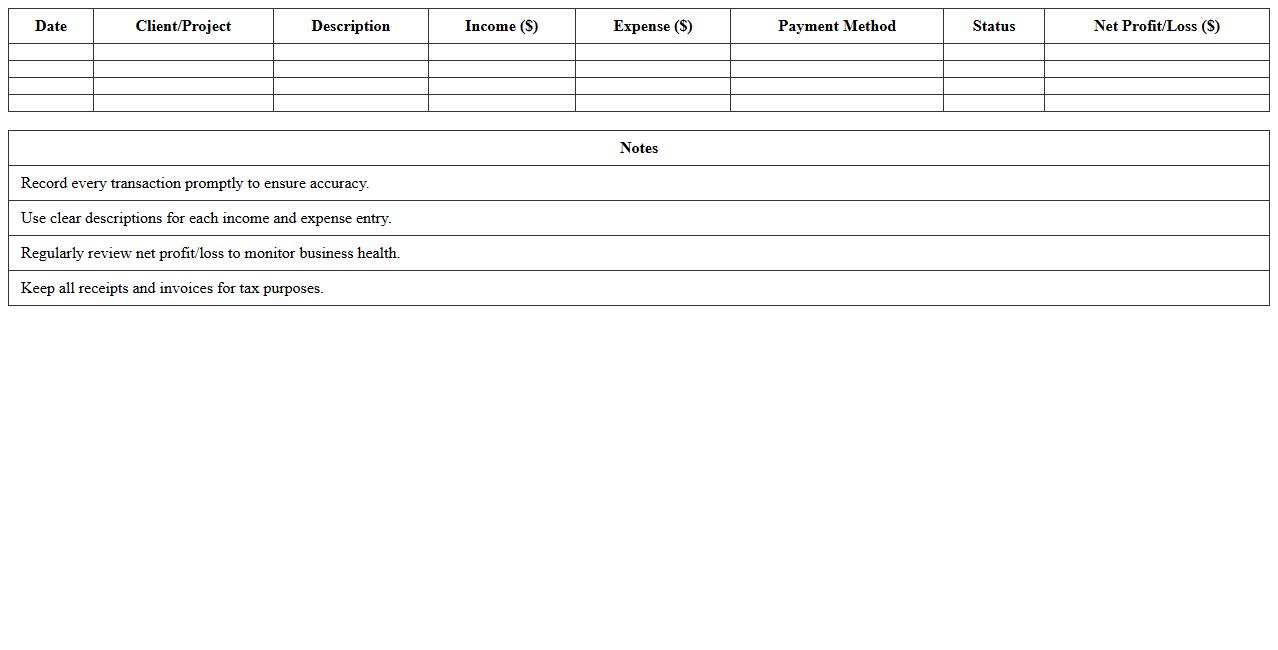
Simple Freelancer Profit and Loss Spreadsheet document is a financial tool designed to track income, expenses, and overall profitability for freelancers. It helps organize cash flow by categorizing different revenue streams and costs, allowing users to easily monitor financial health and make informed business decisions. This spreadsheet is essential for accurate tax reporting and budgeting, ensuring freelancers maintain sustainable and profitable operations.
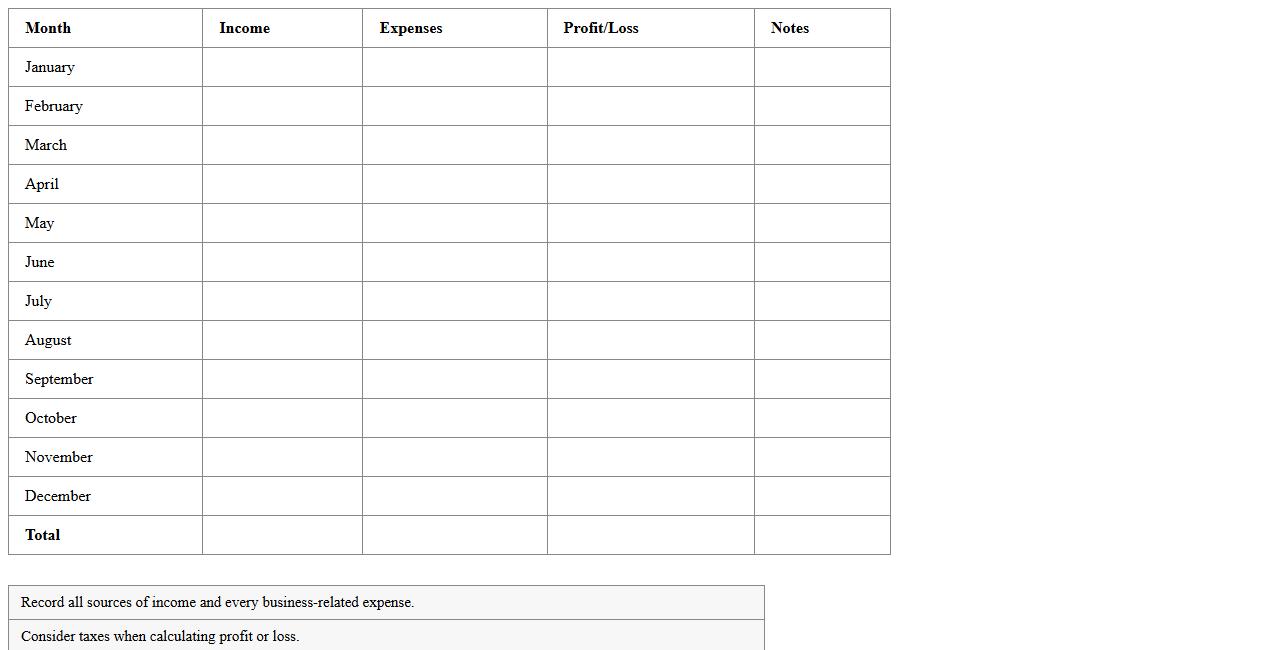
Annual Freelance Profit and Loss Report
An
Annual Freelance Profit and Loss Report is a financial document summarizing a freelancer's total income and expenses over a year, providing a clear overview of profitability. This report helps track earnings, manage tax obligations, and make informed budgeting decisions by highlighting revenue streams and deductible costs. It serves as a critical tool for financial planning, ensuring freelancers maintain sustainable business operations.
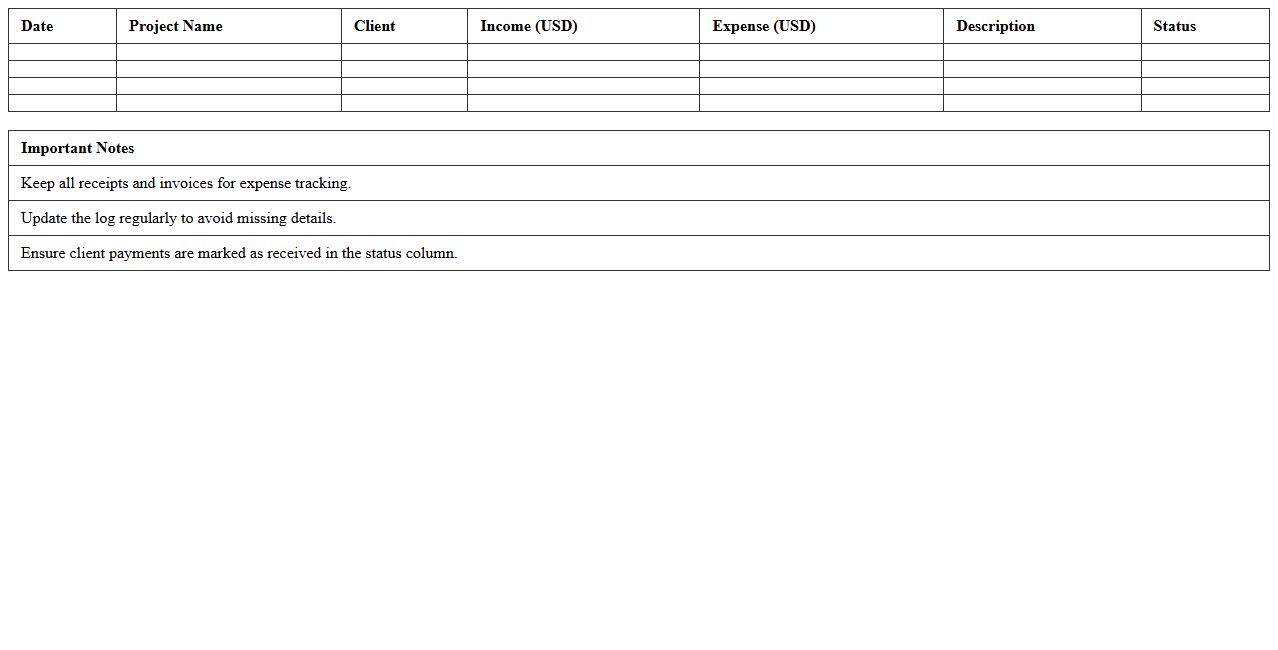
Freelance Project Earnings and Expenses Log
A
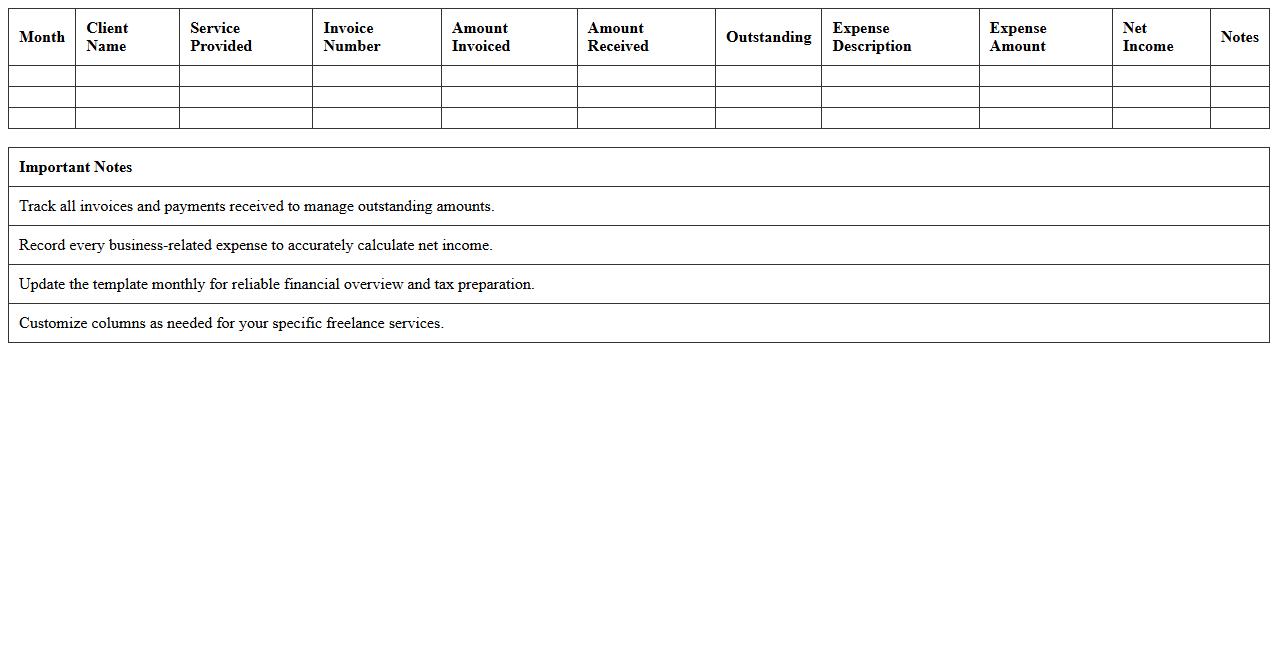
Freelance Project Earnings and Expenses Log document is a detailed record that tracks all income and costs associated with individual freelance projects, helping freelancers manage their finances effectively. It provides clear visibility into profitability by organizing payments received, project-related expenses, and outstanding invoices in one place. This log supports accurate tax reporting, budget planning, and financial decision-making for sustainable freelance business growth.
Detailed Freelance P&L Dashboard Template
The
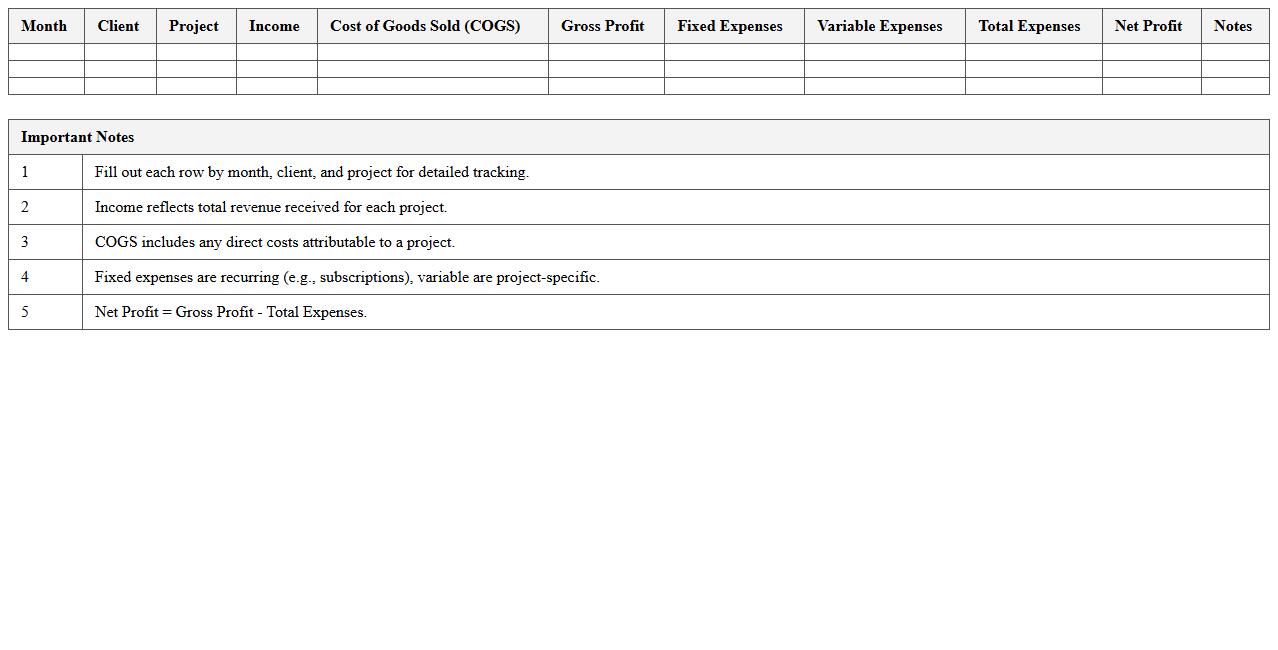
Detailed Freelance P&L Dashboard Template is a comprehensive financial tool designed to track profits and losses for freelance professionals accurately. It consolidates income, expenses, and tax information into an easy-to-read format, enabling freelancers to monitor financial health and make informed business decisions. This template helps optimize cash flow management, budget planning, and tax preparation, ultimately improving overall financial control and growth potential.
Freelance Business Income Statement Sheet
A
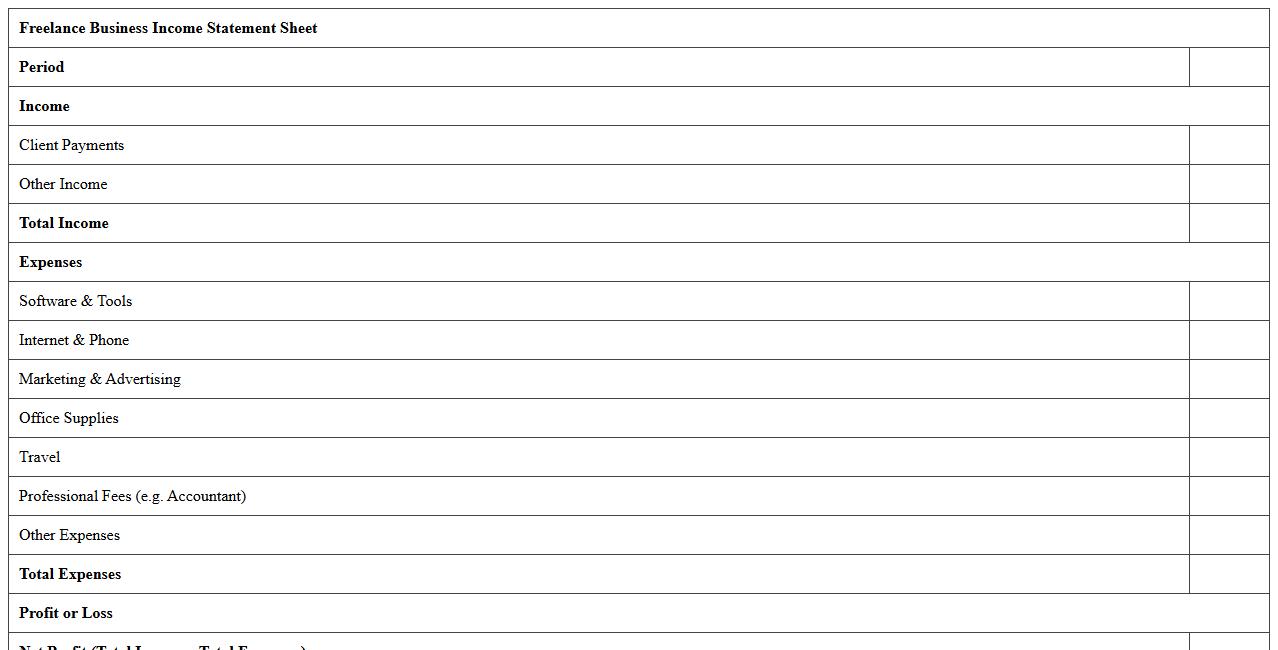
Freelance Business Income Statement Sheet is a financial document that summarizes the revenues, expenses, and profits generated by a freelancer over a specific period. It helps track income from various projects, manage expenses, and calculate net profit for accurate tax reporting and financial planning. Using this sheet improves budgeting, cash flow management, and provides clear insights into the profitability of freelance work.
Freelance Revenue and Cost Analysis Excel
The
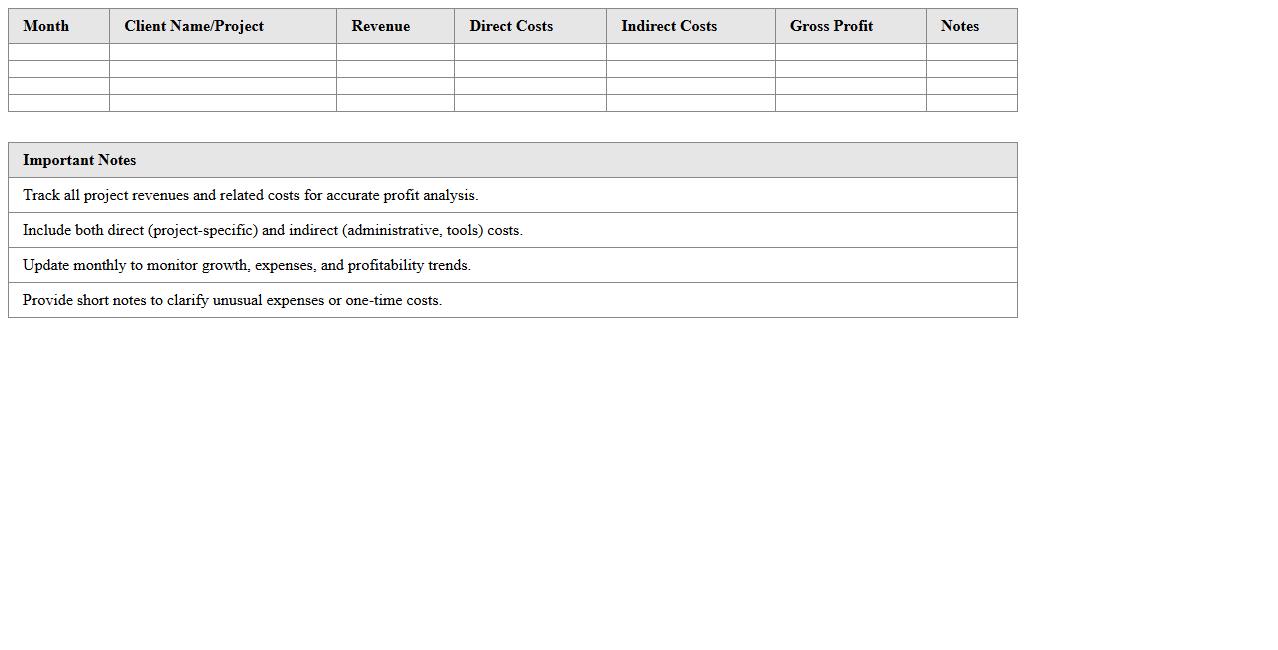
Freelance Revenue and Cost Analysis Excel document is a comprehensive tool designed to track and evaluate income streams and expenses associated with freelance work. It helps freelancers gain clear insights into their financial performance by organizing project revenues, operational costs, and profit margins in a structured format. Utilizing this analysis enables better budgeting, informed pricing decisions, and improved financial planning for sustainable freelance business growth.
Freelance Services Financial Overview Template
The
Freelance Services Financial Overview Template document provides a structured format to track income, expenses, and overall financial performance for freelancers. It helps organize project payments, tax deductions, and budgeting in a clear, concise manner. Using this template enables better financial planning and informed decision-making for sustainable freelance business growth.
Personal Freelancer Cash Flow Statement
A
Personal Freelancer Cash Flow Statement is a financial document that tracks all incoming and outgoing cash transactions specific to a freelancer's activities. It helps in understanding the timing and amount of cash flows, allowing better management of irregular income and expenses. This statement is essential for maintaining financial stability, planning taxes, and making informed decisions about budgeting and investments.
Freelance Income vs. Expense Summary Sheet
A
Freelance Income vs. Expense Summary Sheet is a financial document that tracks all earnings and expenditures related to freelance work in one place. This summary helps freelancers monitor profitability, manage cash flow, and simplify tax preparation by clearly distinguishing business income from expenses. It provides a comprehensive overview of financial health, enabling better budgeting and informed decision-making for sustainable freelance success.
How do I customize a Profit and Loss Statement Excel template for freelance income streams?
To customize a Profit and Loss Statement Excel template, start by defining specific income streams relevant to your freelance work. Add rows or columns for various sources like consulting fees, project fees, and royalties to capture all revenue accurately. Tailor expense categories to include common freelance costs such as software subscriptions, marketing, and travel expenses for precise financial tracking.
What formulas automate expense tracking for freelancers in a P&L Excel sheet?
Use formulas like =SUMIF() to automatically total expenses based on category criteria, streamlining weekly or monthly cost calculations. The =IF() function can help flag or categorize expenses based on defined conditions or thresholds. Dynamic formulas like =SUMPRODUCT() are valuable for summarizing expenses across multiple projects or periods without manual entry.
How can I separate client payments by project in a freelancer P&L statement?
Create individual columns or sections labeled by project name or client to distinctly track payments received for each job. Use dropdown lists or data validation to ensure consistent project names when logging payments, which simplifies sorting and filtering. Apply the =SUMIF() formula to automatically aggregate income per project and maintain clear, organized financial data.
Which Excel features help visualize profits and losses month-to-month for freelancers?
Excel's PivotTables enable quick summarization and analysis of monthly profit and loss data to spot trends easily. Incorporate charts like line graphs or bar charts to provide visual representations of incoming revenue and outgoing expenses over time. Conditional formatting highlights months with significant profit changes, making fluctuations readily apparent for strategic decisions.
How do I generate tax-ready summaries from a freelancer Profit and Loss Excel document?
Design dedicated summary sheets that consolidate income, deductible expenses, and net profit to prepare for tax filings efficiently. Utilize Excel formulas to calculate tax-relevant totals and potential deductions automatically, reducing errors and saving time. Ensure your P&L includes categorized expenses consistent with IRS guidelines to facilitate seamless tax reporting.
More Statement Excel Templates