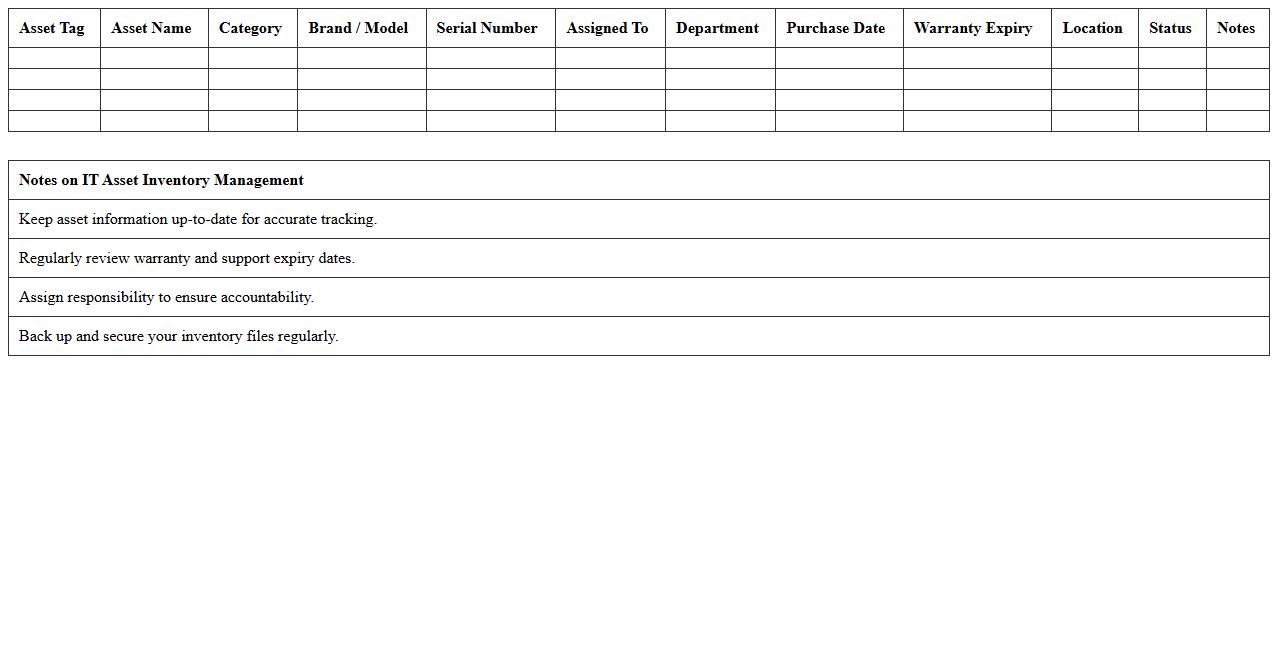
IT Asset Inventory Management Excel Template
An
IT Asset Inventory Management Excel Template is a structured spreadsheet designed to track and manage an organization's hardware, software, and related IT resources efficiently. This template allows users to monitor asset details such as purchase dates, warranty status, location, and user assignments, ensuring accurate record-keeping and simplifying audits. Leveraging this tool improves resource allocation, reduces asset loss, and supports cost-effective IT asset lifecycle management.
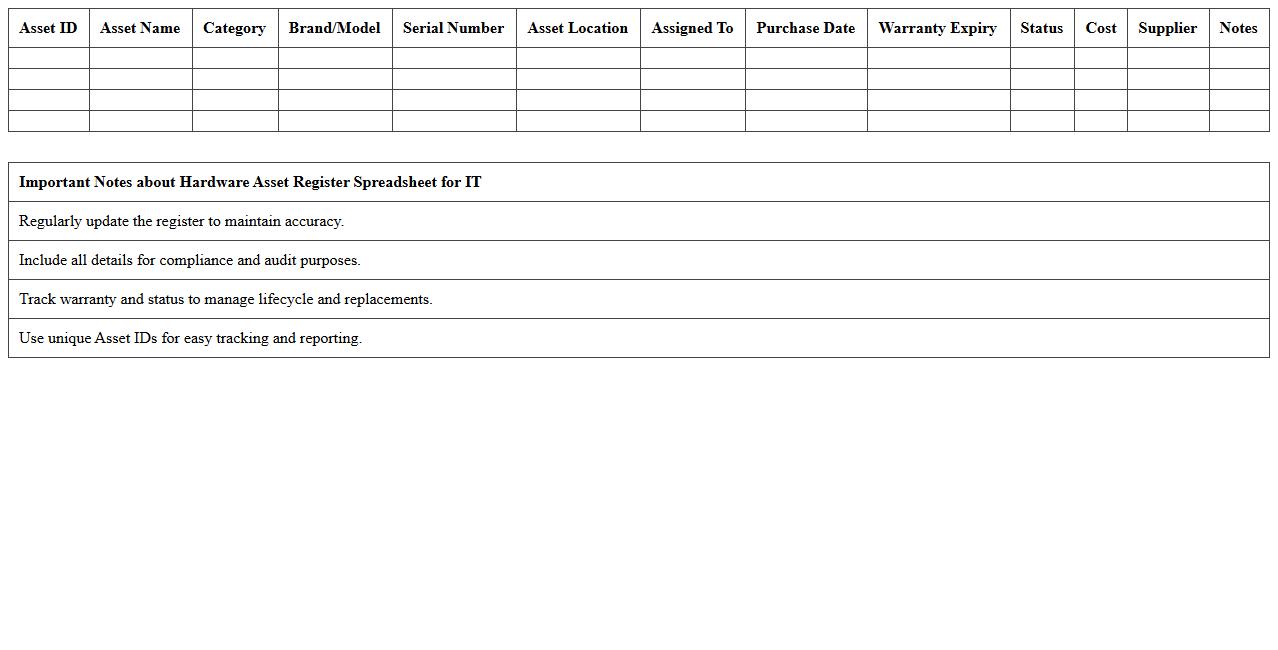
Hardware Asset Register Spreadsheet for IT
A
Hardware Asset Register Spreadsheet for IT documents is a detailed inventory tool that tracks the acquisition, status, location, and specifications of all hardware assets within an organization. This spreadsheet helps IT teams maintain accurate records for asset management, facilitates efficient maintenance and upgrades, and ensures compliance with licensing and warranty requirements. By providing real-time visibility into hardware resources, it supports cost control, reduces asset loss, and improves decision-making for procurement and replacement planning.
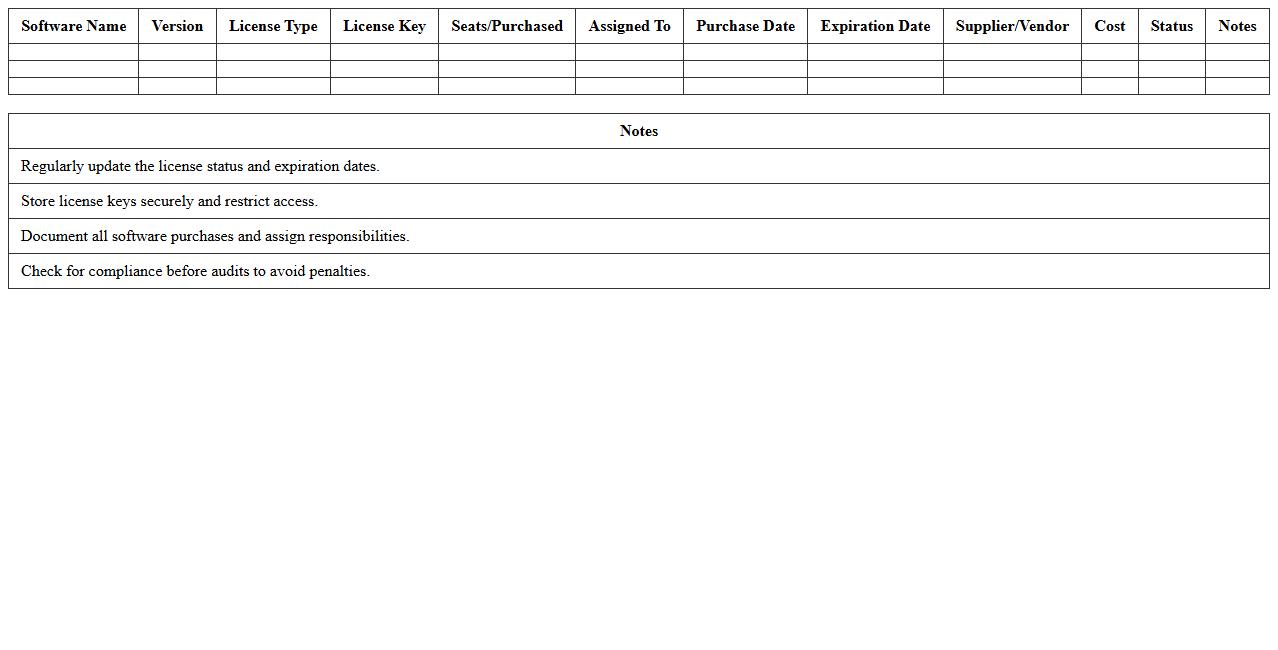
Software License Tracking Excel Sheet
A
Software License Tracking Excel Sheet is a document designed to systematically manage and monitor software licenses within an organization. It helps in tracking license expiration dates, renewal deadlines, and usage compliance, reducing the risk of legal penalties and unexpected costs. This tool streamlines software asset management by providing clear visibility over license allocation and ensuring efficient budget planning.
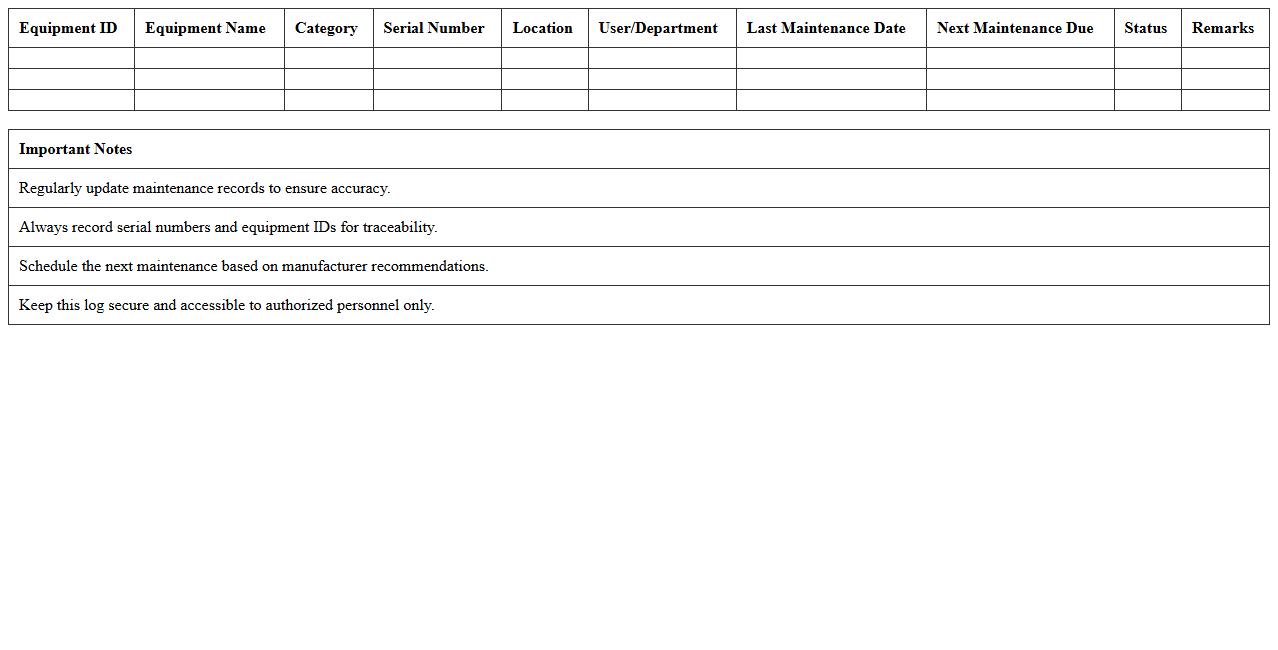
IT Equipment Maintenance Log Excel Template
The
IT Equipment Maintenance Log Excel Template is a structured document designed to track and manage the maintenance schedules, repairs, and service history of IT hardware such as computers, servers, and networking devices. This template helps organizations ensure timely upkeep, minimize downtime, and extend the lifespan of critical technology assets by providing an organized record of maintenance activities. With customizable fields and easy data entry, it improves efficiency in monitoring equipment status and planning future maintenance tasks.
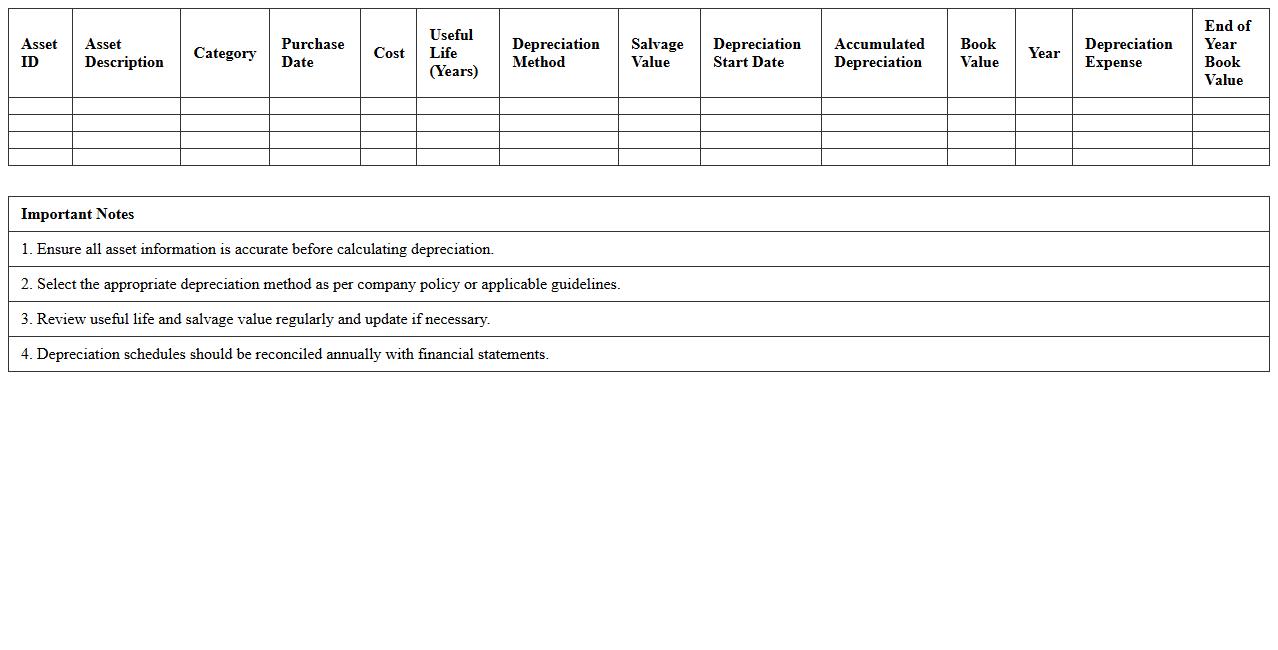
IT Asset Depreciation Schedule Spreadsheet
An
IT Asset Depreciation Schedule Spreadsheet document systematically tracks the depreciation of IT assets such as computers, servers, and software over time. It provides detailed information on asset value reduction, useful life, and depreciation methods, helping businesses manage financial reporting and tax compliance accurately. This tool enhances decision-making by enabling precise asset valuation and budget forecasting for IT investments.
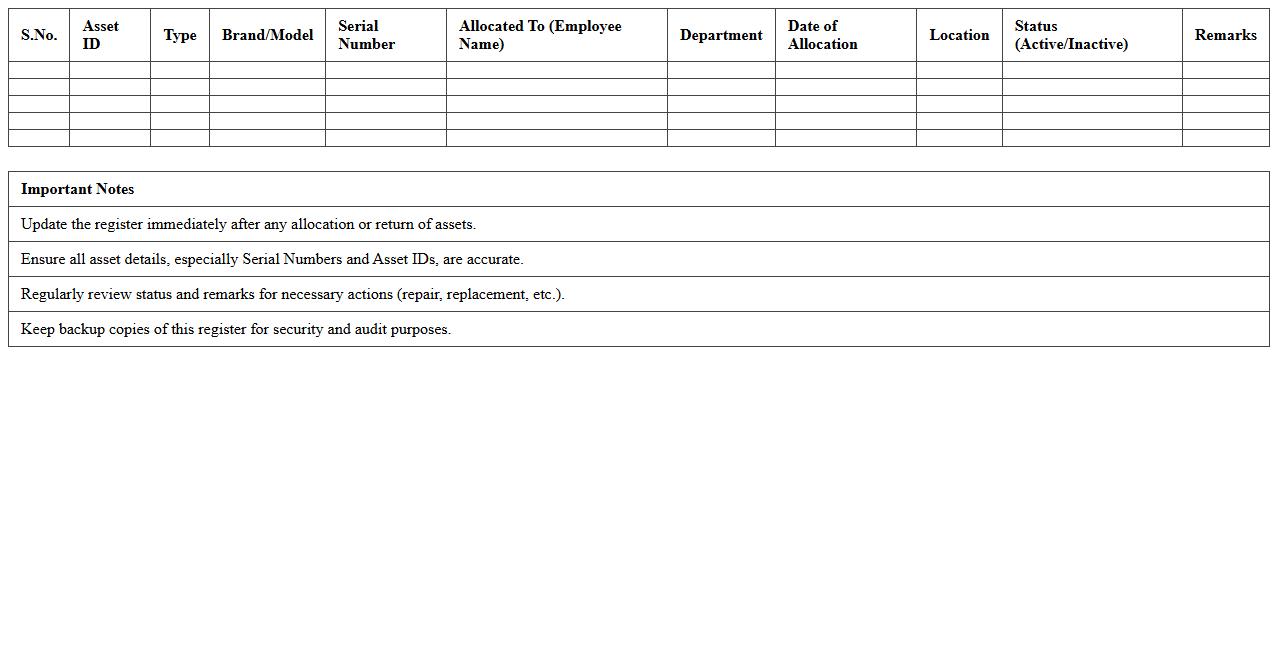
Computer Asset Allocation Register Excel
A
Computer Asset Allocation Register Excel document is a structured spreadsheet used to track and manage the distribution of computer equipment within an organization. It records details such as asset serial numbers, assigned users, locations, purchase dates, and maintenance schedules, ensuring efficient asset management and accountability. This register helps optimize resource utilization, facilitates audits, and supports timely maintenance and replacement decisions.
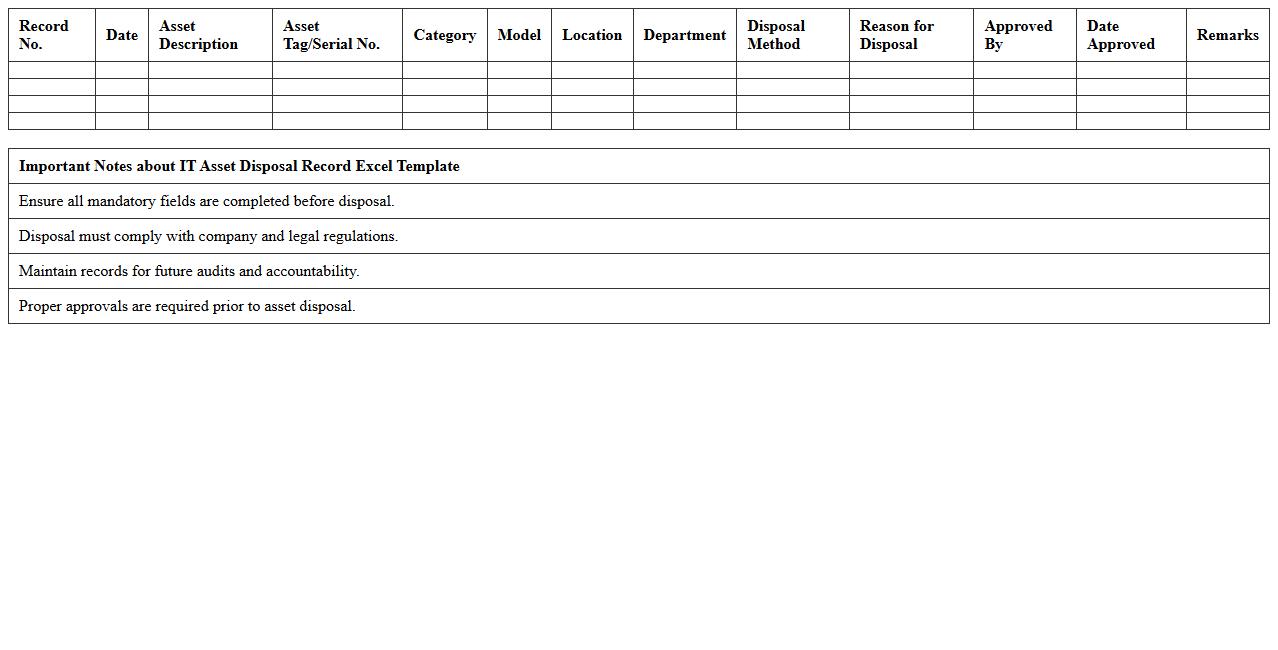
IT Asset Disposal Record Excel Template
The
IT Asset Disposal Record Excel Template is a structured document designed to track and manage the disposal process of IT equipment efficiently. It helps organizations maintain accurate records of asset retirement, ensuring compliance with data security policies and environmental regulations. Using this template facilitates accountability, streamlines audits, and supports sustainable asset management practices.
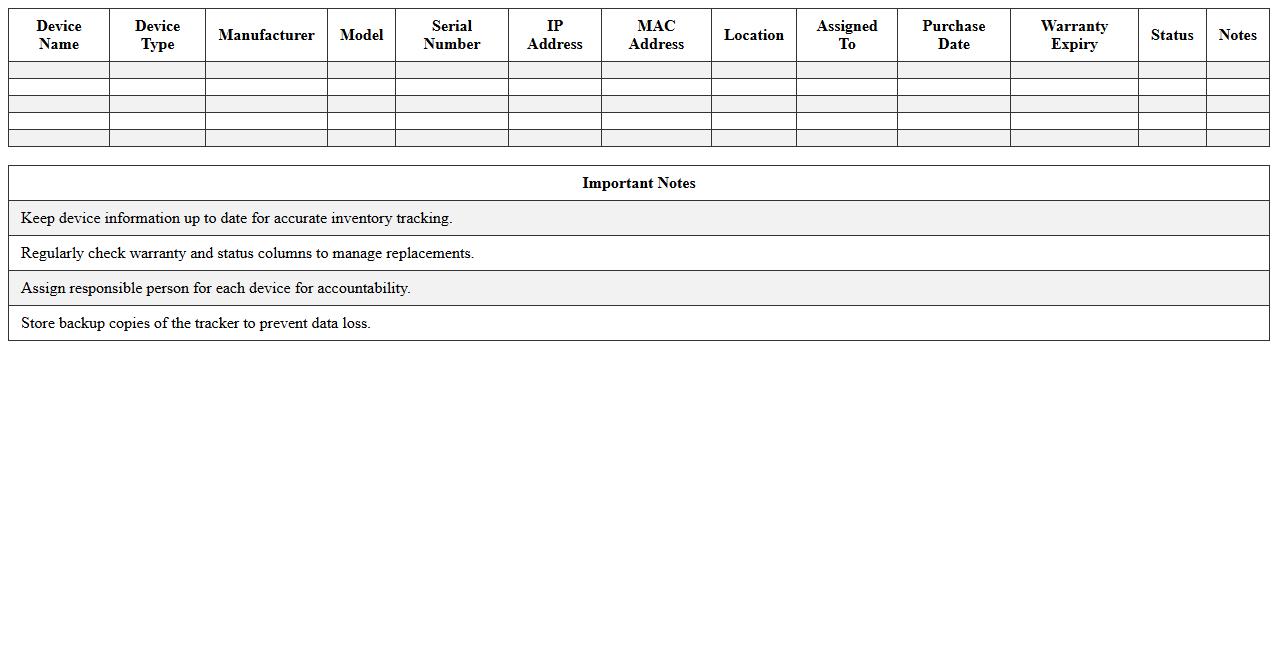
Network Device Inventory Excel Tracker
A
Network Device Inventory Excel Tracker document systematically records essential information about all network devices, including IP addresses, MAC addresses, device types, and locations. It enhances network management by providing quick access to detailed device data, enabling efficient troubleshooting, maintenance, and upgrade planning. This organized inventory helps reduce downtime, optimize resource allocation, and improve overall network security compliance.
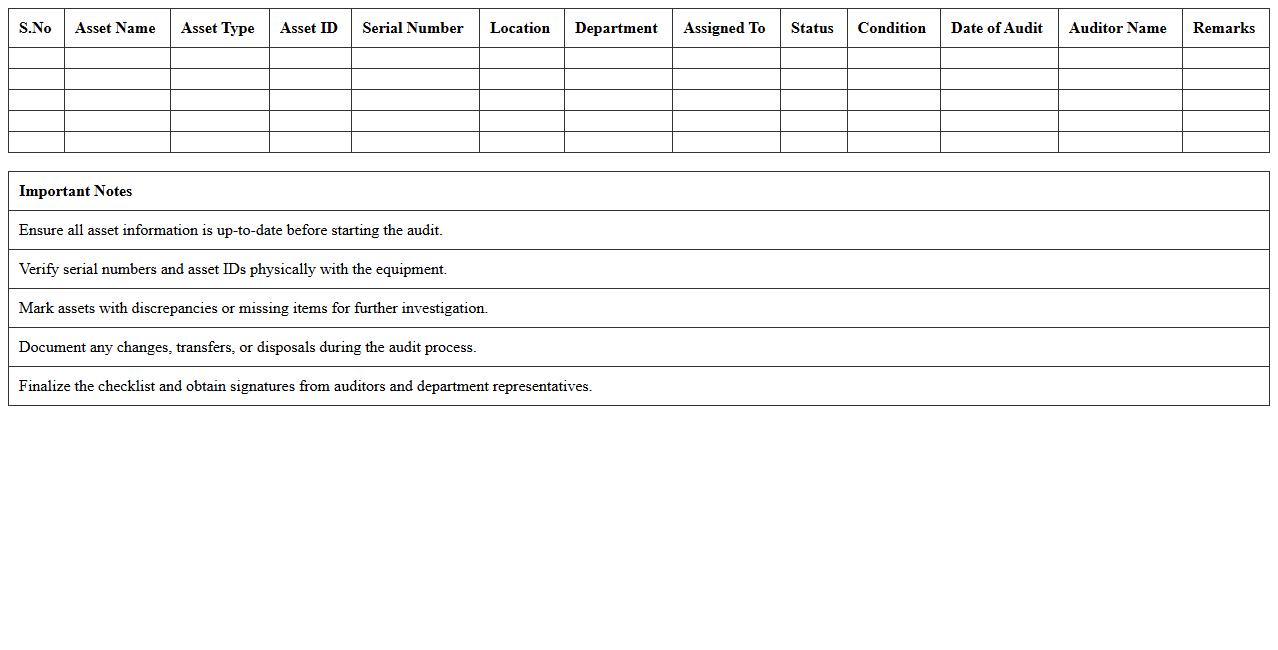
IT Asset Audit Checklist Excel Sheet
An
IT Asset Audit Checklist Excel Sheet document systematically tracks hardware, software, and network equipment to ensure accurate inventory management and compliance. This tool helps identify outdated or unauthorized assets, streamlines audit processes, and supports decision-making for asset lifecycle management. Utilizing this checklist improves organizational efficiency, reduces security risks, and ensures alignment with IT policies and standards.
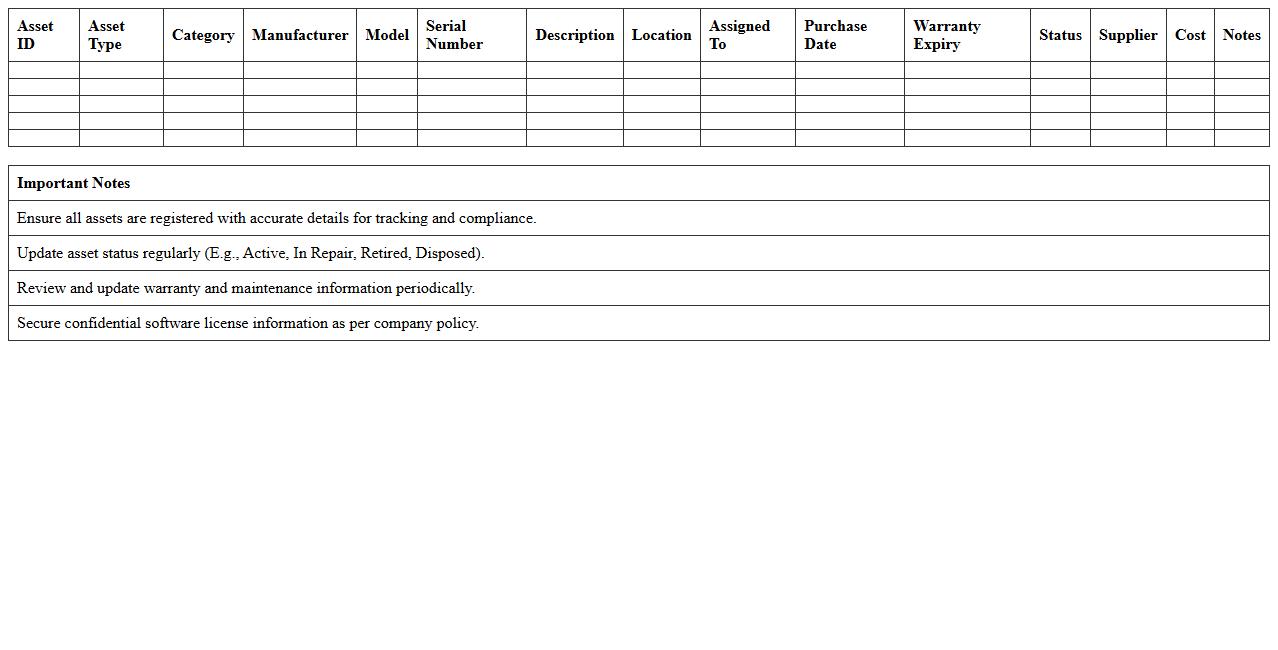
IT Hardware & Software Asset Register Template
An
IT Hardware & Software Asset Register Template document systematically records and tracks all technology assets within an organization, including details such as purchase dates, warranties, licenses, and configurations. This comprehensive overview helps in efficient asset management, ensuring compliance with software licensing, reducing downtime by enabling timely maintenance, and optimizing budget planning. Maintaining an accurate asset register supports risk management and streamlines audits, making it an essential tool for IT departments and financial controllers.
What key fields should be included in an IT asset register Excel template?
An effective IT asset register Excel template must include Asset ID, Description, and Purchase Date to uniquely identify and chronologically track each asset. Additionally, fields like Serial Number, Warranty Expiry, and Current Status provide essential details for asset management and lifecycle monitoring. Including Location, Assigned User, and Asset Value ensures comprehensive tracking and accountability of IT assets.
How to automate warranty tracking within an asset register for IT equipment?
Automating warranty tracking involves adding a Warranty Expiry Date field and setting conditional formatting to highlight assets nearing expiry. Use Excel formulas such as TODAY() combined with expiry dates to trigger alerts or status changes automatically. Integrating reminders or notifications through Excel macros or linked calendar events enhances proactive warranty management.
What formulas track hardware depreciation in an Excel-based asset register?
Common formulas for hardware depreciation include the SLN (Straight-Line Depreciation) function to calculate equal expense over an asset's useful life. For more accurate tracking, the DDB (Double Declining Balance) formula can be used for accelerated depreciation. These formulas, combined with Purchase Cost and Asset Age, allow precise monitoring of asset value reduction over time.
How can asset allocation to employees be monitored using Excel?
Asset allocation is effectively monitored by maintaining fields such as Assigned To, Department, and Allocation Date within the register. Using filters or PivotTables helps quickly identify which assets are assigned to specific employees or departments. Regular updates and data validation ensure the accuracy and reliability of allocation information.
What data validation rules prevent duplicate IT asset entries in the register?
Implementing Data Validation with the UNIQUE formula or using Excel's built-in Remove Duplicates feature helps prevent duplicate entries. Applying custom validation rules on Asset ID or Serial Number ensures each entry remains distinct. Consistent data entry standards combined with dropdown lists reduce the risk of duplications effectively.