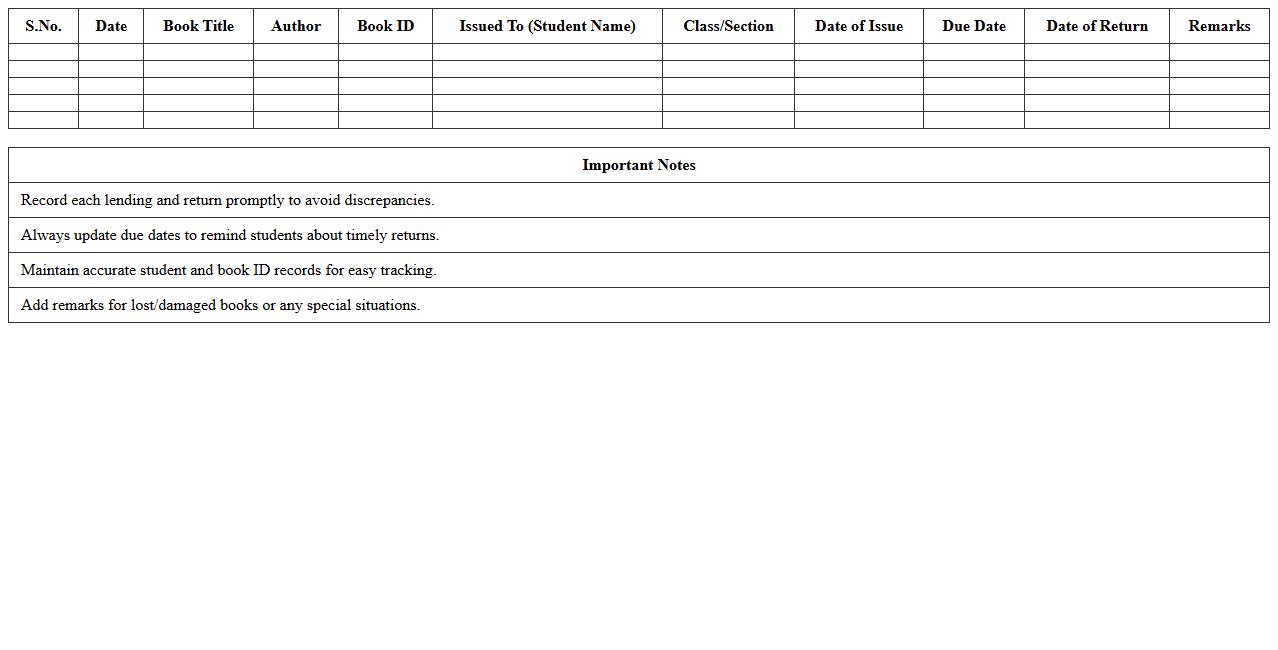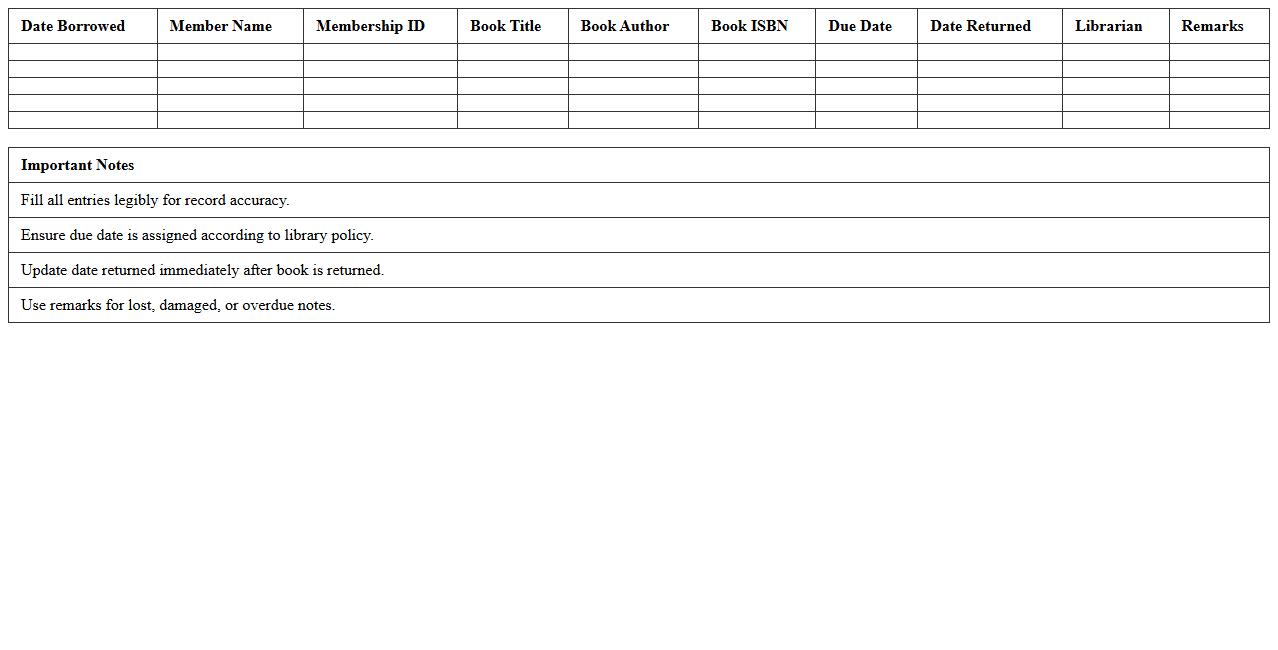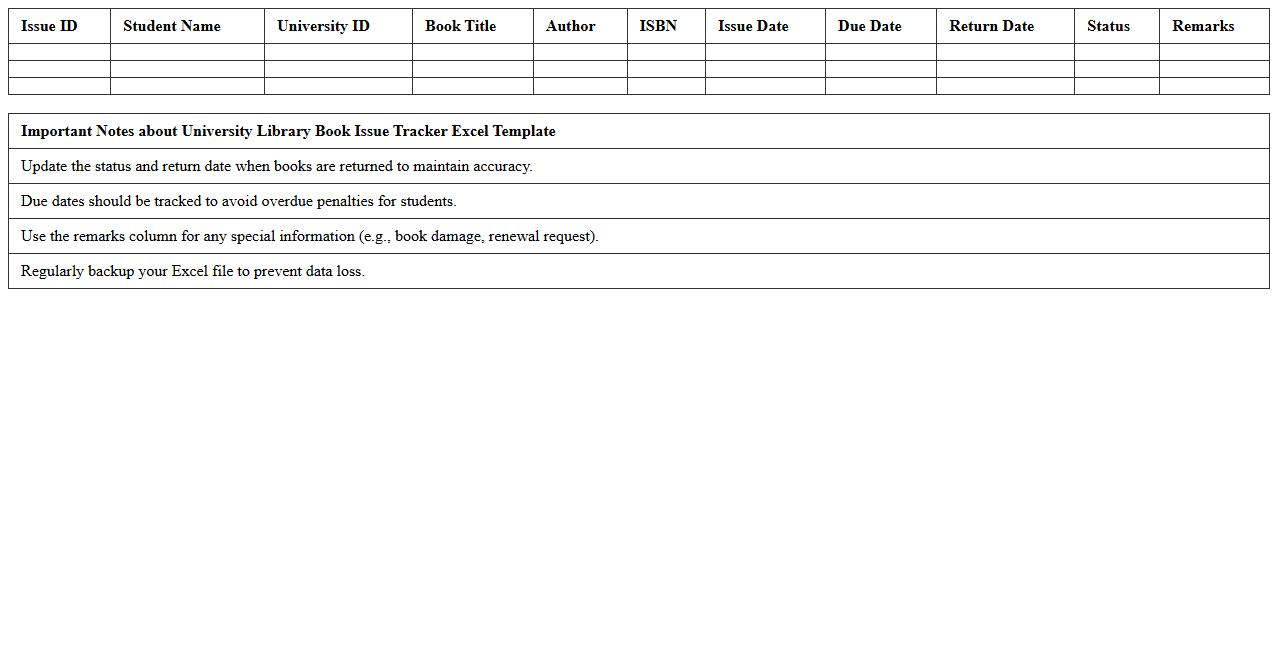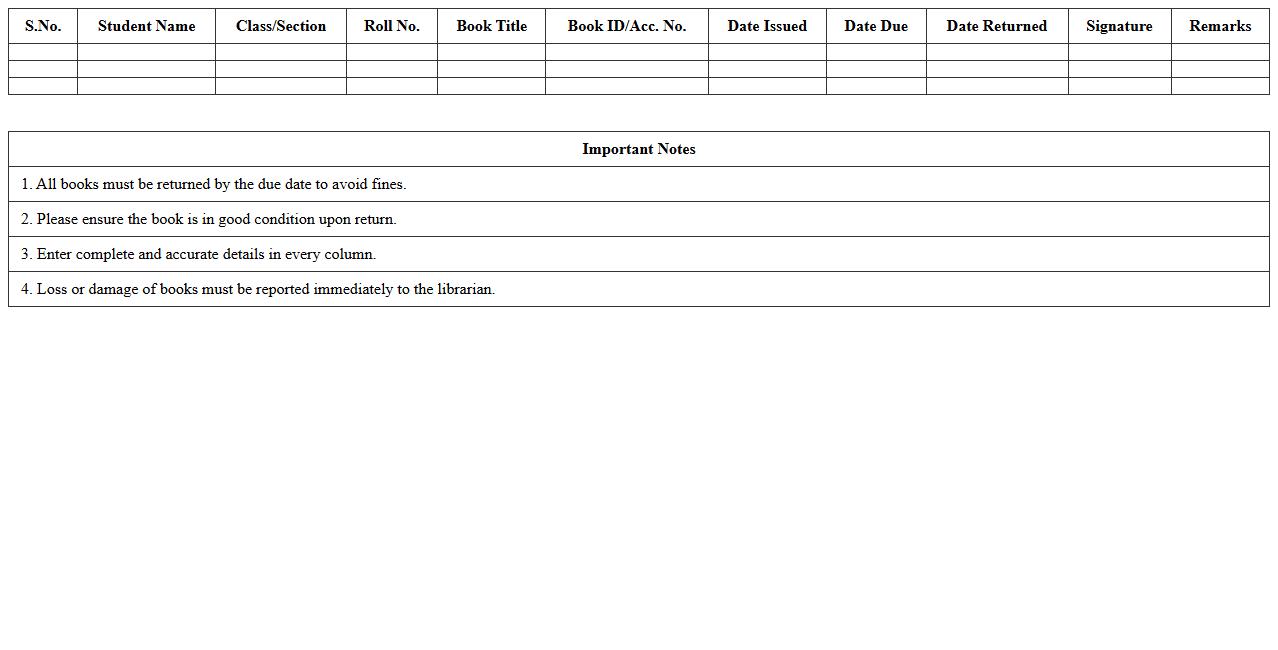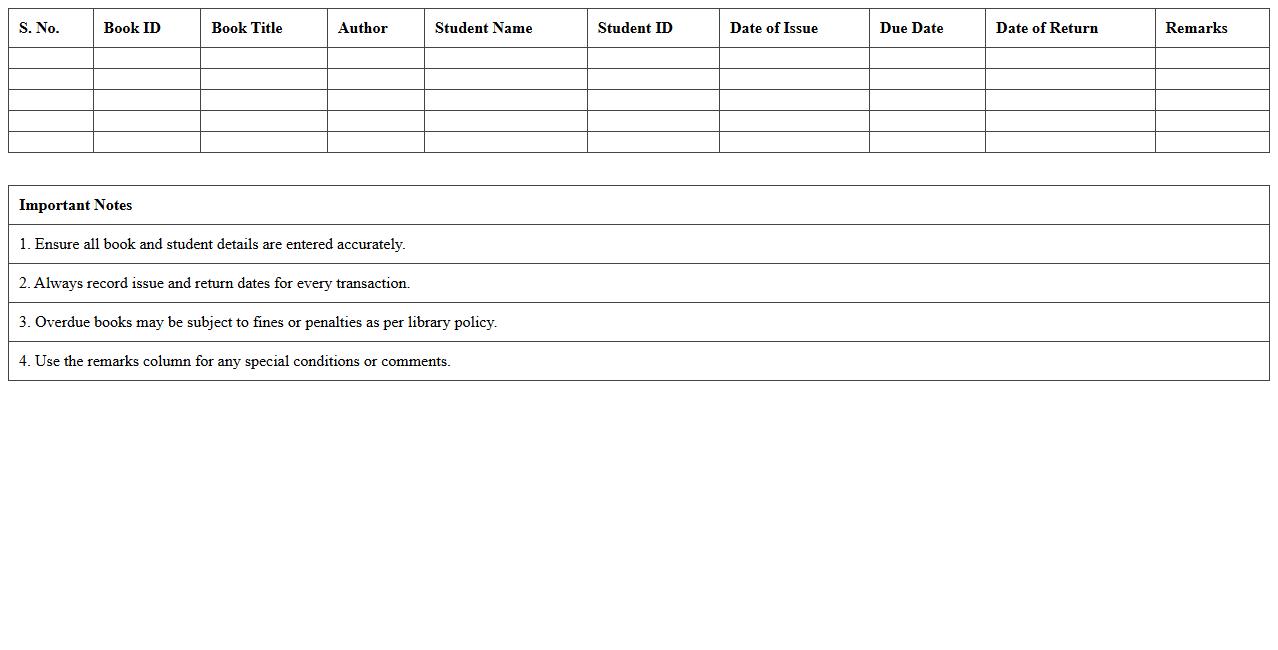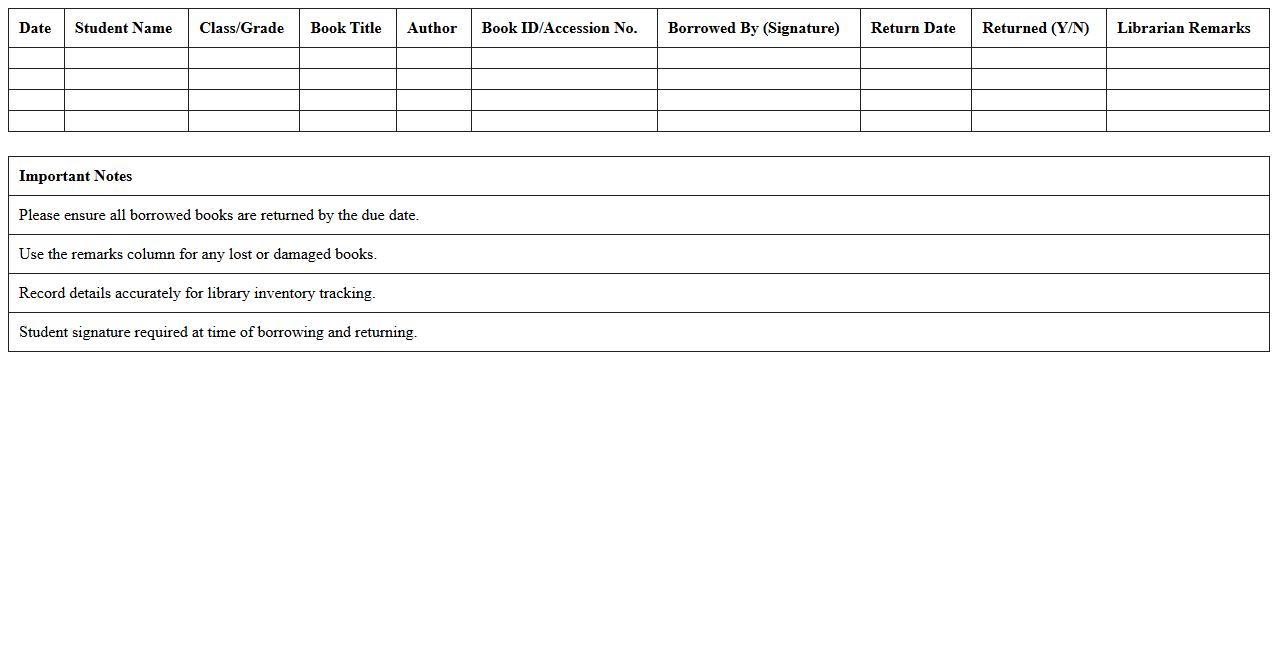
The Library Book Issue Register Excel Template for librarians is an efficient tool designed to streamline the process of tracking book loans and returns. This customizable Excel template allows easy recording of borrower details, issue dates, and due dates, ensuring organized and accurate library management. Its user-friendly format helps librarians maintain a clear overview of issued books, minimizing errors and enhancing operational efficiency.
School Library Book Lending Register Excel Template
The
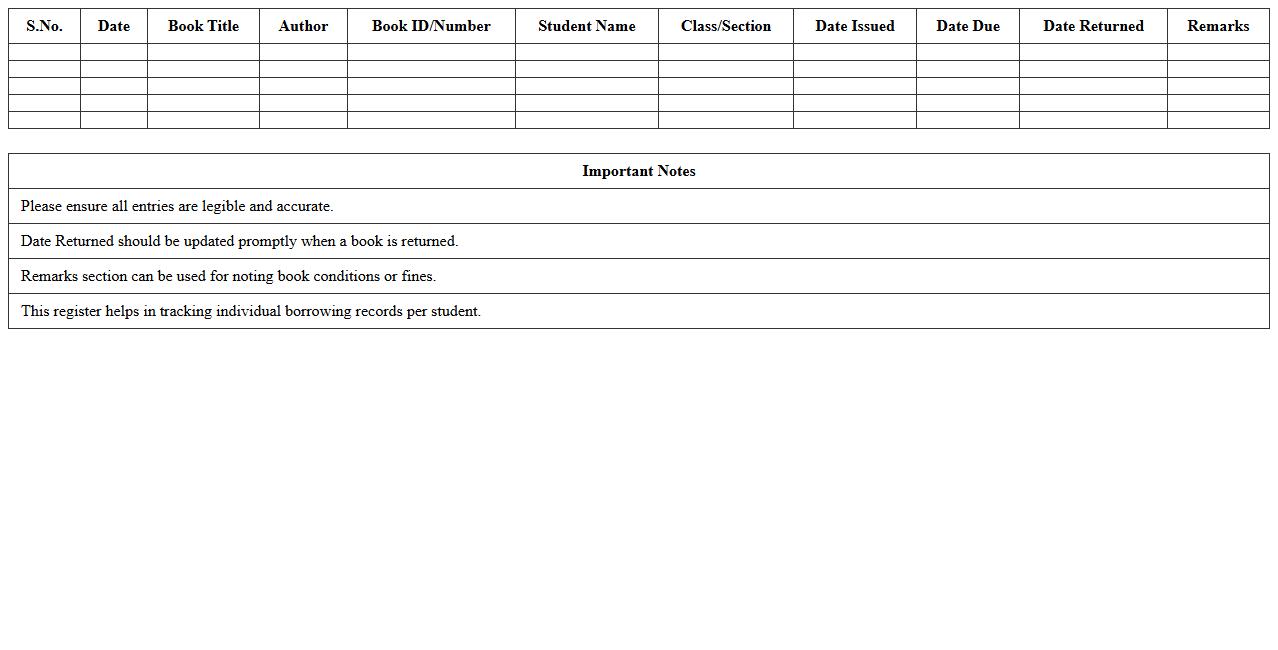
School Library Book Lending Register Excel Template is a digital record-keeping tool designed to track book loans efficiently within a school library. It helps monitor borrowed titles, due dates, and borrower details, ensuring effective management of library resources and reducing the risk of lost or overdue books. By streamlining the lending process, this template supports organized inventory control and enhances accountability among students and staff.
Public Library Book Borrowing Log Excel Sheet
A
Public Library Book Borrowing Log Excel Sheet is a digital record-keeping tool designed to track the borrowing and returning of books in a library setting. It helps librarians efficiently manage book inventory, monitor borrower activity, and maintain accurate records of due dates and late returns. This document streamlines the lending process, reduces manual errors, and enhances the overall organization and accessibility of library resources.
University Library Book Issue Tracker Excel Template
The
University Library Book Issue Tracker Excel Template is a structured spreadsheet designed to efficiently record and manage book lending activities in a university library. It helps track issued books, due dates, borrower details, and return status, ensuring accurate monitoring and reducing the risk of lost or overdue books. This tool streamlines library operations, improves accountability, and enhances the overall management of library resources.
Library Book Return & Issue Register Spreadsheet
The
Library Book Return & Issue Register Spreadsheet is a digital document designed to record and track the borrowing and returning of library books efficiently. It helps librarians maintain accurate data on book inventory, borrower details, and due dates, reducing the risk of loss or misplacement. This spreadsheet enhances organization, streamlines transaction processes, and ensures timely book returns by providing clear visibility of the lending status.
College Library Member Book Issue Excel Template
The
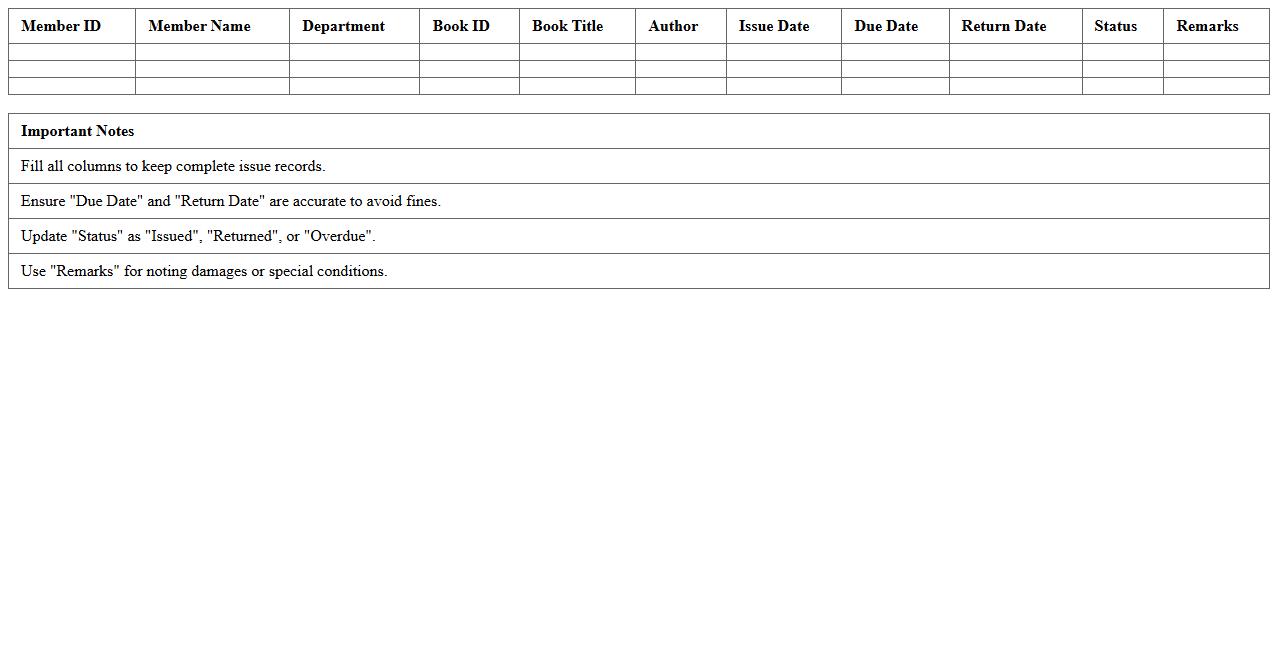
College Library Member Book Issue Excel Template is a structured spreadsheet designed to efficiently track book issuances to library members. It helps library staff manage data such as member details, book titles, issue dates, and return deadlines, ensuring organized and accurate record-keeping. This template streamlines the book lending process, reduces manual errors, and facilitates quick access to library transaction information.
Classroom Library Lending Register Excel Sheet
A
Classroom Library Lending Register Excel Sheet document is a digital tool designed to systematically track the borrowing and return of books within a classroom library. It enables teachers to maintain an organized record of students' reading activities, monitor book circulation, and identify popular or overdue items efficiently. This register supports improved classroom management by ensuring accountability and encouraging students to engage regularly with reading materials.
Kids Library Book Checkout Log Excel Template
The
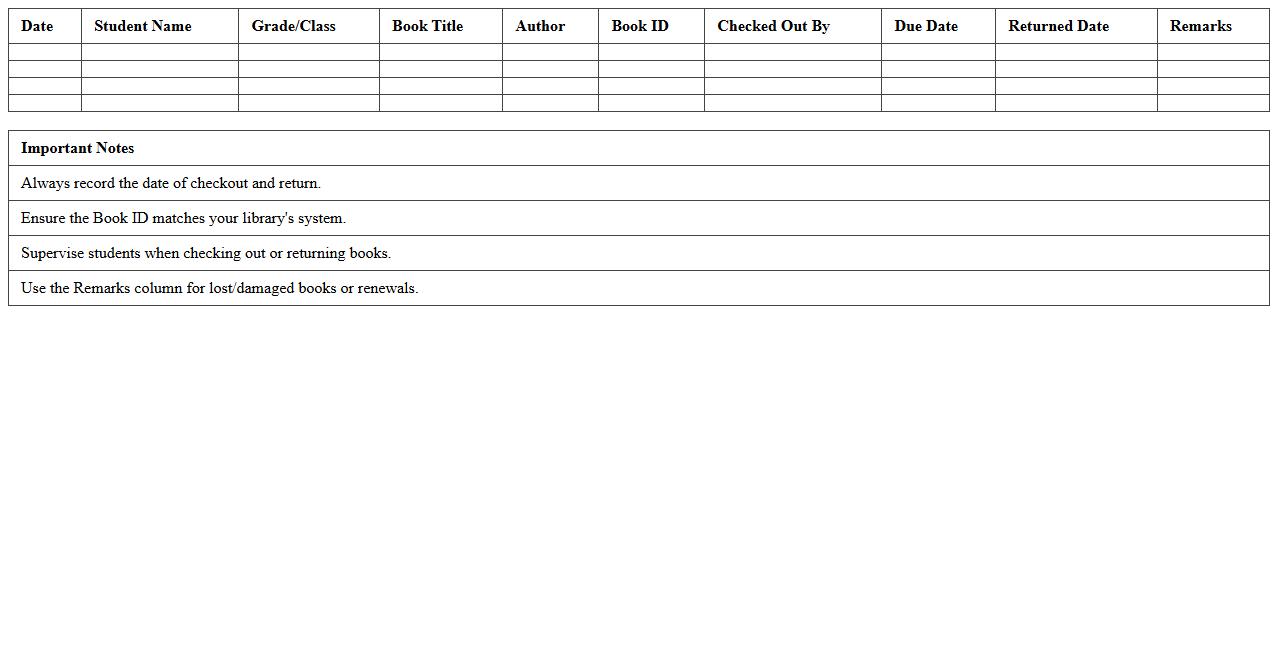
Kids Library Book Checkout Log Excel Template is a structured spreadsheet designed to track the borrowing and return of books in children's libraries or reading programs. It helps librarians, educators, and parents maintain organized records of book titles, borrower names, checkout dates, and return deadlines, ensuring accountability and timely returns. This template enhances library management efficiency by providing a clear overview of circulation data and reducing the risk of lost or overdue books.
Library Book Circulation Record Excel Template
The
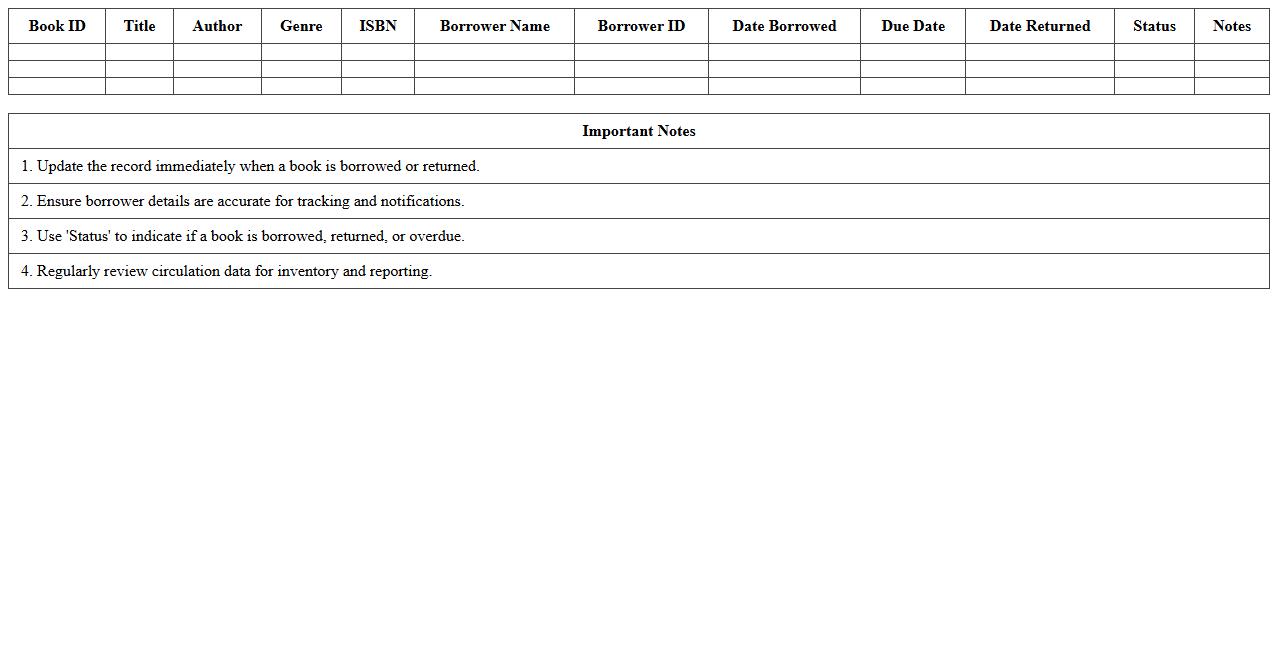
Library Book Circulation Record Excel Template is a structured spreadsheet designed to track book loans and returns efficiently. It helps librarians monitor borrowing history, due dates, and book availability, streamlining inventory management. This template enhances organization, reduces errors, and supports timely follow-ups on overdue books.
Digital Library Book Issue Sheet in Excel
A
Digital Library Book Issue Sheet in an Excel document is a structured record-keeping tool that tracks the lending and return of library books efficiently. It helps manage data such as book titles, issue dates, return deadlines, and borrower details, ensuring systematic monitoring of library resources. This sheet enhances library operations by reducing errors, enabling quick access to book issue history, and facilitating timely reminders for returns.
Elementary Library Book Borrow Register Excel Template
The
Elementary Library Book Borrow Register Excel Template is a structured spreadsheet designed to track book borrowing activities efficiently within an elementary school library. It helps librarians maintain accurate records of which students have borrowed specific books, due dates, and return statuses, ensuring smooth management and reducing the risk of lost books. Using this template enhances organization, improves accountability, and facilitates easy monitoring of book circulation in a user-friendly format.
How to automate overdue alerts in a Library Book Issue Register Excel sheet?
To automate overdue alerts, use conditional formatting with a formula comparing the return date and the current date. Set the condition as =TODAY()>ReturnDate to flag overdue books in red. This visual cue helps librarians quickly identify and manage late returns.
What are the best formulas to track book return dates in an Excel Register?
The IF formula combined with TODAY() effectively tracks return dates by checking if the book is overdue. Use a formula like =IF(ReturnDate for status updates. Additionally, use to calculate the number of days since the book was issued.
How can librarians filter currently issued books using Excel's built-in features?
Librarians can apply Excel Filters to display only books that have not yet been returned by filtering blank return date cells. Alternatively, they can use a custom filter to show records where the return date is empty or greater than today. This method simplifies managing active book issues efficiently.
Which Excel template layout best supports multi-user book issuance logging?
The best template uses a structured table format with columns for User ID, Book ID, Issue Date, and Return Date. Incorporating data validation and drop-down lists ensures consistent multi-user data entry. This layout supports clear record-keeping and reduces input errors.
How to generate monthly book issue statistics using Excel PivotTables?
Insert a PivotTable using the Issue Date field grouped by month and year to summarize monthly book issues. Drag the Book ID to the Values area to count the number of books issued each month. Layering additional filters enables detailed analysis of book lending trends over time.
More Register Excel Templates