The Asset Register Excel Template for IT Departments provides a streamlined way to track and manage IT equipment, software licenses, and hardware inventory. Designed to enhance organization and improve asset lifecycle management, this template includes customizable fields for asset details, purchase dates, and maintenance schedules. It enables IT teams to maintain accurate records, optimize resource allocation, and ensure compliance with company policies.
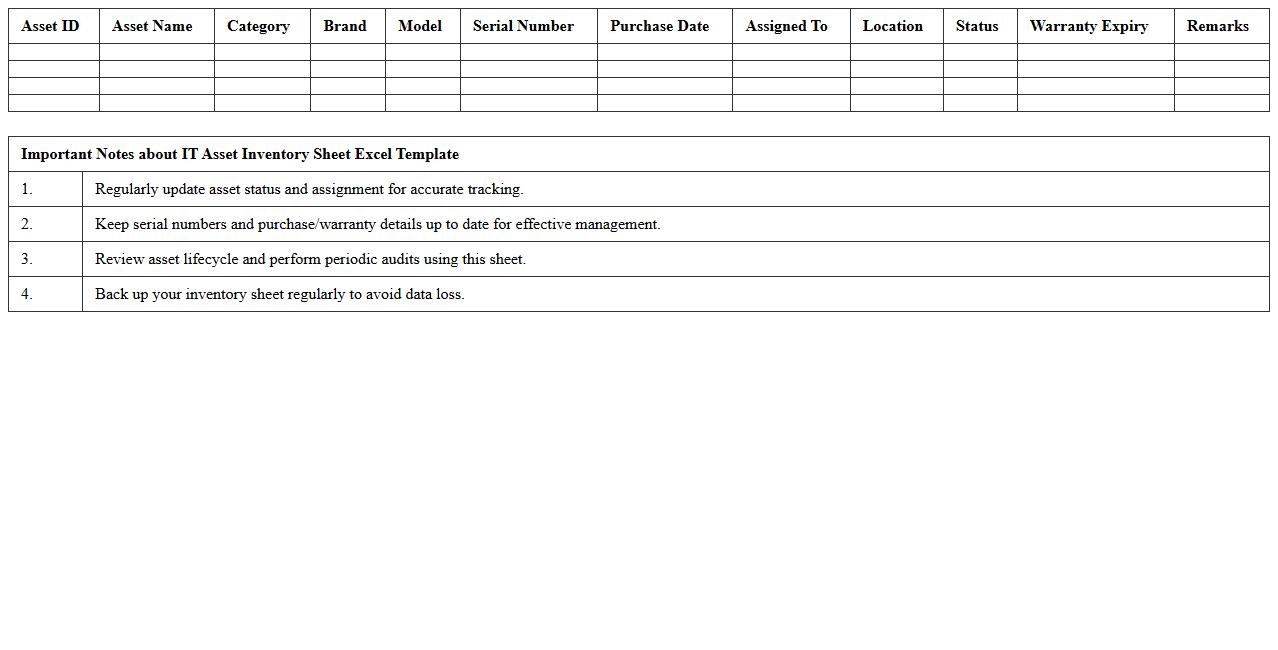
IT Asset Inventory Sheet Excel Template
An
IT Asset Inventory Sheet Excel Template is a structured spreadsheet designed to track and manage all hardware and software assets within an organization. It helps maintain accurate records of asset types, purchase dates, warranty status, and assigned users, improving asset utilization and reducing losses. This template enhances decision-making by providing clear visibility of IT resources, facilitating budget planning and maintenance scheduling.
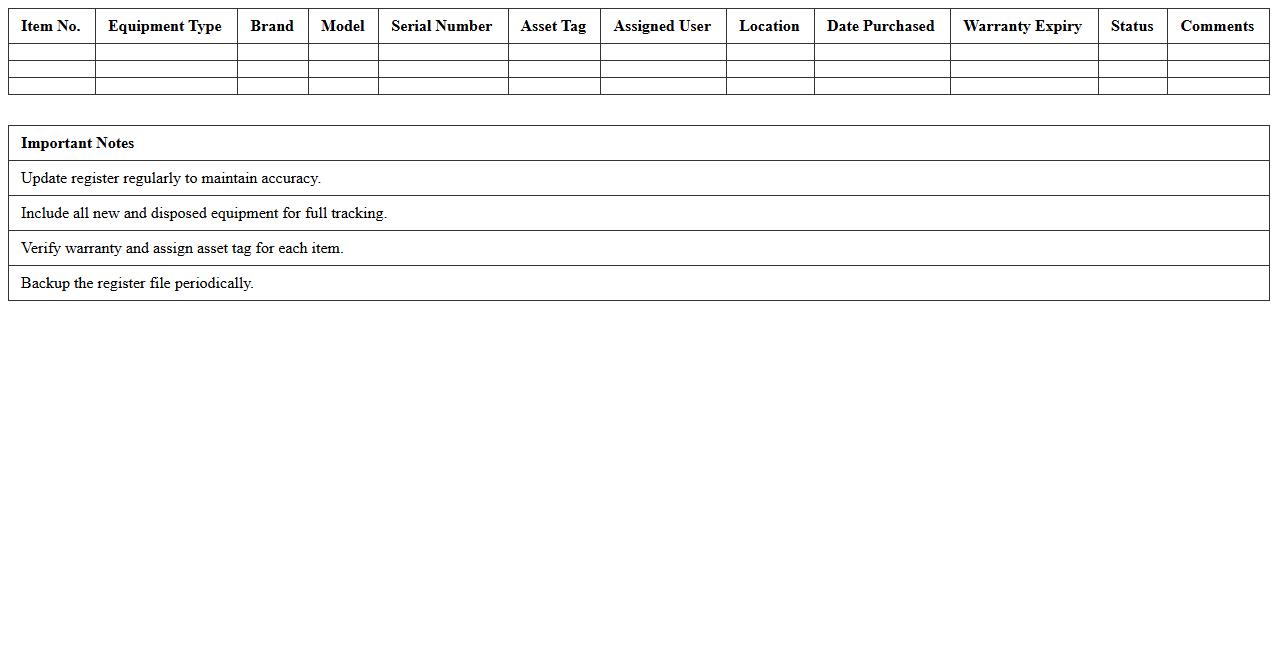
Computer Equipment Register Spreadsheet
A
Computer Equipment Register Spreadsheet document is a detailed inventory tool that tracks all hardware assets within an organization, including specifications, purchase dates, locations, and maintenance schedules. It is useful for managing asset lifecycle, ensuring timely upgrades, preventing loss or theft, and supporting budget planning by providing accurate data on existing equipment. This spreadsheet enhances operational efficiency by enabling quick access to critical information required for IT audits and compliance reporting.
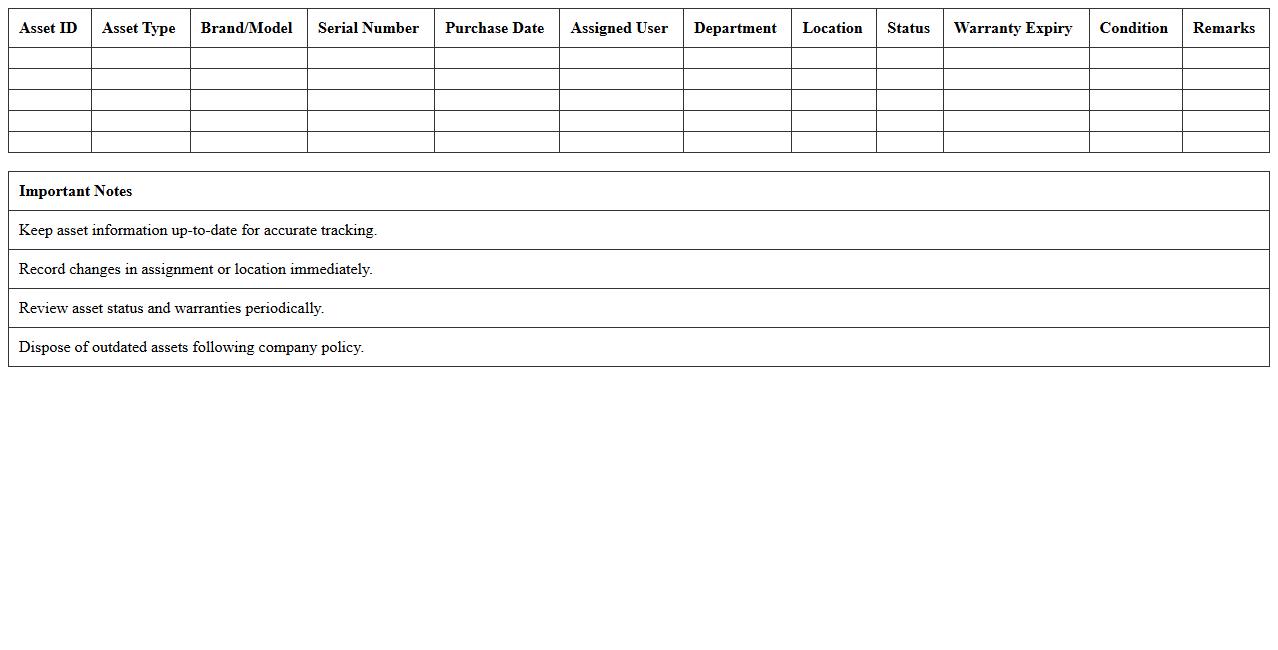
IT Hardware Asset Tracking Log
An
IT Hardware Asset Tracking Log document records detailed information about all IT hardware assets such as computers, servers, routers, and peripherals within an organization. It helps in managing asset lifecycle, ensuring accurate inventory control, reducing loss or theft, and facilitating maintenance schedules. This log enhances operational efficiency by providing a centralized reference for IT management and compliance audits.
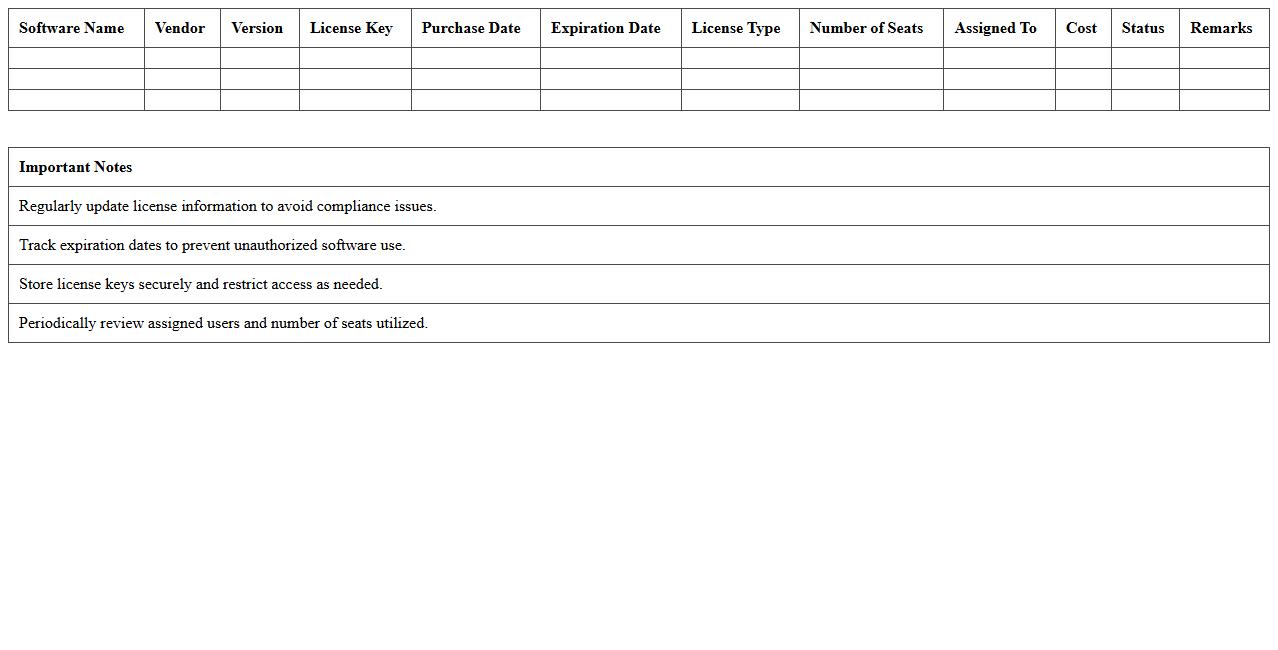
Software License Management Excel Sheet
A
Software License Management Excel Sheet document is a structured spreadsheet tool used to track, organize, and monitor software licenses within an organization. It helps ensure compliance with licensing agreements, prevents overuse or underuse of software, and simplifies renewal tracking by maintaining accurate records of license types, quantities, expiration dates, and assigned users. This tool enhances operational efficiency, reduces legal risks, and optimizes software investment management by providing clear visibility into licensing status and usage.
IT Devices Lifecycle Management Template
The
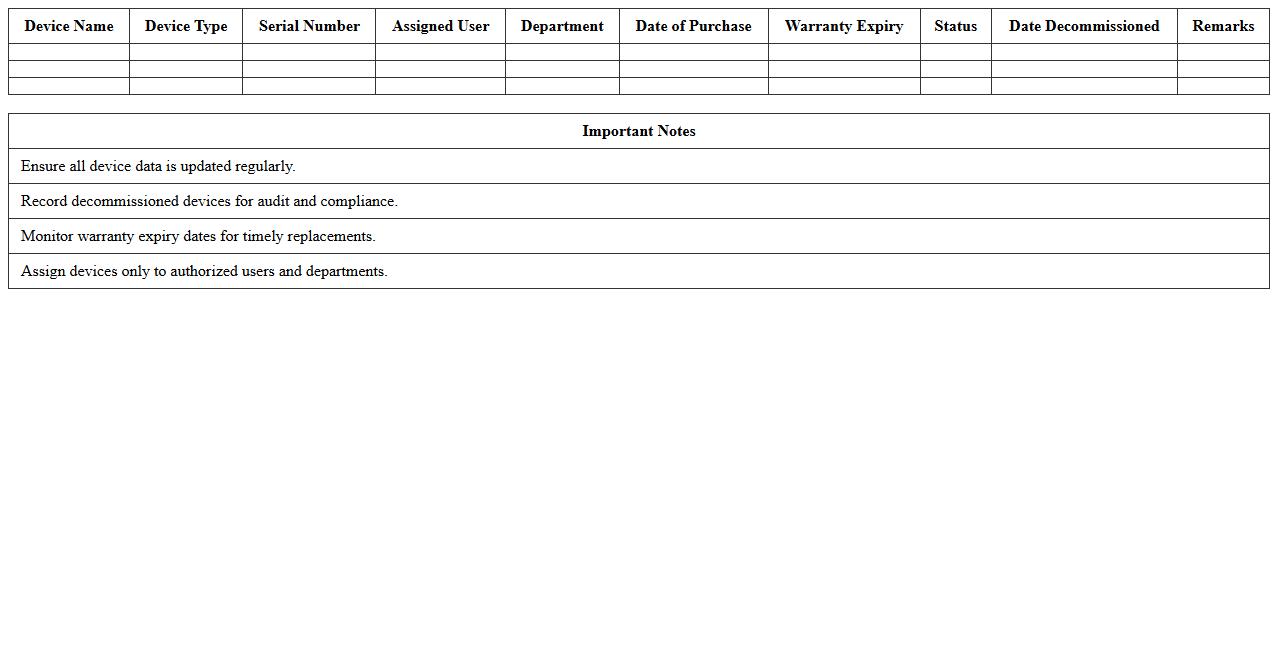
IT Devices Lifecycle Management Template document serves as a structured framework to track and manage the entire lifespan of IT devices, from procurement to disposal. It helps organizations maintain accurate records, optimize device usage, and plan timely upgrades or replacements, ensuring cost efficiency and compliance with asset management policies. By providing clear guidelines and standardized processes, this template minimizes downtime and enhances the overall performance of IT infrastructure.
Network Equipment Asset Register Excel
A
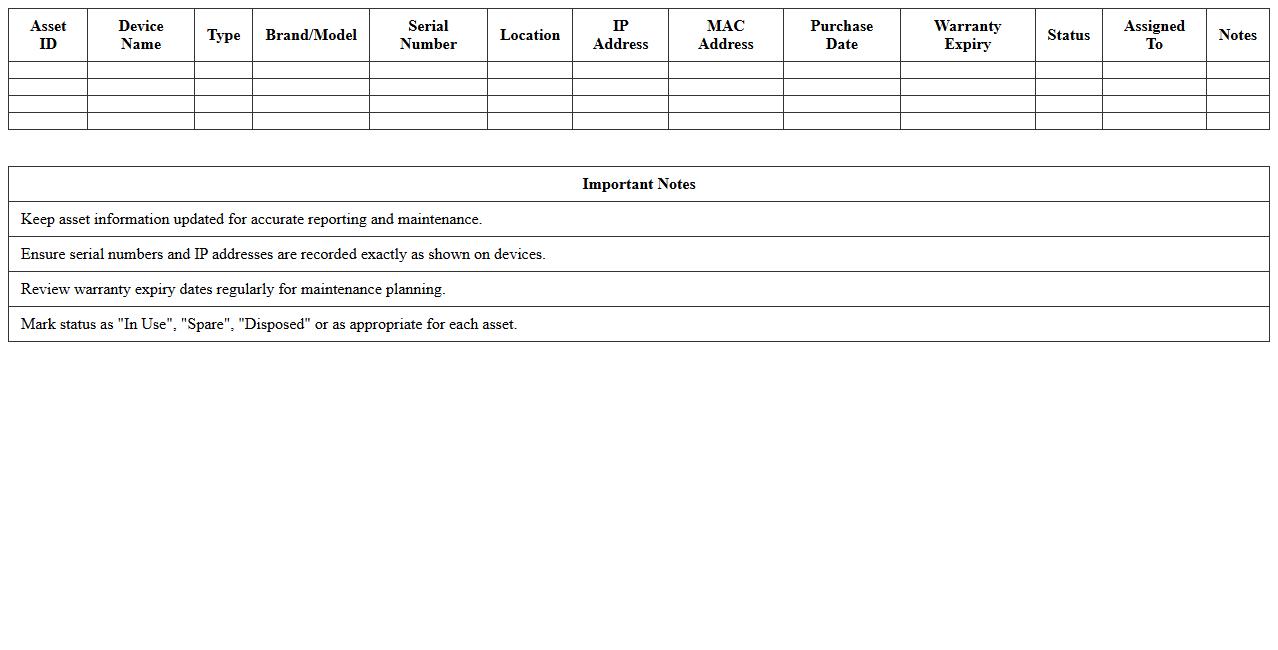
Network Equipment Asset Register Excel document is a comprehensive spreadsheet used to track and manage all network-related hardware assets, including routers, switches, servers, and firewalls. This register allows organizations to maintain detailed information such as asset IDs, purchase dates, warranty status, and maintenance schedules, ensuring accurate inventory control and streamlined auditing processes. By centralizing network equipment data, it enhances operational efficiency, reduces downtime, and supports informed decision-making for upgrades and replacements.
IT Asset Maintenance Schedule Tracker
The
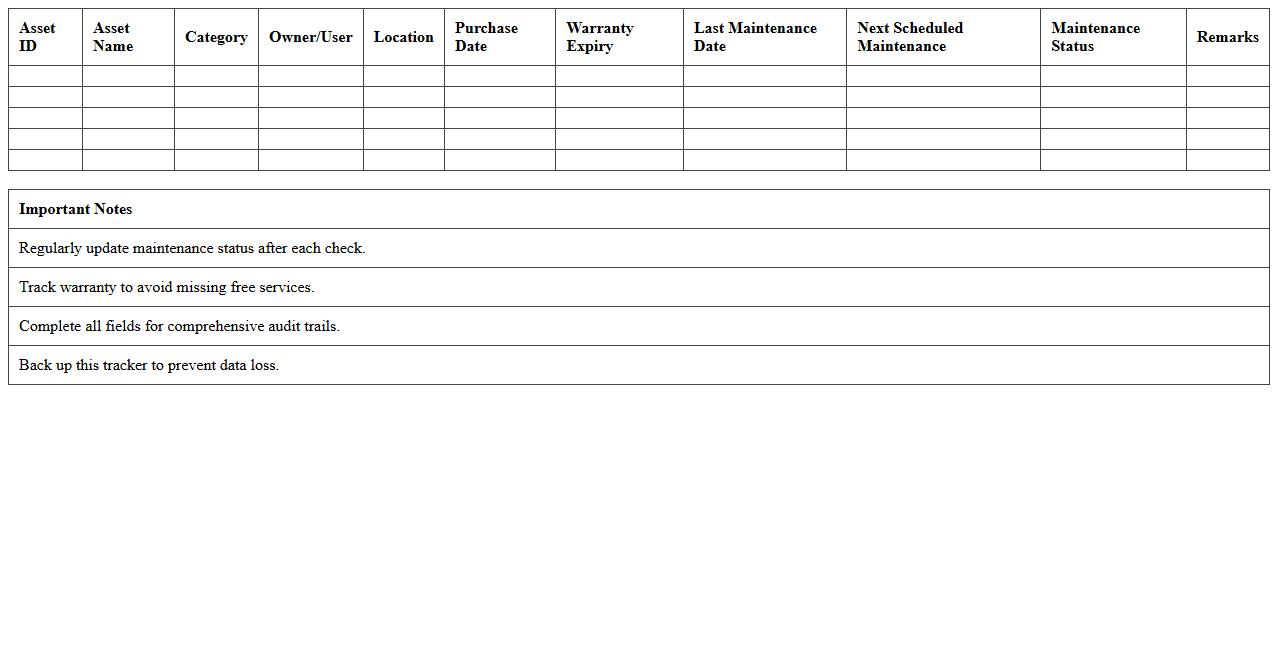
IT Asset Maintenance Schedule Tracker document is a comprehensive tool designed to monitor and manage the maintenance timelines of all IT assets within an organization. It helps ensure timely servicing, upgrades, and replacements, reducing downtime and extending asset lifespan. By providing a centralized record of maintenance activities, this tracker enhances operational efficiency and supports proactive IT asset management.
Office Electronics Register Excel Sheet
An
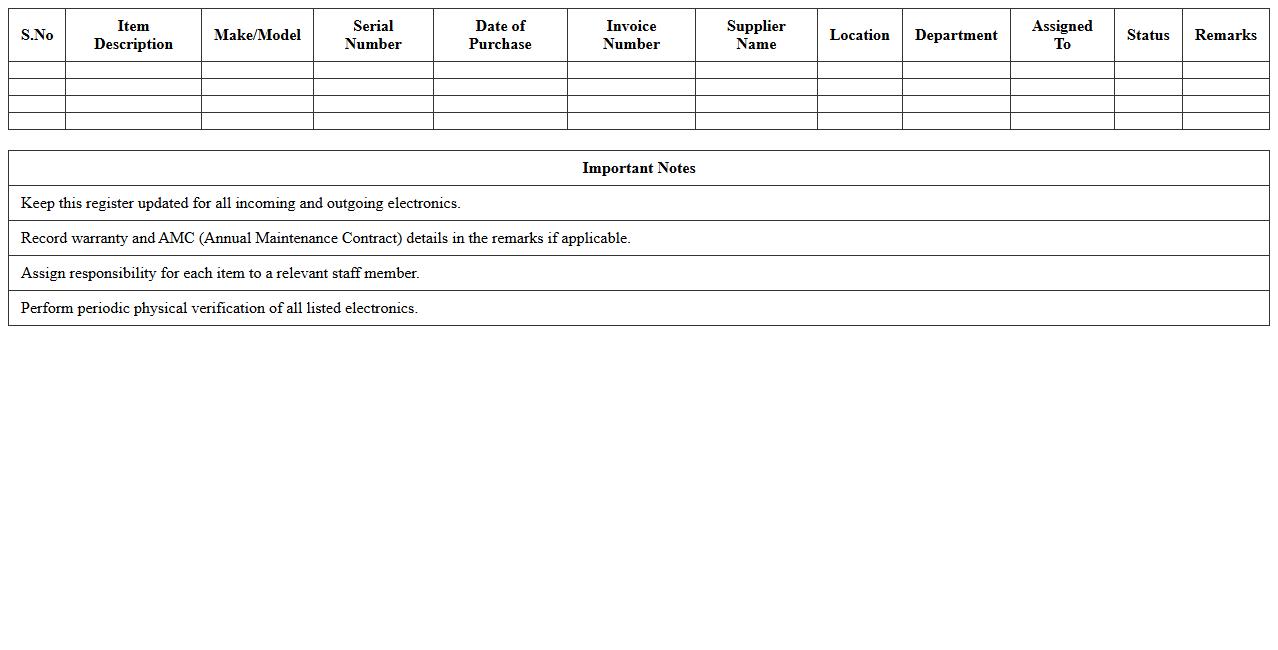
Office Electronics Register Excel Sheet is a structured document used to systematically record and track electronic devices within an office, such as computers, printers, and scanners. It helps maintain an up-to-date inventory, monitor asset conditions, and schedule maintenance or replacements efficiently. This organized approach prevents loss, ensures accountability, and supports budget planning for office technology management.
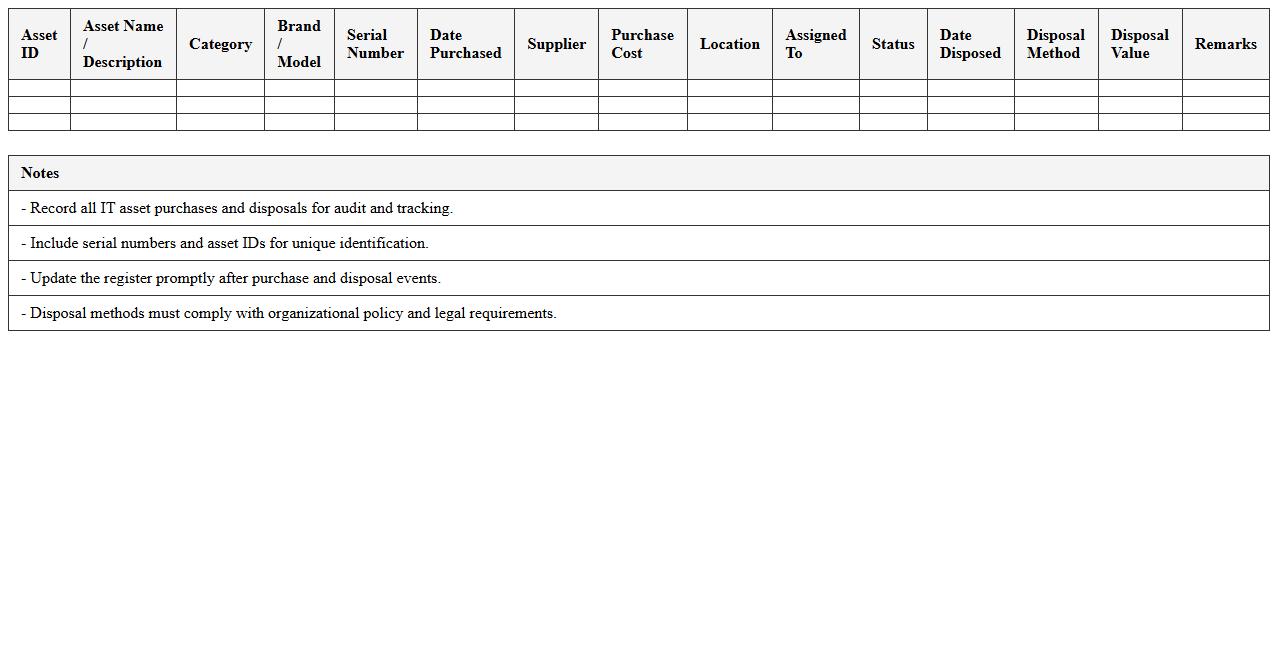
IT Asset Purchase & Disposal Record
An
IT Asset Purchase & Disposal Record document tracks the lifecycle of hardware and software assets, including acquisition details, warranty information, maintenance history, and disposal methods. It ensures compliance with organizational policies and regulatory requirements by maintaining clear accountability and audit trails. This record helps optimize asset management, reduce costs, and prevent unauthorized use or data breaches through secure disposal practices.
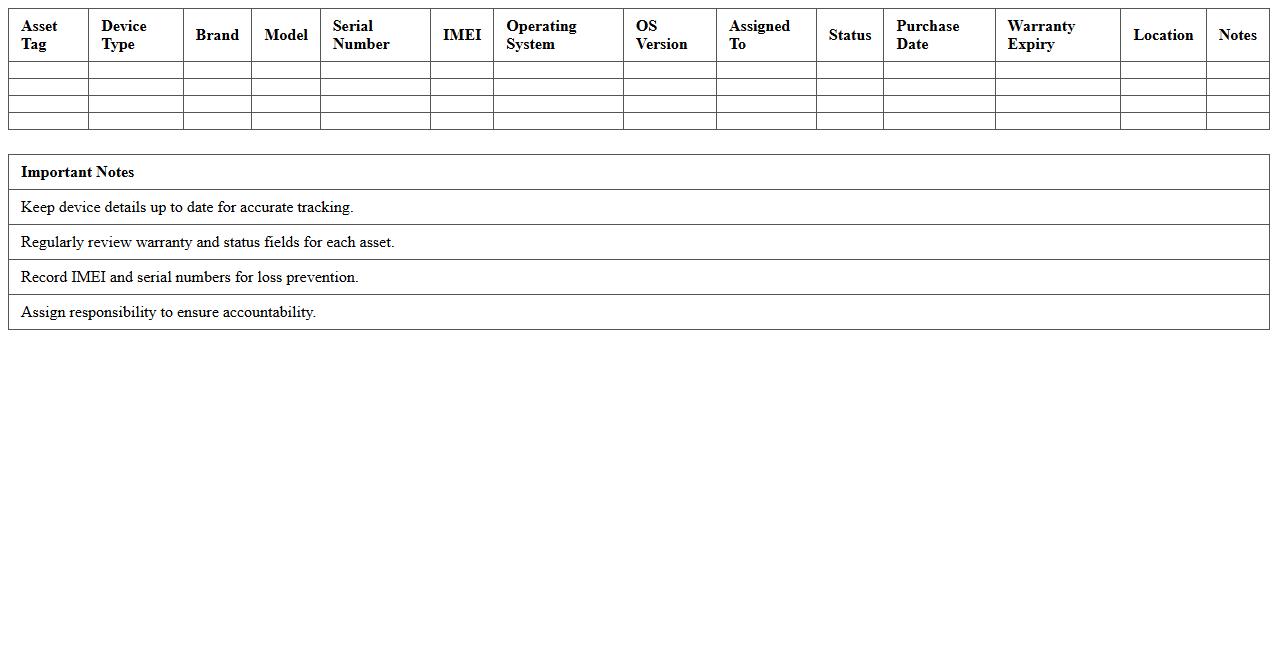
Mobile Device Asset Inventory Template
A
Mobile Device Asset Inventory Template is a structured document used to systematically record and track mobile devices within an organization, including details such as device type, serial number, assigned user, and purchase date. This template enhances asset management by providing a centralized, easily accessible record that simplifies auditing, maintenance, and lifecycle tracking of mobile technology. Tracking these details improves operational efficiency, supports compliance efforts, and helps prevent loss or theft of valuable mobile assets.
What key data fields should be included in an Asset Register Excel template for IT hardware tracking?
An Asset Register Excel template should include essential data fields like Asset ID, Description, Purchase Date, and Supplier Information. Additionally, fields such as Serial Number, Asset Location, and Current User help in detailed tracking of IT hardware. Including Status, Warranty Expiry Date, and Depreciation Value ensures comprehensive asset management.
How can Excel formulas automate depreciation calculations for IT assets?
Excel formulas can automate depreciation by using functions like SLN (Straight-Line Depreciation) or DB (Declining Balance). By inputting Purchase Cost, Salvage Value, and Useful Life, formulas calculate the current depreciated value automatically. This reduces manual errors and provides real-time asset valuation updates.
What methods can be used to link asset register entries with warranty expiration dates in Excel?
Warranty expiration dates can be linked to asset entries using VLOOKUP or INDEX-MATCH formulas referencing a separate warranty database table. Alternatively, Excel's Data Validation combined with drop-down lists ensures consistent warranty date input. Conditional formatting can also highlight assets with imminent warranty expiry for proactive management.
Which Excel features best support tracking software license allocations per device?
Features like PivotTables allow dynamic summarization of software licenses allocated per device for easy monitoring. Data Validation drop-downs ensure standardized input of license types and statuses. Additionally, Excel tables with filter options facilitate quick searches and updates of license allocation records.
How can conditional formatting in Excel highlight IT assets due for maintenance or replacement?
Conditional formatting rules can be set to highlight assets approaching their maintenance or replacement dates based on date comparisons. Using formulas with TODAY() identifies assets with due dates within a specified timeframe, changing cell colors for immediate attention. This visual cue streamlines maintenance scheduling and reduces downtime risks.