The Hostel Attendance Register Excel Template for University Dorms provides an efficient way to track student attendance in shared living spaces. This customizable spreadsheet simplifies record-keeping, enhances accuracy, and helps administrators monitor attendance patterns easily. Its user-friendly layout supports quick data entry, ensuring seamless management of hostel occupancy and student compliance.
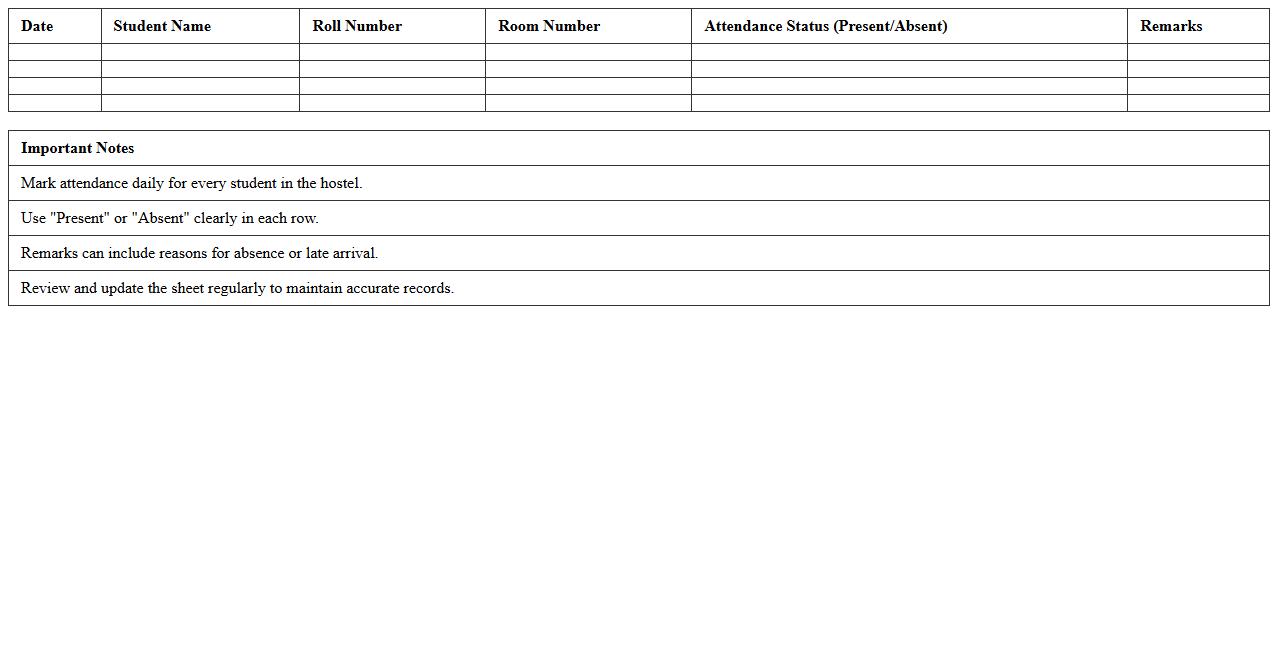
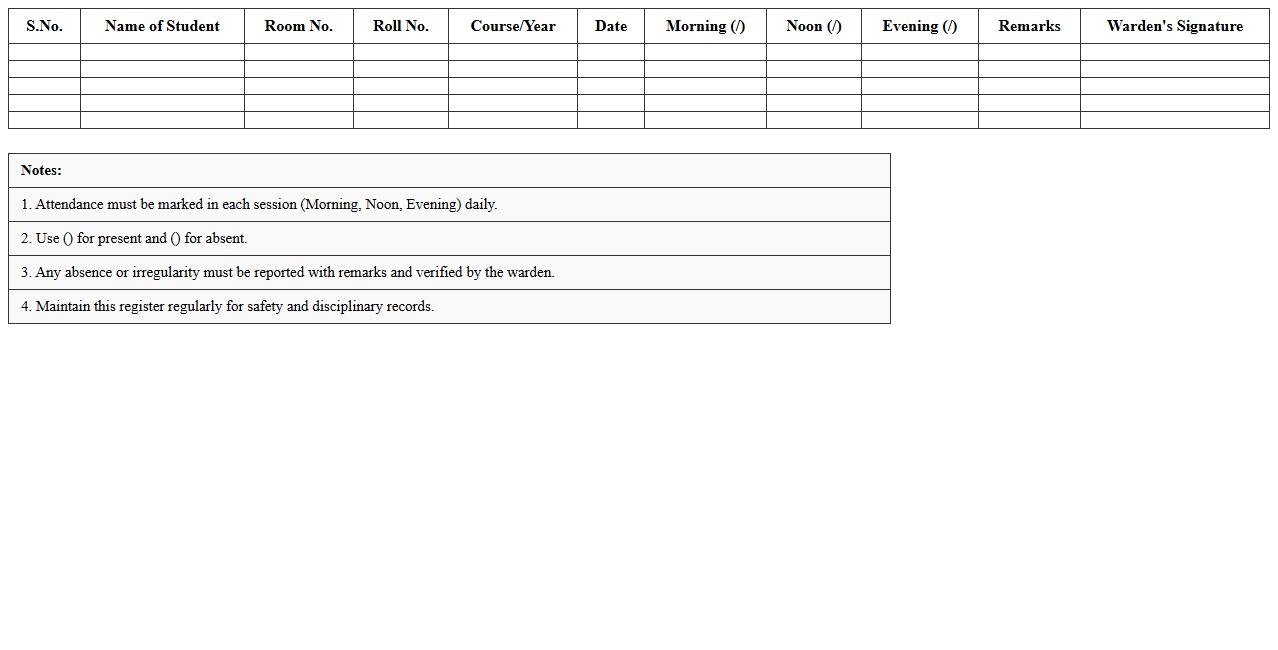
Student Hostel Daily Attendance Sheet Excel Template
The
Student Hostel Daily Attendance Sheet Excel Template is a structured digital spreadsheet designed to record and monitor daily attendance of students residing in a hostel. It simplifies the process of tracking presence, late arrivals, and absences, enabling hostel administrators to maintain accurate and organized records efficiently. This template enhances accountability, aids in timely reporting, and supports effective management of student accommodations.
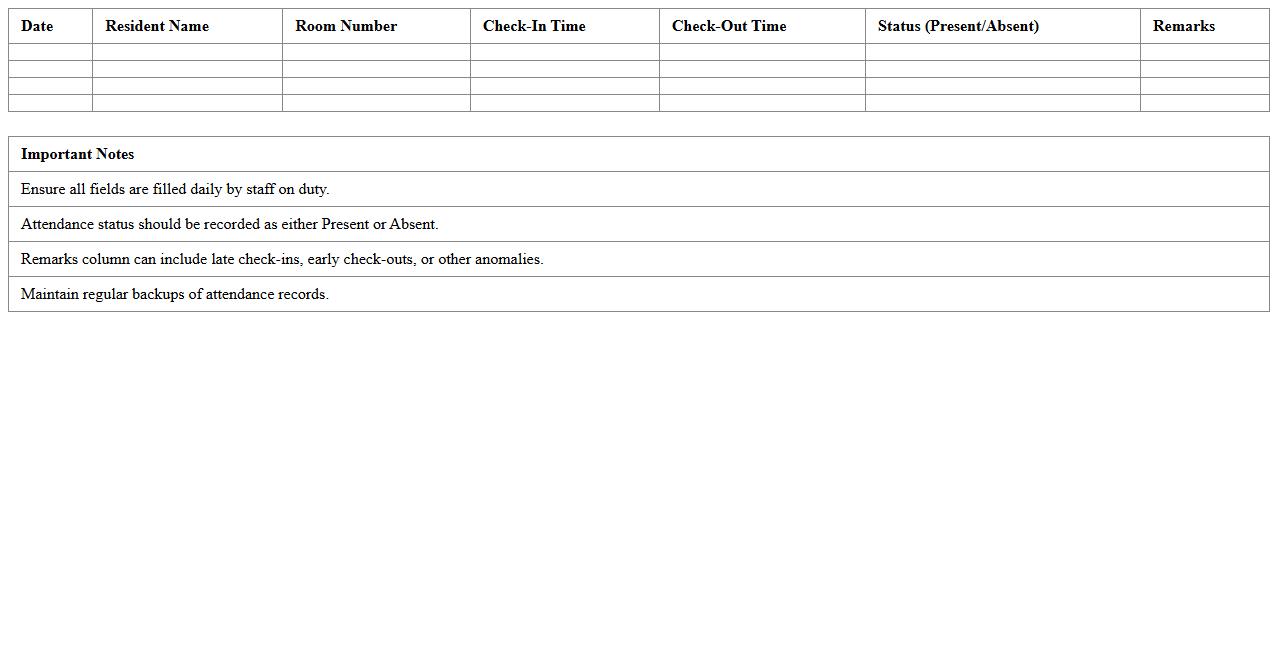
University Dormitory Resident Attendance Tracker
The
University Dormitory Resident Attendance Tracker document systematically records the daily presence of students living in campus housing, ensuring accurate monitoring of resident occupancy. This tracker helps university administrators maintain safety, manage resources efficiently, and identify any unauthorized absences promptly. By providing real-time data on resident attendance, the document supports compliance with housing policies and improves overall dormitory management.
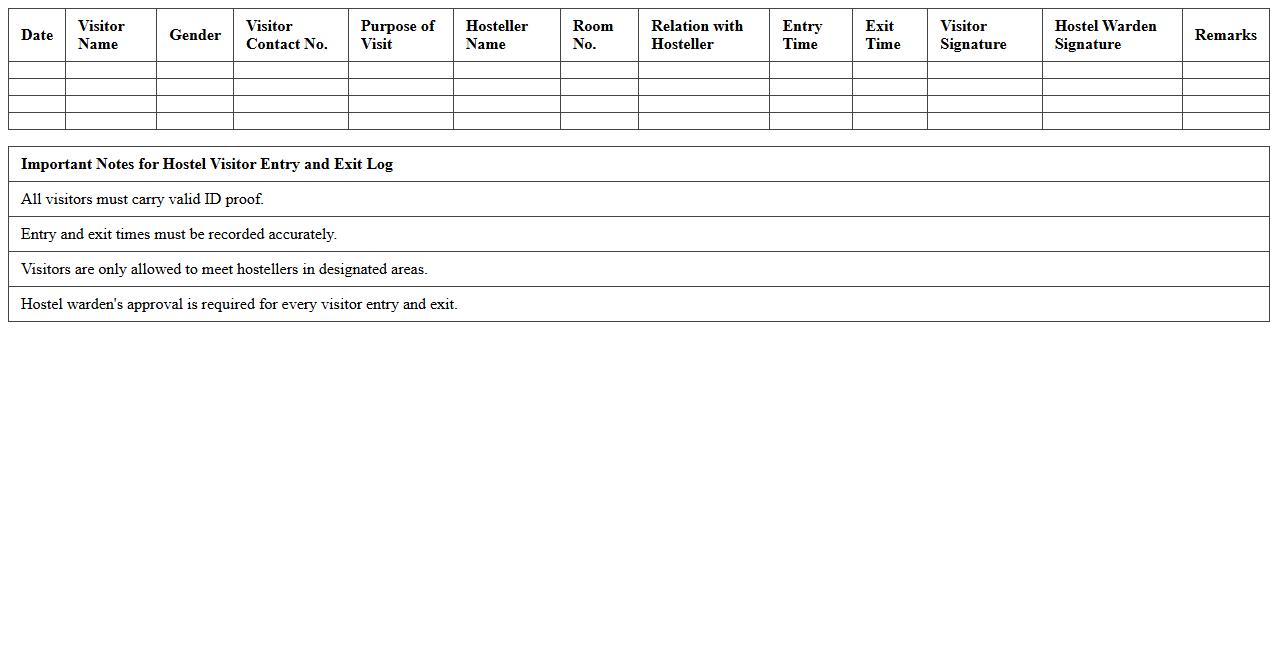
Hostel Visitor Entry and Exit Log Excel Format
A
Hostel Visitor Entry and Exit Log Excel Format document systematically records the arrival and departure times of visitors in a hostel, capturing essential details such as visitor names, contact information, purpose of visit, and timestamps. This digital log enhances security by ensuring accurate tracking of all visitors, facilitating efficient monitoring and quick access to visitor history in case of emergencies or audits. The Excel format allows easy data organization, filtering, and reporting, making it a practical tool for hostel administration to maintain order and accountability.
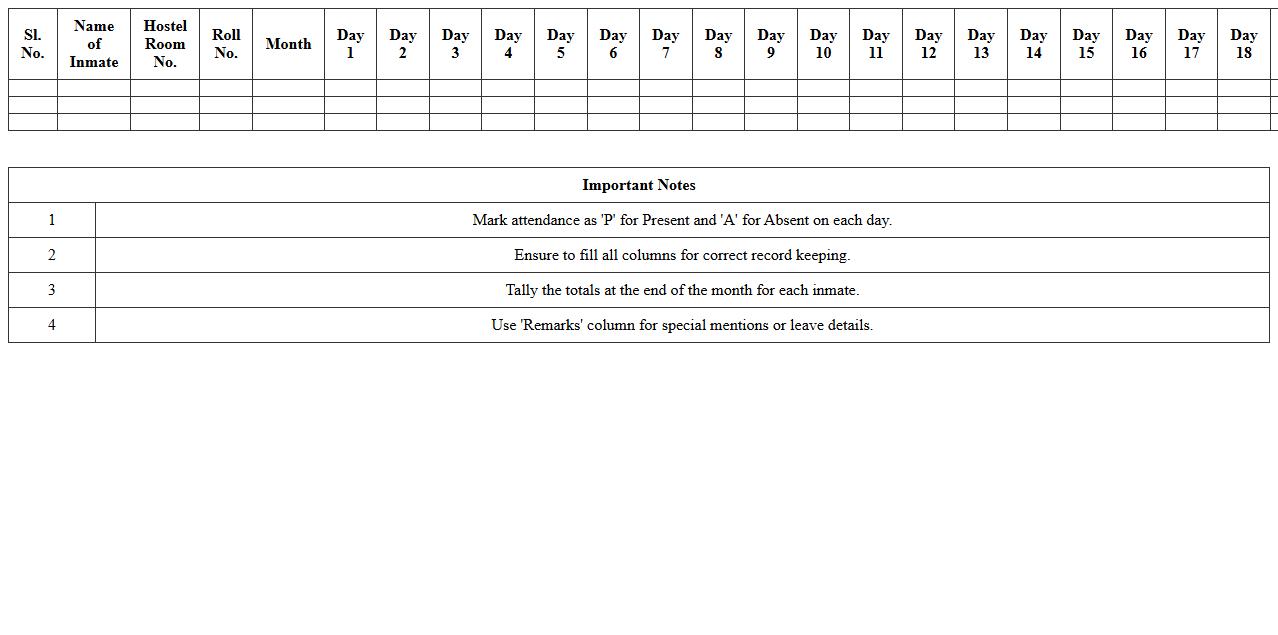
Monthly Hostel Inmate Attendance Register Template
The
Monthly Hostel Inmate Attendance Register Template document is designed to systematically record the daily attendance of inmates residing in a hostel. This template helps in maintaining accurate and organized attendance data, which is essential for monitoring inmate presence, managing resources, and ensuring compliance with institutional policies. Using this register improves accountability and streamlines reporting processes in hostel administration.
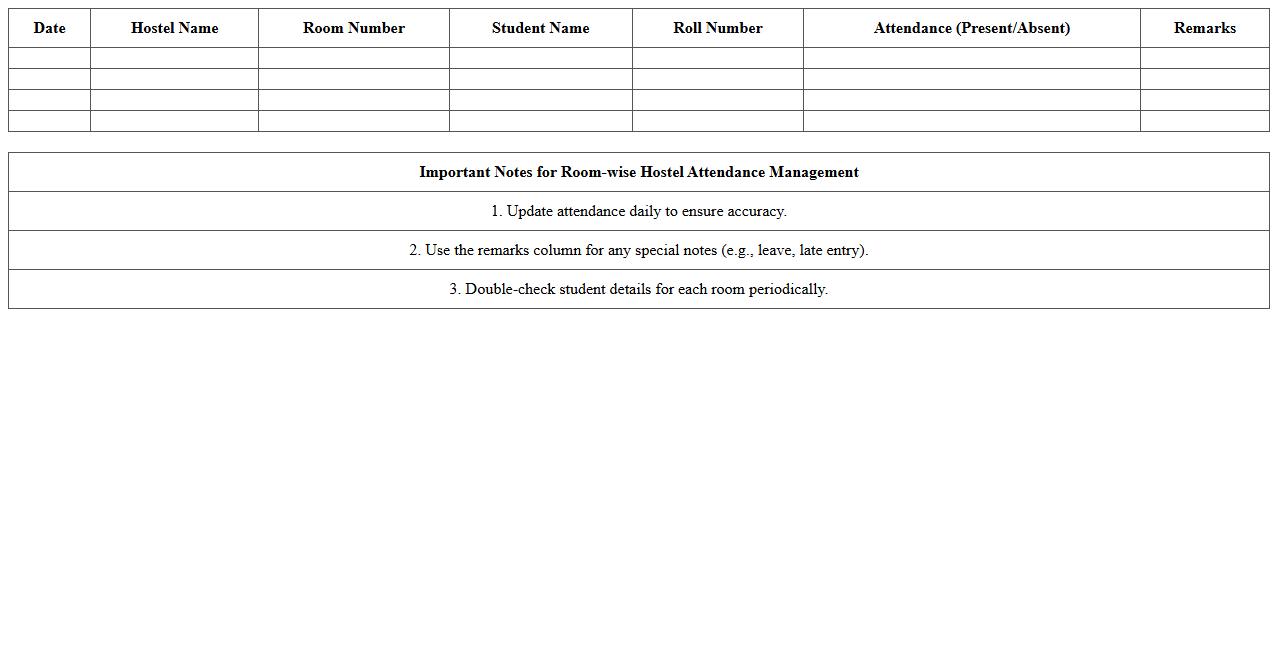
Room-wise Hostel Attendance Management Excel
The
Room-wise Hostel Attendance Management Excel document streamlines tracking daily attendance of residents by organizing data room by room, enabling quick identification of absences and trends. It facilitates efficient record-keeping, reduces manual errors, and provides clear, accessible reports for hostel administrators. This tool enhances overall management by improving accountability and aiding in resource planning based on occupancy patterns.
Female Hostel Daily Attendance Register Spreadsheet
The
Female Hostel Daily Attendance Register Spreadsheet document is a digital tool used to systematically record and monitor the daily presence of residents in a female hostel. It enhances administrative efficiency by providing real-time data tracking, ensuring accurate attendance records, and facilitating quick retrieval of information for management and safety purposes. This spreadsheet aids hostel administrators in maintaining discipline, verifying resident patterns, and simplifying reporting processes.
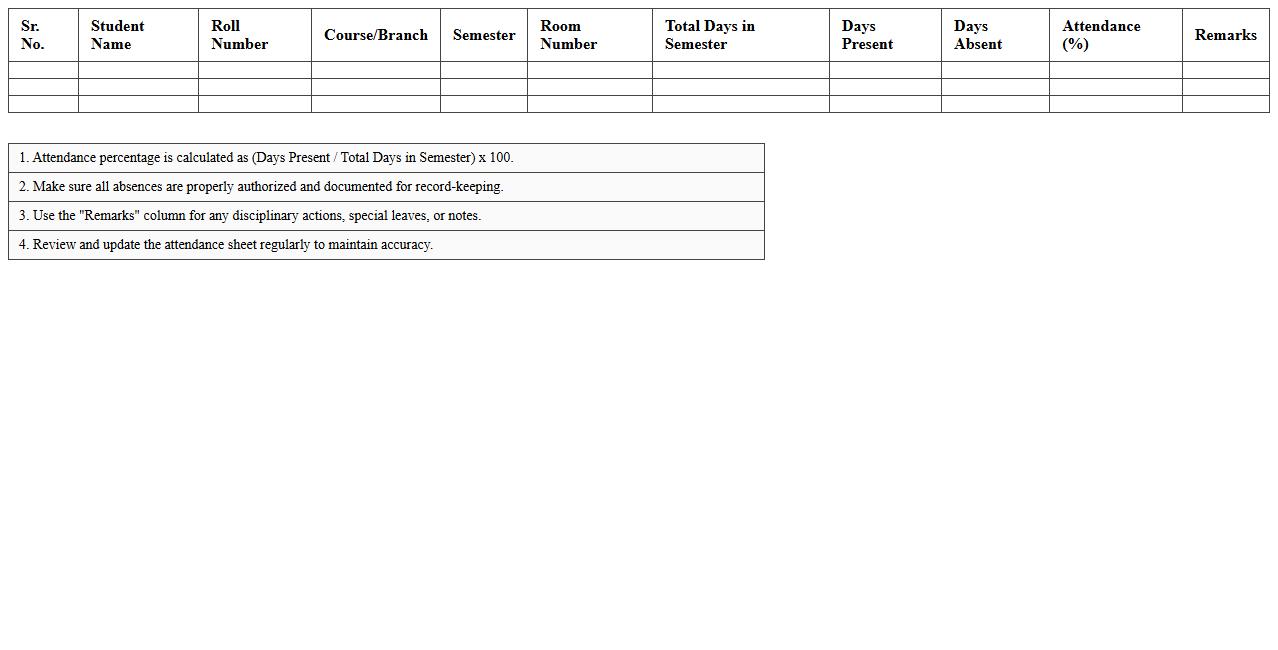
Semester Hostel Attendance Summary Excel Sheet
The
Semester Hostel Attendance Summary Excel Sheet document systematically records and organizes student attendance data for hostel residents throughout an academic semester. This tool enables efficient tracking of attendance patterns, ensuring compliance with institutional policies and facilitating timely interventions for absenteeism. By consolidating attendance records in a structured format, it aids hostel administrators in generating accurate reports and making informed decisions regarding student welfare.
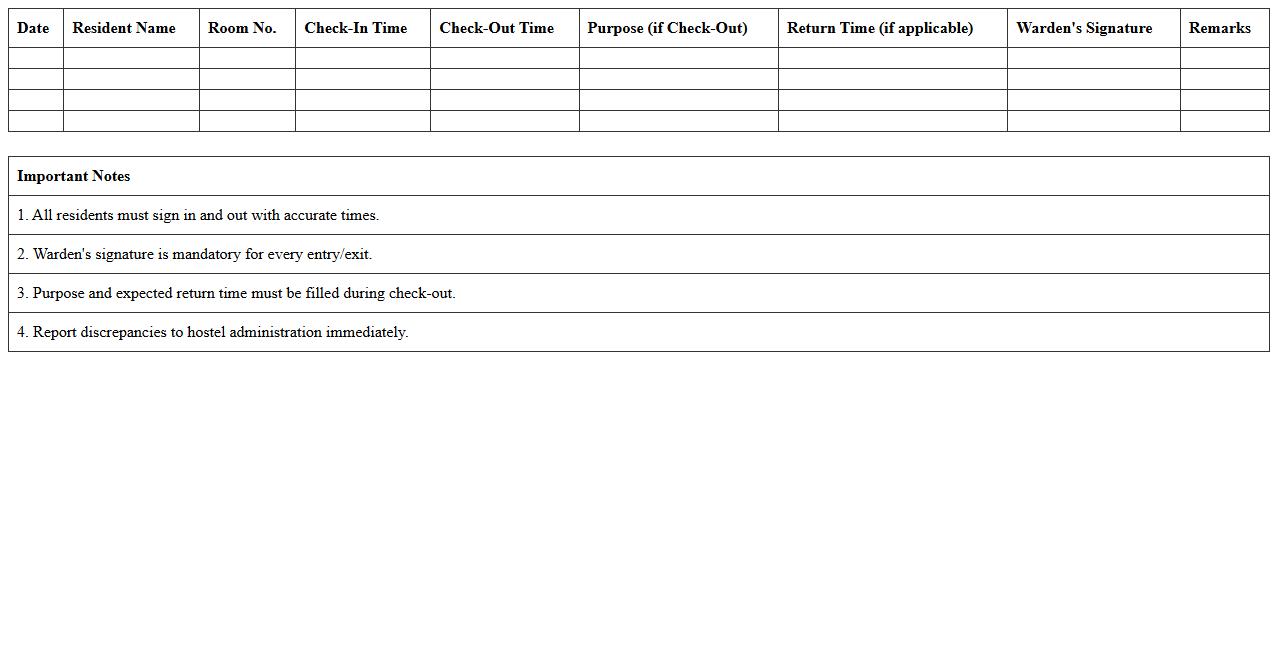
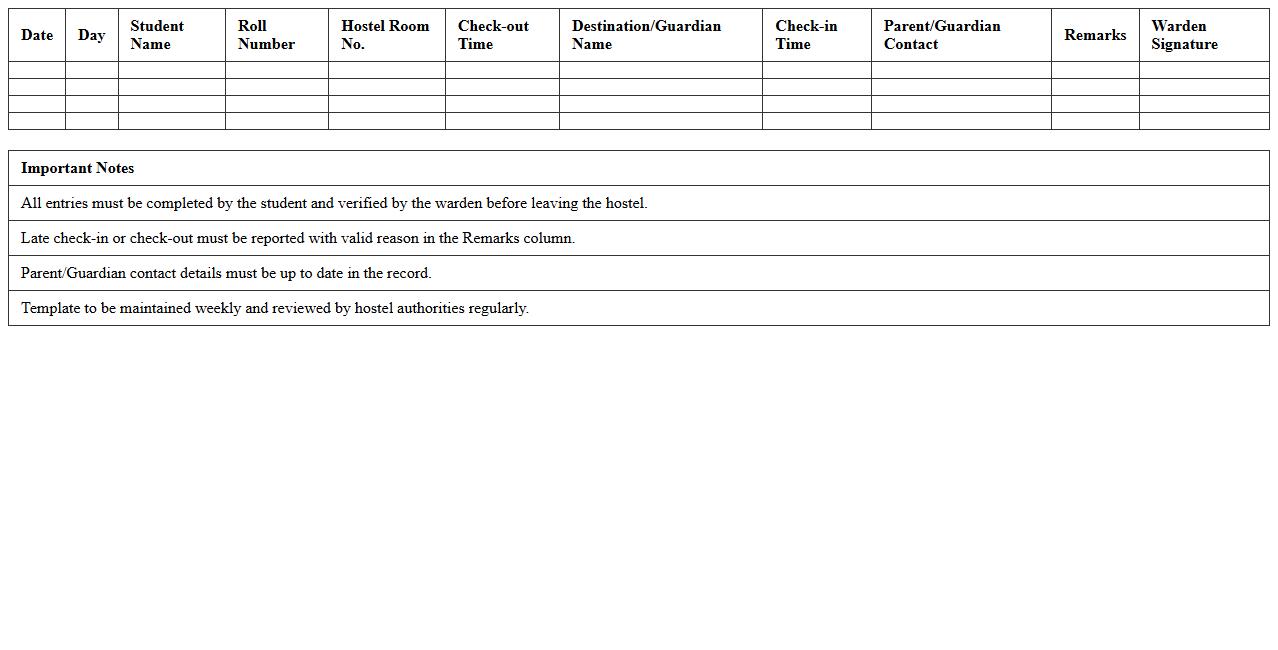
Hostel Warden Resident Check-In/Check-Out Log
The
Hostel Warden Resident Check-In/Check-Out Log document records the arrival and departure details of residents in a hostel, ensuring accurate tracking of occupancy. This log helps maintain security by monitoring who is present on the premises at any given time. It also aids in managing room assignments, billing, and emergency situations effectively.
Weekend/Overnight Hostel Attendance Record Template
The
Weekend/Overnight Hostel Attendance Record Template document is a structured form designed to accurately track and monitor the presence of residents during weekends or overnight stays in a hostel setting. It facilitates efficient record-keeping by logging the names, check-in/check-out times, and any special notes regarding each attendee, ensuring accountability and safety. This template helps hostel managers maintain organized attendance data, streamline reporting processes, and quickly identify any discrepancies or emergencies.
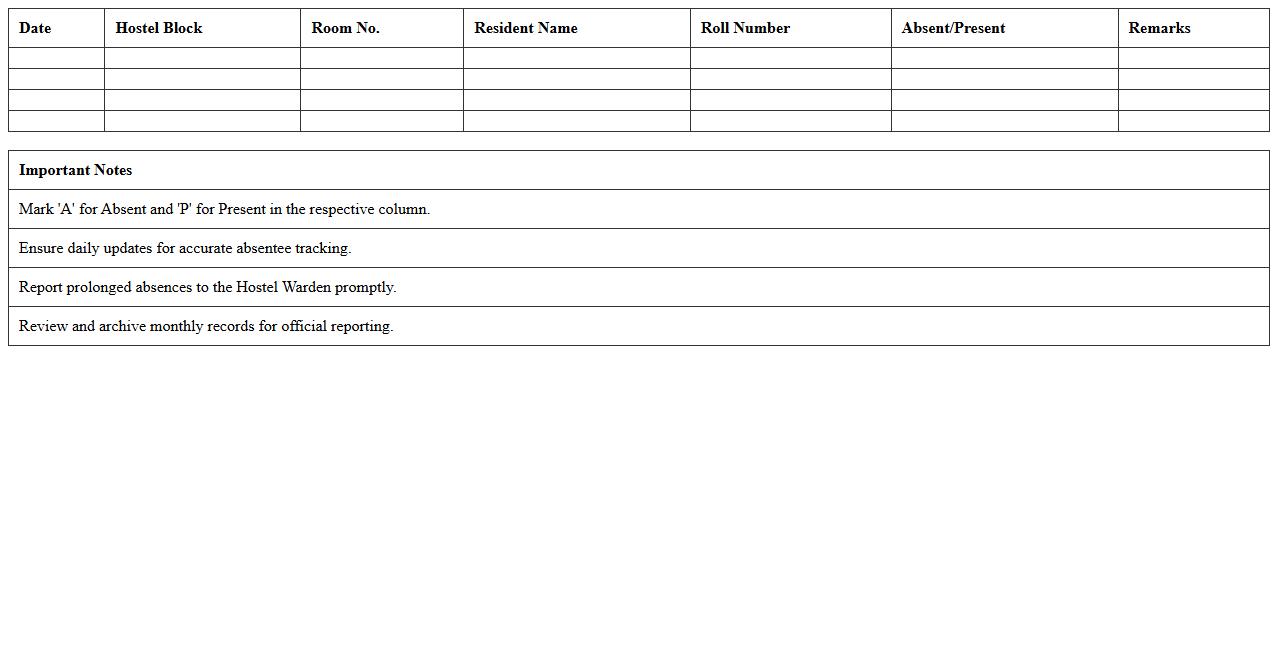
Automated Absentee Report for Hostel Residents Excel
The
Automated Absentee Report for Hostel Residents Excel document streamlines the tracking of attendance by automatically compiling and updating records of resident absences. This tool enhances management efficiency by providing a centralized and easily accessible overview of absentee patterns, enabling timely interventions. It significantly reduces manual data entry errors and saves valuable time in maintaining accurate attendance logs for hostel administration.
How to automate nightly entry records in a Hostel Attendance Register Excel sheet?
To automate nightly entries in a hostel attendance register, use Excel VBA macros to import or update data automatically at a set time. The macro can be triggered by Workbook Open or a scheduled task to ensure records are entered without manual input. This method minimizes errors and saves time by ensuring consistent entry updates every night.
Best formula to track recurring absentees in a university dorm attendance register?
The COUNTIFS formula is ideal for tracking recurring absentees by counting instances of "Absent" for each student across multiple dates. Use =COUNTIFS(range_student, student_id, range_status, "Absent") to highlight absentee patterns efficiently. This formula helps identify students with frequent absences, enabling targeted follow-up.
Which Excel data validation rules ensure accurate room allotment entries?
Implement data validation drop-down lists based on a predefined list of valid room numbers to ensure accurate room allotment entries. Use the "List" validation type referencing a separate sheet or named range containing all available rooms. This prevents entry of invalid or duplicate room numbers, maintaining data integrity.
How to generate monthly attendance summary reports for each dormitory?
Use pivot tables in Excel to summarize monthly attendance data by dormitory efficiently. Set dormitory names as row labels and use attendance status as values aggregated by month. This dynamic approach allows quick generation of detailed monthly reports for better dormitory attendance tracking.
What conditional formatting highlights late entries in a hostel attendance register?
Apply conditional formatting rules using time-based formulas to highlight late entries, such as =AND(ISNUMBER(entry_time), entry_time > TIME(9,0,0)) for entries after 9 AM. Set the formatting to change cell color or font style to visually flag late arrivals. This technique improves monitoring and quick identification of punctuality issues.
More Register Excel Templates