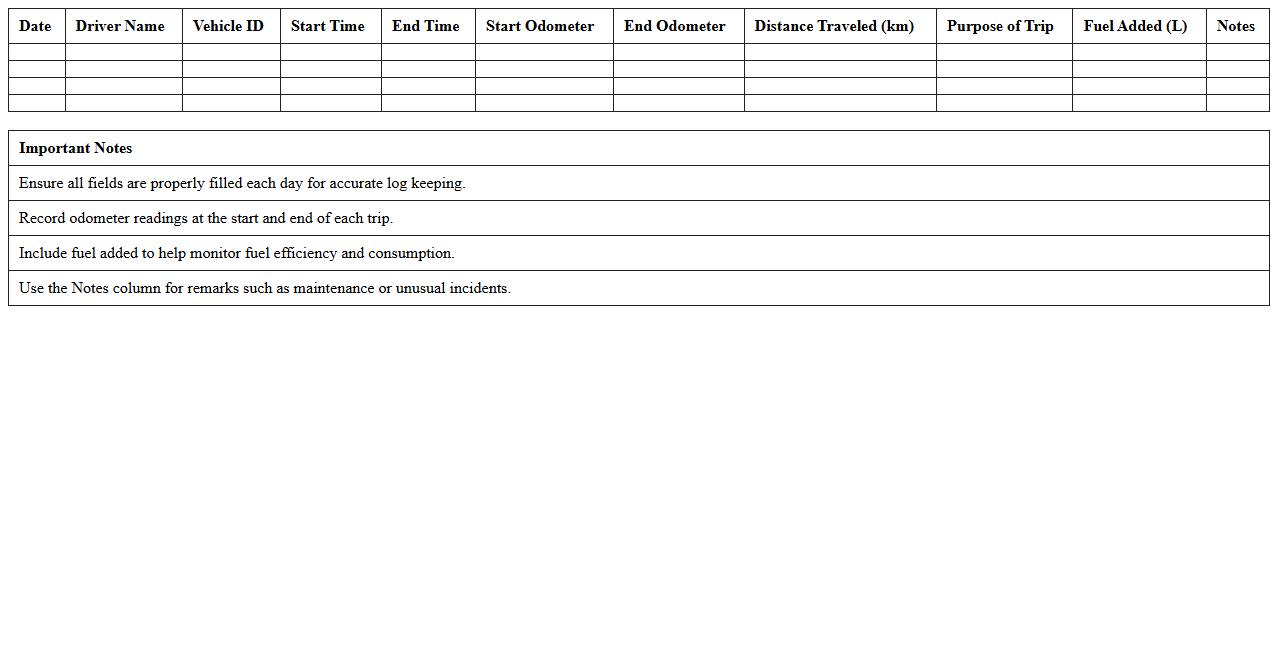
Daily Vehicle Usage Log Excel Template
The
Daily Vehicle Usage Log Excel Template document is a structured spreadsheet designed to track and record daily vehicle activities, including miles driven, fuel consumption, and maintenance details. It ensures accurate monitoring of vehicle usage, helping businesses optimize fleet management and reduce operational costs. By providing clear, organized data, this template supports informed decision-making and simplifies record-keeping for compliance and budgeting purposes.
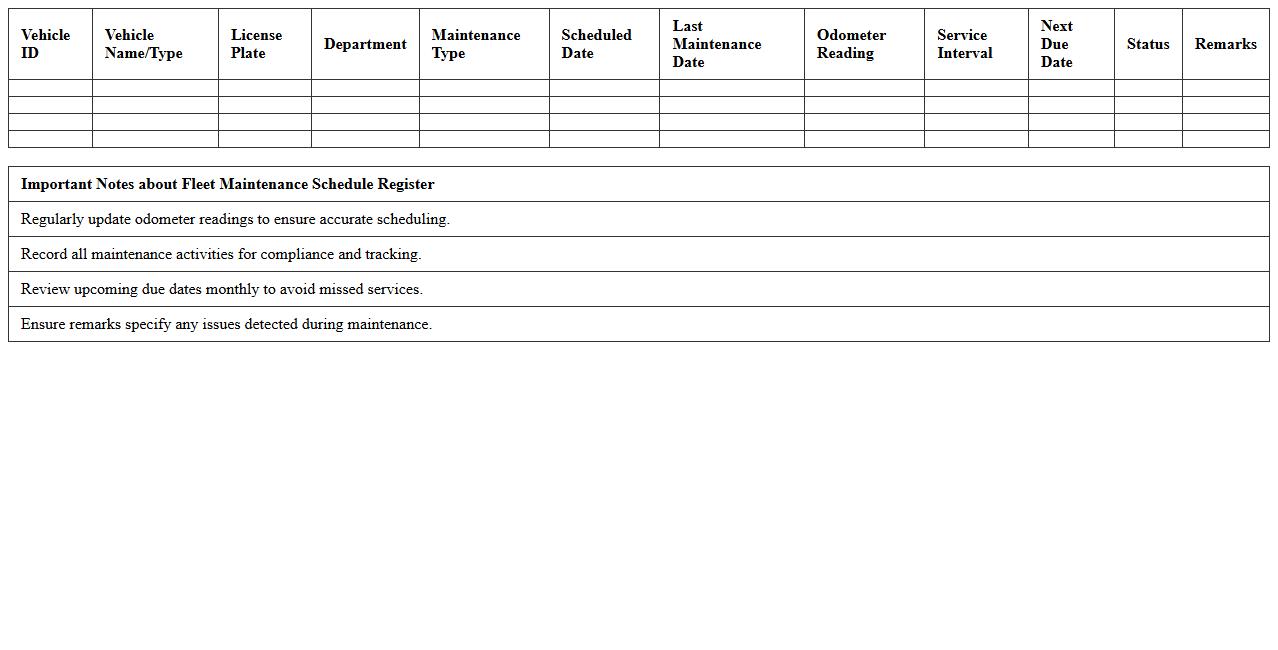
Fleet Maintenance Schedule Register
A
Fleet Maintenance Schedule Register document systematically records all planned maintenance activities for a fleet of vehicles, ensuring timely inspections, servicing, and repairs. This register helps prevent unexpected breakdowns, reduces downtime, and extends vehicle lifespan by adhering to manufacturer-recommended maintenance intervals. Utilizing this document enhances operational efficiency, cost management, and safety compliance within fleet management.
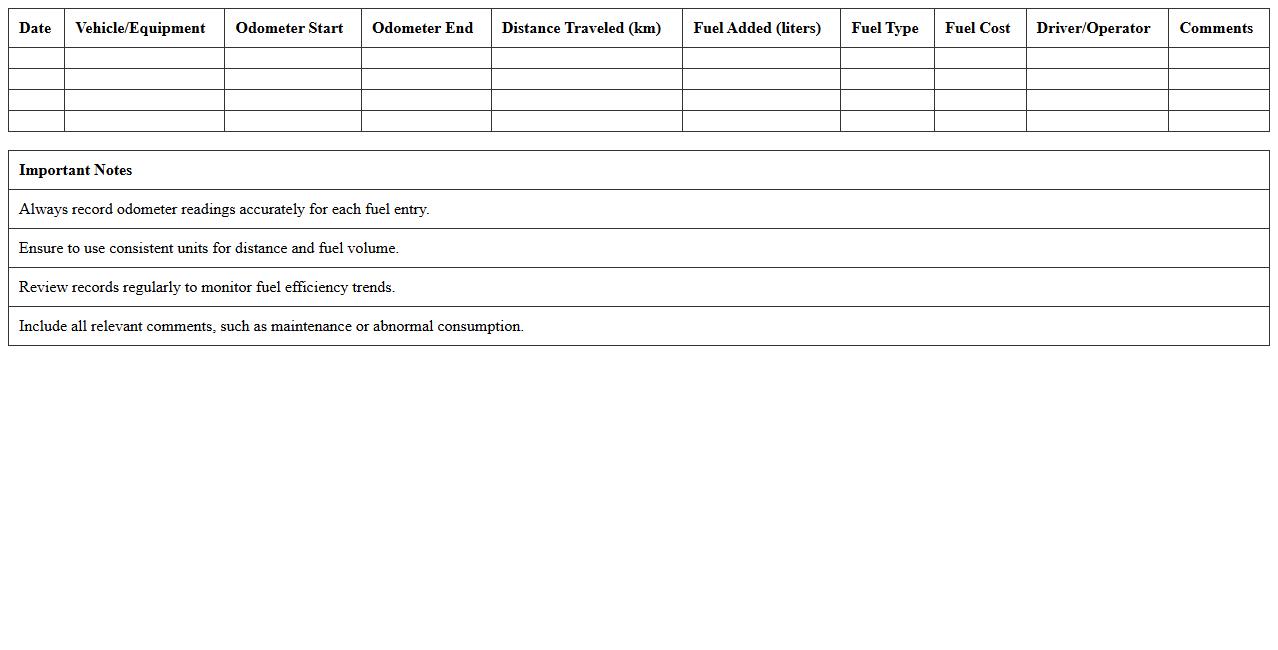
Fuel Consumption Record Spreadsheet
A
Fuel Consumption Record Spreadsheet is a detailed document used to track and analyze fuel usage over a specific period, helping individuals or businesses monitor fuel efficiency and costs. By recording data such as fuel volume, purchase date, vehicle mileage, and cost per unit, it enables better management of fuel expenses and identification of patterns or anomalies. This spreadsheet supports budgeting, reduces unnecessary fuel consumption, and contributes to more sustainable transportation practices.
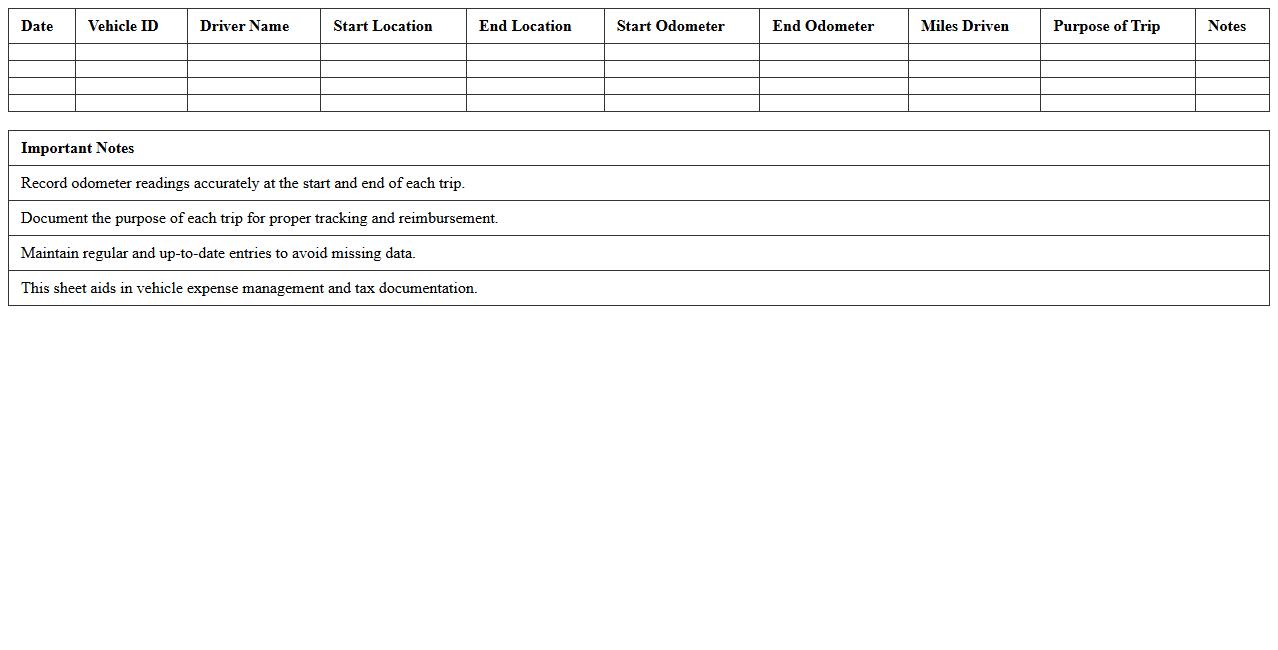
Vehicle Mileage Tracking Sheet
A
Vehicle Mileage Tracking Sheet is a document designed to record and monitor the distance traveled by a vehicle over a specific period. It helps in accurately calculating fuel consumption, maintenance schedules, and expense reimbursements, which is essential for managing operational costs. Businesses and individuals use this sheet to optimize fleet efficiency, ensure proper record-keeping for tax deductions, and improve overall transportation management.
Trip and Journey Log Excel Template
A
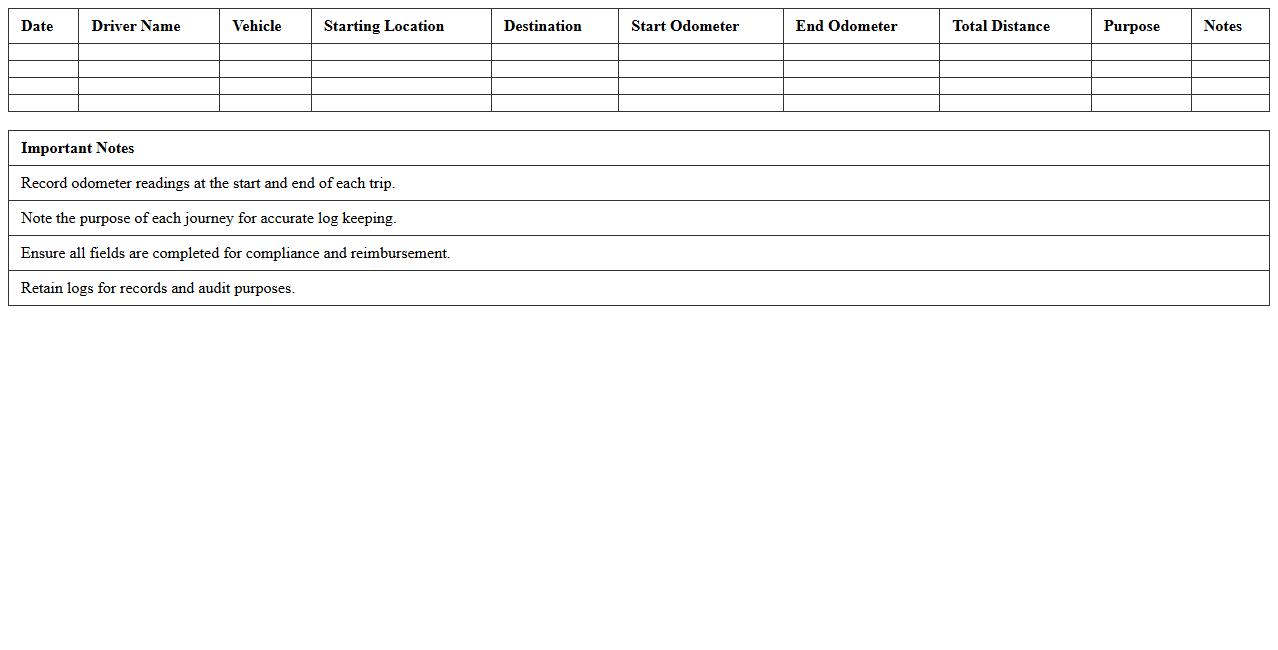
Trip and Journey Log Excel Template document serves as a structured tool to record, organize, and analyze travel details such as dates, destinations, mileage, expenses, and purposes. It helps users maintain accurate travel histories, monitor costs, and optimize routes for both personal and business trips. By utilizing this template, individuals and organizations can enhance trip planning efficiency and simplify expense reporting processes.
Vehicle Service History Register
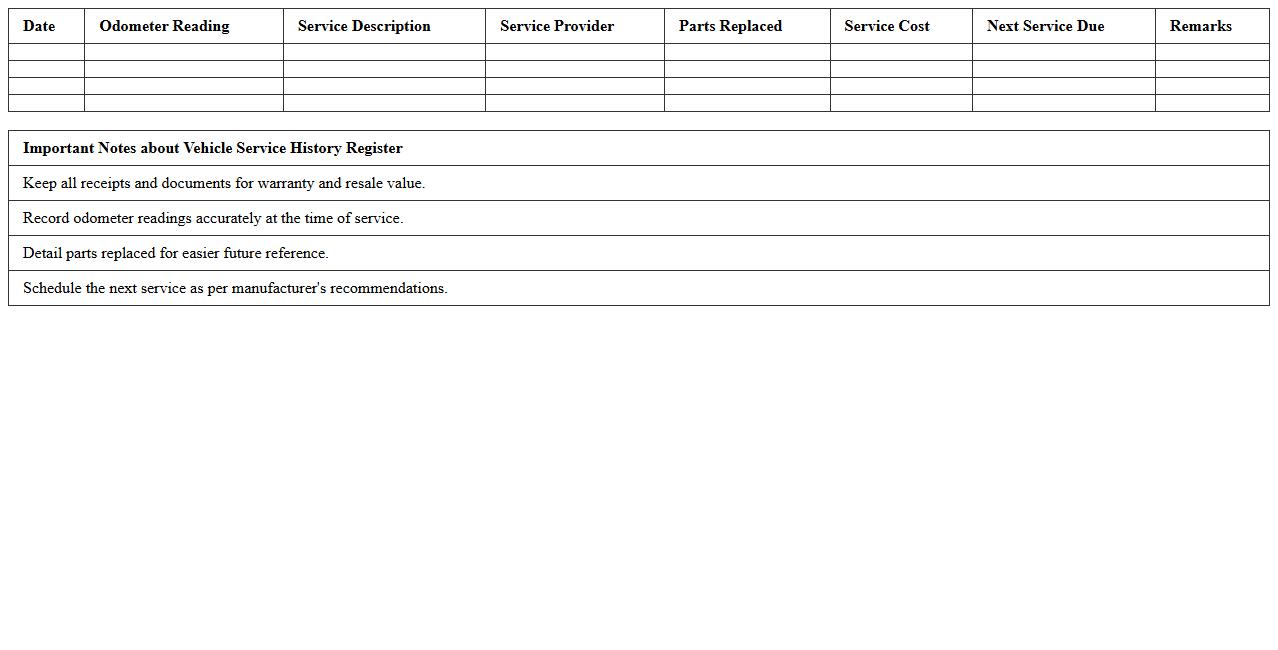
A
Vehicle Service History Register document records all maintenance and repairs performed on a vehicle, providing a detailed timeline of its upkeep. This register helps verify the vehicle's condition, ensuring transparency and boosting resale value by proving consistent care. It is essential for buyers and owners to track service intervals, identify recurring issues, and maintain warranty coverage.
Driver Assignment and Log Report
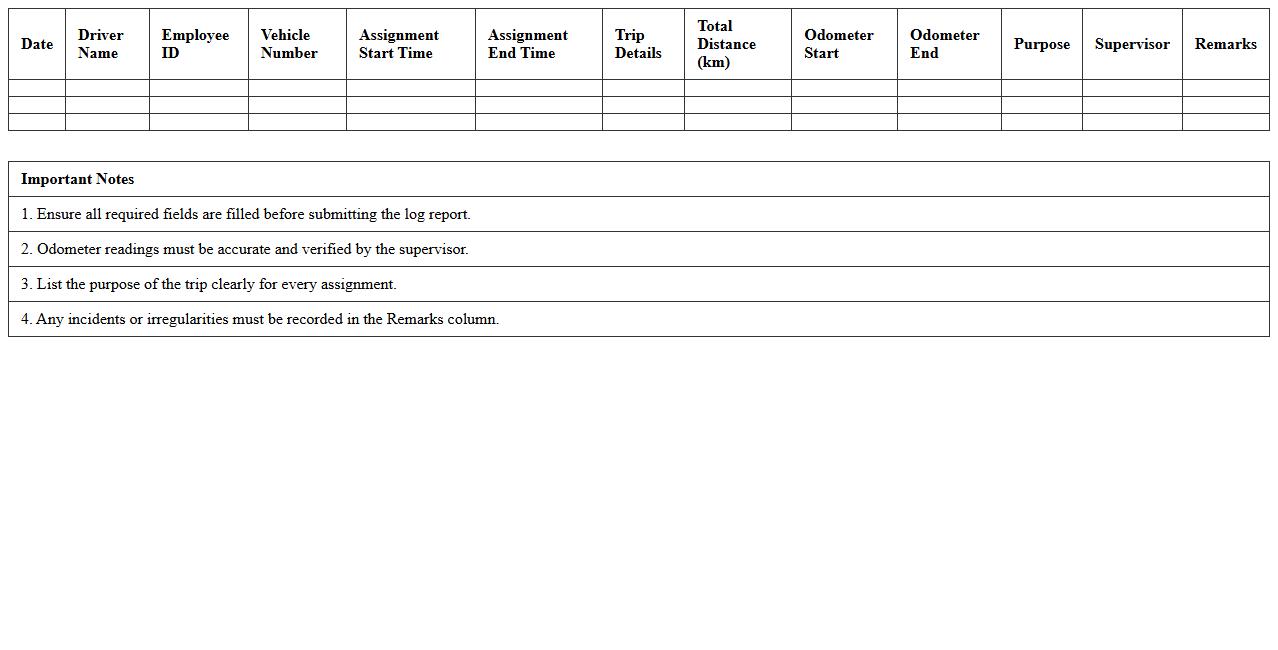
Driver Assignment and Log Report documents provide detailed records of driver schedules, routes, and hours worked, enabling efficient fleet management. These reports ensure compliance with regulations, optimize driver productivity, and enhance safety by tracking driving time and rest periods. Using a
Driver Assignment and Log Report helps businesses reduce operational costs, improve accountability, and maintain accurate records for audits and performance analysis.
Vehicle Inspection Checklist Register
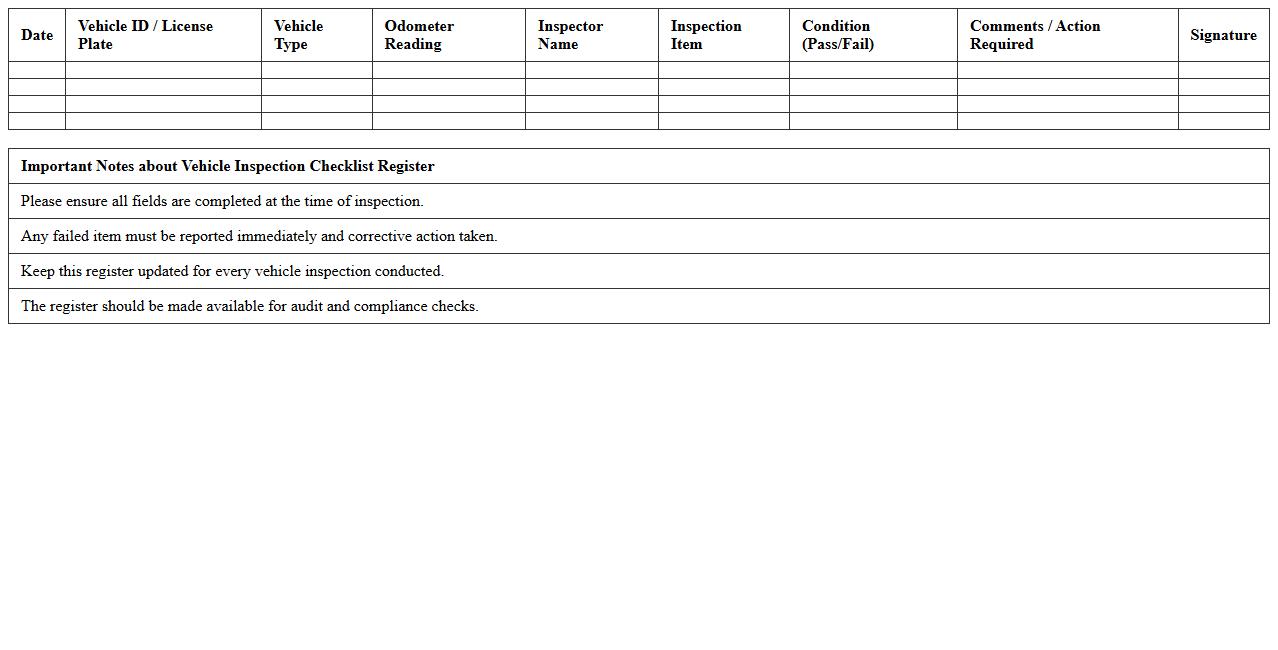
A
Vehicle Inspection Checklist Register is a detailed document used to record the condition and safety status of a vehicle during inspections. It helps track maintenance needs, identify potential mechanical issues early, and ensure compliance with safety regulations. This register enhances fleet management efficiency by promoting vehicle reliability and reducing unexpected breakdowns.
Fleet Expenses Tracking Spreadsheet
A
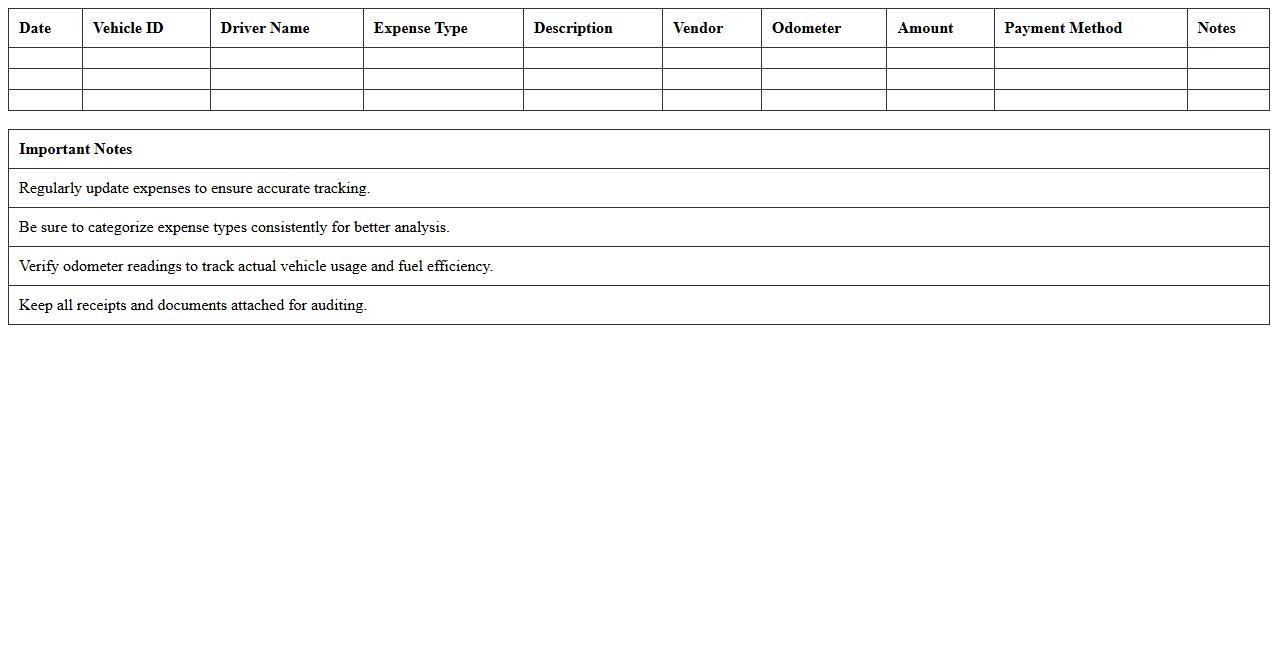
Fleet Expenses Tracking Spreadsheet is a comprehensive tool designed to monitor and record all costs related to vehicle operation, including fuel, maintenance, insurance, and depreciation. It enables businesses to analyze expenditure patterns, identify cost-saving opportunities, and ensure accurate budgeting for fleet management. This document enhances financial transparency and operational efficiency by providing real-time data insights essential for making informed decisions.
Vehicle Accident and Incident Log Template
A
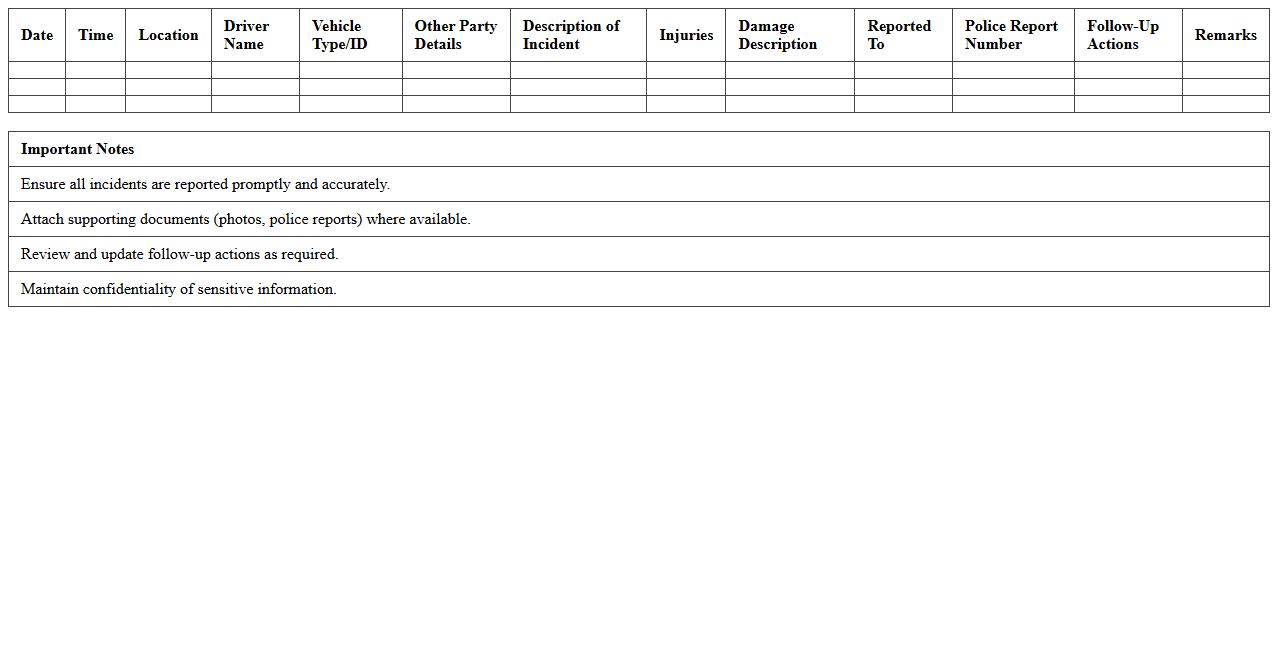
Vehicle Accident and Incident Log Template is a structured document designed to systematically record details of accidents and incidents involving vehicles. It captures essential data such as date, time, location, parties involved, description of the event, and actions taken, enabling thorough analysis and reporting. This template is invaluable for improving fleet safety, ensuring regulatory compliance, and facilitating claims and investigations by maintaining organized and accessible records.
How can I automate mileage calculations in my Vehicle Log Register Excel template?
To automate mileage calculations, use Excel formulas like =SUM() or =IF() combined with odometer readings. Input the start and end odometer values, then calculate the difference to find the distance traveled. Automating these calculations ensures accurate and efficient tracking of each vehicle's mileage.
What are the best formulas for tracking fuel consumption per vehicle in Excel?
The most effective formula for fuel consumption tracking is calculating miles per gallon (MPG) or liters per 100 kilometers using the formula =Distance / Fuel Used. Incorporate data validation and dynamic ranges to capture accurate consumption for each trip. Utilizing these formulas helps optimize fuel efficiency monitoring for every vehicle.
How do I structure a dropdown menu for driver assignment in a fleet log register?
Create a dropdown menu in Excel using the Data Validation feature with a named range containing driver names. This structured list allows easy and consistent driver assignment across the log register. Dropdowns improve accuracy by preventing manual entry errors when assigning vehicles to drivers.
What conditional formatting can alert me to upcoming vehicle maintenance in Excel?
Use conditional formatting to highlight cells based on upcoming maintenance dates by applying rules like =TODAY()+30>=MaintenanceDate. This visually flags vehicles due for service within 30 days, helping you stay proactive. Color-coded alerts ensure maintenance deadlines are not missed in your fleet register.
How can I create a summary dashboard for fleet utilization using Excel PivotTables?
Build a summary dashboard by inserting PivotTables to analyze key metrics like total mileage, fuel consumption, and vehicle availability. Incorporate slicers and charts to enable interactive filtering of data by vehicle or driver. This dynamic dashboard provides clear insights into overall fleet utilization and performance.