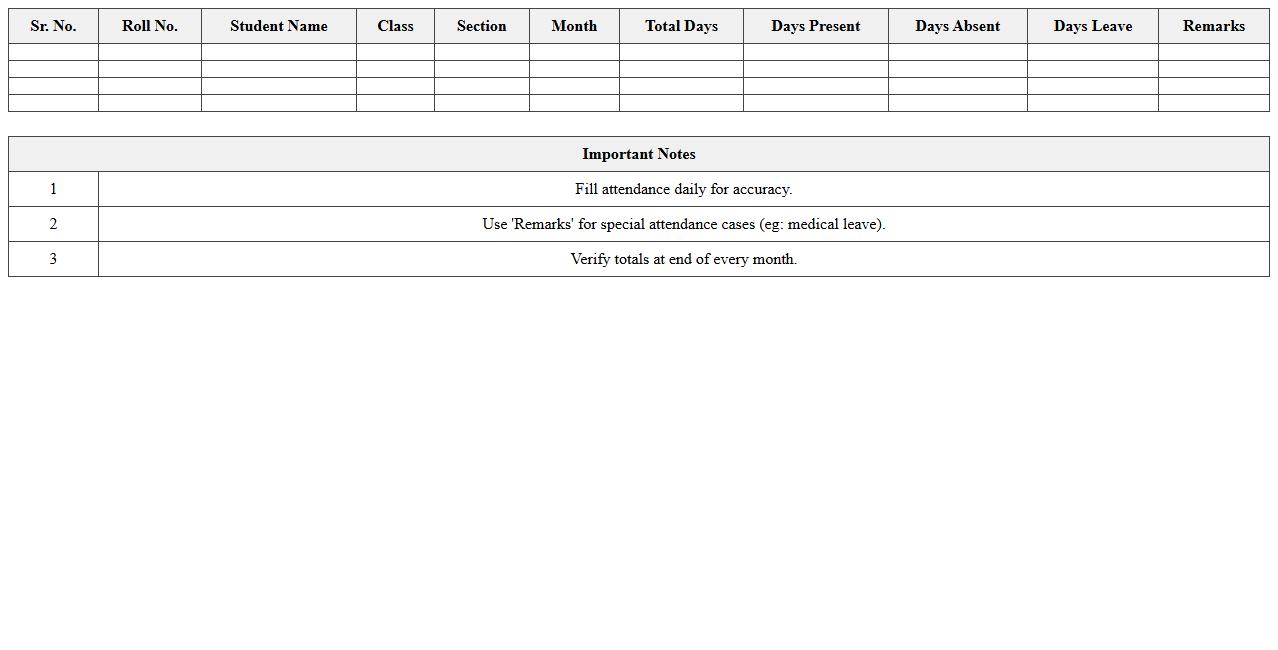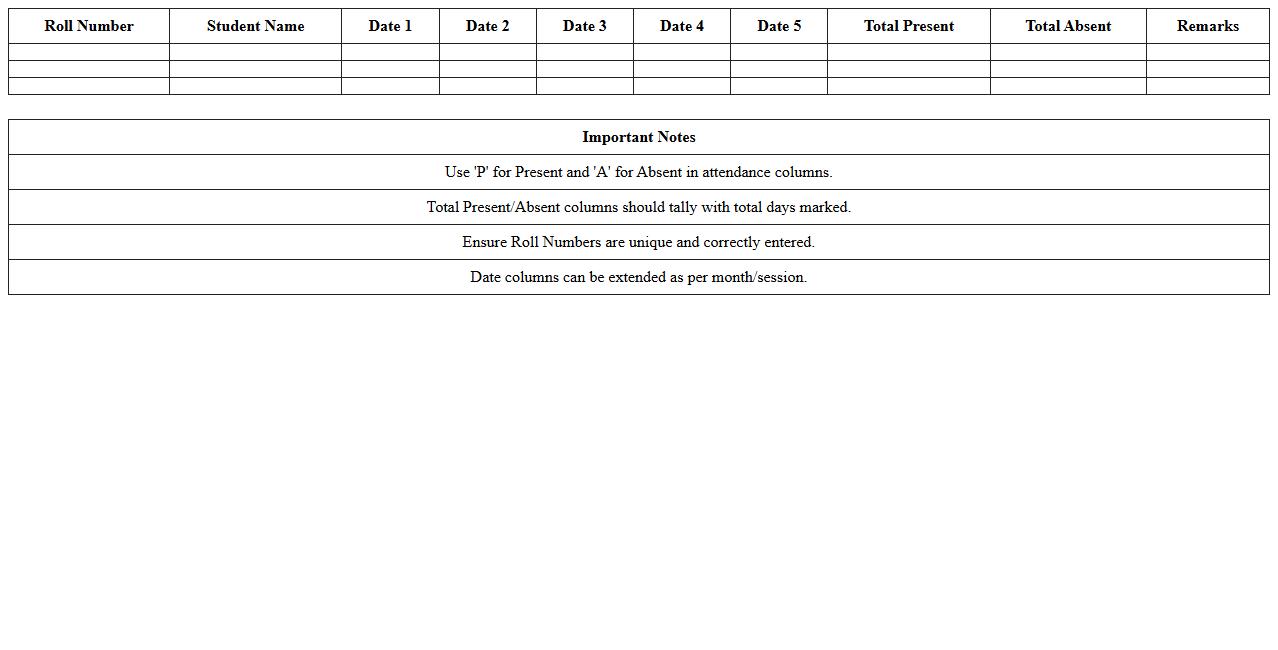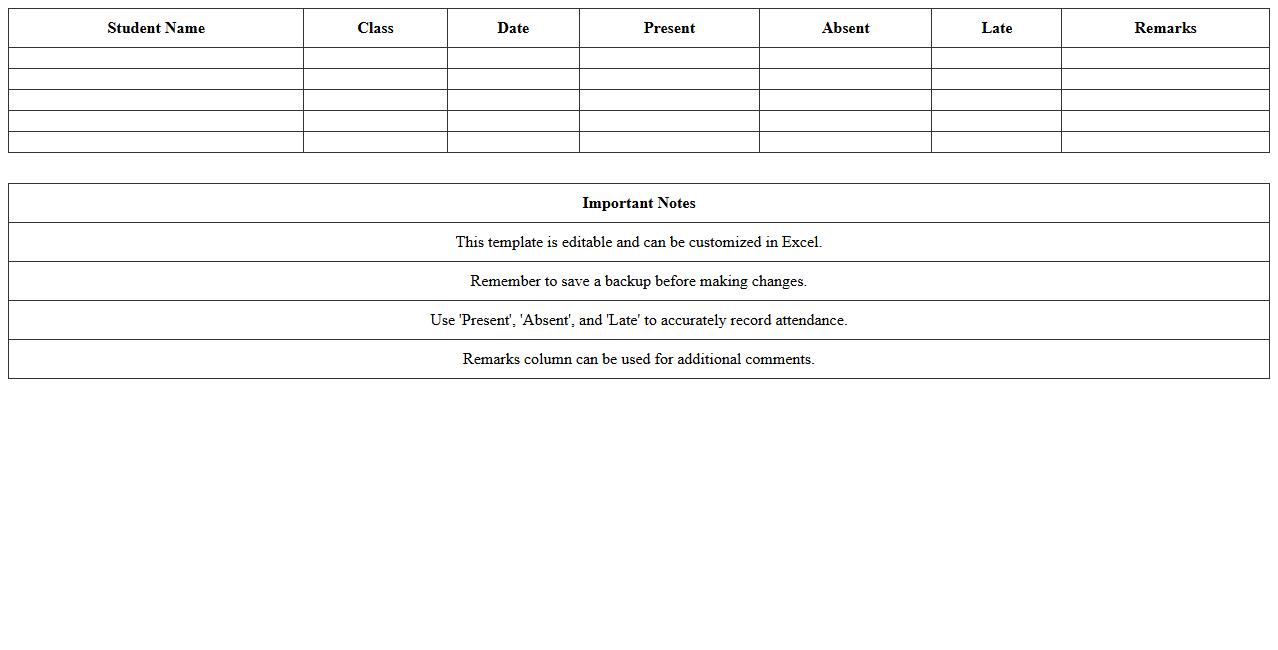
The Attendance Register Excel Template for School Students provides an easy-to-use digital solution for tracking daily attendance efficiently. It features customizable columns for student names, dates, and attendance status, allowing teachers to monitor punctuality and absences accurately. This template enhances record-keeping and simplifies the process of generating attendance reports.
Classwise Student Attendance Register Excel Template
The
Classwise Student Attendance Register Excel Template document is a structured digital tool designed to systematically record and track student attendance by class and date. It simplifies the management of attendance data, enabling educators to monitor attendance patterns, calculate attendance percentages, and generate reports efficiently. Using this template helps maintain accurate records, reduces manual errors, and supports compliance with institutional attendance policies.
Daily Student Attendance Tracker Spreadsheet
A
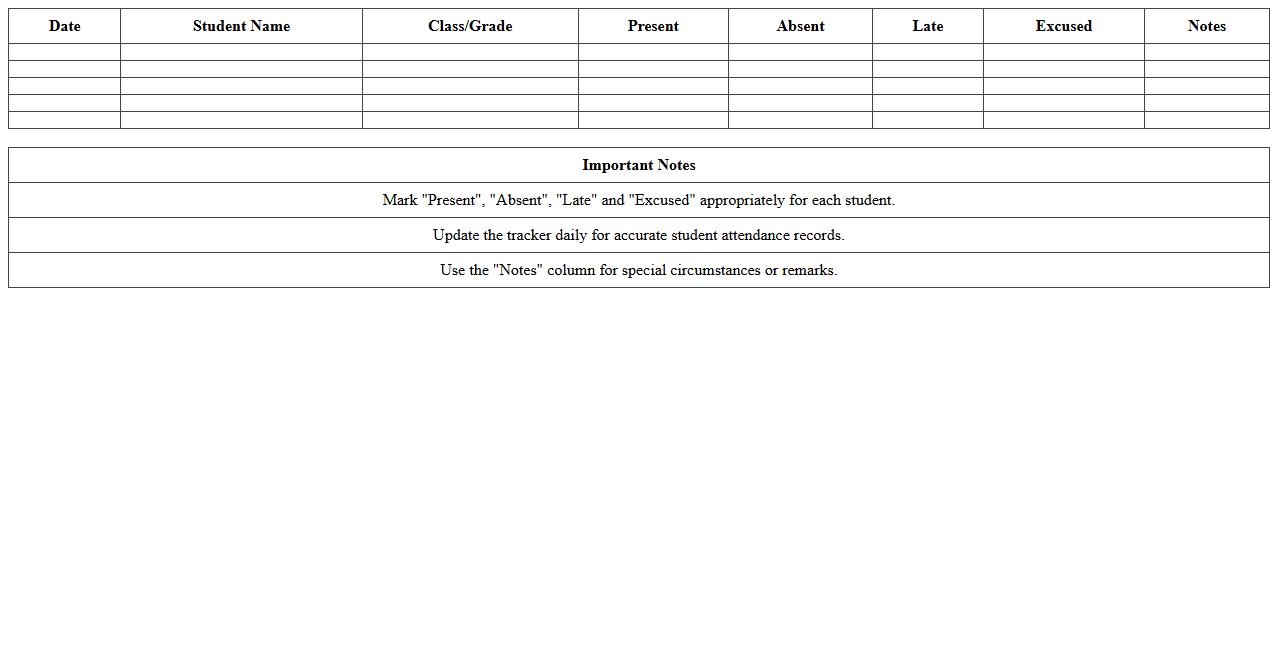
Daily Student Attendance Tracker Spreadsheet is a digital document designed to systematically record and monitor daily attendance of students in classrooms or educational institutions. It helps educators efficiently track student presence, identify patterns of absenteeism, and maintain accurate attendance records for reporting and analysis. Using this tool enhances administrative organization, supports timely interventions, and ensures compliance with attendance policies.
Monthly School Attendance Register Excel Format
The
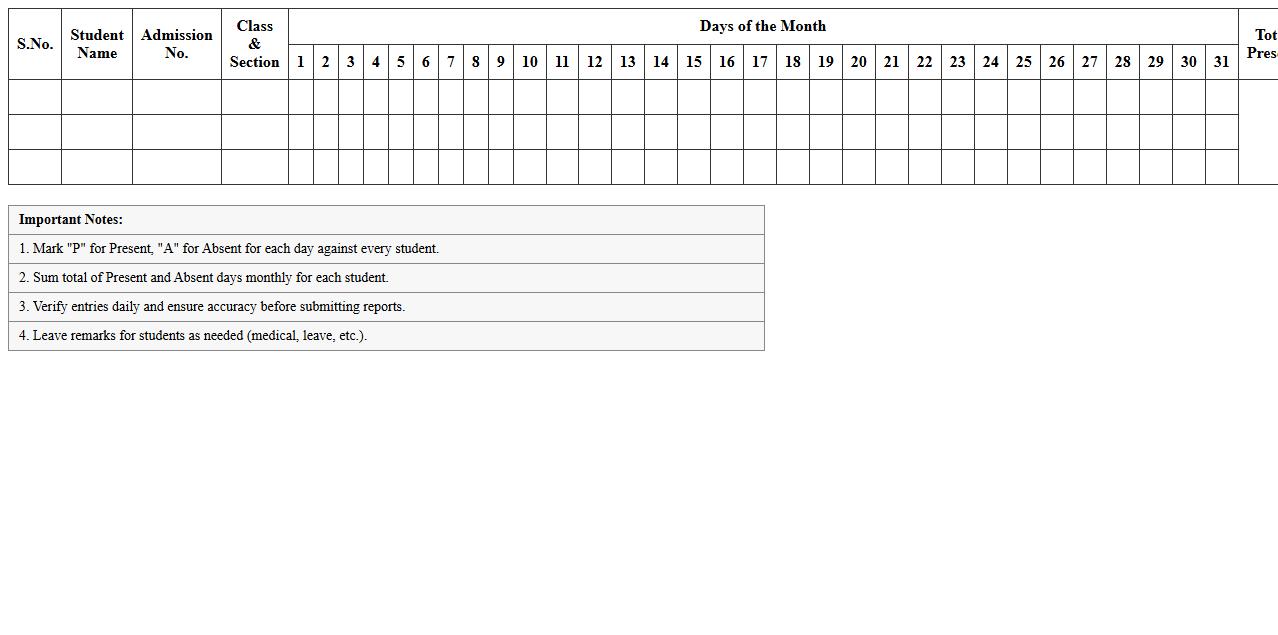
Monthly School Attendance Register Excel Format document is a systematic tool designed to track daily attendance of students throughout the month, enabling easy monitoring and analysis of attendance patterns. It provides educators and administrators with a clear, organized record that helps identify absenteeism trends, facilitates timely interventions, and ensures accurate reporting for administrative and compliance purposes. By using this format, schools can efficiently manage attendance data, save time on manual record-keeping, and improve overall student attendance management.
Subject-wise Attendance Sheet Template for Students
A
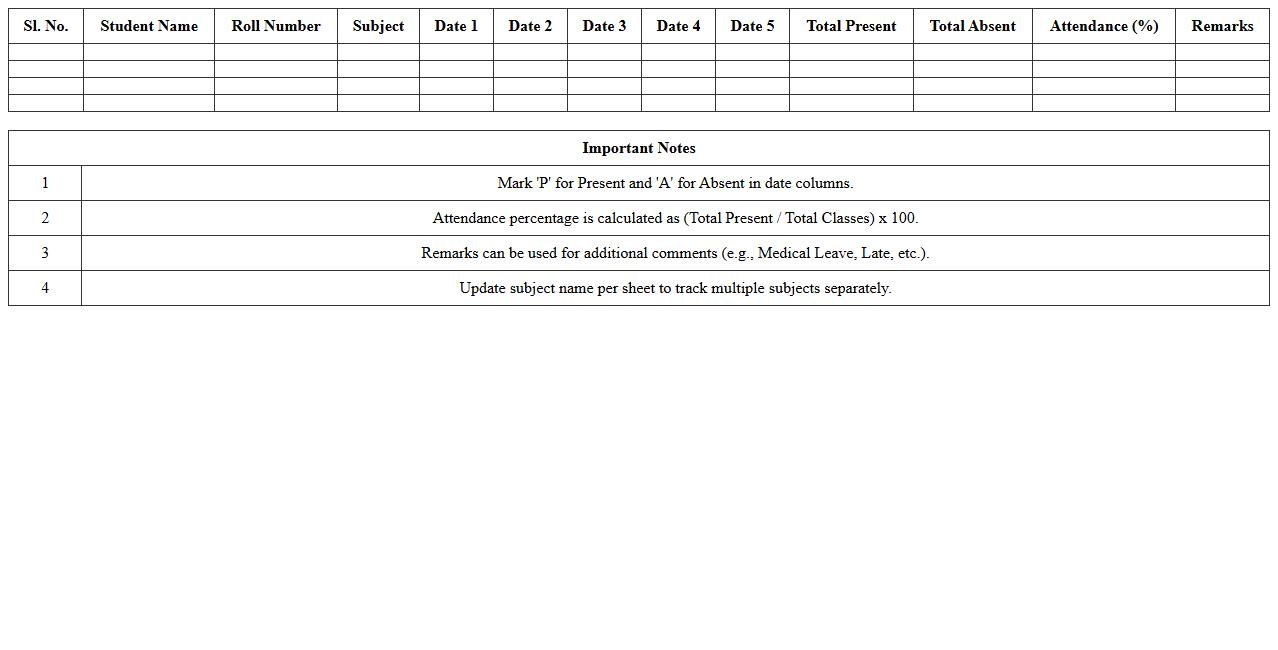
Subject-wise Attendance Sheet Template for Students is a structured document designed to record and track attendance for each subject separately, helping educators monitor student participation efficiently. This template allows teachers to easily input daily attendance, generate reports for individual subjects, and identify patterns of absenteeism. By maintaining organized records, it supports accurate evaluation of student engagement and facilitates timely interventions to improve academic performance.
Automatic Attendance Percentage Calculator Excel
An
Automatic Attendance Percentage Calculator Excel document is a spreadsheet tool designed to accurately compute attendance percentages based on daily attendance records. It helps organizations, schools, and businesses efficiently track and calculate attendance rates without manual errors, saving time and ensuring reliability. This tool enables better monitoring of attendance trends, facilitating timely decision-making and improving overall attendance management.
Weekly Student Attendance Record Excel Template
The
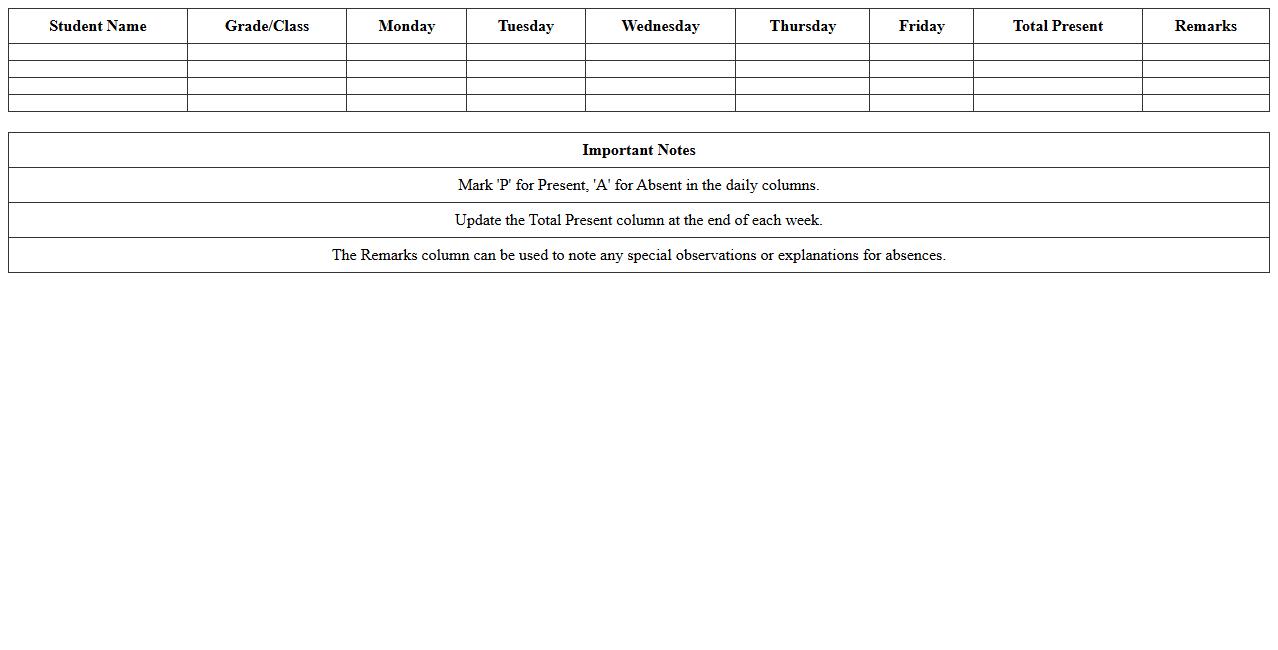
Weekly Student Attendance Record Excel Template is a structured spreadsheet designed to track and monitor student attendance over a weekly period efficiently. It helps educators maintain accurate records, identify attendance patterns, and quickly generate reports for administrative purposes. This template streamlines the attendance management process, saving time and reducing errors compared to manual methods.
Yearly Attendance Register Excel Sheet for Schools
A
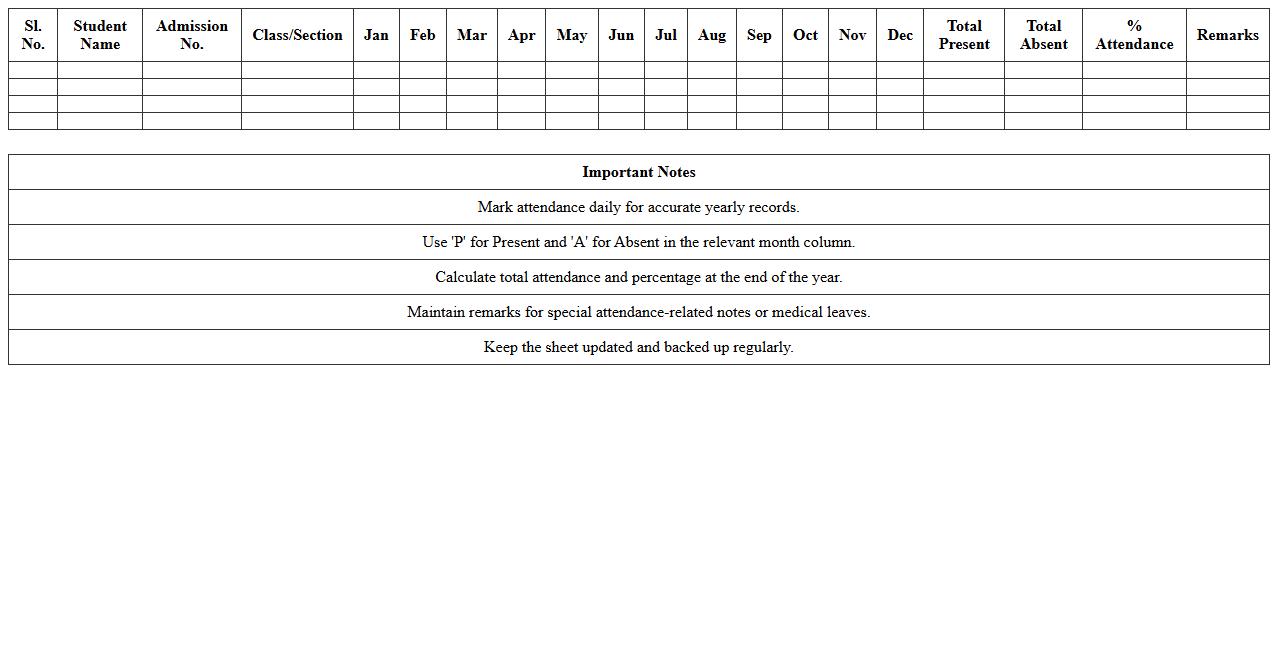
Yearly Attendance Register Excel Sheet for Schools is a digital document designed to systematically record and track student attendance throughout the academic year. It provides an organized format to monitor daily attendance, calculate attendance percentages, and identify patterns of absenteeism efficiently. This tool is essential for educators and administrators to ensure compliance with attendance policies, improve student engagement, and facilitate easy reporting and analysis.
Simple Student Absentee Register Excel Template
The
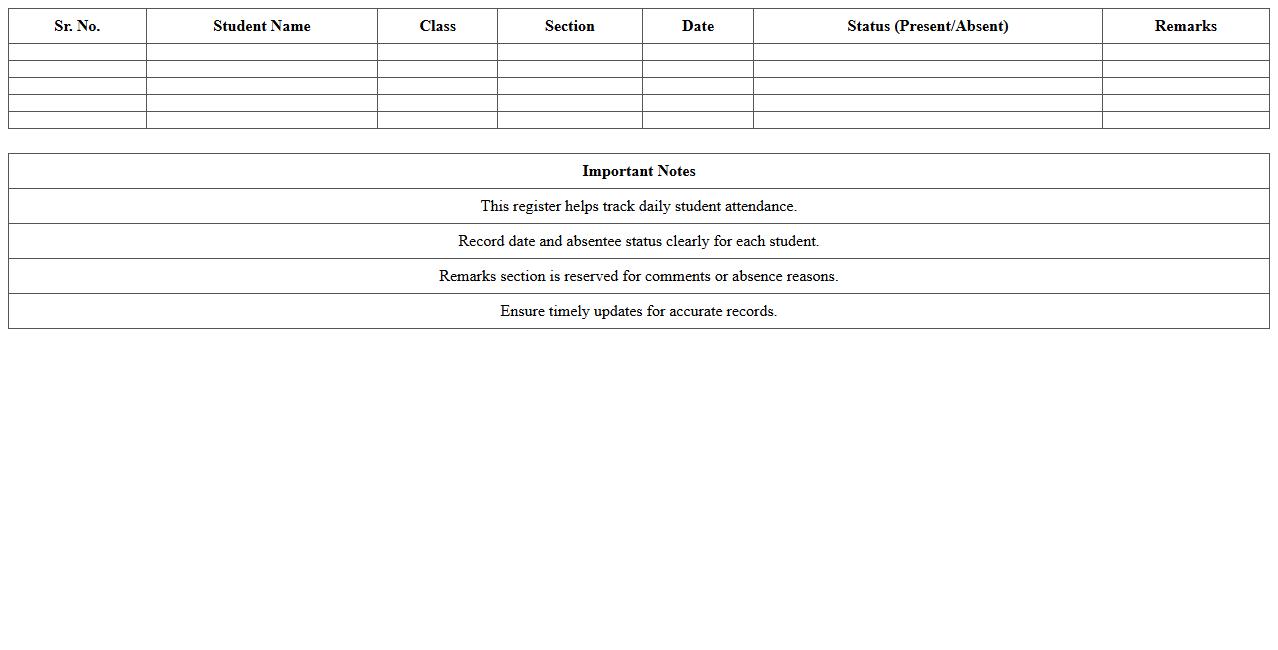
Simple Student Absentee Register Excel Template is a practical document designed for tracking student attendance efficiently. It allows educators to record daily absences, monitor patterns over time, and generate reports to improve student management. Utilizing this template enhances organization, reduces administrative workload, and supports proactive intervention for absenteeism.
Roll Number-wise Attendance Excel Format
The
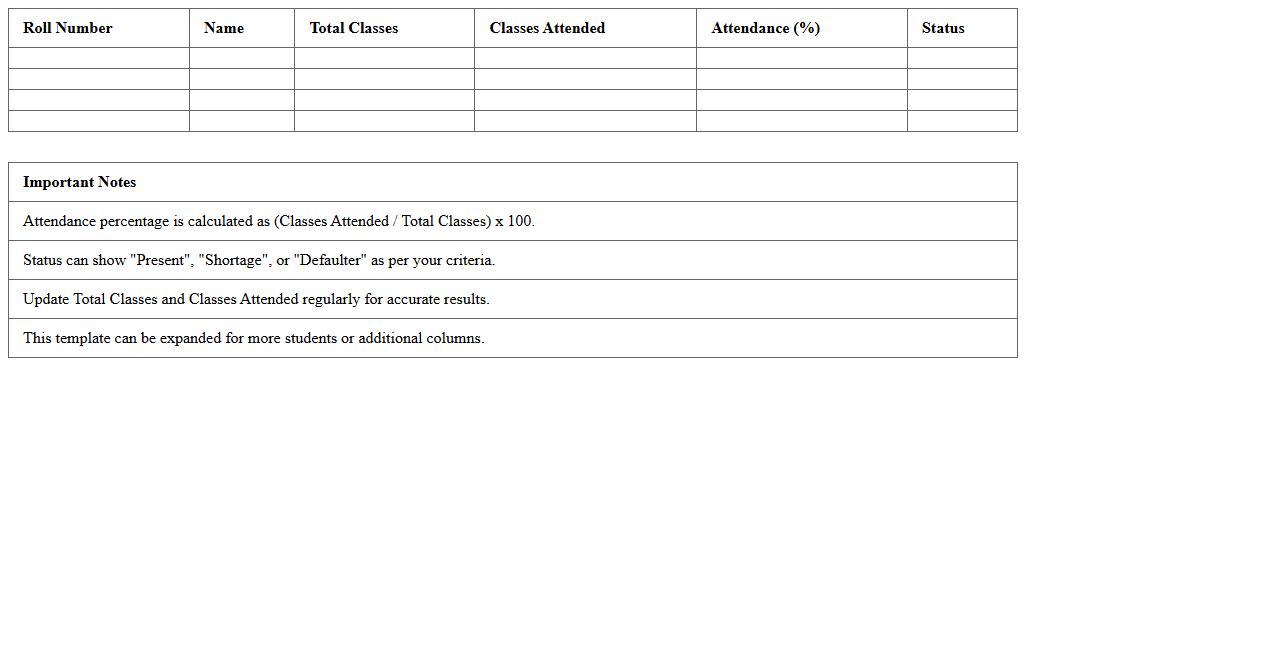
Roll Number-wise Attendance Excel Format is a structured spreadsheet designed to record and track student attendance systematically using unique roll numbers. This format enables easy identification of absenteeism patterns and simplifies attendance management for teachers and administrators. Its organized layout supports quick data entry and efficient analysis, improving overall attendance monitoring and reporting processes.
Editable School Attendance Sheet Template Excel
An
Editable School Attendance Sheet Template Excel document is a customizable spreadsheet designed to record and track student attendance efficiently. It simplifies monitoring daily attendance, helps identify patterns such as frequent absenteeism, and supports accurate record-keeping for administrative purposes. Schools benefit from its easy-to-use format, automation features, and ability to generate reports for better student management and compliance with education regulations.
How to auto-calculate monthly attendance percentages in an Excel register?
To auto-calculate monthly attendance percentages in Excel, use the COUNTIF function to tally present days. Divide the number of present days by the total school days to get the percentage. Apply this formula next to each student's row for automated monthly calculations.
Which Excel formula best flags irregular student attendance patterns?
The COUNTIFS formula combined with conditional formatting identifies irregular attendance by counting absences exceeding a threshold. Use it to highlight students with frequent or consecutive absences. This method efficiently flags attendance anomalies in a large dataset.
What are effective color-coding schemes for marking absences in Excel?
Use conditional formatting to apply red for unexcused absences and yellow for excused absences. Green can indicate present days, helping quick visual analysis. Color-coding simplifies tracking attendance status at a glance in an Excel register.
How to secure sensitive student data in an Excel attendance sheet?
Protect sensitive data by setting password encryption and limiting sheet access. Use Excel's built-in "Protect Sheet" and "Protect Workbook" features strategically. Additionally, avoid sharing files without removing personally identifiable information.
Can Excel generate automatic attendance summary reports for each student?
Excel can create automatic attendance summary reports using PivotTables and formulas. Summarize total present, absent, and late days per student dynamically. This streamlines report generation for teachers and administrative staff.
More Register Excel Templates