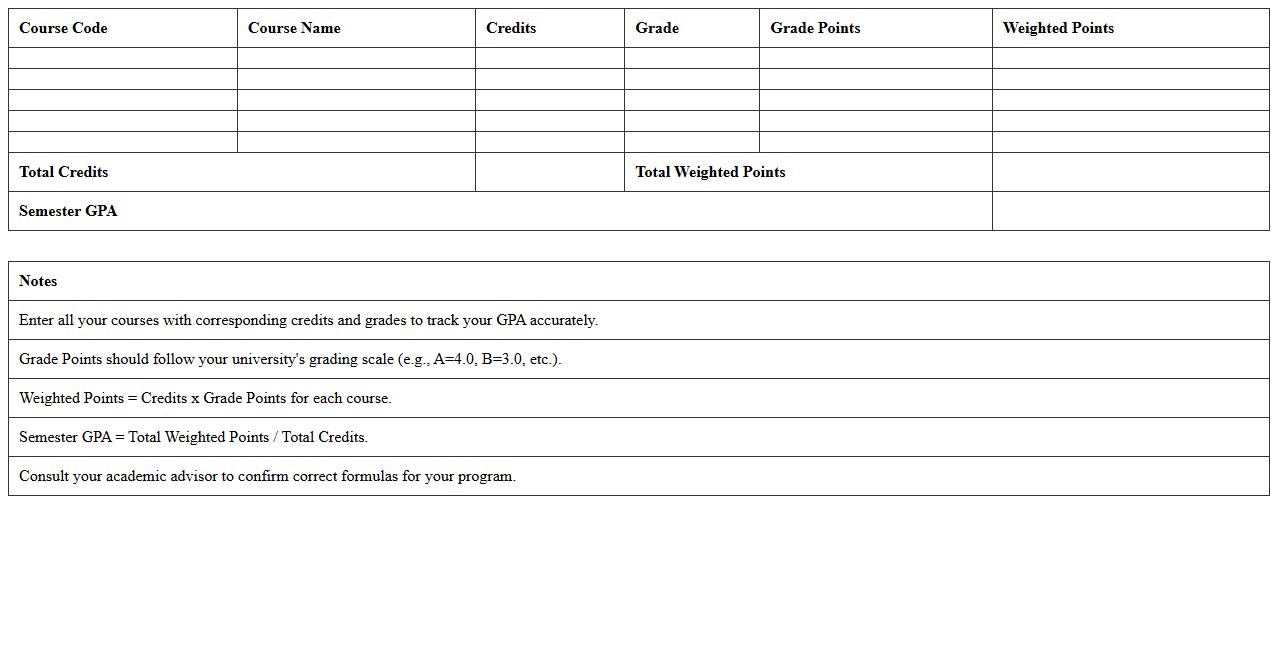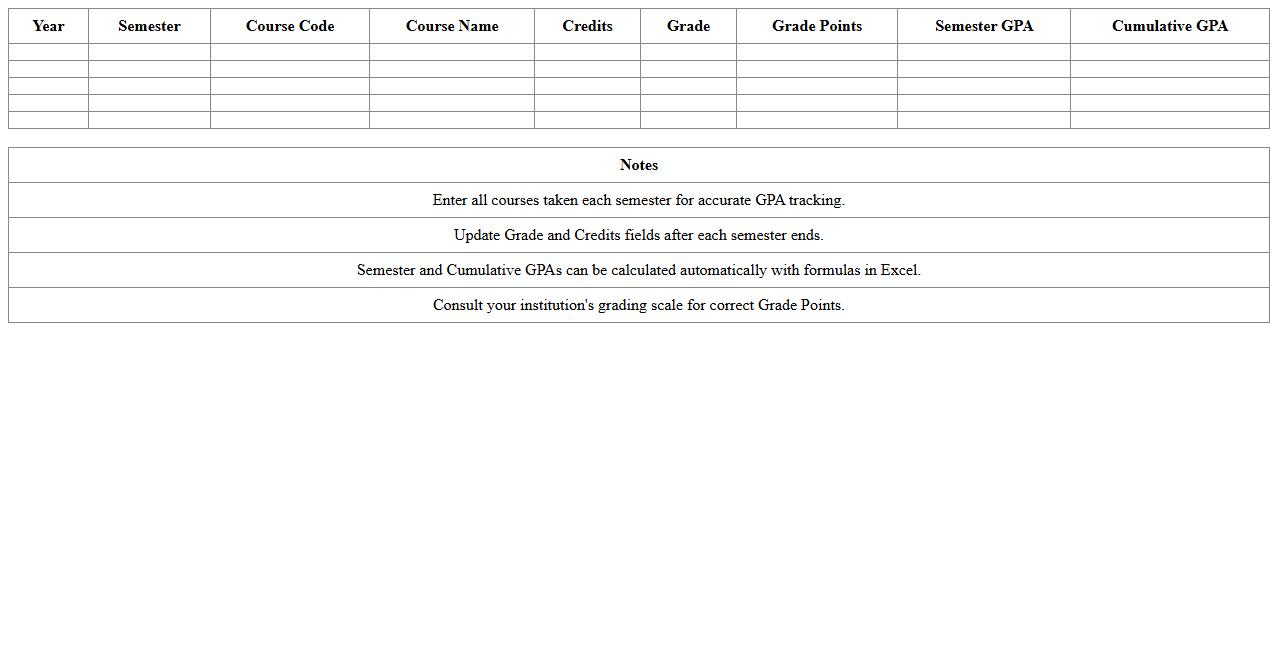
The Cumulative GPA Calculation Excel Template for University Students is a user-friendly tool designed to help students accurately track and calculate their overall GPA across multiple semesters. It simplifies the process by allowing easy input of course grades, credit hours, and automatically updating the cumulative GPA in real-time. This template ensures efficient academic progress monitoring and supports better educational planning.
Semester GPA Tracker Excel Template for University Students
The
Semester GPA Tracker Excel Template is a digital tool designed for university students to accurately record and calculate their GPA each semester. It streamlines academic performance monitoring by allowing users to input course credits and grades, generating a clear overview of their progress. This template helps students stay organized, set academic goals, and make informed decisions to improve their educational outcomes.
Course Grade Summary Excel Template for College Use
The
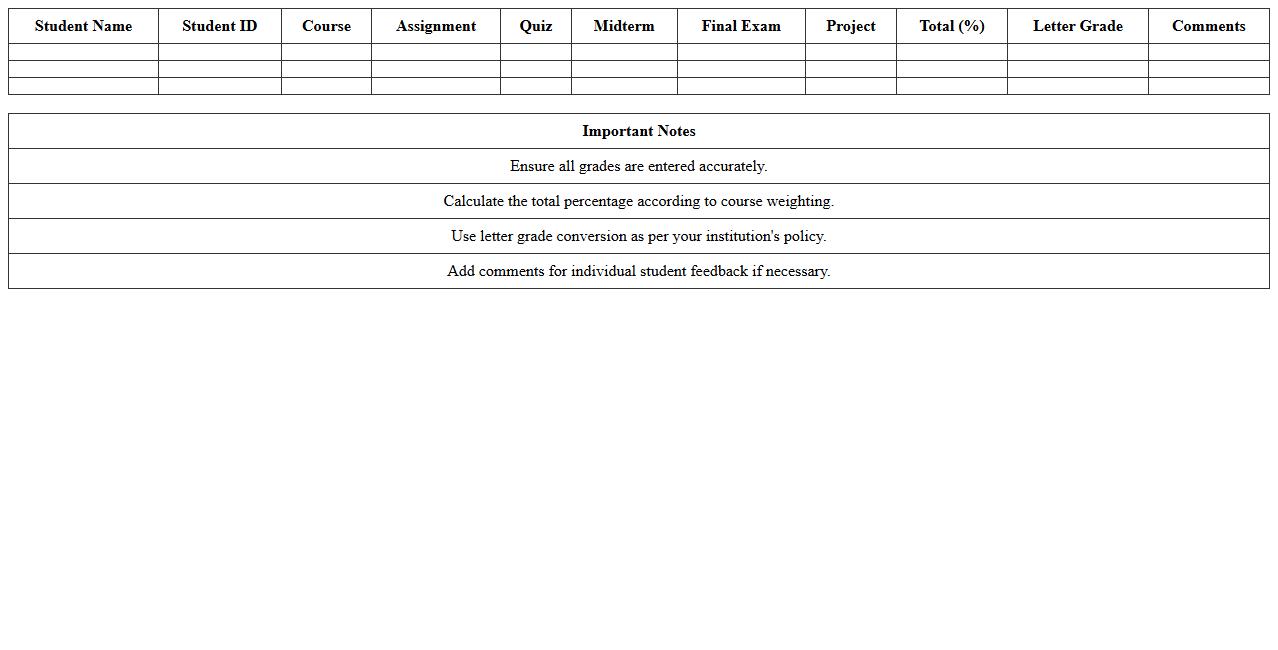
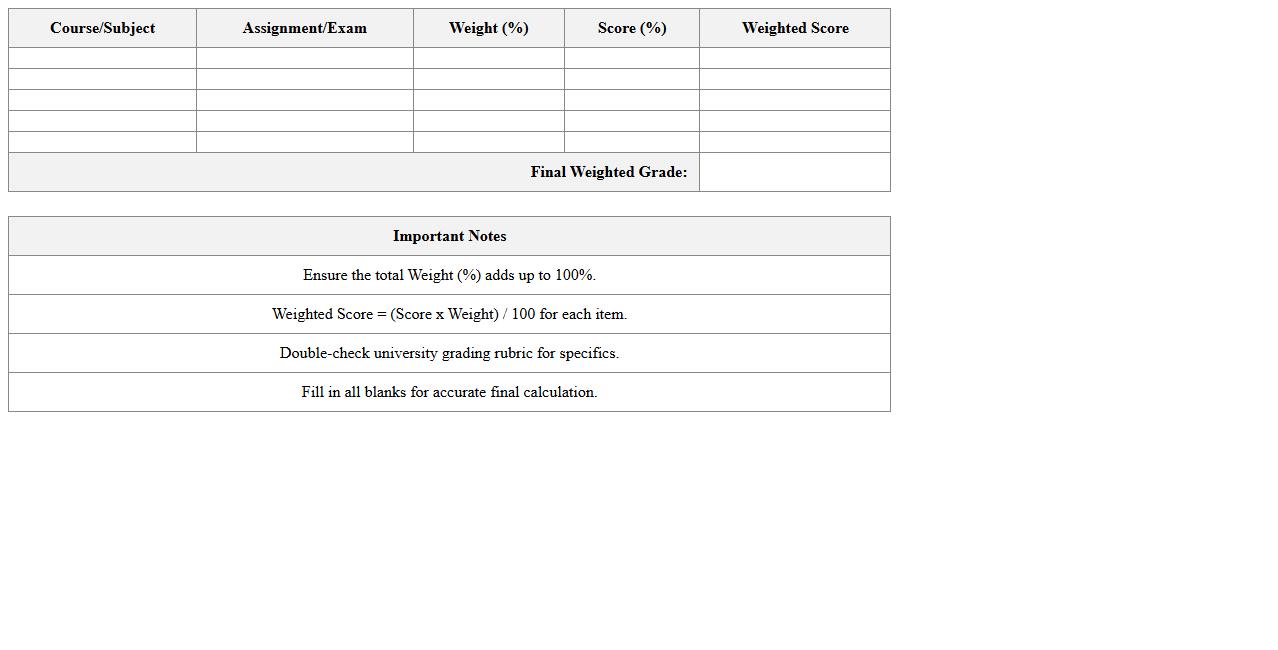
Course Grade Summary Excel Template for college use is a structured spreadsheet designed to organize and calculate student grades efficiently. It helps educators track individual assignment scores, calculate weighted averages, and generate final course grades with accuracy and ease. By streamlining grade management, this template saves time and enhances transparency in academic performance evaluation.
Academic Progress Monitoring Excel Sheet for Students
The
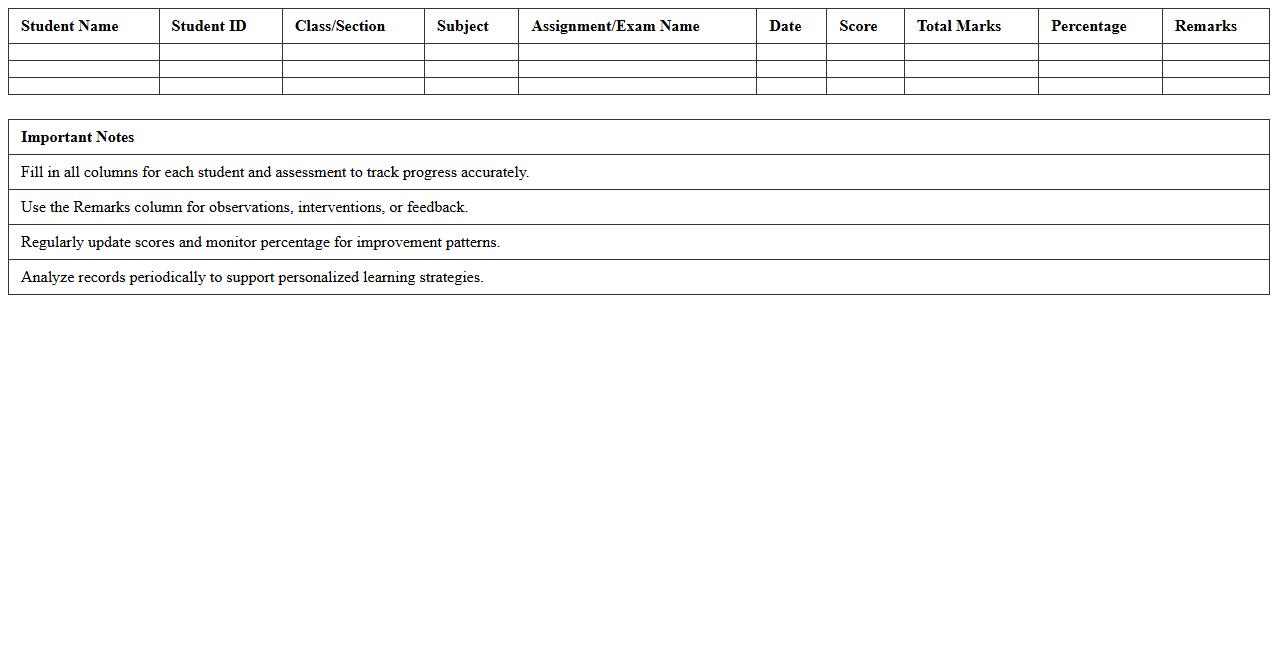
Academic Progress Monitoring Excel Sheet is a comprehensive tool designed to track and evaluate students' educational development over time. It allows educators and students to record assignment scores, test results, and attendance, enabling clear visualization of academic trends and areas needing improvement. This organized approach facilitates data-driven decision making, enhances personalized learning strategies, and helps maintain consistent academic performance.
University Course Credit Calculator Excel Template
The
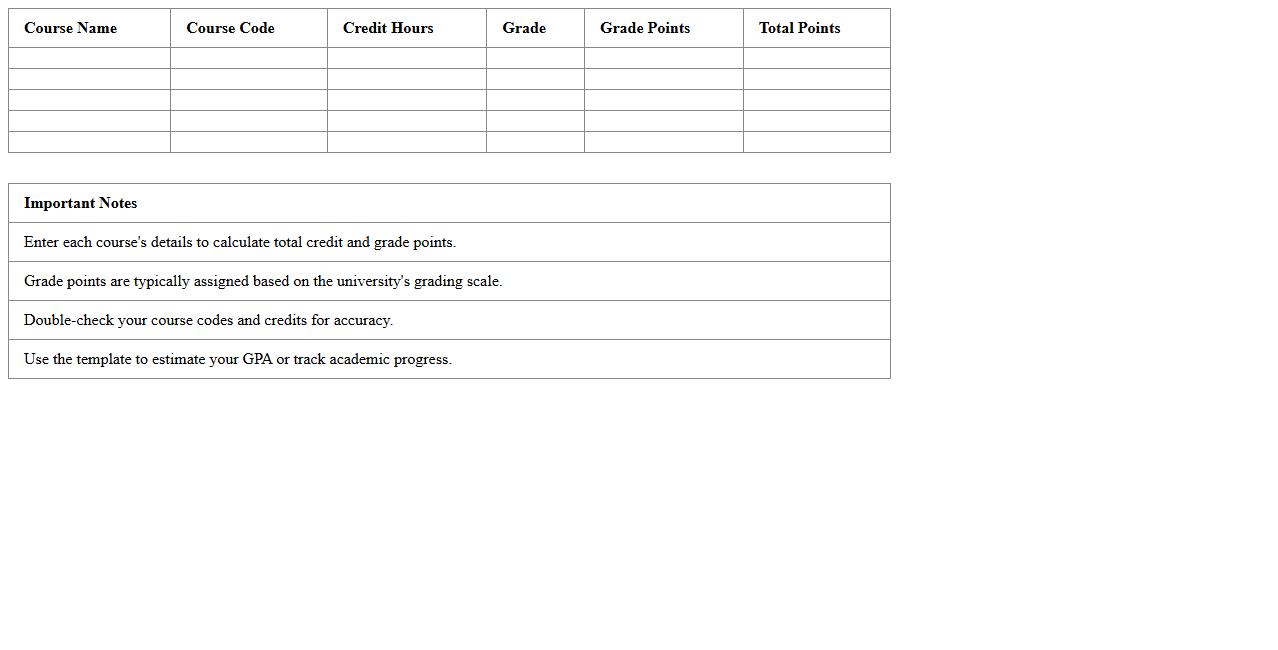
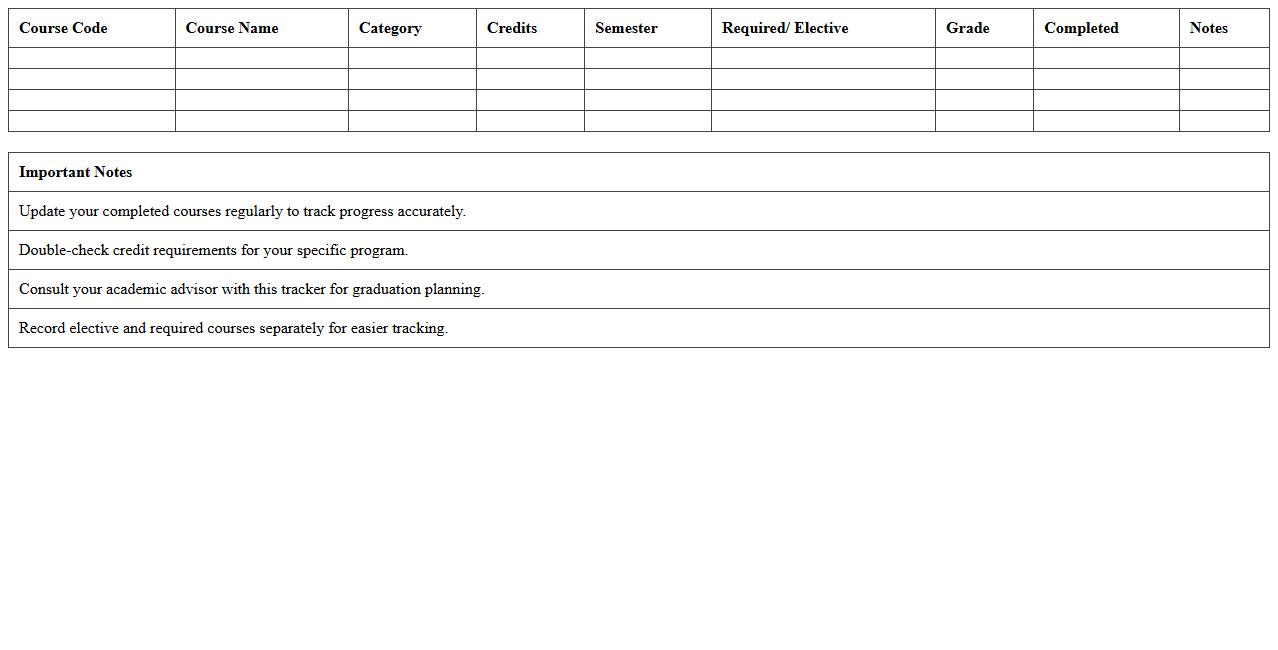
University Course Credit Calculator Excel Template is a structured spreadsheet designed to help students efficiently track and manage their academic credits across various university courses. It automates the calculation of total earned credits, ensuring accurate monitoring of degree progress and facilitating timely graduation planning. This template streamlines academic record-keeping, reducing manual errors and saving time for both students and academic advisors.
Multi-Year GPA Log Excel Template for College Students
The
Multi-Year GPA Log Excel Template for college students is a structured spreadsheet designed to track and calculate Grade Point Averages across multiple academic years efficiently. It enables students to monitor their academic progress semester by semester, helping to identify trends and areas that need improvement. This tool is essential for planning academic goals, enhancing time management, and supporting scholarship or graduation requirements documentation.
Weighted Grade Calculator Excel Spreadsheet for Universities
A
Weighted Grade Calculator Excel Spreadsheet for universities is a digital tool designed to accurately compute students' overall grades by assigning different importance to various assessments based on their weightage. This spreadsheet streamlines the process of calculating cumulative grades from multiple courses or assignments, reducing human error and saving time for both students and educators. It offers a clear, organized format that enables efficient tracking of academic performance and helps in making informed decisions regarding grade improvements or academic progress.
Degree Completion Tracker Excel Template for Students
The
Degree Completion Tracker Excel Template for students is a structured spreadsheet designed to monitor academic progress by listing courses, credits earned, and remaining requirements. It helps students plan their semester schedules, ensuring all degree criteria are met on time and avoiding any credit shortfalls. By providing a clear visual overview, this template enhances time management and supports timely graduation.
Subject Performance Analyzer Excel Sheet for Academic Use
The
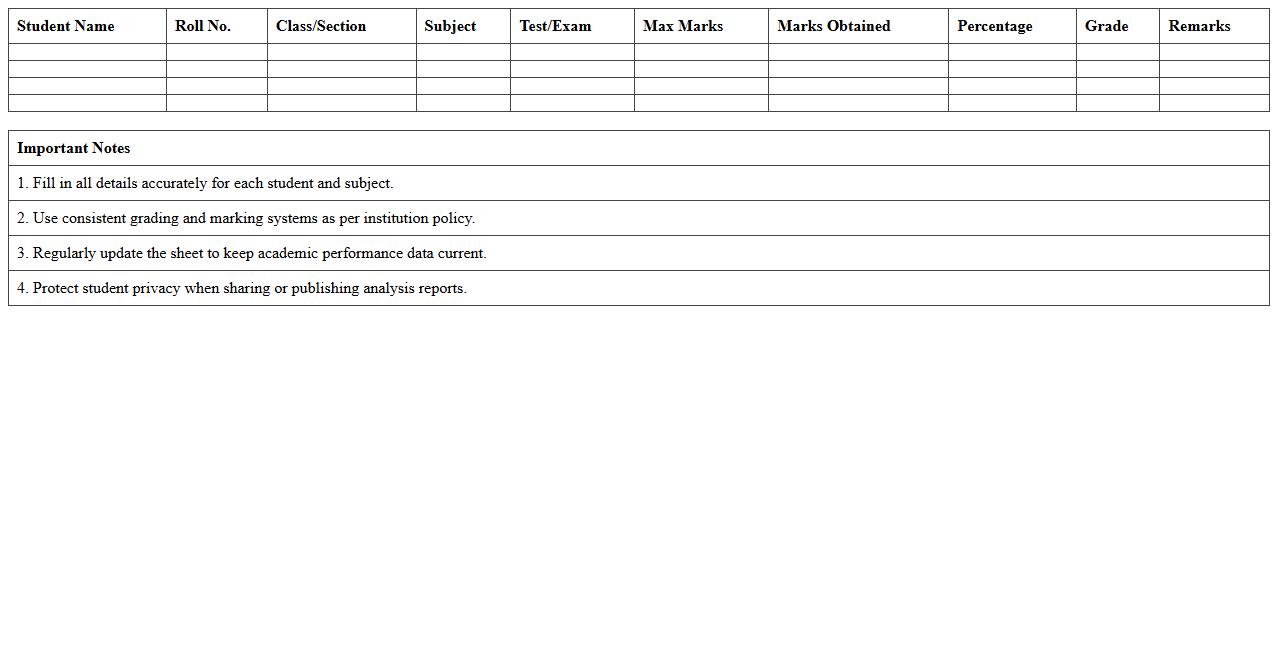
Subject Performance Analyzer Excel Sheet for Academic Use is a comprehensive tool designed to track, evaluate, and visualize student performance across various subjects efficiently. It consolidates academic data, enabling educators to identify trends, strengths, and areas needing improvement through customizable charts and detailed reports. This analyzer enhances decision-making by providing clear insights that support targeted interventions and progress monitoring in educational environments.
Academic Standing Overview Excel Template for University
The
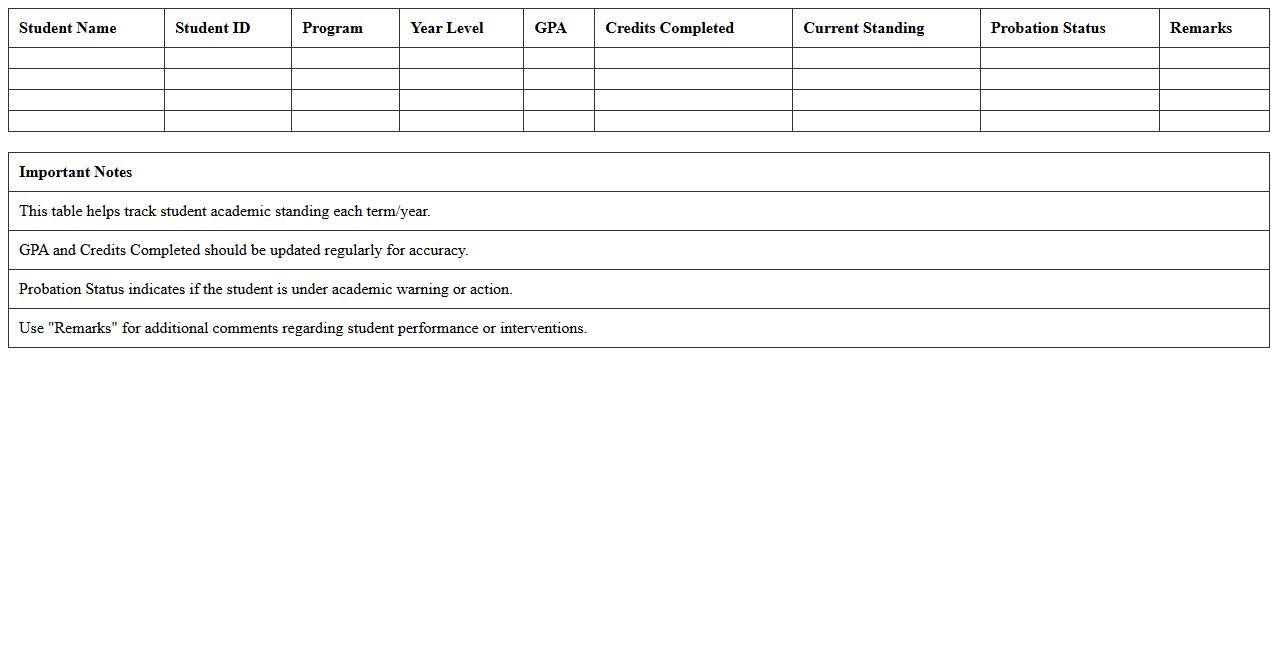
Academic Standing Overview Excel Template for universities provides a structured format to track and analyze students' academic performance across semesters, allowing administrators to monitor progress efficiently. This template compiles key metrics such as GPA, credit completion, and academic warnings, enabling data-driven decisions to support student success. Utilizing this tool helps institutions maintain accurate records, identify at-risk students early, and enhance overall academic management.
Comprehensive Student Gradebook Excel Template for College
The
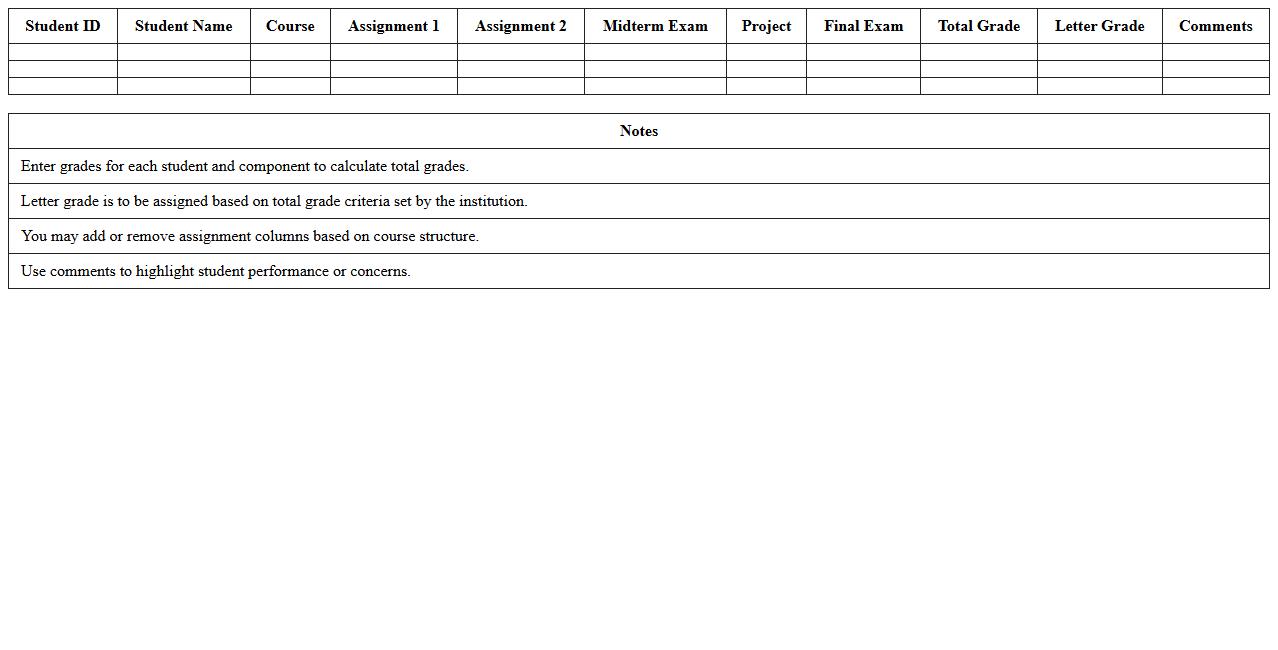
Comprehensive Student Gradebook Excel Template for College is a detailed digital tool designed to record, calculate, and analyze student grades efficiently. It helps educators track academic performance by organizing scores across assignments, exams, and projects, streamlining the grading process. This template enhances accuracy in grade computation and provides clear insights into student progress, making academic management more effective and time-saving.
How to automate semester-wise GPA entry in a Cumulative GPA Calculation Excel sheet?
To automate semester-wise GPA entry, set up separate tables for each semester with course credits and grades. Use dynamic Excel functions like SUMPRODUCT to calculate semester GPA automatically by multiplying grades by credits. Link these results to a cumulative GPA cell, so the calculation updates instantly as you enter new semester data.
What Excel formulas best handle weighted courses in GPA calculation?
The SUMPRODUCT formula is ideal for handling weighted courses as it multiplies grades by credits and sums the results for accurate weighted averages. Combine this with SUM to divide the total weighted scores by total credits. This method ensures the GPA reflects the relative importance of each course based on its credit hours.
How to integrate pass/fail courses in cumulative GPA tracking in Excel?
Pass/fail courses can be integrated by excluding them from GPA calculations because they do not affect grade points. Use IF statements to check course types, counting only graded courses in SUMPRODUCT calculations. This maintains accurate GPA tracking while recording pass/fail courses separately for completeness.
What is the most efficient way to visualize GPA trends using Excel charts?
Efficient GPA trend visualization is achieved with a line chart that plots semester-wise GPA scores over time. Use Excel's Chart Tools to customize axis labels and add data markers for better clarity. This interactive chart format provides a clear view of academic progress and trend analysis.
How to set up conditional formatting to flag low GPA semesters in the Excel sheet?
Create conditional formatting rules targeting GPA cells based on threshold values, such as highlighting semesters below 2.0 in red. Use the "Highlight Cells Rules" option with formulas like =Cell<2.0 to automate visual alerts. This feature quickly identifies semesters needing academic improvement within the dataset.
More Calculation Excel Templates