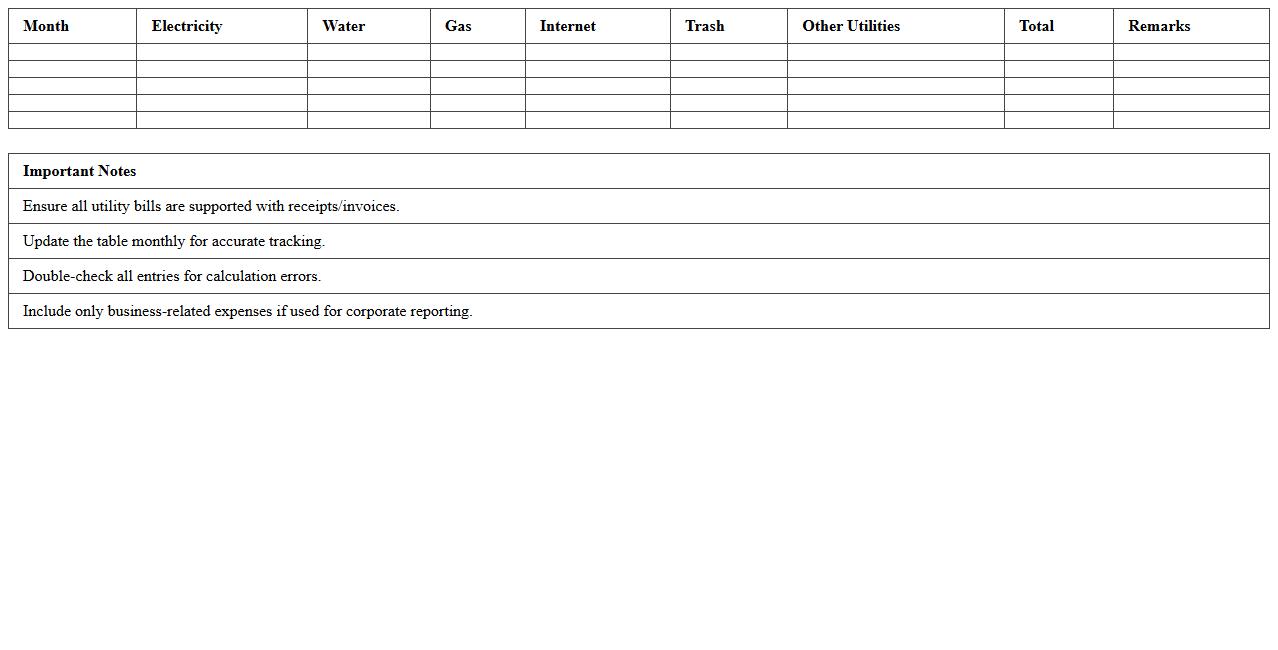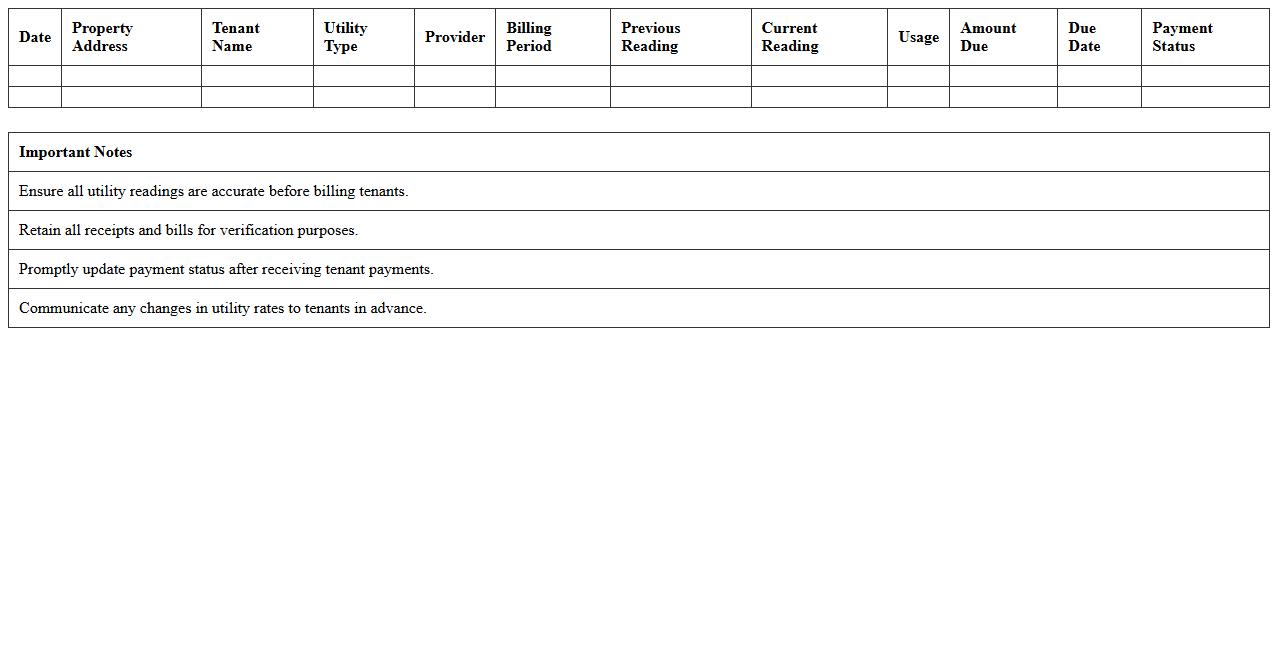
The Utility Bill Statement Excel Template for Property Managers streamlines tracking and organizing utility expenses for multiple properties in one spreadsheet. It offers customizable columns for billing dates, amounts, and payment statuses, enabling efficient budget management. This template enhances accuracy and simplifies reporting for property management operations.
Utility Bill Tracking Spreadsheet for Rental Properties
A
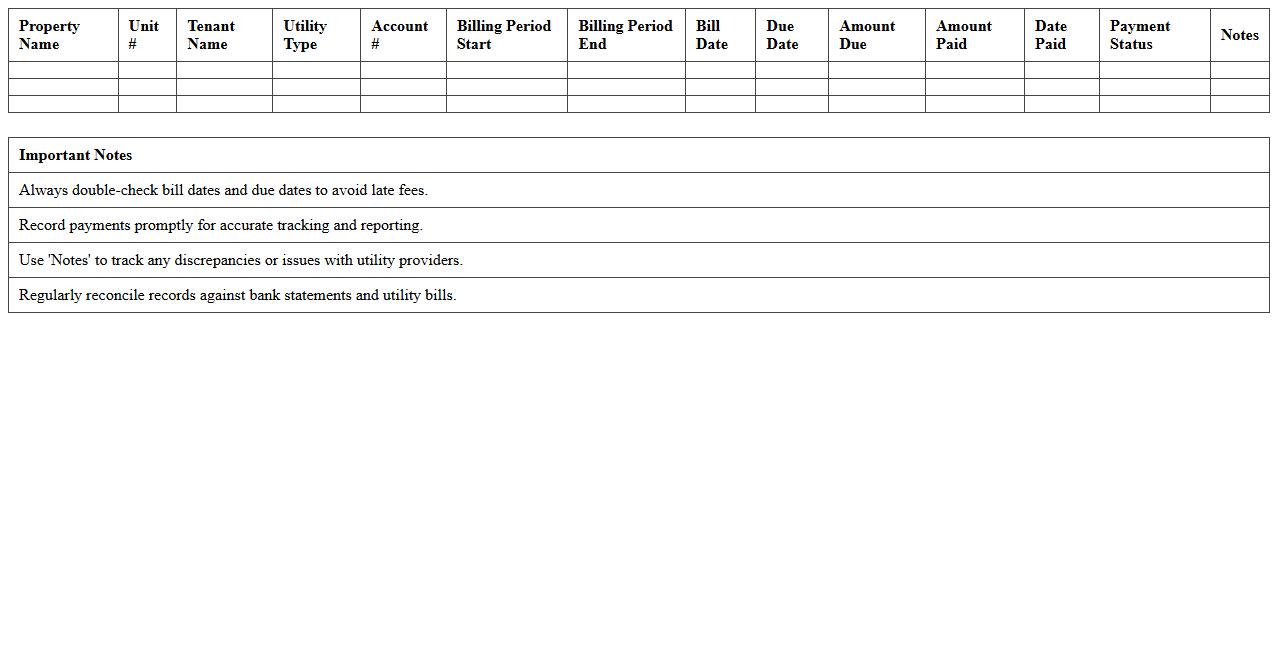
Utility Bill Tracking Spreadsheet for Rental Properties is a detailed document designed to organize and monitor utility expenses such as electricity, water, gas, and internet across multiple rental units. This spreadsheet helps property owners and managers accurately track payment dates, amounts, and due balances, ensuring timely payments and preventing service interruptions. By consolidating utility data in one place, it enhances budgeting accuracy, expense forecasting, and financial reporting for rental property portfolios.
Monthly Utility Expense Statement Template
A
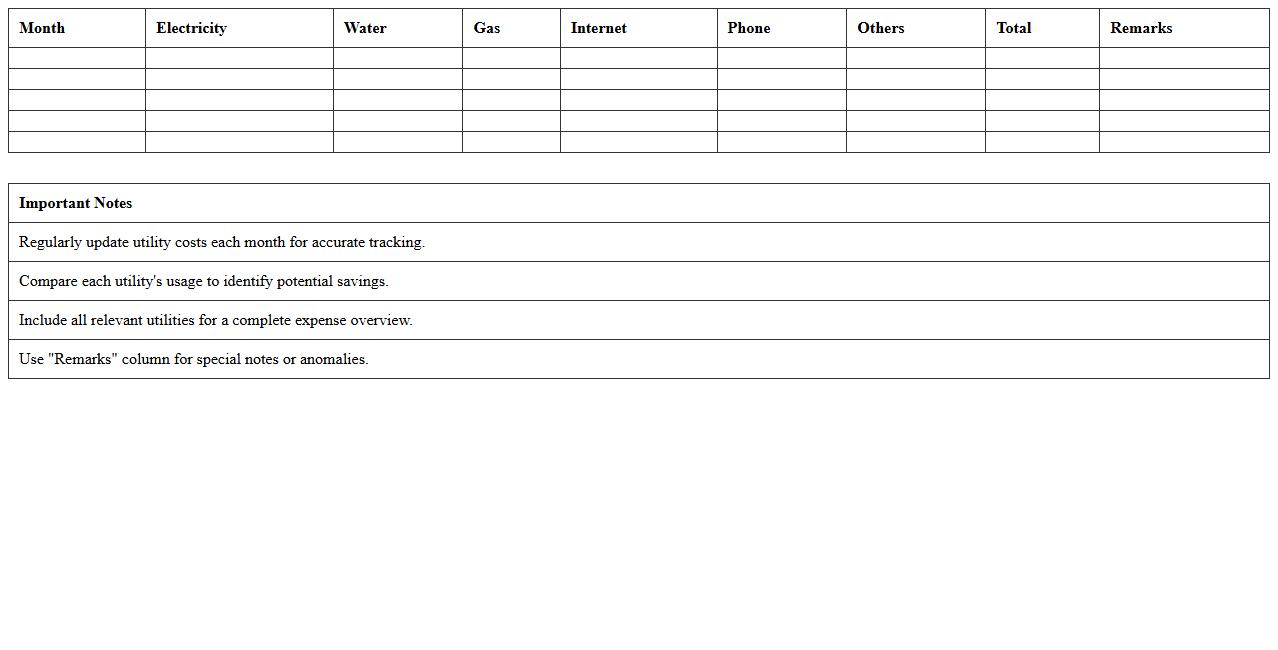
Monthly Utility Expense Statement Template is a structured document designed to track and organize monthly utility costs such as electricity, water, gas, and internet. This template helps users monitor spending patterns, identify cost-saving opportunities, and ensure timely payments. It proves invaluable for budgeting, financial planning, and maintaining accurate expense records for both personal and business use.
Property Manager Utility Billing Record Sheet
The
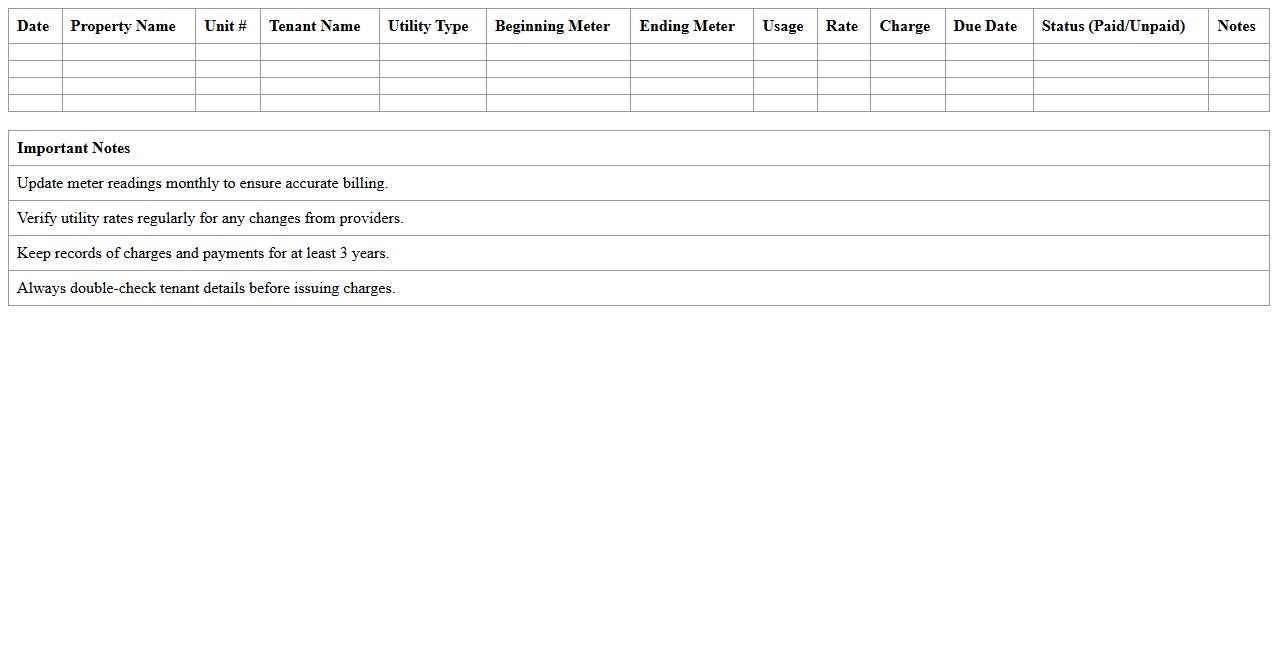
Property Manager Utility Billing Record Sheet is a document designed to systematically track and record utility usage and charges for individual units within a property. It helps property managers organize monthly utility consumption, allocate costs accurately, and ensure transparent billing for tenants. Utilizing this sheet improves financial management, reduces disputes over utility payments, and simplifies budget forecasting.
Tenant Utility Charges Breakdown Excel
The
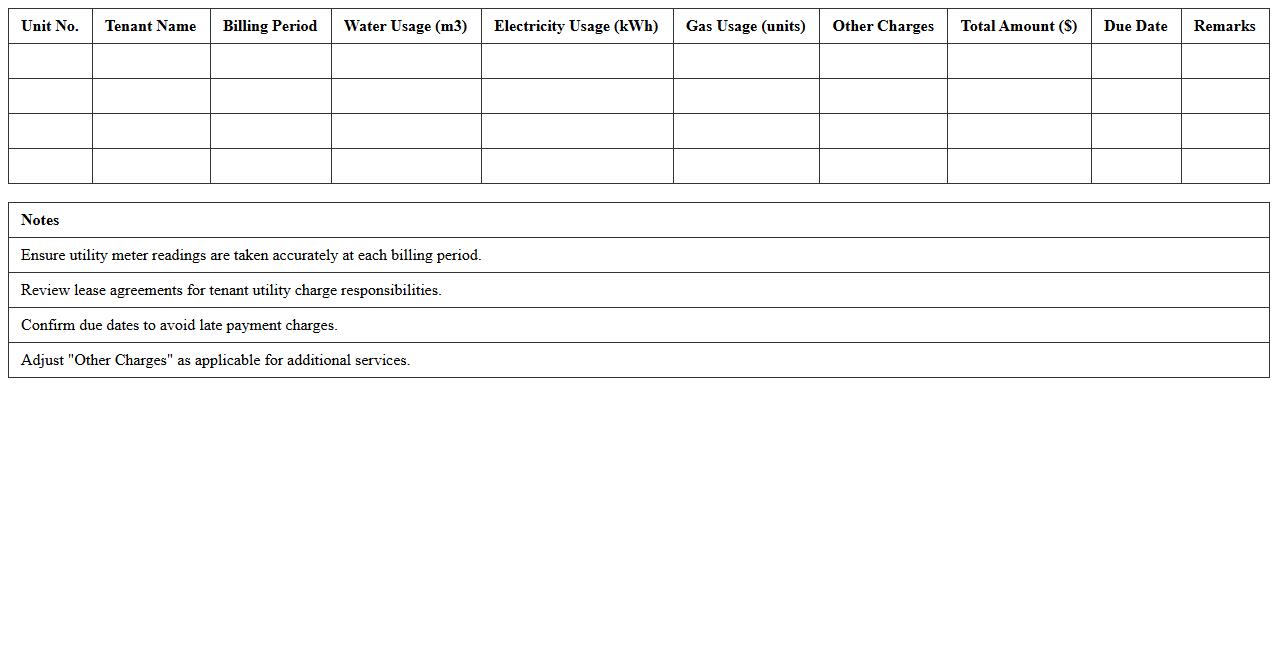
Tenant Utility Charges Breakdown Excel document is a detailed spreadsheet used to track and allocate utility expenses among tenants in a property. It allows property managers to accurately calculate individual utility costs based on consumption or fixed rates, ensuring transparent billing and preventing disputes. This document streamlines financial management, improves tenant satisfaction, and supports efficient budgeting for property maintenance.
Utility Consumption and Cost Analysis Template
A
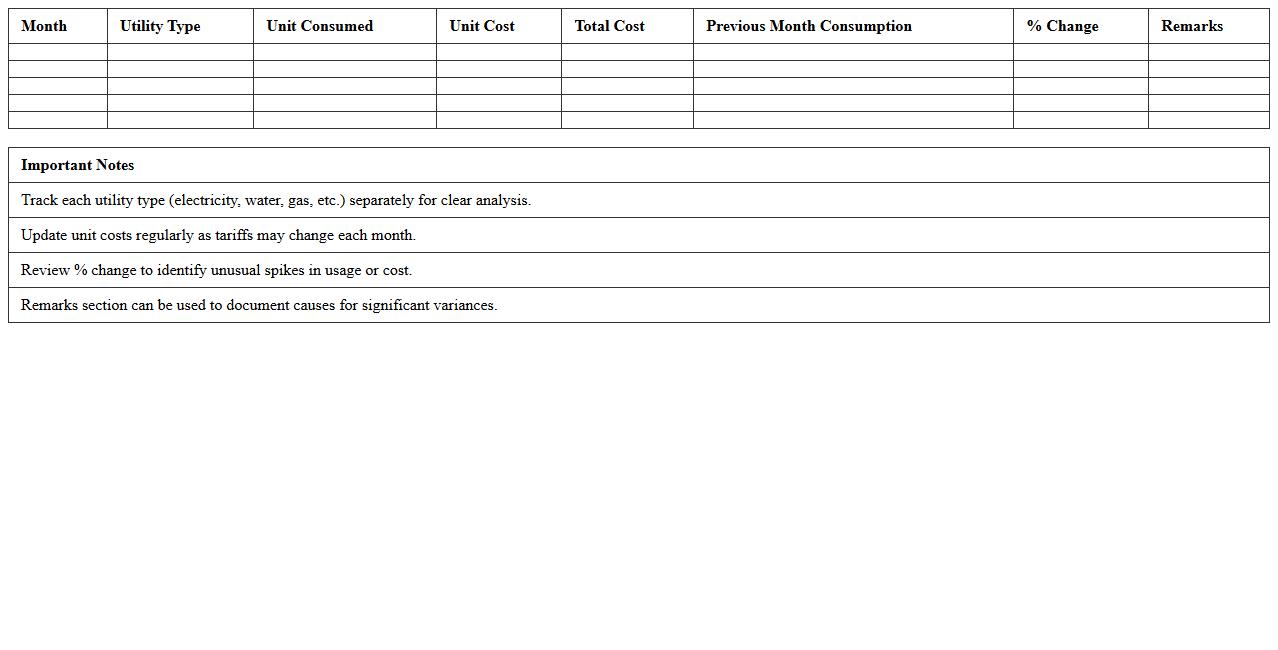
Utility Consumption and Cost Analysis Template document is a structured tool designed to track and analyze the usage and expenses related to utilities such as electricity, water, and gas. It helps organizations and households identify patterns in consumption, detect inefficiencies, and forecast future costs, enabling better budgeting and resource management. Using this template supports informed decision-making by providing clear visualization of utility data and facilitating targeted cost-saving strategies.
Multi-Unit Utility Bill Allocation Excel
The
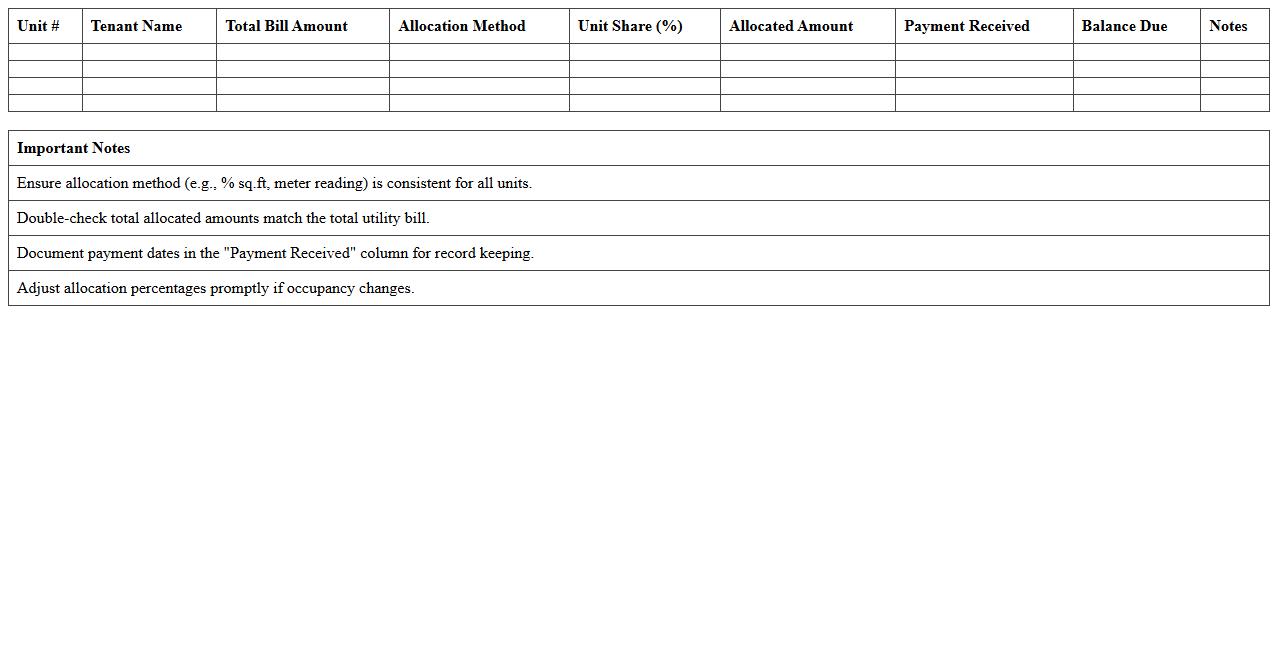
Multi-Unit Utility Bill Allocation Excel document is a specialized tool designed to accurately distribute utility expenses such as water, electricity, and gas among multiple units or tenants in a building. It automates the calculation of individual shares based on usage metrics, square footage, or predefined ratios, ensuring transparent and fair billing. This document proves essential for property managers and landlords by simplifying complex expense tracking and reducing billing disputes.
Utility Payment Tracking Log for Property Managers
A
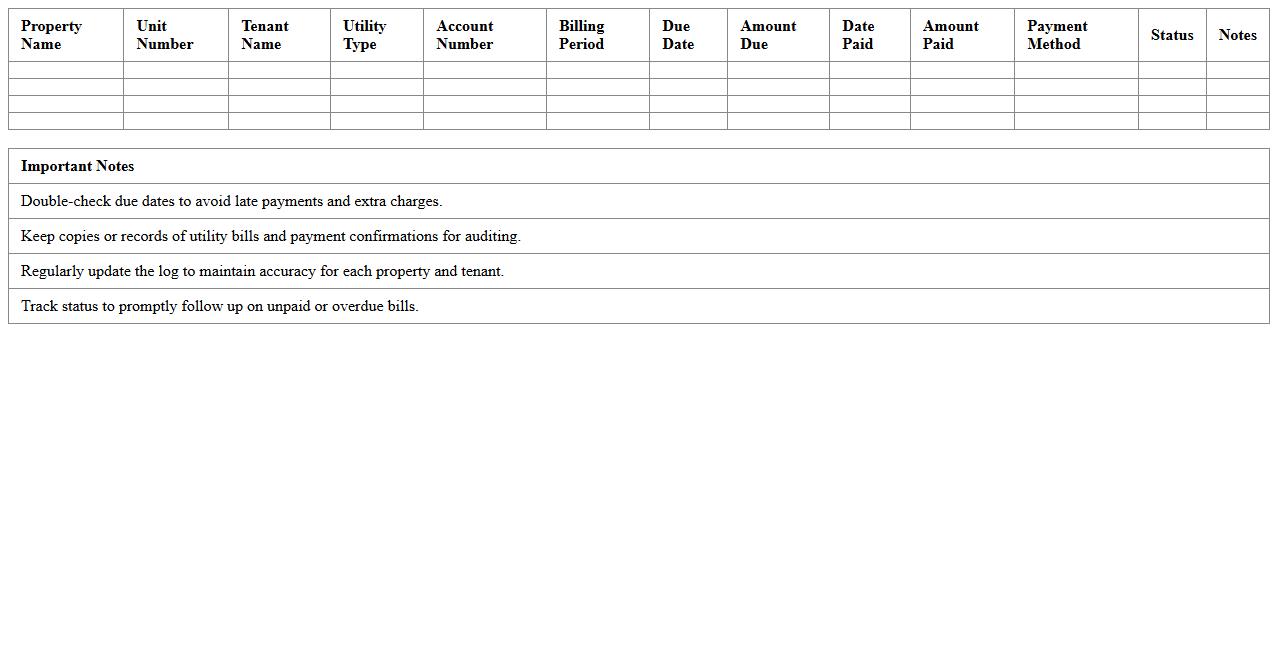
Utility Payment Tracking Log for Property Managers is a detailed record that monitors all utility expenses associated with rental properties, including electricity, water, gas, and trash services. This document helps property managers maintain accurate financial records, ensure timely payments, and identify any discrepancies or unusual charges. By using this log, property managers can streamline budgeting, improve cash flow management, and provide transparent reporting to property owners or stakeholders.
Detailed Utility Bill Statement Format
A
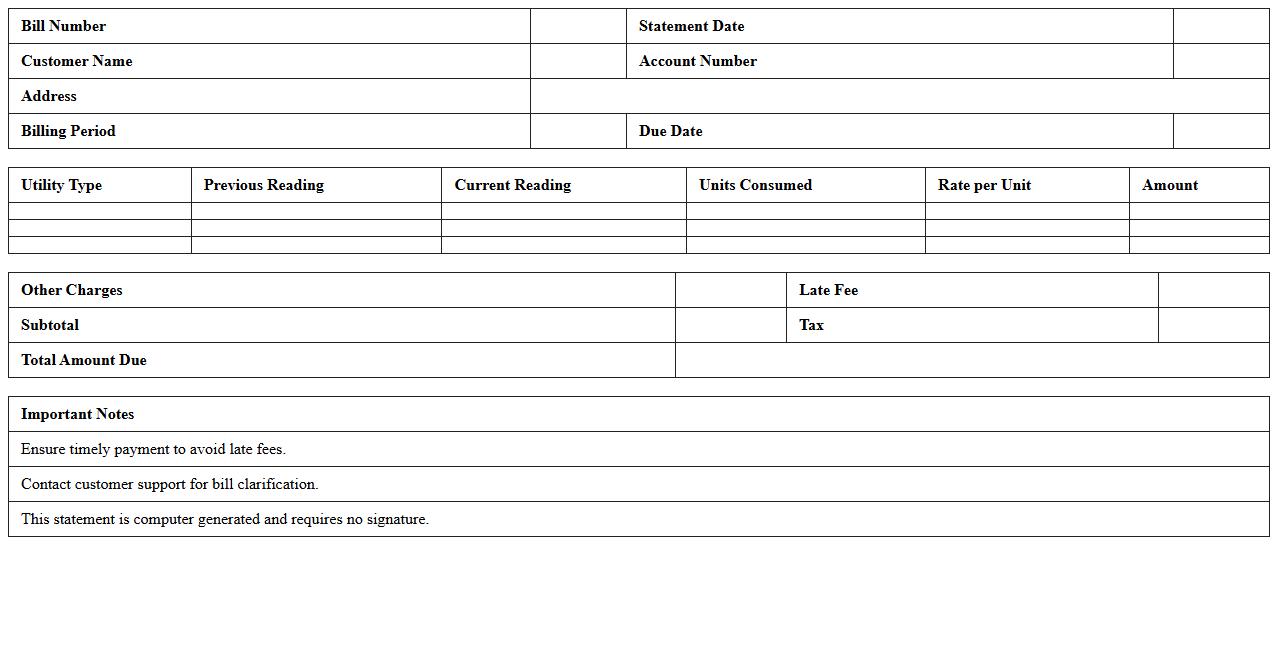
Detailed Utility Bill Statement Format document organizes information such as consumption data, billing period, rates, taxes, and payment details clearly and systematically. This format helps consumers track their utility usage patterns, verify charges for accuracy, and manage monthly expenses effectively. Utility companies also benefit by providing transparent statements that reduce customer disputes and support efficient billing processes.
Utility Expenses Summary Report Template
The
Utility Expenses Summary Report Template is a structured document designed to track and analyze utility costs such as electricity, water, gas, and waste management over a specific period. This template helps businesses and homeowners monitor their spending patterns, identify cost-saving opportunities, and ensure accurate budgeting. By consolidating utility data in one place, it enhances financial transparency and supports informed decision-making for resource management.
Rental Property Utility Billing Statement Excel
A
Rental Property Utility Billing Statement Excel document organizes and tracks utility expenses for multiple rental units in a clear, systematic format. It facilitates accurate billing by calculating individual tenant charges based on usage, helping landlords maintain transparent and error-free financial records. This tool simplifies expense management, reduces disputes, and enhances cash flow monitoring for rental property owners.
How to auto-calculate late payment fees in a utility bill statement Excel template?
To auto-calculate late payment fees, use the IF function combined with TODAY() to check if the payment date exceeds the due date. For example, =IF(TODAY()>DueDate, LateFeeAmount, 0) adds the fee only when the payment is late. Ensure the formula references the correct due date and fee cells for accurate calculation.
Which Excel formula tracks unpaid utility balances per tenant for property managers?
Use the SUMIFS formula to track unpaid utility balances by summing unpaid amounts based on tenant name and payment status. For instance, =SUMIFS(UnpaidAmountsRange, TenantRange, TenantName, StatusRange, "Unpaid") will give the total outstanding balance per tenant. This dynamic approach helps property managers monitor unpaid bills efficiently.
How to generate batch utility invoices for multiple properties using Excel?
Utilize Excel's mail merge feature combined with formulas to create batch invoices for multiple properties. Prepare a data table with tenant and property details, then link it to an invoice template using formulas and mail merge tools. This method automates invoice generation, saving time on repetitive billing tasks.
Which columns should be included in a utility bill statement spreadsheet for accurate landlord reporting?
Include columns such as Tenant Name, Property Address, Meter Reading, Usage, Rate per Unit, Total Amount, Due Date, Payment Status, and Late Fees in the utility bill spreadsheet. These fields provide a comprehensive view for landlords to track consumption, payments, and balances. Having organized columns ensures clear and accurate financial reporting.
How to integrate meter readings data into a utility bill statement Excel sheet?
Import or link meter readings data directly into your utility bill Excel sheet using data connections or copy-paste methods. Use formulas to calculate consumption by subtracting previous readings from current readings for each tenant. This integration enables automatic updating of usage data, streamlining the bill calculation process.
More Statement Excel Templates