Monthly Inventory Tracking Template for E-Commerce Excel
The
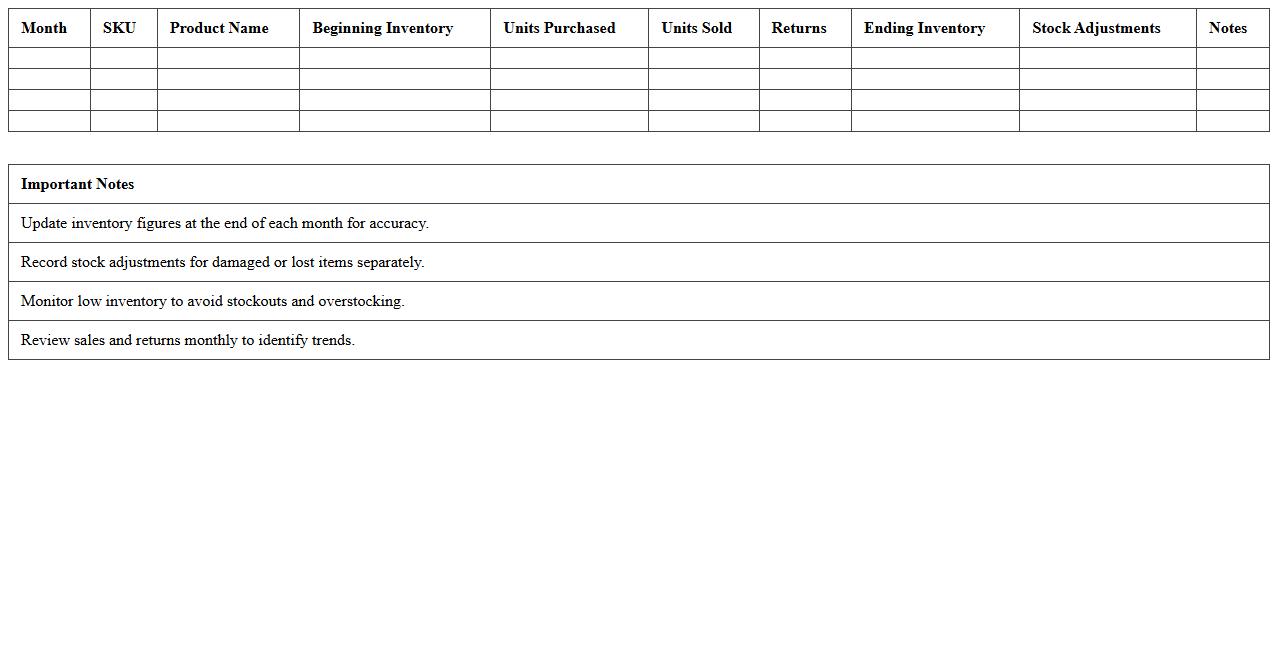
Monthly Inventory Tracking Template for E-Commerce Excel is a structured spreadsheet designed to monitor stock levels, sales, and restocking schedules efficiently. It helps e-commerce businesses maintain accurate inventory data, reduce stockouts, and optimize order fulfillment processes by providing clear visualizations and automated calculations. Using this template ensures better financial forecasting, improved customer satisfaction, and streamlined supply chain management.
E-Commerce Stock Reconciliation Statement Sheet
The
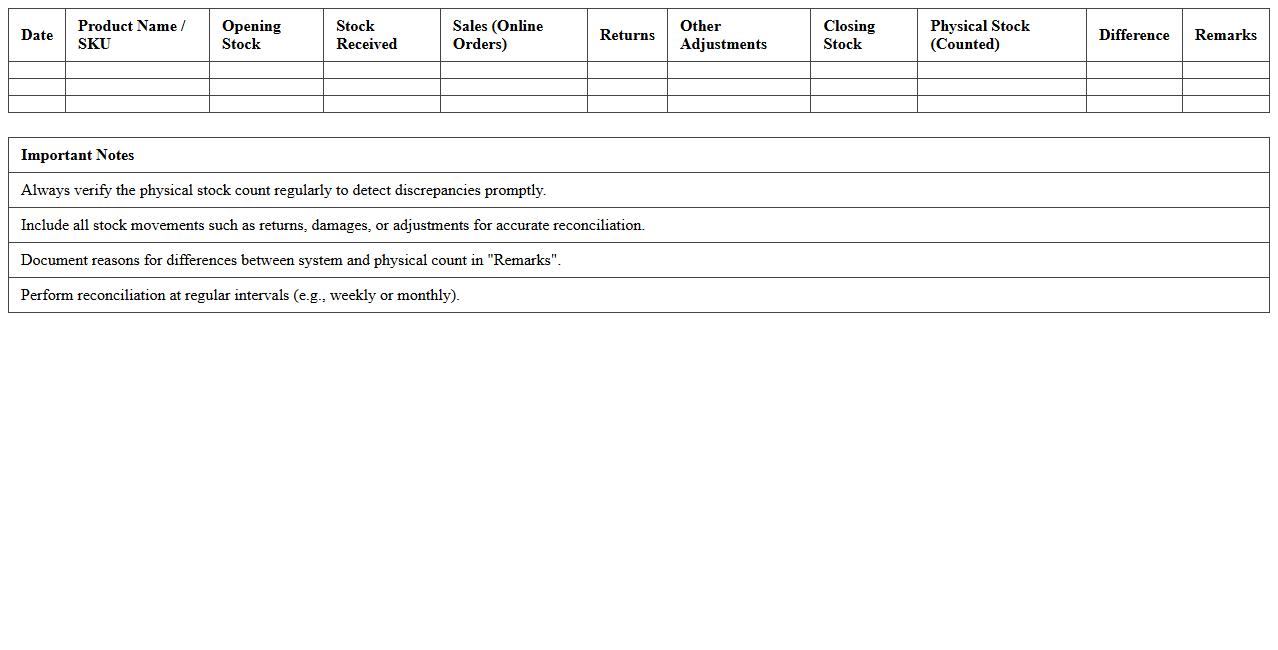
E-Commerce Stock Reconciliation Statement Sheet is a detailed document that tracks the inventory changes by comparing physical stock counts with recorded stock levels in the system. It helps identify discrepancies caused by theft, damage, or administrative errors, ensuring accurate inventory management. This statement is crucial for maintaining optimal stock levels, preventing stockouts or overstock situations, and enhancing overall supply chain efficiency.
SKU-Level Inventory Statement Excel Template
The
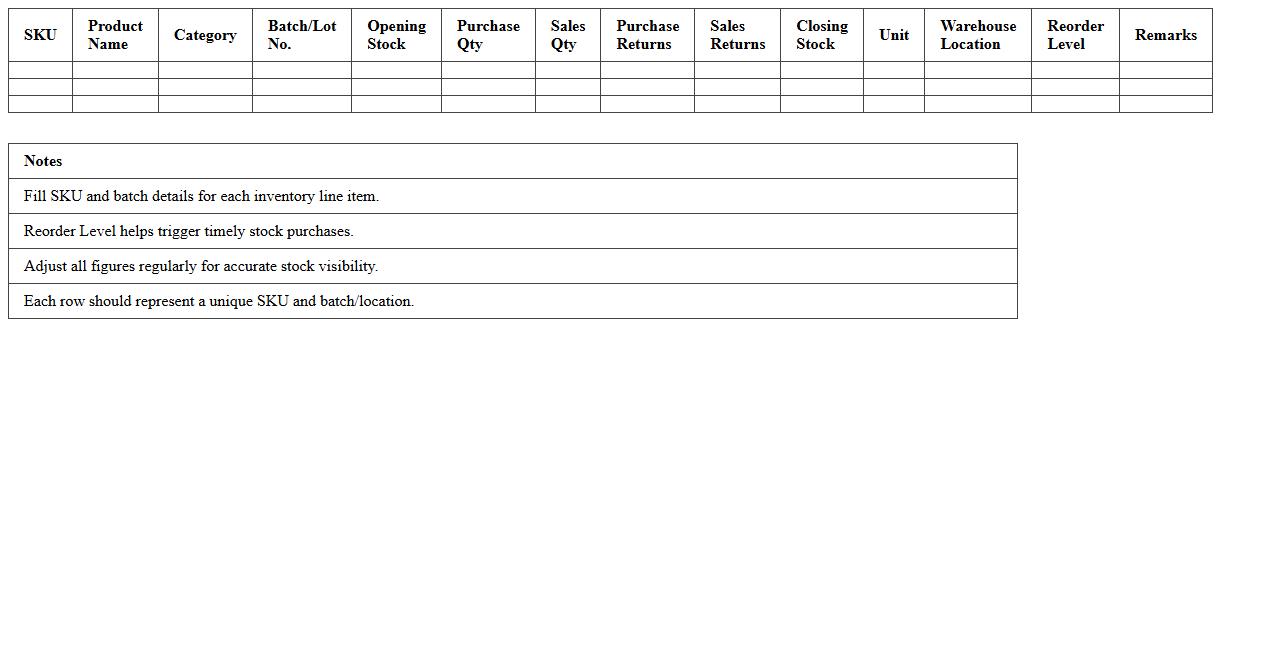
SKU-Level Inventory Statement Excel Template document provides a detailed record of stock-keeping units, allowing businesses to track individual product quantities, costs, and sales data efficiently. This template helps optimize inventory management by enabling accurate forecasting, reducing stockouts, and minimizing excess stock. Utilizing this tool improves operational efficiency and supports informed decision-making in supply chain management.
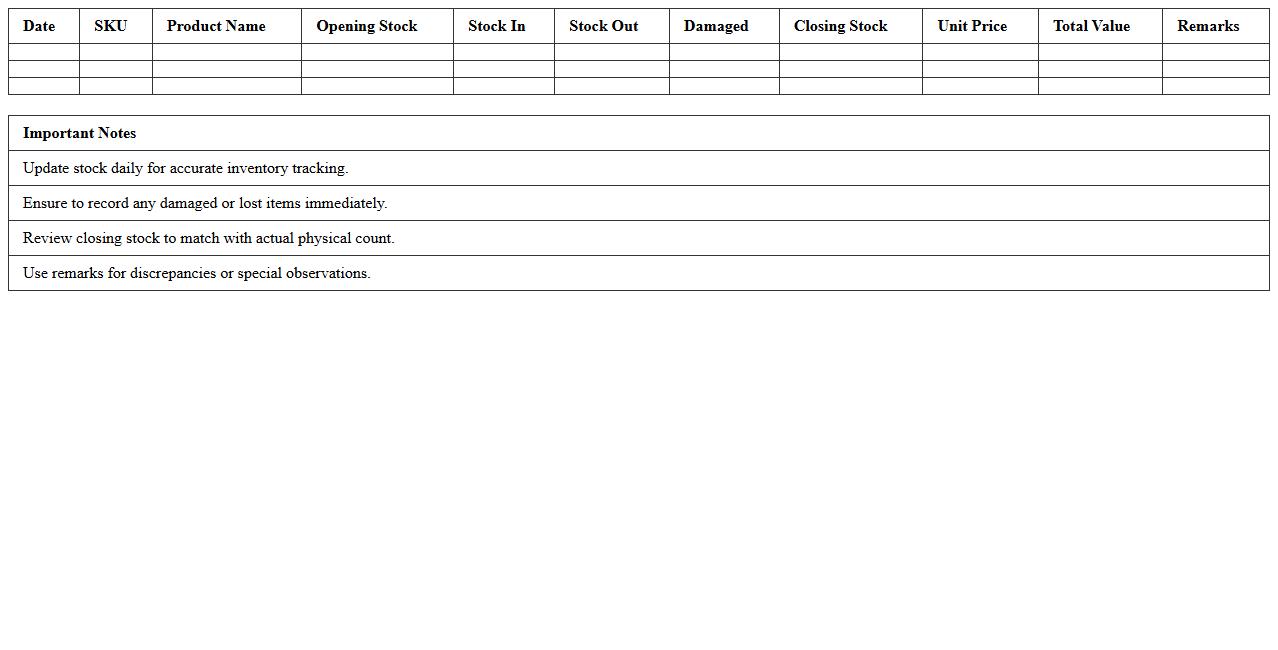
Product-wise Inventory Movement Report Template
The
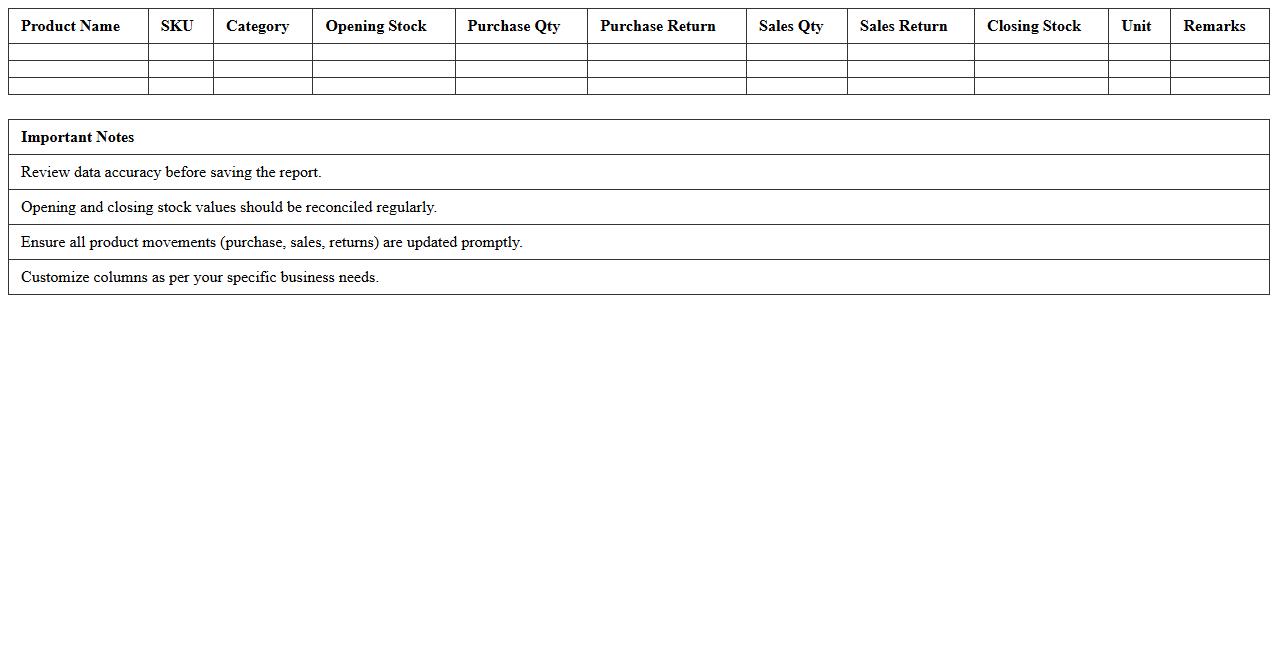
Product-wise Inventory Movement Report Template is a structured document that tracks the inflow and outflow of each product within an inventory system, providing detailed insights into stock levels, sales, and restocking patterns. This report helps businesses maintain optimal inventory by identifying fast-moving and slow-moving products, reducing stockouts or overstock situations. By utilizing this template, companies can enhance supply chain efficiency, improve demand forecasting, and make data-driven purchasing decisions that contribute to overall operational success.
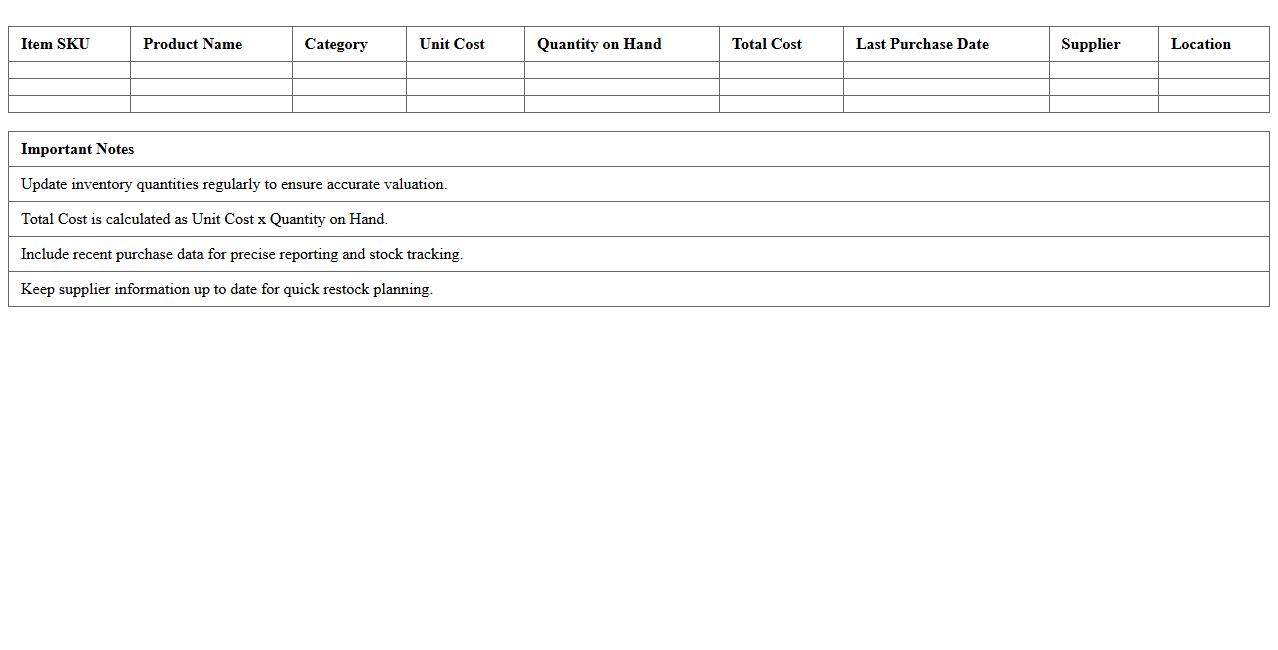
Inventory Valuation Report Excel for Online Stores
The
Inventory Valuation Report Excel for Online Stores is a comprehensive document that tracks and calculates the value of stock at any given time, incorporating cost, quantity, and sales data. By providing detailed insights into inventory costs and stock levels, it helps businesses optimize purchasing decisions, manage cash flow effectively, and identify slow-moving products. This report enhances financial accuracy and supports strategic planning for inventory management in e-commerce operations.
Warehouse Inventory Control Statement Spreadsheet
A
Warehouse Inventory Control Statement Spreadsheet document systematically tracks stock levels, movement, and storage details within a warehouse. It enables accurate monitoring of inventory, helping to reduce stockouts, overstock, and discrepancies by providing real-time data access. This tool is essential for optimizing supply chain efficiency, forecasting demand, and improving overall warehouse management accuracy.
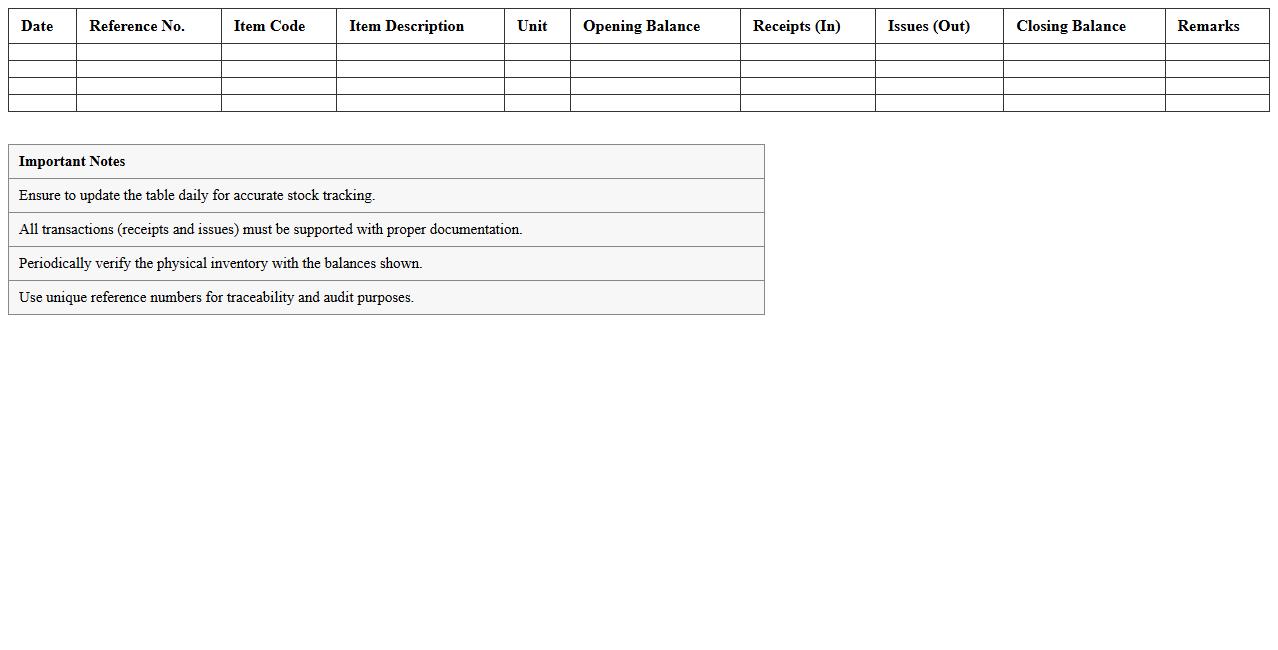
Daily Inventory Balance Sheet Excel for E-Commerce
A
Daily Inventory Balance Sheet Excel for E-Commerce is a spreadsheet tool designed to track and manage stock levels, purchases, and sales on a daily basis. It provides real-time insights into inventory status, helping to prevent stockouts or overstock situations by maintaining accurate record-keeping. This document is essential for optimizing supply chain operations, improving cash flow management, and enhancing customer satisfaction through timely order fulfillment.
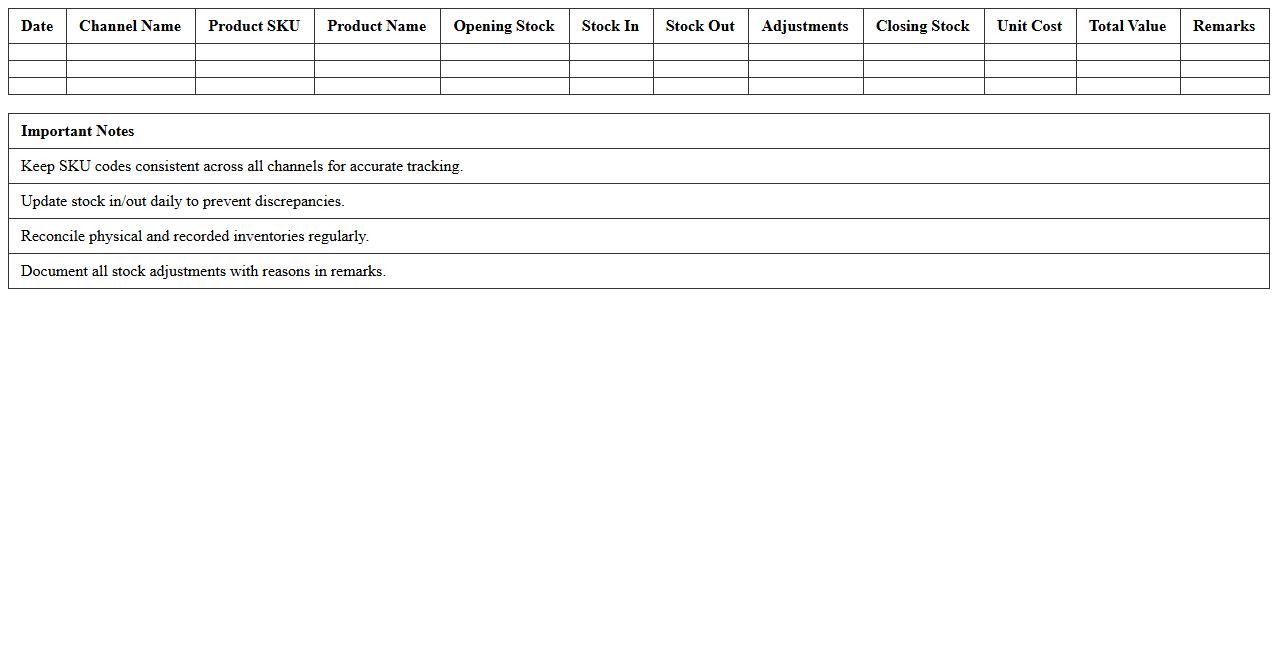
Multi-Channel Inventory Statement Template
A
Multi-Channel Inventory Statement Template is a structured document designed to track and manage inventory across various sales platforms such as online stores, retail outlets, and warehouses. It helps businesses maintain accurate stock levels, prevent overstocking or stockouts, and streamline order fulfillment by consolidating inventory data into a single, easy-to-read format. Using this template enhances operational efficiency, supports better decision-making, and improves customer satisfaction through timely product availability.
Overstock & Low Stock Inventory Alert Spreadsheet
The
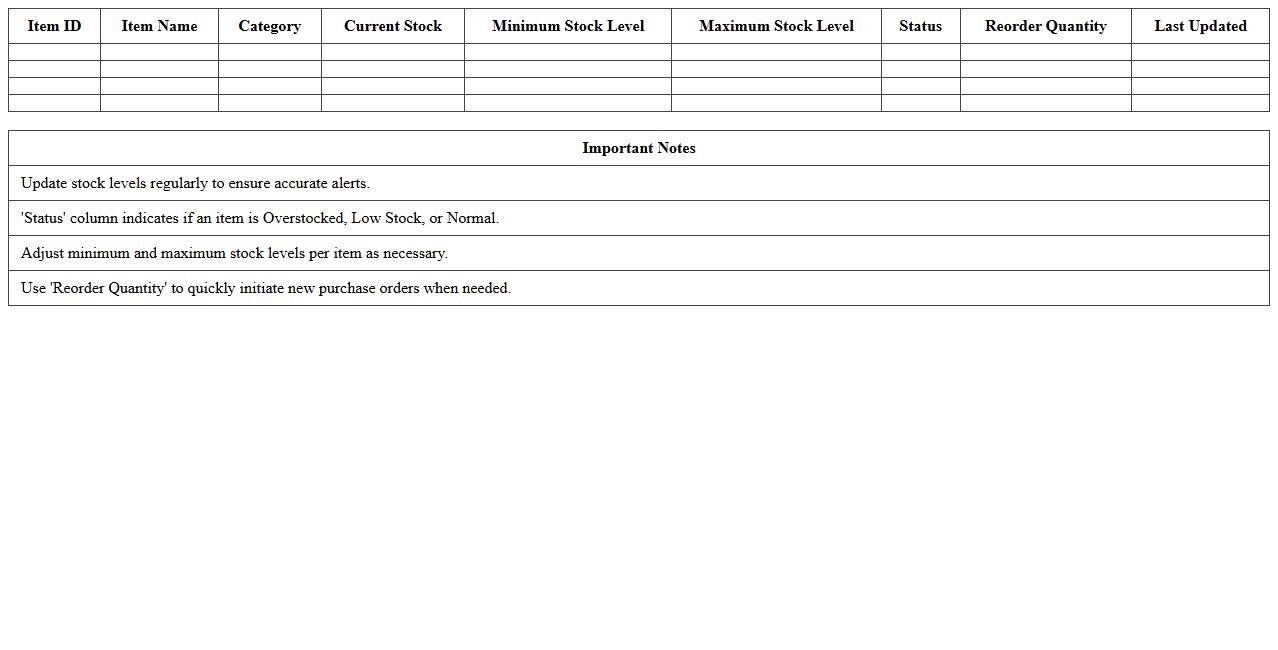
Overstock & Low Stock Inventory Alert Spreadsheet document is a powerful tool designed to track inventory levels, flagging items that are either overstocked or running low. By providing real-time visibility into stock status, it helps prevent sales losses due to stockouts and reduces holding costs from excess inventory. This spreadsheet enhances inventory management efficiency, enabling businesses to make data-driven decisions and optimize reorder schedules.
E-Commerce Inventory Audit Statement Excel Template
The
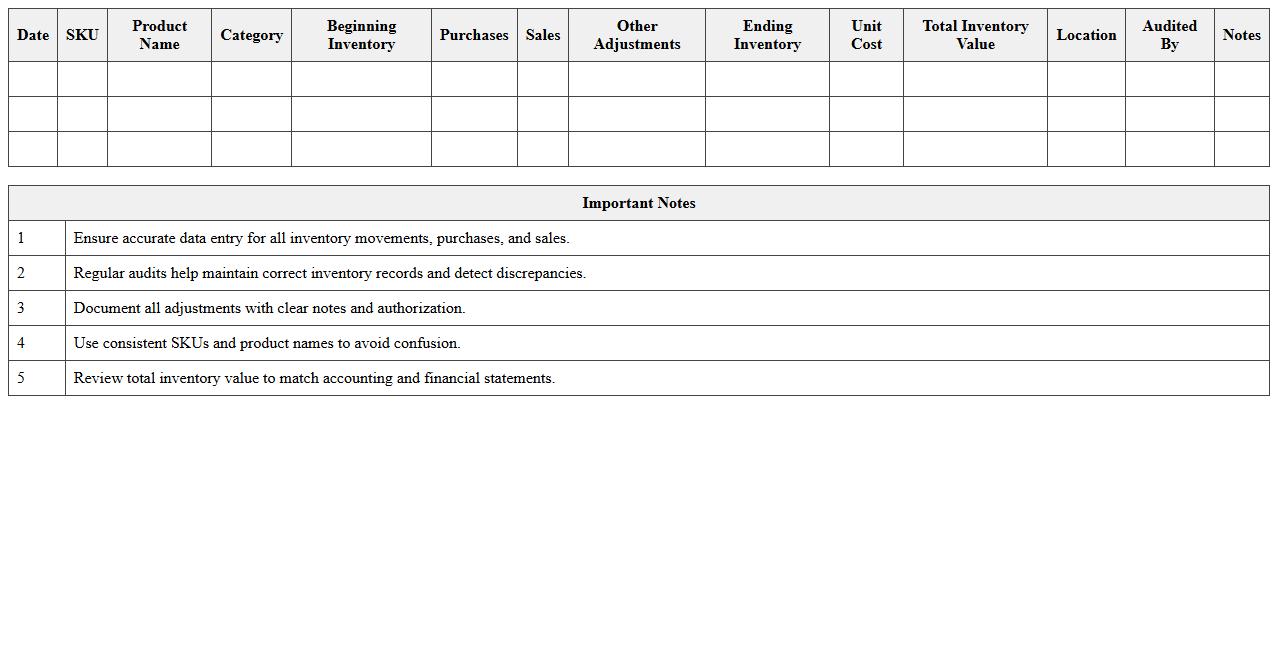
E-Commerce Inventory Audit Statement Excel Template is a structured document designed to track and analyze stock levels, sales, and discrepancies in e-commerce businesses efficiently. It enables users to maintain accurate records of inventory movements, facilitating timely audits and preventing stockouts or overstock situations. This template proves invaluable for improving inventory management accuracy, reducing errors, and supporting data-driven decision-making in online retail operations.
How do you automate SKU tracking in an Inventory Statement Excel template for multi-channel e-commerce stores?
To automate SKU tracking in Excel for multi-channel e-commerce stores, use dynamic data tables combined with unique SKU identifiers. Implement formulas like VLOOKUP or INDEX-MATCH to pull SKU details across different channels. Additionally, employ PivotTables for summarizing inventory data by SKU efficiently.
What formula helps calculate monthly inventory turnover rates in Excel for online retail businesses?
The inventory turnover rate is calculated using the formula: Cost of Goods Sold (COGS) divided by average inventory. In Excel, use =COGS/AVERAGE(starting_inventory, ending_inventory) to determine turnover rates. This formula provides insight into how often inventory is sold and replaced monthly.
Which Excel features best identify low-stock alerts for fast-moving e-commerce products?
Conditional Formatting in Excel is ideal for creating low-stock alerts by highlighting cells that fall below a designated threshold. Combine this with Data Validation and alert formulas to monitor stock levels effectively. Excel's built-in notification features ensure timely restocking actions for fast-moving items.
How can you integrate real-time order data from Shopify/Amazon into your Excel inventory statement?
Use Excel's Power Query feature or third-party add-ins to connect Shopify or Amazon APIs for real-time order data import. The integration allows automatic refreshing of inventory data based on live sales. This method keeps your inventory statement consistently updated without manual entry.
What is the most effective way to visually map out aging inventory with conditional formatting in Excel?
Apply conditional formatting rules using color scales or icon sets based on inventory age or days in stock. This visual approach helps quickly identify older inventory requiring action. Customize rules to highlight products beyond specific aging thresholds, improving inventory management visibility.