The Reconciliation Statement Excel Template for Accountants is designed to simplify the process of matching financial records with bank statements or other accounts. This template enhances accuracy by automating calculations and providing clear, organized formats for tracking discrepancies. Accountants benefit from its user-friendly interface and customizable features, which streamline the reconciliation process and improve financial reporting efficiency.
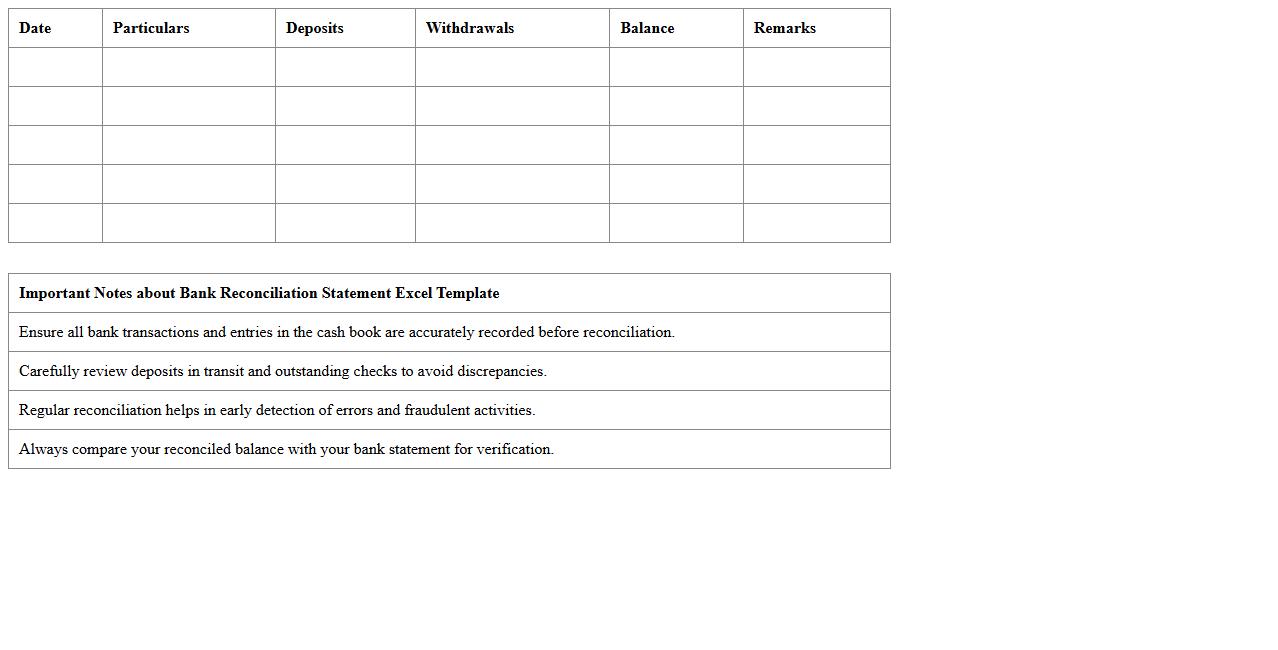
Bank Reconciliation Statement Excel Template
A
Bank Reconciliation Statement Excel Template is a pre-designed spreadsheet that helps individuals and businesses compare their internal financial records with bank statements to identify discrepancies and ensure accuracy. It streamlines the reconciliation process by automatically calculating differences between ledger balances and bank balances, highlighting outstanding checks or deposits in transit. This tool improves financial accuracy, aids in fraud detection, and simplifies monthly bookkeeping tasks.
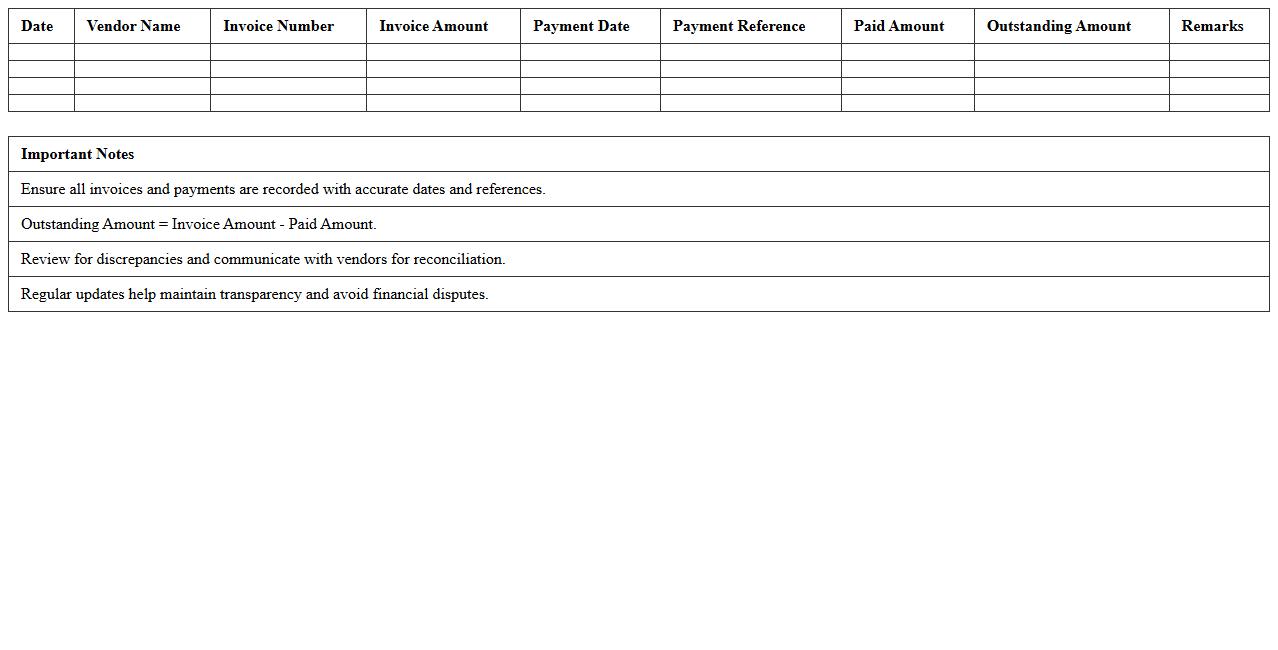
Vendor Account Reconciliation Excel Sheet
A
Vendor Account Reconciliation Excel Sheet document is a financial tool designed to compare and verify transactions between a company's records and its vendor's statements. It helps identify discrepancies such as unpaid invoices, overpayments, or credit notes, ensuring accurate and up-to-date financial records. This sheet is useful for maintaining transparency, preventing financial errors, and streamlining the accounts payable process.
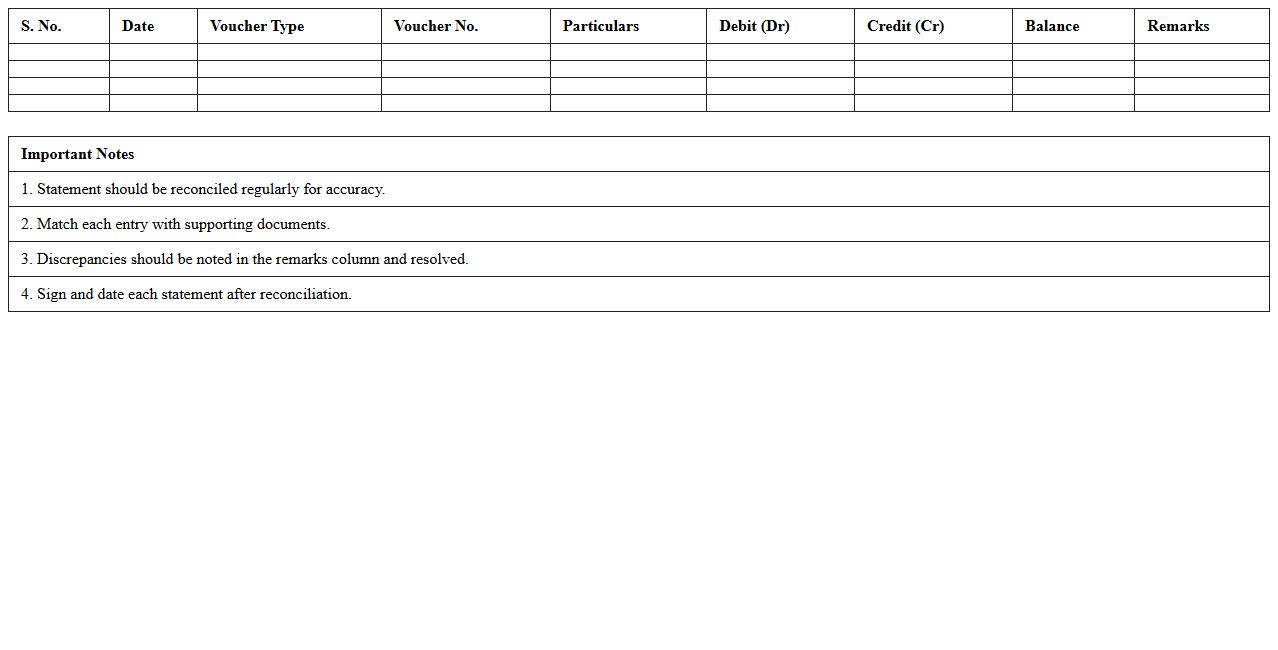
Customer Ledger Reconciliation Statement Format
The
Customer Ledger Reconciliation Statement Format document systematically compares the customer's ledger balances with the corresponding records in the company's books, ensuring accuracy and identifying discrepancies such as unpaid invoices or payment errors. This document is essential for maintaining clear financial records, improving cash flow management, and facilitating timely dispute resolution with customers. Utilizing this format enhances audit readiness and strengthens internal controls by providing a detailed, transparent overview of customer account transactions.
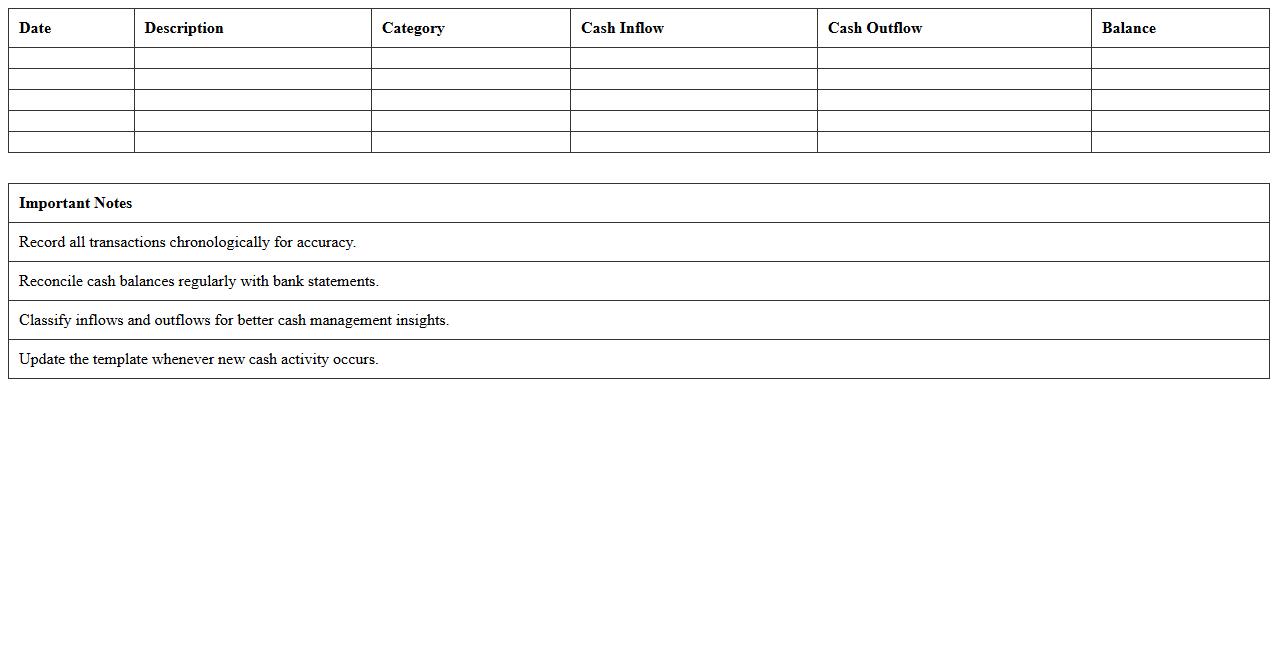
Cash Flow Reconciliation Excel Template
The
Cash Flow Reconciliation Excel Template document is a structured spreadsheet designed to compare and verify cash inflows and outflows against bank statements, ensuring accuracy in financial records. This template helps identify discrepancies between recorded cash transactions and actual bank activity, facilitating timely corrections and improved financial control. Utilizing this tool enhances budgeting, forecasting, and overall cash management for businesses or individuals.
Payroll Reconciliation Statement Excel Sheet
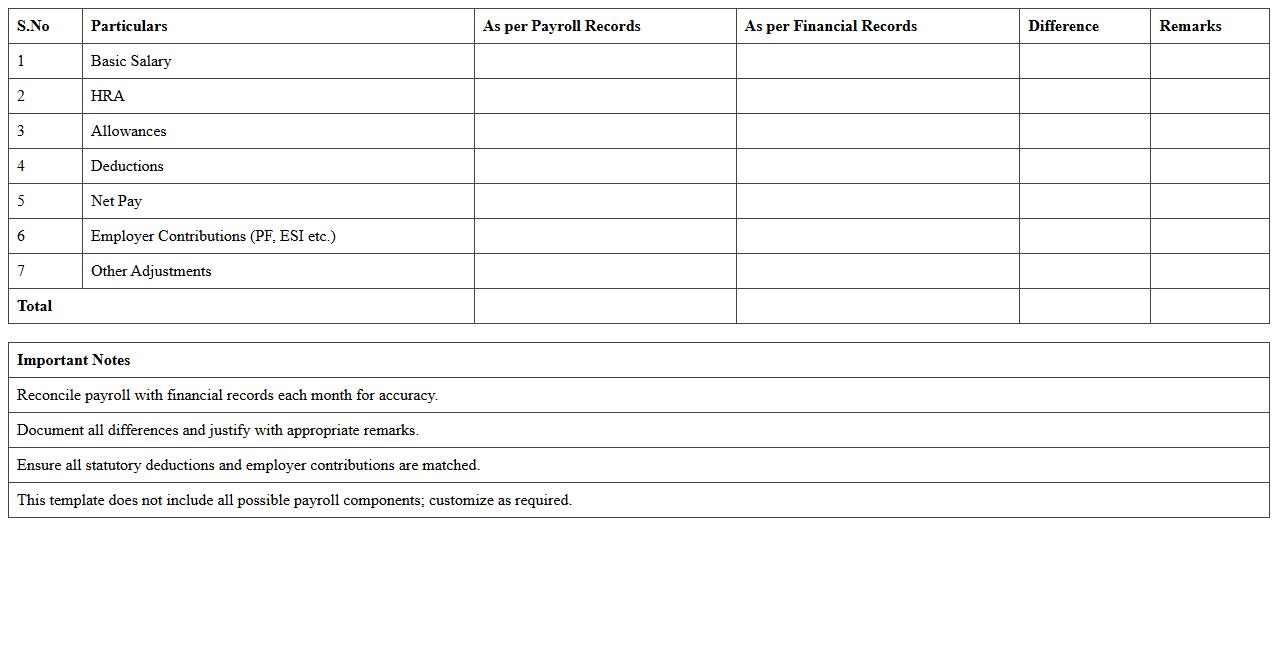
A
Payroll Reconciliation Statement Excel Sheet is a document designed to compare and verify the payroll data recorded in accounting books against actual payroll transactions, ensuring accuracy and consistency. It helps identify discrepancies such as overpayments, underpayments, or missing deductions, enabling timely corrections and compliance with tax regulations. This tool streamlines financial audits, supports accurate reporting, and enhances overall payroll management efficiency.
Credit Card Reconciliation Excel Template
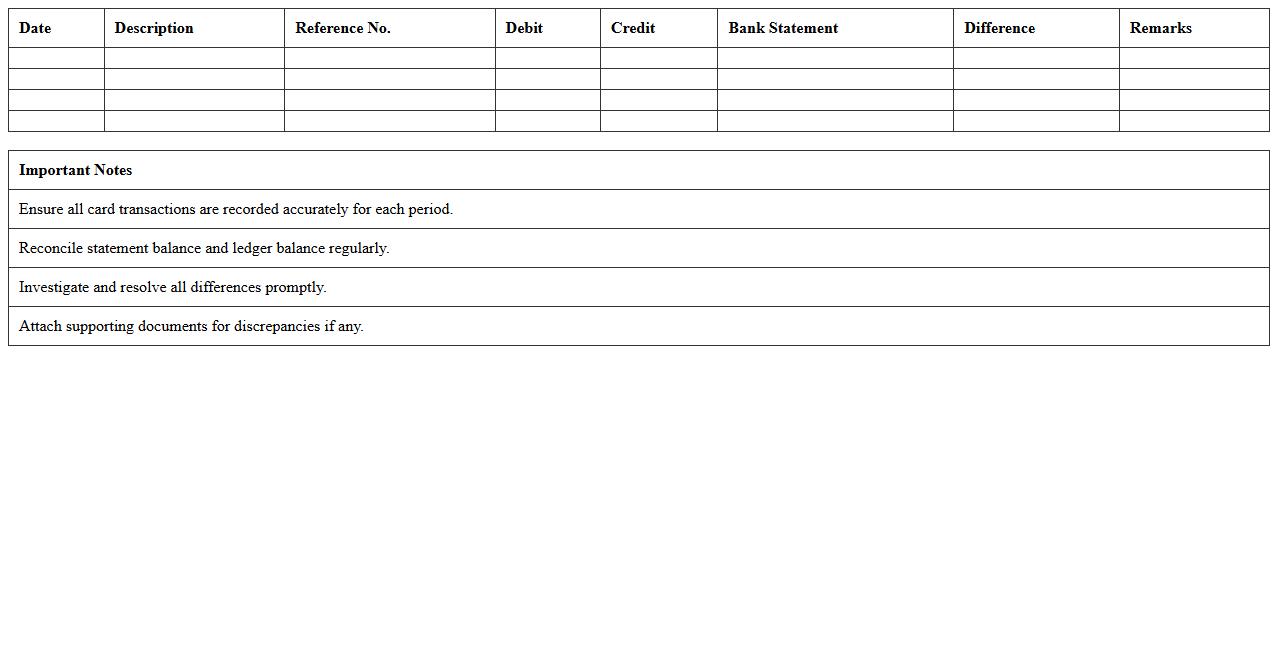
A
Credit Card Reconciliation Excel Template is a structured spreadsheet designed to compare credit card statements with company records, identifying discrepancies and ensuring accurate financial tracking. This template streamlines the reconciliation process by automating calculations, organizing transactions, and highlighting unmatched entries, which helps prevent errors and detect fraudulent charges efficiently. Using this tool improves financial accuracy, enhances auditing capabilities, and supports better cash flow management.
Intercompany Reconciliation Statement Format Excel
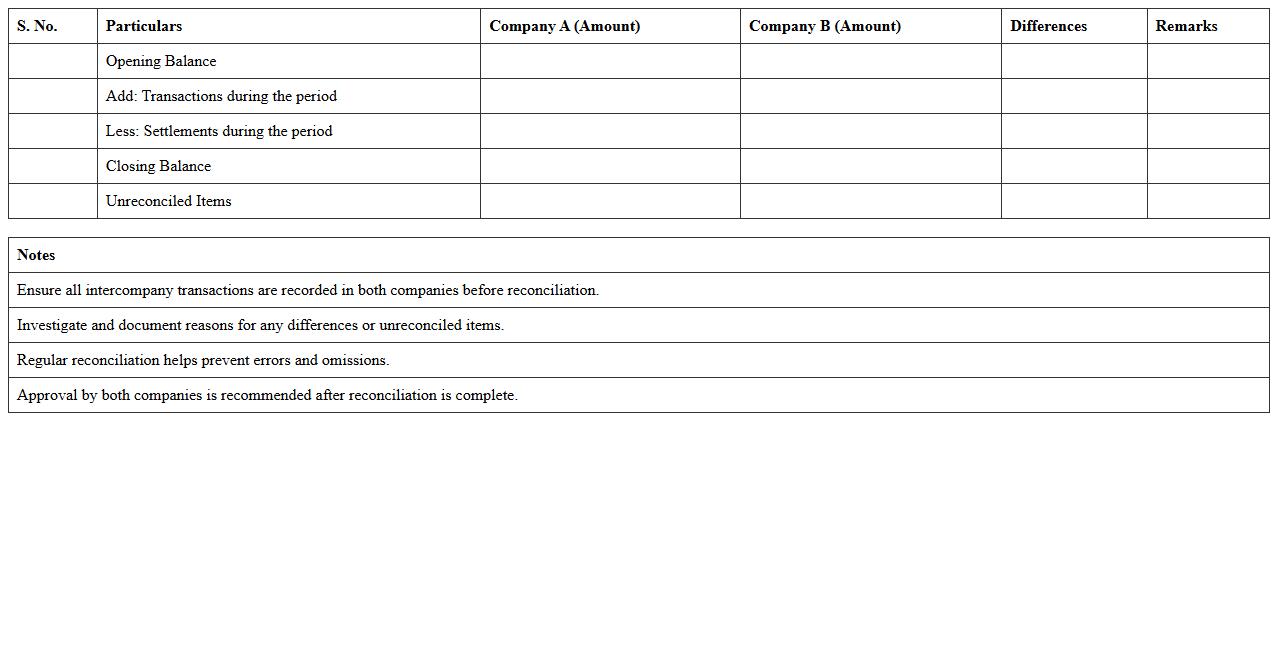
The
Intercompany Reconciliation Statement Format Excel document is a structured template designed to systematically compare and reconcile financial transactions between related business entities within a corporate group. It helps identify discrepancies, ensuring accuracy in intercompany accounts, which is critical for consolidated financial reporting and compliance with accounting standards. Using this Excel format improves efficiency by automating calculations and streamlining data entry, reducing errors and saving time in financial audits and internal controls.
Fixed Asset Reconciliation Excel Sheet
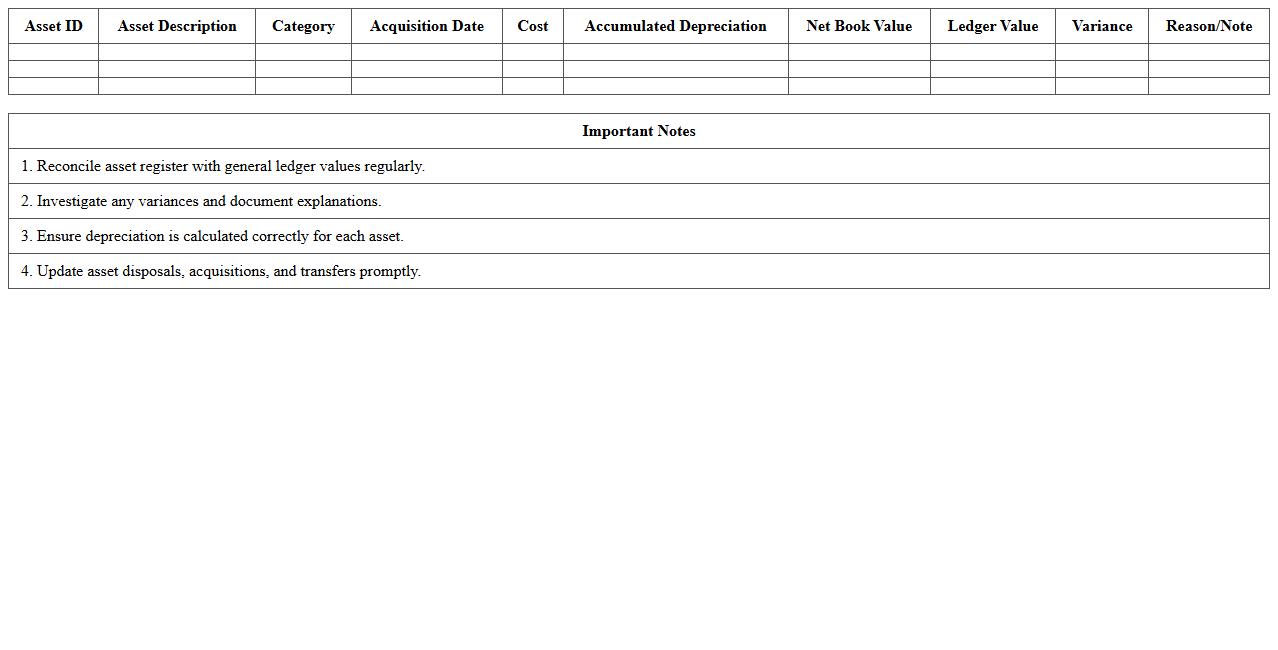
A
Fixed Asset Reconciliation Excel Sheet document is a structured tool used to compare and verify fixed asset records between accounting systems and physical asset inventories. It helps identify discrepancies, ensuring accurate financial reporting and compliance with audit requirements. This document streamlines asset management by tracking asset details, depreciation, and valuation updates efficiently.
Expense Account Reconciliation Statement Template
An
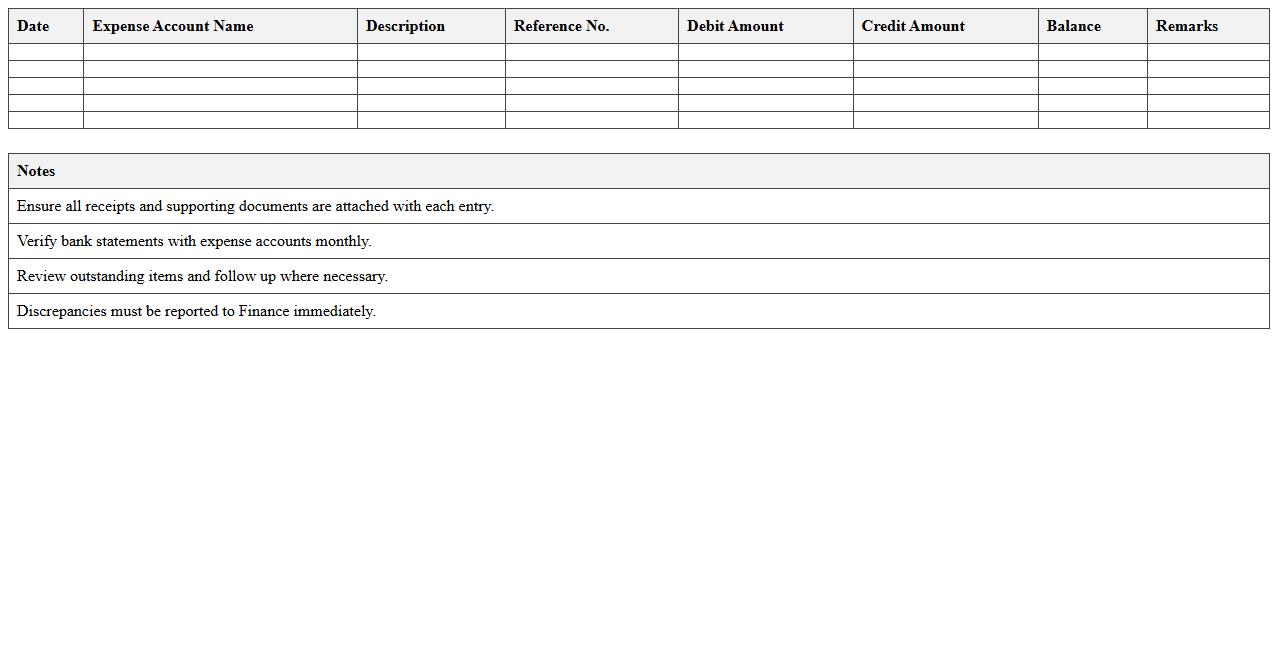
Expense Account Reconciliation Statement Template is a structured document used to compare and verify the detailed records of expenses against bank statements or accounting records. It helps in identifying discrepancies, ensuring accuracy in financial reports, and maintaining transparent bookkeeping. Using this template streamlines the reconciliation process, saving time and reducing errors in expense tracking.
General Ledger Reconciliation Excel Template
The
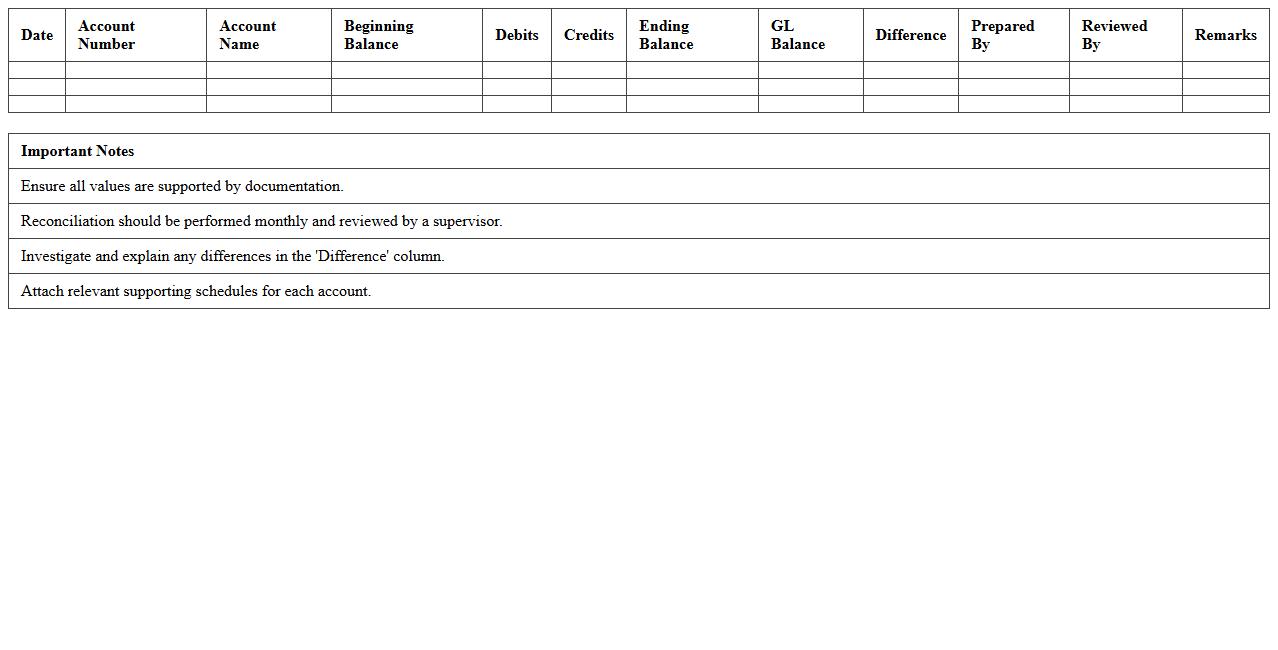
General Ledger Reconciliation Excel Template document is a structured tool designed to compare and verify financial records against the general ledger, ensuring accuracy and consistency in accounting data. It streamlines the identification of discrepancies by allowing users to systematically match transactions from sub-ledgers or other financial documents with the main ledger entries. This template enhances financial integrity, simplifies audits, and supports compliance by providing a clear, organized format for tracking adjustments and validations.
How to automate matching entries in a Reconciliation Statement Excel for multi-currency accounts?
Automating matching entries in a Reconciliation Statement for multi-currency accounts involves using Excel functions like VLOOKUP or INDEX-MATCH combined with currency conversion rates. You can create a dynamic table that converts all currencies into a base currency to standardize amounts. Incorporating conditional formatting helps visually identify matching or unmatched entries efficiently.
What are best practices for flagging unreconciled items in reconciliation workbooks?
Best practices for flagging unreconciled items include using color-coded conditional formatting to highlight discrepancies clearly. It is essential to maintain a dedicated column that automatically updates the status of each transaction as "Reconciled" or "Unreconciled." Regularly reviewing and updating the flags ensures accuracy and reduces the risk of oversight in financial statements.
How can macros be used to automate variance analysis in reconciliation templates?
Macros can be programmed in Excel to perform automated variance analysis by comparing ledger balances against statement amounts with a click. They can streamline repetitive tasks such as filtering variances exceeding a set threshold or generating detailed variance reports. Employing macros significantly improves efficiency and accuracy in reconciliation processes.
Which Excel formulas help identify duplicate transactions in reconciliation sheets?
Excel formulas like COUNTIF and COUNTIFS are effective for detecting duplicate transactions by counting occurrences of specific references or amounts. Combining these with conditional formatting highlights duplicates automatically for quick review. Using UNIQUE functions in newer Excel versions also aids in extracting distinct transactions, simplifying audit tasks.
What data validation rules ensure integrity in a Reconciliation Statement Excel for accountants?
Implementing data validation rules such as dropdown lists, date restrictions, and numerical limits prevents entry errors and maintains consistency in the reconciliation sheet. Validation rules ensure that only valid currencies, correct date formats, and permissible amounts are inputted, reducing the risk of data corruption. This practice strengthens overall data integrity and supports reliable financial reporting.
More Statement Excel Templates