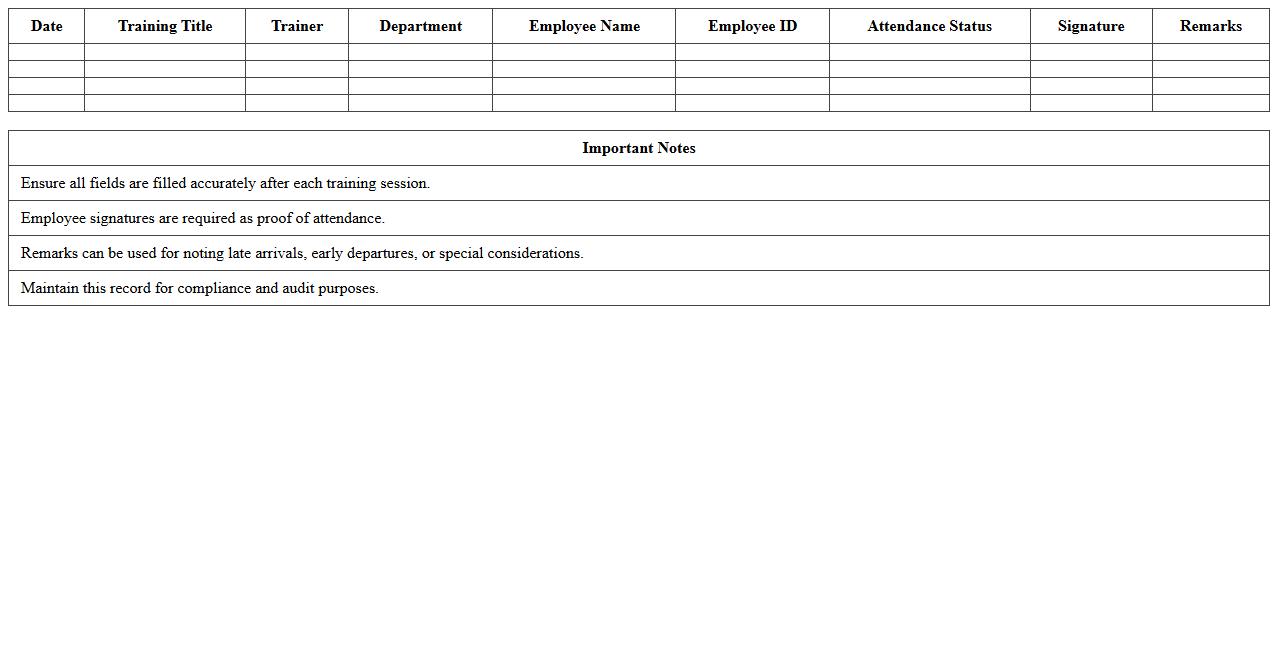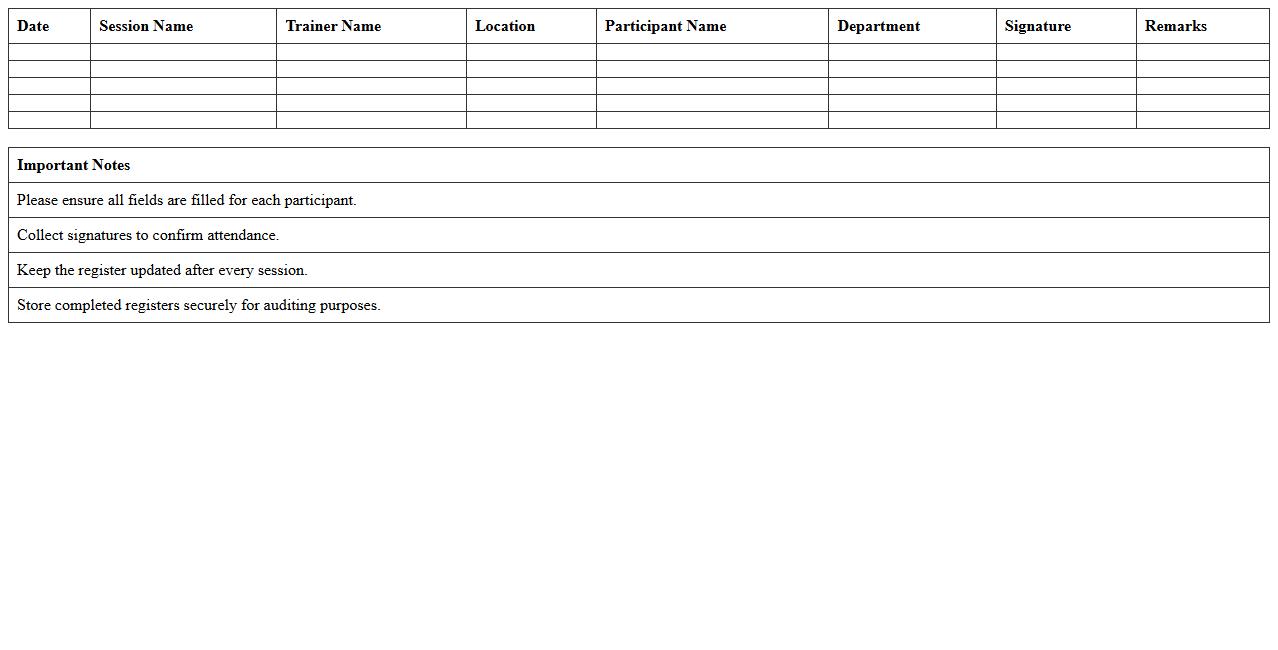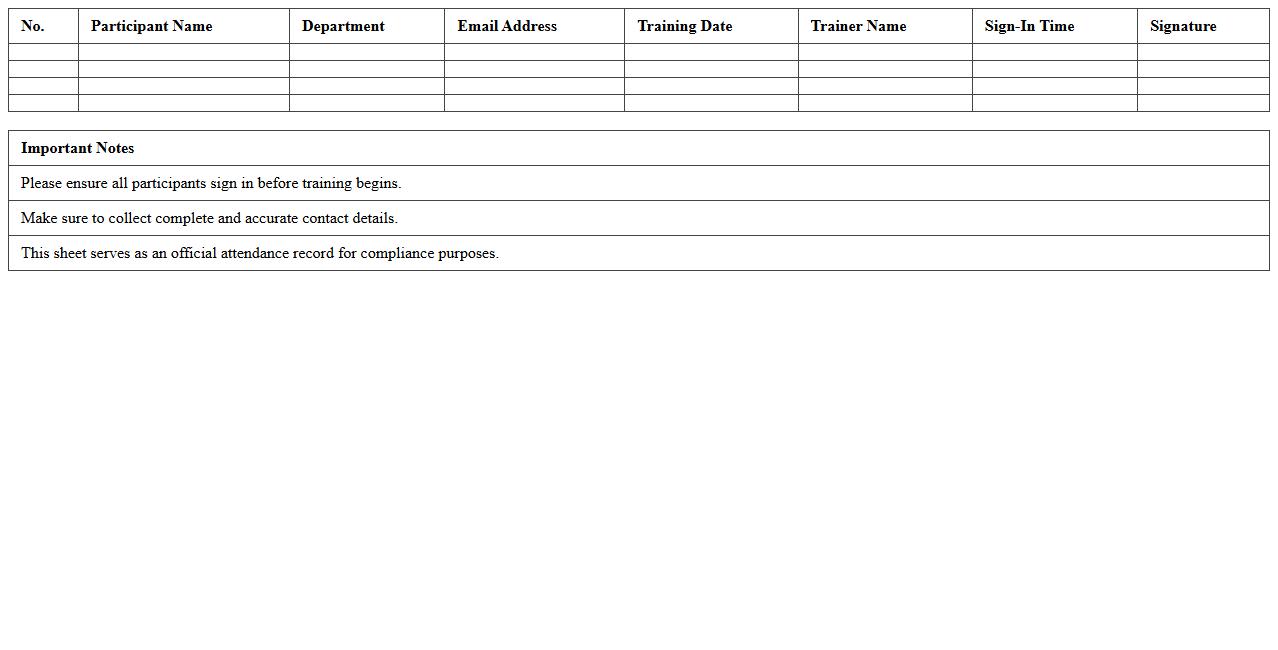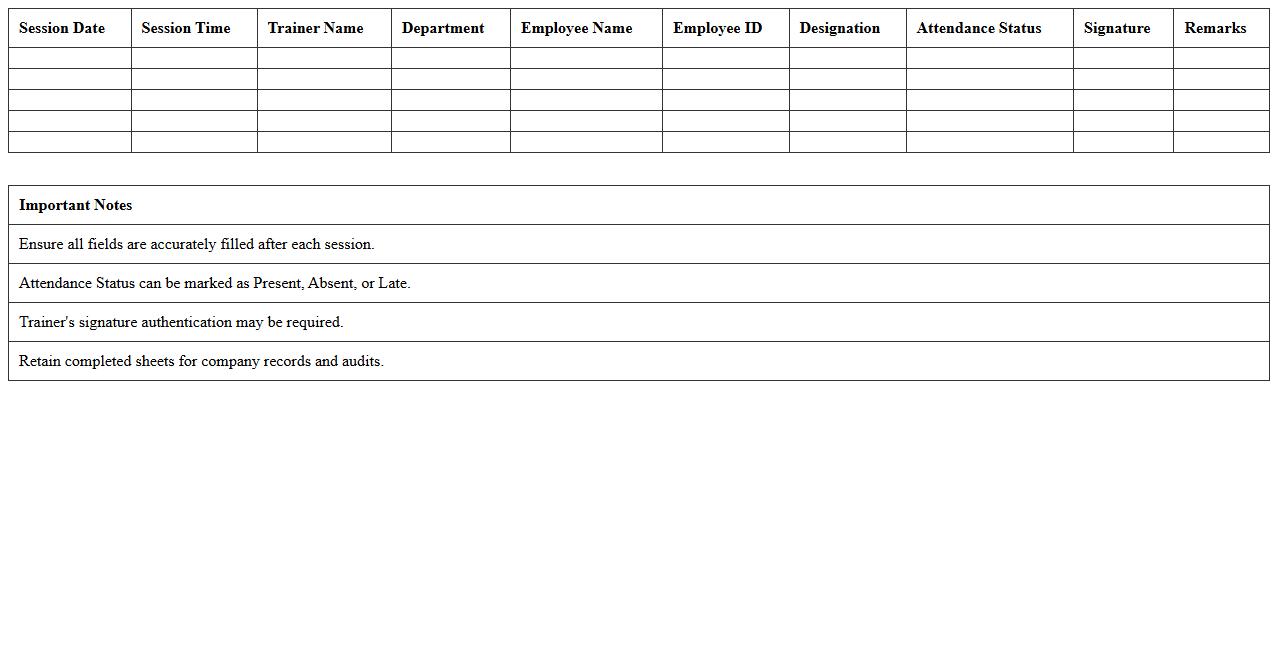
The Training Participation Register Excel Template for Corporate Trainers is designed to efficiently track and manage attendees in various training sessions. This customizable template allows for easy recording of participant details, attendance status, and feedback, streamlining the documentation process. Corporate trainers can enhance session organization and ensure accurate reporting through this user-friendly Excel tool.
Corporate Training Attendance Tracker Excel Template
The
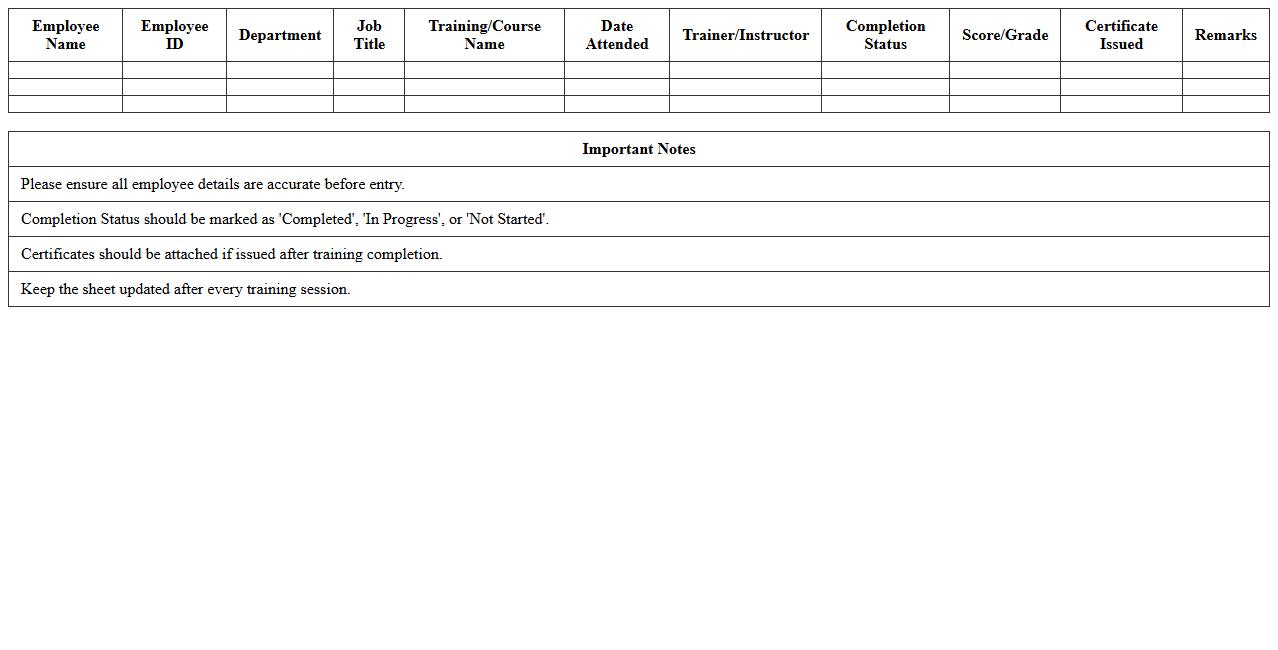
Corporate Training Attendance Tracker Excel Template is a structured spreadsheet designed to efficiently record and monitor employee participation in training sessions. It helps HR departments and managers track attendance patterns, analyze engagement levels, and ensure compliance with corporate training requirements. This tool enhances organizational learning by providing clear data for improving training programs and identifying skill gaps within the workforce.
Employee Training Participation Log Sheet
An
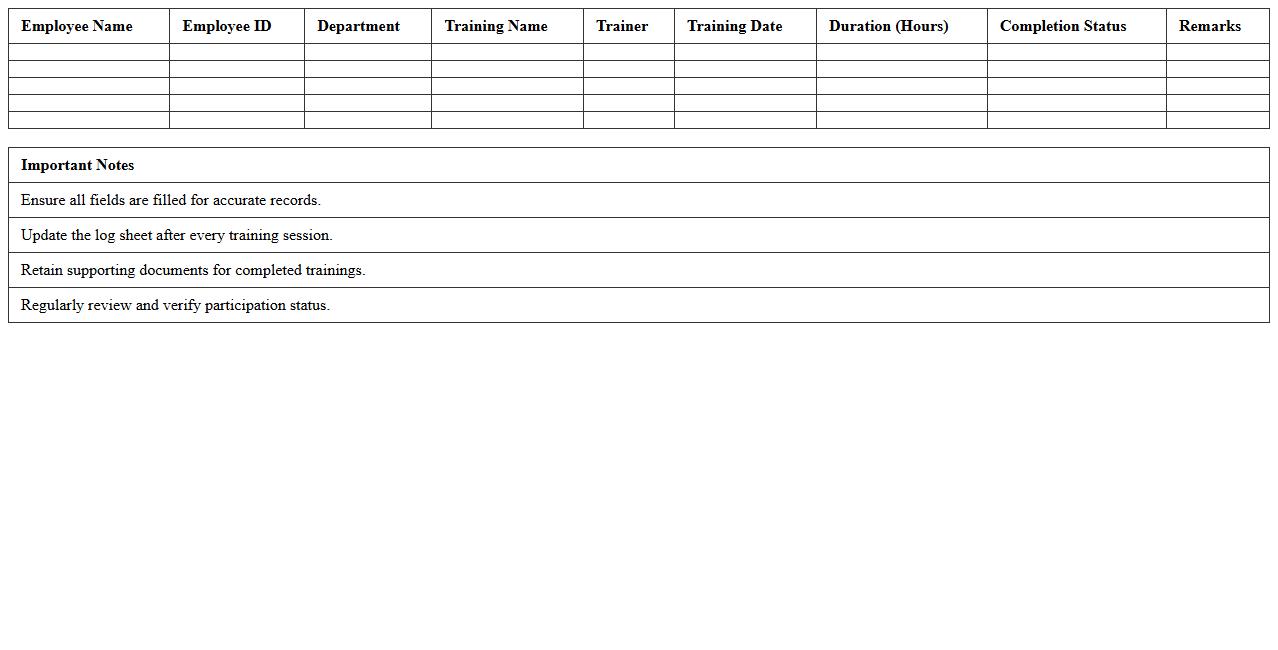
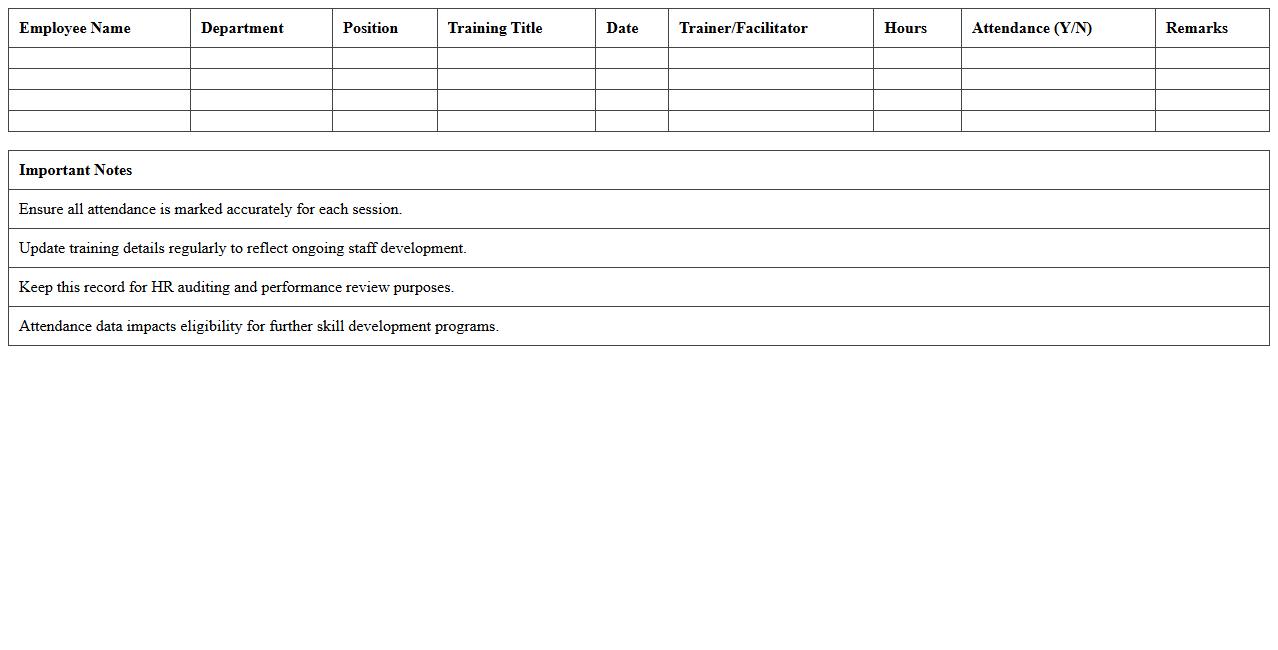
Employee Training Participation Log Sheet document records detailed information about each employee's involvement in company training programs, including dates, topics, and attendance status. This log sheet helps organizations track progress, ensure compliance with training requirements, and identify skill gaps for targeted development. By maintaining accurate training records, businesses can improve workforce competency and support performance evaluations effectively.
Staff Training Register with Attendance Records
A
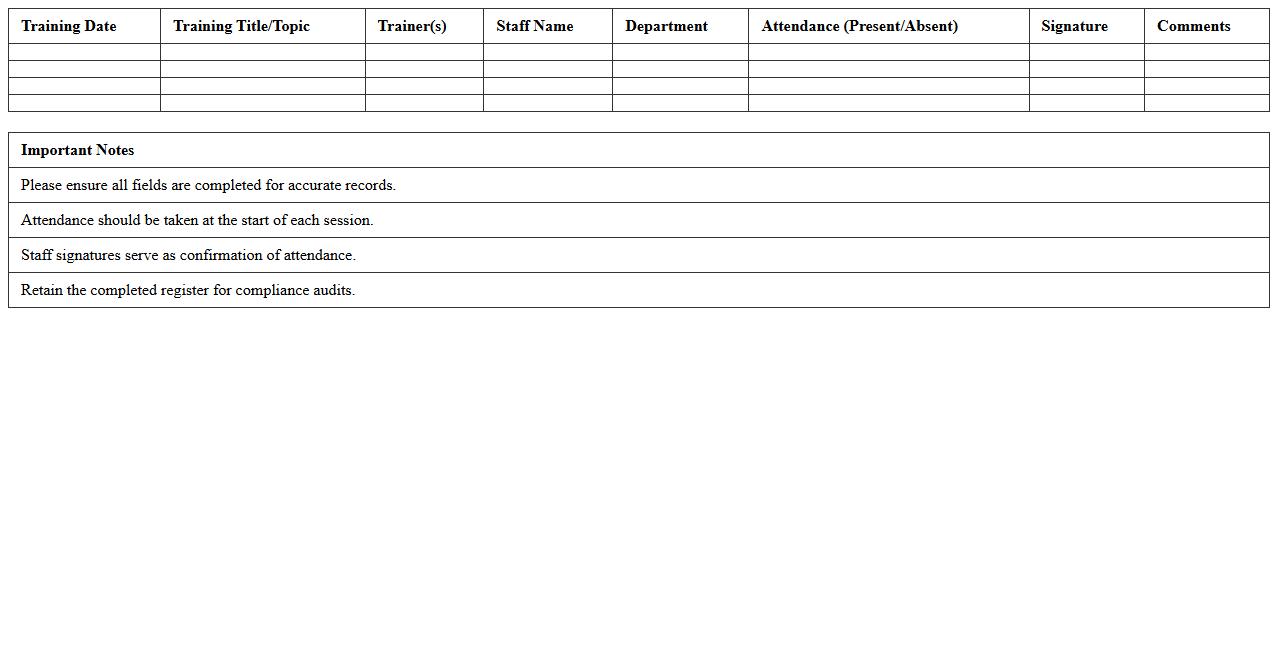
Staff Training Register with Attendance Records document is a comprehensive log that tracks employee participation in various training sessions, capturing details such as dates, topics, and attendance status. This document is essential for ensuring compliance with organizational learning requirements and helps managers monitor skill development and identify knowledge gaps. Maintaining accurate attendance records supports workforce planning, enhances performance evaluations, and aids in demonstrating adherence to industry regulations.
Corporate Workshop Participant List Excel
The
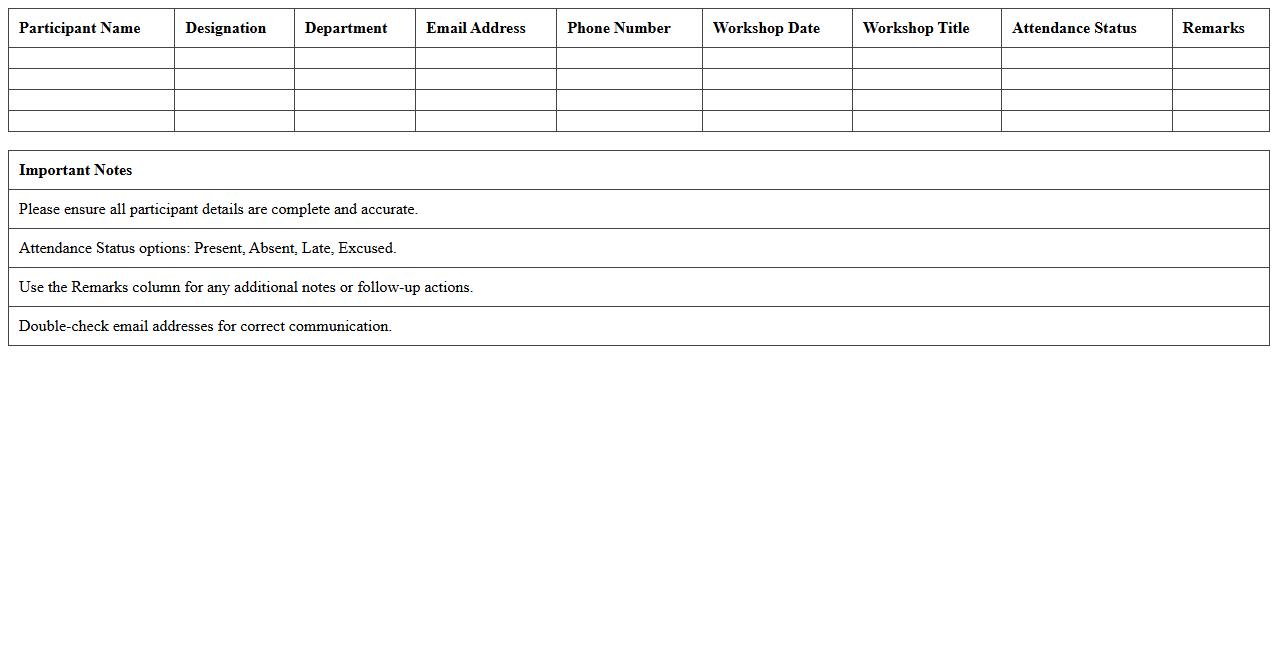
Corporate Workshop Participant List Excel document serves as a comprehensive record of attendees, capturing essential details such as names, contact information, company affiliations, and session attendance. It streamlines event management by enabling easy tracking, communication, and analysis of participant data. This organized format supports efficient planning, follow-up, and evaluation of workshop effectiveness, enhancing overall corporate training outcomes.
Training Session Attendance Register Spreadsheet
A
Training Session Attendance Register Spreadsheet is a document designed to systematically record the participation of attendees in training sessions, ensuring accurate tracking of who was present. It helps organizations monitor employee development, measure training effectiveness, and maintain compliance with regulatory requirements. By using this spreadsheet, managers can efficiently analyze attendance patterns and make informed decisions about future training needs.
Employee Learning Participation Tracking Sheet
An
Employee Learning Participation Tracking Sheet is a document designed to monitor and record employees' engagement in training and development activities. It provides detailed insights into individual progress, helps identify skill gaps, and ensures compliance with organizational learning goals. This tool is essential for improving workforce competency, enhancing performance, and aligning training efforts with business objectives.
Staff Skill Development Attendance Excel
The
Staff Skill Development Attendance Excel document is a structured tool used to record and monitor employee participation in training sessions and workshops. It helps track skill enhancement progress, ensuring that training objectives align with organizational goals and identifying areas that need further development. This document supports efficient workforce management by providing clear insights into staff development activities and attendance patterns.
Training Roll Call Register for Organizations
The
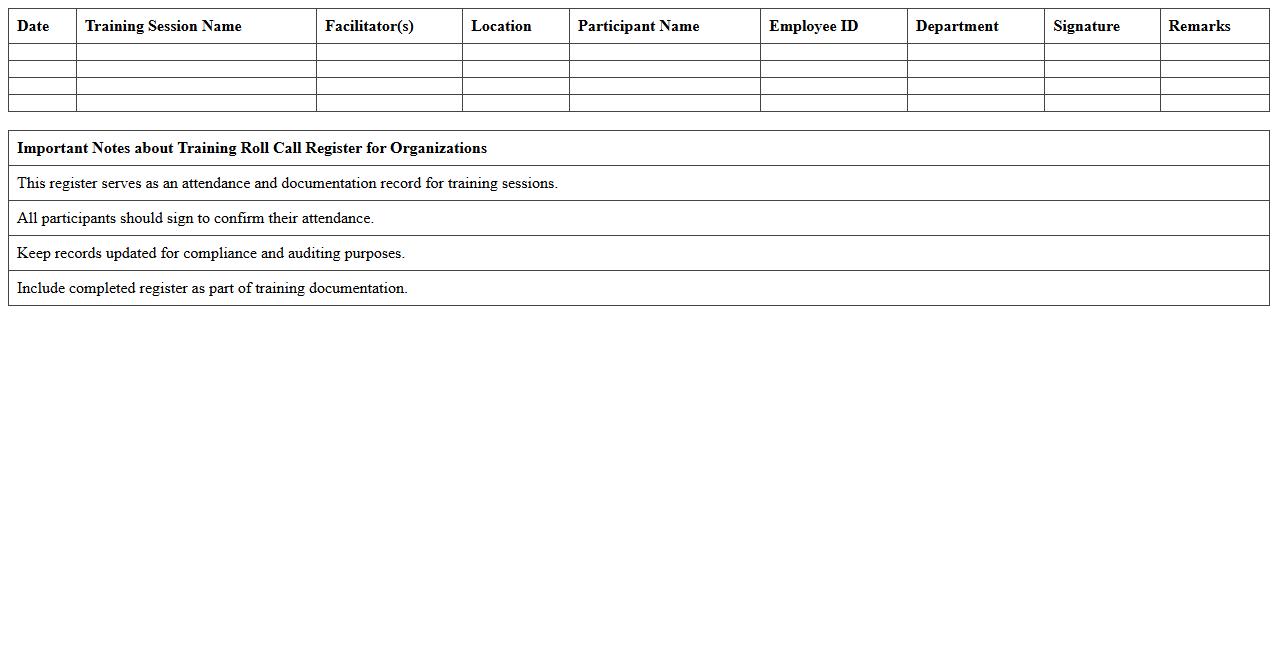
Training Roll Call Register is a document used by organizations to systematically record attendance during training sessions, ensuring accurate tracking of employee participation. This register helps maintain compliance with training requirements, facilitates reporting for audits, and supports the evaluation of training effectiveness. By organizing attendance data, it enables management to identify skill gaps and plan future development initiatives efficiently.
Participant Sign-In Sheet for Corporate Training
A
Participant Sign-In Sheet for Corporate Training is a document that records the attendance of employees in training sessions, capturing essential details such as names, departments, and sign-in times. This sheet ensures accurate tracking of participation, which is critical for evaluating employee engagement and training compliance. It also provides a verifiable record for management to assess the effectiveness of training programs and support workforce development initiatives.
Corporate Training Session Attendance Template
A
Corporate Training Session Attendance Template is a structured document used to record participant attendance during training sessions in a corporate setting. It helps organizations track employee engagement, monitor training progress, and ensure compliance with mandatory learning programs. This template streamlines data collection, making it easier to generate attendance reports and evaluate the effectiveness of training initiatives.
How to automate attendance tracking in a Training Participation Register Excel sheet?
To automate attendance tracking, use Excel formulas like COUNTIF and conditional formatting to mark attendance efficiently. Integrate dropdown lists for present, absent, or late statuses, simplifying data entry. Additionally, use VBA macros to automate repetitive tasks and generate alerts for missing attendance.
What are best practices for data validation in Excel-based training registers?
Data validation enhances accuracy by restricting entries to predefined lists, such as participant names or attendance status. Implement drop-down menus and input message prompts to guide users while reducing errors. Always protect validation ranges to maintain consistency in the training register.
How to generate session-specific participant reports from an Excel training register?
Use Excel's filters and pivot tables to generate session-specific reports that summarize attendance and participation. Set dynamic ranges and slicers to allow quick data segmentation by session date or trainer. Export filtered data or automate report generation using macros for regular updates.
Which Excel formulas optimize tracking late or absent trainees in corporate training?
Utilize formulas like COUNTIFS and IF to track late or absent trainees by evaluating attendance status against set conditions. Combine these with TODAY() to compute punctuality trends over time across sessions. Conditional formatting highlights late arrivals or absences, making oversight easier.
How to securely share a Training Participation Register Excel file among multiple trainers?
Secure sharing of the Training Participation Register can be achieved using OneDrive or SharePoint with controlled permissions for multiple trainers. Protect the workbook with passwords and restrict editing ranges to preserve data integrity. Regular backups and version control help prevent accidental data loss during collaboration.
More Register Excel Templates