The Stock Register Excel Template for Pharmacy Outlets helps efficiently track inventory levels, manage stock inflow and outflow, and maintain accurate records of medicines and supplies. Designed specifically for pharmacy needs, it simplifies monitoring expiry dates and reorder points to avoid stockouts. This template enhances inventory management accuracy and supports regulatory compliance for pharmacy operations.
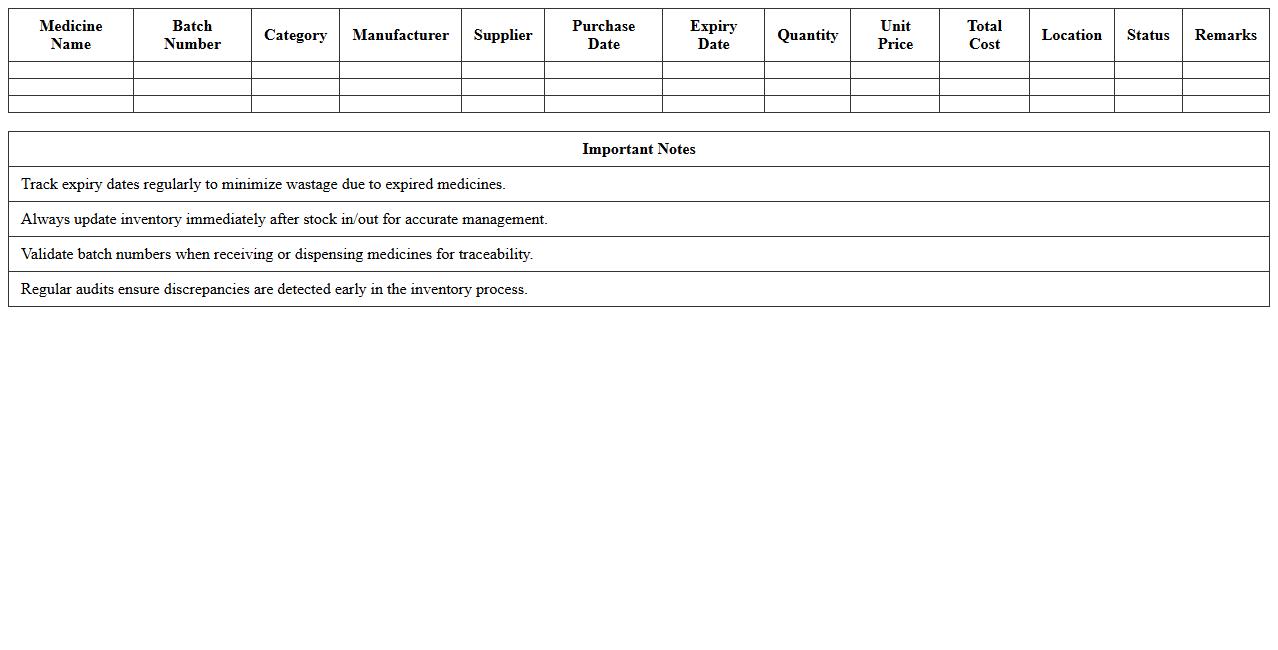
Medicine Inventory Management Excel Template
The
Medicine Inventory Management Excel Template is a structured spreadsheet designed to track and organize medicine stocks efficiently. It helps healthcare providers monitor expiration dates, stock levels, and reorder schedules, reducing waste and ensuring availability. This template boosts accuracy in inventory control and supports effective procurement planning to maintain uninterrupted patient care.
Pharmacy Stock Movement Register Sheet
The
Pharmacy Stock Movement Register Sheet is a vital document that records all incoming and outgoing pharmaceutical inventory, ensuring accurate tracking of drug quantities and preventing stock discrepancies. It helps maintain optimal stock levels by providing real-time data on medication usage, expiration dates, and reorder requirements. This systematic tracking supports regulatory compliance, minimizes wastage, and enhances overall operational efficiency in pharmacy management.
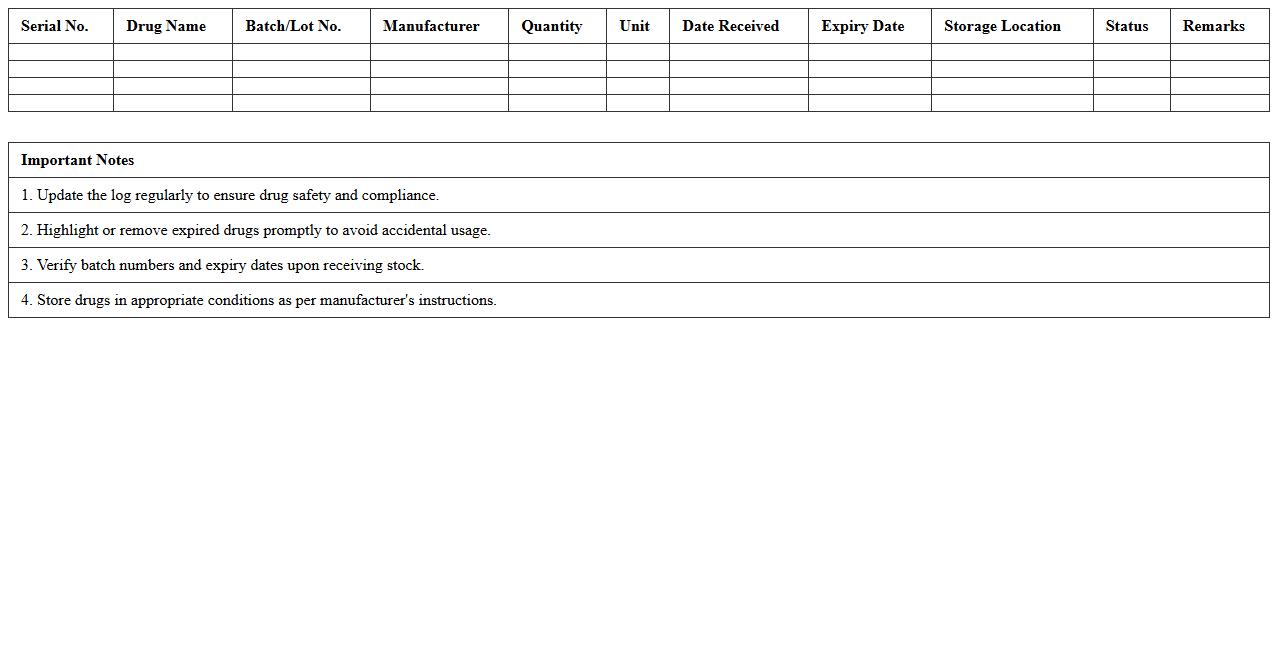
Drug Expiry Tracking Excel Log
A
Drug Expiry Tracking Excel Log document is a digital tool designed to monitor the expiration dates of pharmaceutical products systematically. It allows healthcare providers, pharmacies, and inventory managers to maintain accurate records of drug batches, expiry timelines, and stock levels, minimizing the risk of dispensing expired medications. Utilizing this log enhances compliance with safety regulations, reduces wastage, and supports efficient inventory management in medical and retail settings.
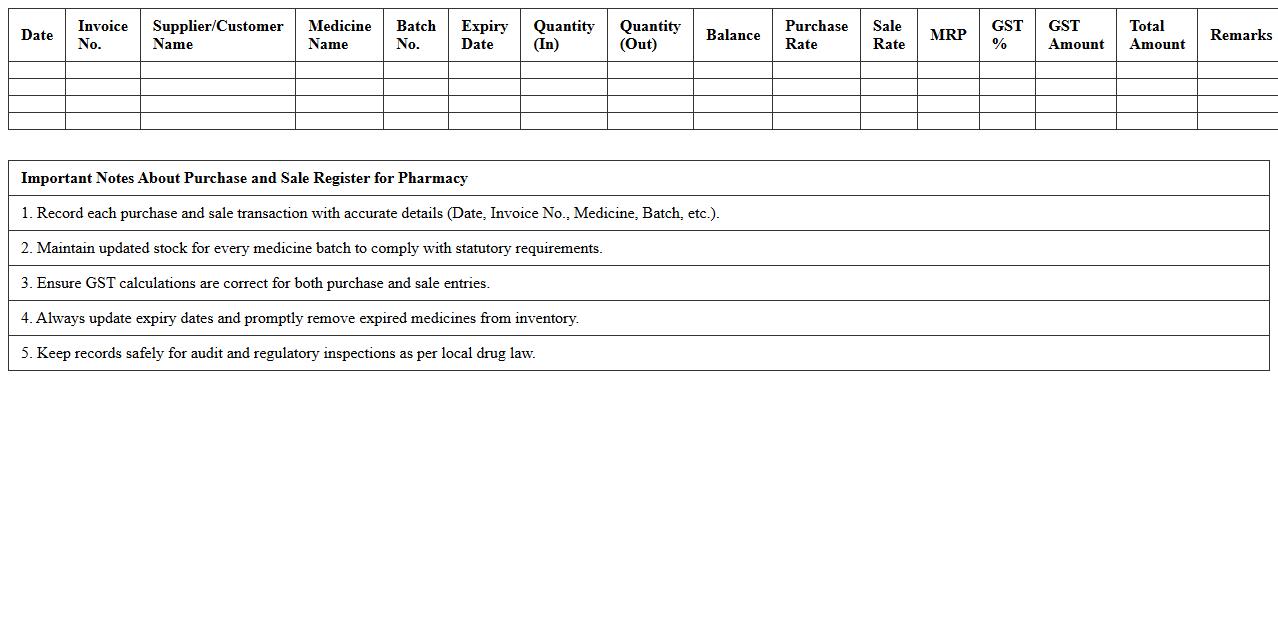
Purchase and Sale Register for Pharmacy
The
Purchase and Sale Register for Pharmacy is a comprehensive record that tracks all transactions involving the acquisition and sale of medicines and pharmaceutical products. This document helps ensure compliance with regulatory requirements, aids in accurate inventory management, and facilitates financial auditing by providing a clear trail of stock movement. Maintaining this register is essential for pharmacies to monitor stock levels effectively, avoid discrepancies, and support transparent business operations.
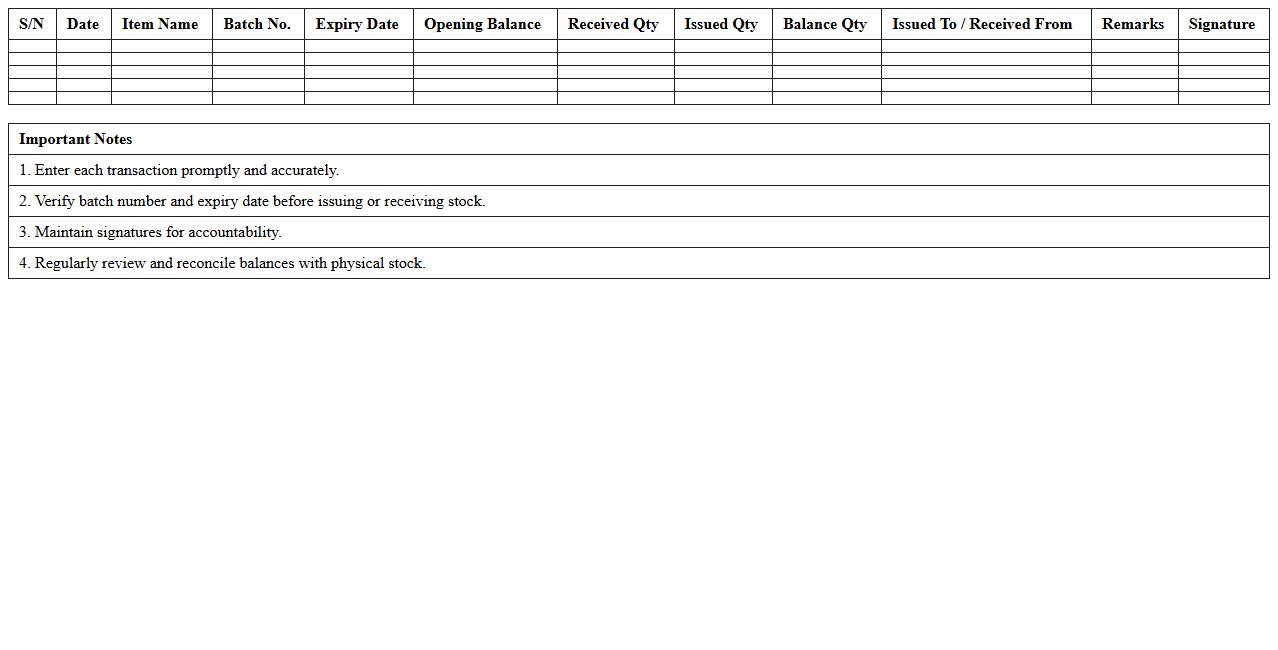
Batch-Wise Medicine Stock Ledger
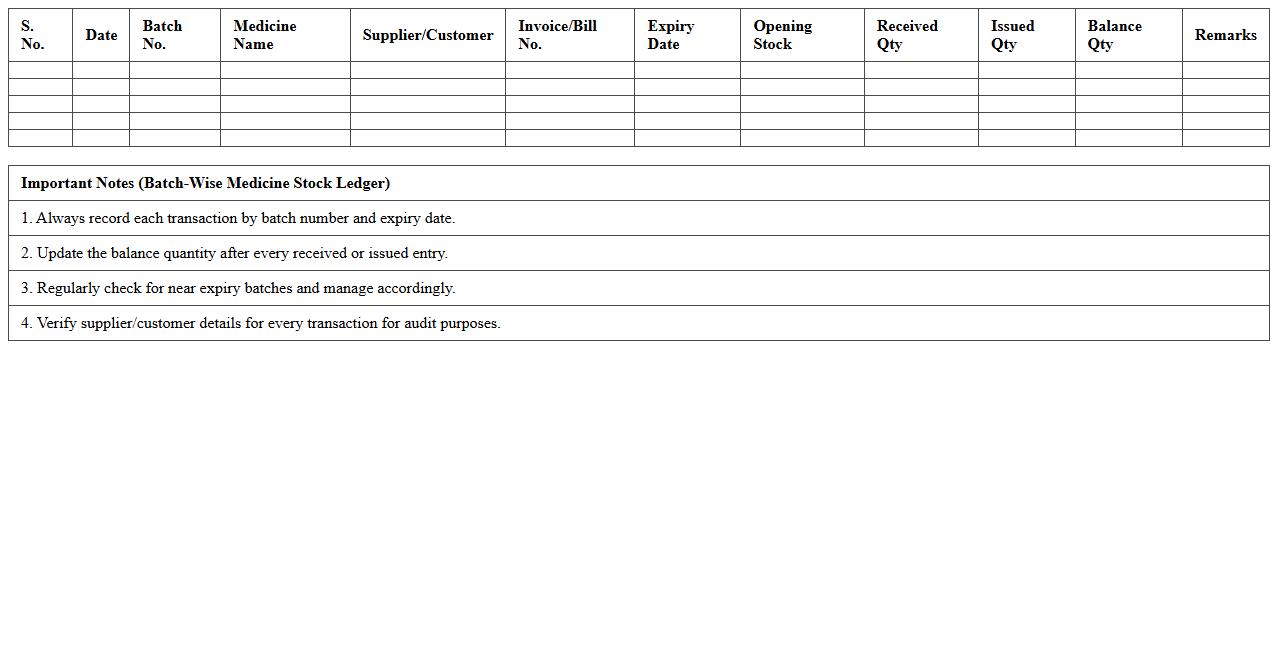
The
Batch-Wise Medicine Stock Ledger document records detailed information about medicine inventory categorized by production batches, including batch numbers, expiry dates, quantities received, issued, and remaining stock. This ledger enables precise tracking of medicine batches, ensuring efficient inventory management and compliance with regulatory standards related to drug safety. It helps prevent stockouts, reduces wastage due to expired medicines, and supports timely replenishment decisions in healthcare settings.
Controlled Drugs Stock Monitoring Excel
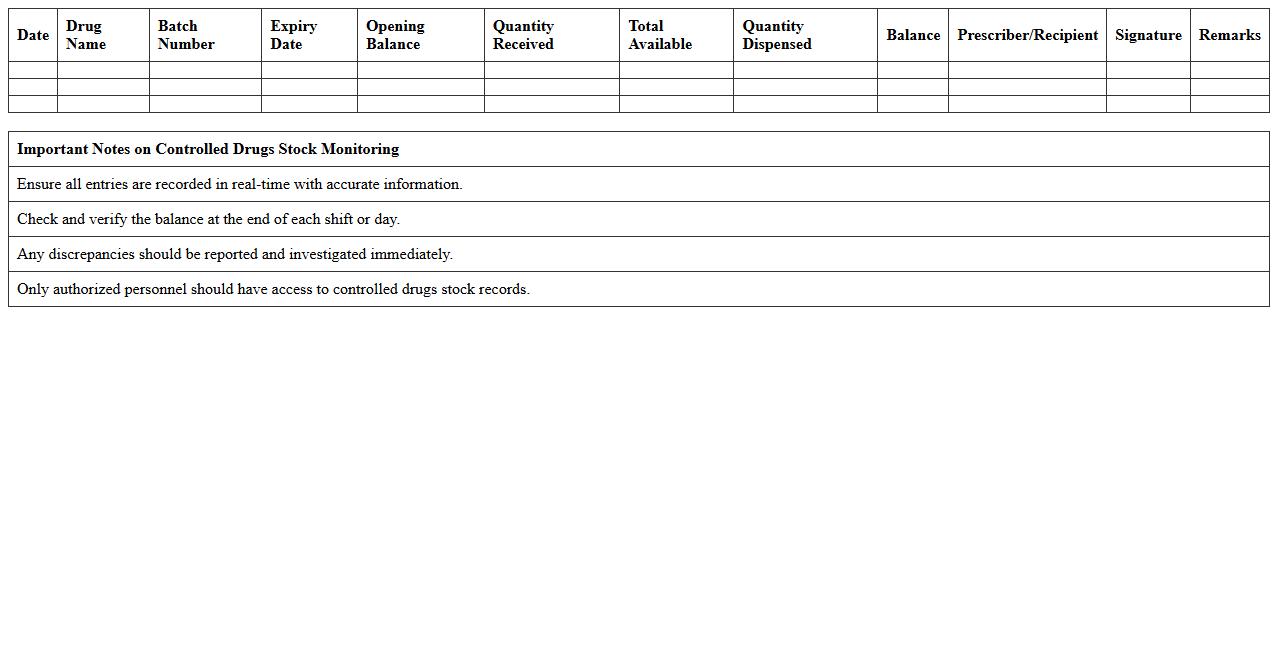
The
Controlled Drugs Stock Monitoring Excel document is a specialized tool designed to track and manage inventory levels of controlled substances accurately. It helps healthcare facilities ensure compliance with regulatory requirements by maintaining detailed records of drug quantities, usage, and expiry dates. This system reduces the risk of stock discrepancies and enhances patient safety by preventing drug shortages or excesses.
Pharmacy Daily Stock In-Out Format
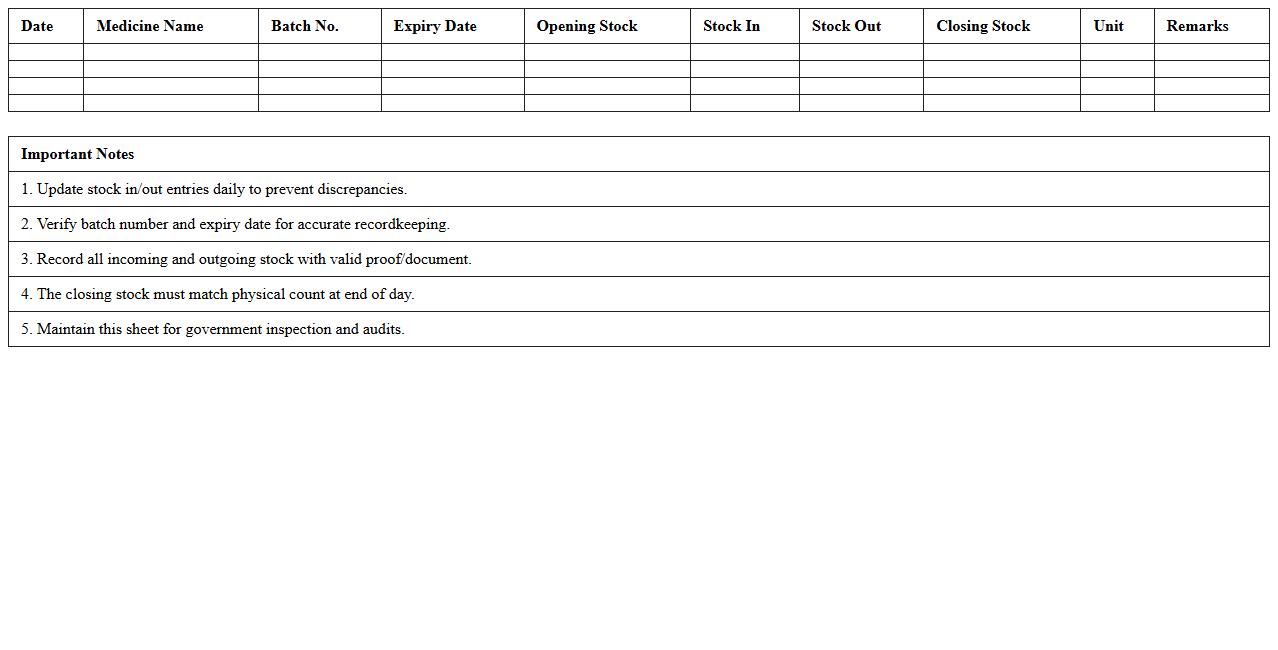
The
Pharmacy Daily Stock In-Out Format document systematically records the daily inventory movements of medications and supplies within a pharmacy, capturing details of stock received and dispensed. This format enables accurate tracking of inventory levels, preventing stockouts or excesses, and supports effective stock management and procurement planning. By maintaining detailed and organized data, the document enhances accountability, reduces errors, and ensures the continuous availability of essential pharmaceutical products.
Vendor-wise Medicine Supply Register
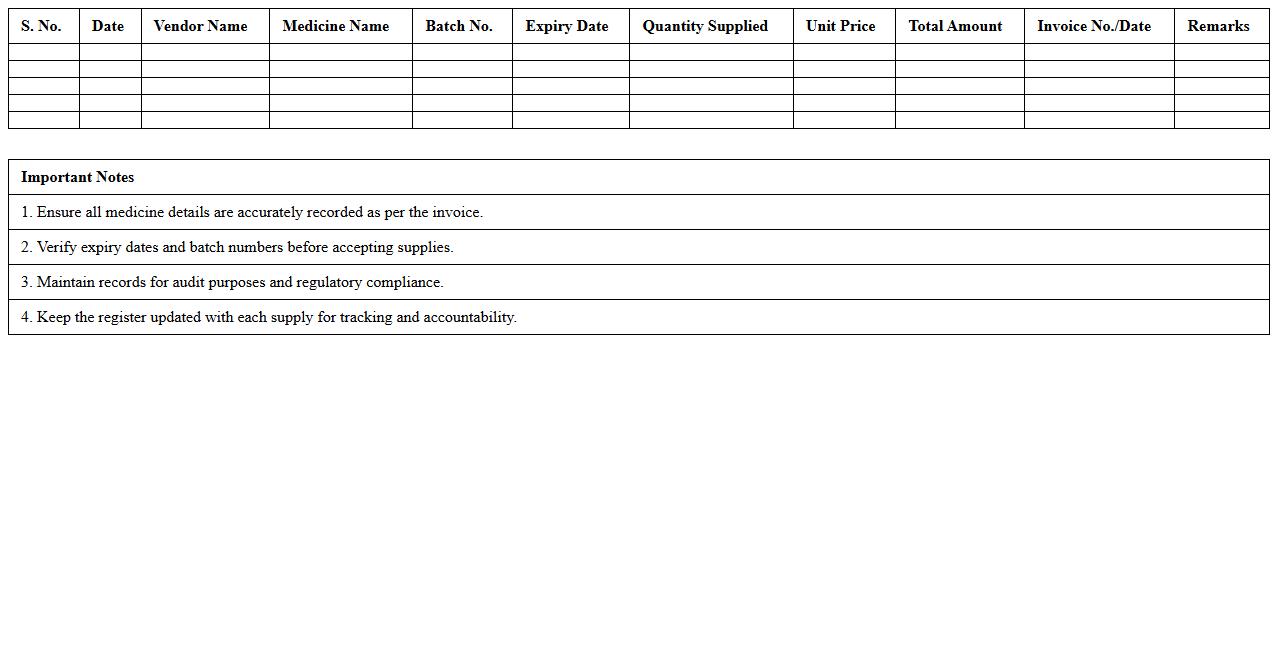
A
Vendor-wise Medicine Supply Register document records detailed information about medicines supplied by each vendor, including quantities, delivery dates, and batch numbers. This register is essential for tracking procurement accuracy, managing inventory efficiently, and ensuring timely payments to suppliers. It also aids in auditing processes and maintaining transparency in the supply chain management of pharmaceutical products.
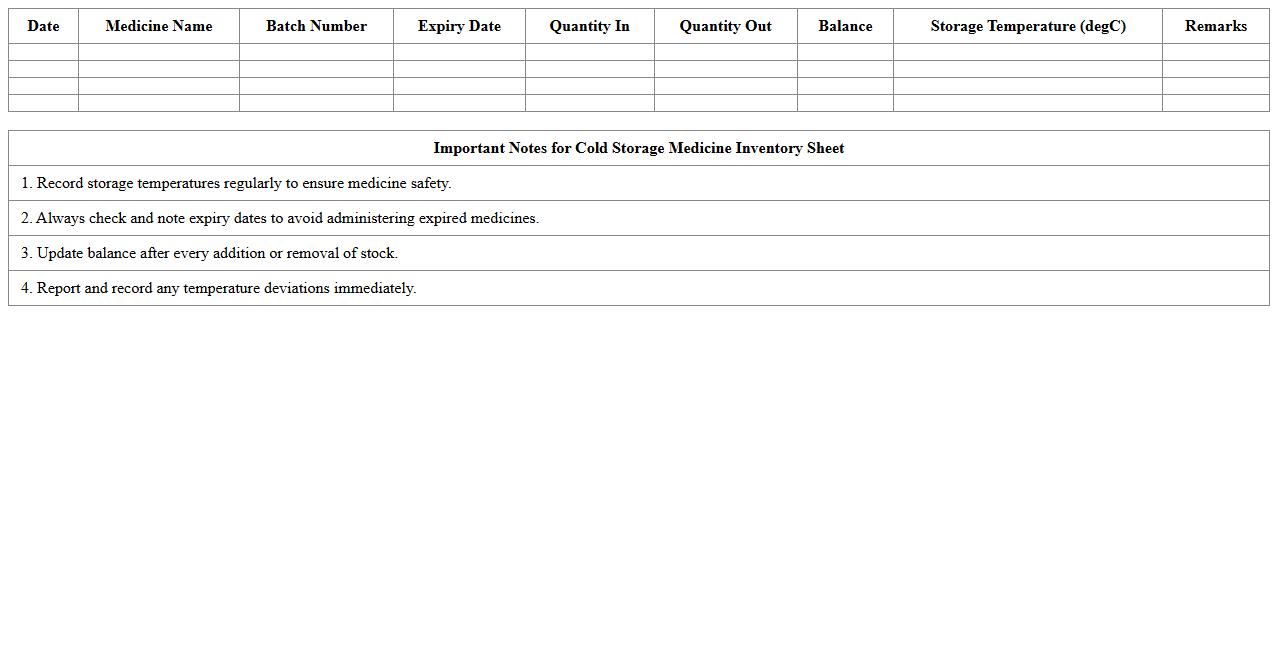
Cold Storage Medicine Inventory Sheet
A
Cold Storage Medicine Inventory Sheet is a detailed record used to monitor medications that require refrigeration or freezing to maintain their efficacy. This document helps healthcare providers track inventory levels, expiration dates, and storage conditions accurately, ensuring that medicines are safe for patient use. Proper management through this sheet reduces waste, prevents stockouts, and supports regulatory compliance in medical facilities.
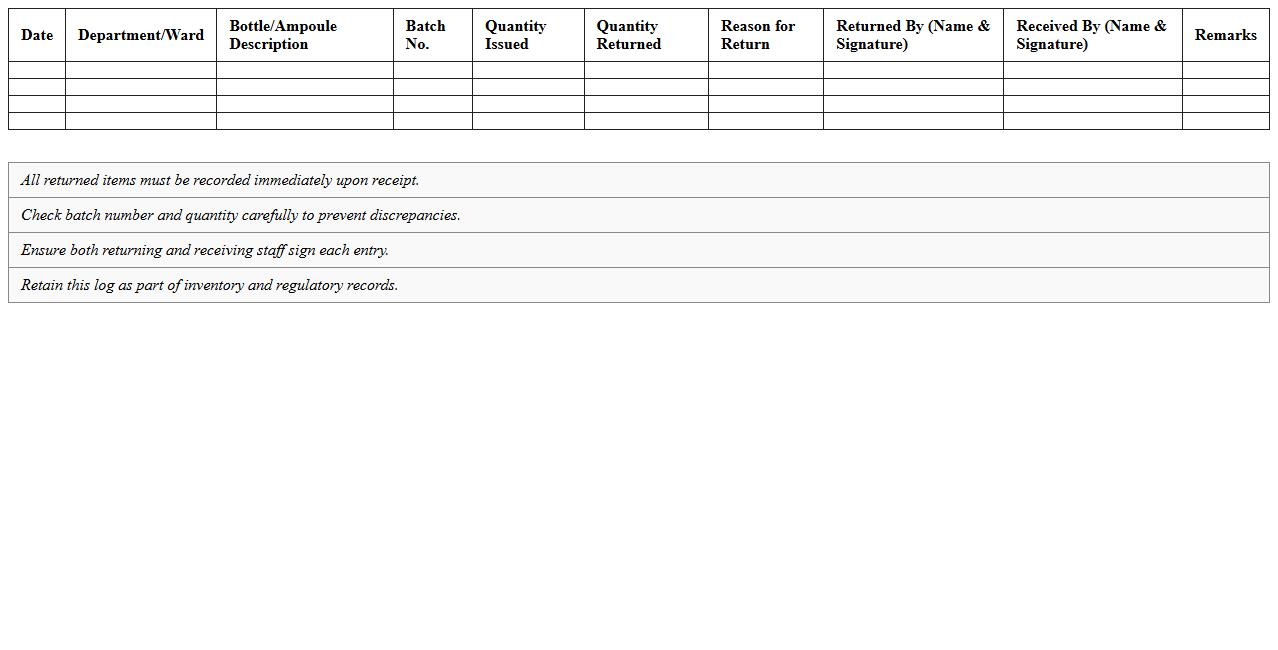
Empty Bottle & Ampoule Return Log Excel
The
Empty Bottle & Ampoule Return Log Excel document is a tracking tool designed to record and monitor the return of empty pharmaceutical bottles and ampoules. It helps maintain accurate inventory control, ensures compliance with disposal regulations, and facilitates audit trails for quality assurance. By organizing data systematically, this log improves operational efficiency and supports accountability in pharmaceutical management.
How to automate stock expiry alerts in a pharmacy stock register Excel sheet?
To automate stock expiry alerts in Excel, use conditional formatting based on expiry dates. Set rules to highlight cells when the expiry date is within a specified timeframe, e.g., 30 days. Additionally, use the TODAY() function to dynamically track approaching expiry dates for timely notifications.
What formulas track batch-wise inventory in Excel for pharmacy outlets?
Use the SUMIFS formula to track batch-wise inventory by summing quantities based on batch number and product ID. Incorporate filters for expiration dates or location to refine inventory data. This ensures accurate tracking of batch-specific stock levels across multiple outlets.
How to generate daily sales vs. stock reconciliation reports using Excel?
Create a pivot table comparing daily sales data with opening stock and purchases to generate sales vs. stock reconciliation reports. Use formulas like SUMIFS to calculate sales and stock values by date. Automate updates with dynamic named ranges or Excel Tables for real-time reconciliation insights.
Which Excel functions optimize reorder levels of fast-moving medicines?
Apply the AVERAGE, MAX, and MIN functions to calculate optimal reorder levels based on historical sales data. Use the IF and VLOOKUP functions to trigger reorder alerts when stock falls below threshold levels. Integrate trend analysis with moving averages for better inventory forecasting.
How to import purchase and dispensing data into Excel stock register for pharmacies?
Import purchase and dispensing data into Excel using the Get & Transform (Power Query) feature for seamless data integration. Connect directly to external databases or CSV files to update the stock register effortlessly. Automate data refreshes to maintain accurate, up-to-date inventory records.
More Register Excel Templates