New Student Admission Register Excel Template
The
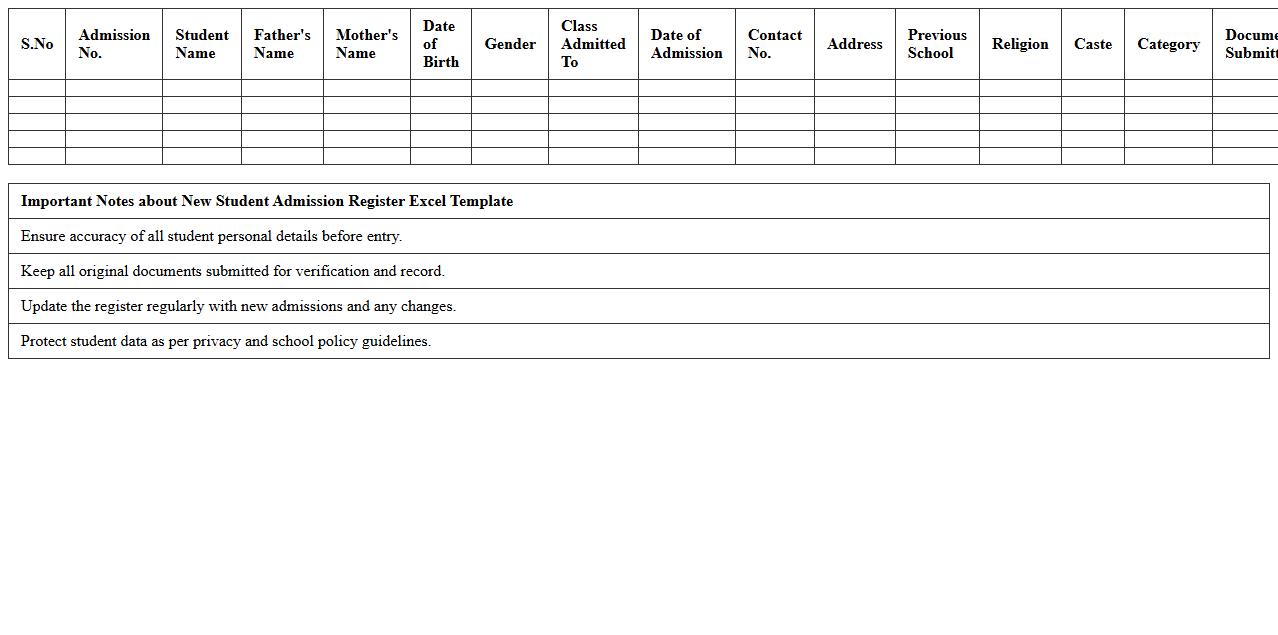
New Student Admission Register Excel Template is a structured digital document designed to systematically record and manage the enrollment details of new students in educational institutions. It simplifies tracking essential information such as student names, contact details, admission dates, courses, and fees, enabling efficient data organization and easy access. This template is particularly useful for streamlining administrative tasks, reducing errors, and maintaining a comprehensive admission record for future reference.
Class Attendance Register Excel Template
The
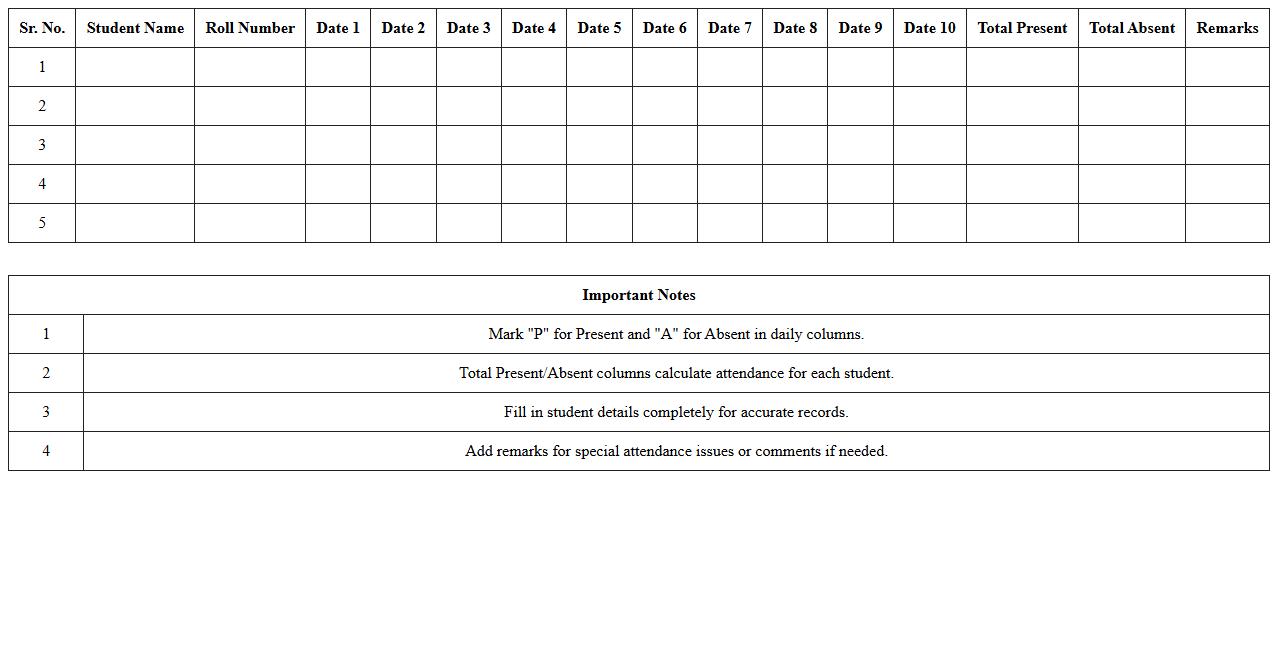
Class Attendance Register Excel Template is a digital tool designed to efficiently track student attendance in educational settings. It allows educators to record daily attendance, calculate attendance percentages, and easily identify patterns or absences. This template streamlines administrative tasks, saves time, and enhances accuracy in maintaining attendance records.
Monthly Fee Collection Register Excel Template
The
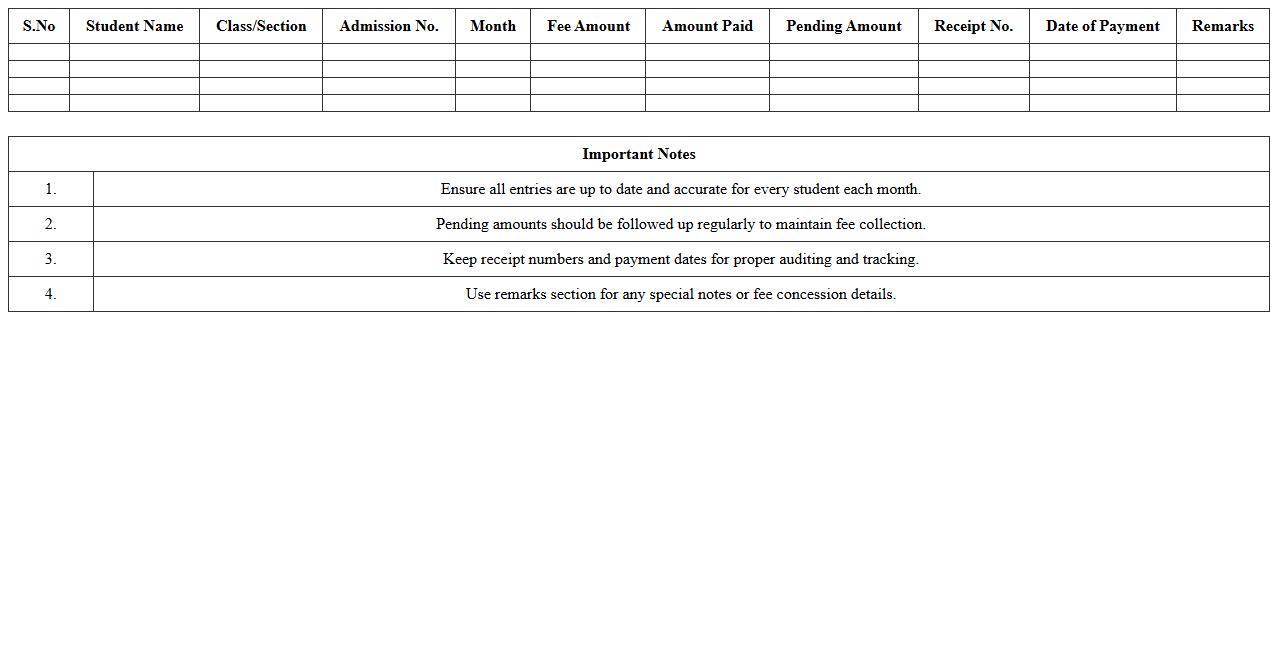
Monthly Fee Collection Register Excel Template is a structured document designed to track and record fee payments on a monthly basis with accuracy and ease. It helps organizations, schools, and institutions monitor collections, manage pending dues, and generate reports for financial transparency. Utilizing this template improves data organization, reduces manual errors, and streamlines the fee management process efficiently.
Student Contact Information Register Excel Sheet
The
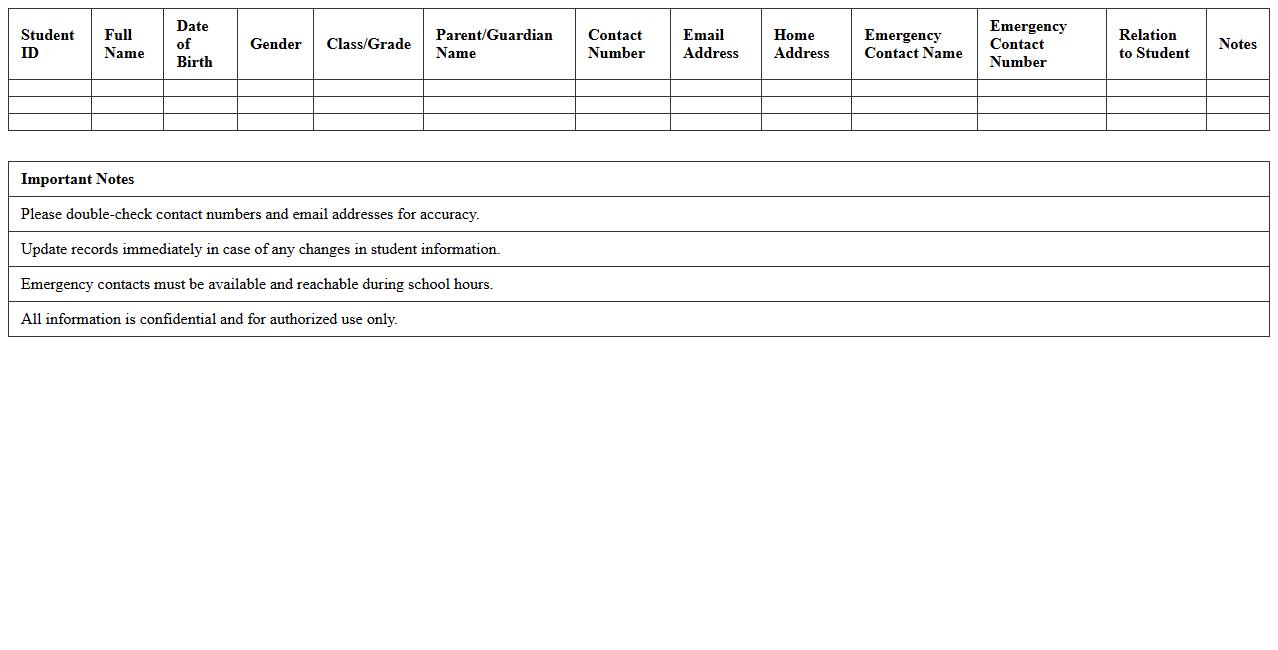
Student Contact Information Register Excel Sheet is a structured document that organizes essential contact details such as phone numbers, email addresses, and emergency contacts for each student. It enhances communication efficiency between educators, administrative staff, and parents by providing quick access to updated data. This register supports timely notifications, emergency responses, and streamlined coordination for academic and extracurricular activities.
Tuition Batch Allocation Register Excel Template
The
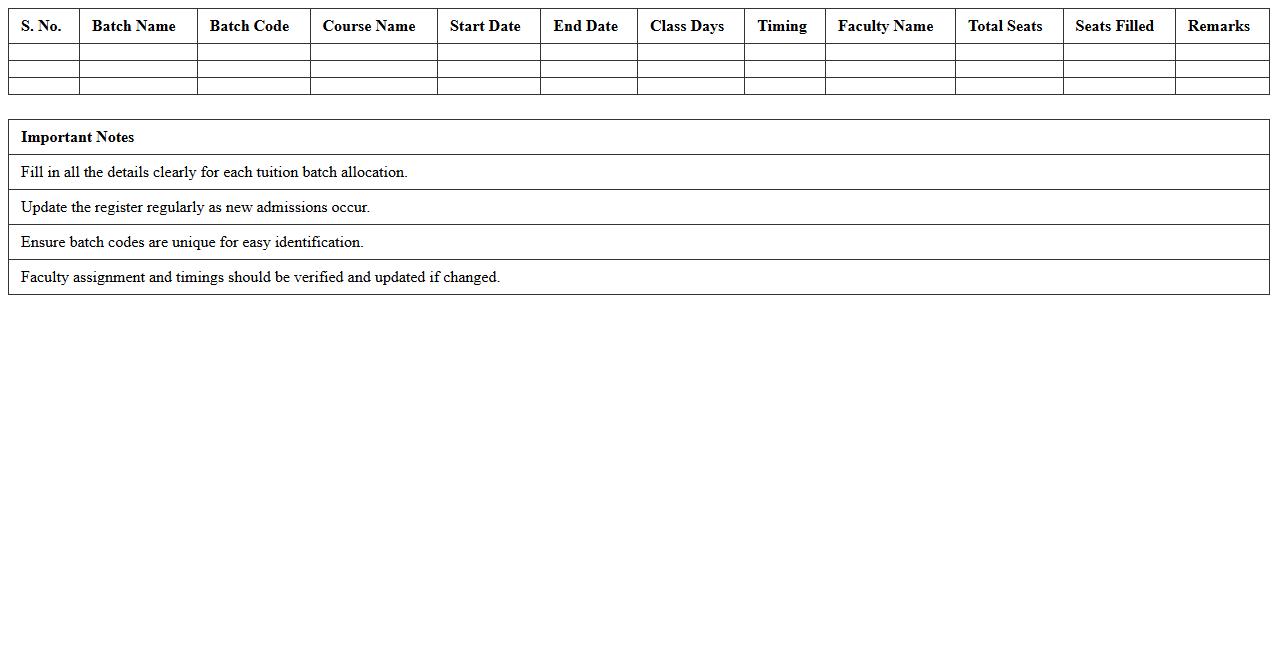
Tuition Batch Allocation Register Excel Template is a streamlined document designed to organize and manage student batch assignments effectively. It allows educators and administrators to track tuition groups, allocate students based on subjects or levels, and maintain payment records within a single platform. This template enhances efficiency by reducing manual errors, enabling easy updates, and improving overall batch management processes in educational institutions.
Student Performance Register Excel Template
The
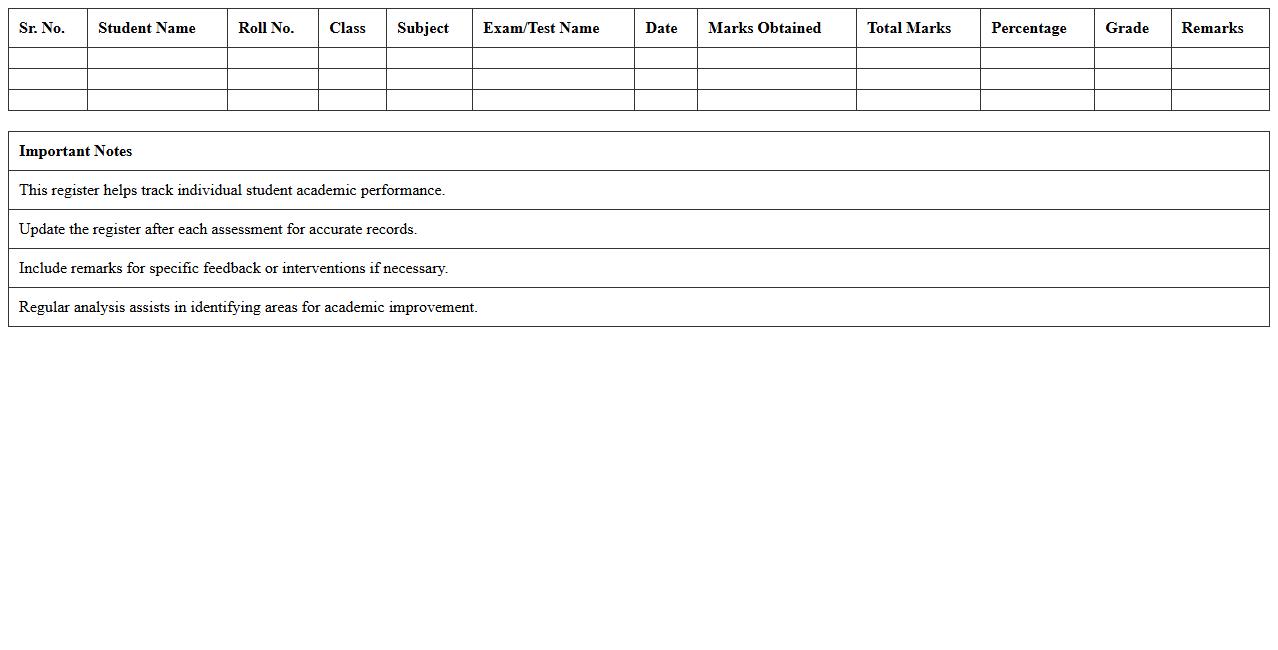
Student Performance Register Excel Template is a digital tool designed to systematically record, track, and analyze students' academic achievements and behavioral data. It enables educators to input scores, attendance, and participation metrics, providing a clear overview of individual and class performance trends. This template facilitates data-driven decision-making to enhance teaching strategies and improve student outcomes effectively.
Parent Communication Log Register Excel Template
The
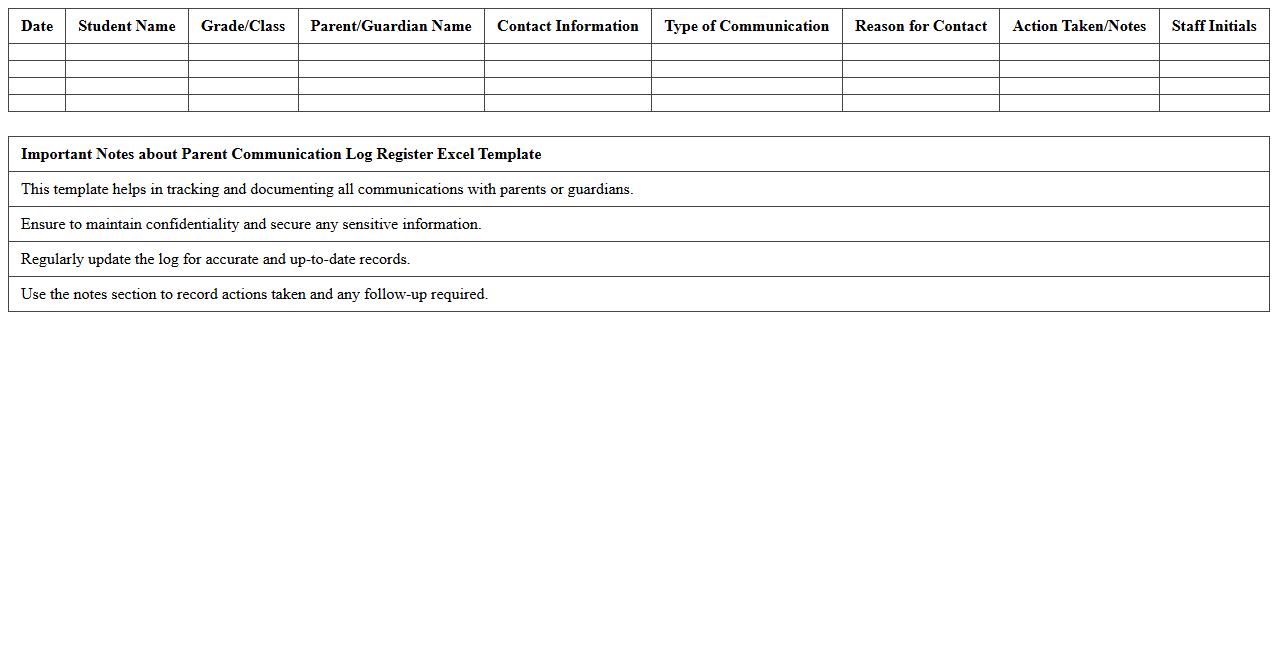
Parent Communication Log Register Excel Template document is designed to systematically record and track interactions between educators and parents, ensuring clear and efficient communication. It helps schools and teachers maintain detailed records of phone calls, meetings, emails, and notes regarding student progress, behavior, and concerns. This template enhances accountability and fosters a collaborative environment by providing organized documentation that supports transparency and timely follow-up.
Student Payment History Register Excel Template
The
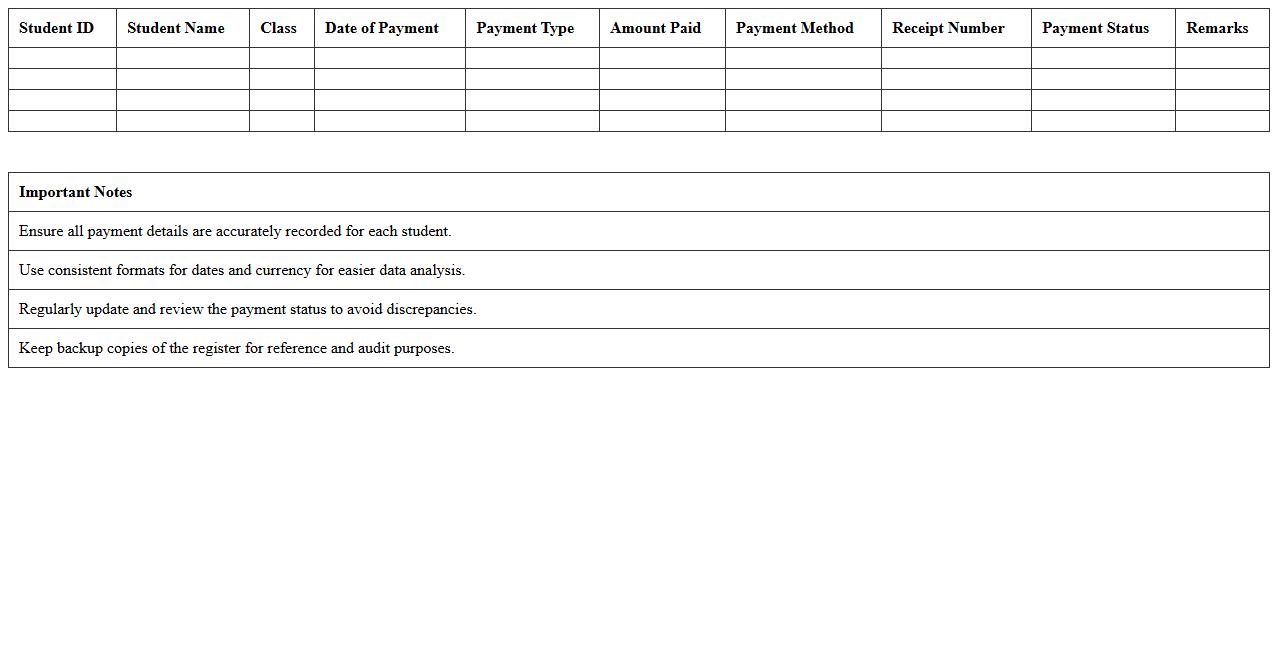
Student Payment History Register Excel Template document is a structured spreadsheet designed to track and record all student payment transactions efficiently. It helps educational institutions monitor fees paid, outstanding balances, and payment dates, ensuring accurate financial records and simplifying the billing process. By organizing payment data in a clear, accessible format, this template improves financial management and enhances transparency between students and administrative staff.
Dropout & Withdrawal Register Excel Template
The
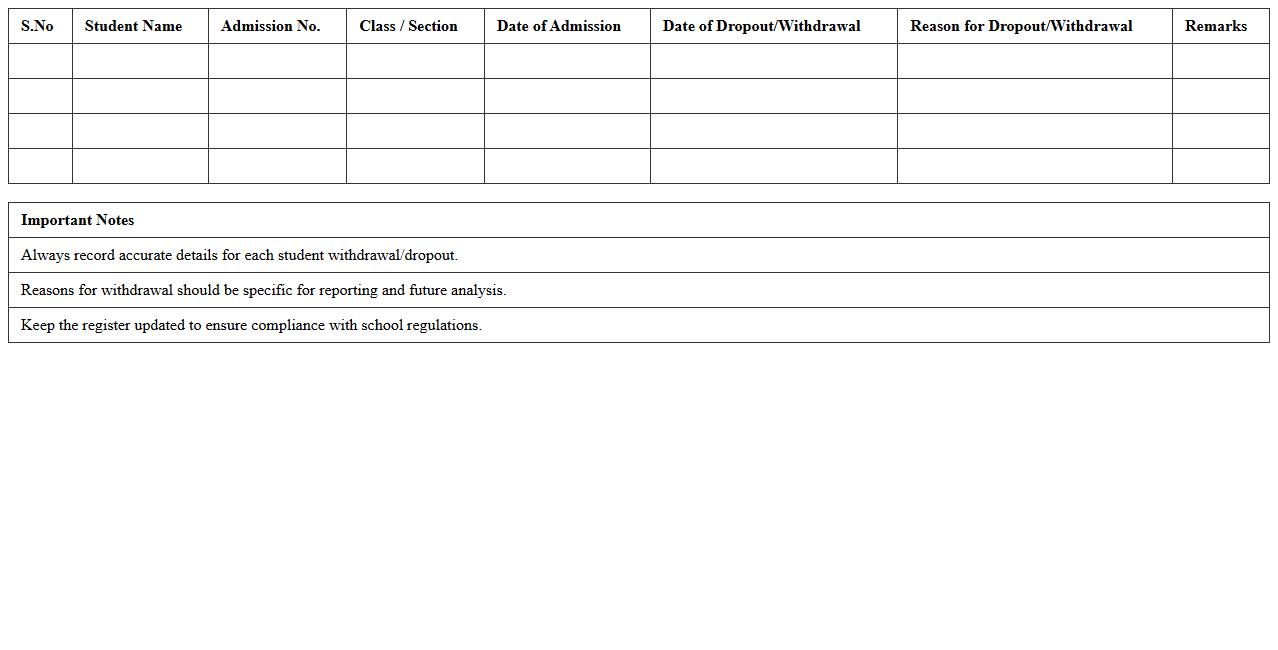
Dropout & Withdrawal Register Excel Template is a structured spreadsheet designed to systematically record and track students who discontinue or leave an educational institution. It helps administrators maintain accurate records of dropout reasons, dates, and student details, ensuring organized data management. This template enhances monitoring, supports compliance with educational policies, and aids in analyzing dropout trends for informed decision-making.
Exam Results Register Excel Spreadsheet
The
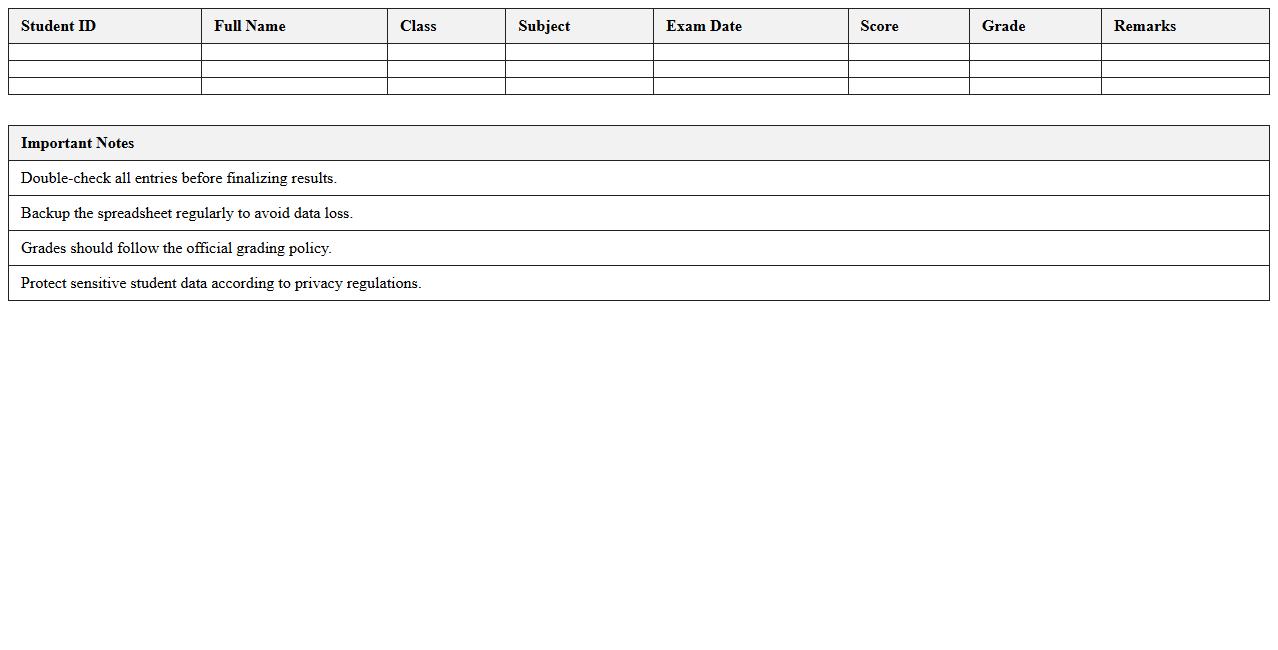
Exam Results Register Excel Spreadsheet is a structured digital tool designed to record, organize, and analyze student performance data efficiently. It simplifies tracking individual and class-wide scores, enabling educators to identify trends, strengths, and areas needing improvement. Using this spreadsheet enhances accuracy, saves time in report generation, and supports data-driven decision-making in academic management.
How can I automate attendance tracking in a Student Register Excel for tuition centers?
Automate attendance tracking by creating a dynamic checklist using drop-down menus for each student's daily attendance status. Use the COUNTIF function to tally present, absent, or late marks automatically. Integrate macros or VBA scripts for streamlined entry and real-time attendance updates.
What are effective ways to integrate payment status columns in the register?
Add dedicated payment status columns with drop-down lists for statuses like Paid, Pending, or Overdue to maintain clear records. Use data validation to prevent errors and ensure consistency across entries. Link these columns with conditional formulas to trigger alerts or summary reports for easy tracking.
How can I set up conditional formatting to highlight overdue tuition fees?
Apply conditional formatting rules to the payment status or due date columns to visually flag overdue fees. Use formulas comparing the current date with the due date to automatically highlight rows in red or bold text. This method ensures overdue payments are easily identifiable at a glance.
Which formulas help generate student progress reports efficiently within the Excel sheet?
Use SUMIFS and AVERAGEIFS formulas to calculate scores and attendance data filtered by student and specific time frames. Combine these with VLOOKUP or INDEX-MATCH to retrieve detailed student information dynamically. PivotTables can also summarize progress reports for comprehensive insights.
What methods ensure data privacy when sharing the Student Register Excel with tutors?
Protect sensitive student data by applying password encryption on the Excel file before sharing with tutors. Use the "Protect Sheet" feature to restrict editing of critical columns like personal details or payment information. Additionally, limit access by sharing the file through secure platforms with permission controls.