Daily Online Sales Register Excel Template
The
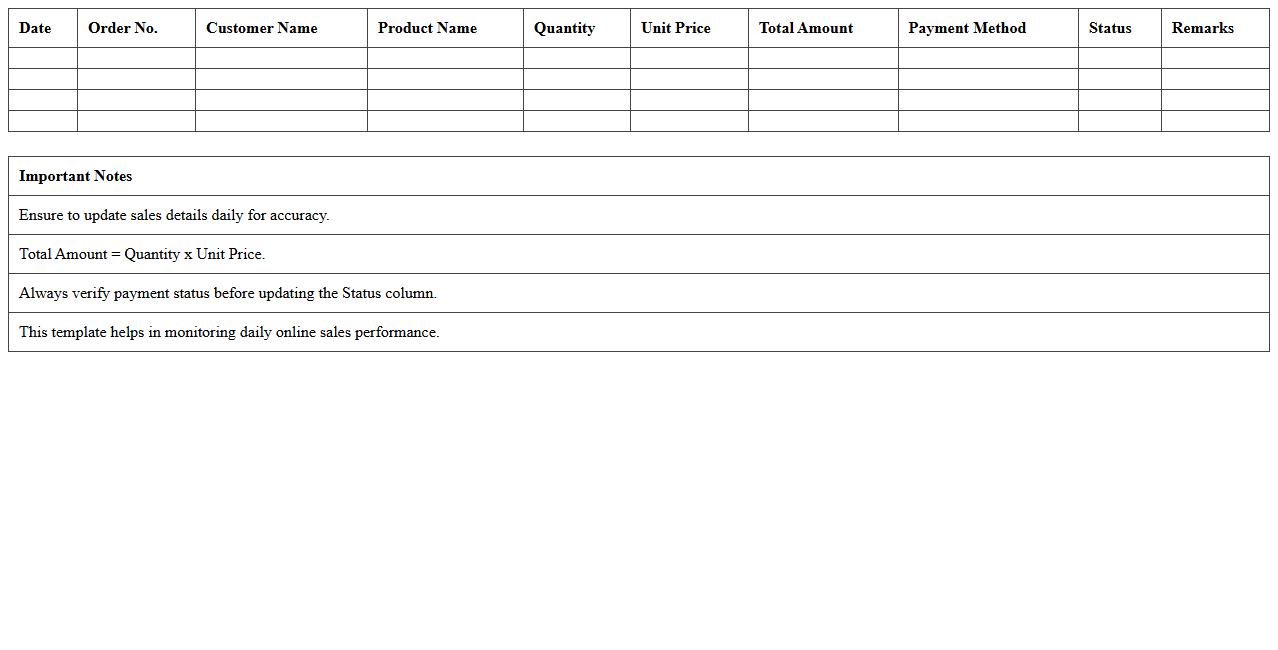
Daily Online Sales Register Excel Template is a structured spreadsheet designed to record and track daily sales transactions efficiently. It helps businesses monitor sales performance, analyze trends, and maintain accurate financial records, reducing errors and saving time. This template is essential for managing online sales data, improving decision-making, and ensuring organized accounting practices.
E-commerce Order Tracking Register Excel Template
The
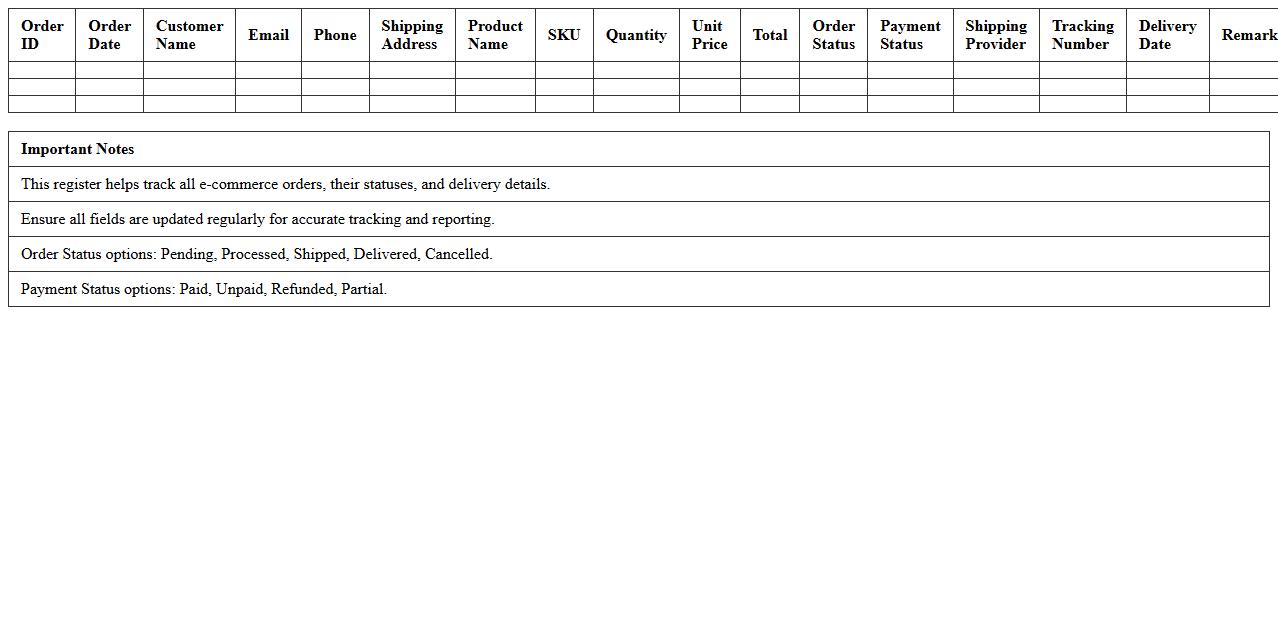
E-commerce Order Tracking Register Excel Template is a structured spreadsheet designed to monitor and manage online sales orders efficiently, capturing details such as order IDs, customer information, product specifications, shipping status, and payment confirmation. It streamlines the tracking process by providing a centralized, easy-to-update format that enhances accuracy, reduces errors, and improves communication between sales and fulfillment teams. Utilizing this template helps businesses maintain organized records, analyze order trends, and ensure timely delivery, ultimately boosting customer satisfaction and operational productivity.
Monthly Sales Summary Excel Template for Online Stores
The
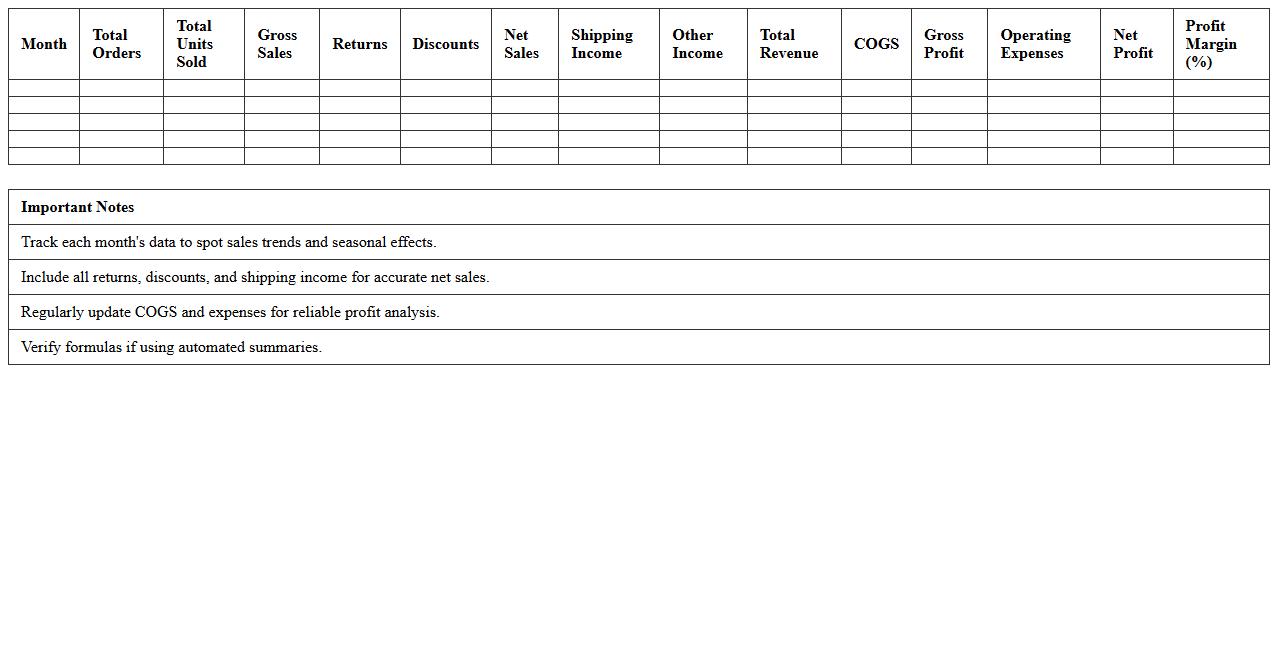
Monthly Sales Summary Excel Template for online stores is a structured document designed to organize and analyze sales data on a monthly basis, providing clear insights into revenue, product performance, and customer trends. This template helps store owners track sales growth, identify best-selling items, and monitor fluctuations in demand, enabling data-driven decisions to optimize inventory and marketing strategies. Using this tool improves financial management and supports strategic planning, ultimately enhancing overall business profitability.
Online Store Product Sales Register Sheet
The
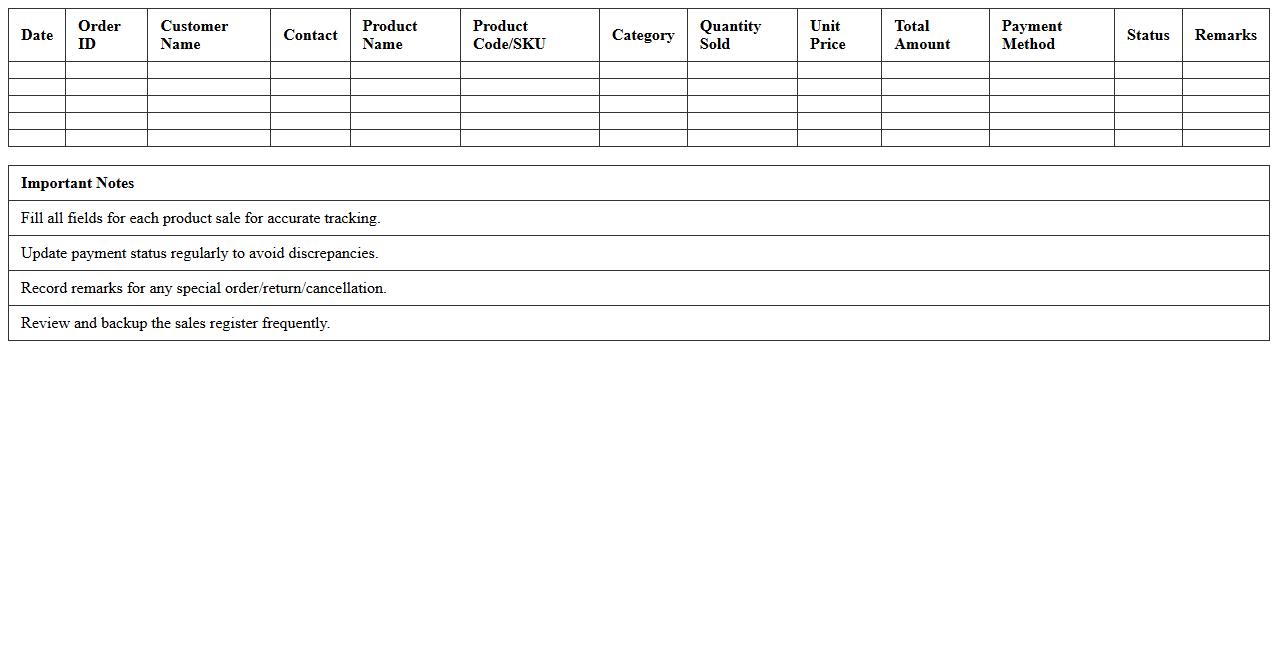
Online Store Product Sales Register Sheet is a detailed document that tracks all product sales transactions in an e-commerce business, capturing essential data such as product names, quantities sold, sales dates, and customer information. This sheet helps streamline inventory management, monitor sales performance, and generate accurate financial reports, enabling better decision-making and efficient business growth. By maintaining organized sales records, it also facilitates tax calculations and compliance with regulatory requirements.
Multi-Channel Sales Register Excel Template
The
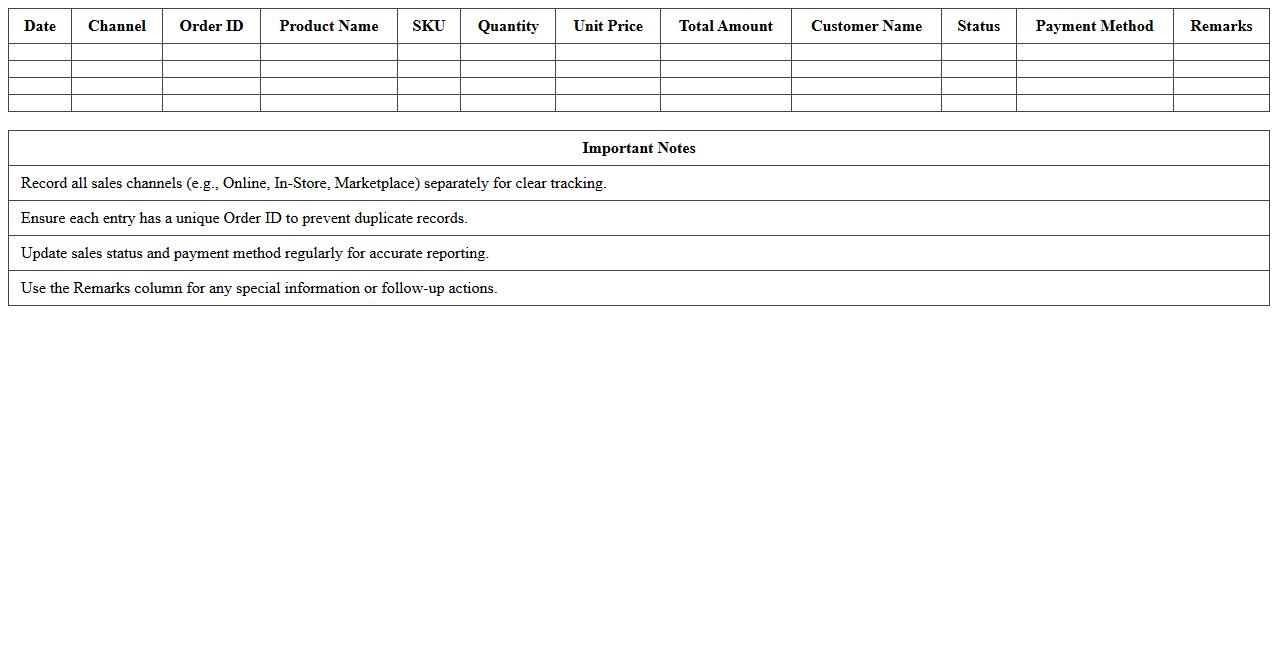
Multi-Channel Sales Register Excel Template is a comprehensive tool designed to track and manage sales data across various sales platforms in a single spreadsheet. It enables businesses to consolidate sales information from online stores, physical outlets, and marketplaces, providing clear insights into performance metrics and revenue streams. This template improves financial accuracy, streamlines inventory management, and supports strategic decision-making by offering organized, real-time sales data.
Online Store Sales Invoice Log Excel Template
The
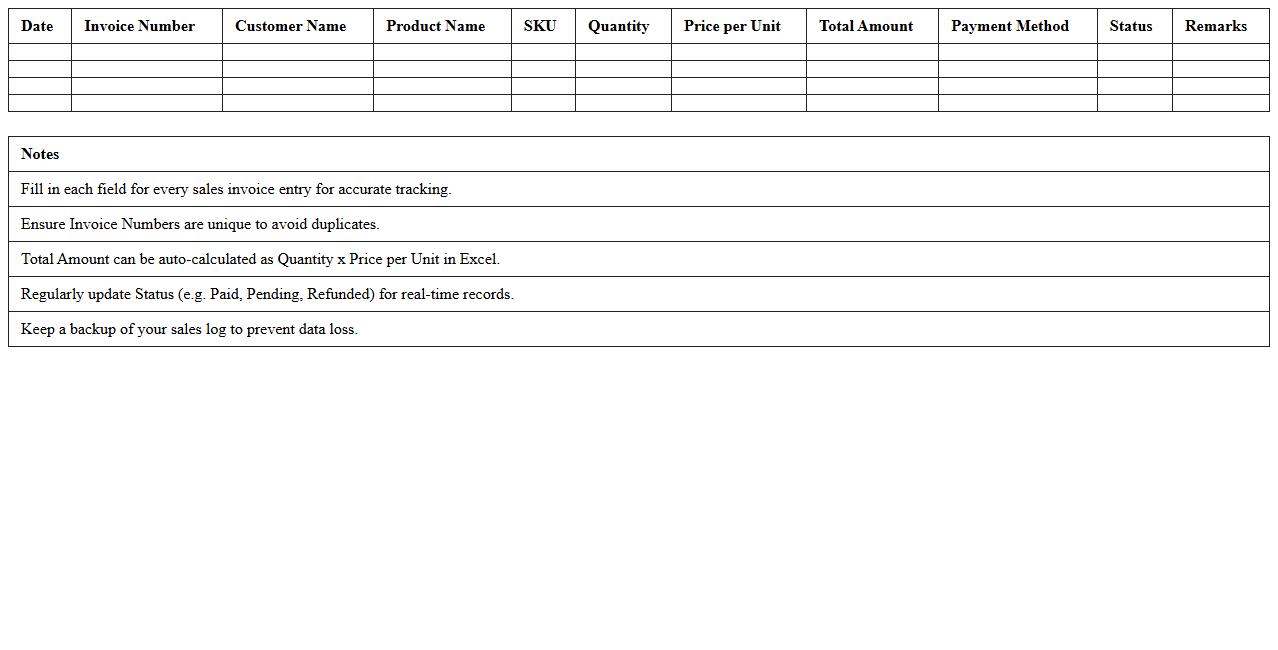
Online Store Sales Invoice Log Excel Template is a structured spreadsheet designed to record and manage sales invoices efficiently for e-commerce businesses. It helps track transaction details such as invoice numbers, customer information, product descriptions, quantities, prices, and payment status, ensuring accurate financial records. This template enhances organization, simplifies accounting processes, and supports better financial analysis and reporting for online store operations.
Customer-wise Sales Register Excel Template
The
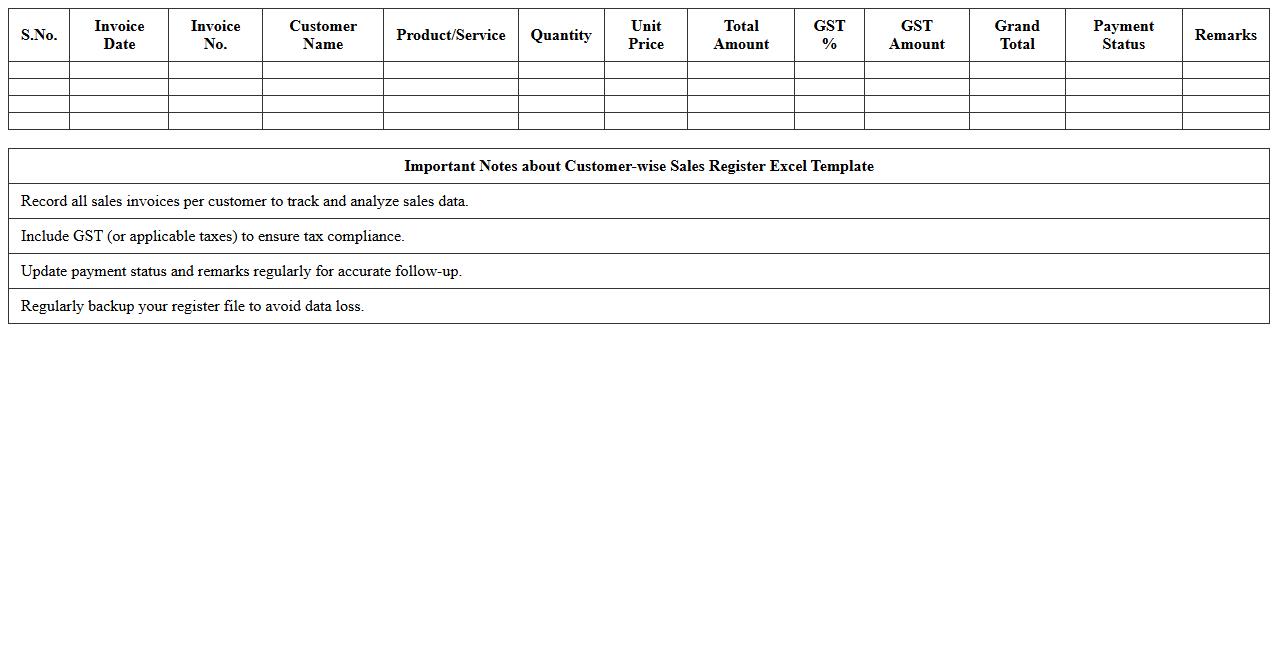
Customer-wise Sales Register Excel Template is a structured spreadsheet tool designed to track and organize sales data according to individual customers, facilitating clear visibility into purchase history and sales trends. This document helps businesses analyze customer behavior, manage accounts receivable efficiently, and generate accurate reports for better decision-making. By maintaining detailed records within this template, companies can enhance customer relationship management and optimize sales strategies based on comprehensive data insights.
SKU-wise Online Sales Register Excel Template
The
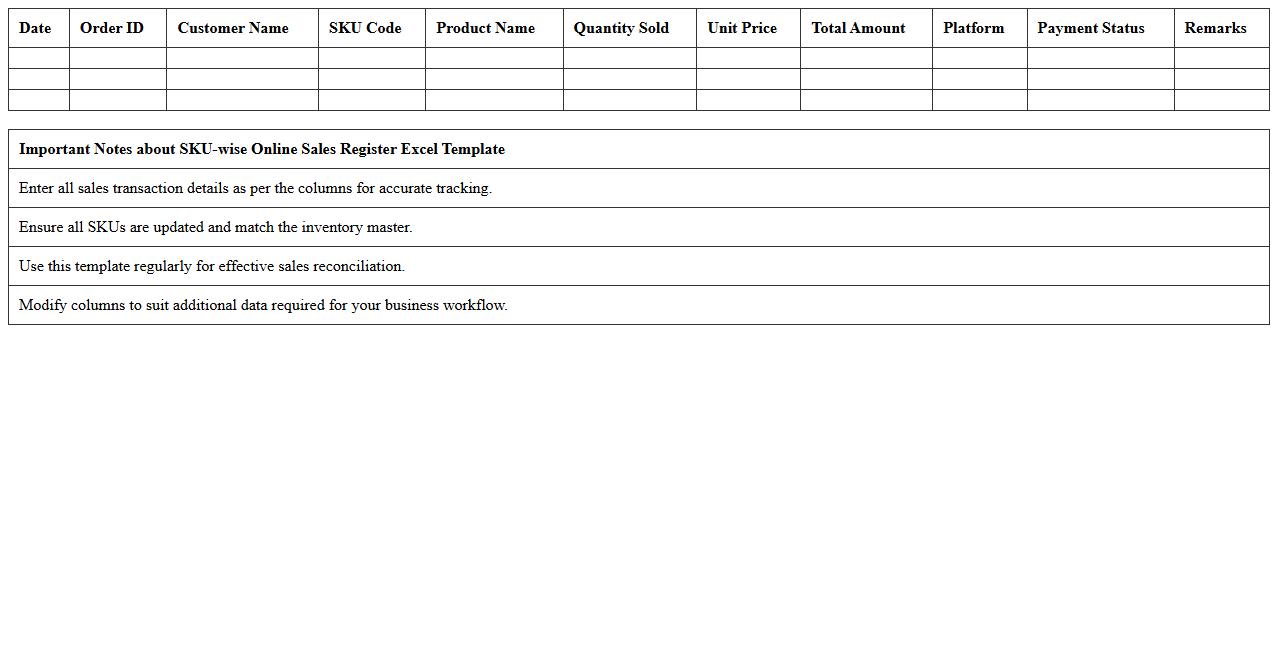
SKU-wise Online Sales Register Excel Template is a structured spreadsheet designed to track and analyze sales data based on individual Stock Keeping Units (SKUs). It helps businesses monitor product performance, manage inventory efficiently, and identify trends for each SKU, enabling data-driven decision-making. This template streamlines sales reporting by providing clear visibility into online sales metrics, improving accuracy and saving time in record-keeping.
Online Payment Tracking Register Excel Template
The
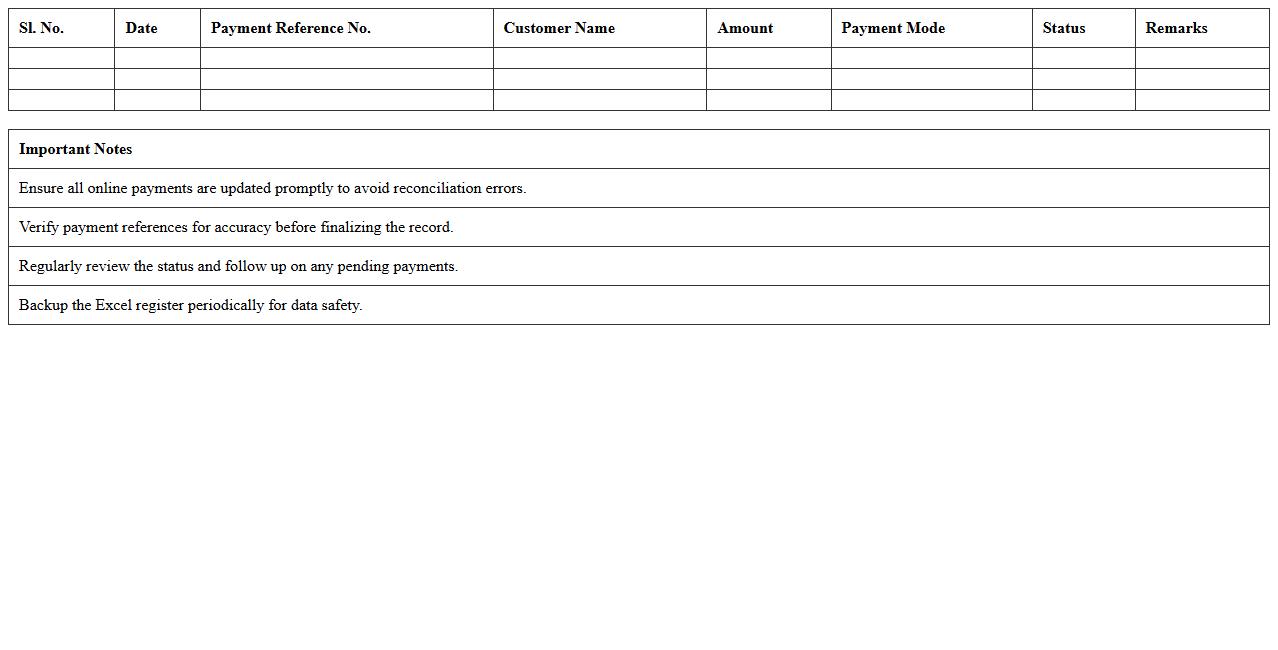
Online Payment Tracking Register Excel Template is a structured spreadsheet designed to record, monitor, and analyze online payment transactions efficiently. It enables users to track payment dates, amounts, transaction IDs, and payment statuses in a centralized format, reducing errors and enhancing financial management. By organizing payment data systematically, it assists businesses and individuals in maintaining accurate records, improving cash flow visibility, and facilitating timely reconciliation.
Returns & Refunds Sales Register Excel Template
The
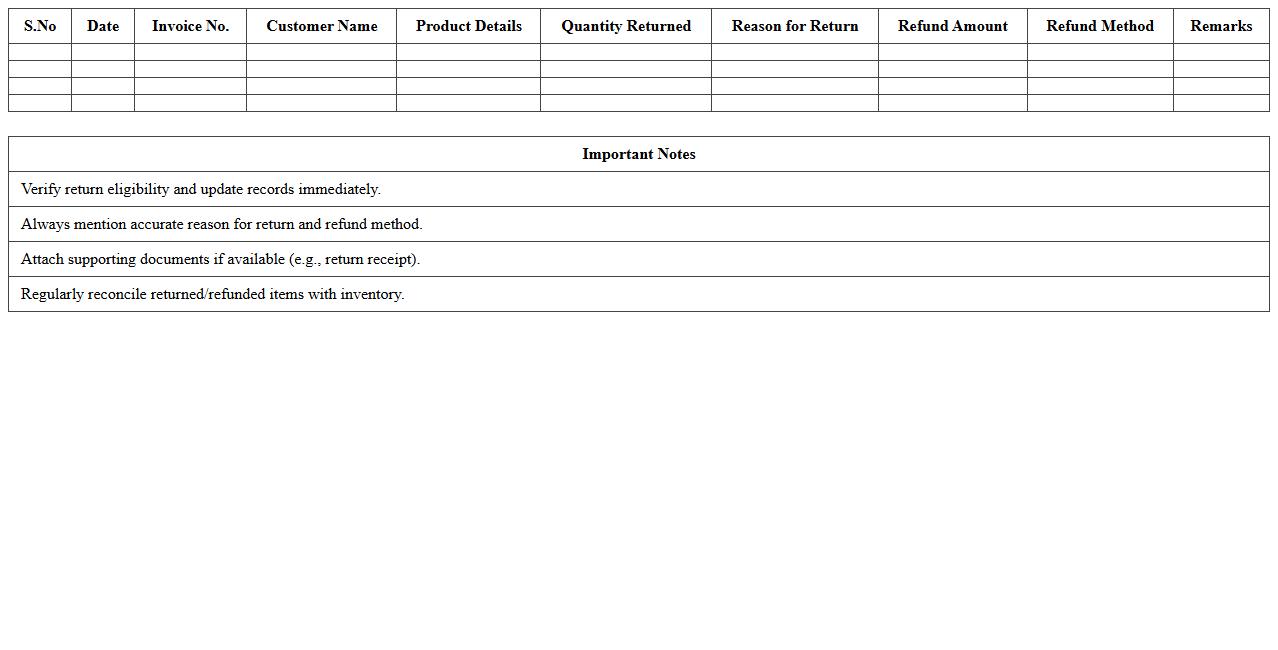
Returns & Refunds Sales Register Excel Template is a structured spreadsheet designed to track product returns and refund transactions efficiently. It helps businesses maintain accurate records of returned items, reasons for returns, refund amounts, and customer details, ensuring transparent financial management. This template enhances the ability to analyze return patterns, improve customer service, and streamline accounting processes.
How to automate invoice generation from a Sales Register Excel for online stores?
To automate invoice generation, link the Sales Register Excel with a template using macros or VBA scripts. This approach allows automatic extraction of sales data and populates invoice fields dynamically. Integration with tools like Power Automate can further streamline the process by generating PDFs and sending emails automatically.
What key columns should be included in a Sales Register Excel for tracking online sales?
A comprehensive Sales Register must include Order ID, Product Name, Quantity, Unit Price, and Total Amount. Additionally, columns for Customer Details, Payment Status, Order Date, and Delivery Status are essential for effective tracking. These fields ensure full visibility of each transaction throughout the sales lifecycle.
How to set up data validation to prevent duplicate entries in a Sales Register Excel?
Apply data validation to key identifier columns like Order ID to prevent duplicate entries. Use the "Custom" validation rule with formulas such as =COUNTIF(A:A, A1)=1 to restrict duplicates. This method maintains data integrity by ensuring each record remains unique.
What formulas can reconcile payment gateways with recorded sales in an Excel Sales Register?
Use formulas like SUMIFS to match payment amounts against recorded sales by filtering based on Payment Status and Date. The VLOOKUP or INDEX-MATCH combination helps cross-reference transaction IDs with payment gateway data. These formulas facilitate accurate reconciliation, reducing discrepancies.
How to create dynamic sales reports from a Sales Register Excel for e-commerce analysis?
Leverage PivotTables to create dynamic summaries of sales data by product, date, or region. Incorporate slicers and timelines to filter and interact with the reports effortlessly. This interactive approach enables detailed e-commerce analysis and decision-making.