The Classroom Student Register Excel Template for Tutors streamlines attendance tracking and student information management. This template offers easy customization to suit various class sizes and subjects, ensuring efficient record-keeping. Tutors can quickly monitor student progress and maintain organized data for seamless classroom administration.
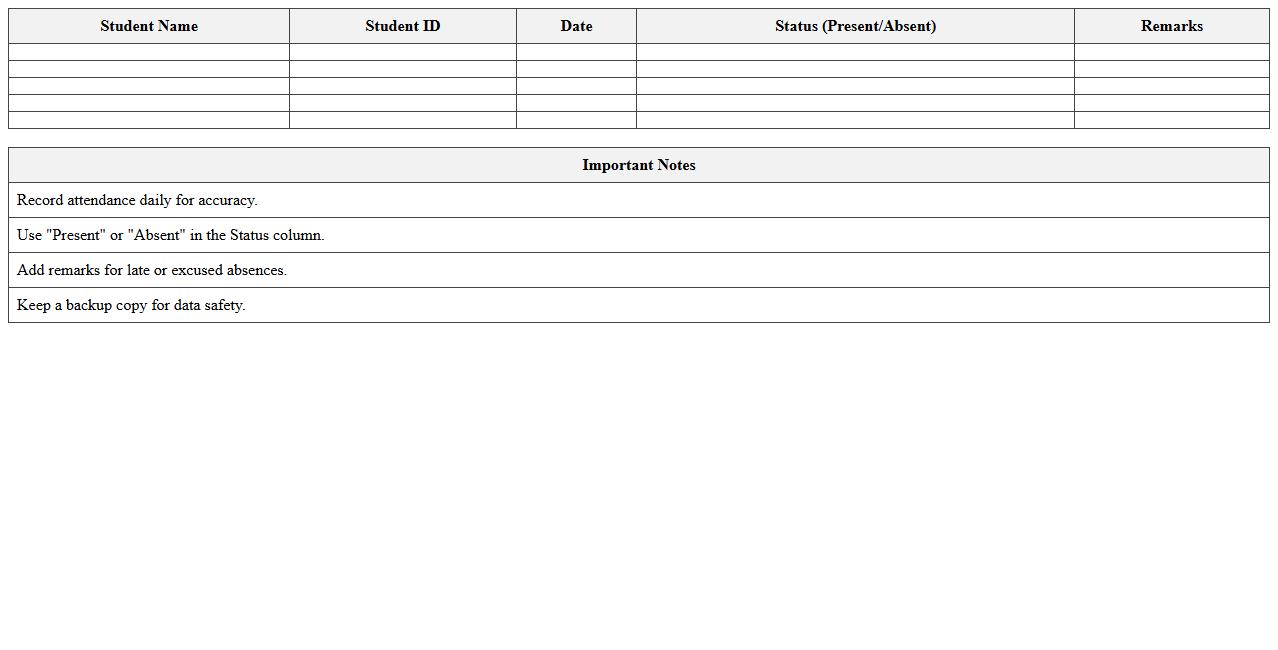
Attendance Tracker Classroom Student Register Excel Template
The
Attendance Tracker Classroom Student Register Excel Template is a customizable digital spreadsheet designed to record and monitor student attendance efficiently. It facilitates easy input of daily presence, absences, and tardiness, enabling educators to maintain accurate and organized attendance records. This tool streamlines attendance management, supports data analysis for student participation trends, and helps ensure compliance with institutional requirements.
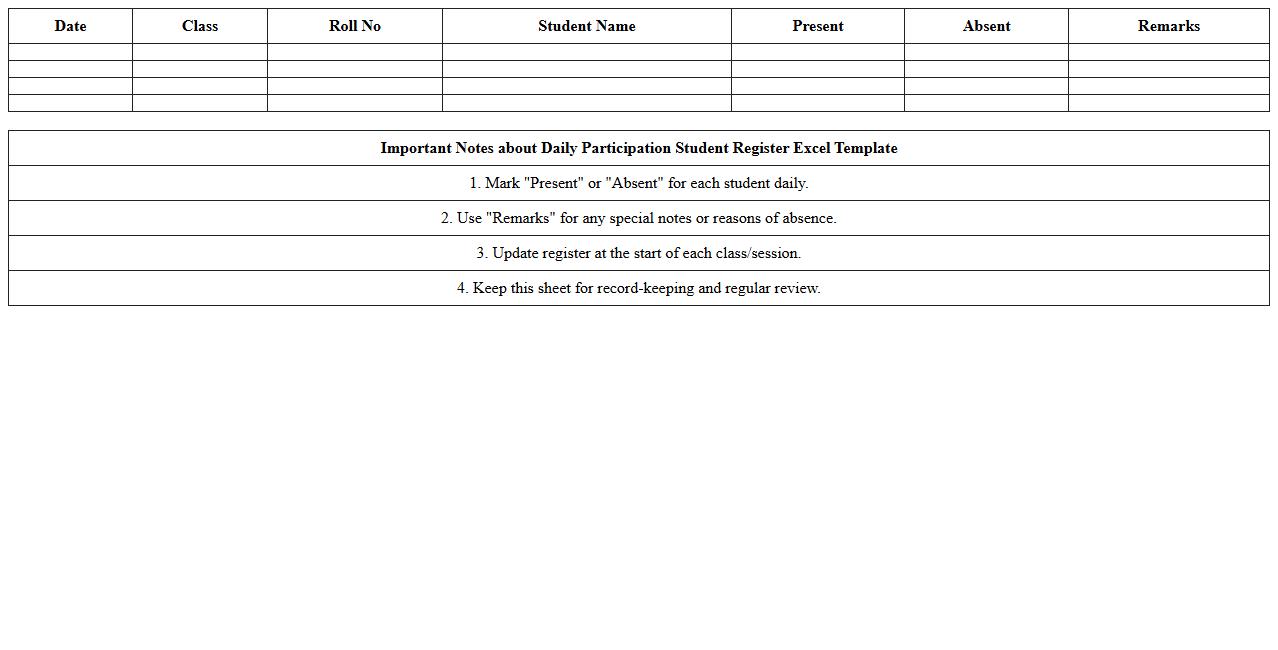
Daily Participation Student Register Excel Template
The
Daily Participation Student Register Excel Template is a structured spreadsheet designed to track and record student attendance and participation in daily classroom activities efficiently. It helps educators maintain organized records, monitor student engagement, and identify attendance patterns easily. This template streamlines administrative tasks, enabling timely interventions and improving overall classroom management.
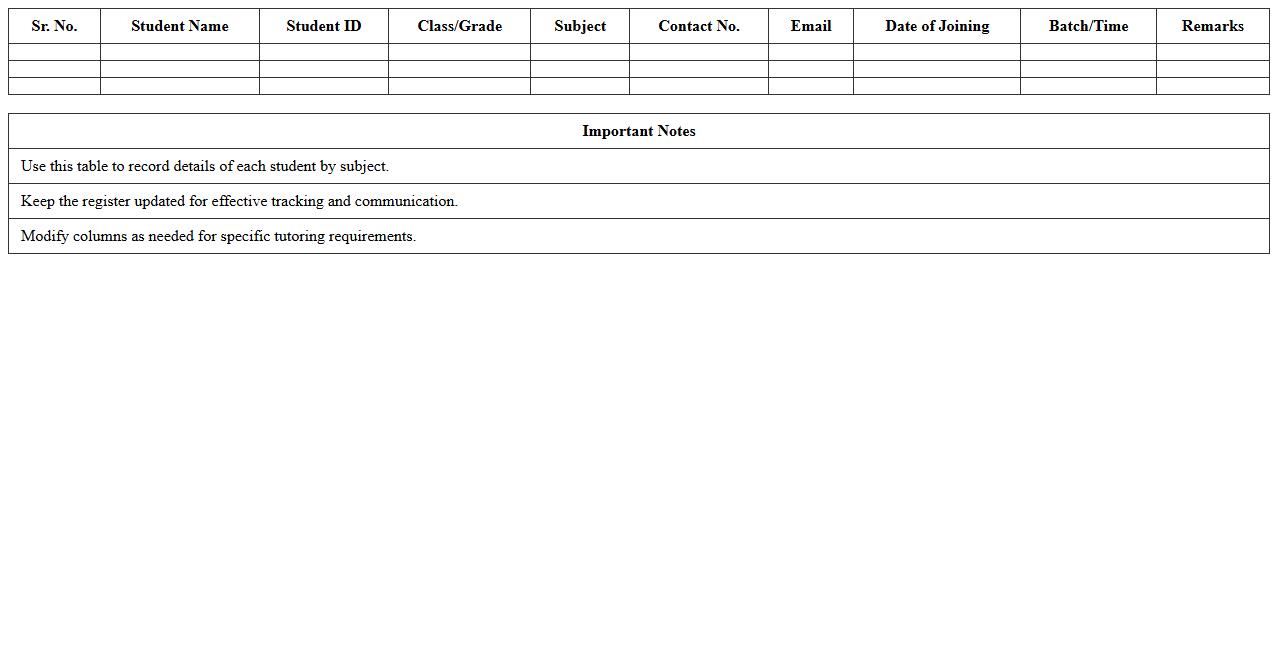
Subject-wise Student Register Excel Template for Tutors
The
Subject-wise Student Register Excel Template for tutors is a structured document that organizes student details by individual subjects, enabling efficient tracking of attendance, grades, and progress. It allows tutors to easily manage and analyze academic performance for each subject, helping identify areas where students may need additional support. This template improves record-keeping accuracy and saves time by automating data entry and calculations, making it an essential tool for effective student management.
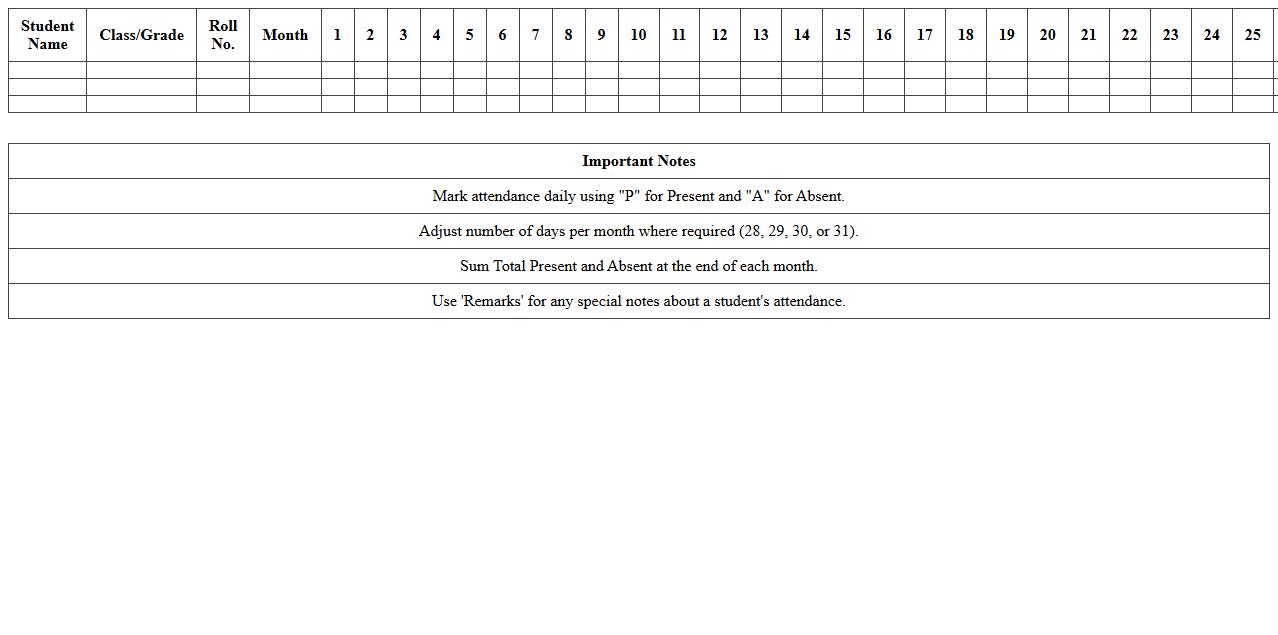
Monthly Roll Call Student Register Excel Template
The
Monthly Roll Call Student Register Excel Template is a structured spreadsheet designed to efficiently record and track student attendance on a daily basis throughout the month. It simplifies attendance management by allowing educators to mark presence, absence, or tardiness, generating clear summaries and reports for easy monitoring of student participation. This template enhances organization, saves time on administrative tasks, and supports accurate record-keeping for academic performance evaluations and compliance with attendance policies.
Homework Submission Student Register Excel Template
The
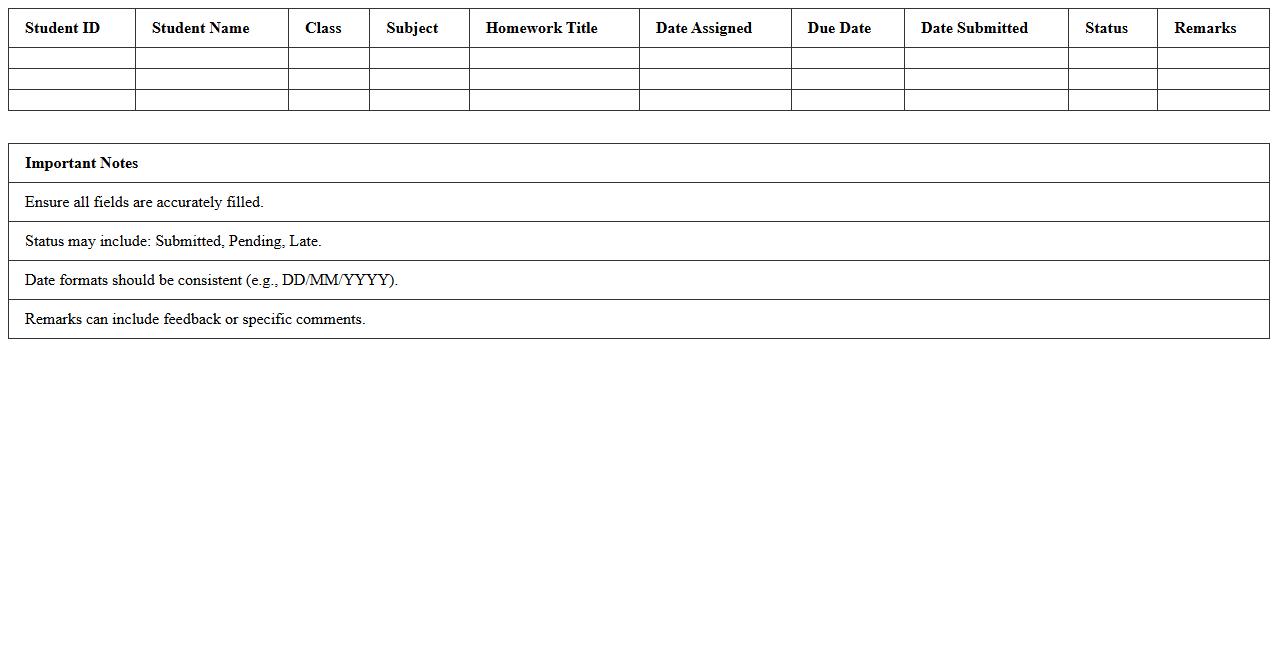
Homework Submission Student Register Excel Template is a structured spreadsheet designed to track and organize students' homework submissions efficiently. It allows educators to record submission dates, track completion status, and monitor individual student progress over time. This template enhances accountability, simplifies data management, and streamlines the evaluation process in academic settings.
Gradebook Classroom Student Register Excel Template
The
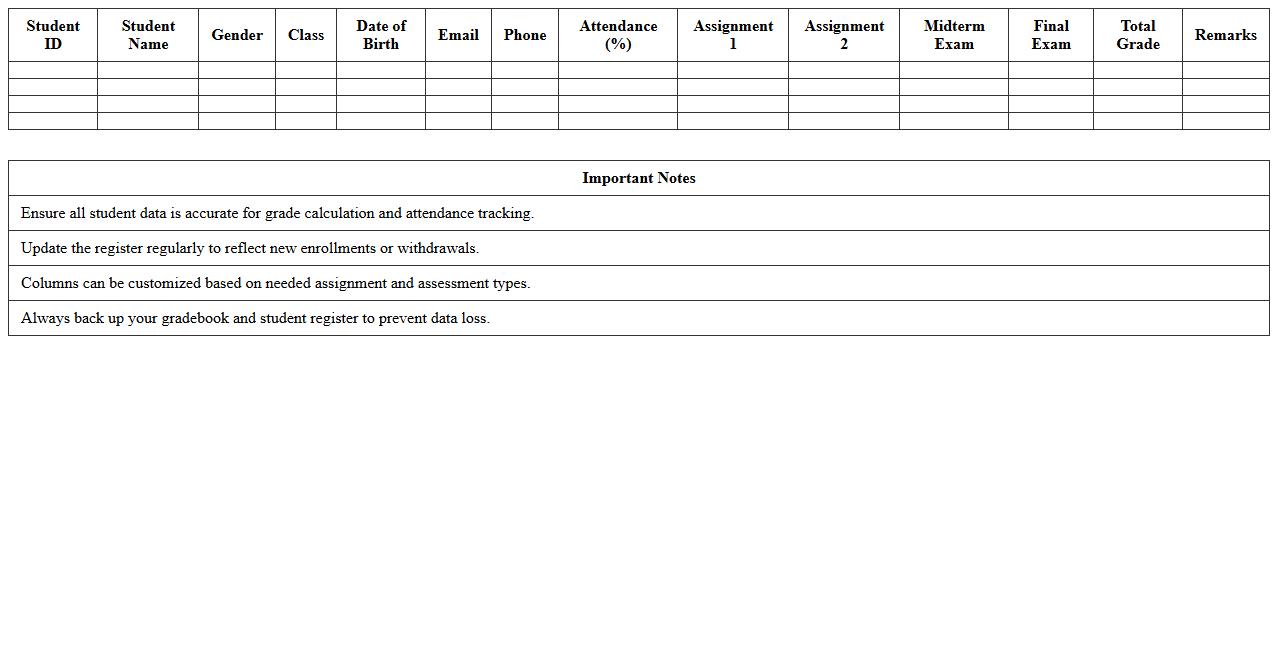
Gradebook Classroom Student Register Excel Template is a digital tool designed to organize and track student grades, attendance, and academic progress efficiently. It allows educators to input, calculate, and visualize student performance data in one centralized spreadsheet, enhancing accuracy and saving time. This template supports data-driven decision-making by providing clear insights into student achievements and areas needing improvement.
Parent Contact Student Register Excel Template for Tutors
The
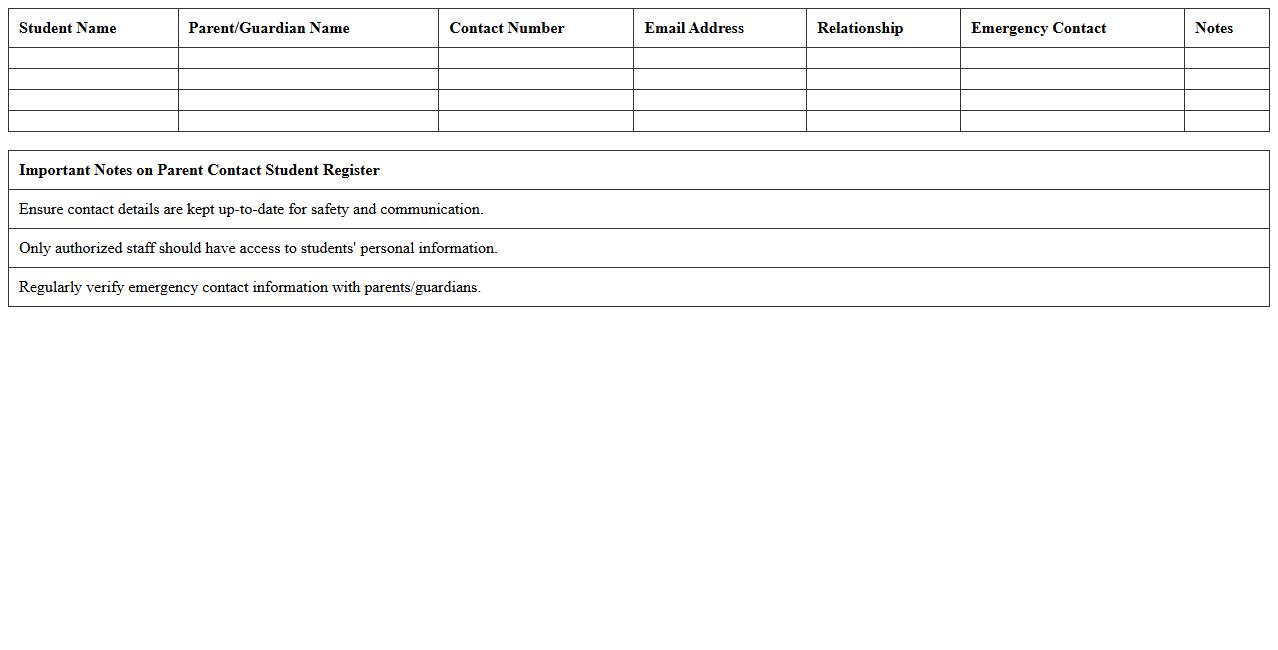
Parent Contact Student Register Excel Template for tutors is a structured spreadsheet designed to efficiently record and track communication between tutors and parents. It helps in organizing essential details such as student names, contact dates, discussion points, and follow-up actions, ensuring consistent and transparent communication. This template streamlines information management, improves accountability, and supports better student progress monitoring through regular parental updates.
Behavior Monitoring Student Register Excel Template
The
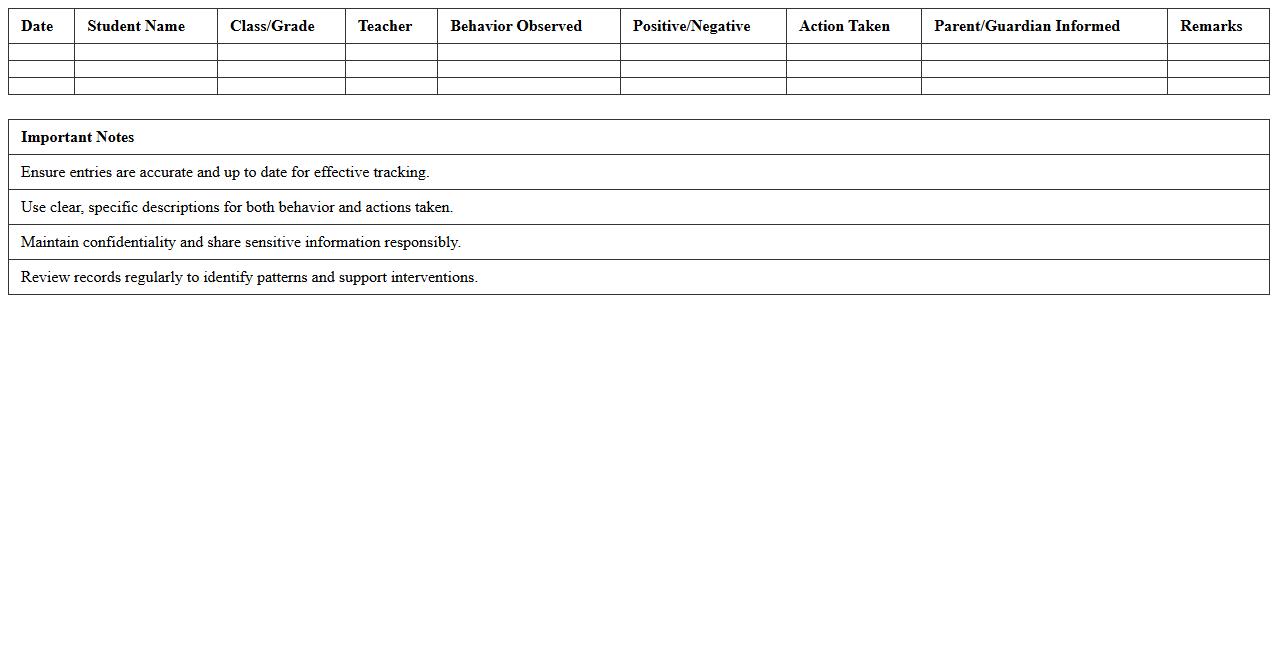
Behavior Monitoring Student Register Excel Template is a structured document designed to systematically track and record student behavior over time. It enables educators to log incidents, categorize behavior types, and monitor progress, providing clear insights that support targeted interventions and promote positive classroom management. This template enhances data organization and facilitates easy analysis, making it an essential tool for improving student outcomes and maintaining a supportive learning environment.
Extra-Curricular Activities Student Register Excel Template
The
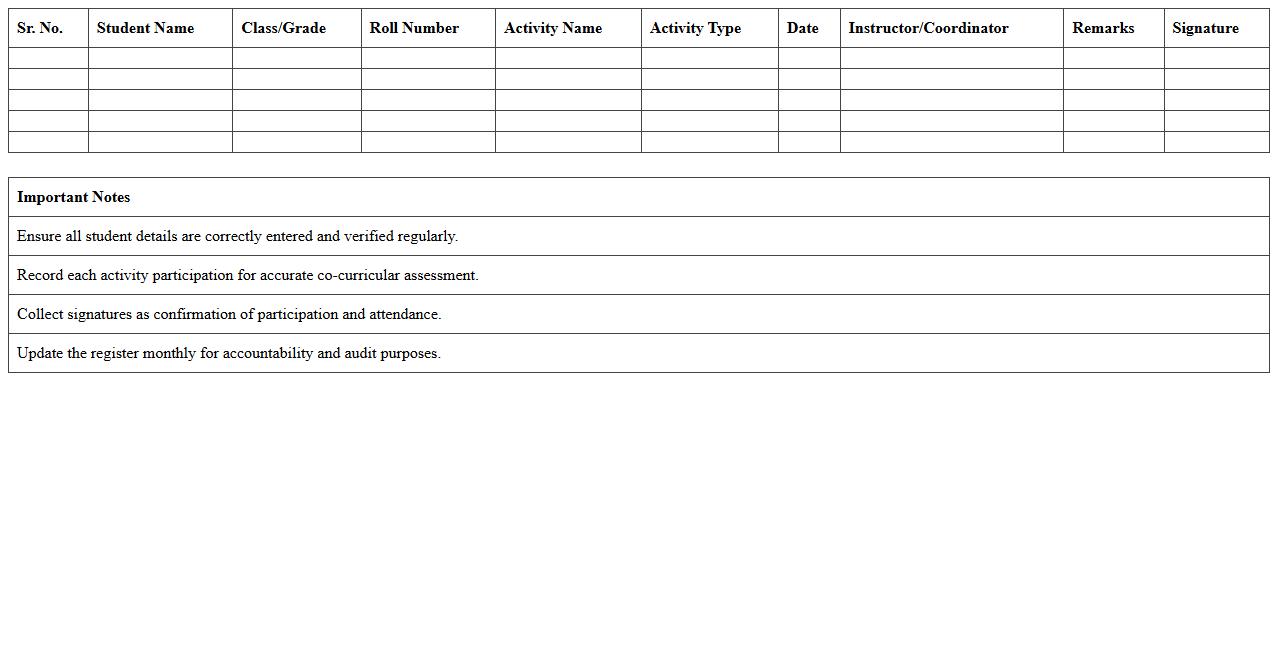
Extra-Curricular Activities Student Register Excel Template is a structured spreadsheet designed to record and track students' participation in various extra-curricular activities efficiently. It allows educators to maintain organized data on attendance, activity types, and student performance, facilitating easy monitoring and reporting. This template enhances administrative efficiency and supports better decision-making by providing clear insights into students' involvement outside the classroom.
Seating Arrangement Student Register Excel Template
The
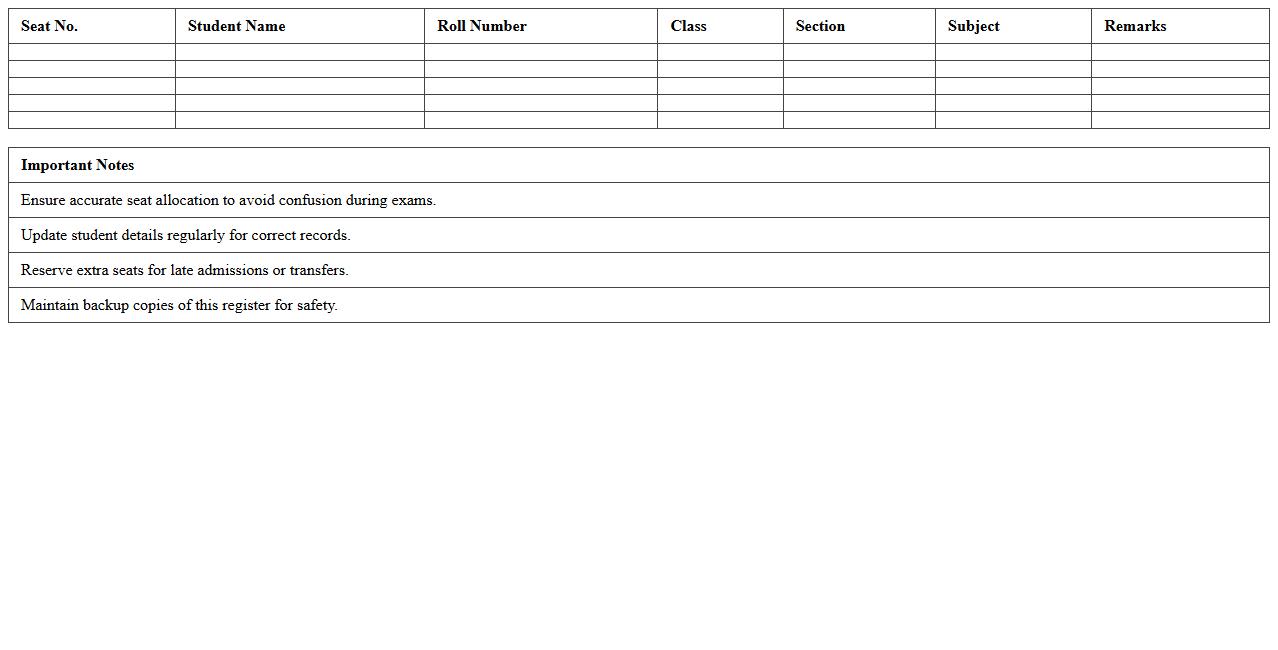
Seating Arrangement Student Register Excel Template is a structured digital tool designed to organize and manage student seating plans efficiently. It enables educators to easily assign seats, track attendance, and maintain orderly classroom environments by providing a clear visual layout and student register within a single spreadsheet. This template improves classroom management, helps prevent confusion during exams or activities, and saves time by automating seating assignments and record-keeping.
How to automate attendance tracking in Classroom Student Register Excel for tutors?
To automate attendance tracking in Excel, tutors can use drop-down lists with predefined attendance codes such as "Present," "Absent," or "Late." Integrating formulas like COUNTIF enables quick summarization of attendance records over a period. Additionally, using macros can streamline repetitive data entry tasks, improving efficiency.
Best practices for color-coding student progress in the register?
Color-coding should be intuitive and consistent, using distinct colors to represent different levels of student progress, such as green for mastering content and red for needing improvement. Applying a standardized legend at the top or side of the register ensures clarity for all users. Avoid using too many colors to prevent confusion and maintain visual simplicity.
How to set up conditional formatting for absences in the Excel register?
To highlight absences, use Excel's conditional formatting feature to automatically change cell colors based on the input value, such as marking "Absent" cells in red. Navigate to Conditional Formatting > New Rule > Use a formula to determine which cells to format, and input the appropriate condition like =A2="Absent". This visual cue helps tutors quickly identify attendance issues.
Ways to secure student data within the Classroom Student Register Excel file?
Protect sensitive information by password-protecting the Excel file and restricting editing access. Utilize Excel's sheet protection to lock specific cells or ranges containing confidential student data. Regularly back up the file and store it in secure locations such as encrypted drives or trusted cloud services.
How to generate performance summary reports from the register for parent meetings?
Use Excel features like PivotTables and charts to summarize student performance effectively, highlighting trends and individual progress. Create tailored reports by filtering data and presenting key metrics like average scores and attendance rates. Export these reports as PDFs for easy sharing during parent meetings.
More Register Excel Templates