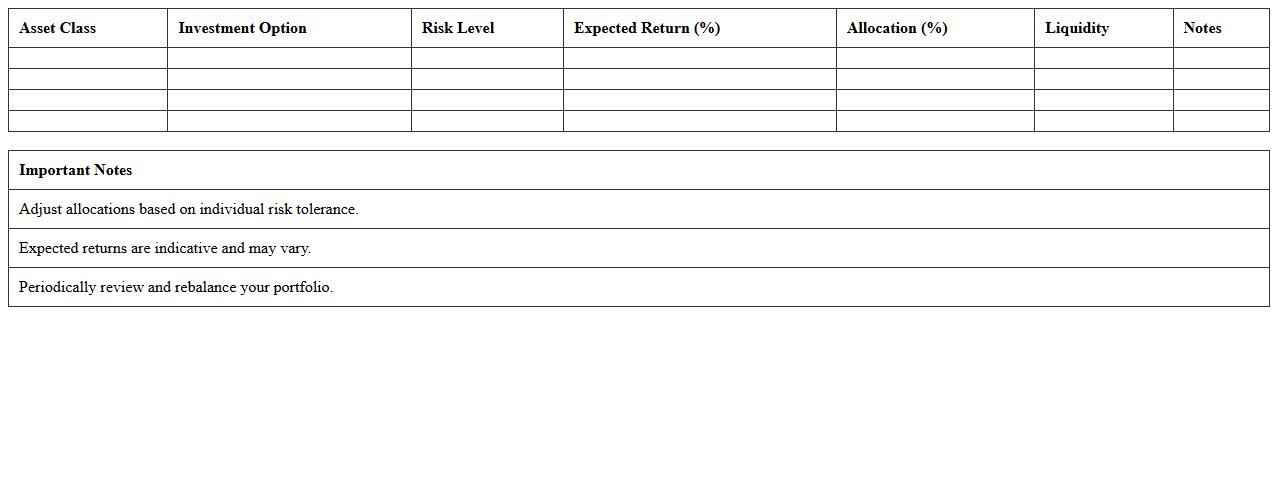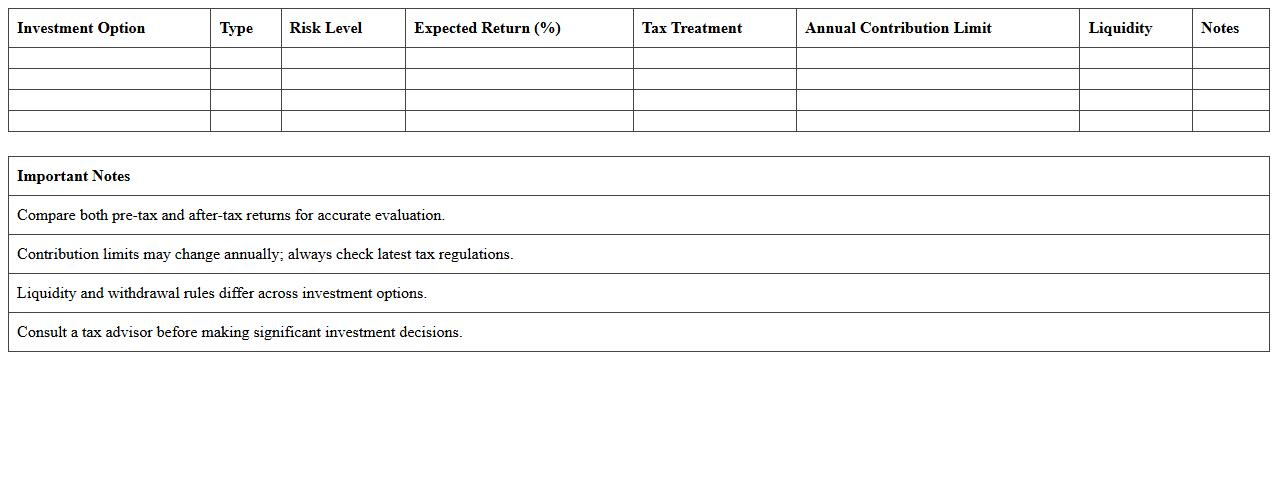
The Investment Plan Comparison Excel Template for Financial Advisors streamlines the process of evaluating multiple investment options by organizing key financial metrics and projections. This template enables advisors to present clear, side-by-side comparisons of returns, risks, and fees, enhancing client decision-making. Customizable features help tailor analyses to individual client goals and preferences, improving overall investment strategy planning.
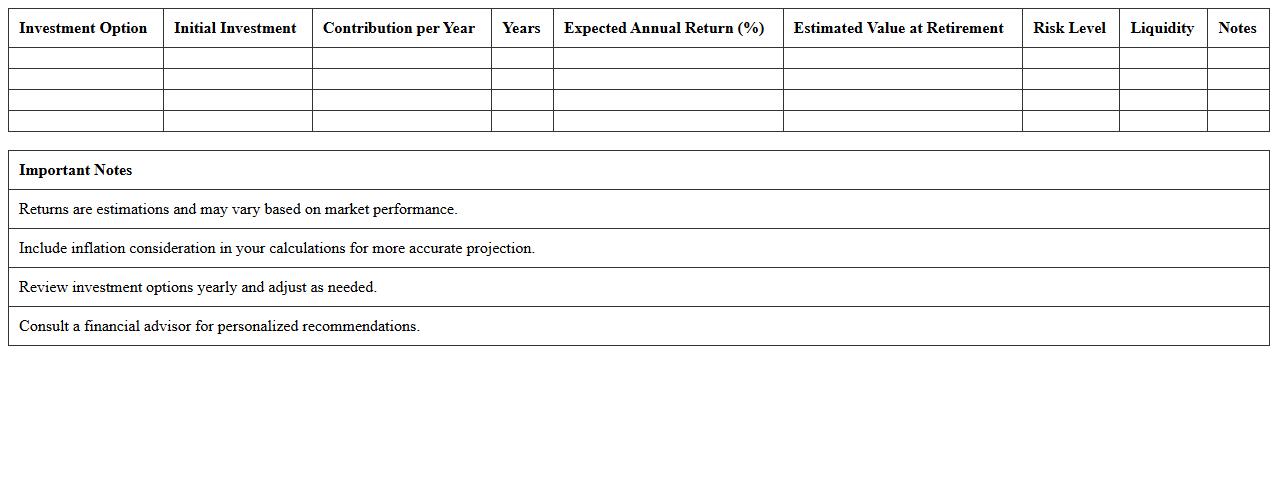
Retirement Investment Plan Comparison Excel Template
A
Retirement Investment Plan Comparison Excel Template is a structured spreadsheet designed to evaluate multiple retirement investment options based on factors such as expected returns, risks, fees, and contribution limits. This tool enables users to make informed decisions by clearly visualizing differences and projecting future portfolio growth, helping to optimize investment strategies. By simplifying complex financial data into an easy-to-understand format, it supports effective retirement planning tailored to individual goals and timelines.
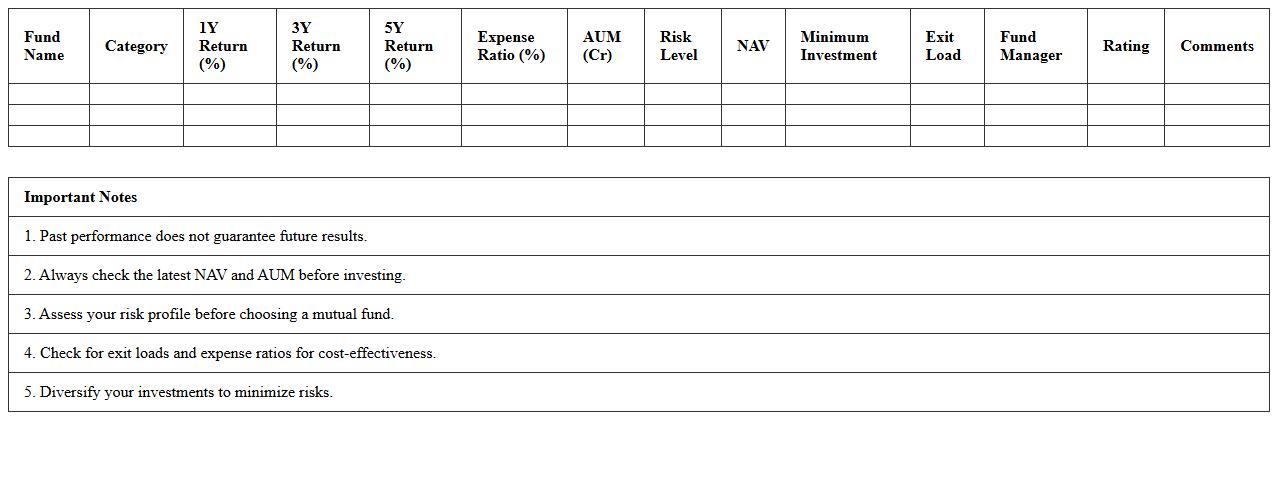
Mutual Fund Investment Comparison Excel Spreadsheet
A
Mutual Fund Investment Comparison Excel Spreadsheet document is a tool designed to analyze and contrast the performance, risk, and returns of various mutual fund options. It enables investors to input data such as expense ratios, historical returns, and fund categories, allowing clear visualization and side-by-side evaluation of investment choices. This spreadsheet enhances decision-making by simplifying complex financial data, helping users identify the best mutual fund for their portfolio goals.
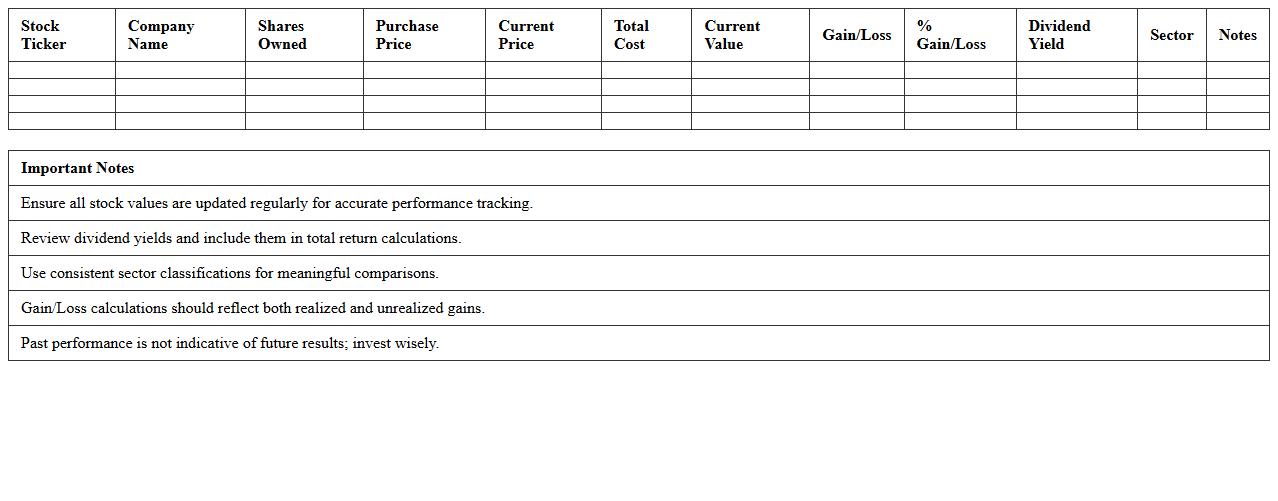
Stock Portfolio Performance Comparison Excel Template
The
Stock Portfolio Performance Comparison Excel Template document is a detailed spreadsheet designed to track, analyze, and compare the returns of multiple stock investments over time. It allows investors to visualize portfolio growth, calculate key metrics such as ROI, volatility, and diversification effectiveness, enabling more informed decision-making. This tool is essential for optimizing investment strategies, identifying underperforming assets, and enhancing overall portfolio management efficiency.
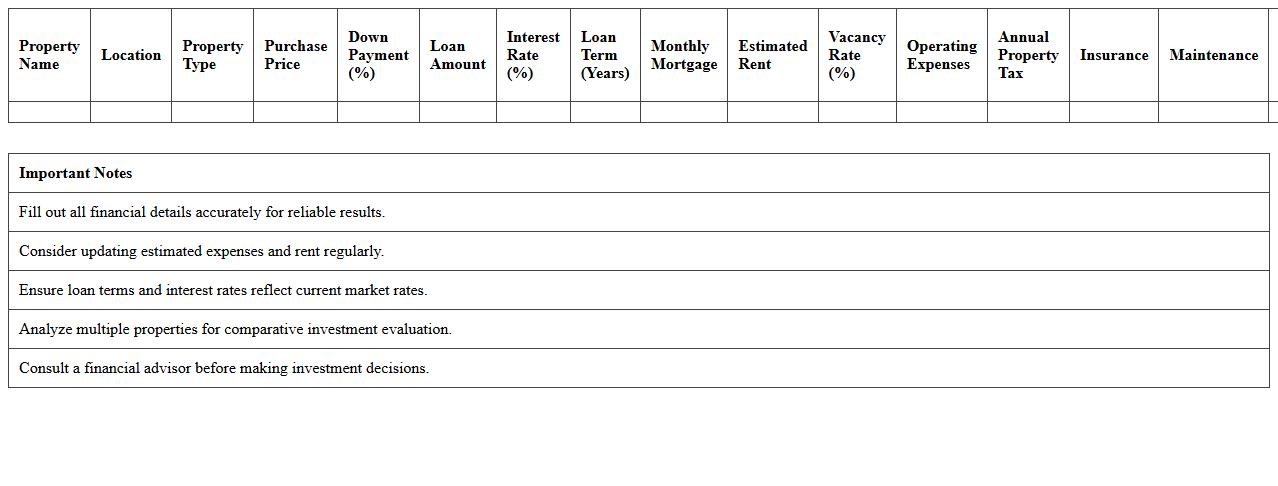
Real Estate Investment Plan Evaluation Excel Sheet
The
Real Estate Investment Plan Evaluation Excel Sheet is a comprehensive tool designed to analyze the profitability and risks associated with real estate investments. This document helps investors model cash flows, calculate return on investment (ROI), and compare different property options efficiently. By providing a structured format for financial projections and sensitivity analysis, it empowers users to make informed, data-driven decisions in property investments.
Wealth Management Strategy Comparison Excel Template
The
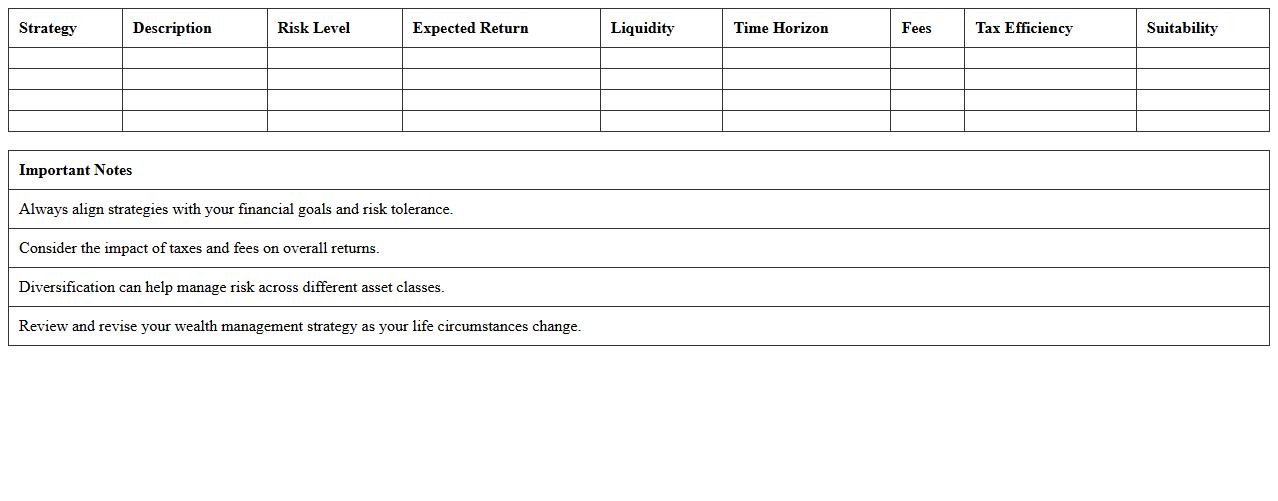
Wealth Management Strategy Comparison Excel Template document is a structured tool designed to evaluate and contrast various investment approaches based on criteria such as risk tolerance, asset allocation, and expected returns. It enables investors and financial advisors to visually analyze multiple strategies side-by-side, facilitating informed decision-making. This template improves portfolio optimization by highlighting key performance metrics and aligning strategies with individual financial goals.
ETF vs Mutual Fund Investment Comparison Excel Template
An
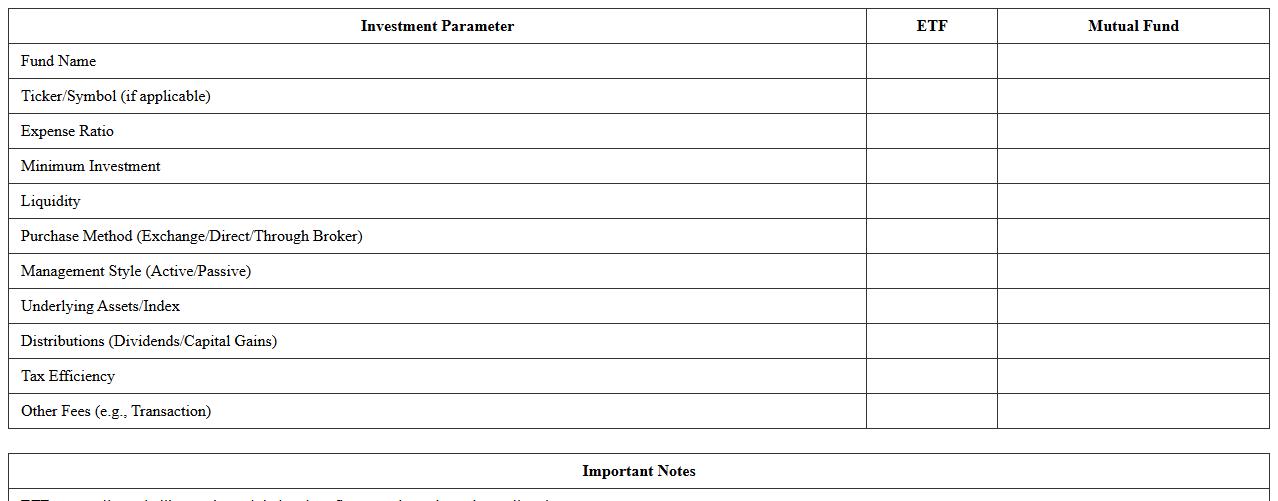
ETF vs Mutual Fund Investment Comparison Excel Template document provides a detailed side-by-side analysis of key investment attributes such as fees, historical performance, dividend yields, and portfolio composition. This template enables investors to make data-driven decisions by clearly highlighting differences in liquidity, expense ratios, and risk levels between ETFs and mutual funds. Using this tool streamlines portfolio management and enhances strategic asset allocation tailored to individual financial goals.
Risk Profile-Based Investment Comparison Excel Template
The
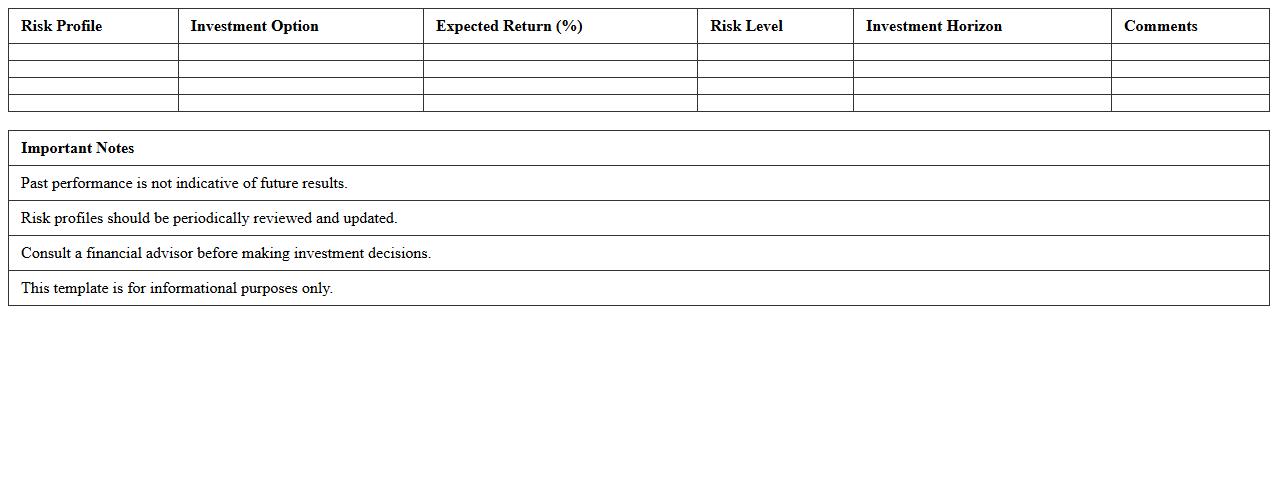
Risk Profile-Based Investment Comparison Excel Template is a powerful tool designed to evaluate and compare different investment options according to an individual's risk tolerance and financial goals. This template enables users to categorize investments by risk levels, expected returns, and time horizons, facilitating informed decision-making tailored to unique risk profiles. Utilizing this document helps optimize portfolio allocation and enhance investment strategies by aligning choices with personalized risk assessments.
Fixed Income Investment Plan Comparison Spreadsheet
A
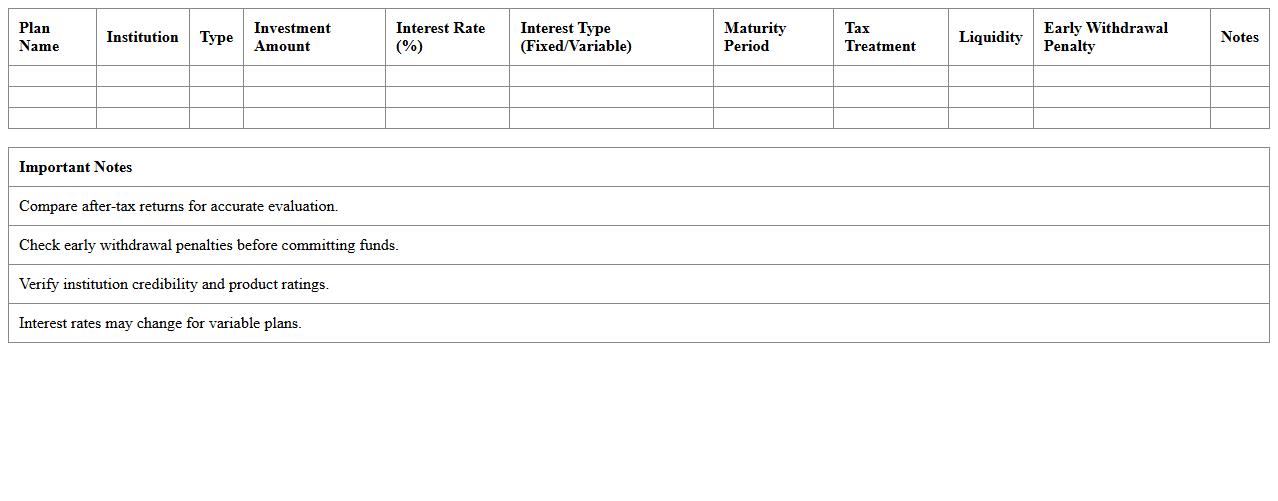
Fixed Income Investment Plan Comparison Spreadsheet is a detailed tool designed to evaluate and contrast various fixed income investment options based on factors like interest rates, maturity periods, risk levels, and returns. It helps investors make informed decisions by providing a clear, organized format to analyze potential investments and determine which plan best aligns with their financial goals and risk tolerance. Using this spreadsheet enhances financial planning efficiency and maximizes the potential for steady income growth.
Diversified Portfolio Options Comparison Excel Template
The
Diversified Portfolio Options Comparison Excel Template is a dynamic tool designed to analyze and compare multiple investment options across various asset classes, helping users optimize their portfolio allocation. It organizes crucial financial data such as expected returns, risk levels, and correlation coefficients, enabling informed decision-making to balance risk and reward effectively. This template streamlines the investment evaluation process, making it easier to identify the best combination of assets for diversification and improved long-term financial growth.
Tax-Efficient Investment Plan Comparison Excel Sheet
The
Tax-Efficient Investment Plan Comparison Excel Sheet is a detailed tool designed to evaluate various investment options based on their tax implications and potential returns. This document helps investors analyze and compare different plans by factoring in tax rates, deductions, and benefits, enabling more informed, cost-effective decisions. Using this tool can significantly enhance portfolio growth by minimizing tax liabilities and maximizing net gains over time.
Which Excel functions best automate risk-return analysis in investment plan comparisons?
The AVERAGE and STDEV.P functions are essential for calculating the average returns and volatility of investment portfolios. Using COVARIANCE.P and CORREL functions helps analyze how different assets interact, optimizing the risk-return balance. Additionally, SUMPRODUCT can efficiently compute weighted returns for diversified asset allocation.
How can advisors visualize asset allocation differences using charts in Excel?
Pie charts effectively display the proportional distribution of assets within a portfolio, making comparisons intuitive. Advisors can use stacked bar charts to show variations between multiple plans side by side. Including dynamic slicers with these charts enhances interactivity and facilitates tailored client presentations.
What templates optimize scenario modeling for multiple investment plans?
Templates featuring pre-built data tables with linked inputs allow advisors to simulate various market conditions dynamically. Incorporating sensitivity analysis tools within these templates enhances decision-making by showing potential impacts of market changes. Comprehensive templates also integrate drop-down selectors, simplifying plan comparisons and adjustments.
How to implement conditional formatting to flag underperforming investments?
Use the Conditional Formatting feature in Excel, applying rules to highlight cells that fall below expected benchmarks or thresholds. Combining formulas like IF statements with color scales or icon sets enhances visibility of underperformance. This approach ensures quick identification of investments that require review or rebalancing.
How can Excel macros streamline quarterly investment plan updates for clients?
Macros automate repetitive tasks such as data import, calculation refresh, and report generation in quarterly reviews. By recording sequences of actions, they reduce human error and save significant time during updates. Well-designed macros can also standardize formatting and chart updates, ensuring consistent and professional client reports.
More Comparison Excel Templates