The Sales Statement Excel Template for E-commerce Transactions streamlines the tracking and analysis of online sales data, providing clear insights into revenue, quantities sold, and transaction dates. This customizable template helps e-commerce businesses organize detailed sales information, automate calculations, and generate comprehensive reports for better financial management. Its user-friendly design enhances accuracy and efficiency in monitoring sales performance across multiple platforms.
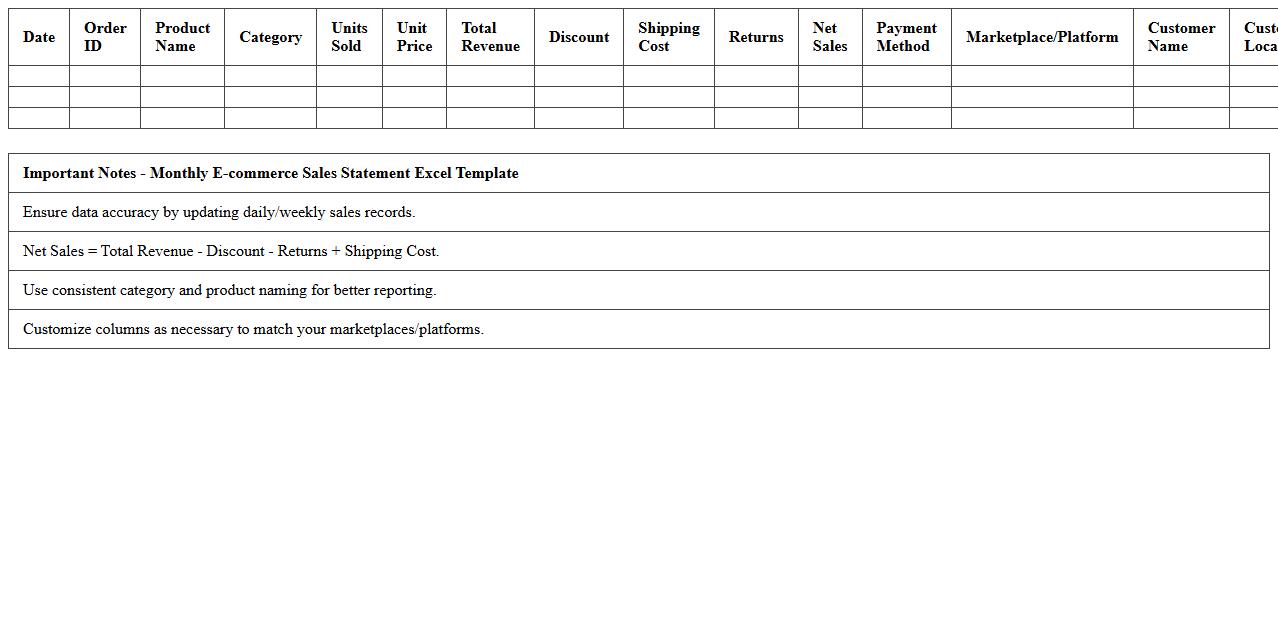
Monthly E-commerce Sales Statement Excel Template
The
Monthly E-commerce Sales Statement Excel Template is a structured spreadsheet designed to track and analyze monthly online sales performance efficiently. It helps businesses monitor revenue, identify trends, and manage inventory by consolidating sales data into clear, actionable reports. Utilizing this template streamlines financial reporting and supports informed decision-making for improving e-commerce strategies.
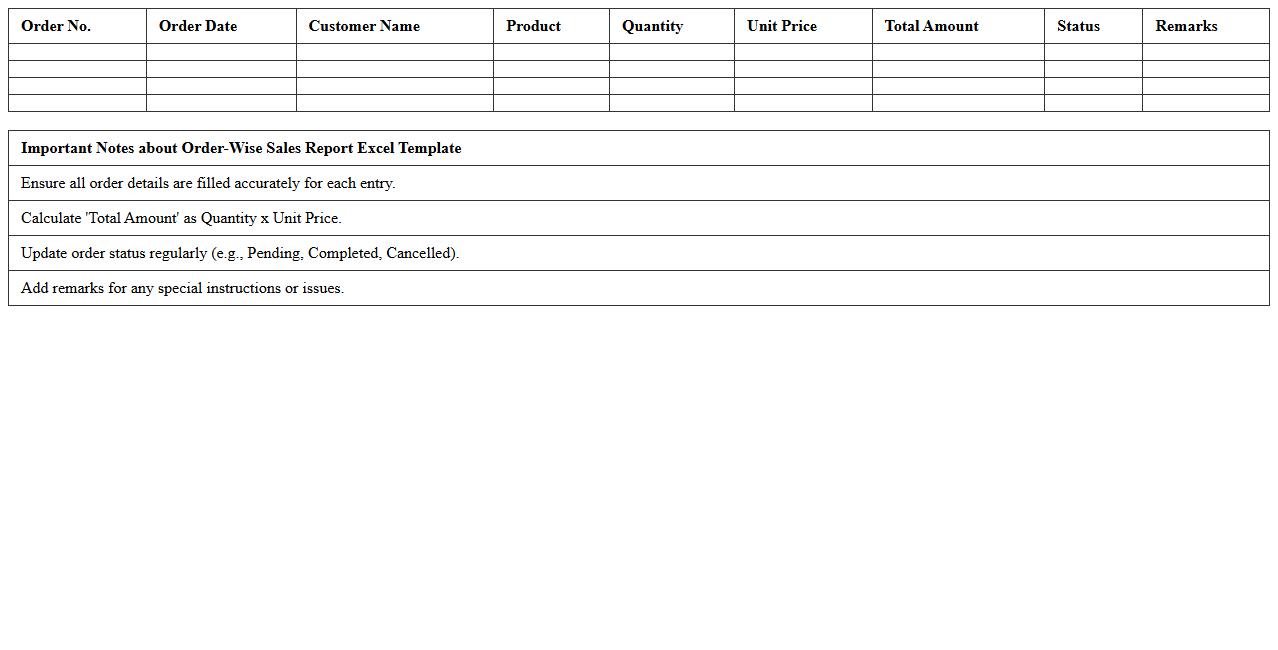
Order-Wise Sales Report Excel Template
The
Order-Wise Sales Report Excel Template is a structured document designed to track and analyze sales data by individual orders, enabling detailed insights into customer purchasing patterns and business performance. It helps businesses monitor order statuses, calculate total sales, and identify top-selling products, facilitating better inventory management and targeted marketing strategies. Used effectively, this template enhances decision-making by providing clear, organized sales information in an easily accessible format.
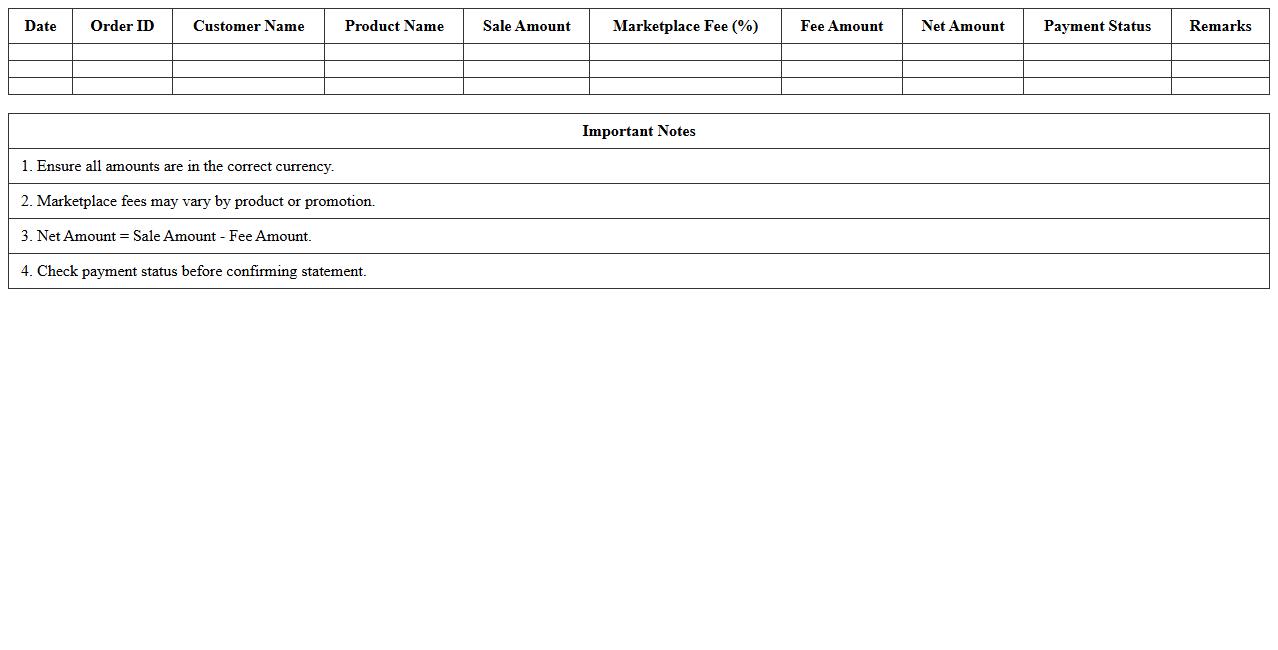
Marketplace Fee Deduction Statement Template
The
Marketplace Fee Deduction Statement Template document provides a detailed record of fees deducted by a marketplace from your sales earnings, ensuring transparency and accurate financial tracking. It allows sellers to reconcile payments, verify fee structures, and manage accounting efficiently by clearly outlining each deduction. Using this template streamlines financial reporting and supports better decision-making for business profitability.
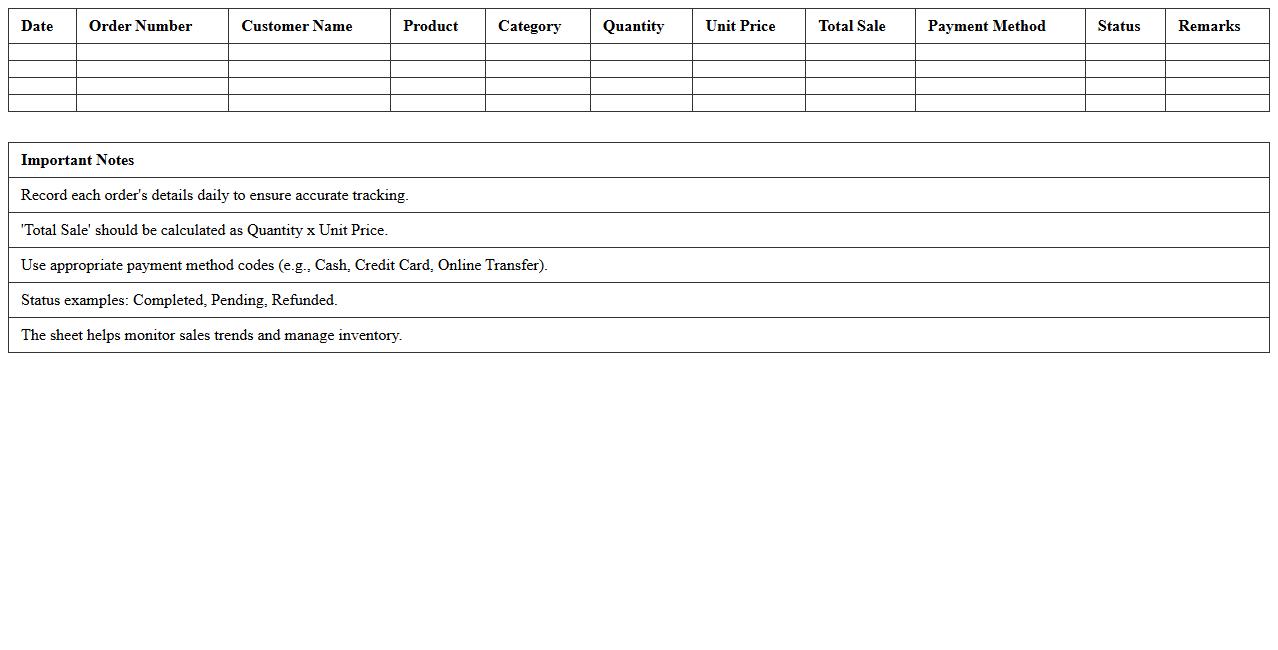
Daily Online Sales Summary Excel Sheet
The
Daily Online Sales Summary Excel Sheet is a comprehensive document that tracks and consolidates daily sales data from various online platforms, providing real-time insights into revenue, product performance, and customer behavior. It allows businesses to monitor daily sales trends, identify top-selling products, and detect potential issues quickly, enhancing decision-making and inventory management. By maintaining accurate records and automating data analysis, this sheet improves operational efficiency and supports strategic planning for sustained growth.
Platform Payout Reconciliation Statement
The
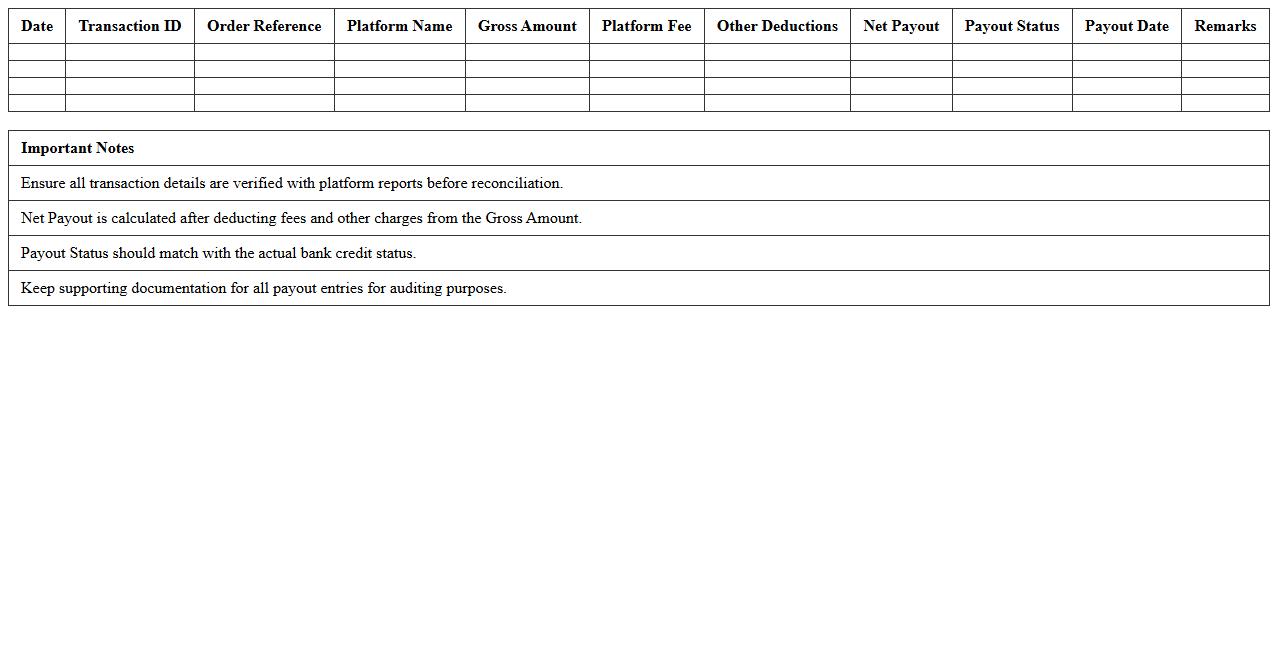
Platform Payout Reconciliation Statement document is a detailed financial report that summarizes all transactions, payouts, and adjustments made through an online platform over a specified period. This statement helps businesses verify the accuracy of payments received, identify discrepancies, and ensure proper accounting of revenue streams. By providing clear transaction records and payout summaries, it supports efficient financial management and auditing processes.
SKU-wise E-commerce Sales Statement Sheet
The
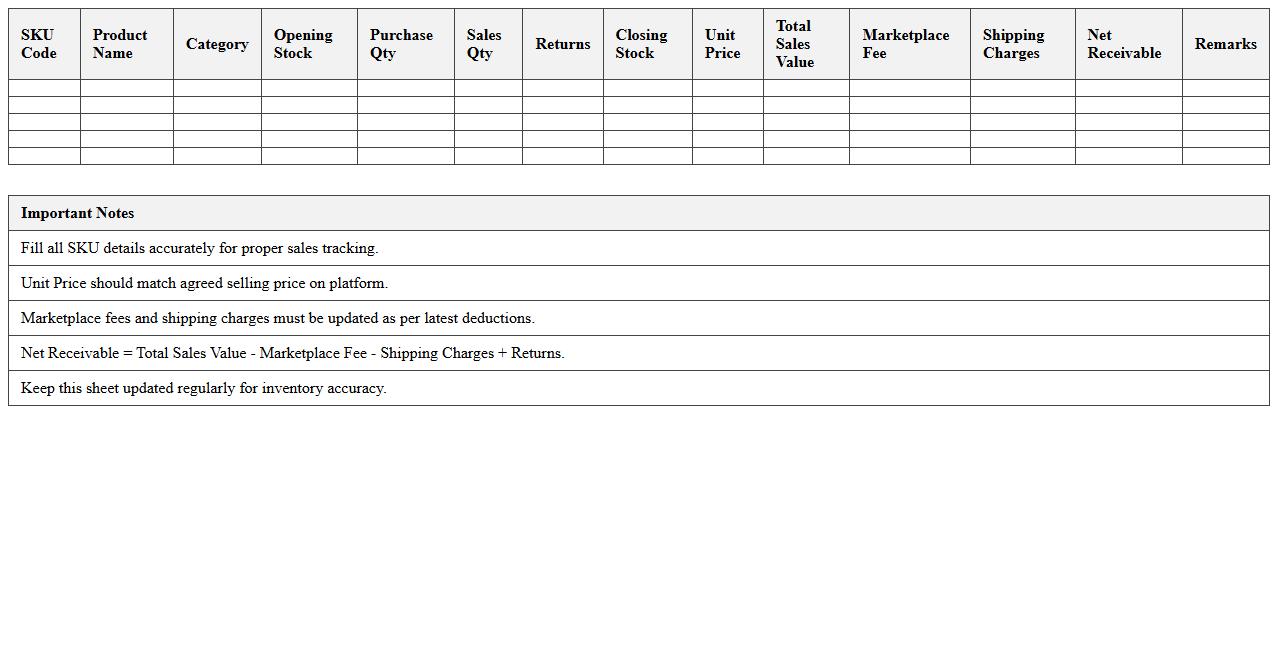
SKU-wise E-commerce Sales Statement Sheet is a detailed document that records sales data for each Stock Keeping Unit (SKU) across an e-commerce platform, breaking down revenue, quantity sold, and returns per product variant. This sheet enables businesses to analyze product performance, identify top-selling SKUs, and manage inventory efficiently by tracking demand trends. By leveraging SKU-level sales insights, companies can optimize pricing strategies and improve supply chain decisions to boost overall profitability.
Consolidated Multi-Channel Sales Excel Template
The
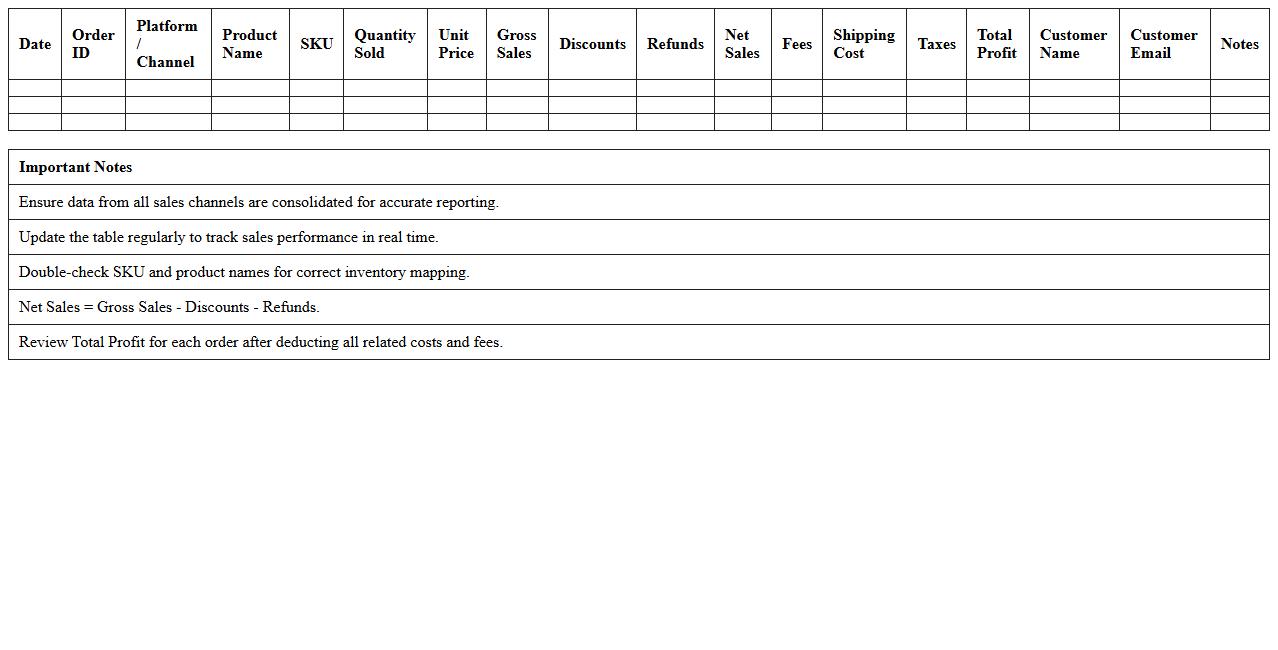
Consolidated Multi-Channel Sales Excel Template is a comprehensive tool designed to aggregate sales data from various channels such as e-commerce, retail, and direct sales into a single spreadsheet. This template enables businesses to monitor performance metrics, identify trends, and make informed decisions by providing clear visualization of sales figures across different platforms. It streamlines reporting processes and improves data accuracy, allowing for efficient sales analysis and forecasting.
Transaction-Level E-commerce Sales Ledger
The
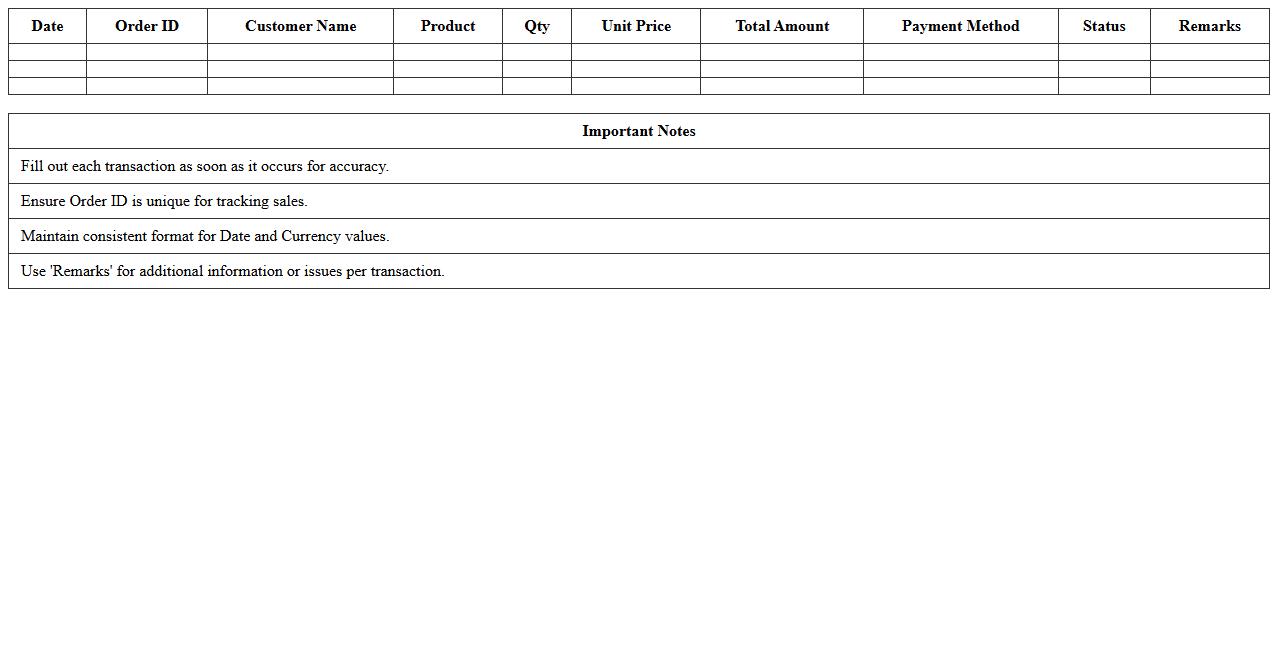
Transaction-Level E-commerce Sales Ledger document records detailed data on individual e-commerce sales transactions, including dates, product details, customer information, and payment methods. This granular insight enables businesses to track revenue streams accurately, identify sales trends, and ensure compliance with tax regulations. Utilizing this ledger enhances financial transparency and supports strategic decision-making for optimizing online sales performance.
Returns & Refunds Statement Excel Template
The
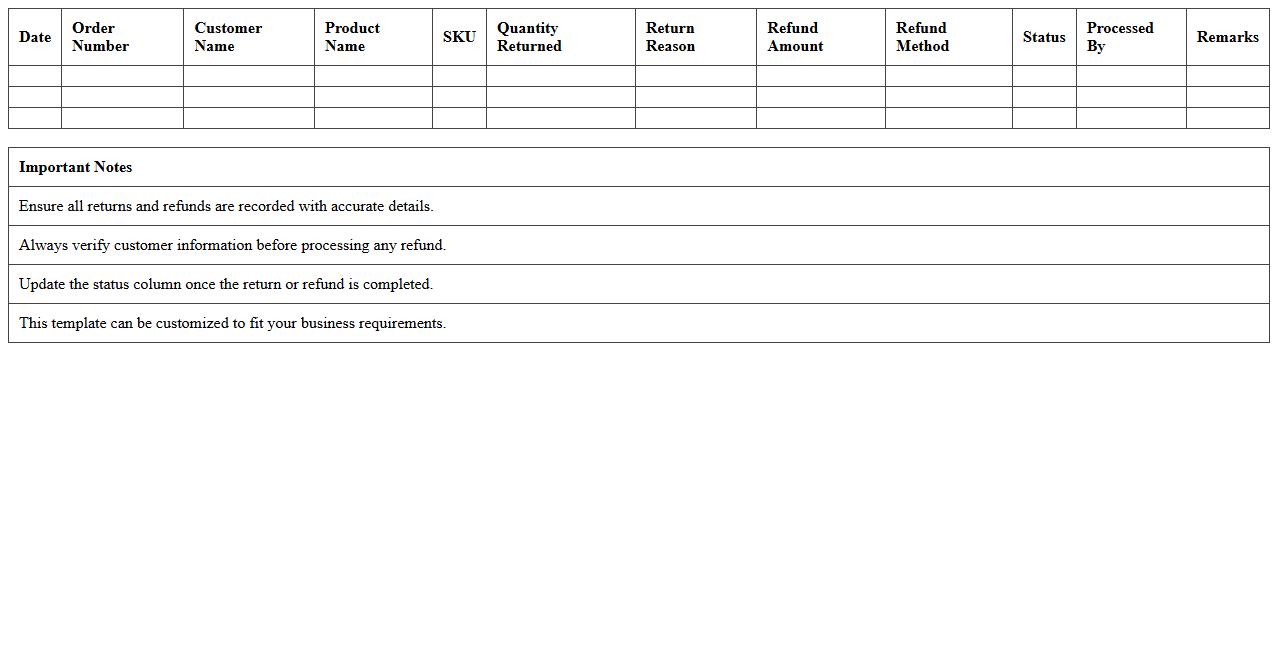
Returns & Refunds Statement Excel Template document serves as a structured tool for tracking and managing customer returns and refund transactions efficiently. By organizing data such as return dates, reasons, product details, and refund amounts, it helps businesses monitor trends, identify issues, and maintain accurate financial records. This template enhances decision-making processes, improves customer service, and streamlines accounting tasks by providing clear and accessible return and refund information.
Gross-to-Net Sales Reconciliation Excel Sheet
A
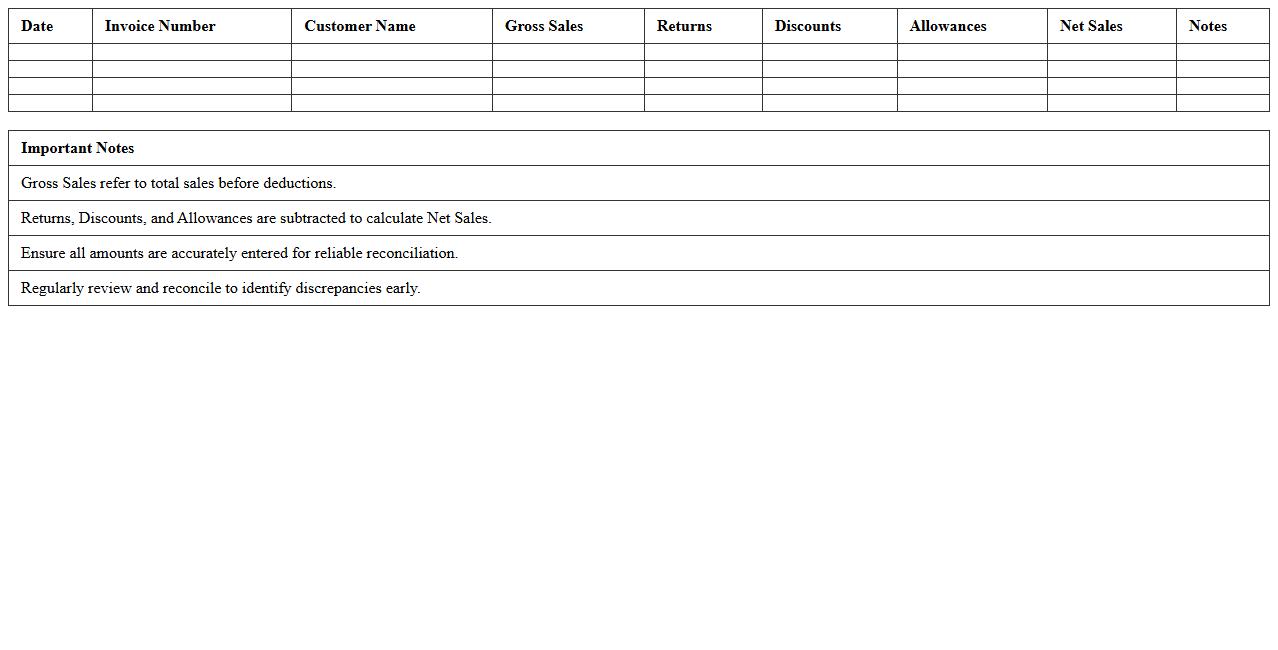
Gross-to-Net Sales Reconciliation Excel Sheet is a detailed financial document that tracks the differences between gross sales revenue and net sales revenue by accounting for discounts, returns, allowances, and other deductions. It provides a clear and organized way to verify the accuracy of sales figures, ensuring transparency and helping prevent discrepancies in financial reporting. This tool is essential for businesses aiming to maintain accurate revenue records, improve forecasting, and streamline accounting processes.
How to automate monthly sales statements in Excel for e-commerce orders?
Start by setting up a dynamic Excel template that pulls data from your e-commerce platform via CSV imports or API connections. Use PivotTables to summarize orders, sales, and customer details automatically by month. Establish macros or VBA scripts that refresh data and generate reports with one click for efficient monthly automation.
What are key Excel formulas for reconciling sales and returns in e-commerce statements?
Utilize SUMIFS to aggregate sales and returns based on date or SKU filters, ensuring precise reconciliation. The VLOOKUP or XLOOKUP function helps match transactions between sales and returns datasets. Employ IFERROR for error handling in lookups, enabling clean reconciliation reports without formula errors.
How to track payment gateway fees in sales statement templates for online stores?
Include a dedicated column for payment gateway fees calculated as a percentage of each sale alongside fixed transaction charges. Use the SUMPRODUCT formula to automatically total fees based on sales and rates applicable. Keeping fees transparent ensures accurate net revenue calculations in your monthly statements.
What columns should be included in a detailed e-commerce sales statement Excel sheet?
A detailed sheet should include Order ID, SKU, Product Name, Quantity Sold, Unit Price, Total Sales, Returns, Net Sales, Payment Fees, and Customer Information. Add columns for Order Date, Payment Method, and Shipping Charges for comprehensive analysis. Such layout helps correlate sales performance with transactional and customer data efficiently.
How to generate SKU-wise sales summaries for e-commerce transactions in Excel?
Create a PivotTable grouped by SKU that aggregates quantities sold and total sales revenue over your desired period. Use the SUMIFS formula to extract detailed SKU performance metrics dynamically from your raw sales data. This approach enables quick identification of best-sellers and inventory trends per SKU.
More Statement Excel Templates