The Home Renovation Plan Excel Template for DIY Projects offers a comprehensive and user-friendly tool to organize your remodeling tasks, budget, and timeline efficiently. This template helps track expenses, materials, and progress, ensuring your renovations stay on schedule and within budget. Designed specifically for DIY enthusiasts, it simplifies complex planning into manageable steps.
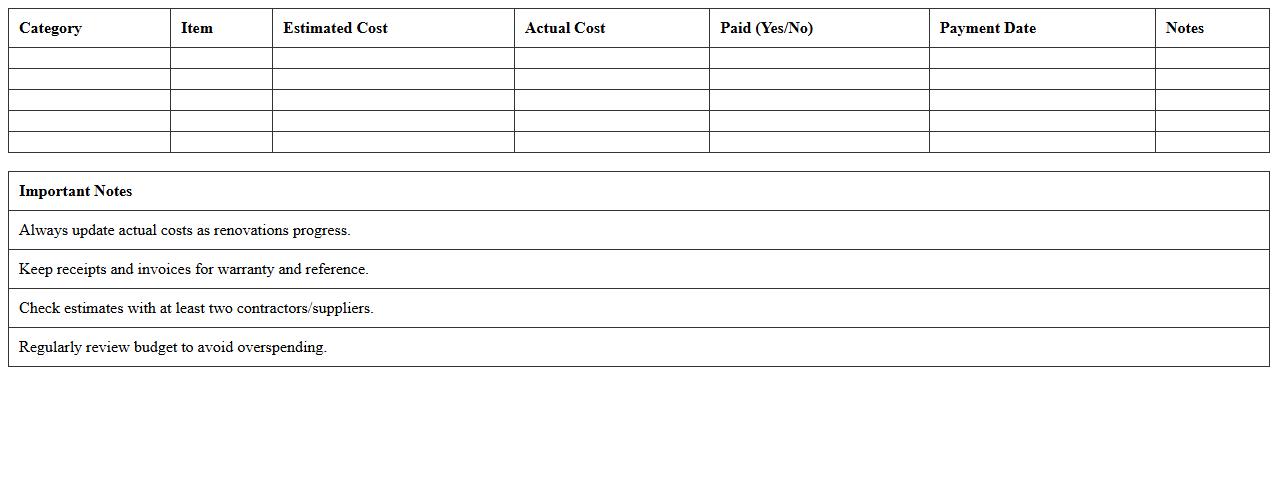
Home Renovation Project Budget Tracker
A
Home Renovation Project Budget Tracker document is a detailed tool designed to monitor expenses and manage the financial aspects of a home renovation. It helps homeowners keep track of all costs, from materials to labor, ensuring the project stays within budget and preventing overspending. By providing clear visibility into spending patterns, this tracker supports informed decision-making and efficient resource allocation throughout the renovation process.
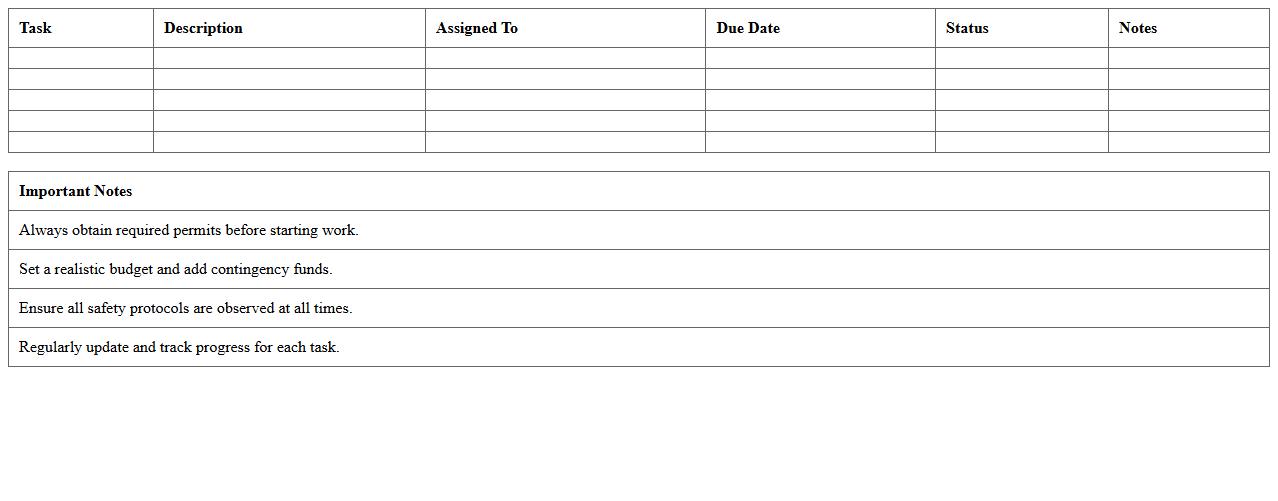
DIY Home Remodel Task Checklist
A
DIY Home Remodel Task Checklist document serves as a detailed guide that organizes all necessary steps and materials for successful home renovation projects. It helps homeowners track progress, manage time efficiently, and ensure no critical task is overlooked during the remodeling process. Using this checklist enhances project planning and reduces the risk of costly mistakes or delays.
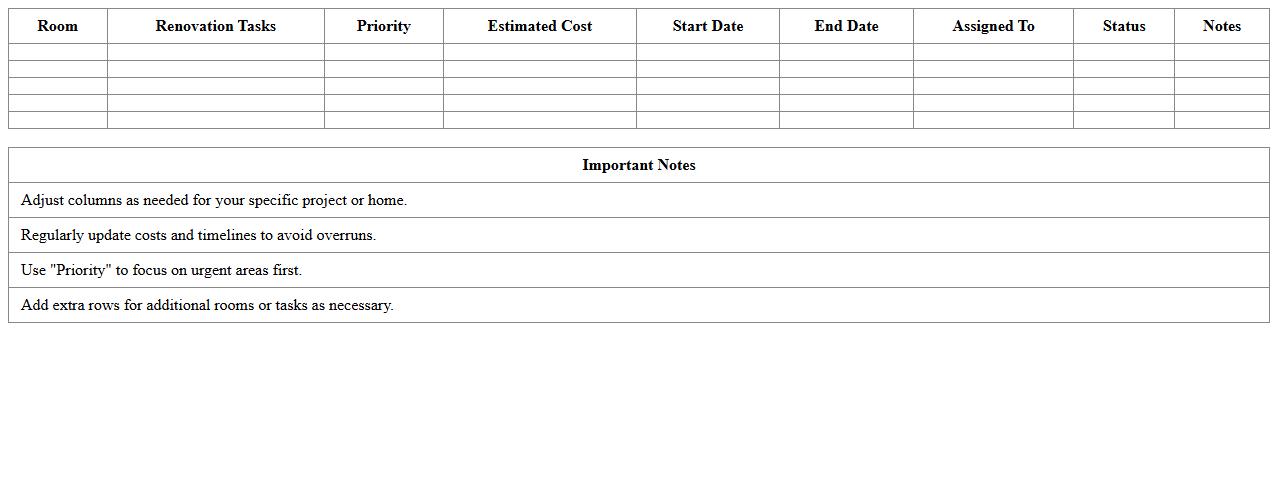
Room-by-Room Renovation Planning Sheet
A
Room-by-Room Renovation Planning Sheet is a detailed document that organizes renovation tasks for each room, specifying materials, timelines, and budget estimates. It enhances project management by ensuring all elements are accounted for, reducing oversights and unexpected costs during home improvement. This structured approach helps homeowners and contractors maintain clarity, prioritize tasks, and track progress efficiently.
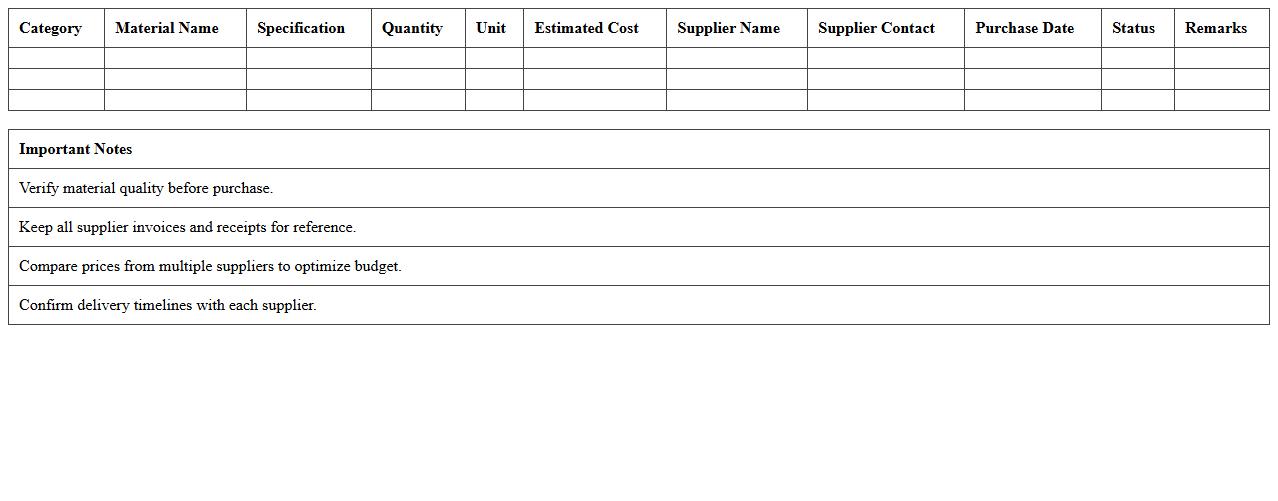
Renovation Materials & Supplier List
The
Renovation Materials & Supplier List document compiles detailed information about essential construction and finishing materials along with reliable suppliers, facilitating efficient project planning and procurement. It helps streamline budgeting, ensures quality control, and reduces delays by providing immediate access to vetted vendors. This resource supports informed decision-making, optimizing renovation workflows and cost management.
Renovation Timeline & Milestone Gantt Chart
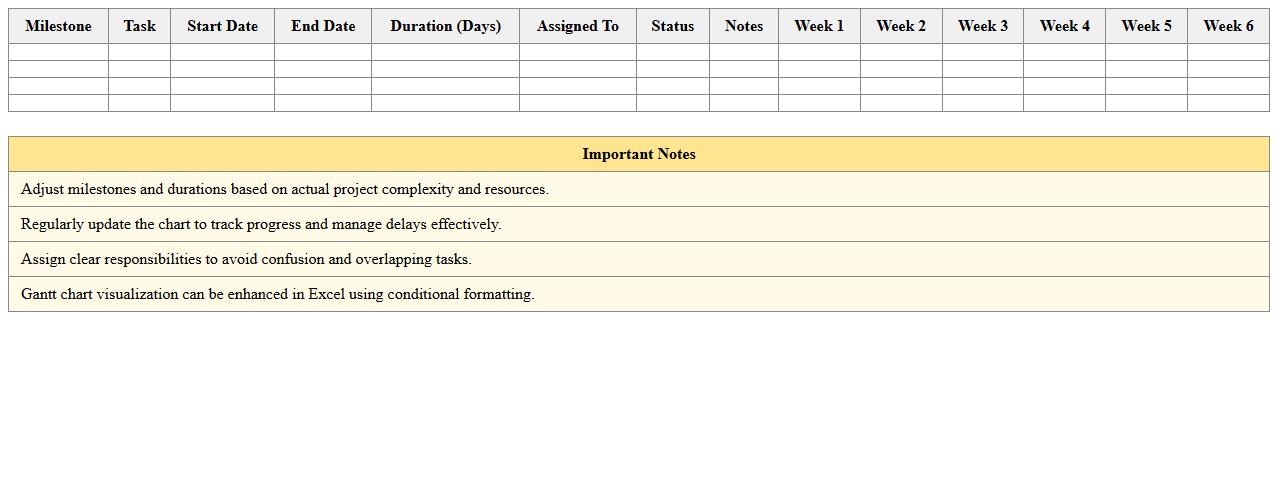
A
Renovation Timeline & Milestone Gantt Chart is a project management tool that visually represents renovation tasks, their start and end dates, and critical milestones in a structured timeline. It helps coordinate resources, monitor progress, and identify potential delays, ensuring renovation projects stay on schedule and within budget. Utilizing this document improves communication among contractors, stakeholders, and clients, enhancing overall project efficiency and accountability.
Home Renovation Cost Estimate Calculator
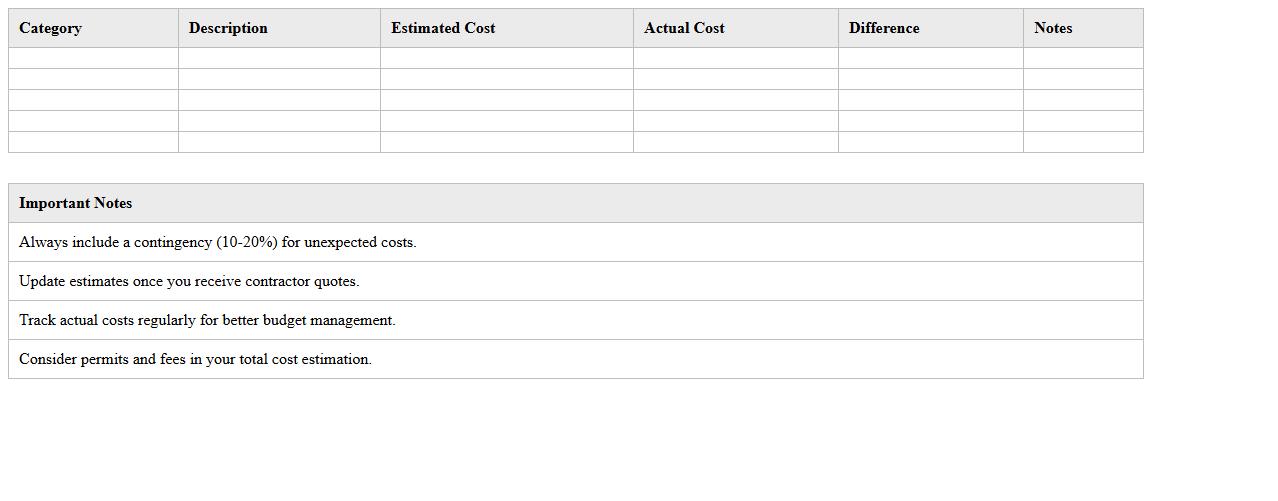
The
Home Renovation Cost Estimate Calculator document provides a detailed breakdown of expected expenses related to various renovation projects, allowing homeowners to plan budgets accurately. This tool helps in forecasting costs for materials, labor, permits, and contingencies, thereby preventing unforeseen financial surprises. Utilizing the calculator enhances decision-making by offering transparent and customizable estimates tailored to specific renovation needs.
DIY Renovation Progress Monitoring Log
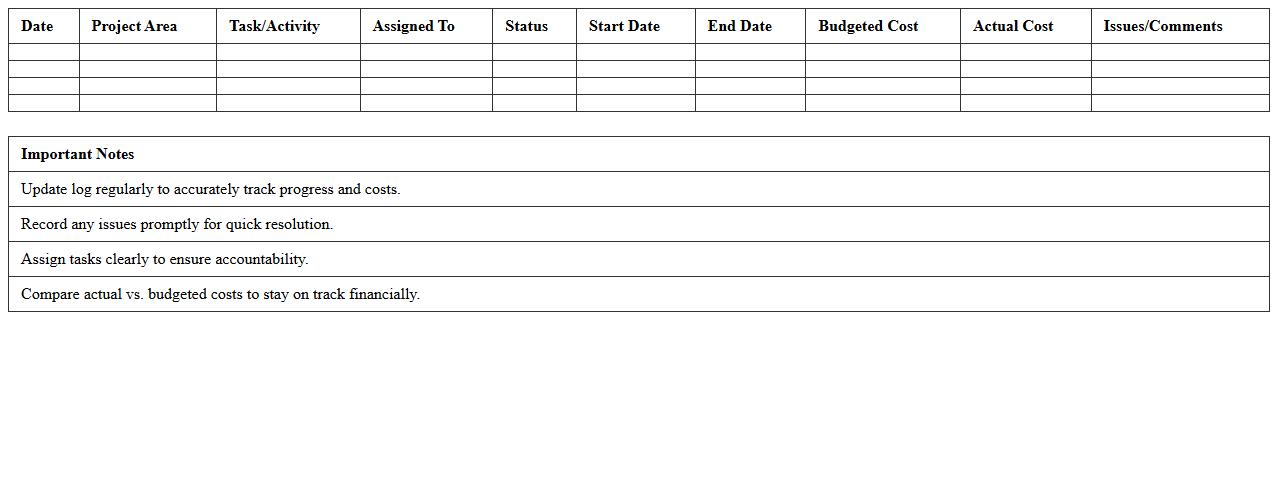
The
DIY Renovation Progress Monitoring Log document is a detailed record-keeping tool that tracks each stage of a home renovation project, including tasks completed, materials used, timelines, and costs. This log helps homeowners maintain organization, identify delays, and ensure budget adherence, improving project efficiency and outcome quality. It also provides a clear overview for future reference or when working with contractors to keep everyone aligned on progress.
Contractor Comparison & Contact List
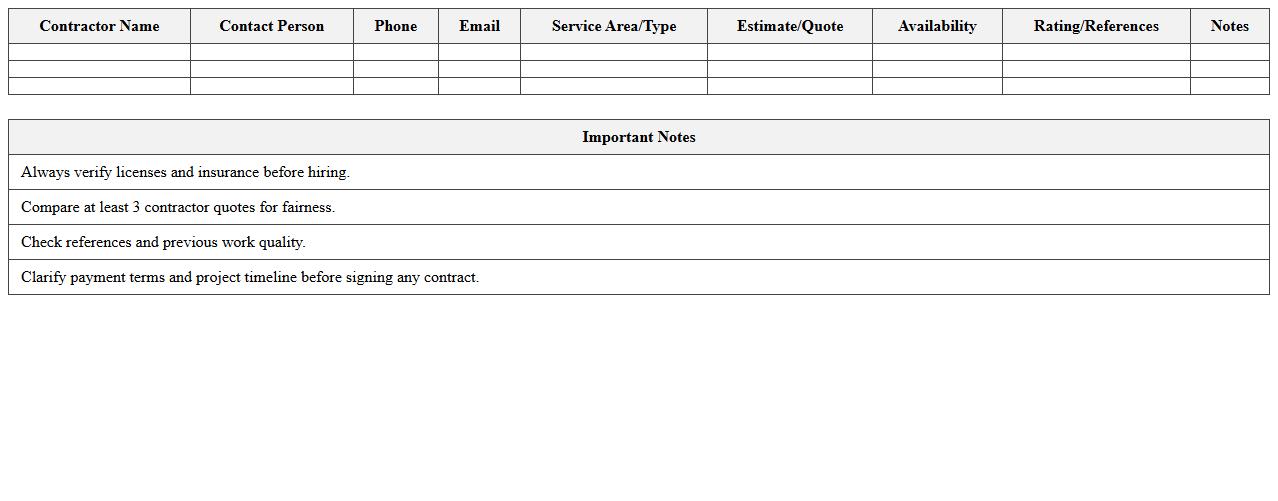
The
Contractor Comparison & Contact List document organizes key information about multiple contractors, including pricing, services offered, experience, and contact details, enabling efficient evaluation and selection. It streamlines project management by providing a clear, side-by-side comparison that saves time and ensures informed decision-making. Having all contractor data in one place enhances communication and accelerates onboarding processes.
Home Improvement Expense Tracker
A
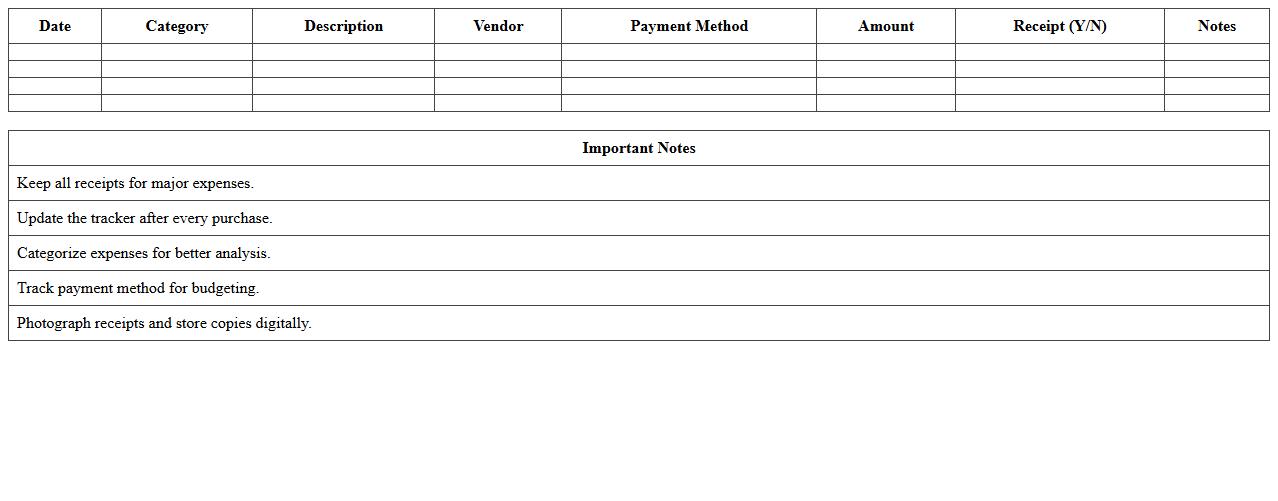
Home Improvement Expense Tracker document systematically records all costs related to renovation projects, enabling efficient budget management and preventing overspending. It helps homeowners monitor expenses such as materials, labor, and permits, ensuring clarity and financial control throughout the improvement process. By maintaining detailed records, this tool also facilitates tax deductions and enhances property value assessment when selling a home.
Renovation Permit & Approval Tracker
The
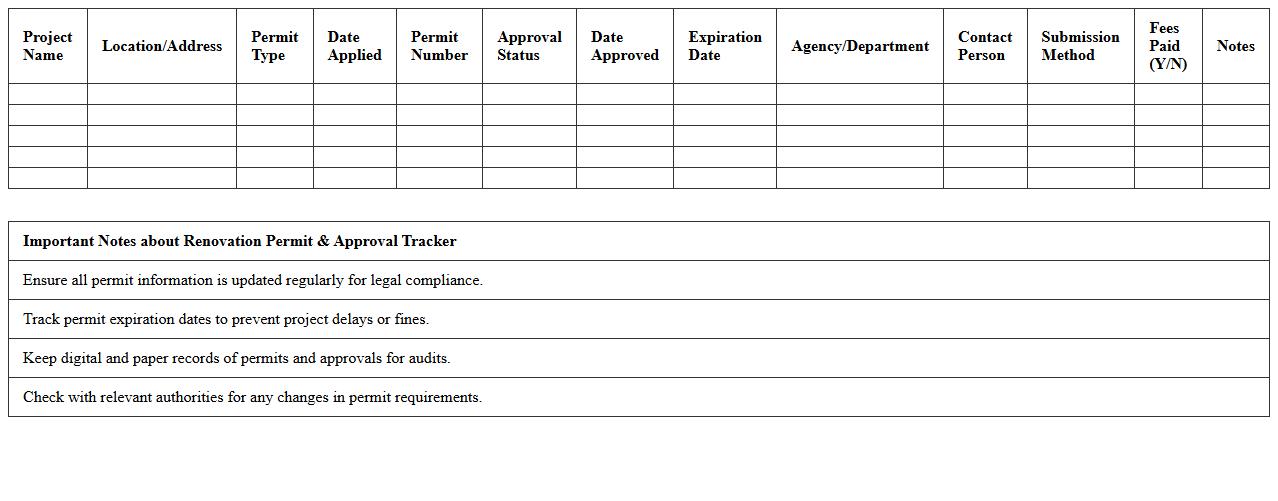
Renovation Permit & Approval Tracker document systematically records and monitors the progress of all necessary permits and approvals required for renovation projects. It helps ensure compliance with local regulations by providing real-time updates on application statuses, deadlines, and required documentation. This tool minimizes delays and facilitates smooth project execution by keeping all stakeholders informed and organized.
How to track material costs in a Home Renovation Plan Excel template?
To track material costs effectively, create a dedicated sheet listing all materials with their unit prices and quantities. Use formulas like =SUMPRODUCT() to calculate total costs for each item automatically. Regularly update this list to maintain an accurate and dynamic overview of your renovation expenses.
What Excel formulas help estimate DIY project timelines?
Excel formulas like =WORKDAY() and =NETWORKDAYS() help estimate DIY project timelines by calculating start and end dates based on working days. Utilize =DATEDIF() to measure the duration between two dates for task planning. These functions improve project scheduling and keep your renovation timeline on track.
How can I add a task dependency chart for renovations in Excel?
Create a task dependency chart by setting up a table with tasks, start dates, durations, and predecessors. Use Excel's conditional formatting and stacked bar charts to visualize dependencies effectively. This method helps you monitor task sequences and avoid potential project delays.
Which Excel features best manage room-by-room DIY budgets?
Excel's PivotTables and data filtering tools allow you to organize and analyze budgets by individual rooms. Use separate columns for room names, costs, and categories to segment expenses precisely. This approach provides clear visibility into spending patterns and controls costs efficiently.
How to automatically update project status for a home renovation in Excel?
Implement IF statements combined with drop-down lists to automate project status updates based on task completion. Conditional formatting can visually highlight tasks as "Not started," "In progress," or "Completed." This dynamic updating system ensures real-time tracking and better project management.
More Plan Excel Templates