Employee Recruitment Tracker Excel Template
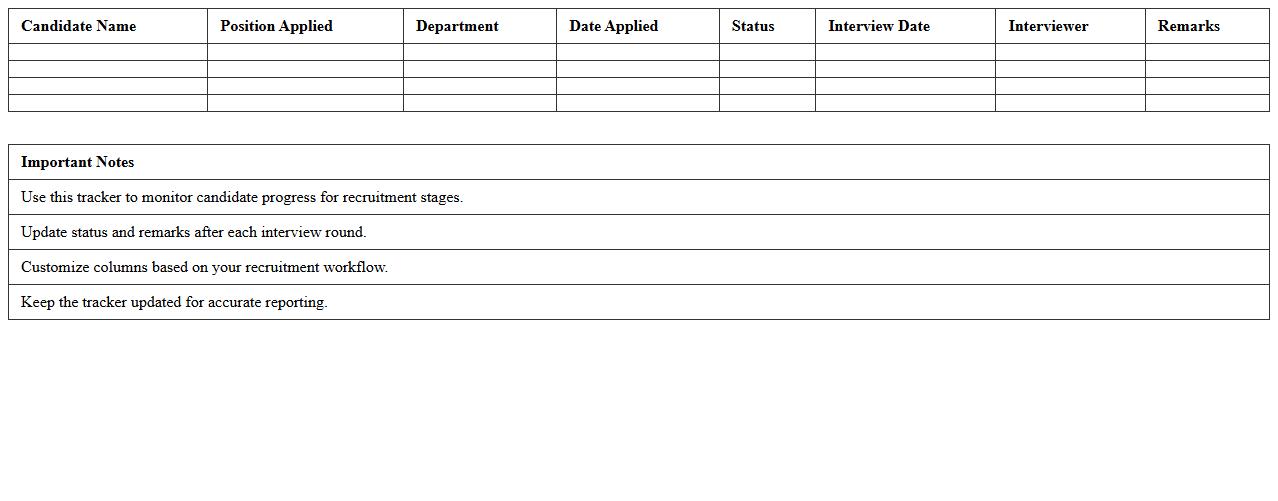
The
Employee Recruitment Tracker Excel Template is a powerful tool designed to streamline the hiring process by organizing candidate information, interview schedules, and recruitment stages in a single document. It enables HR professionals to track applicant progress efficiently, monitor timelines, and identify bottlenecks in recruitment workflows. Utilizing this template enhances decision-making, reduces administrative errors, and accelerates the overall talent acquisition cycle.
Job Vacancy Planning Spreadsheet
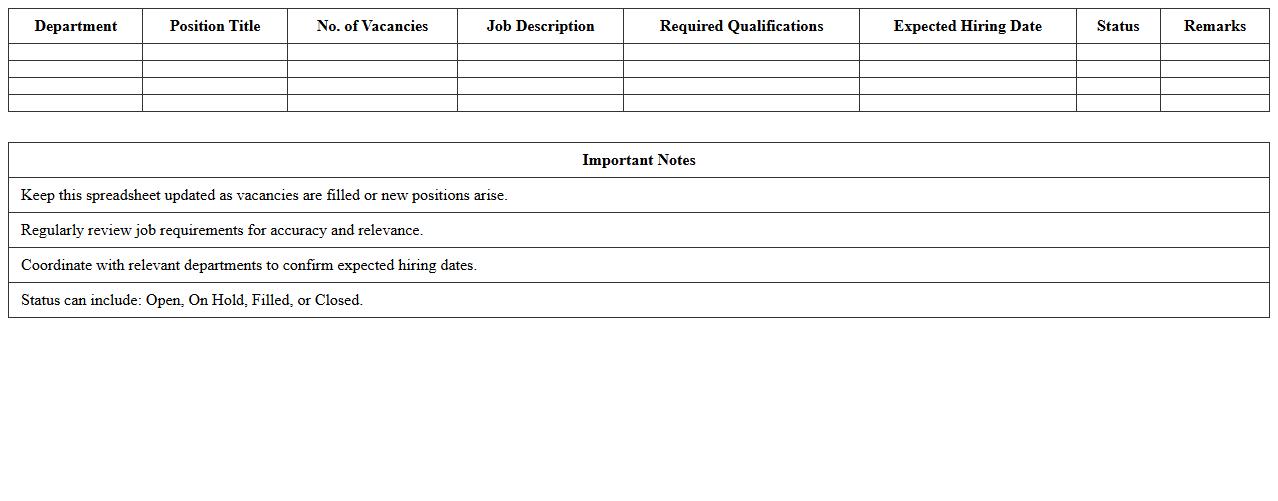
A
Job Vacancy Planning Spreadsheet is a structured document designed to track and manage open job positions within an organization. It helps HR teams monitor recruitment progress, allocate resources efficiently, and forecast hiring needs based on turnover and business growth. By centralizing vacancy data, the spreadsheet streamlines workforce planning and supports strategic decision-making to maintain optimal staffing levels.
Candidate Pipeline Management Sheet
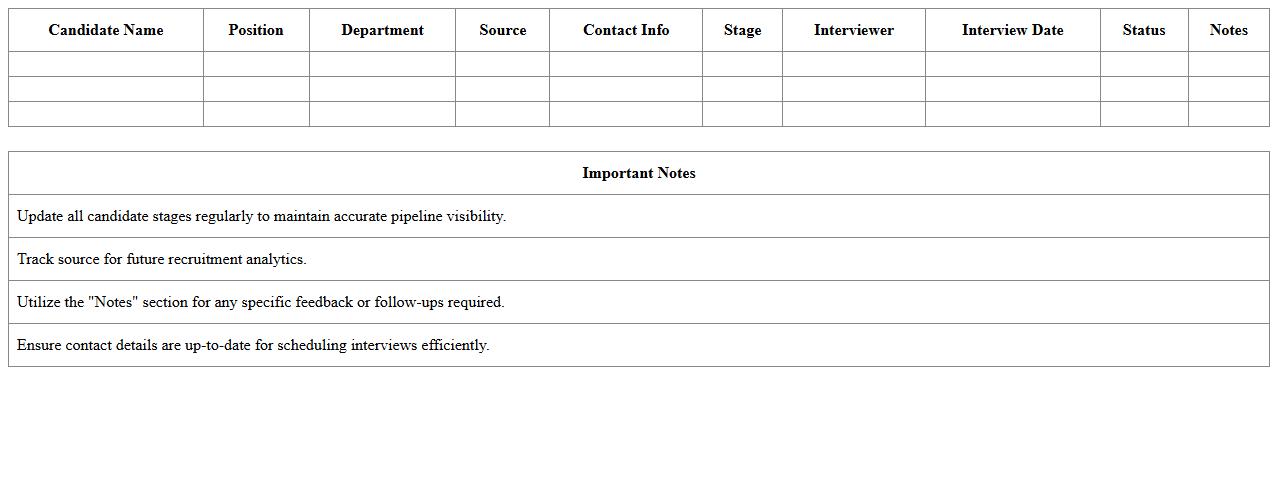
A
Candidate Pipeline Management Sheet is a strategic tool used to organize, track, and manage potential job candidates throughout the recruiting process. It helps streamline recruitment by providing clear visibility of candidate status, interview stages, and feedback, enabling efficient decision-making. This document improves hiring outcomes by ensuring timely follow-ups, reducing candidate drop-off rates, and maintaining a structured approach to talent acquisition.
Recruitment Budget Planner Excel
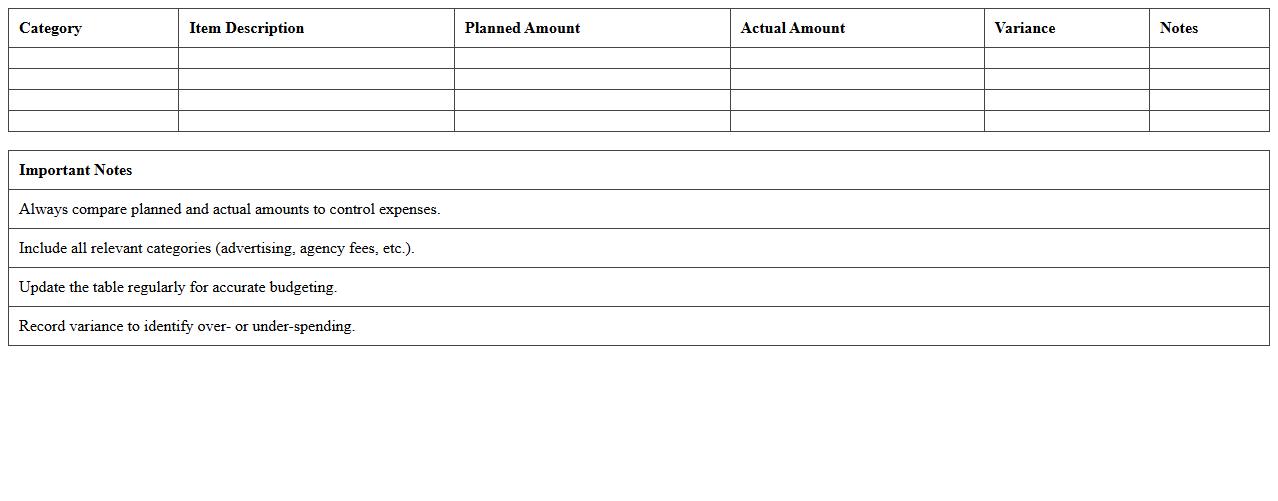
The
Recruitment Budget Planner Excel document is a comprehensive tool designed to help organizations forecast, allocate, and monitor recruitment expenses efficiently. It enables HR teams to track costs such as advertising, agency fees, interview expenses, and onboarding, ensuring transparency and control over hiring budgets. By utilizing this planner, companies can optimize recruitment spending, improve financial planning accuracy, and enhance overall hiring strategy effectiveness.
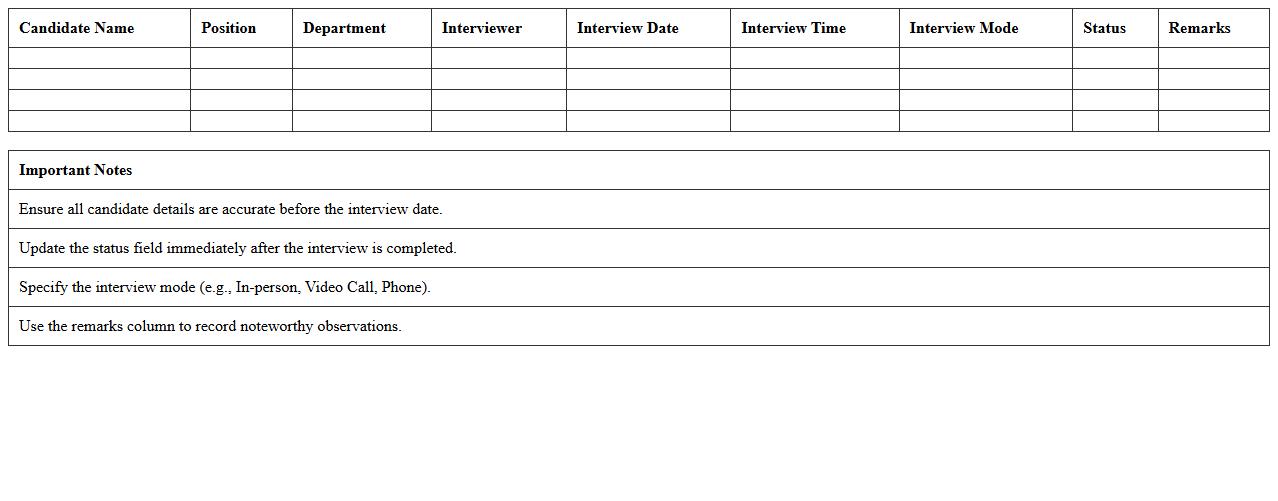
Interview Schedule Tracking Excel Template
The
Interview Schedule Tracking Excel Template is a structured document designed to organize and manage interview dates, candidate information, interviewer assignments, and status updates efficiently. It streamlines the recruitment process by providing a clear overview of all scheduled interviews, helping HR teams avoid conflicts and ensure timely follow-ups. Using this template improves coordination, enhances communication between stakeholders, and supports data-driven decision-making in hiring workflows.
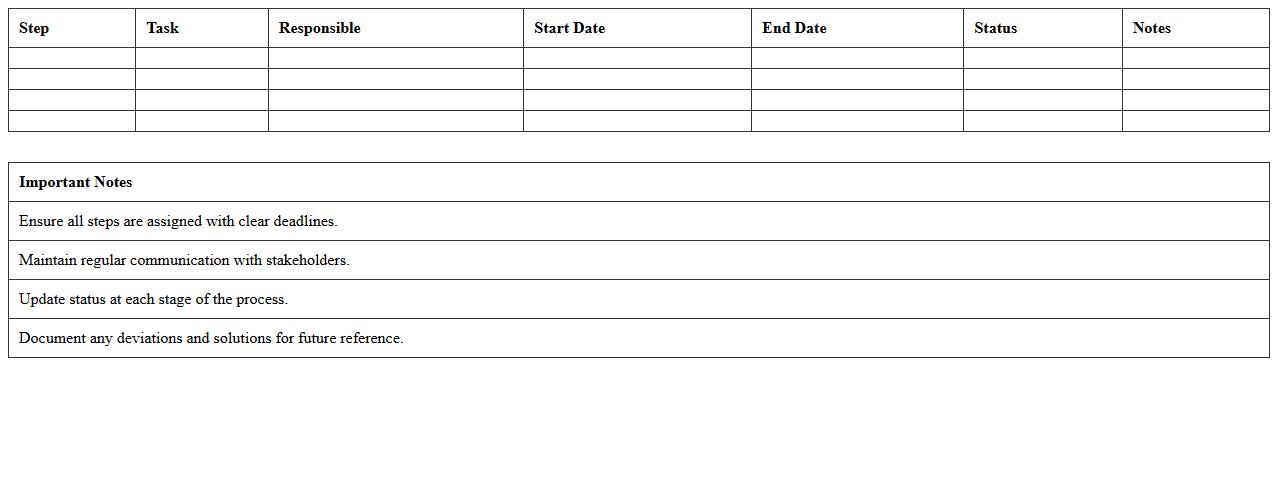
Talent Acquisition Timeline Worksheet
A
Talent Acquisition Timeline Worksheet is a strategic planning document used to outline the key stages and deadlines in the recruitment process, ensuring a streamlined and efficient hiring workflow. It helps HR teams track candidate sourcing, interview schedules, and offer delivery, enhancing visibility and accountability throughout the talent acquisition journey. By organizing timelines clearly, this worksheet supports timely decision-making and reduces delays in filling open positions.
HR Hiring Status Dashboard Excel
The
HR Hiring Status Dashboard Excel document provides a comprehensive visual summary of recruitment progress, tracking key metrics such as open positions, candidate pipeline stages, and time-to-hire. It enables HR managers to monitor hiring activities in real-time, identify bottlenecks, and make data-driven decisions to optimize recruitment strategies. This tool enhances transparency, improves communication across departments, and supports efficient resource allocation for talent acquisition.
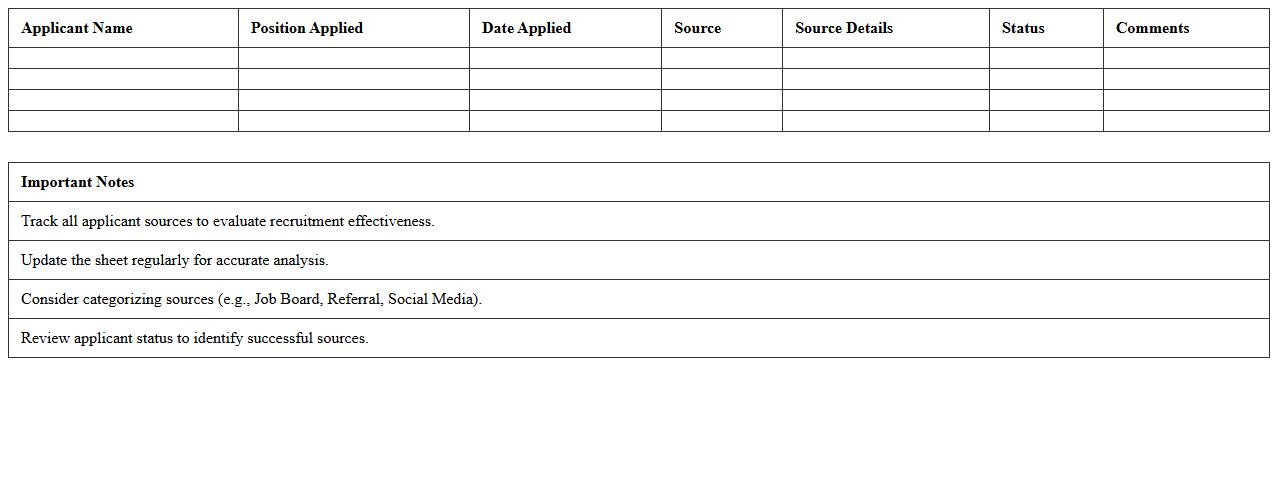
Applicant Source Analysis Excel Sheet
The
Applicant Source Analysis Excel Sheet is a comprehensive document designed to track and evaluate the origins of job applicants across various recruitment channels. This tool enables HR teams to identify the most effective sources, such as job boards, social media, referrals, or career fairs, by analyzing metrics like the number of applicants, quality of candidates, and conversion rates. Using this data-driven approach improves recruitment strategies, optimizes budget allocation, and enhances overall hiring efficiency.
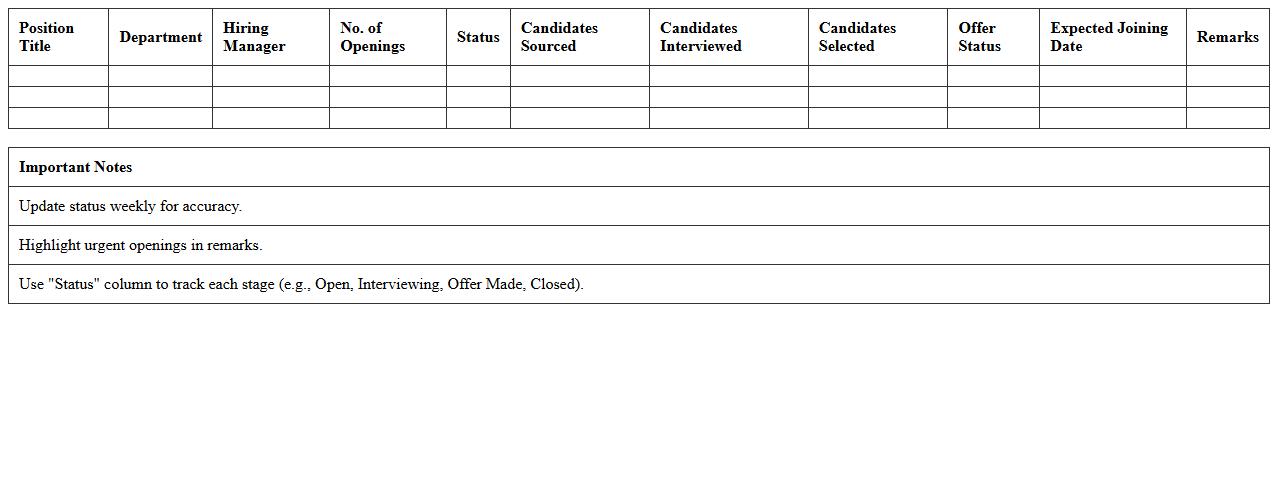
Position Fulfillment Progress Tracker
The
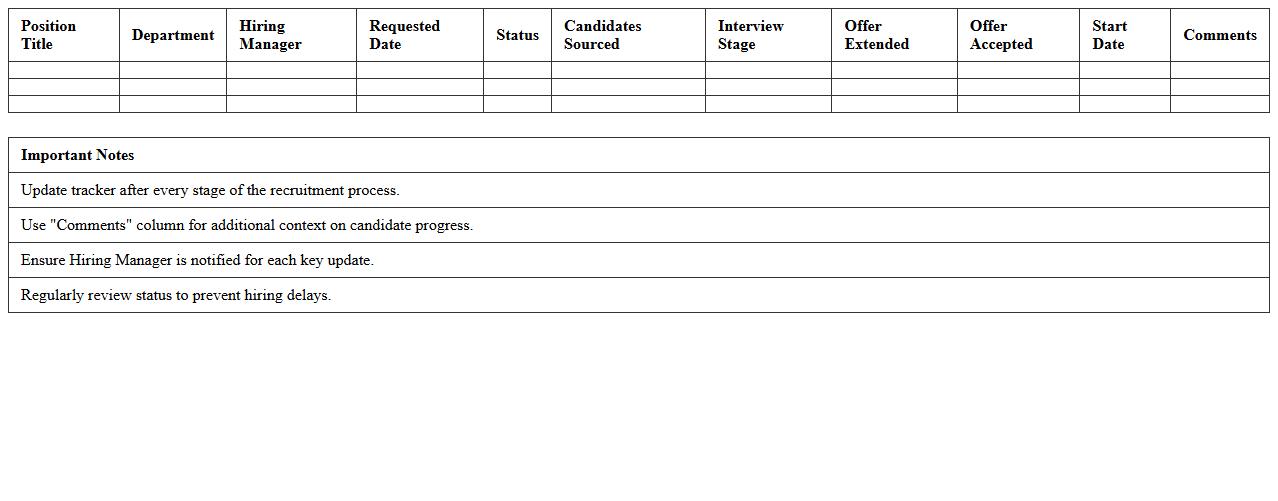
Position Fulfillment Progress Tracker document monitors the status of job openings, ensuring all recruitment stages are accurately recorded and updated in real-time. It provides hiring managers and HR teams with clear visibility into candidate pipeline progress, enabling efficient decision-making and timely interventions. This tool enhances workforce planning by highlighting bottlenecks and streamlining the hiring process to meet organizational staffing goals.
Recruitment Metrics & KPI Dashboard Excel
A
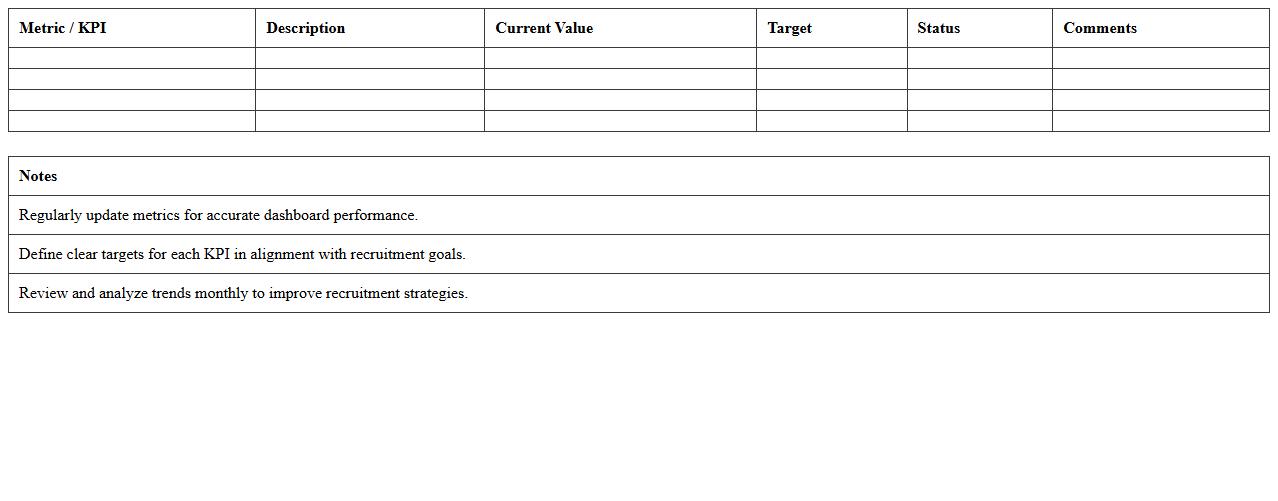
Recruitment Metrics & KPI Dashboard Excel document is a tool designed to track and visualize key performance indicators related to the hiring process, such as time-to-fill, cost-per-hire, and candidate quality. It enables HR professionals and recruiters to analyze recruitment efficiency, identify bottlenecks, and optimize talent acquisition strategies by providing clear and actionable insights. This dashboard improves decision-making and ensures alignment with organizational hiring goals through real-time data monitoring.
How can HR automate vacancy tracking in a Recruitment Plan Excel sheet?
HR can automate vacancy tracking by using data validation drop-down lists for vacancy status updates, ensuring consistent inputs. Automated conditional formatting highlights urgent vacancies, enabling quick prioritization. Integration of Excel macros or VBA scripts can further streamline tracking by updating statuses and sending notifications.
What formula tracks candidate pipeline stages in the recruitment plan?
The COUNTIFS function is ideal for tracking candidate pipeline stages by counting candidates in each defined stage. This formula dynamically summarizes how many candidates are in sourcing, screening, interviewing, or offered stages. Using dynamic named ranges for stages further enhances accuracy and automation.
How does the Excel template calculate open position fulfillment rates?
The template calculates fulfillment rates by dividing the number of filled positions by the total open positions, typically using a simple division formula. It updates automatically as hires are recorded, providing real-time insights. Conditional formatting may visualize whether targets are met or need attention.
Which metrics in the spreadsheet measure time-to-hire efficiency?
Time-to-Hire is measured by calculating the number of days between job posting and candidate acceptance dates. The average duration across all roles gives a comprehensive efficiency metric. Tracking these metrics helps identify bottlenecks in the recruitment process and improves time management.
How to integrate interview feedback scoring in the recruitment plan Excel format?
Interview feedback scoring can be integrated using a dedicated column for numeric or weighted scores from interviewers. Excel formulas like AVERAGE or weighted average summarize scores to evaluate candidate suitability. Conditional formatting then highlights top candidates based on aggregate feedback scores.