The Agile Sprint Plan Excel Template for Software Teams streamlines sprint planning by organizing tasks, priorities, and deadlines in a user-friendly spreadsheet format. It enhances collaboration and transparency by providing clear visibility into sprint progress and workload distribution. This template helps teams maintain focus, track individual responsibilities, and meet software development goals efficiently.
Agile Sprint Backlog Excel Template for Developers
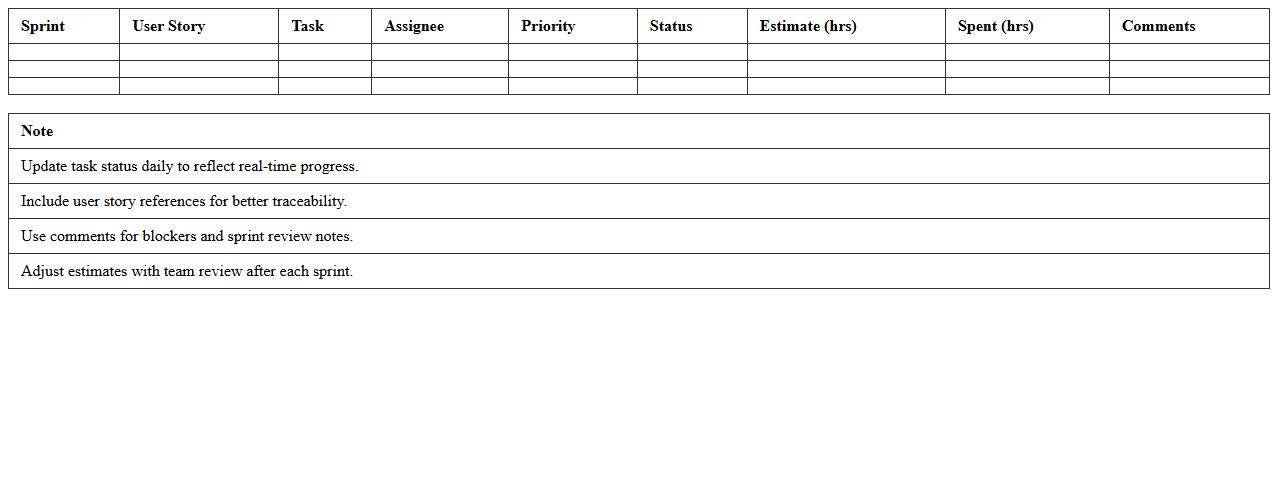
The Agile Sprint Backlog Excel Template is a structured document designed to help developers organize and track tasks within a sprint cycle. It provides a clear overview of user stories, task status, priority, and deadlines, enabling teams to maintain focus and accountability throughout the development process. Using this
Agile Sprint Backlog tool enhances productivity by streamlining task management and improving sprint transparency.
Agile Sprint Planning Board Excel Sheet
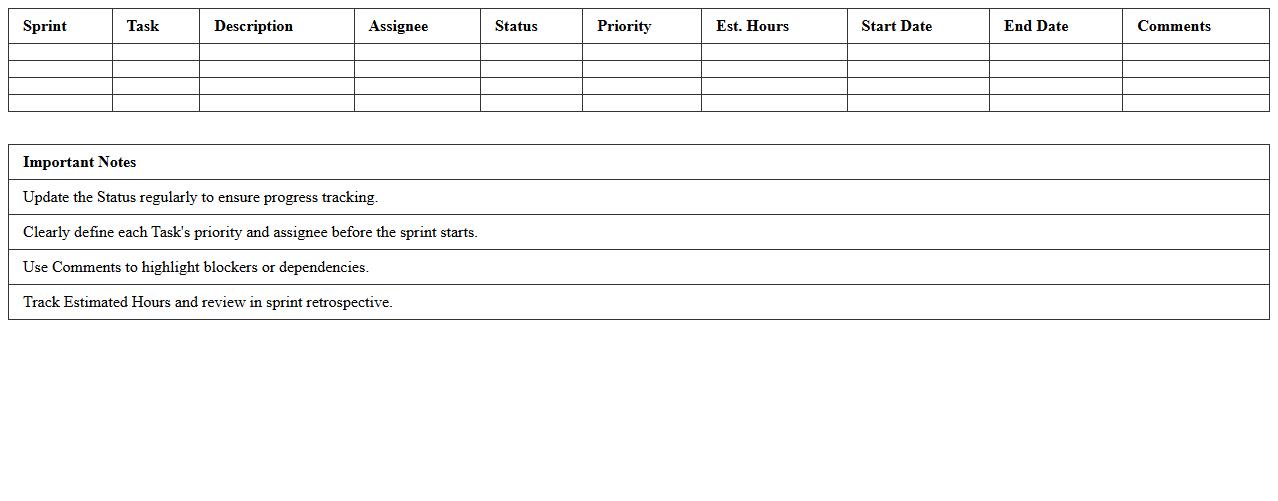
An
Agile Sprint Planning Board Excel Sheet is a structured tool designed to organize and track tasks during a sprint in Agile project management. It helps teams prioritize user stories, assign responsibilities, and monitor progress in a clear, visual format that enhances collaboration and accountability. By using this document, teams can improve sprint efficiency, manage workloads effectively, and ensure transparent communication throughout the development cycle.
Scrum Sprint Tracking Excel Template
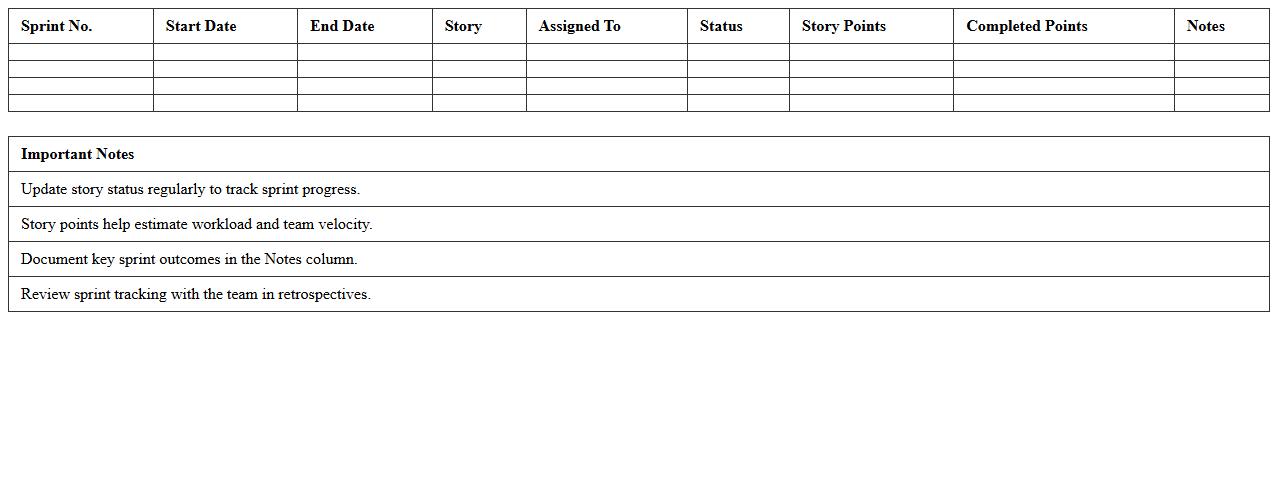
The
Scrum Sprint Tracking Excel Template is a structured document designed to monitor and manage sprint progress within Agile project management frameworks. It helps teams track tasks, deadlines, velocity, and burndown charts, enhancing transparency and accountability. By organizing sprint data clearly, the template aids in identifying bottlenecks and improving overall project efficiency.
Agile Kanban Sprint Schedule Spreadsheet
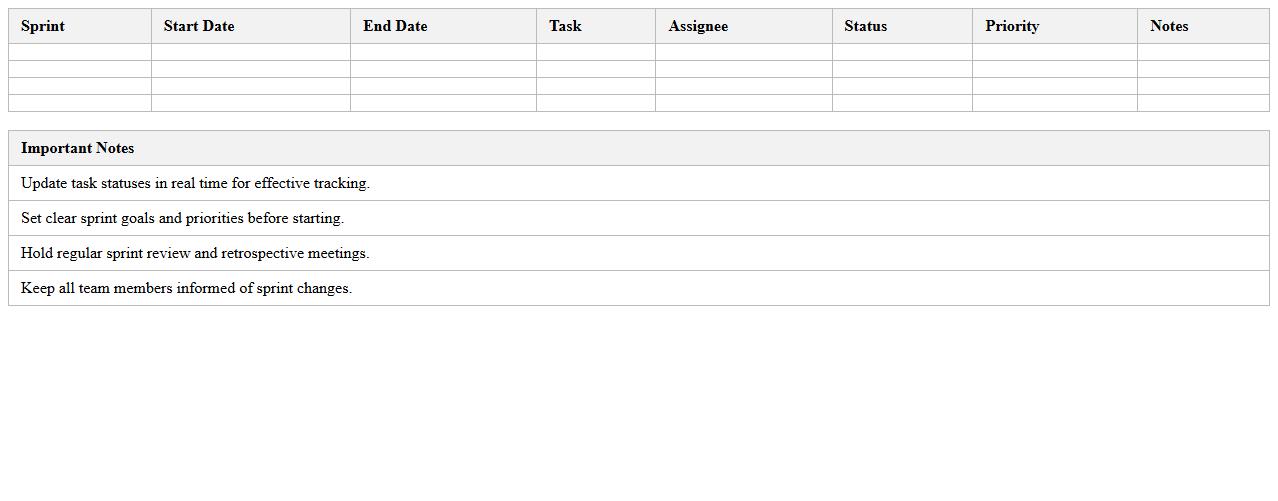
The
Agile Kanban Sprint Schedule Spreadsheet is a dynamic tool designed to organize, track, and visualize tasks and progress within Agile and Kanban project management frameworks. It enables teams to efficiently plan sprints by clearly outlining task priorities, deadlines, and workflow stages, enhancing collaboration and accountability. By maintaining a real-time overview of work in progress and bottlenecks, this spreadsheet optimizes productivity and ensures timely project delivery.
Sprint Velocity Tracking Excel Sheet
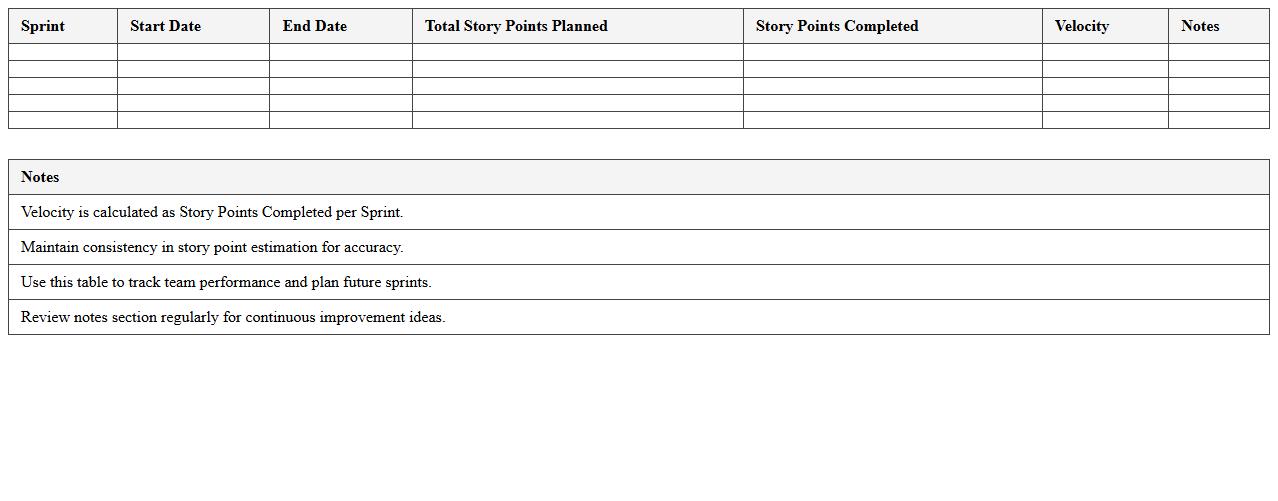
Sprint Velocity Tracking Excel Sheet is a powerful tool designed to measure the amount of work a development team completes during a sprint, typically in story points or task units. By tracking velocity consistently, teams can predict future sprint capacities, identify bottlenecks, and improve planning accuracy for Agile projects. This document enhances project management efficiency, ensuring timely delivery and better resource allocation through clear visualization of team performance trends.
Feature Progress Agile Sprint Excel Template
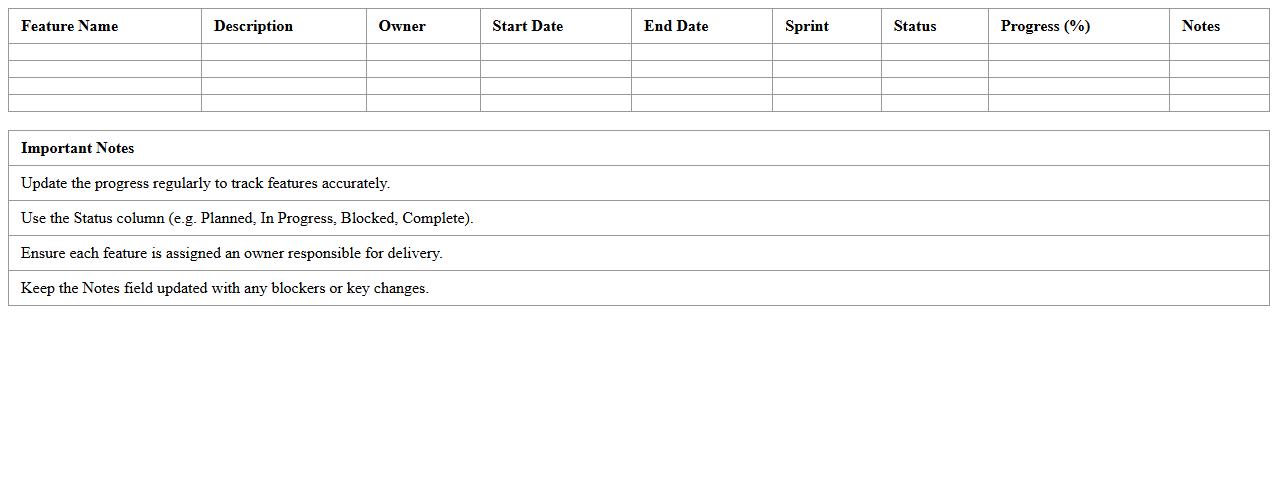
The
Feature Progress Agile Sprint Excel Template is a structured document designed to track and manage the progress of features within an Agile sprint cycle. It enables teams to visualize task status, monitor completion rates, and identify bottlenecks quickly, enhancing overall sprint efficiency. By centralizing sprint data in a clear and customizable format, this template supports informed decision-making and continuous improvement in Agile project management.
Sprint Task Assignment Excel Planner
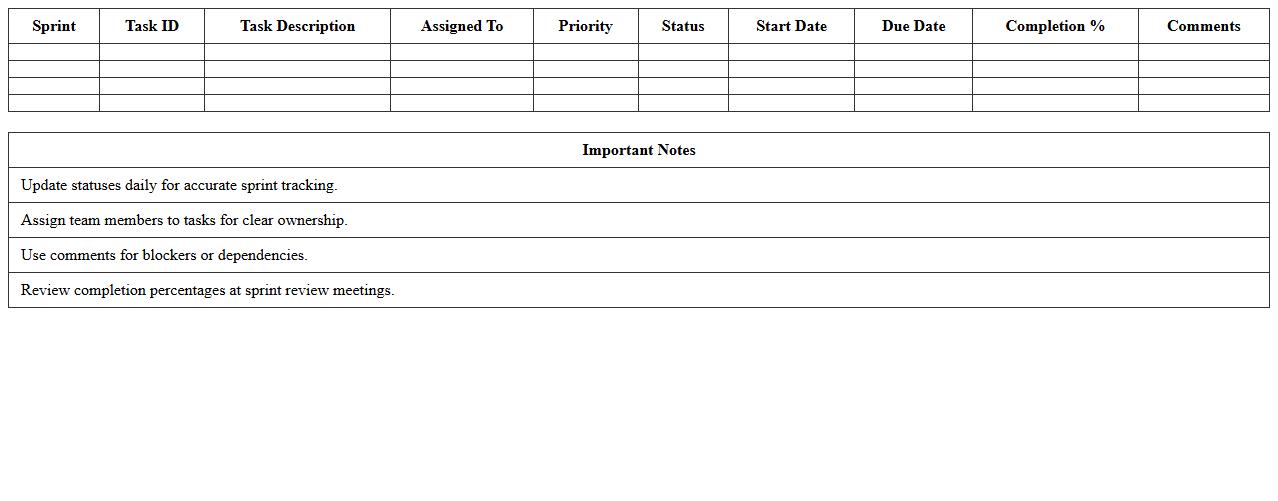
The
Sprint Task Assignment Excel Planner document is a structured tool designed to organize and allocate tasks within agile sprint cycles efficiently. It helps teams track progress, manage workload distribution, and ensure timely completion of sprint goals by clearly defining responsibilities and deadlines. This planner enhances collaboration and productivity by providing a transparent overview of task assignments and priorities.
Agile Retrospective Report Excel Template
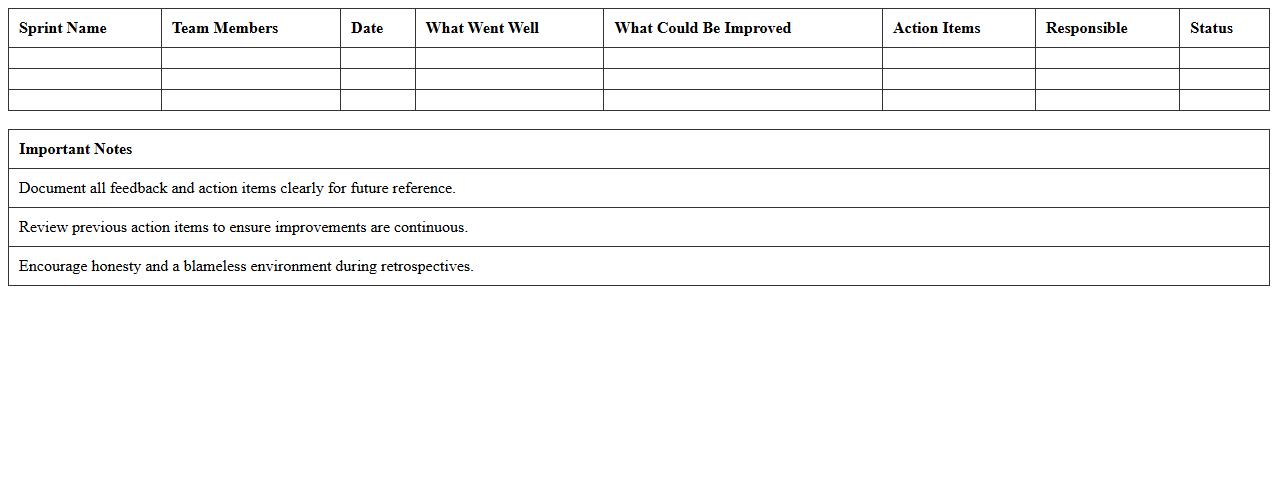
An
Agile Retrospective Report Excel Template is a structured document designed to capture insights, feedback, and actionable items from Agile sprint retrospectives. It helps teams systematically review their processes, identify improvements, and track progress over time, enhancing collaboration and project efficiency. By organizing retrospective data in a clear, accessible format, it supports continuous improvement and ensures accountability in Agile project management.
User Story Mapping Sprint Excel Sheet
The
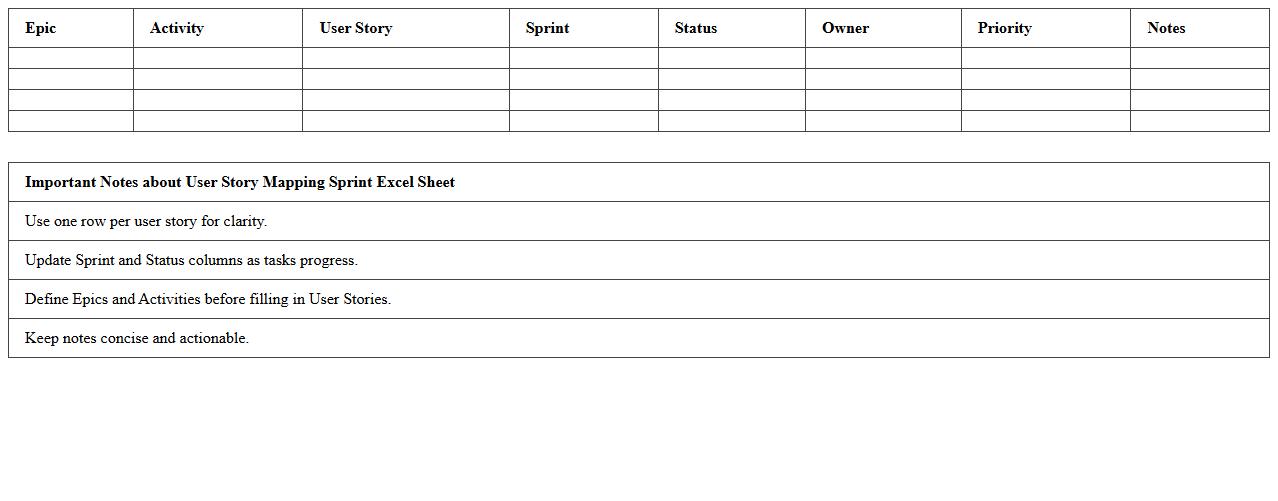
User Story Mapping Sprint Excel Sheet document organizes and visualizes user stories in a structured format to facilitate agile project planning and sprint management. It helps teams prioritize tasks, track progress, and ensure alignment with user needs, enhancing collaboration and transparency throughout development cycles. This tool maximizes productivity by providing clear visibility into sprint goals and dependencies, enabling efficient resource allocation and timely delivery.
Agile Team Sprint Burndown Chart Excel Template
The
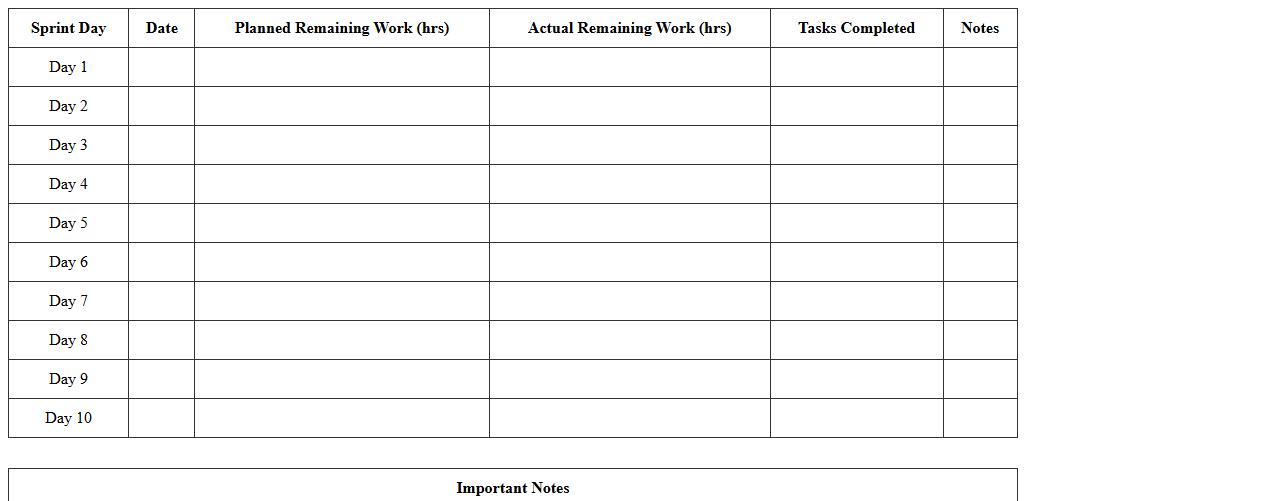
Agile Team Sprint Burndown Chart Excel Template document is a project management tool that visually tracks the amount of work remaining in a sprint against the planned timeline. It helps teams monitor progress, identify potential bottlenecks, and adjust workloads to ensure timely delivery. Using this template enhances transparency and accountability by providing clear, real-time insights into sprint performance.
How can Agile Sprint Plan Excel templates be tailored for remote software teams' collaboration?
To optimize an Agile Sprint Plan Excel template for remote collaboration, integrate shared access via cloud platforms like OneDrive or SharePoint. Include communication columns such as comments or status updates to foster transparency among dispersed team members. Additionally, employ dynamic filters and conditional formatting to highlight priorities and track progress in real-time.
What custom columns improve backlog prioritization in Sprint Plan Excel for agile developers?
Custom columns like Priority Level, Business Value, and Effort Estimation enhance backlog prioritization efficiency in Sprint Plan Excel sheets. Adding a Risk Assessment column helps developers identify critical tasks that may impact sprint goals. Moreover, columns for Dependencies and Stakeholder Impact ensure comprehensive evaluation of backlog items for smoother sprint execution.
How do you automate sprint velocity calculations in an Agile Sprint Plan Excel sheet?
Automate sprint velocity by using formulas that sum completed story points or task units within each sprint column. Incorporate dynamic named ranges to update velocity calculations as new data is entered. Additionally, use Excel functions like SUMIFS or FILTER to isolate completed tasks and accurately reflect team performance over time.
Which Excel features best visualize sprint burndown for software team tracking?
Excel features such as line charts and combo charts effectively visualize sprint burndown progress against planned work. Conditional formatting highlights deviations from expected burndown rates, making it easier to spot bottlenecks. Incorporating interactive slicers allows teams to filter burndown data by task status, priority, or sprint phase for deeper insights.
How can role-based task assignment be streamlined within an Agile Sprint Plan Excel template?
Streamline role-based task assignment by creating dedicated columns for roles and using dropdown lists with data validation for consistent assignment. Leverage conditional formatting to visually differentiate tasks based on assigned roles or team member availability. Integrating pivot tables helps managers quickly review workloads and balance assignments across the Agile sprint.
More Plan Excel Templates