A Business Continuity Plan Excel Template for Startups provides a structured and easy-to-use framework to identify potential risks and outline response strategies. This template helps startups ensure operational resilience by organizing critical information such as key contacts, essential functions, and recovery procedures. Using this Excel template streamlines the creation, updating, and monitoring of a comprehensive continuity plan tailored to early-stage businesses.
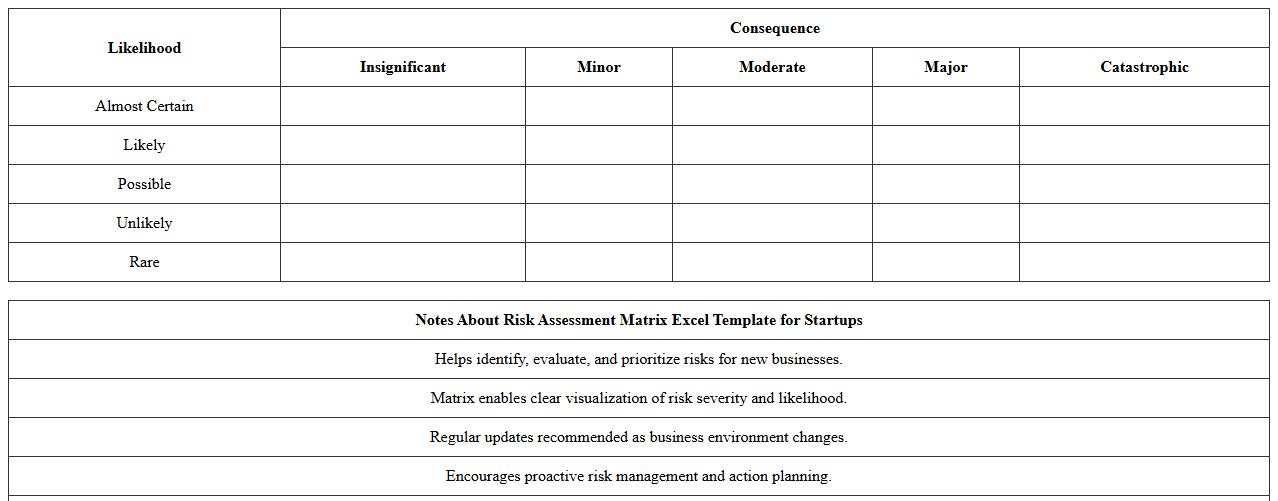
Risk Assessment Matrix Excel Template for Startups
The
Risk Assessment Matrix Excel Template for Startups is a structured tool designed to help new businesses identify, evaluate, and prioritize potential risks based on their likelihood and impact. This template facilitates clear visualization of risk levels, enabling startups to develop proactive mitigation strategies and allocate resources effectively. Utilizing this matrix enhances decision-making and supports sustainable growth by minimizing unforeseen disruptions.
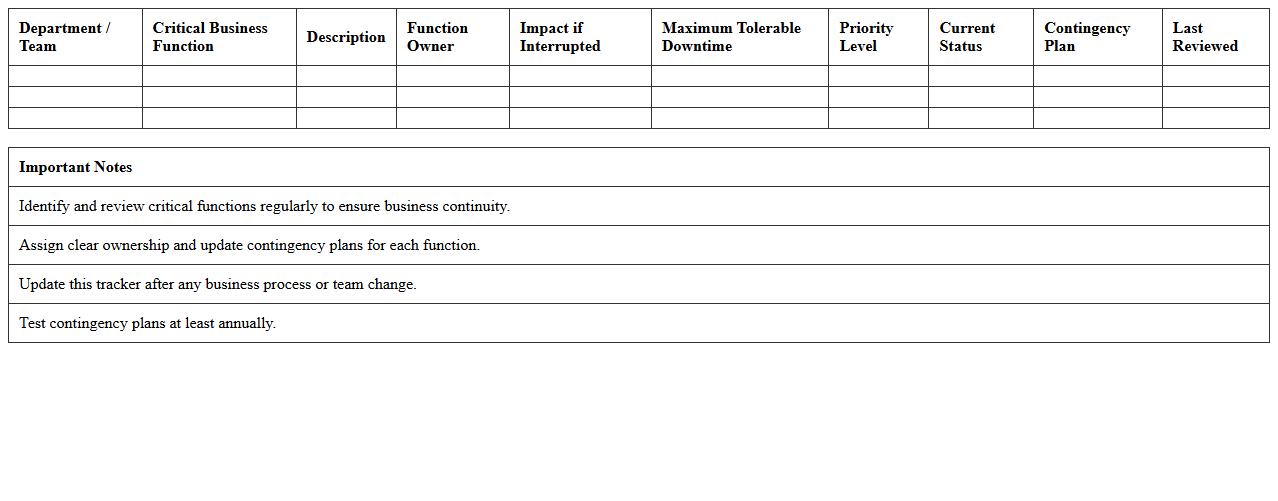
Critical Business Functions Tracker Excel Sheet
The
Critical Business Functions Tracker Excel Sheet document helps organizations identify, monitor, and prioritize essential operations that are vital for business continuity. It enables teams to assess risks, allocate resources efficiently, and ensure timely response during disruptions. This tool supports strategic decision-making by maintaining a clear overview of key functions and their dependencies.
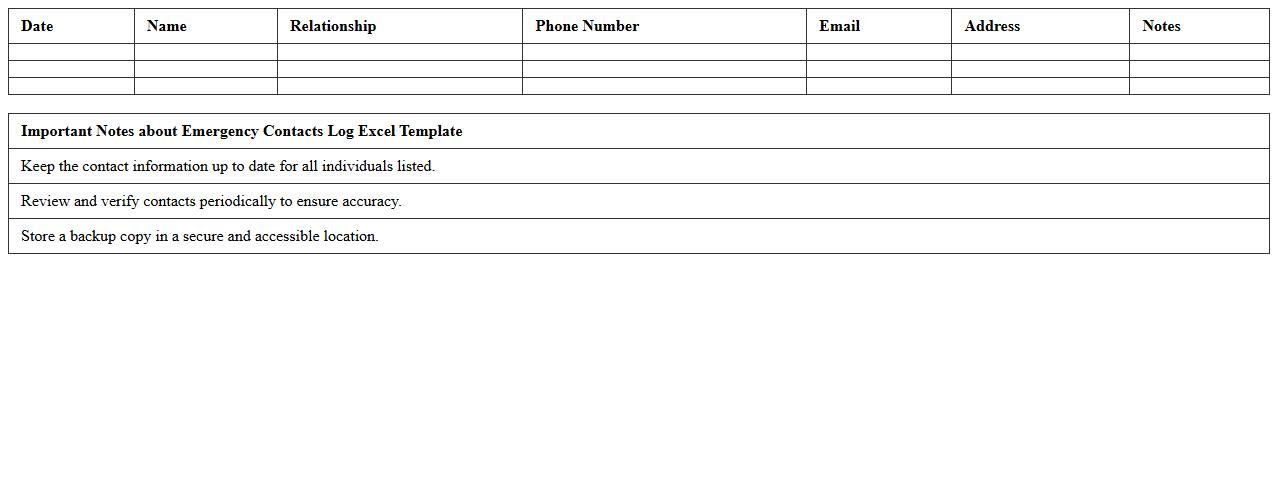
Emergency Contacts Log Excel Template
The
Emergency Contacts Log Excel Template is a structured document designed to organize and store critical contact information for quick access during emergencies. It helps individuals, families, or organizations maintain updated details such as names, phone numbers, addresses, and relationship types, ensuring efficient communication in urgent situations. This template enhances preparedness by providing a clear, easily navigable database that can be shared and regularly updated to improve response times and safety management.
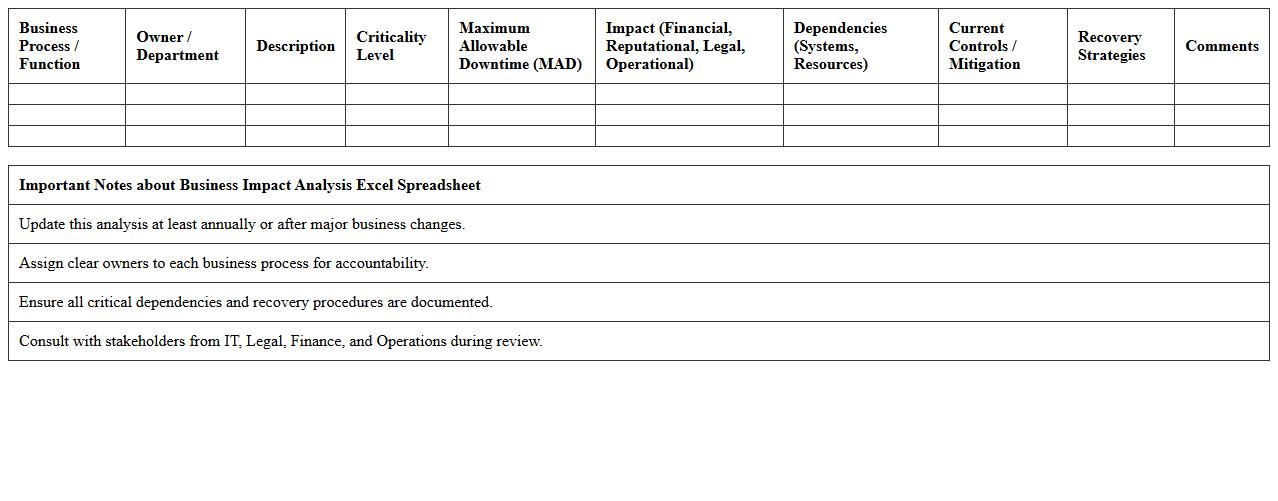
Business Impact Analysis Excel Spreadsheet
A
Business Impact Analysis (BIA) Excel Spreadsheet is a structured tool designed to identify and evaluate the effects of disruptions on critical business functions. It allows organizations to systematically assess risk, prioritize recovery efforts, and allocate resources efficiently during emergencies. Utilizing this document enhances decision-making by providing clear data on operational impacts and recovery time objectives.
Startup Disaster Recovery Checklist Excel Template
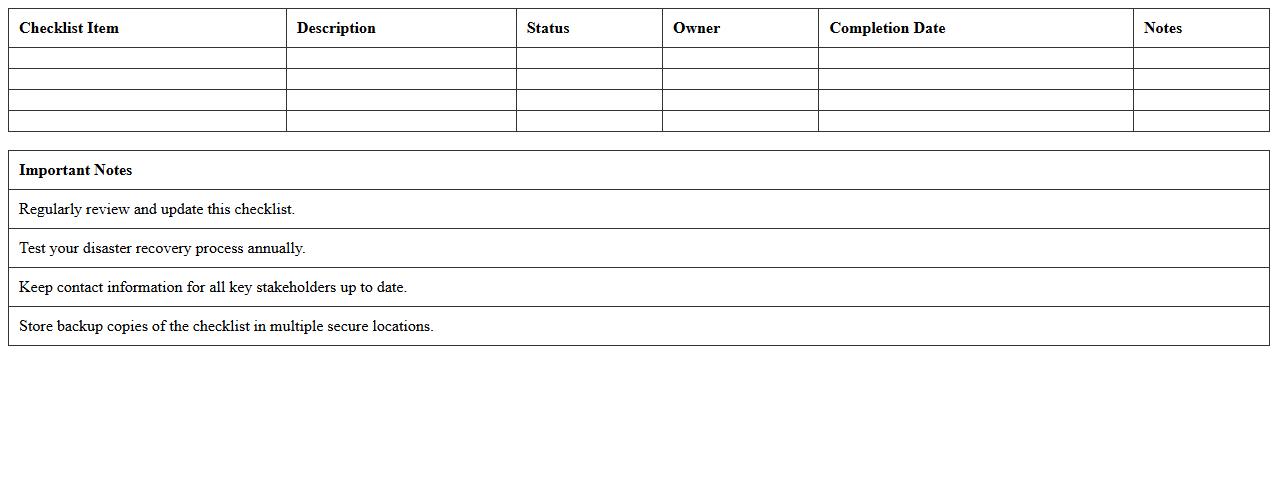
The
Startup Disaster Recovery Checklist Excel Template is a structured document designed to help new businesses systematically plan and prepare for unexpected disruptions. It organizes critical recovery tasks, resource allocations, and contact information, enabling startups to quickly restore operations and minimize downtime. This template is useful for ensuring a comprehensive, organized approach to disaster recovery planning, improving resilience and business continuity.
Backup and Data Recovery Plan Excel Sheet
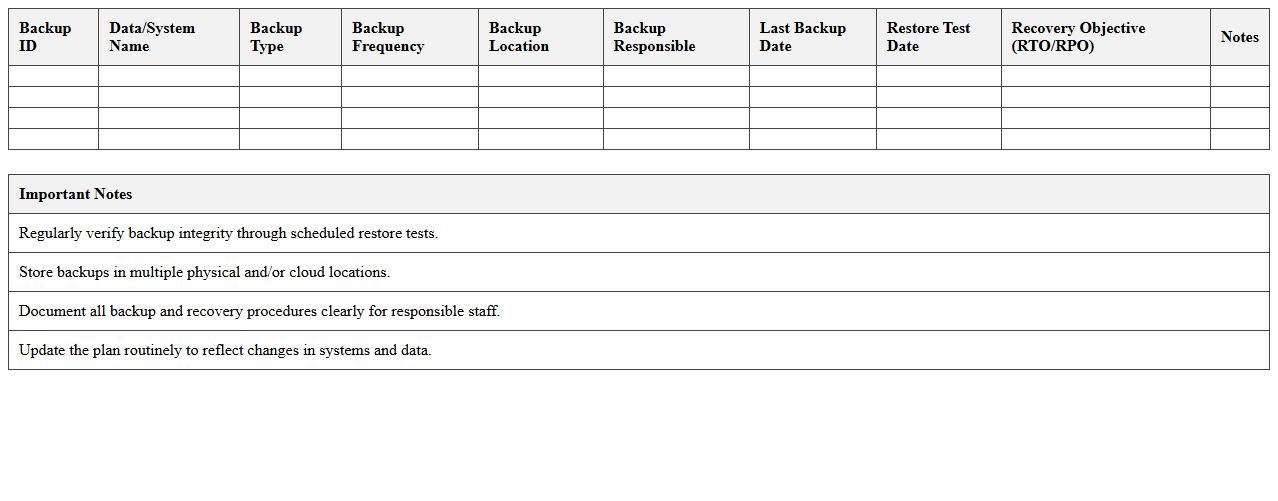
A
Backup and Data Recovery Plan Excel Sheet document systematically organizes essential information for safeguarding data, including backup schedules, storage locations, and recovery procedures. It helps businesses efficiently monitor and manage their data protection strategies, ensuring quick restoration during data loss incidents. This tool is crucial for minimizing downtime and mitigating risks associated with hardware failures, cyberattacks, or accidental deletions.
Incident Response Plan Excel Template for Startups
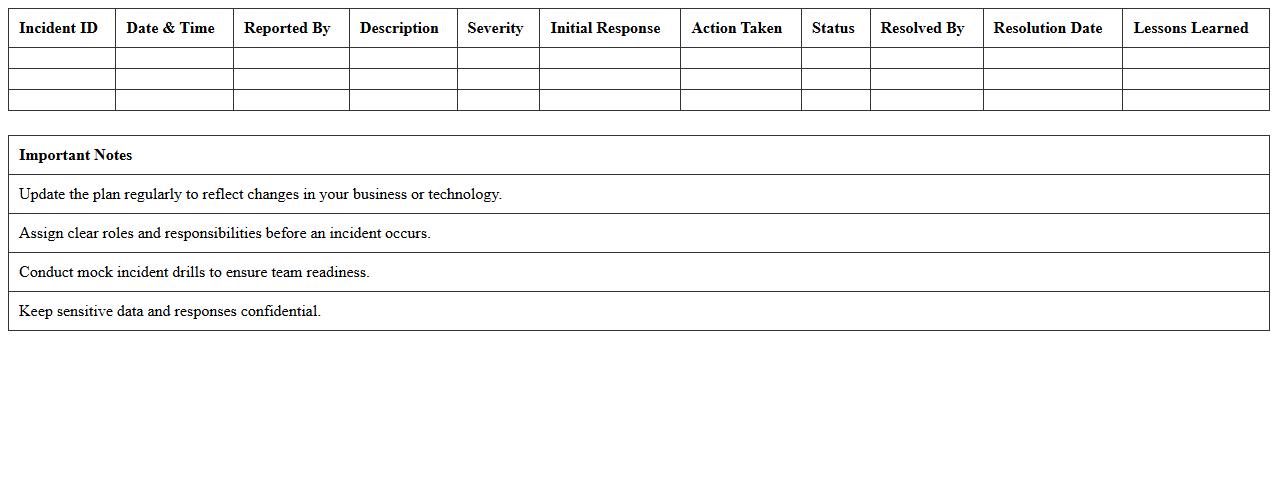
An
Incident Response Plan Excel Template for startups is a structured document designed to help organizations quickly identify, manage, and mitigate cybersecurity incidents. This template provides a clear framework to document incident categories, response teams, communication protocols, and recovery steps, ensuring that startups can respond efficiently and minimize operational disruptions. Utilizing this template enhances preparedness and regulatory compliance, ultimately protecting startup assets and reputation.
Alternative Supplier Contact List Excel Template
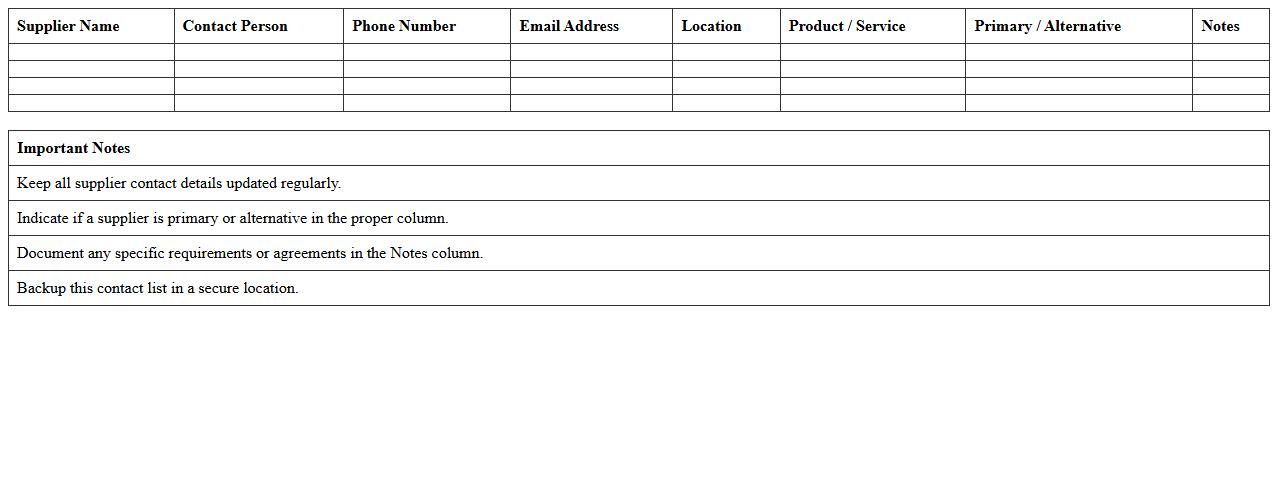
The
Alternative Supplier Contact List Excel Template is a structured document designed to organize and store essential supplier information, such as company names, contact details, product categories, and payment terms. It enables businesses to quickly compare and access backup suppliers, ensuring continuity in procurement and reducing risks associated with reliance on a single source. By maintaining an updated and easily searchable contact list, companies can enhance their supplier management process and improve negotiation efficiency.
Business Continuity Training Tracker Excel Sheet
The
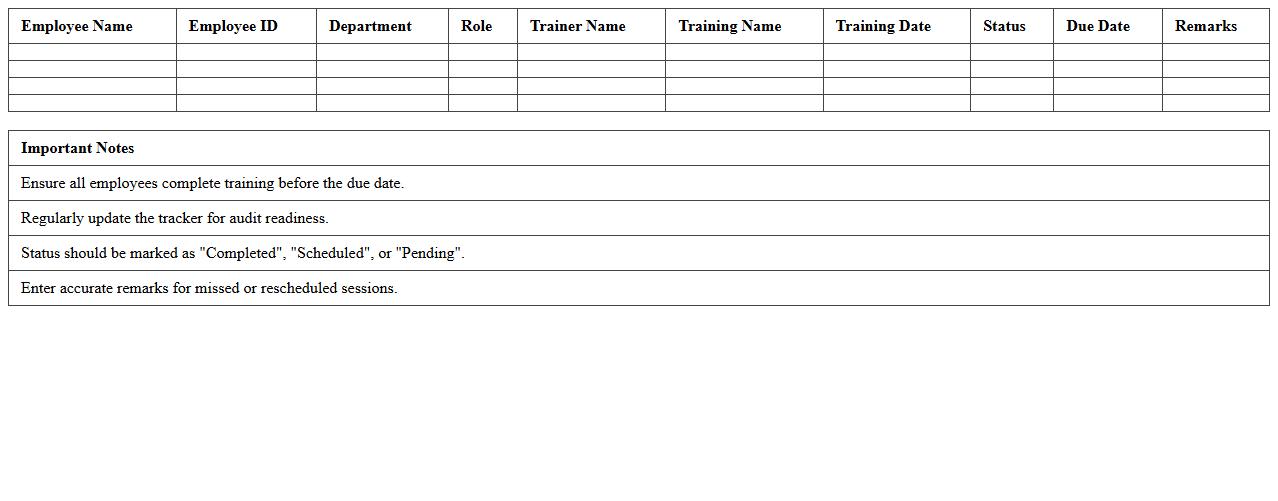
Business Continuity Training Tracker Excel Sheet is a comprehensive tool designed to monitor and manage employee training related to business continuity plans. It provides a centralized record of training dates, completion status, and refresher schedules, ensuring all team members remain prepared for disruptions. This document enhances organizational resilience by facilitating compliance tracking and identifying training gaps efficiently.
Startup Communication Plan Excel Tracker
A
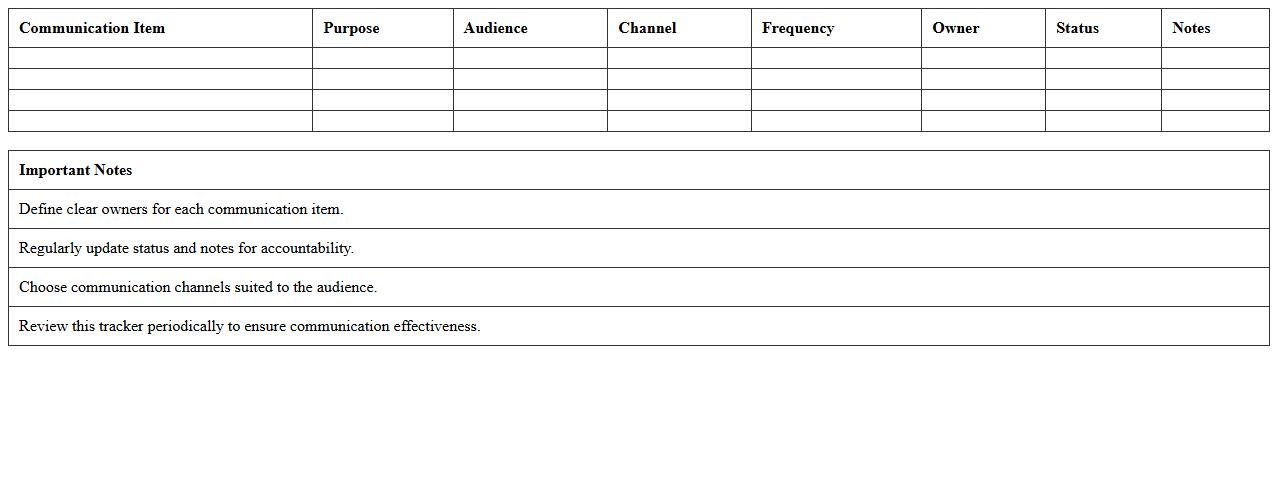
Startup Communication Plan Excel Tracker document organizes and monitors communication strategies, timelines, and stakeholder interactions for early-stage businesses. It enables teams to streamline messaging, track follow-ups, and ensure consistent outreach across multiple channels, improving clarity and accountability. By centralizing communication data, it enhances collaboration and supports strategic decision-making in fast-paced startup environments.
How does your Business Continuity Plan Excel template prioritize critical startup functions for rapid recovery?
Our Business Continuity Plan Excel template categorizes startup functions by their impact and urgency to ensure rapid recovery. It uses a scoring system that highlights critical tasks requiring immediate attention during disruptions. This prioritized approach helps startups focus resources efficiently for swift operational restoration.
Which columns track third-party vendor dependencies in your startup's continuity plan spreadsheet?
The spreadsheet includes dedicated columns for listing third-party vendors and their associated services. It tracks vendor contact information, service criticality, and contingency plans for dependency management. These columns ensure clarity on external risks affecting the startup's continuity strategy.
What risk assessment metrics are included for startup-specific vulnerabilities in your Excel BCP?
The Excel BCP incorporates metrics such as likelihood of occurrence, potential impact, and detection difficulty tailored to startup risks. It also evaluates vulnerabilities related to technology, human resources, and supply chain disruptions. These metrics enable comprehensive risk analysis for effective mitigation planning.
How does your template document alternate communication channels for a startup team?
The template features a section detailing primary and alternate communication channels to maintain connectivity during crises. It records contact methods like backup phones, email, messaging apps, and emergency contacts. This documentation supports uninterrupted communication within the startup team.
What automated alerts or reminders are set up in your Excel BCP for compliance deadlines?
The Excel BCP includes automated alerts and reminders linked to key compliance and review dates. These notifications help startups stay on track with regulatory requirements and plan updates. Automated prompts reduce the risk of missed deadlines, enhancing overall compliance management.
More Plan Excel Templates