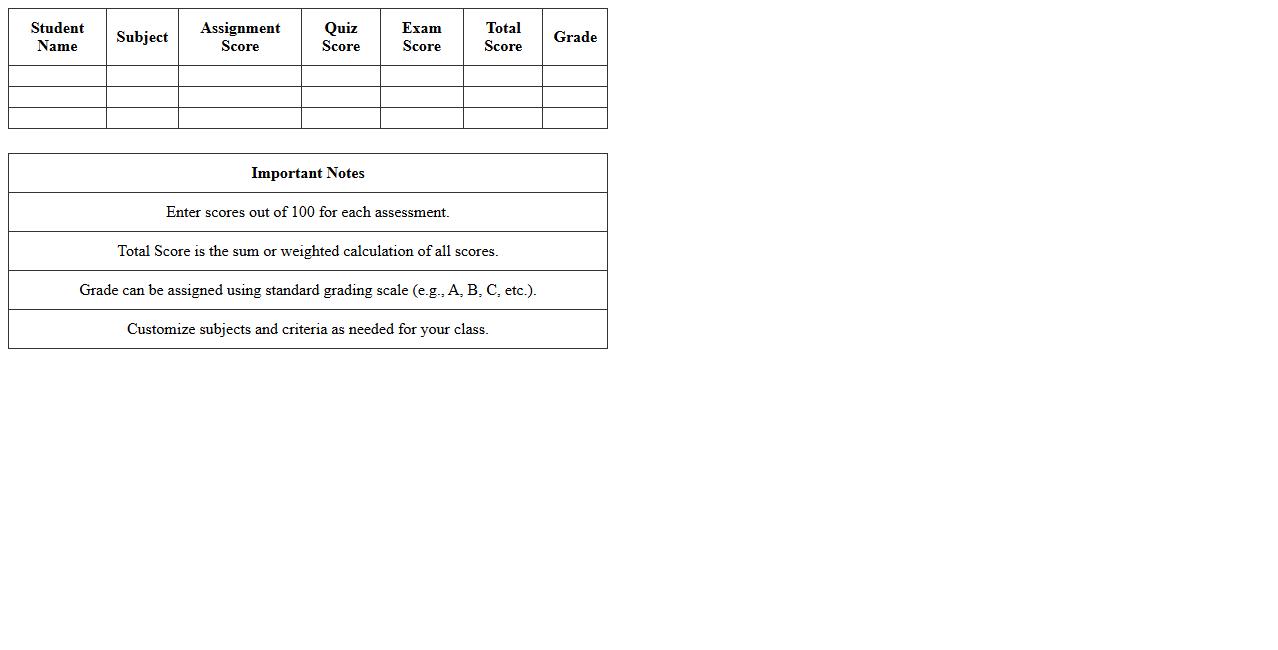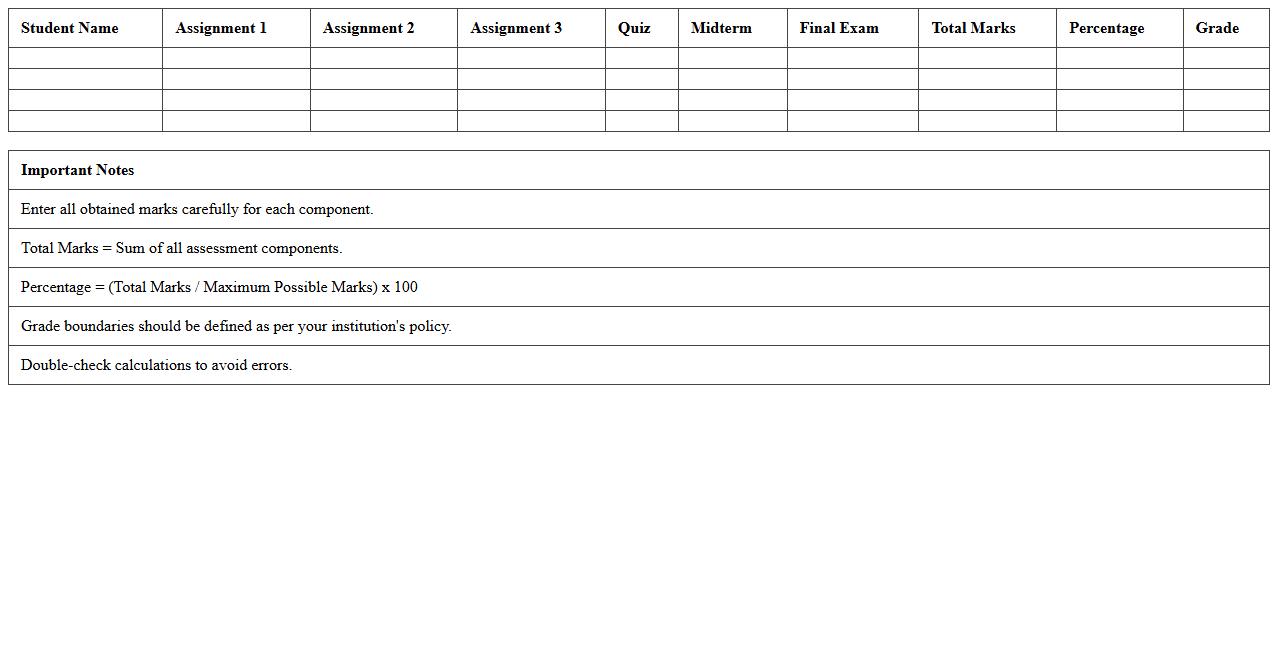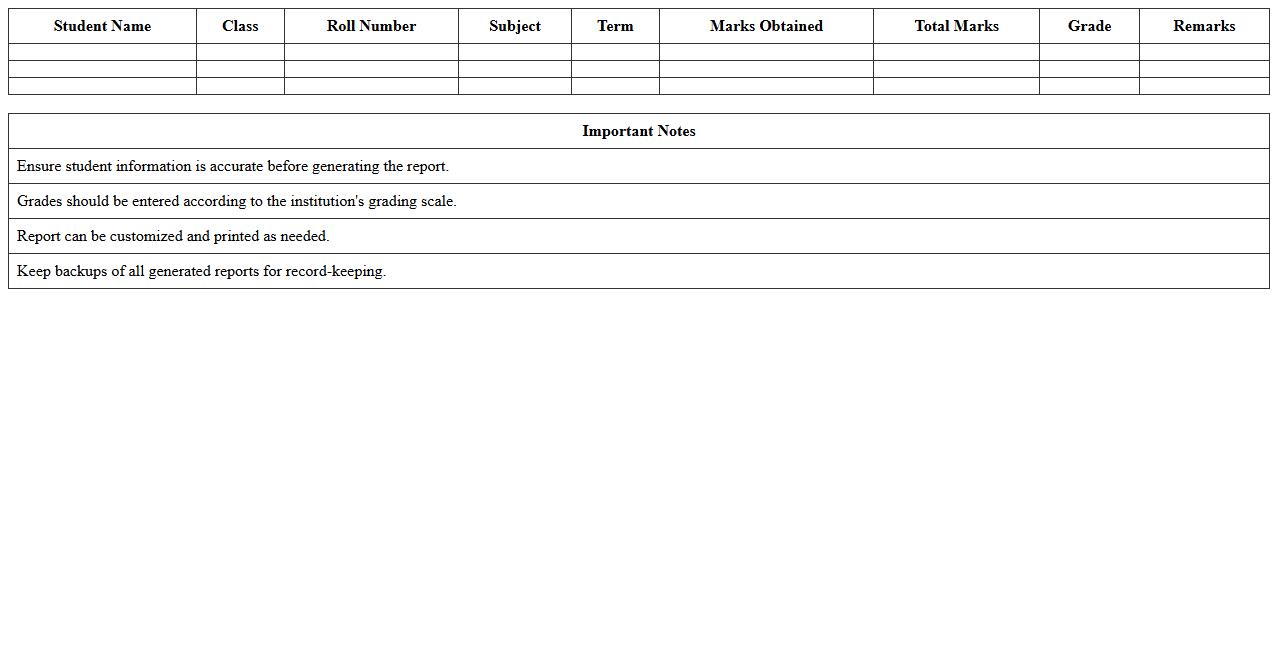
The Student Grade Calculation Excel Template for Teachers simplifies the process of tracking and calculating student grades with automated formulas and customizable fields. This template offers a clear overview of individual performance, allowing teachers to input assignments, tests, and participation scores efficiently. Its user-friendly design ensures accurate grade computation while saving valuable time in the grading process.
Simple Student Grade Calculator Excel Template
The
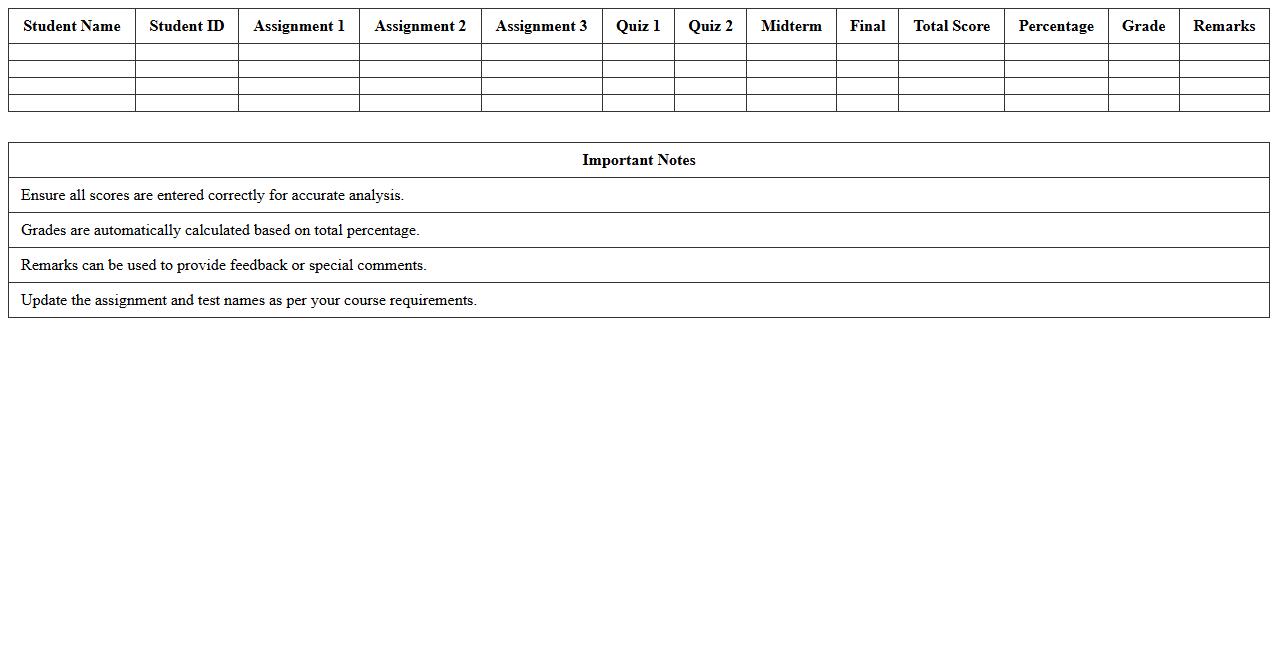
Simple Student Grade Calculator Excel Template is a user-friendly spreadsheet designed to efficiently track and calculate student grades by inputting scores for assignments, exams, and quizzes. It automates the computation of averages, final grades, and can apply weighted scoring to provide accurate academic performance evaluations. This tool is valuable for educators and students alike, streamlining grade management and enabling quick identification of areas needing improvement.
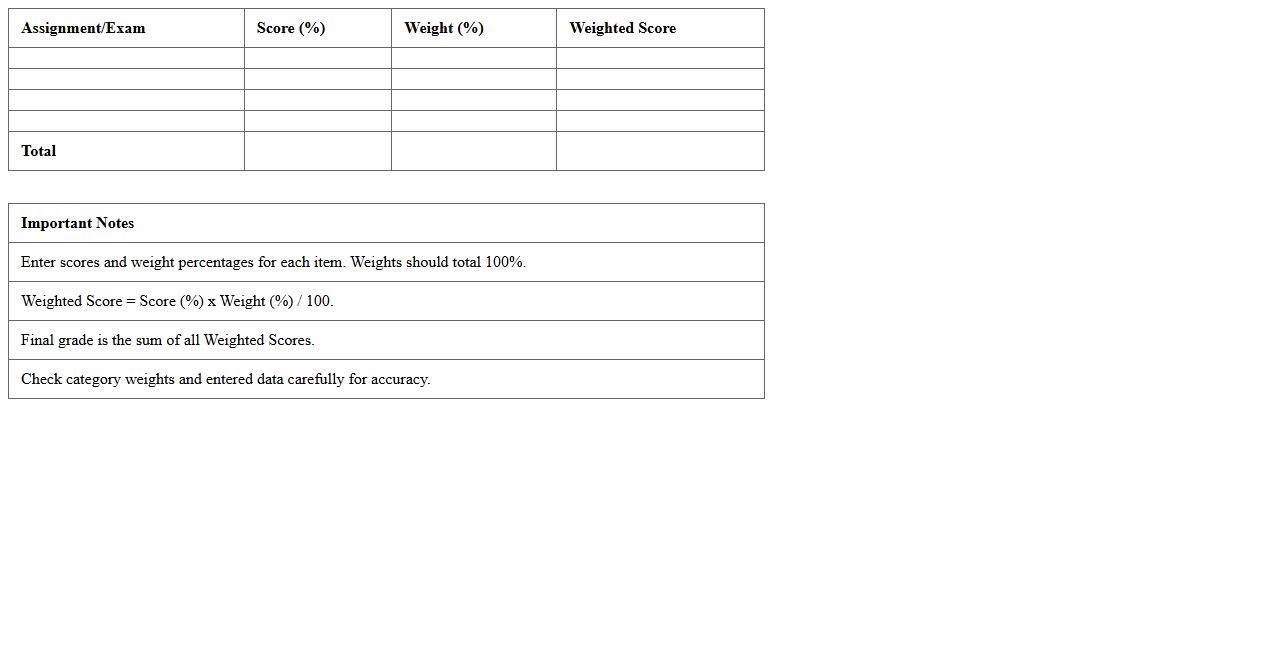
Weighted Grade Calculation Excel Spreadsheet
A
Weighted Grade Calculation Excel Spreadsheet is a digital tool designed to calculate students' grades by assigning different weights to assignments, quizzes, exams, and projects according to their importance. This spreadsheet helps educators and students track academic performance more accurately by reflecting the true impact of each assessment on the final grade. By automating the grading process, it reduces errors and saves time, making it easier to identify areas that require improvement.
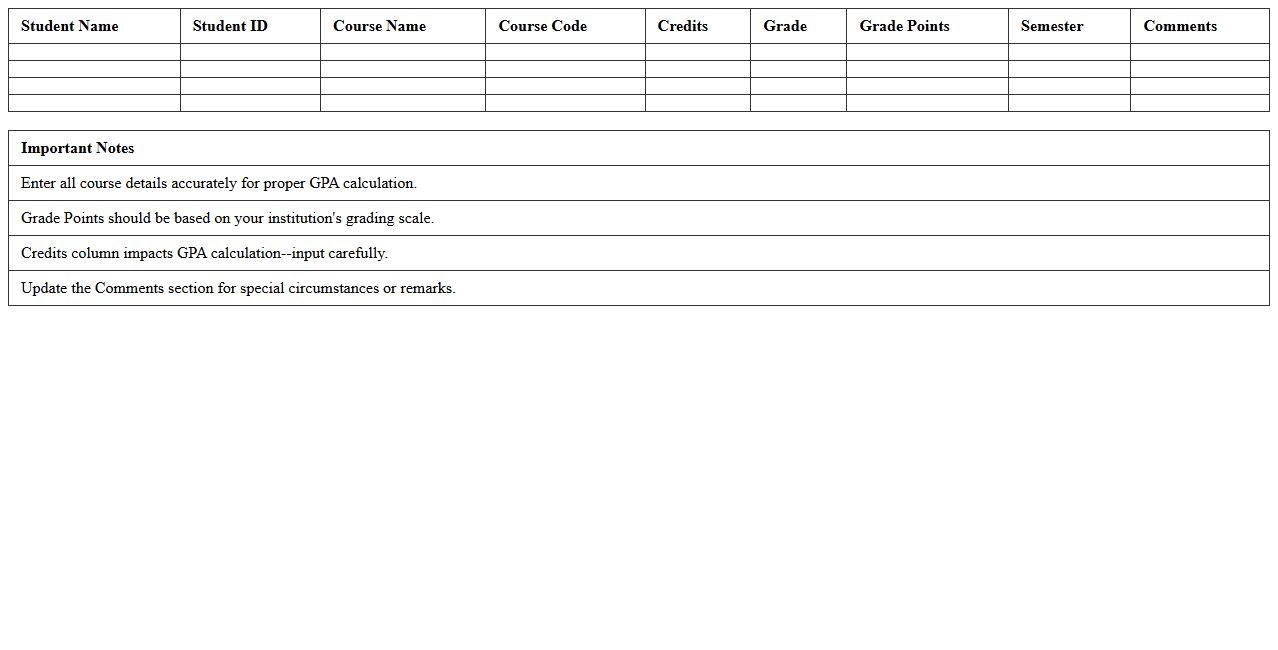
Student GPA Tracker Excel Sheet
A
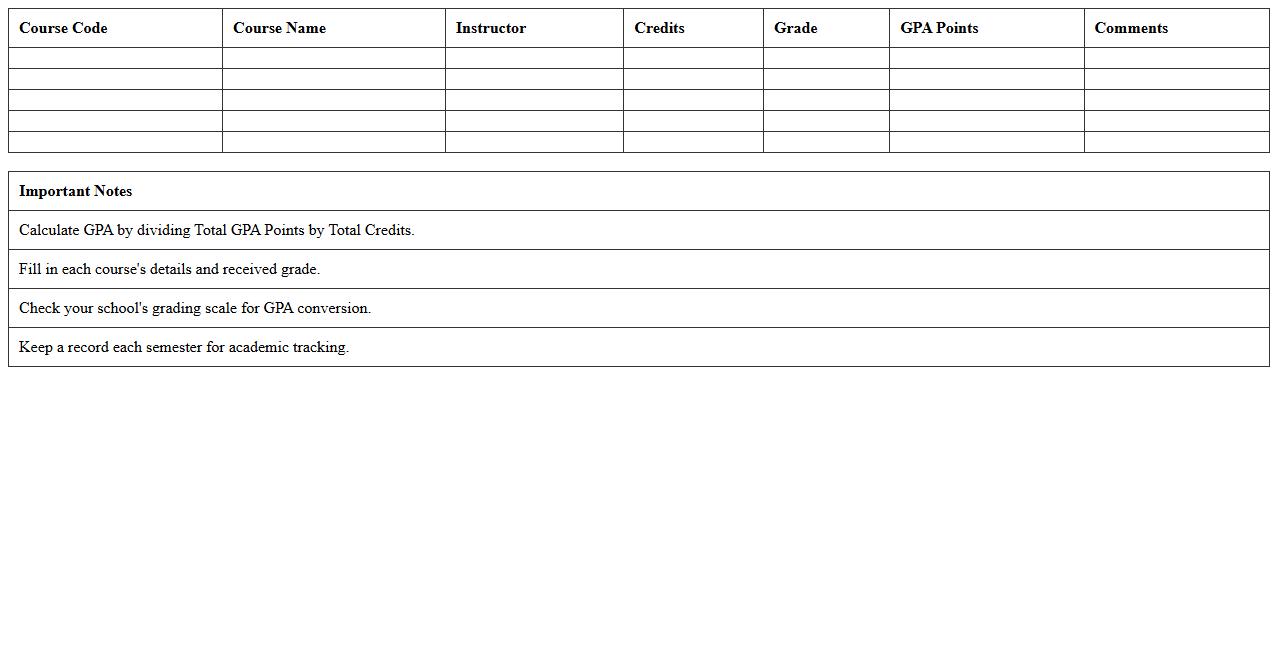
Student GPA Tracker Excel Sheet is a spreadsheet tool designed to systematically record and calculate students' grade point averages over different semesters or courses. It enables efficient tracking of academic performance by automating GPA calculations, allowing students and educators to monitor progress, identify strengths, and target areas for improvement. This document proves invaluable for maintaining organized records, facilitating academic planning, and ensuring timely interventions to support student success.
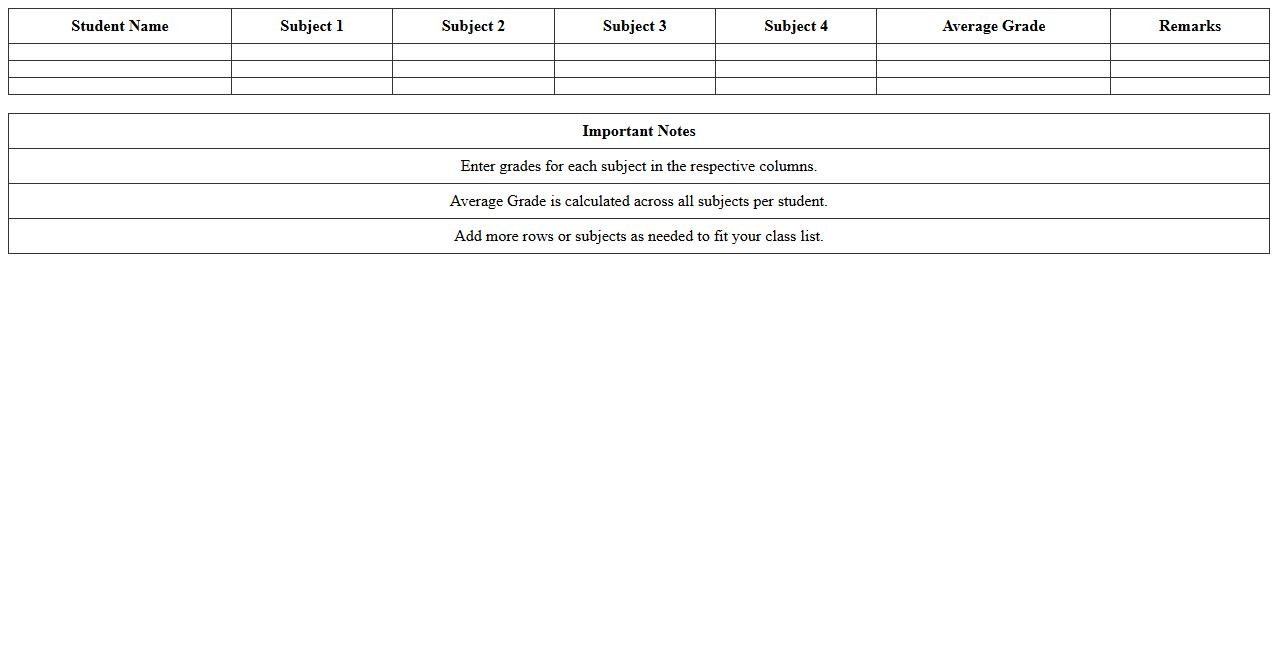
Subject-wise Gradebook Excel Template
The
Subject-wise Gradebook Excel Template is a structured spreadsheet designed to organize and track student grades by individual subjects, enabling educators to manage academic performance efficiently. It allows for easy input, calculation, and visualization of grades, helping teachers identify trends and areas needing improvement. This tool streamlines grading processes, ensures accurate record-keeping, and supports data-driven decision-making in educational settings.
Semester Grade Summary Excel Template
The
Semester Grade Summary Excel Template is a structured spreadsheet designed to record, calculate, and analyze student grades for a specific academic term. It streamlines the process of tracking academic performance by automatically aggregating scores from various subjects, allowing educators and students to easily identify strengths and areas for improvement. This template enhances data accuracy and saves time by providing a clear overview of semester results in an organized, easily accessible format.
Assignment Score Calculator for Teachers Excel
An
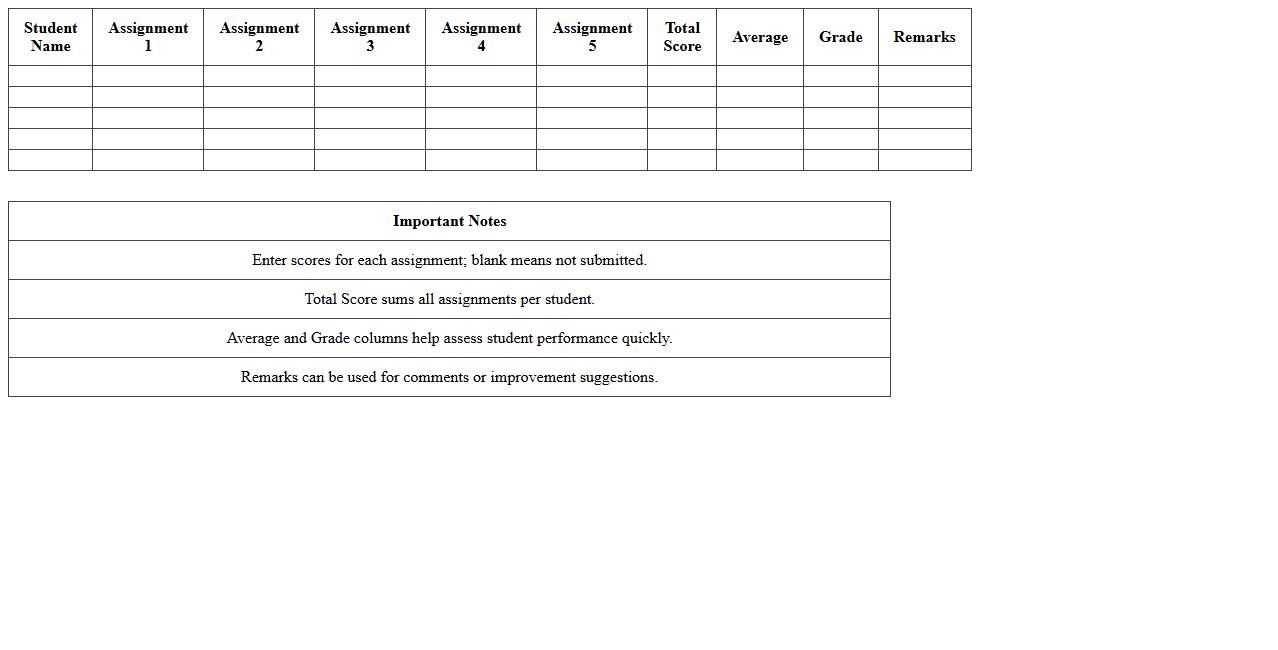
Assignment Score Calculator for teachers in an Excel document is a digital tool designed to streamline the grading process by automatically computing student scores based on inputted assignment results. This tool enhances accuracy and efficiency, allowing educators to quickly tally grades, analyze performance trends, and generate reports without manual calculation errors. It is particularly useful for managing large classes, tracking progress over time, and ensuring consistent grading standards.
Topper List Generation Excel Sheet for Teachers
The
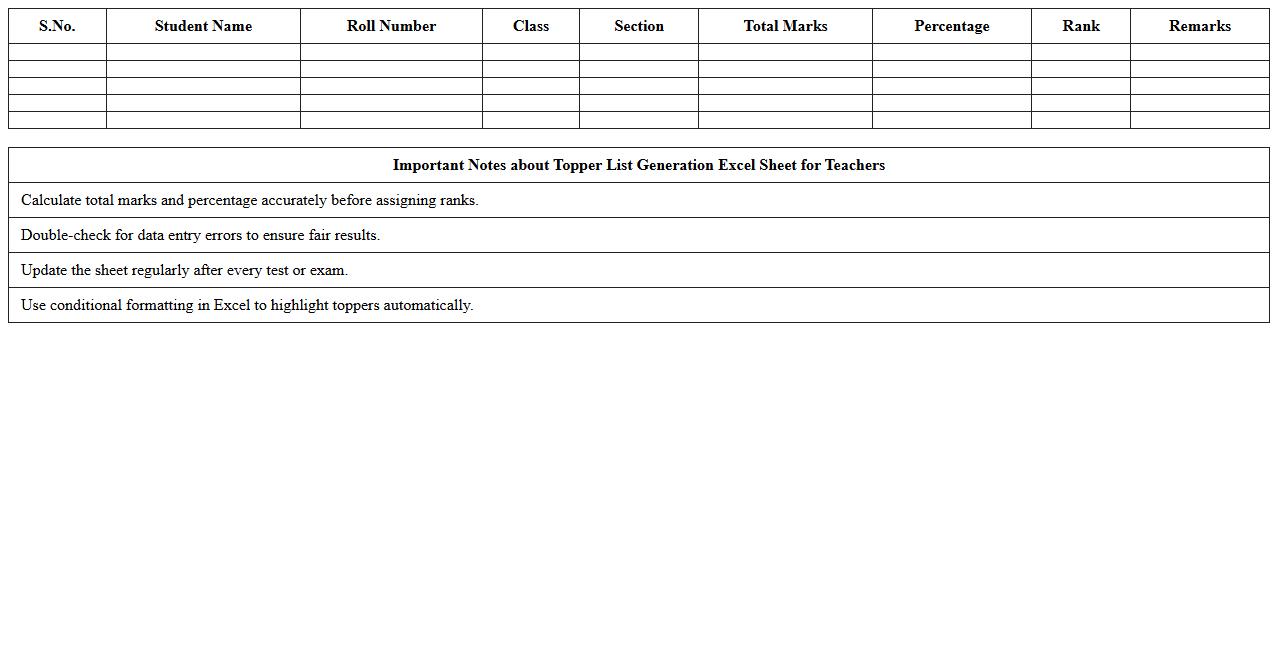
Topper List Generation Excel Sheet for teachers is a structured tool designed to automatically compile and rank student scores to identify high achievers efficiently. This document streamlines the evaluation process by organizing marks, calculating totals, and generating topper lists based on predefined criteria. It enhances accuracy, saves valuable time in result analysis, and helps educators focus on personalized student development strategies.
Class Performance Analyzer Excel Template
The
Class Performance Analyzer Excel Template is a specialized document designed to track, evaluate, and visualize student performance data efficiently. It enables educators to input grades, attendance, and assignment scores, generating insightful analytics such as average scores, grade distribution, and performance trends. This template streamlines data management, helping instructors identify areas for improvement and tailor teaching strategies for enhanced academic outcomes.
Percentage Grade Calculation Excel Template
The
Percentage Grade Calculation Excel Template is a pre-designed spreadsheet that automates the process of calculating student grades based on weighted scores and total points. It efficiently converts raw scores into percentage grades, allowing educators to quickly assess academic performance without manual calculations. This template enhances accuracy, saves time, and provides a clear, organized format for tracking and analyzing grading data.
Student Progress Report Generator Excel
The
Student Progress Report Generator Excel document is a powerful tool designed to track and analyze student performance efficiently. It consolidates grades, attendance, and behavioral data into organized, customizable reports that help educators identify strengths and areas needing improvement. This tool streamlines report generation, saving valuable time while enhancing communication with students and parents.
How to automate grade weighting formulas for diverse assignments in Excel?
Use Excel's SUMPRODUCT function to calculate weighted grades efficiently by multiplying scores with their respective weights. Organize assignment categories and corresponding weights clearly in separate columns for easy formula application. This method ensures accurate and dynamic grade weighting across diverse assignments without manual recalculation.
Which conditional formatting highlights failing student scores in a gradebook?
Apply conditional formatting using a rule that flags scores below a defined passing grade, such as less than 60%. Choose a distinct fill color like red to make failing scores stand out visually. This visual cue allows educators to quickly identify students needing attention in the gradebook.
What Excel template tracks grade progression across multiple subjects per student?
Look for a student grade tracker template that includes fields for multiple subjects and dates for progress evaluation. Such templates often incorporate charts or graphs to visualize grade trends over time. With structured layouts, teachers can monitor individual student growth effectively across all subjects.
How to create a drop-down menu for customizable grade scales in Excel?
Use Excel's Data Validation feature to insert a drop-down menu that allows selecting from predefined grade scales. Define the list of grade scales in a separate range and link it to the data validation source. This setup enhances flexibility and consistency when inputting grades according to customizable scales.
What VBA script generates personalized student grade reports from Excel data?
A VBA script loops through each student record and compiles personalized grade reports into individual worksheets or external files. It automates data extraction, formatting, and printing or exporting PDFs for each student based on the grade data. This solution saves time by automating report generation directly from Excel.
More Calculation Excel Templates