The Safety Audit Excel Template for Construction Sites is designed to streamline the process of identifying hazards and ensuring compliance with safety regulations. This template helps project managers and safety officers systematically document safety checks, track corrective actions, and maintain a clear record of site conditions. Using this tool enhances workplace safety by providing an organized, easy-to-use format tailored to construction environments.
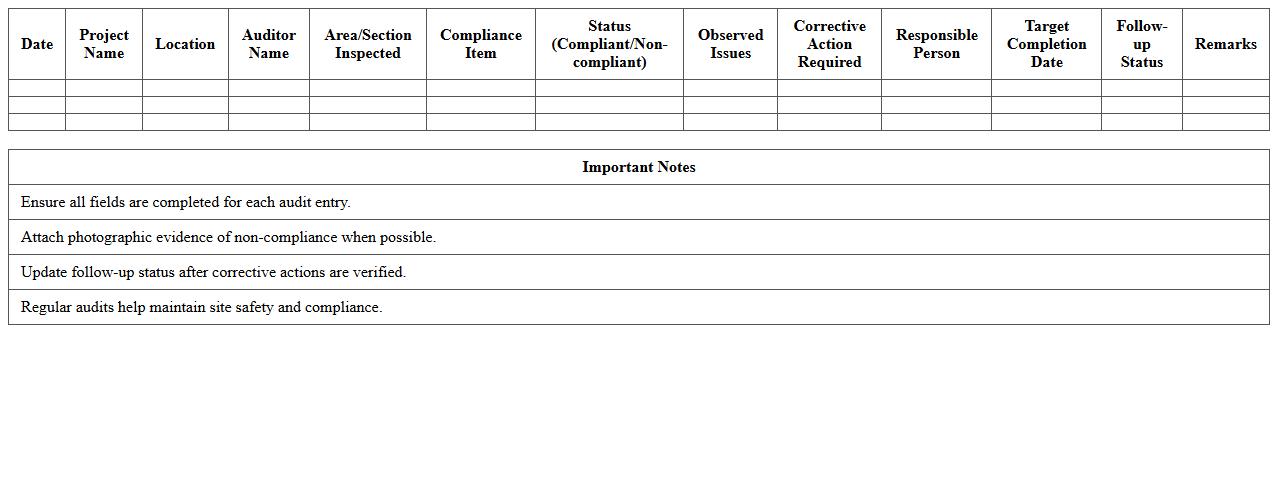
Construction Site Safety Compliance Audit Log Excel Template
The
Construction Site Safety Compliance Audit Log Excel Template is a structured document designed to systematically record and track safety inspections, hazards, and compliance status at construction sites. It enables project managers and safety officers to maintain accurate records, identify risks early, and ensure adherence to OSHA standards and local regulations. Utilizing this template improves safety management efficiency, reduces the risk of accidents, and facilitates regulatory reporting and audits.
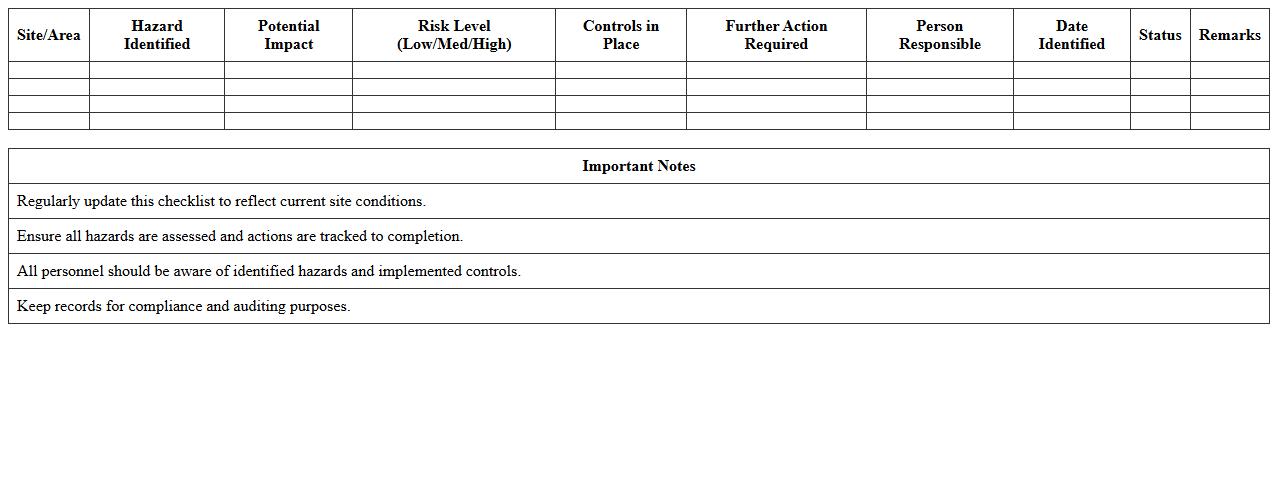
Site Hazard Identification Checklist Excel Sheet
A
Site Hazard Identification Checklist Excel Sheet document is a structured tool used to systematically identify and document potential hazards at a worksite. It enhances workplace safety by ensuring consistent hazard recognition, enabling timely risk mitigation, and supporting compliance with safety regulations. By organizing data in a clear, accessible format, it facilitates communication among safety teams and improves overall hazard management efficiency.
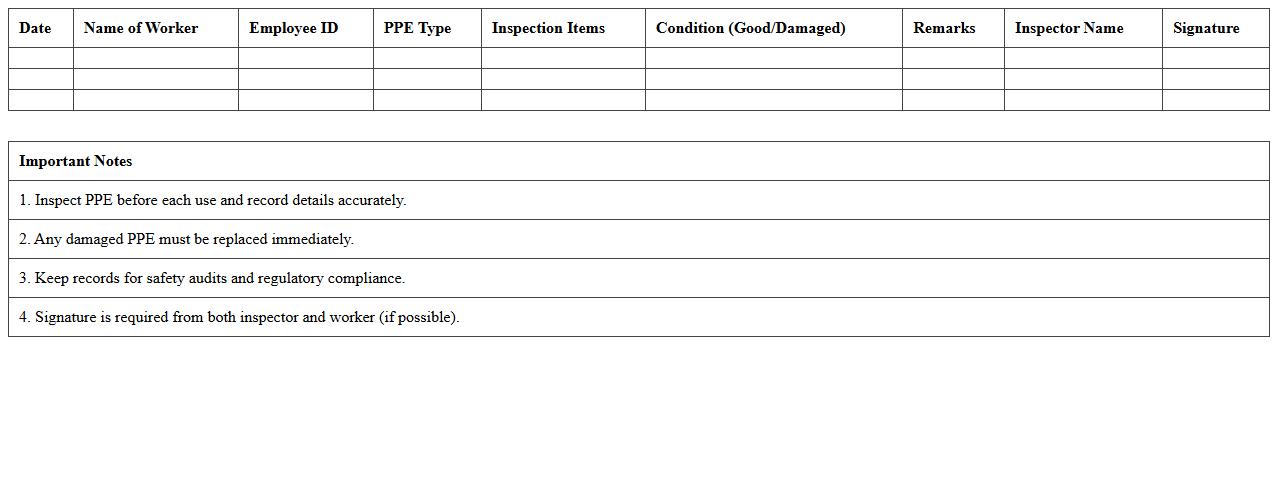
PPE Inspection Record Excel Template for Construction
The
PPE Inspection Record Excel Template for construction is a structured document designed to systematically track and document the inspection status of personal protective equipment on site. It helps ensure compliance with safety regulations by keeping detailed records of inspection dates, equipment conditions, and any necessary maintenance or replacements. By using this template, construction managers can enhance workplace safety, reduce accidents, and maintain organized, easily accessible records for audits and safety reviews.
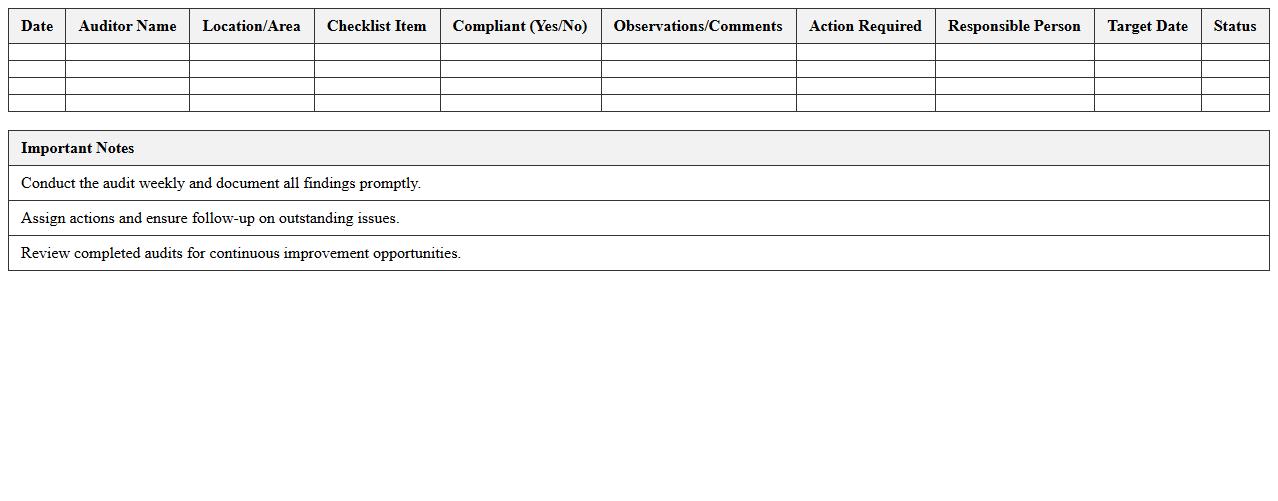
Weekly Safety Walkthrough Audit Excel Template
The
Weekly Safety Walkthrough Audit Excel Template is a structured document designed to systematically record and track safety inspections conducted within a workplace on a weekly basis. It helps identify hazards, ensure compliance with safety regulations, and document corrective actions efficiently, thereby enhancing overall workplace safety. Utilizing this template streamlines safety audits, promotes accountability, and supports continuous improvement in occupational health and safety management.
Construction Equipment Safety Checklist Excel Sheet
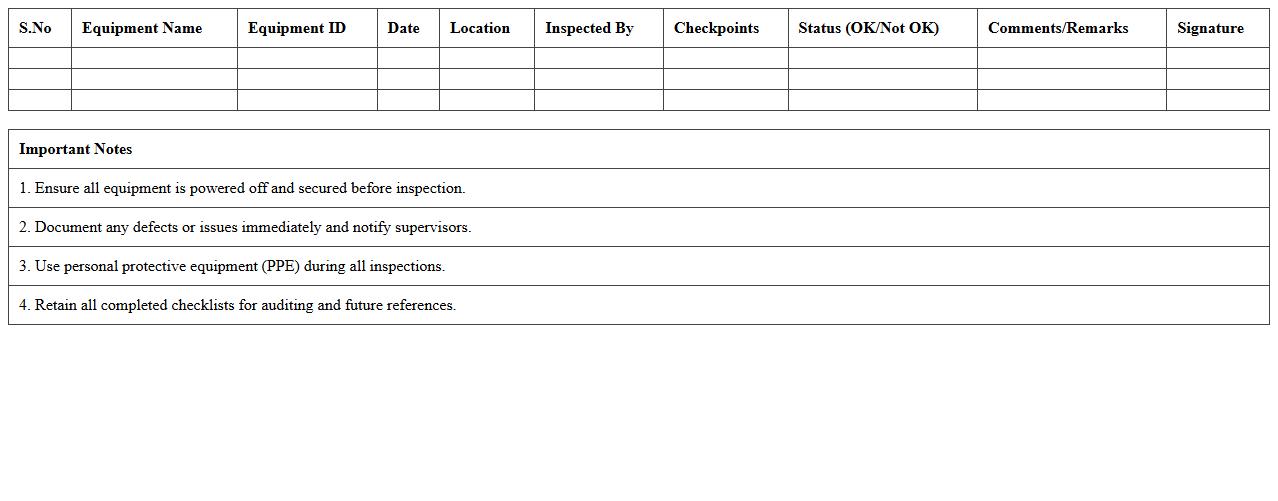
A
Construction Equipment Safety Checklist Excel Sheet is a structured document designed to systematically record and verify the safety status of various construction machinery and tools. It enables site managers and safety inspectors to efficiently track inspection dates, identify maintenance needs, and ensure compliance with safety regulations, thereby minimizing workplace accidents. Using this checklist enhances operational safety, promotes accountability, and supports regulatory reporting requirements.
Contractor Safety Performance Audit Excel Template
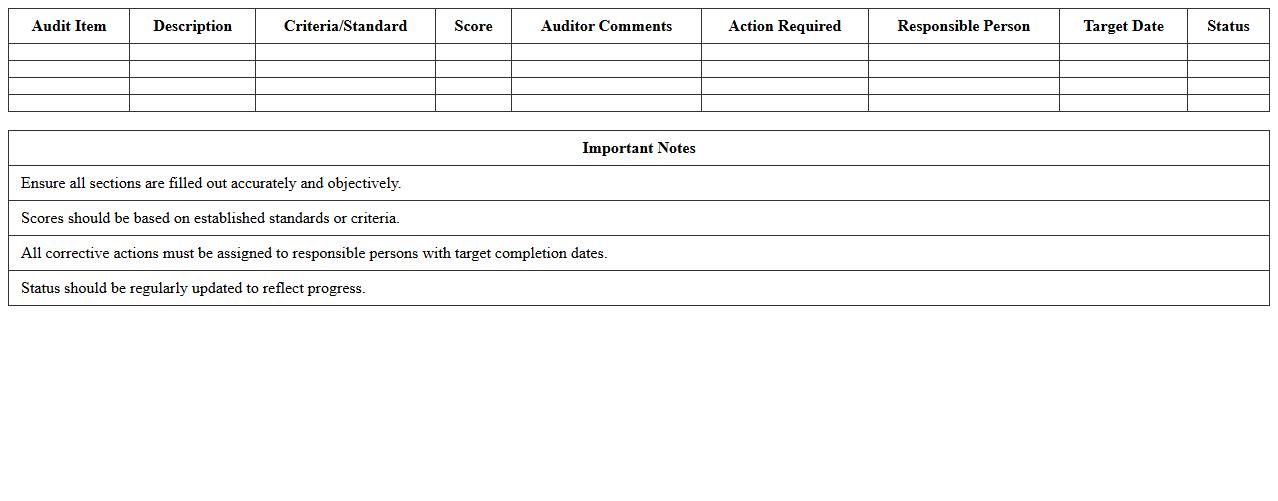
The
Contractor Safety Performance Audit Excel Template is a structured tool designed to systematically evaluate and track the safety adherence and performance of contractors on job sites. By capturing detailed safety metrics, incident reports, and compliance checks, this document helps organizations identify potential risks and enforce safety standards effectively. Utilizing this template enhances decision-making processes related to contractor management and promotes a safer work environment through consistent monitoring and accountability.
Safety Training Attendance Tracker Excel Template
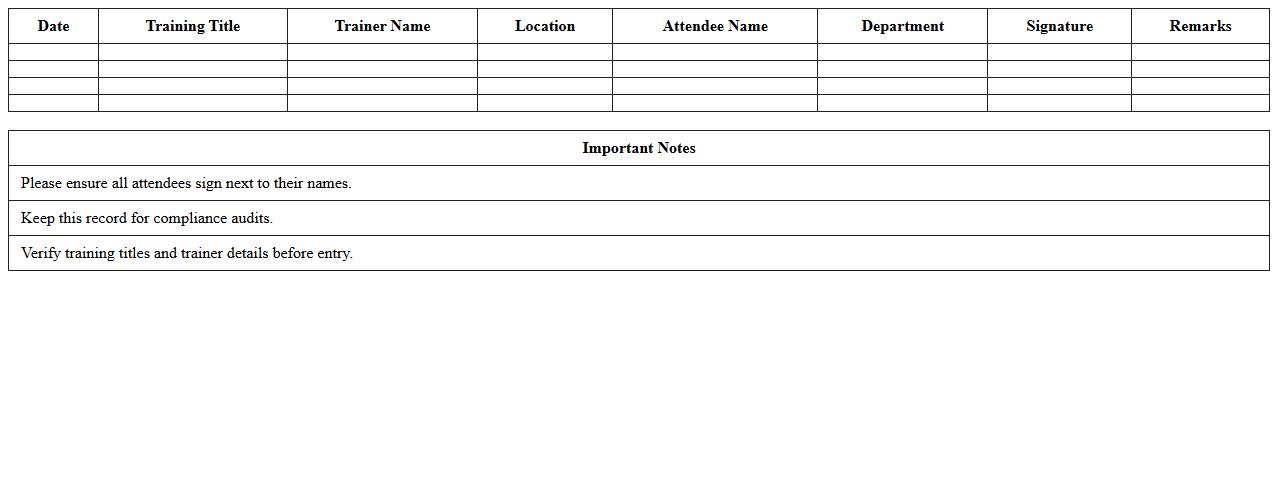
The
Safety Training Attendance Tracker Excel Template is a structured document designed to monitor and record employee participation in safety training sessions. It helps organizations ensure compliance with safety regulations by maintaining accurate attendance records and identifying staff who need additional training. This tool streamlines data management, making safety audits more efficient and supporting a safer workplace environment.
Scaffold Safety Inspection Checklist Excel Template
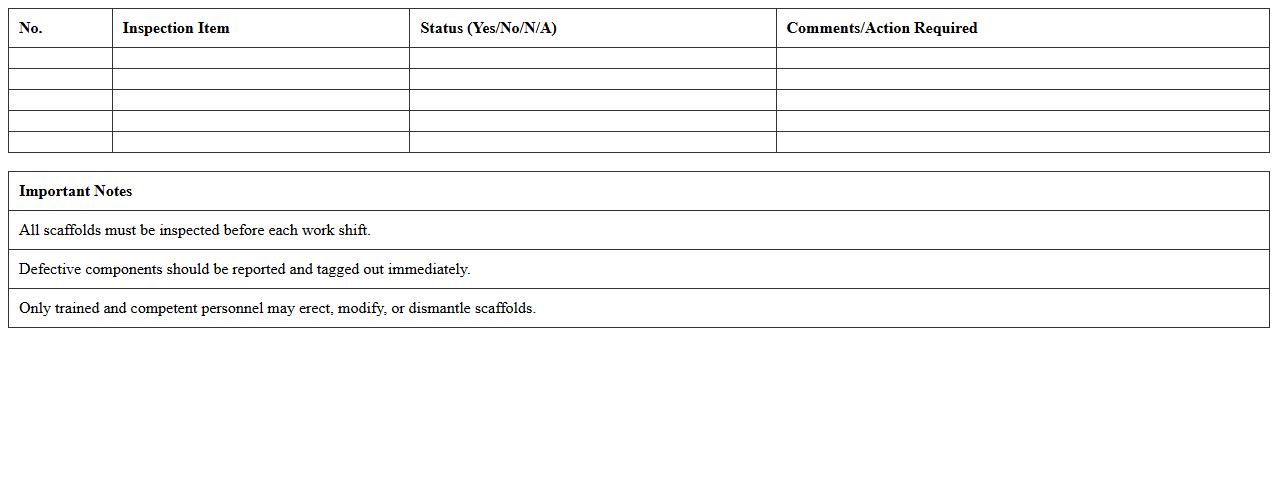
The
Scaffold Safety Inspection Checklist Excel Template is a structured document designed to systematically evaluate scaffold components and ensure compliance with safety regulations. It helps users identify potential hazards, track inspection dates, and document maintenance actions, thereby enhancing workplace safety and reducing the risk of accidents. By utilizing this template, construction managers and safety officers can efficiently maintain detailed records and promote a culture of safety on site.
Construction Incident Reporting Log Excel Template
The
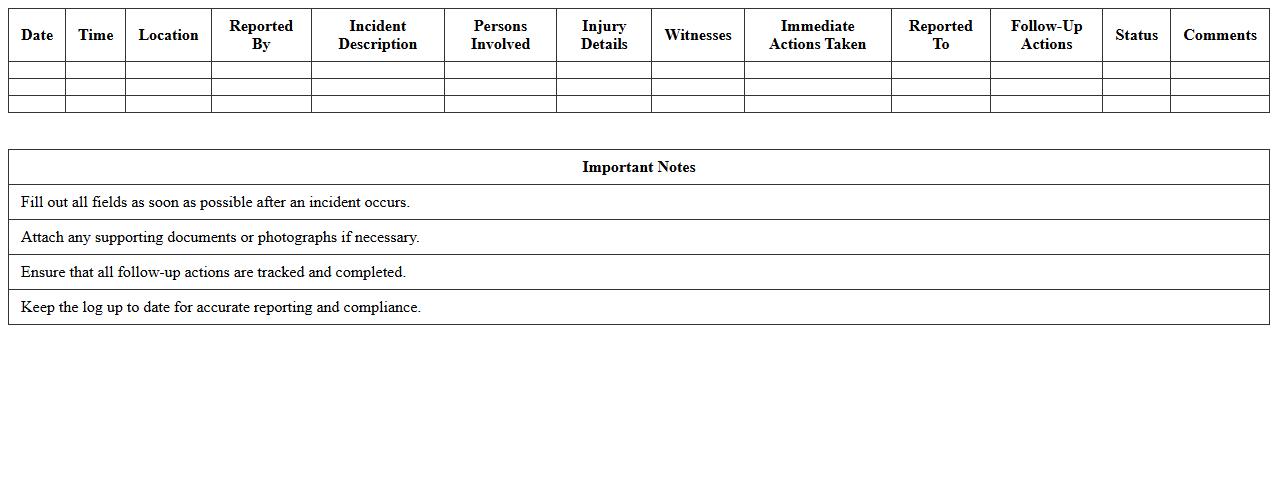
Construction Incident Reporting Log Excel Template is a structured document designed to systematically record and track safety incidents on construction sites. It helps project managers and safety officers document details such as date, location, type of incident, personnel involved, and corrective actions taken, ensuring comprehensive incident management. This template enhances workplace safety by enabling timely analysis, compliance with regulatory standards, and informed decision-making to prevent future occurrences.
Emergency Preparedness Audit Excel Sheet for Construction
An
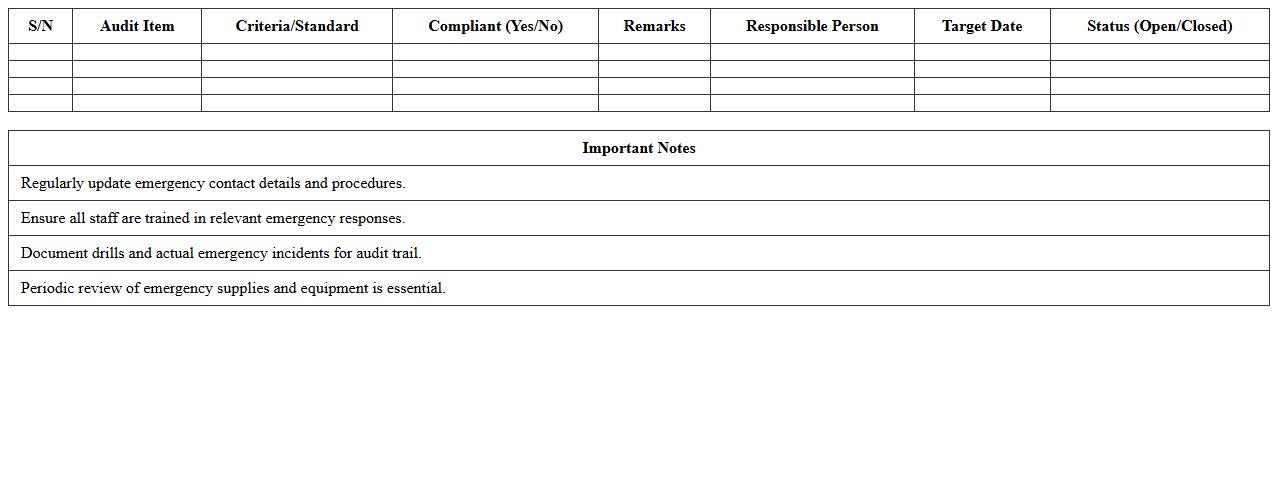
Emergency Preparedness Audit Excel Sheet for Construction document is a comprehensive tool designed to evaluate and track the readiness of construction sites for potential emergencies. It systematically records safety measures, emergency equipment status, evacuation plans, and hazard identifications, ensuring compliance with industry regulations and enhancing worker safety. Utilizing this audit sheet helps construction managers identify gaps in emergency protocols, streamline risk management processes, and improve overall site resilience against accidents or disasters.
Which Excel formulas automate risk level calculations in safety audit checklists?
Excel formulas such as IF, AND, and OR are essential for automating risk level calculations in safety audit checklists. By setting specific thresholds, these formulas classify risks as low, medium, or high based on input data. Integrating VLOOKUP or INDEX-MATCH functions enhances dynamic risk assessment within the checklist.
How can conditional formatting highlight non-compliance issues in site safety data?
Conditional formatting in Excel allows for automatic highlighting of non-compliance issues by applying color scales, icons, or data bars based on set criteria. This visual aid quickly draws attention to critical safety violations, improving site inspection efficiency. Utilizing formulas within conditional formatting rules enables customized alerts for specific safety parameters.
What are best practices for structuring incident logs in a construction safety audit Excel sheet?
Structuring incident logs using clear columns for date, location, description, and severity ensures comprehensive data capture. Organizing data with tables and applying filters allows easy sorting and analysis of incidents over time. Consistent use of dropdown lists for categories improves data accuracy and helps maintain uniformity across audits.
How to track personal protective equipment (PPE) inspections using Excel audit templates?
Tracking PPE inspections in Excel involves creating templates with checklists and date fields for each item inspected. Automated reminders through formulas help schedule re-inspections and maintain compliance. Using conditional formatting on inspection status fields visually identifies overdue or failed PPE checks promptly.
What Excel chart types best visualize safety audit trends on construction sites?
Line charts are ideal for illustrating safety trend data over time, showing fluctuations in incident rates clearly. Bar charts effectively compare different types of safety issues or site locations at a glance. For deeper analysis, combining pivot charts with slicers enhances interactive exploration of safety audit results.
More Audit Excel Templates