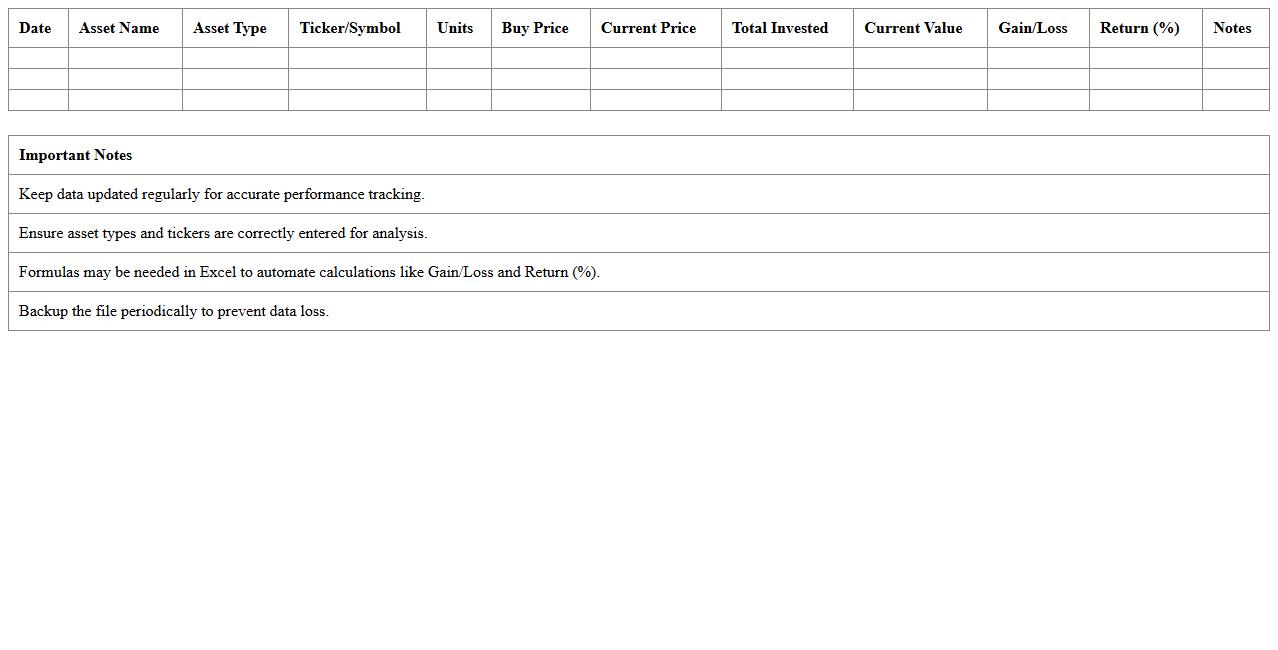
The Portfolio Return Analysis Excel Template for Stock Investors provides a comprehensive tool to track and evaluate investment performance efficiently. It enables investors to analyze returns, monitor asset allocation, and visualize portfolio growth with customizable charts. This template simplifies complex calculations, helping users make informed decisions based on accurate financial data.
Portfolio Performance Tracker Excel Template
The
Portfolio Performance Tracker Excel Template is a customizable spreadsheet designed to monitor and analyze investment portfolios by recording asset allocations, returns, and risk metrics. It provides clear visualizations like charts and graphs to help investors assess portfolio performance over time and make informed decisions. This tool enhances financial management by enabling users to track gains, losses, and diversification efficiently in one centralized document.
Monthly Stock Return Analysis Spreadsheet
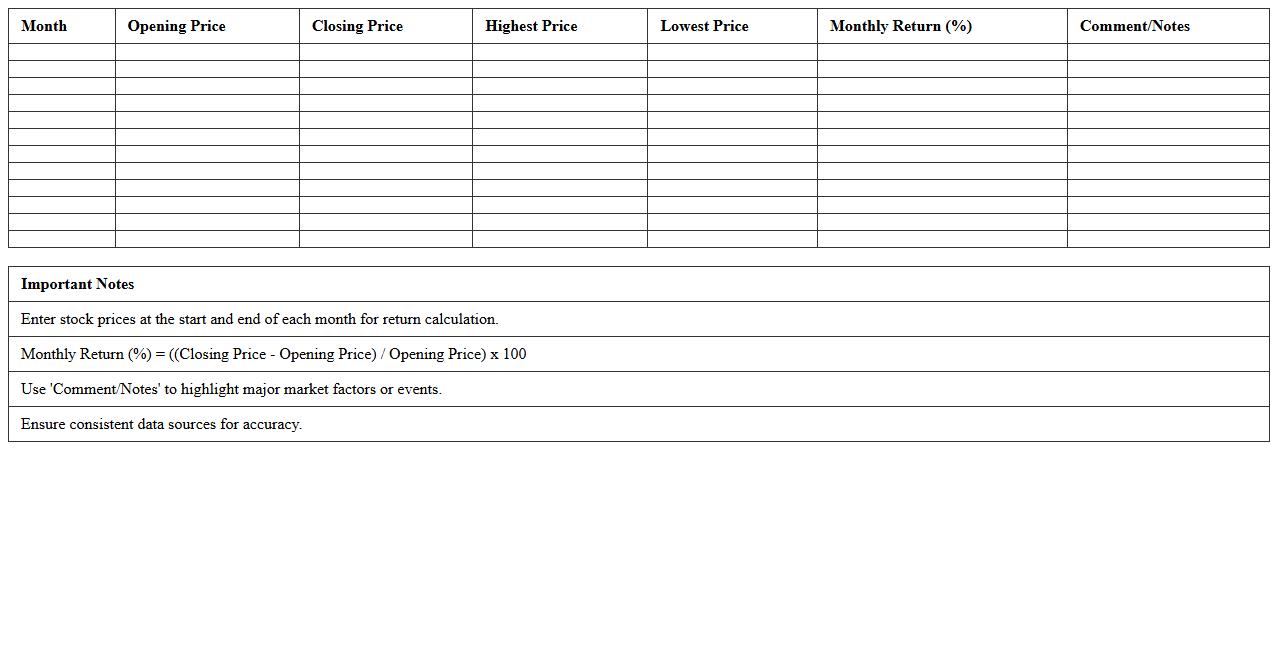
A
Monthly Stock Return Analysis Spreadsheet document systematically tracks and calculates the monthly performance of stock investments, providing clear insights into returns, volatility, and trends over time. This tool enables investors and analysts to identify patterns, compare stock performance, and make data-driven decisions based on comprehensive historical data. By consolidating key financial metrics into an organized format, the spreadsheet enhances portfolio management and risk assessment strategies.
Yearly Investment Portfolio Return Calculator
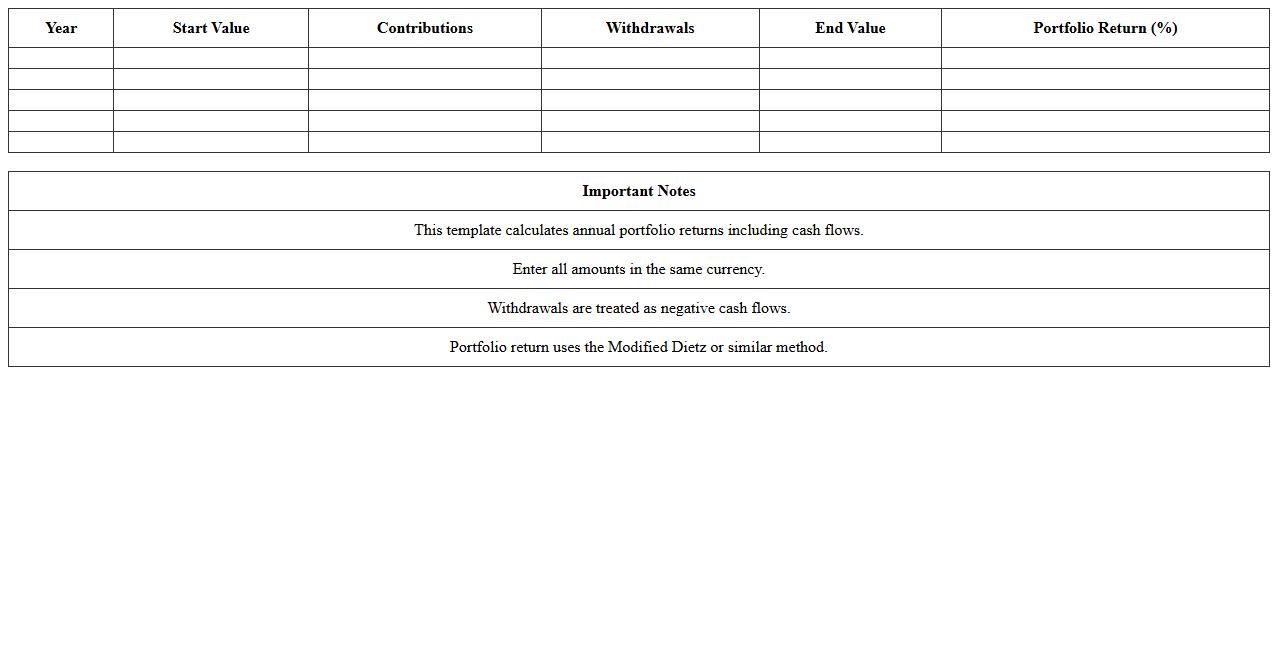
The
Yearly Investment Portfolio Return Calculator document provides a systematic method to analyze the annual performance of an investment portfolio by calculating yearly returns based on contributions, withdrawals, and market value changes. This tool is essential for investors seeking to measure investment growth, assess risk-adjusted performance, and make informed decisions to optimize their asset allocation. By offering clear insights into the portfolio's annual return rates, it aids in tracking progress toward financial goals and improving long-term investment strategies.
Stock Holdings Gain/Loss Excel Sheet
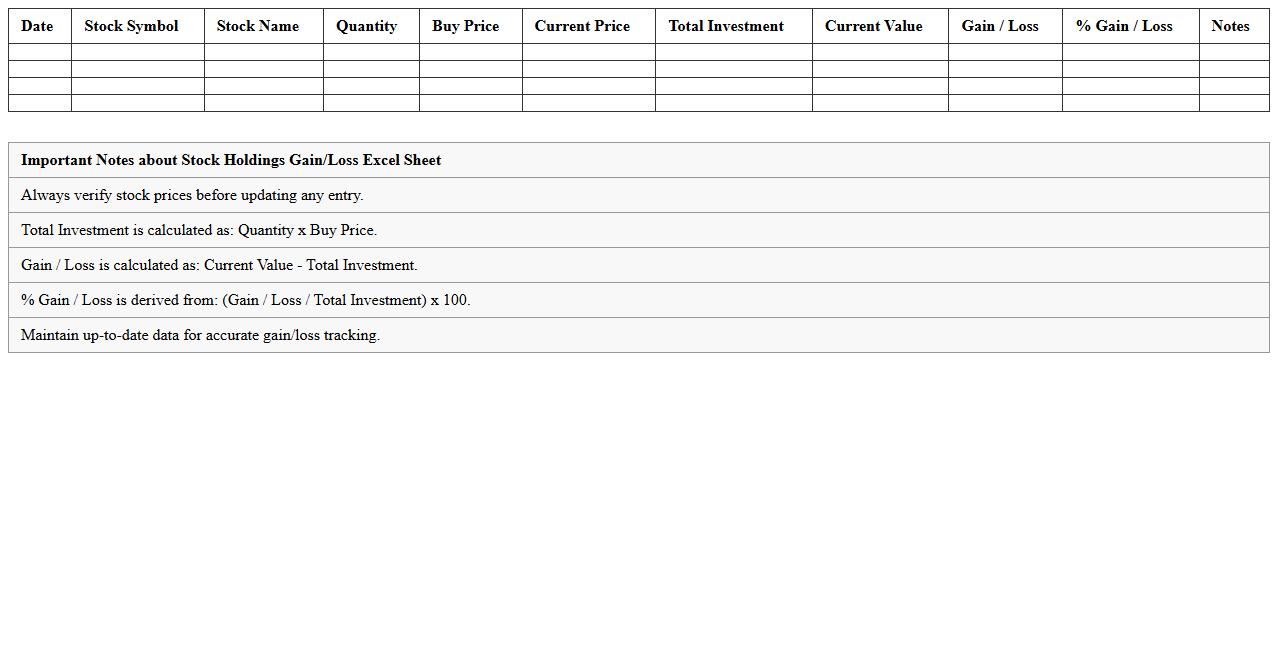
A
Stock Holdings Gain/Loss Excel Sheet is a financial document designed to track and calculate the profits or losses from stock investments by recording purchase prices, sale prices, quantities, and transaction dates. It enables investors to analyze their portfolio performance, identify trends, and make informed decisions for future trades based on accurate gain/loss data. This tool simplifies complex calculations, helping users maintain organized records and optimize their investment strategies.
Asset Allocation & Return Dashboard Template
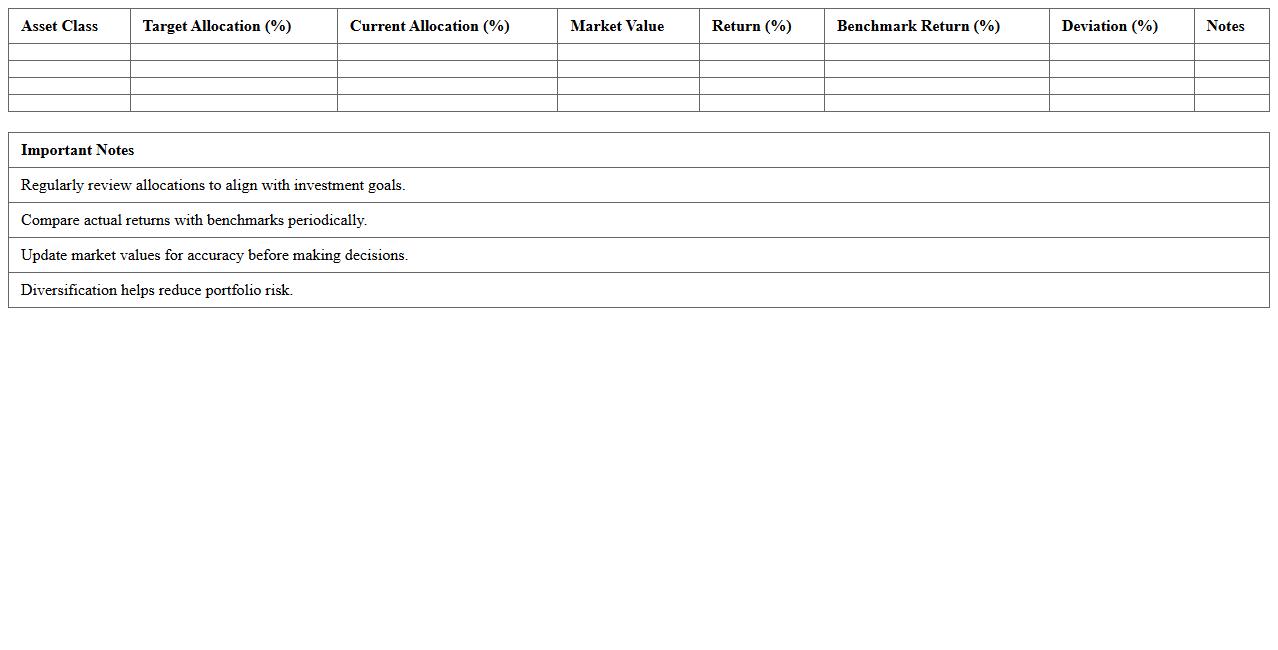
The
Asset Allocation & Return Dashboard Template document provides a comprehensive overview of investment portfolios by visually summarizing asset distribution and performance returns. It helps investors and financial analysts identify diversification levels, monitor portfolio growth, and make informed decisions to optimize investment strategies. By consolidating key financial metrics into an easy-to-read format, the template enhances transparency and supports proactive management of assets.
Dividend Yield and Total Return Tracking Excel
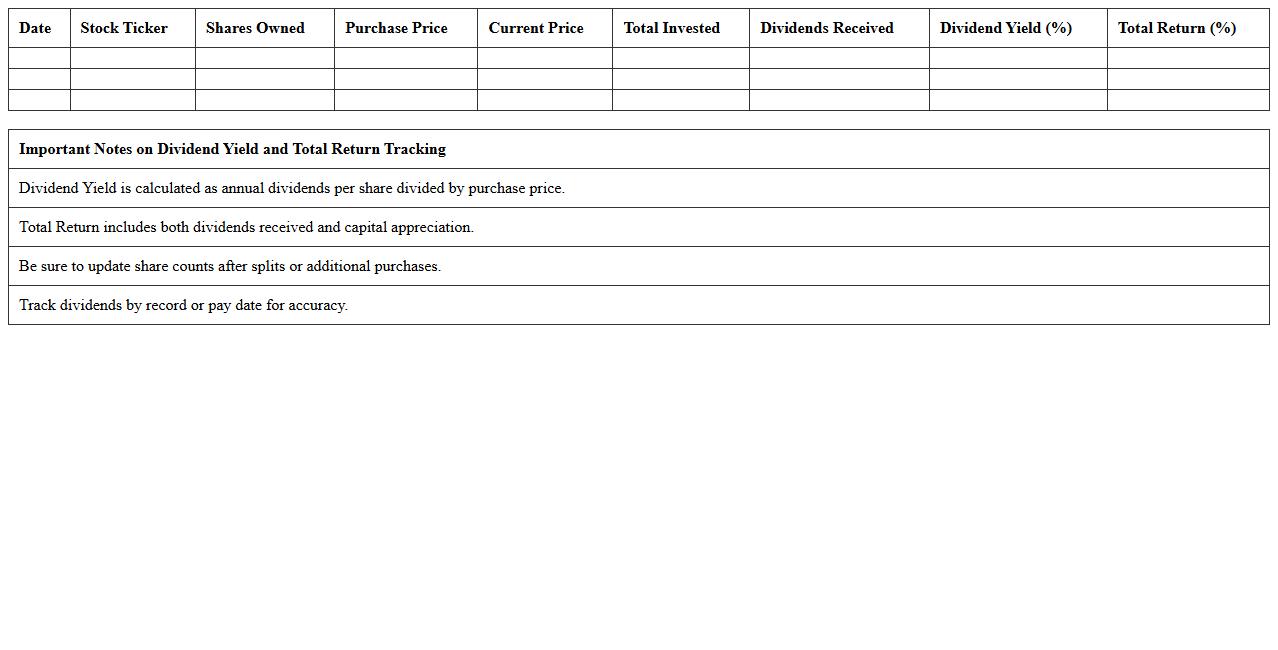
The
Dividend Yield and Total Return Tracking Excel document enables investors to monitor the income generated from dividends relative to the stock price and calculate overall investment returns, including capital gains and reinvested dividends. By organizing historical dividend payments, stock price fluctuations, and total returns in a structured spreadsheet, users can analyze performance trends and make informed decisions about portfolio adjustments. This tool is essential for managing income-focused investments and optimizing long-term wealth growth strategies.
Sharpe Ratio & Risk-Adjusted Return Analysis Sheet
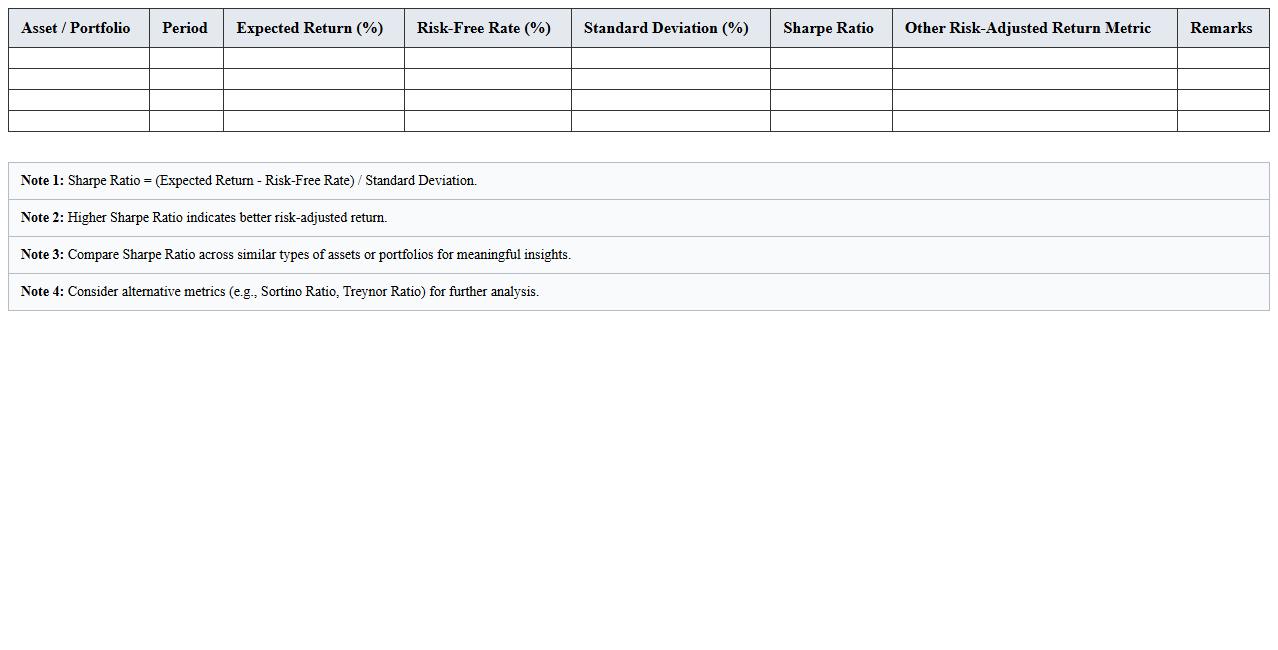
The
Sharpe Ratio & Risk-Adjusted Return Analysis Sheet is a financial tool designed to evaluate investment performance by measuring the return earned relative to the risk taken. It helps investors compare different portfolios or assets by calculating the Sharpe Ratio, which quantifies excess return per unit of volatility, allowing for more informed decision-making. This analysis sheet is useful for optimizing investment strategies by identifying assets with better risk-adjusted returns, ultimately enhancing portfolio efficiency and risk management.
Multi-Asset Portfolio Returns Comparison Excel
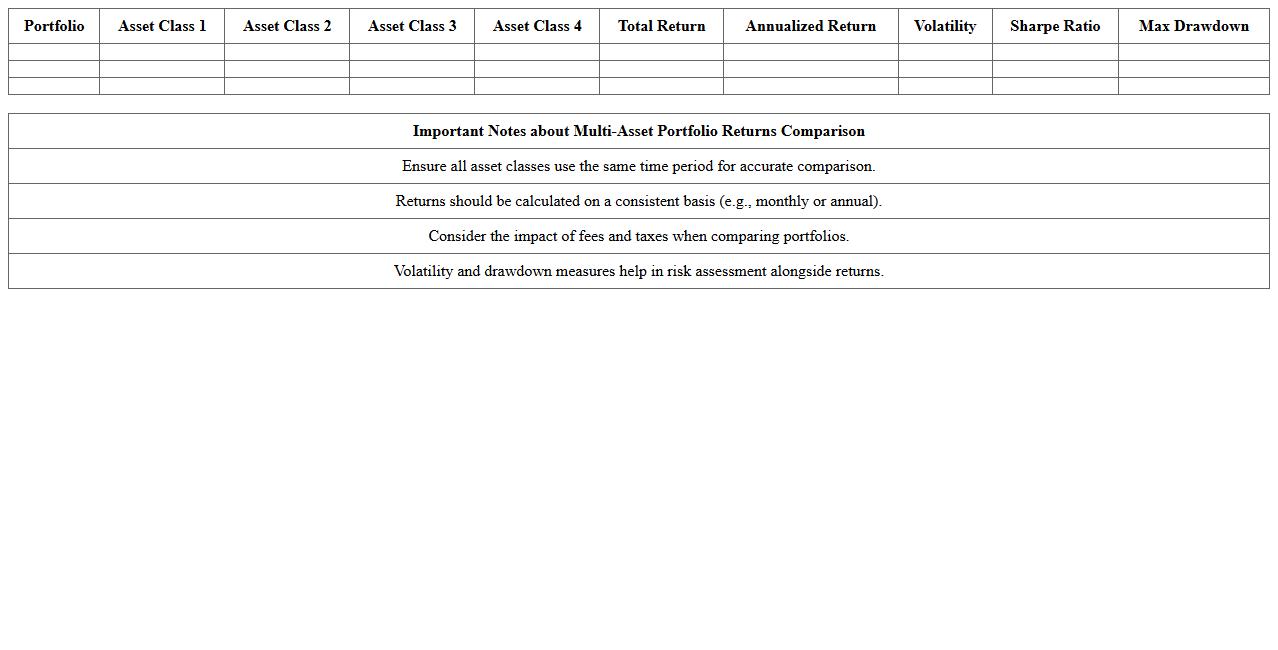
The
Multi-Asset Portfolio Returns Comparison Excel document allows investors to analyze and compare the performance of diverse investment portfolios by aggregating returns across various asset classes. It provides clear insights into risk-adjusted returns, asset allocation efficiency, and historical growth trends by leveraging customizable data inputs and visual charts. This tool is invaluable for making informed decisions that optimize portfolio diversification and enhance long-term investment strategies.
Time-Weighted Rate of Return Excel Workbook
The
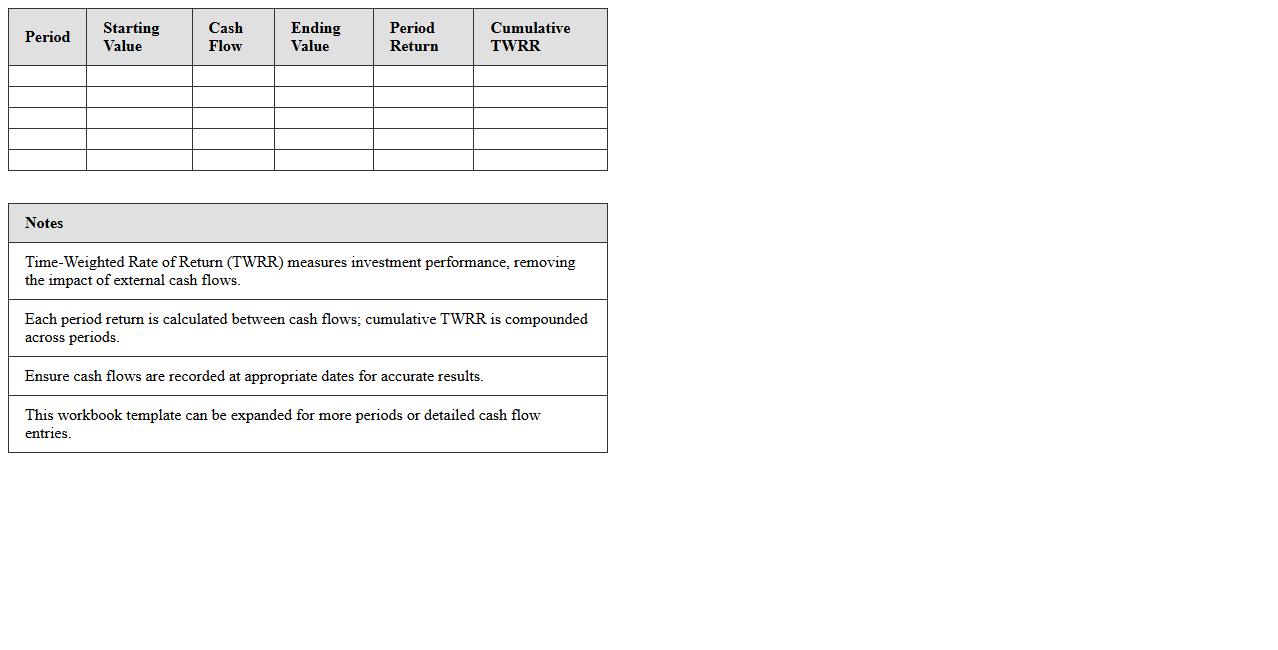
Time-Weighted Rate of Return (TWRR) Excel Workbook is a financial tool designed to calculate investment performance by neutralizing the impact of cash flows, providing an accurate measure of portfolio returns over time. It is useful for comparing the performance of asset managers and funds without the distortion caused by external contributions or withdrawals. By using this workbook, investors and analysts gain clearer insights into the true growth rate of an investment, aiding in more informed decision-making.
Investment Performance & Benchmark Analysis Template
The
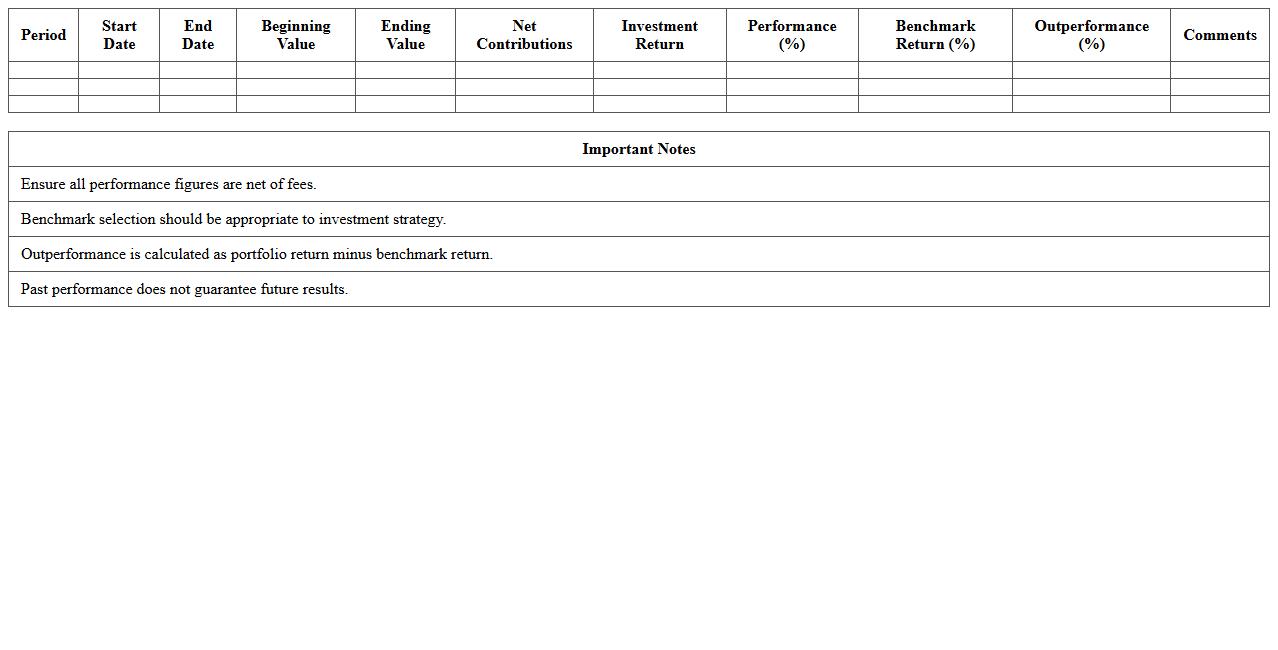
Investment Performance & Benchmark Analysis Template document systematically measures portfolio returns against relevant market benchmarks to evaluate investment effectiveness. It provides clear insights into asset allocation, risk-adjusted returns, and performance attribution, helping investors identify strengths and weaknesses. By utilizing this template, financial professionals can make informed decisions, improve portfolio strategies, and enhance overall investment outcomes.
How to automate dividend adjustments in Portfolio Return Analysis Excel?
To automate dividend adjustments in Excel, use a dedicated column that records dividend payments for each stock. Integrate these values into your total return calculations by adding dividend amounts to the price appreciation. Employ formulas such as IF and SUMPRODUCT to update dividend impact automatically as data changes.
What formulas optimize risk-adjusted return calculations for multiple stocks?
Calculating risk-adjusted returns efficiently involves using formulas like Sharpe Ratio, which divides the portfolio return minus the risk-free rate by the standard deviation of returns. Combine AVERAGE and STDEV.P functions to analyze multiple stock returns in a dynamic range. Advanced formulas like COVARIANCE.P help optimize portfolio volatility through covariance matrices.
How to track rolling 12-month returns using dynamic Excel ranges?
Implement rolling 12-month returns by using dynamic ranges with the OFFSET or INDEX functions combined with COUNTA to capture the latest 12 months of data. This approach updates the calculation automatically as new monthly returns are added. Use SUMPRODUCT and INDEX to calculate compounded or cumulative returns over these dynamic periods.
Which Excel charts best visualize sector allocation by return contribution?
Pie charts and stacked bar charts excel at visualizing sector allocation by return contribution. Pie charts provide a clear percentage breakdown, while stacked bar charts illustrate return contributions within each sector over time. Consider combining charts with conditional formatting to enhance clarity and highlight top-performing sectors visually.
How to import live stock data for real-time portfolio performance updates?
Use Excel's built-in Stock Data Type feature or integrate WEBSERVICE and FILTERXML functions to import live stock prices directly into your workbook. Alternatively, connect through APIs like Alpha Vantage or Yahoo Finance using Power Query for real-time data refresh. Automate performance updates by setting data refresh intervals within the Excel Data tab settings.
More Analysis Excel Templates