The Employee Performance Analysis Excel Template for HR Managers offers a streamlined way to track and evaluate employee productivity and effectiveness. It includes customizable fields for key performance indicators, attendance, and goal achievements, enabling data-driven decision-making. This template enhances overall workforce management by providing clear, visual insights into employee strengths and areas for improvement.
Employee Performance Review Dashboard Excel Template
The
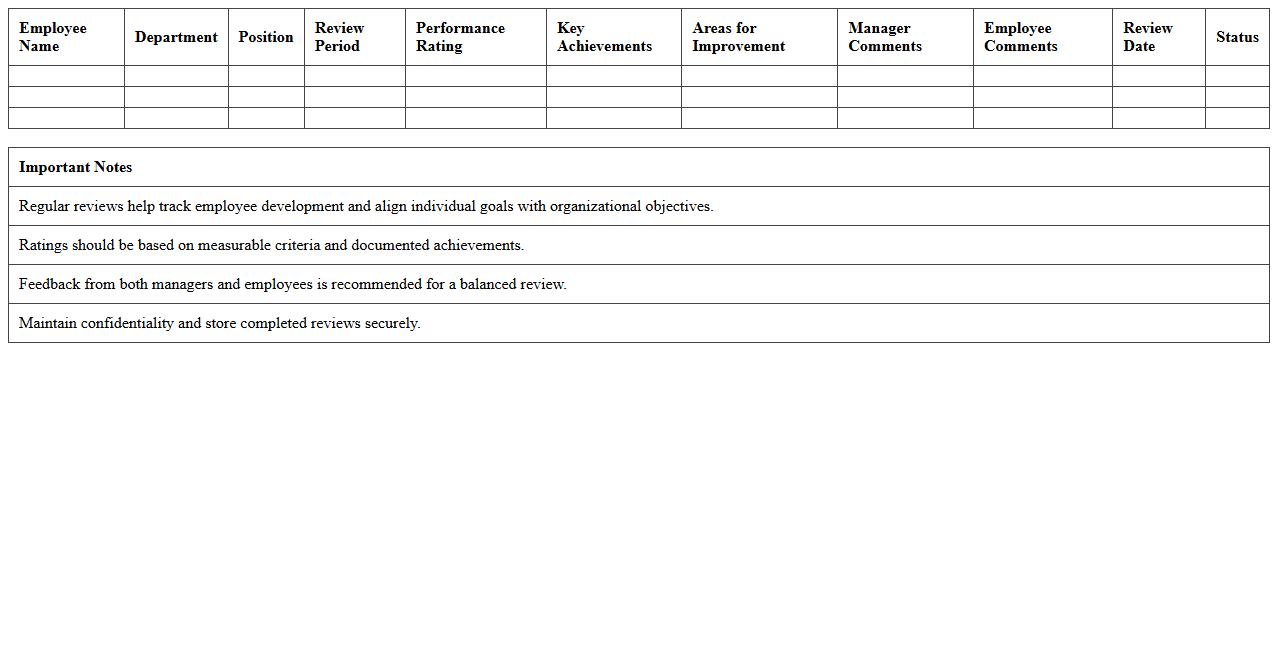
Employee Performance Review Dashboard Excel Template is a comprehensive tool designed to track, analyze, and visualize employee performance metrics efficiently. It consolidates individual performance data, goal achievements, and feedback into an interactive dashboard, enabling managers to monitor progress and identify areas for improvement easily. This template enhances decision-making by providing clear insights into workforce productivity and aligning employee development with organizational objectives.
Monthly Staff Performance Evaluation Tracker
The
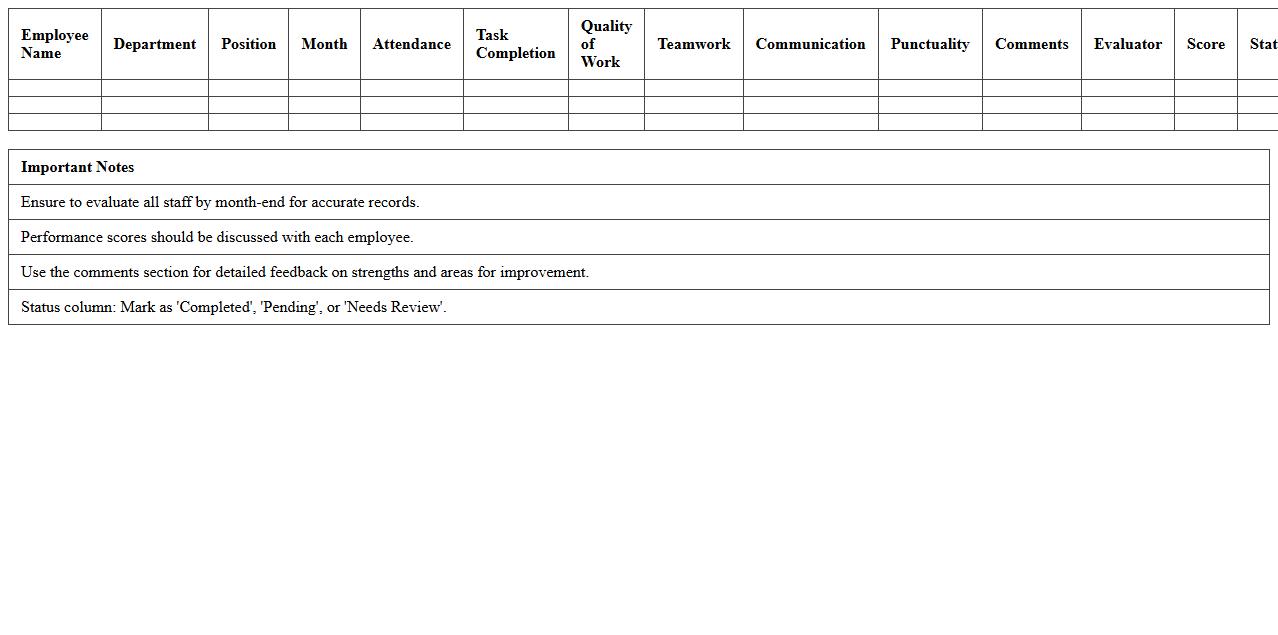
Monthly Staff Performance Evaluation Tracker document is a structured tool designed to monitor and assess employee productivity, skills, and goal achievement on a regular basis. It helps managers identify strengths, areas for improvement, and training needs, ensuring that workforce development aligns with organizational objectives. By systematically recording performance data each month, this tracker supports informed decision-making and promotes continuous staff growth.
Key Performance Indicator (KPI) Assessment Excel Sheet
A
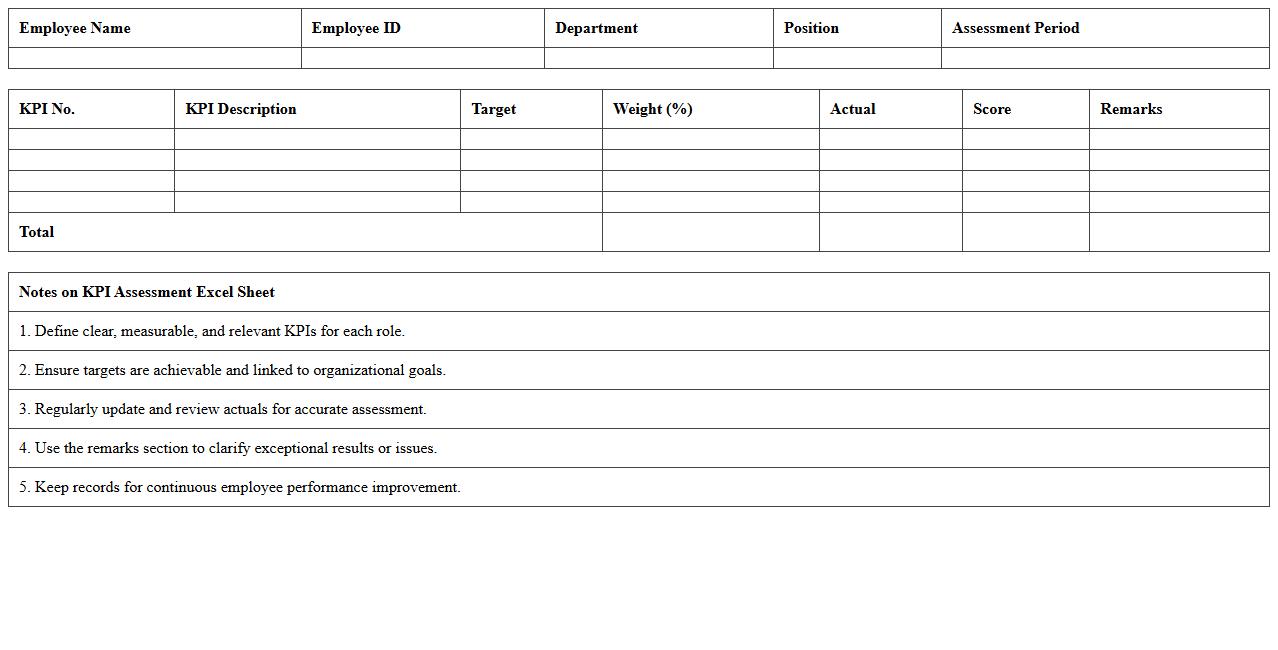
Key Performance Indicator (KPI) Assessment Excel Sheet document is a structured tool designed to track, measure, and analyze specific performance metrics within a business or project. It allows organizations to visualize progress against goals by organizing quantitative data into charts, graphs, and tables, enhancing decision-making processes. By consolidating KPI data in an Excel sheet, teams can easily monitor trends, identify areas for improvement, and ensure alignment with strategic objectives.
Annual Employee Performance Summary Template
An
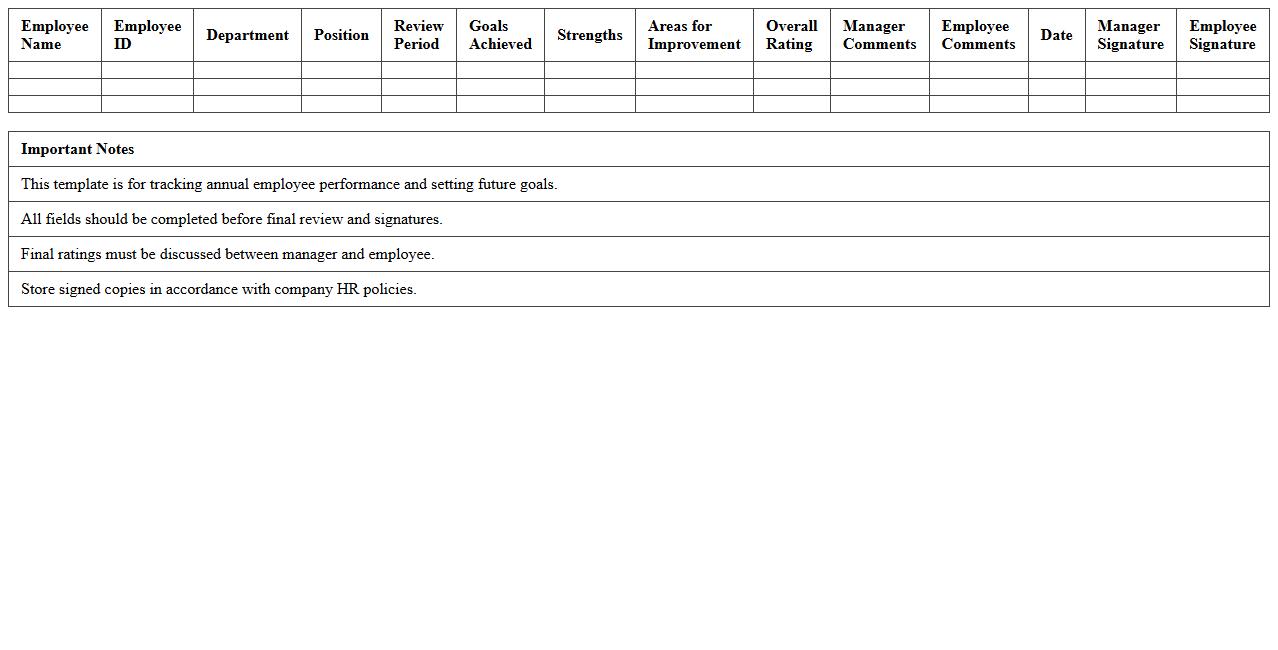
Annual Employee Performance Summary Template document is a structured tool designed to systematically record and evaluate an employee's job performance over a year. It facilitates clear communication between management and employees by highlighting achievements, areas for improvement, and setting future goals. Utilizing this template enhances consistency in performance reviews, supports informed decision-making on promotions or training needs, and boosts overall workforce productivity.
HR Manager’s Workforce Performance Matrix
The
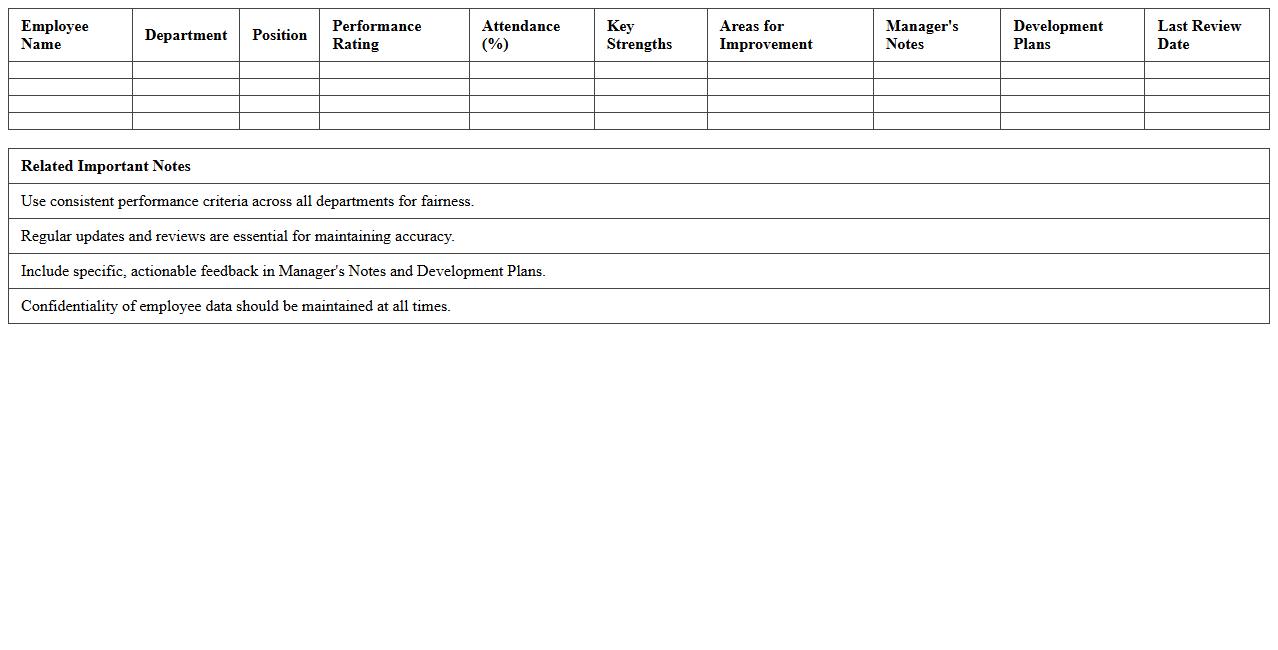
HR Manager's Workforce Performance Matrix document systematically evaluates employee performance across various competencies and job roles, enabling data-driven decision-making. It highlights strengths and areas for improvement, facilitating targeted training programs and succession planning. Utilizing this matrix improves overall workforce productivity and aligns employee development with organizational goals.
360-Degree Employee Feedback Excel Template
The
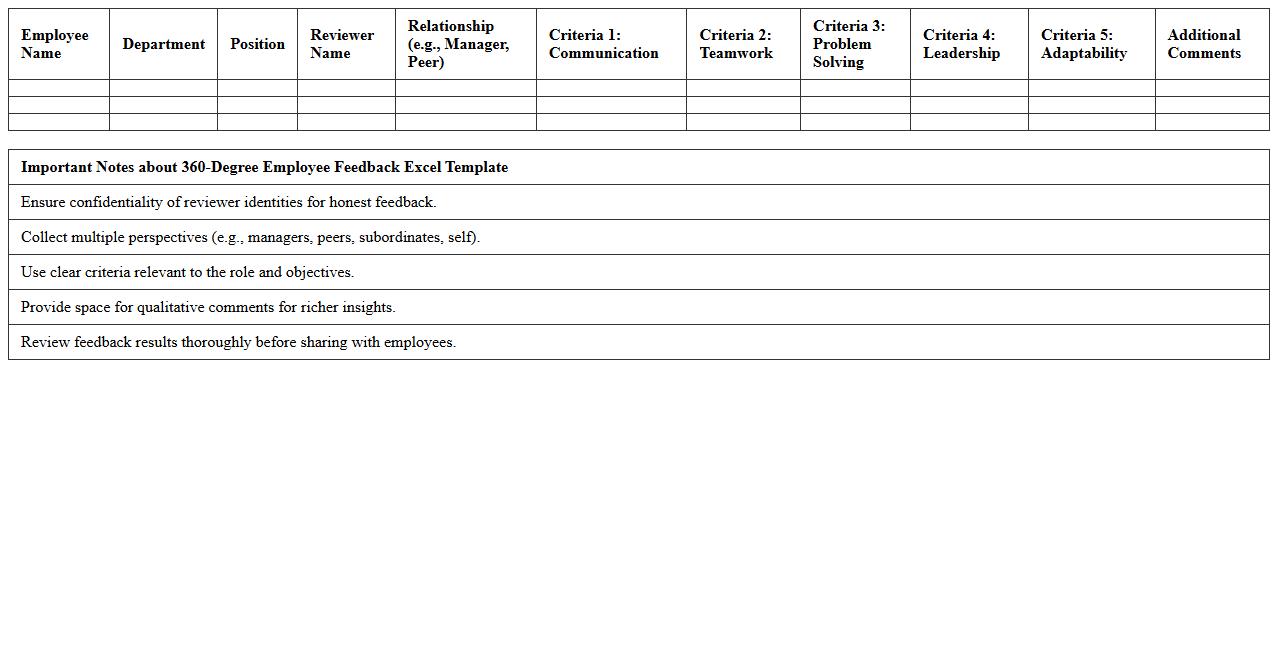
360-Degree Employee Feedback Excel Template document is a structured tool designed to collect comprehensive performance evaluations from multiple sources, including peers, supervisors, subordinates, and self-assessments. It streamlines the feedback process by organizing data in a clear, easy-to-analyze format, enabling HR professionals and managers to identify strengths and improvement areas effectively. Using this template enhances the accuracy of performance reviews and supports continuous employee development by providing a holistic view of workplace behavior and skills.
Team Member Productivity Analysis Excel Sheet
The
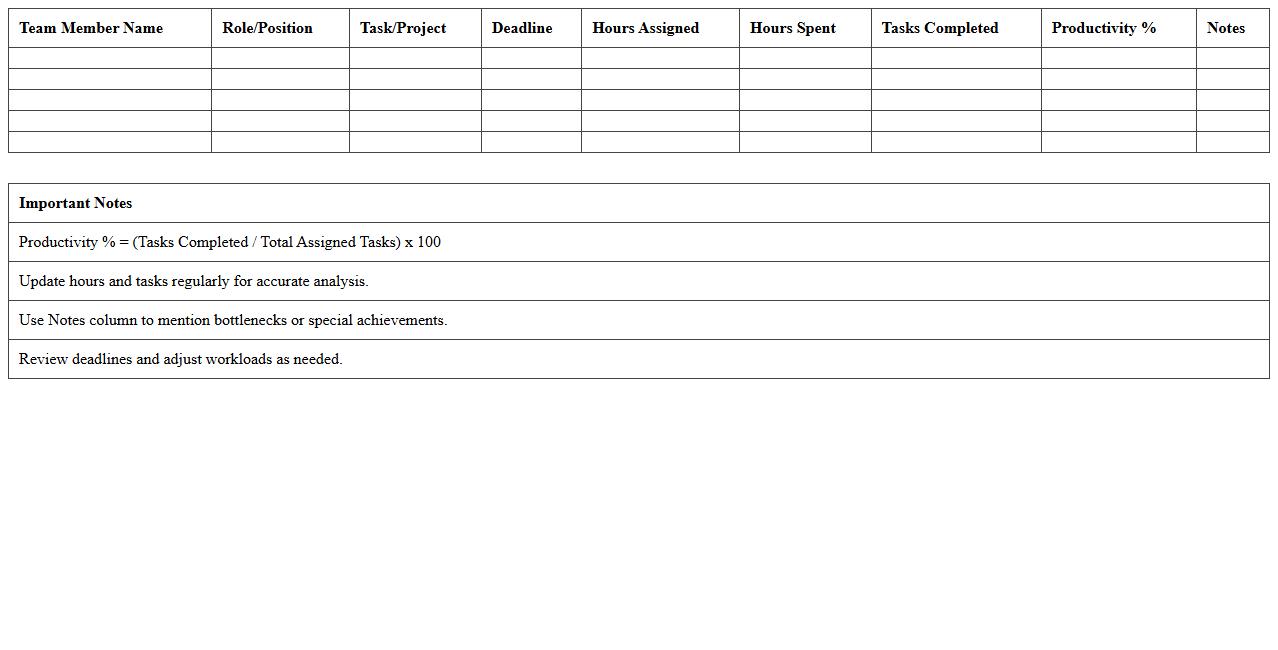
Team Member Productivity Analysis Excel Sheet document is a comprehensive tool designed to track, measure, and analyze individual and collective work performance within a team. By organizing data such as task completion rates, hours worked, and quality metrics, it enables managers to identify strengths, pinpoint inefficiencies, and make informed decisions to enhance overall productivity. This structured analysis fosters better resource allocation, goal setting, and continuous improvement in team dynamics.
Performance Improvement Plan Tracker
A
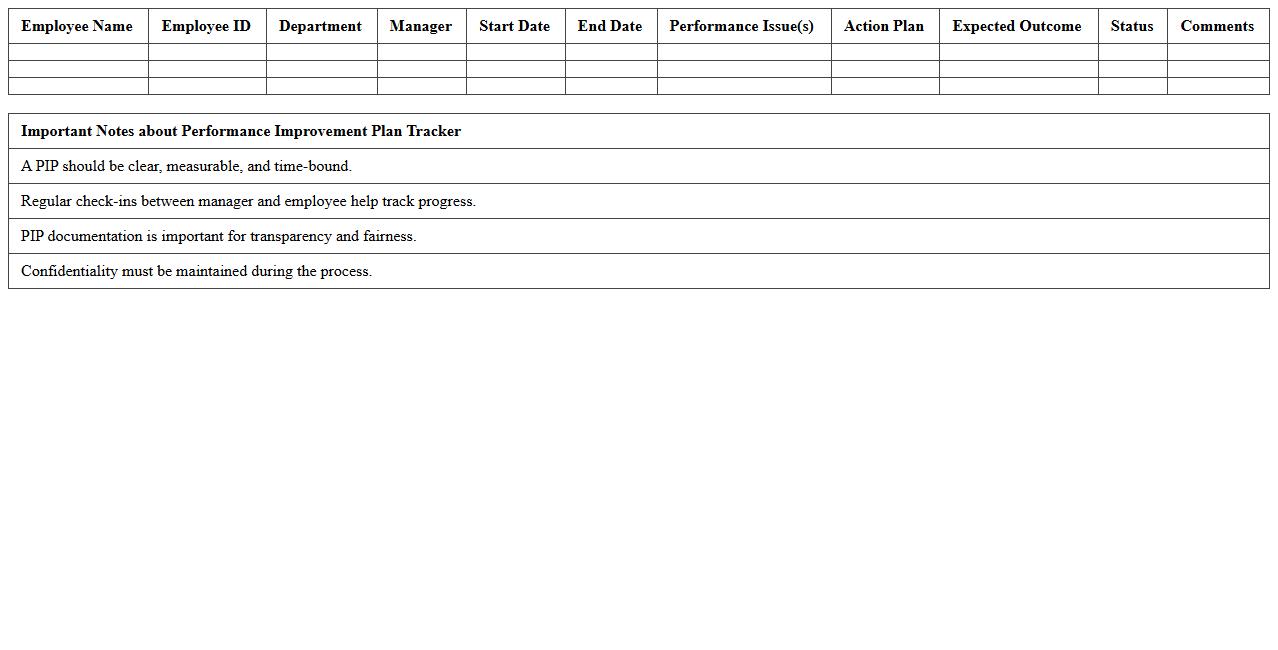
Performance Improvement Plan Tracker document is a structured tool used to monitor and document employee progress during a performance improvement plan (PIP) period. It records objectives, deadlines, feedback, and outcomes, enabling managers to systematically evaluate performance against set goals. This tracker enhances accountability, helps identify areas for development, and supports data-driven decision-making to improve overall workforce productivity.
Competency Gap Assessment Spreadsheet
A
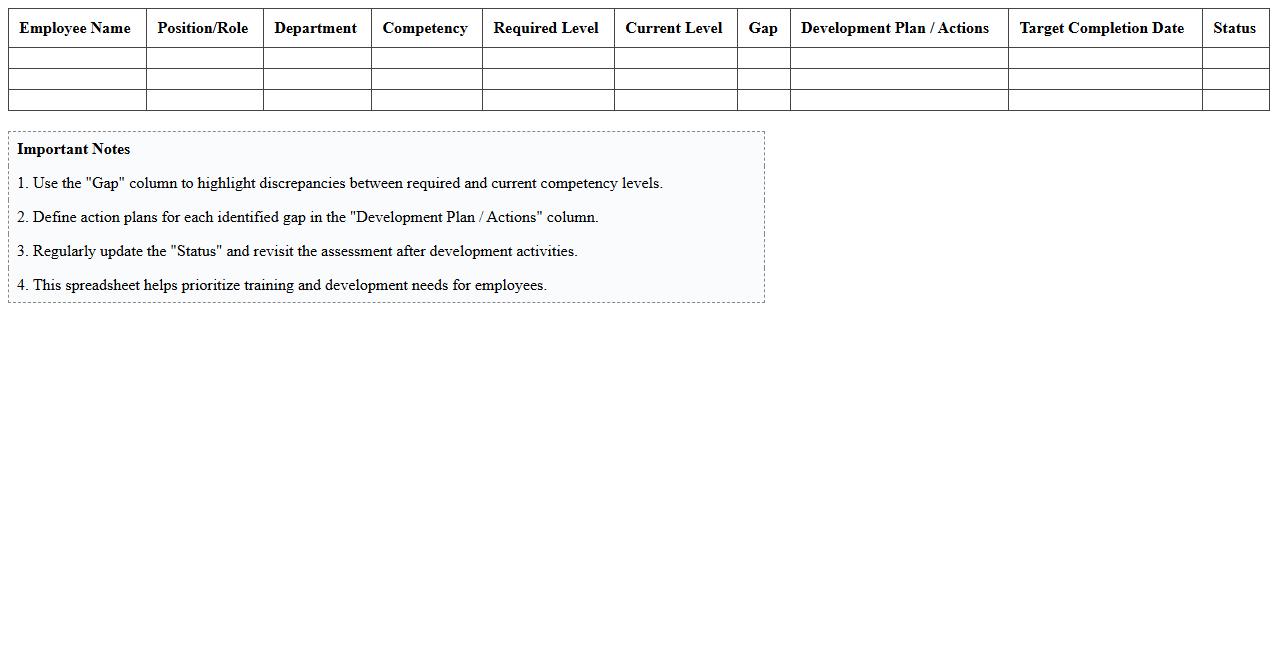
Competency Gap Assessment Spreadsheet is a tool designed to identify the difference between current employee skills and the skills required for specific roles or projects. It organizes data on individual competencies, skill levels, and training needs, enabling clear visualization of workforce capabilities. This document helps organizations make informed decisions on targeted training programs, talent development, and resource allocation to close skill gaps efficiently.
Employee Appraisal Results Comparison Chart
The
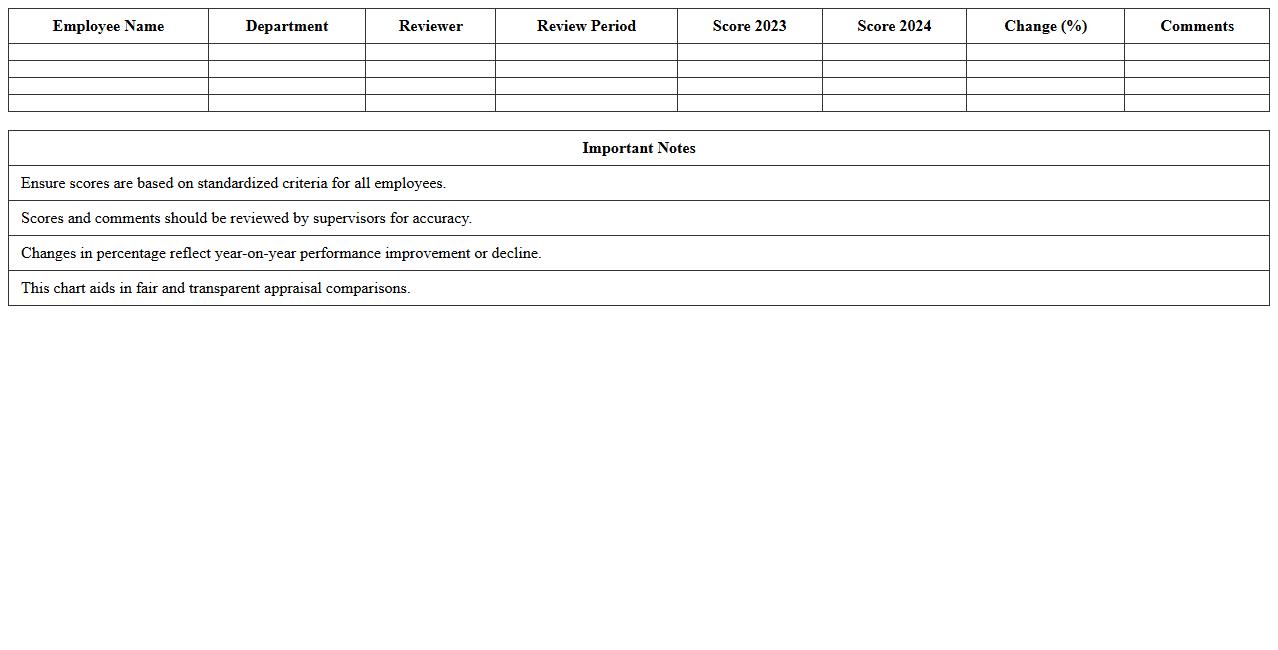
Employee Appraisal Results Comparison Chart is a comprehensive document that visually displays the performance ratings of employees over a specific period, allowing organizations to track progress and identify trends. It facilitates objective evaluation by comparing individual performance metrics, enabling managers to make informed decisions on promotions, training needs, and rewards. This chart enhances transparency and supports strategic workforce planning by highlighting top performers and areas requiring improvement.
What key performance indicators (KPIs) are tracked in the Employee Performance Analysis Excel template?
The template tracks essential KPIs such as productivity rate, attendance, task completion, and quality of work. It also includes metrics like employee engagement scores and goal achievement percentages. These KPIs provide a comprehensive overview of individual and team performance.
How can the Excel document automate annual performance review calculations for HR managers?
The Excel template uses built-in formulas and functions to automatically calculate average scores, performance ratings, and trend analysis. Conditional formatting highlights key areas that meet or fall below expectations, streamlining review preparation. This automation significantly reduces manual effort and errors during the annual review process.
Which data visualization tools are included to highlight employee trends in the sheet?
The template incorporates charts such as bar graphs, line charts, and pie charts to visually represent performance trends over time. Dashboards provide at-a-glance summaries of individual and departmental metrics. These tools enable quick identification of patterns and areas needing improvement.
Can the template be customized for department-specific performance metrics?
Yes, the Employee Performance Analysis Excel template is fully customizable to accommodate unique KPIs per department or role. Users can add or modify columns, metrics, and scoring criteria to better reflect specific job functions. This flexibility ensures relevance and accuracy in performance tracking across different teams.
How does the Excel file handle privacy or access controls for sensitive HR data?
The Excel file supports password protection and worksheet locking to restrict unauthorized access to sensitive employee information. Access levels can be managed by enabling user-specific permissions in the file properties. These features help maintain confidentiality and comply with data security standards.
More Analysis Excel Templates