Candidate Application Tracker Spreadsheet
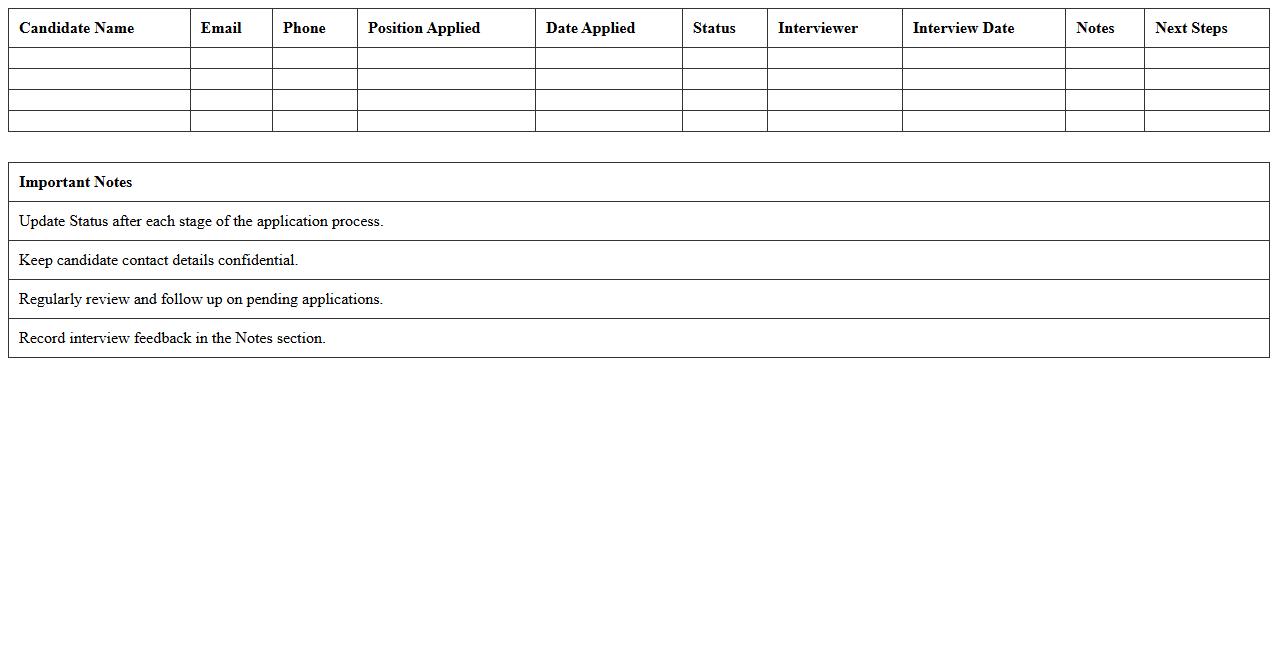
A
Candidate Application Tracker Spreadsheet is a tool designed to organize and monitor job applicants' information systematically. It enables recruiters to track application statuses, interview schedules, and candidate qualifications in one centralized location, improving hiring efficiency. By providing clear visibility into the recruitment pipeline, it helps streamline decision-making and reduces the risk of losing potential talent.
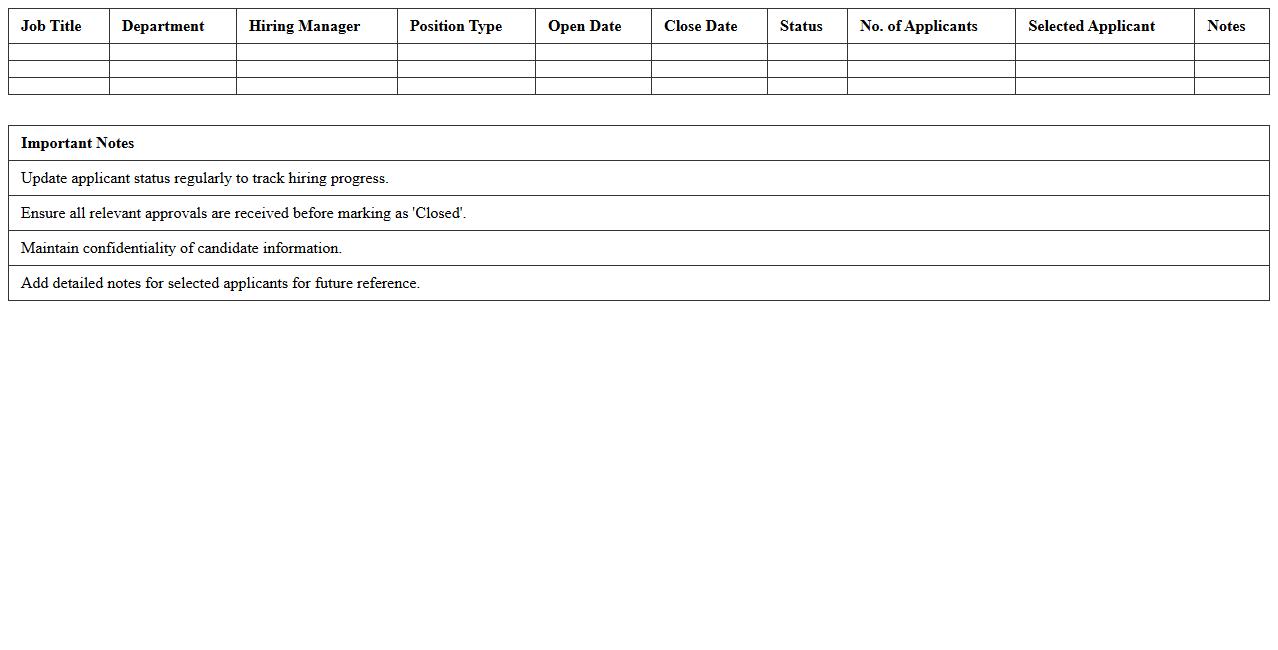
Job Vacancy Management Excel Sheet
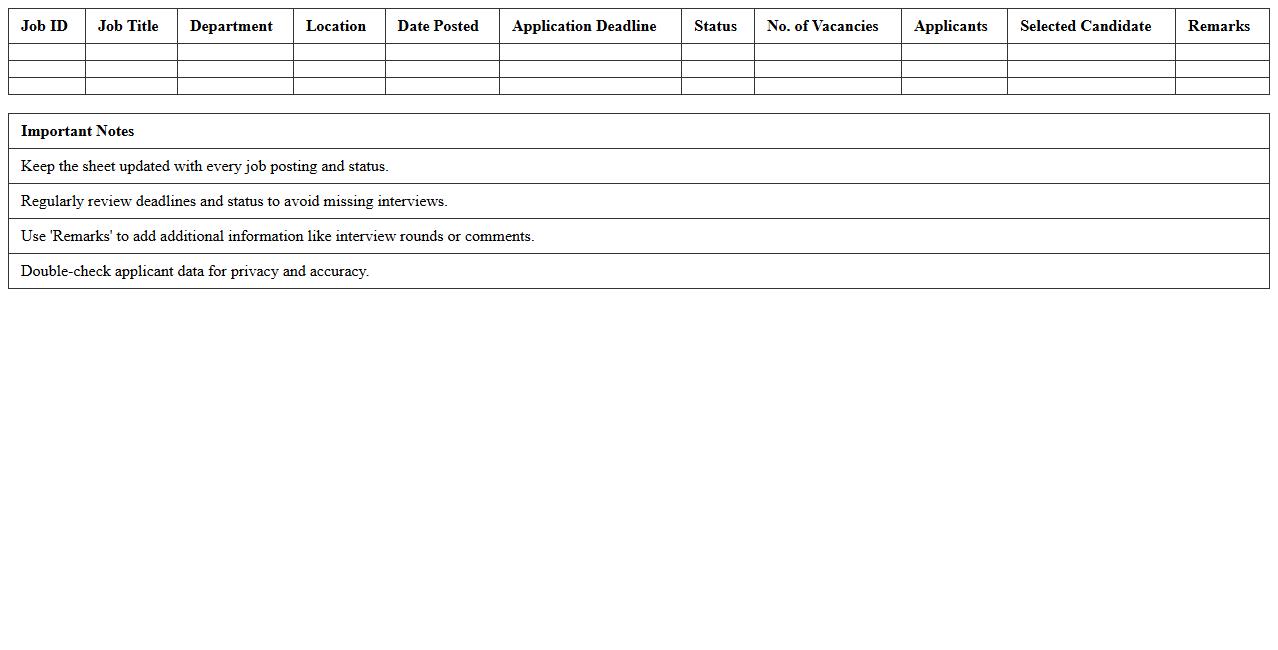
A
Job Vacancy Management Excel Sheet document is a structured tool designed to track and organize job openings within an organization. It efficiently manages key information such as job titles, application deadlines, candidate status, and interview schedules, allowing HR teams to streamline recruitment processes. Using this sheet improves transparency, saves time, and enhances decision-making in talent acquisition.
Recruitment Pipeline Status Report
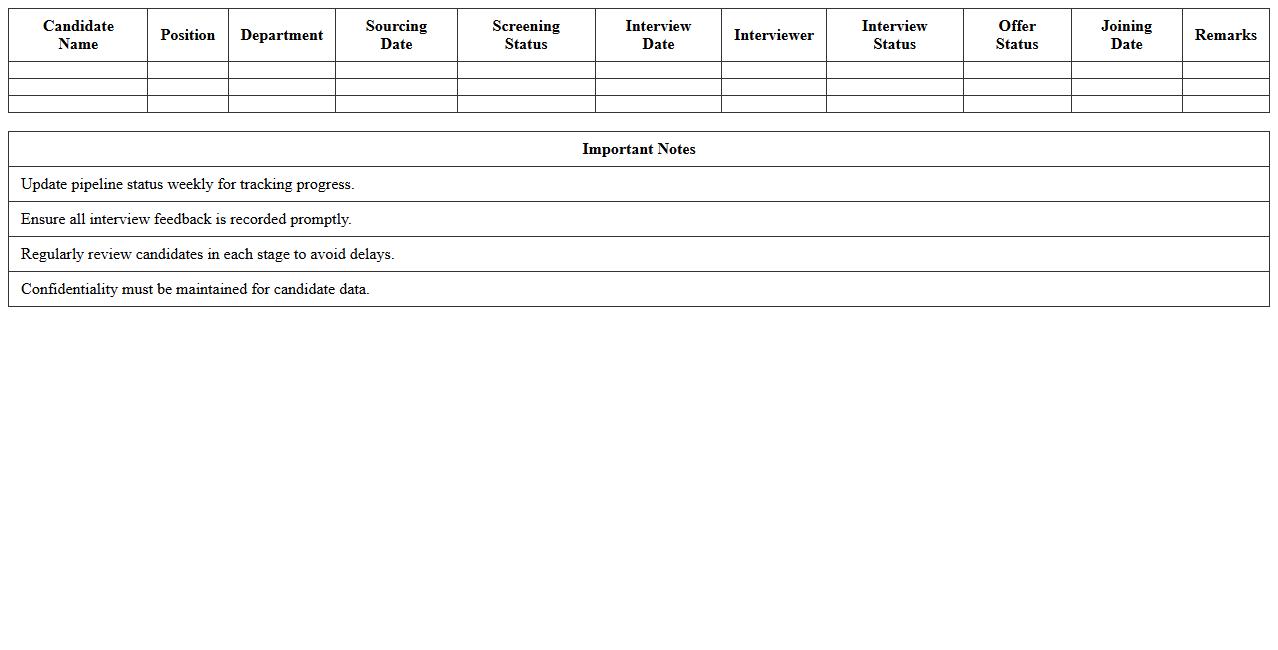
A
Recruitment Pipeline Status Report document tracks the progress of candidates through different stages of the hiring process, providing real-time visibility into the recruitment funnel. It helps HR teams identify bottlenecks, forecast hiring timelines, and allocate resources more efficiently by analyzing metrics such as application volume, interview rates, and offer acceptance. This report supports data-driven decision-making, ensuring a streamlined and effective talent acquisition strategy.
Interview Scheduling and Feedback Log
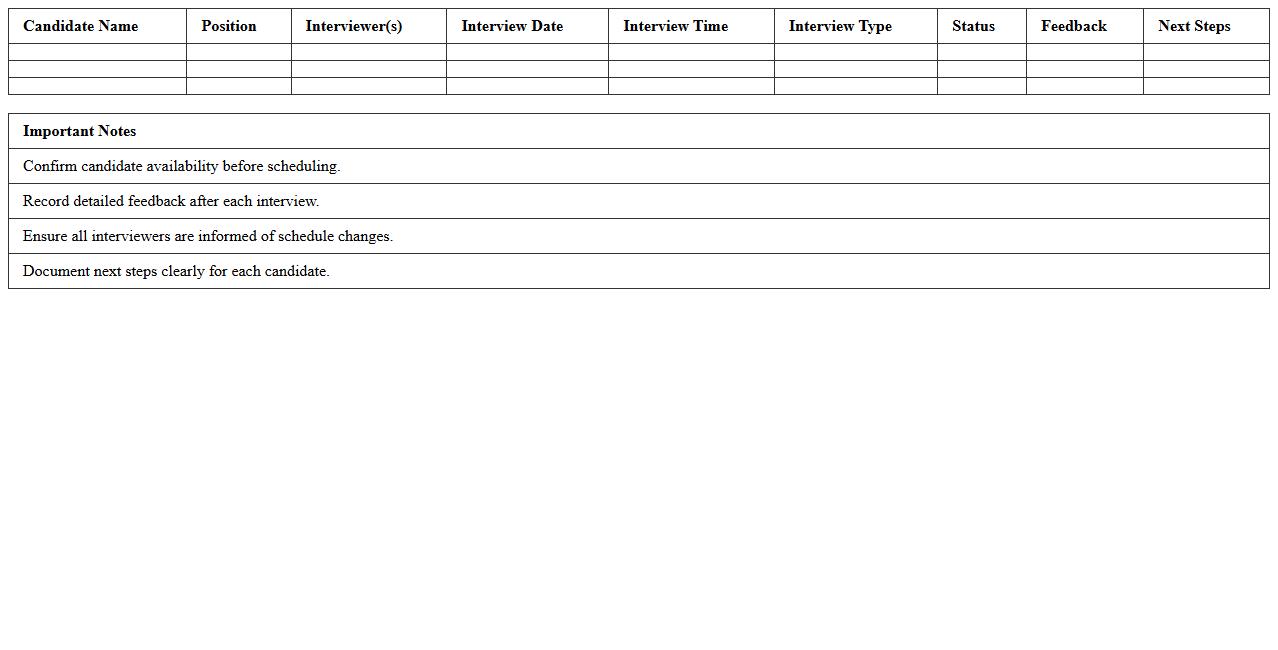
An
Interview Scheduling and Feedback Log document is a structured tool used to organize interview timings and systematically record candidates' performance feedback. It streamlines the recruitment process by providing a centralized reference for interview appointments and evaluative notes, enhancing communication between hiring team members. This document improves decision-making, ensures consistency in candidate assessments, and accelerates the overall hiring workflow.
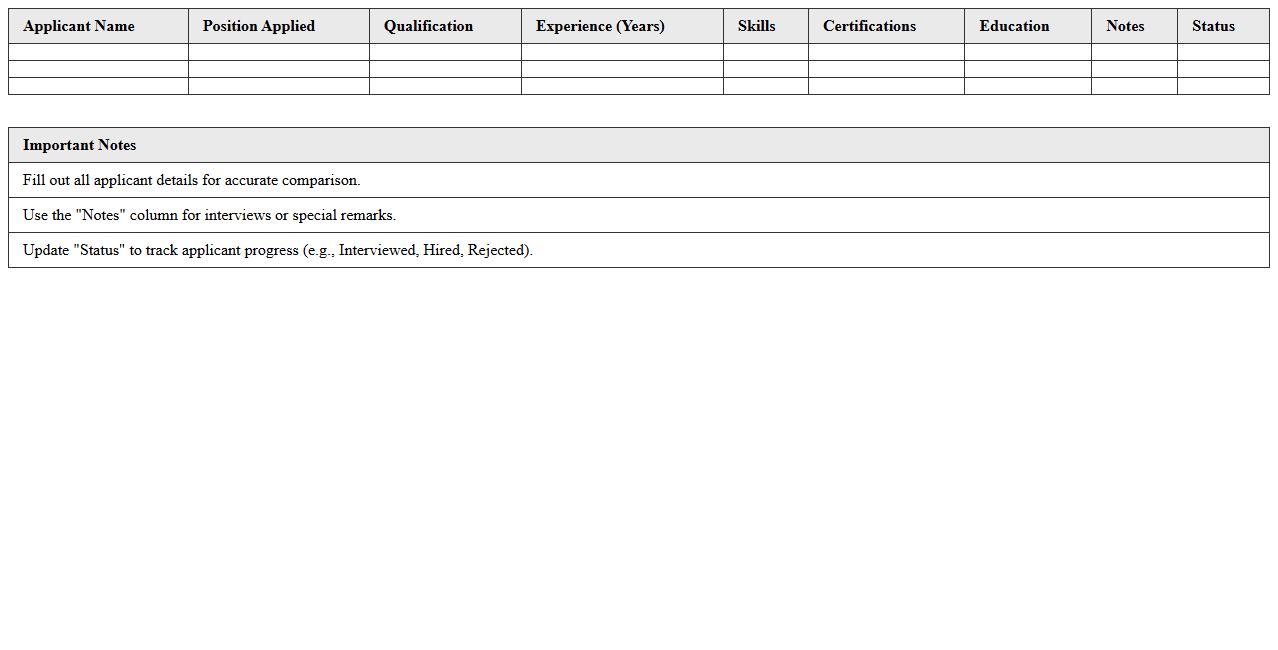
Applicant Qualification Comparison Tracker
The
Applicant Qualification Comparison Tracker document is a systematic tool designed to evaluate and compare the skills, experiences, and qualifications of multiple job candidates efficiently. By organizing key applicant data side-by-side, it enables hiring managers to identify the best-fit candidates based on predefined criteria and minimizes bias in the selection process. This document streamlines recruitment decisions, ensuring a more objective and data-driven approach to talent acquisition.
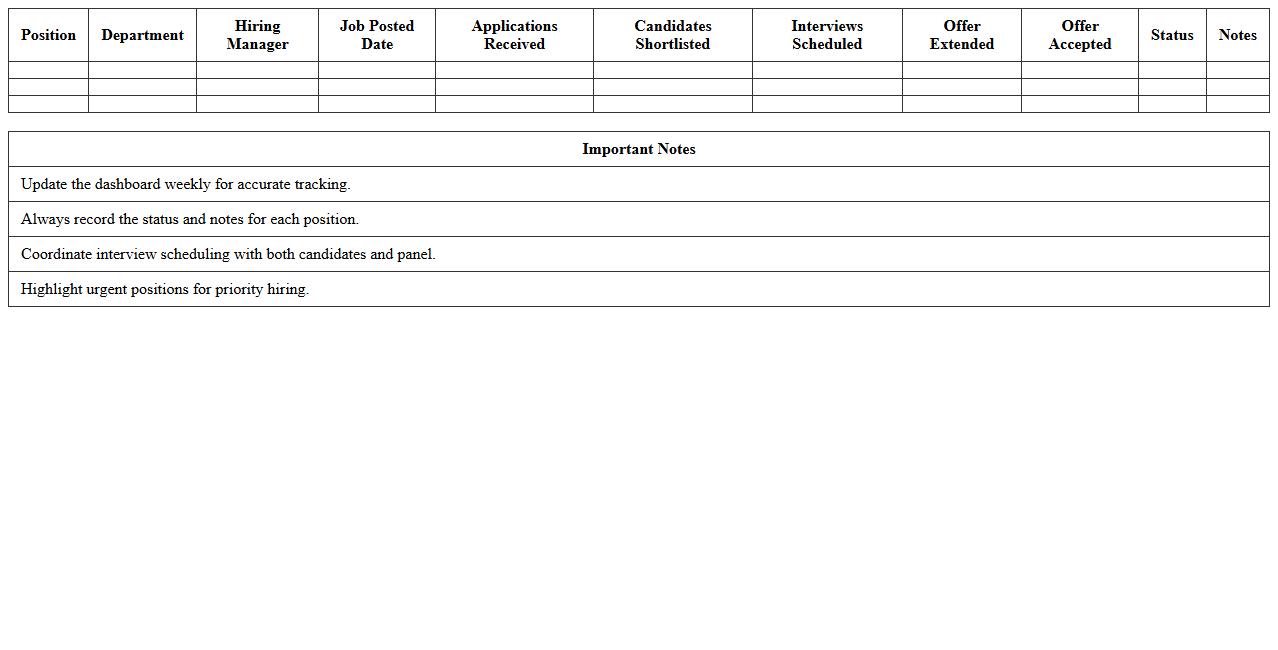
HR Recruitment Workflow Dashboard
The
HR Recruitment Workflow Dashboard document visually tracks the entire hiring process, from job posting to candidate onboarding, enabling HR teams to monitor applicant status, interview schedules, and hiring milestones efficiently. This dashboard consolidates recruitment data into clear metrics, allowing managers to identify bottlenecks, improve candidate experience, and streamline decision-making. By providing real-time insights, it enhances collaboration between recruiters and departments, ensuring timely and effective talent acquisition.
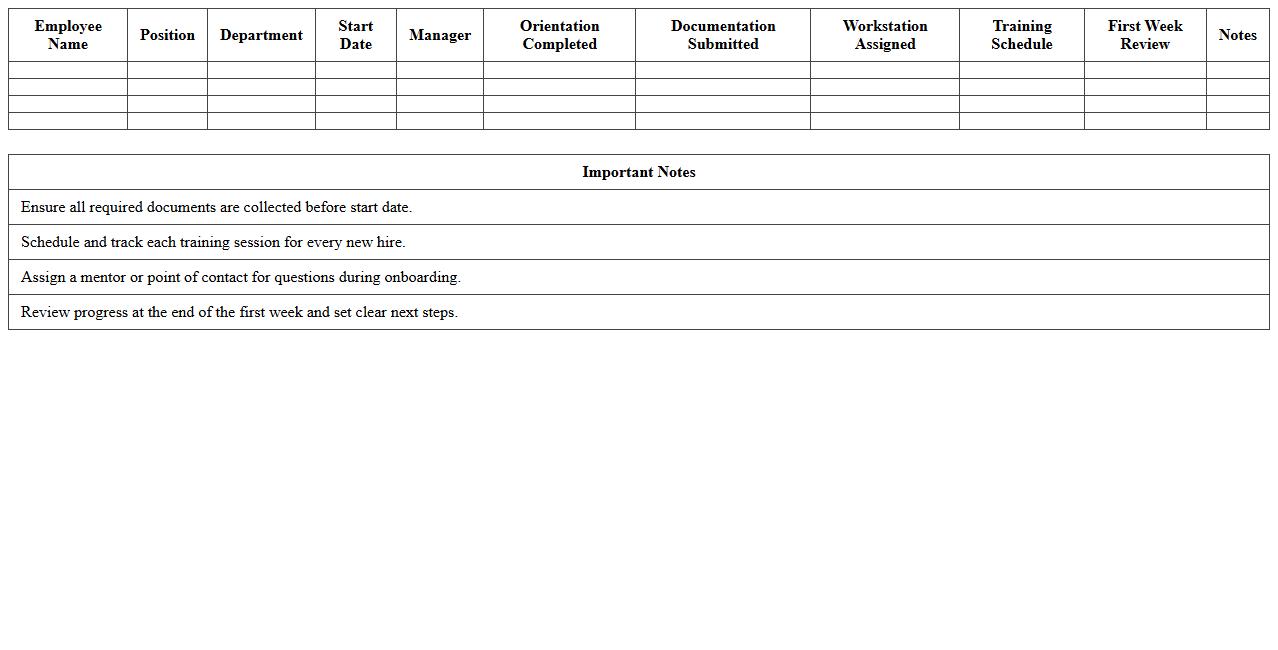
New Hire Onboarding Progress Sheet
The
New Hire Onboarding Progress Sheet is a document designed to track and manage the completion of essential onboarding tasks for new employees. It provides a clear overview of each step in the onboarding process, ensuring nothing is overlooked and facilitating a smooth transition into the company. Utilizing this progress sheet improves organizational efficiency, enhances communication between HR and new hires, and accelerates productivity by confirming all mandatory requirements are met timely.
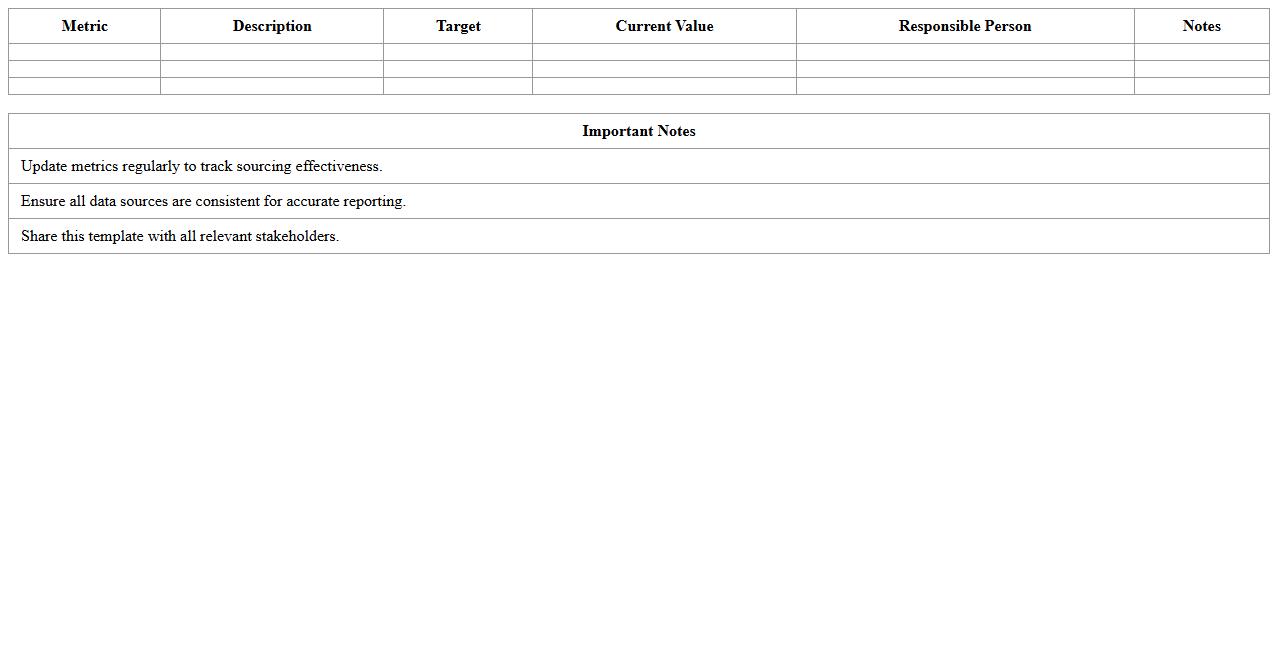
Talent Sourcing Metrics Template
A
Talent Sourcing Metrics Template document systematically tracks and measures key performance indicators (KPIs) such as time-to-fill, source effectiveness, and candidate quality during the recruitment process. It enables recruiters and hiring managers to analyze sourcing strategies, optimize resource allocation, and improve overall hiring efficiency. Using this template helps organizations make data-driven decisions to attract top talent and reduce recruitment costs.
Open Position and Applicant Status Tracker
The
Open Position and Applicant Status Tracker document is a crucial tool for managing recruitment processes by providing real-time updates on job openings and candidate progress. It helps HR teams monitor applicant stages, from application submission to hiring decisions, ensuring efficient communication and timely follow-ups. This organized approach reduces hiring delays, improves candidate experience, and supports data-driven recruitment strategies.
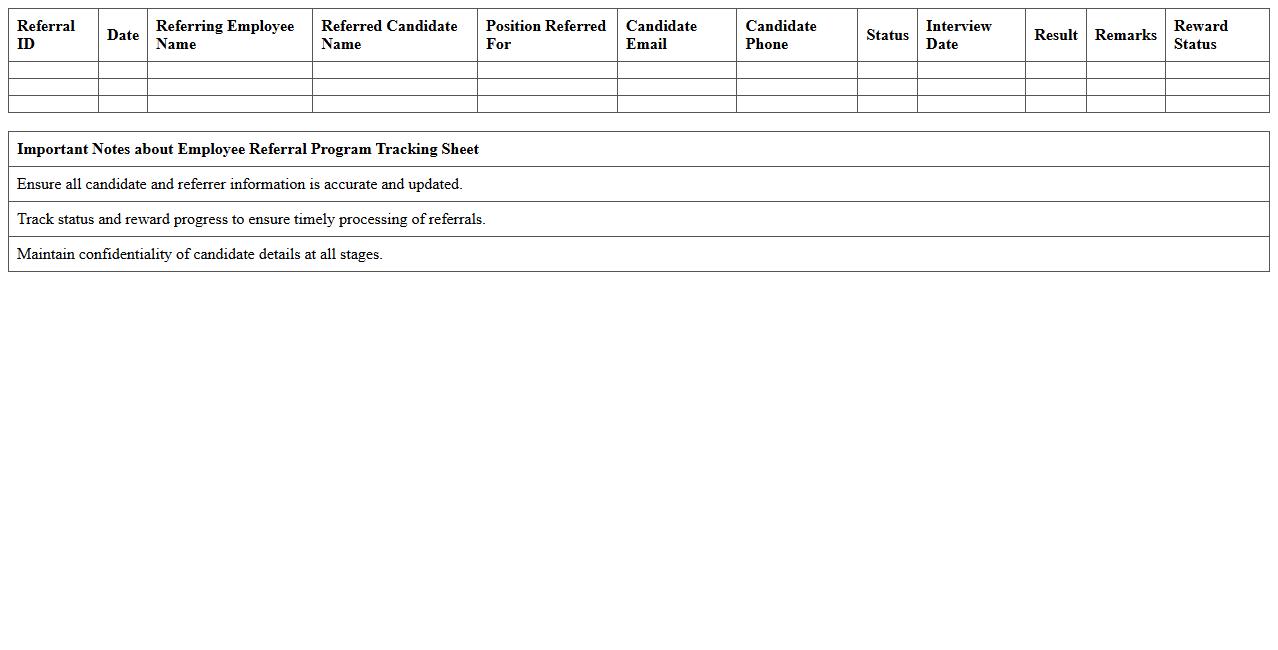
Employee Referral Program Tracking Sheet
An
Employee Referral Program Tracking Sheet is a document designed to monitor and record referrals made by employees for job openings within an organization. This tracking sheet helps streamline recruitment by providing clear visibility into referral sources, candidate progress, and hiring outcomes, enabling HR teams to evaluate the effectiveness of referral programs. Utilizing this document enhances accountability and optimizes talent acquisition by identifying top-performing referrers and improving the overall quality of hires.
How can conditional formatting highlight candidate status changes in a recruitment tracking Excel sheet?
Conditional formatting in Excel allows recruiters to visually distinguish candidate status changes by applying color codes based on cell values. By setting rules such as "Change in Status" or "Status Updated," you can instantly highlight candidates who have moved from one phase to another. This visual cue accelerates tracking and improves recruitment workflow management.
What formulas effectively calculate time-to-hire metrics within the document letter workflow?
Time-to-hire can be calculated using Excel formulas like DATEDIF or simple subtraction between the application date and hire date fields. For example, =DATEDIF(A2, B2, "D") calculates the number of days between application and hiring. Integrating these formulas within the document workflow helps monitor recruitment efficiency and optimize the hiring process.
Which data validation rules prevent duplicate applicant entries for a specific job requisition?
Data validation
How can pivot tables summarize source effectiveness for each recruitment campaign?
Pivot tables
What template features help auto-generate interview invitation letters within Excel for HR use?
Template features