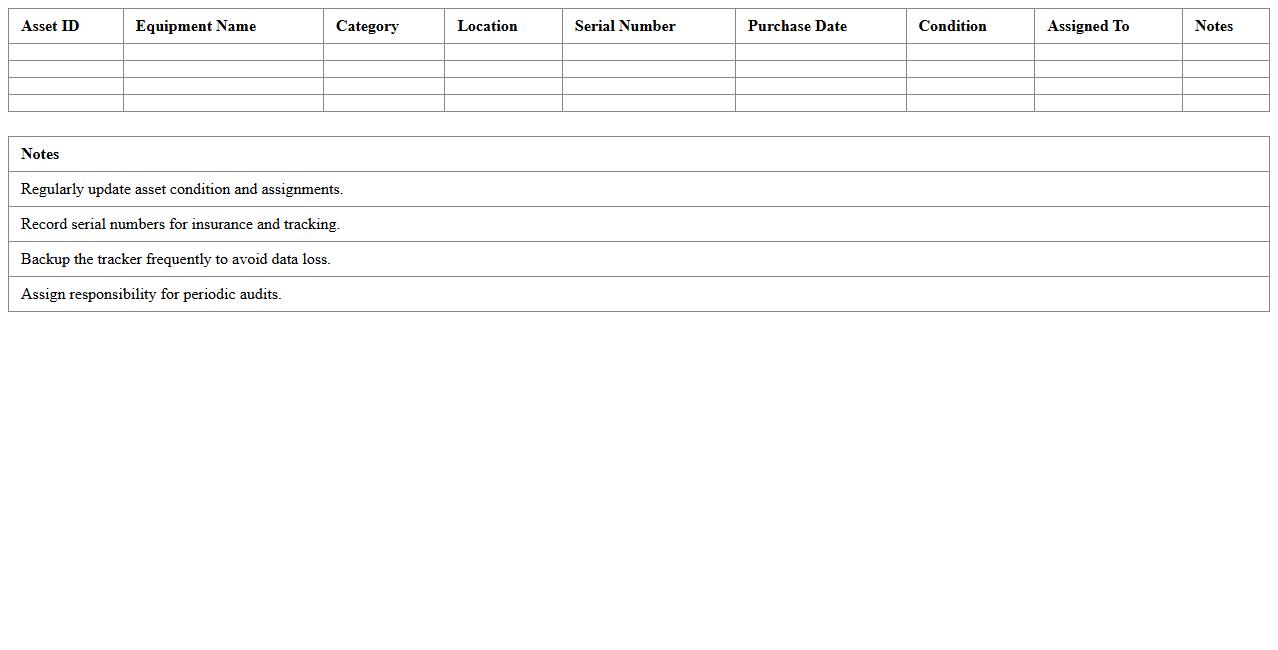
Classroom Equipment Asset Tracker Excel Template
The
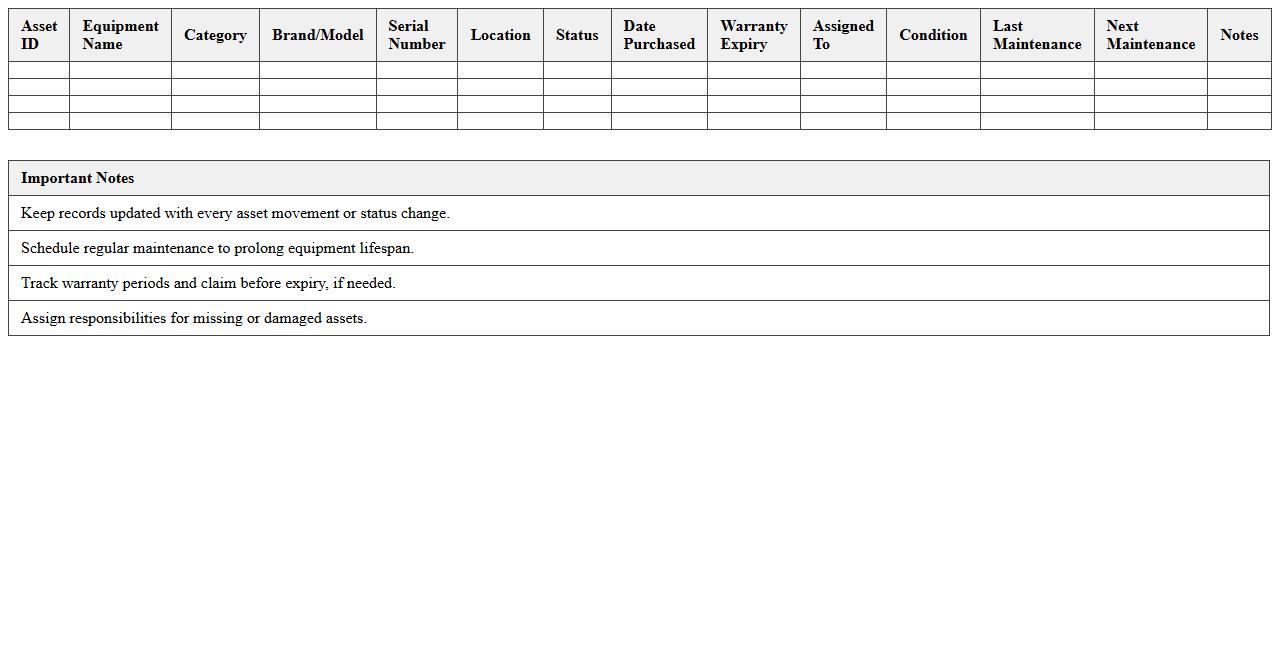
Classroom Equipment Asset Tracker Excel Template document serves as a comprehensive tool for managing and monitoring educational resources efficiently. It helps in organizing data related to classroom assets such as projectors, computers, lab equipment, and furniture, enabling accurate tracking of inventory, maintenance schedules, and depreciation. Utilizing this template streamlines asset management, reduces losses, and supports budget planning for schools and educational institutions.
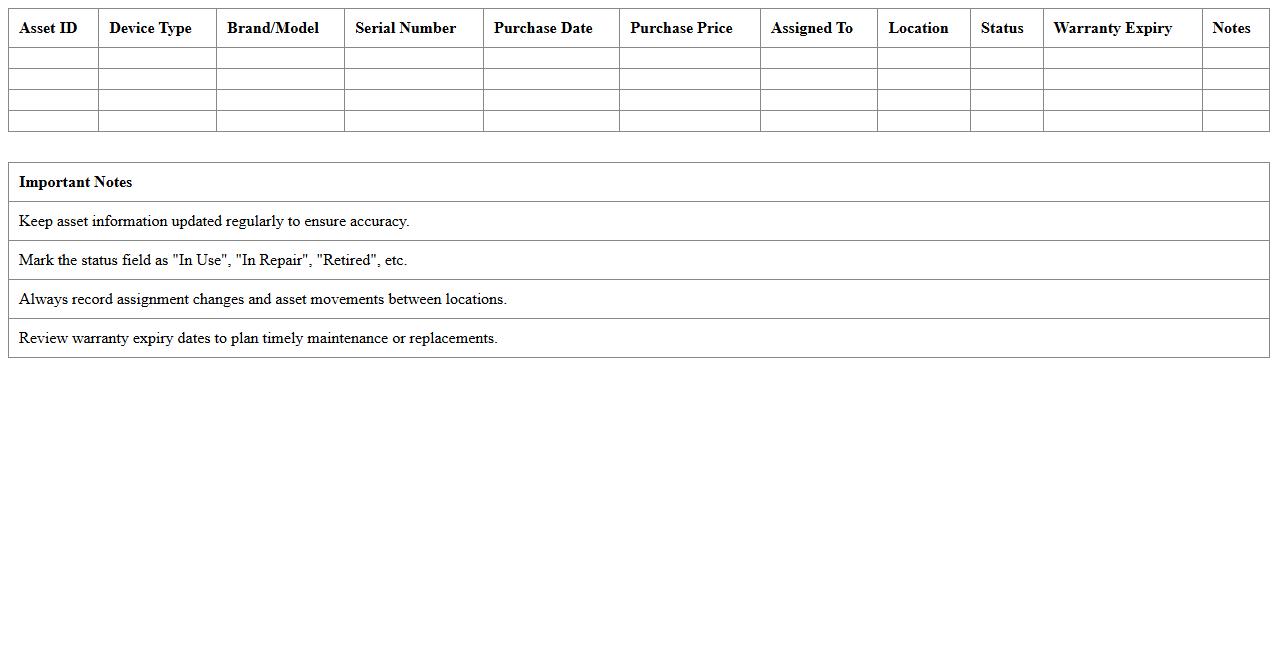
School Technology Asset Inventory Spreadsheet
A
School Technology Asset Inventory Spreadsheet is a detailed document that tracks all technological equipment and devices used within an educational institution, including laptops, tablets, projectors, and software licenses. This spreadsheet enhances asset management by providing easy access to information on equipment status, maintenance schedules, and ownership, ensuring efficient resource allocation and reducing losses. It supports budgeting and decision-making processes by offering clear insights into technology assets, helping schools maintain up-to-date resources for effective teaching and learning.
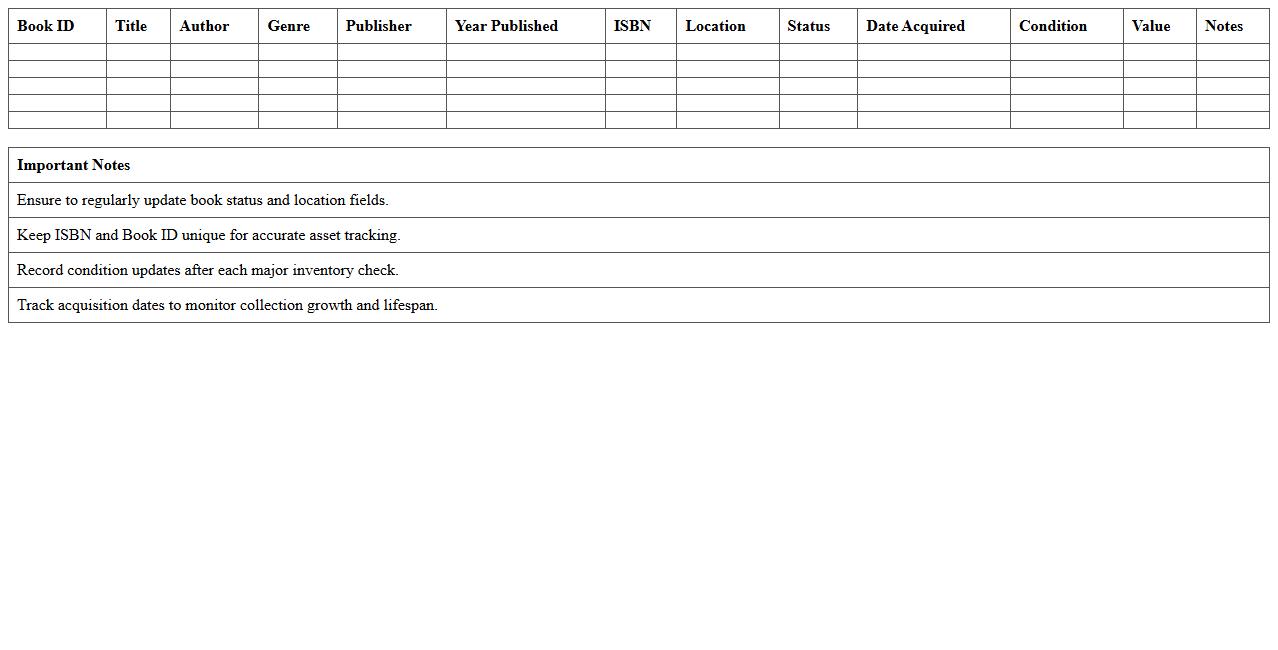
Library Book Asset Management Excel Template
The
Library Book Asset Management Excel Template is a structured document designed to track and organize library book inventories efficiently. It helps users monitor book availability, manage lending records, and streamline the cataloging process with customizable fields such as book title, author, quantity, and borrower details. This template enhances accuracy in maintaining up-to-date asset records, reduces manual errors, and improves overall library operational efficiency.
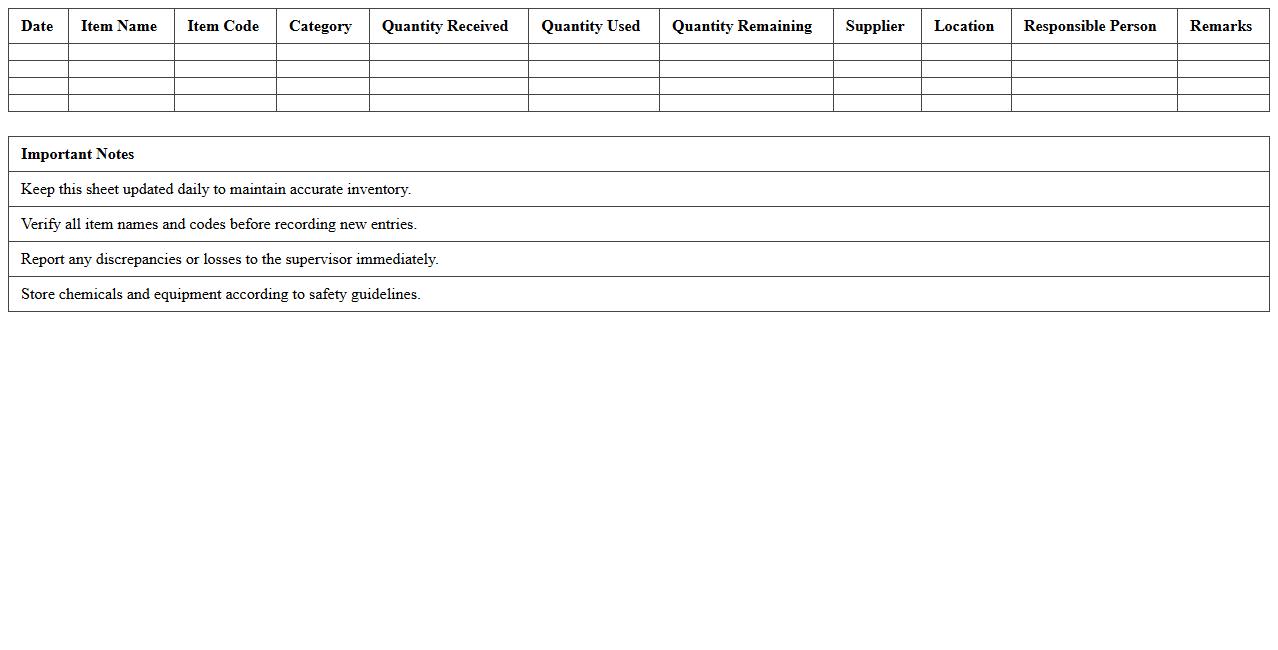
Laboratory Supplies Tracking Sheet for Schools
A
Laboratory Supplies Tracking Sheet for Schools is a detailed document designed to monitor and manage the inventory of scientific materials and equipment in educational laboratories. It helps maintain accurate records of stock levels, usage rates, and reorder points, ensuring that essential supplies are always available for experiments and lessons. This tracking tool improves budgeting efficiency, reduces waste, and supports a safe, organized learning environment by preventing shortages and expired materials.
School Furniture Asset Register Excel
A
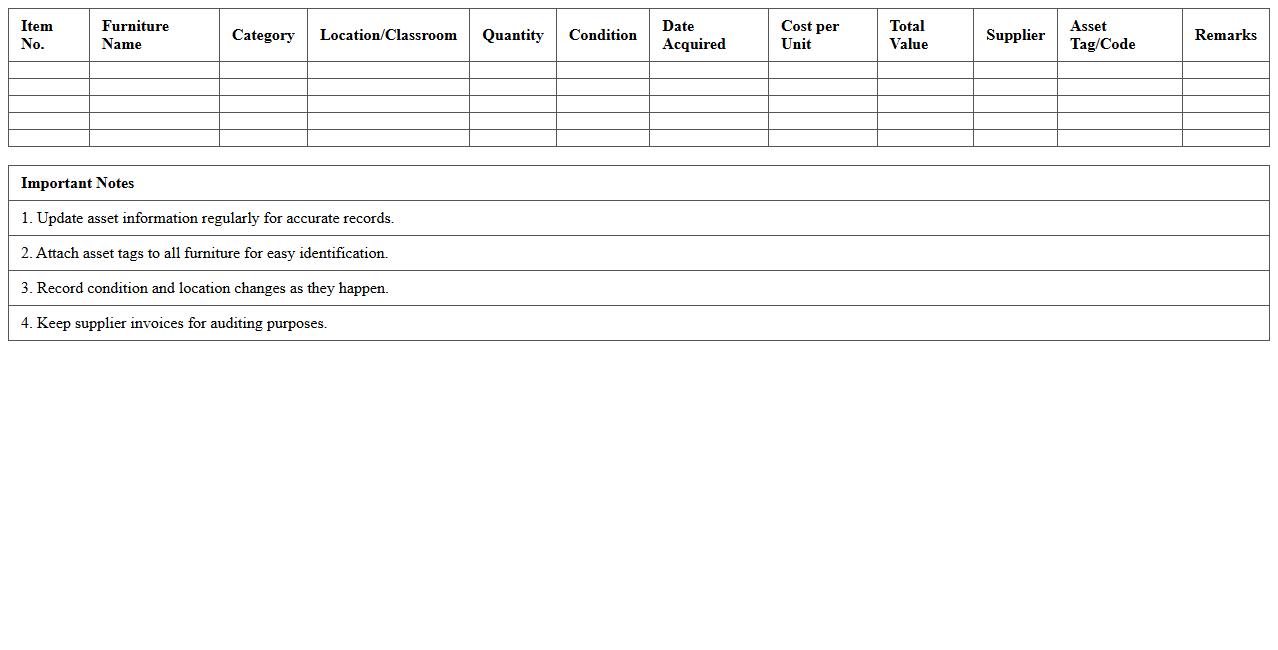
School Furniture Asset Register Excel document systematically records detailed information about all furniture items within a school, including quantities, purchase dates, conditions, and locations. This centralized database enhances asset management by facilitating efficient tracking, maintenance scheduling, and budget planning. Using this register helps schools optimize resource allocation, prevent losses, and ensure compliance with inventory audits.
Educational Institution IT Asset Log Template
The
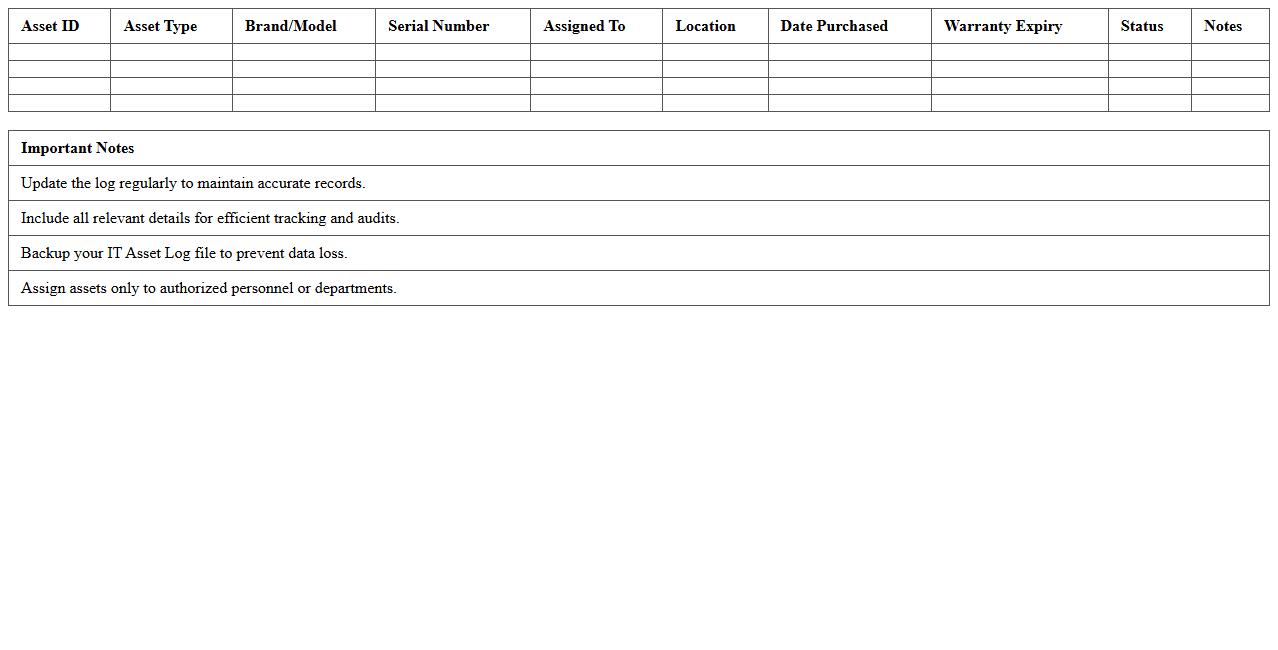
Educational Institution IT Asset Log Template document serves as a comprehensive tool to systematically record and track all technology assets within a school or university. It enables efficient management of hardware and software inventory, ensuring timely maintenance, updates, and replacements, thereby reducing downtime and enhancing operational productivity. This template supports transparency and accountability by providing a clear audit trail of IT assets, crucial for budgeting and compliance purposes.
Sports Equipment Asset Tracking Excel Sheet
A
Sports Equipment Asset Tracking Excel Sheet document is a specialized spreadsheet designed to systematically record and monitor sports gear inventory, including details like item types, quantities, purchase dates, and maintenance schedules. This tool enhances inventory management by preventing loss, ensuring timely maintenance, and optimizing resource allocation for sports teams or organizations. Using this sheet helps maintain accurate records and simplifies audits, reducing downtime and improving overall operational efficiency.
Student Device Assignment Tracker Excel Template
The
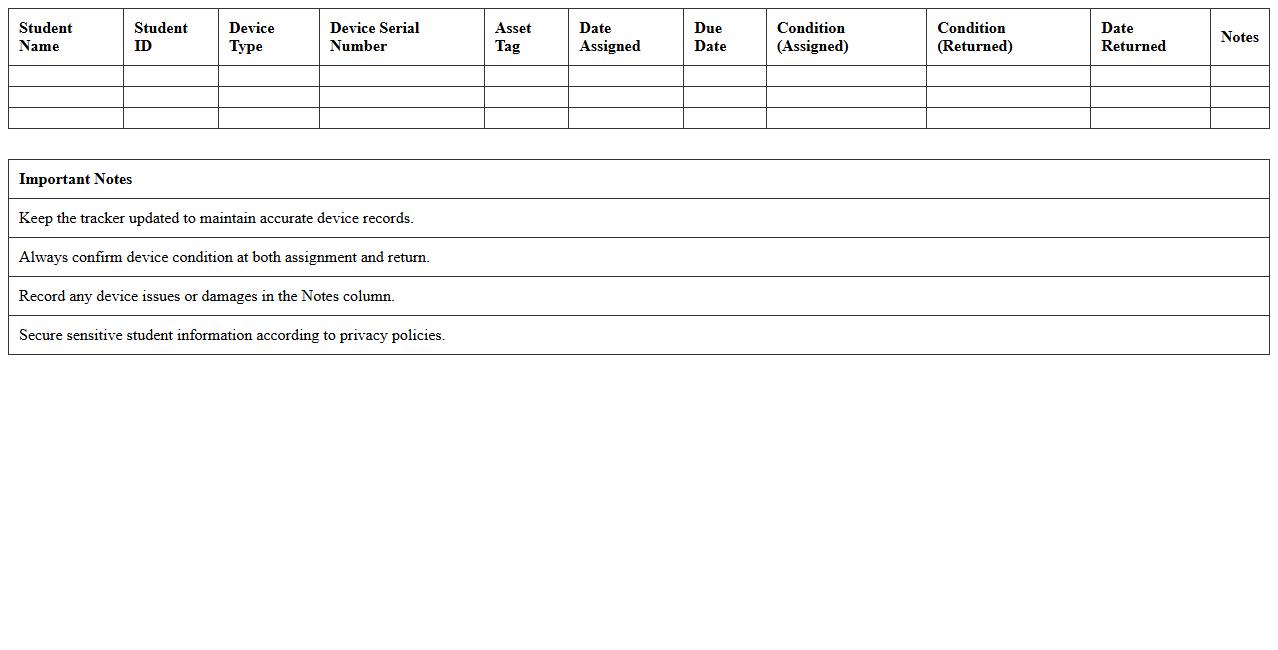
Student Device Assignment Tracker Excel Template is a practical tool designed to organize and monitor the allocation of electronic devices to students efficiently. It enables educators and administrators to record device details, assignment dates, student information, and return status, ensuring accountability and reducing loss or damage risks. This template streamlines device management processes, saving time and enhancing transparency in educational settings.
Audio-Visual Equipment Asset Management Spreadsheet
An
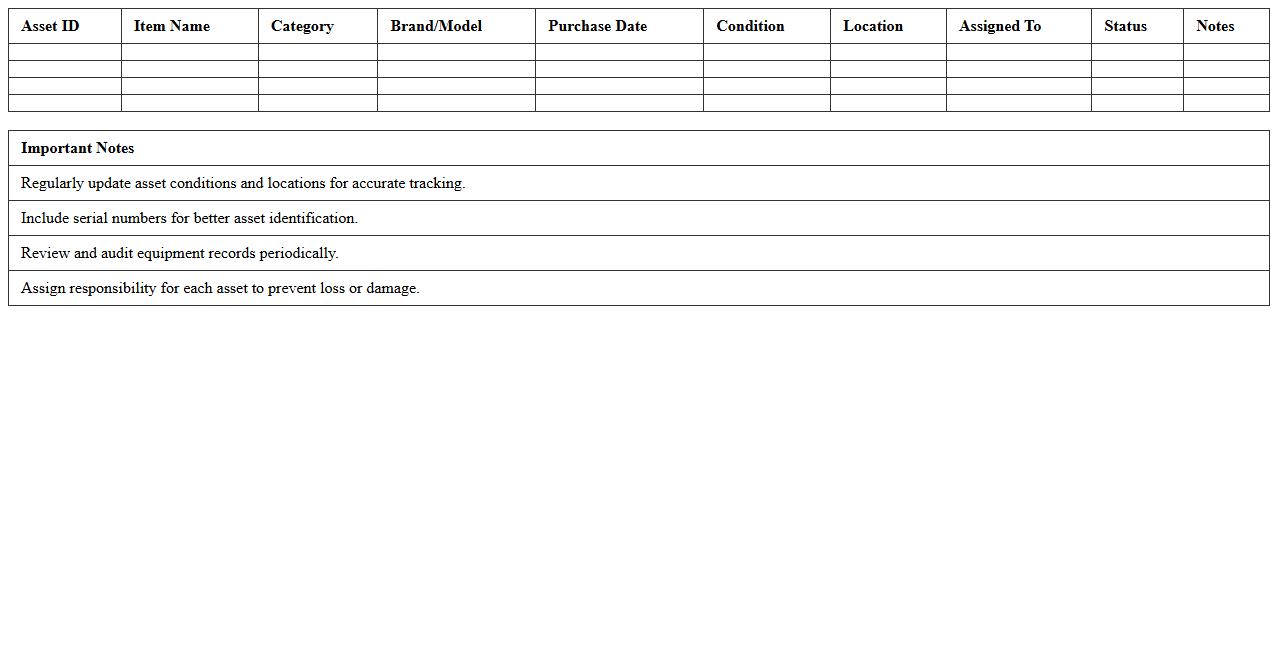
Audio-Visual Equipment Asset Management Spreadsheet document is a centralized tool designed to track, organize, and monitor audiovisual assets such as cameras, microphones, projectors, and sound systems. It facilitates maintenance scheduling, depreciation tracking, and location management, which helps prevent loss and optimize resource allocation. By providing real-time insights into equipment status and inventory levels, this spreadsheet improves operational efficiency and supports budget planning for audiovisual departments.
Campus Facility Maintenance Asset Log Excel Template
The
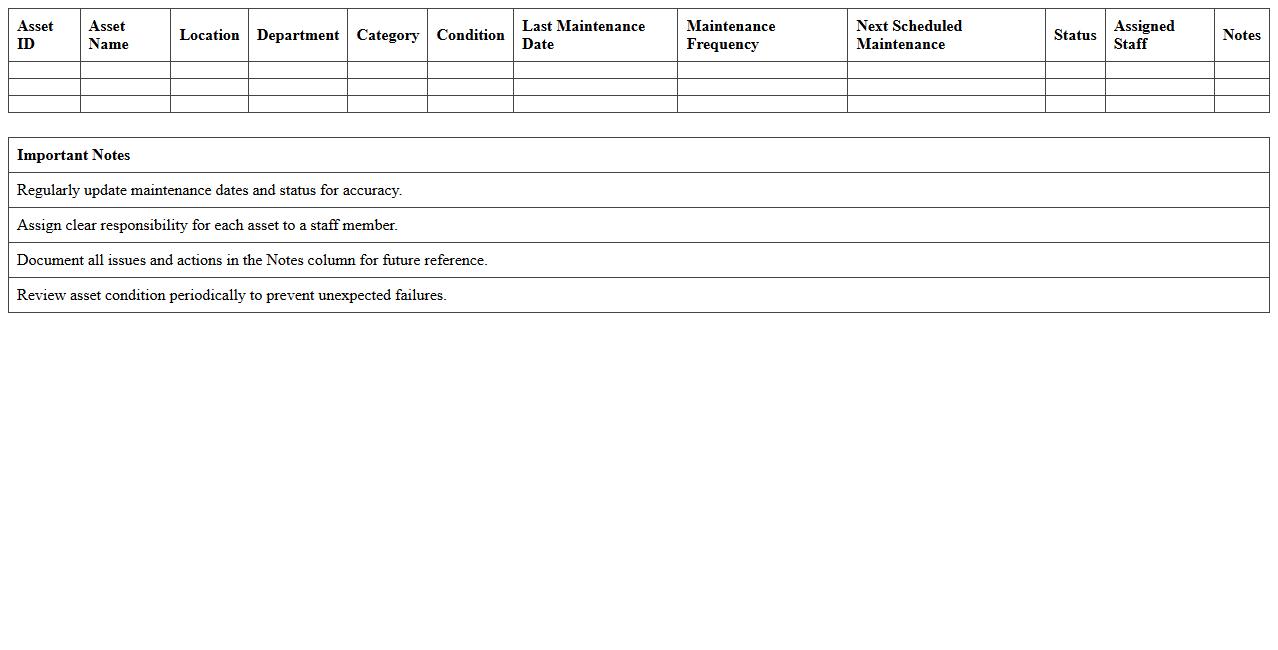
Campus Facility Maintenance Asset Log Excel Template is a structured spreadsheet designed to track and manage all maintenance assets within a campus environment, including equipment, machinery, and infrastructure details. It enhances operational efficiency by organizing asset information, scheduling maintenance tasks, and recording repair histories, which aids in preventing unexpected breakdowns and optimizing resource allocation. This template supports facility managers in ensuring compliance with safety standards and extending the lifespan of critical campus assets.
How can Asset Tracking Excel templates be customized for school-specific asset categories?
Asset Tracking Excel templates can be customized by adding columns specific to school asset categories such as textbooks, furniture, and sports equipment. Users can create drop-down lists for easy selection of these categories, improving data consistency and organization. Customizing templates enables schools to tailor the tracking system to their unique inventory needs efficiently.
What features in Excel help track IT equipment assigned to faculty and students?
Excel features like data validation and conditional formatting help monitor IT equipment assigned to faculty and students with accuracy. Creating unique identifiers and using VLOOKUP formulas allow quick retrieval of asset details and assignment history. These tools facilitate clear tracking of device distribution and maintenance schedules.
How does Asset Tracking Excel support depreciation calculations for laboratory apparatus?
Excel supports depreciation calculations through built-in financial functions such as SLN (straight-line) and DB (declining balance). Users can input purchase cost, useful life, and salvage value to automatically calculate the asset's current value over time. This feature aids schools in budgeting and maintaining accurate financial records for laboratory assets.
What methods ensure secure access and update audit trails within asset registers?
Secure access in Excel can be ensured by setting password protection on the asset register workbook or worksheet. Utilizing Excel's track changes and version history features enables creation of an audit trail to monitor who edited asset information and when. Combining these methods enhances data integrity and accountability in asset management.
How can barcode scanning integration improve asset entry accuracy in school Excel records?
Integrating barcode scanning with Excel minimizes manual data entry errors by allowing direct input of asset details via scanner. This speeds up the process of logging new assets and updating existing records with precise identification codes. Barcode integration ensures consistency and reliability in maintaining school asset inventories.