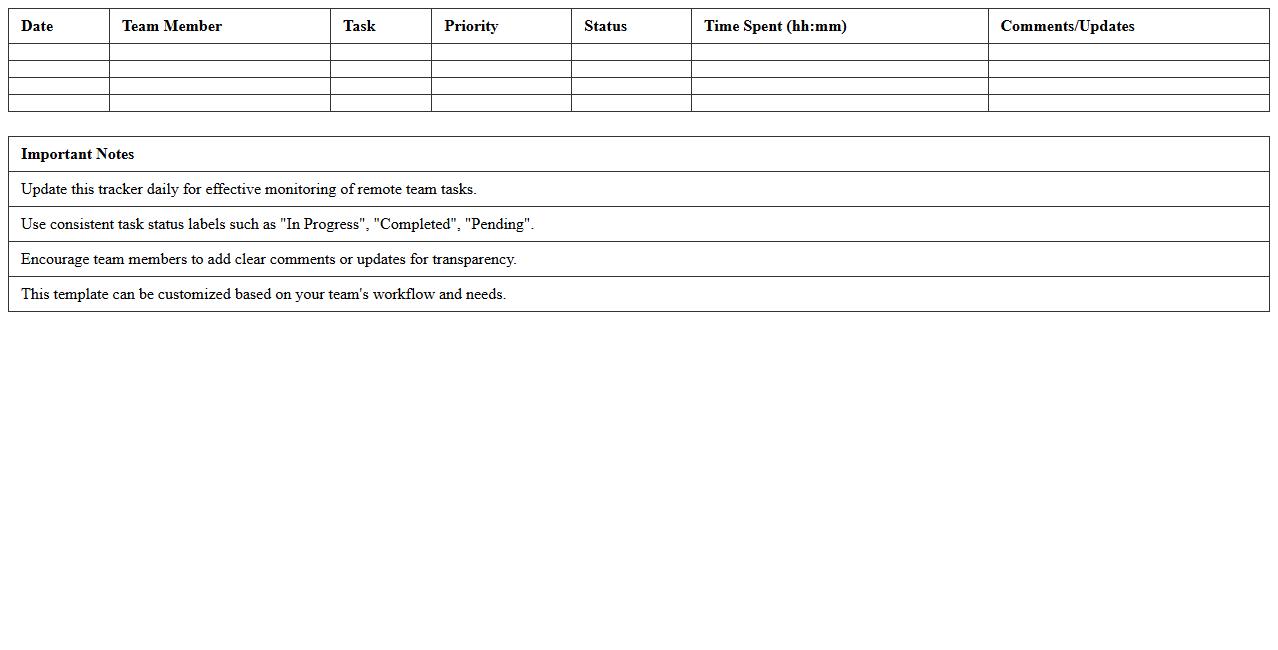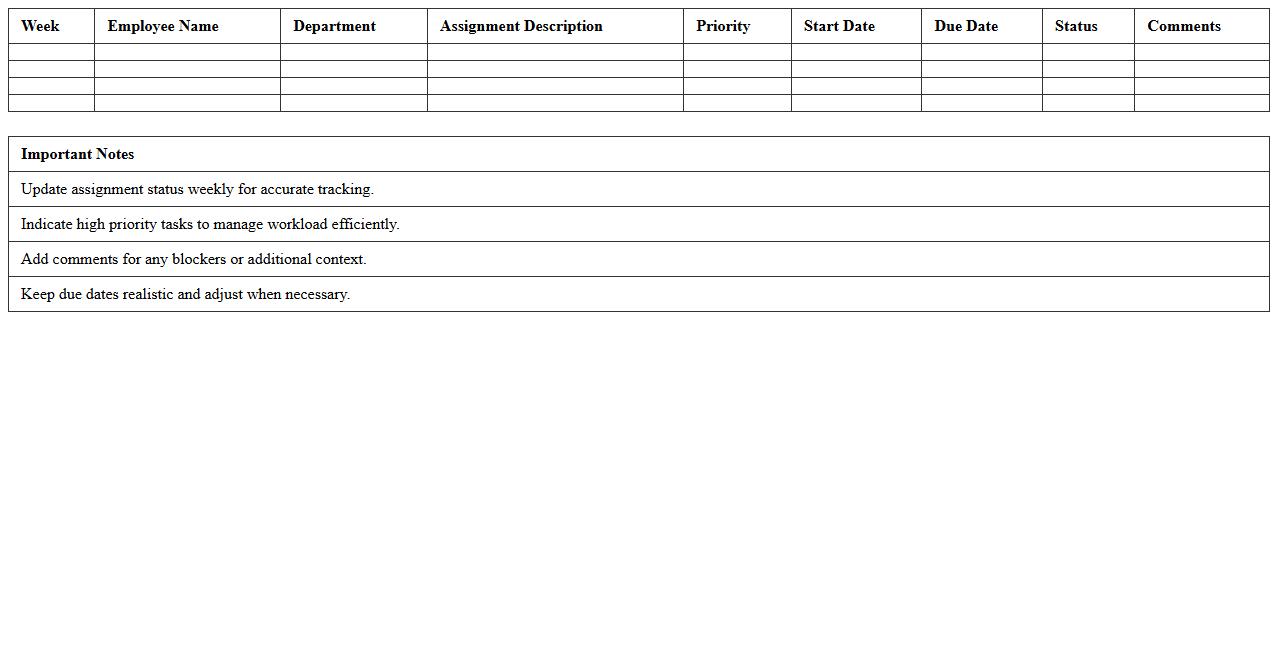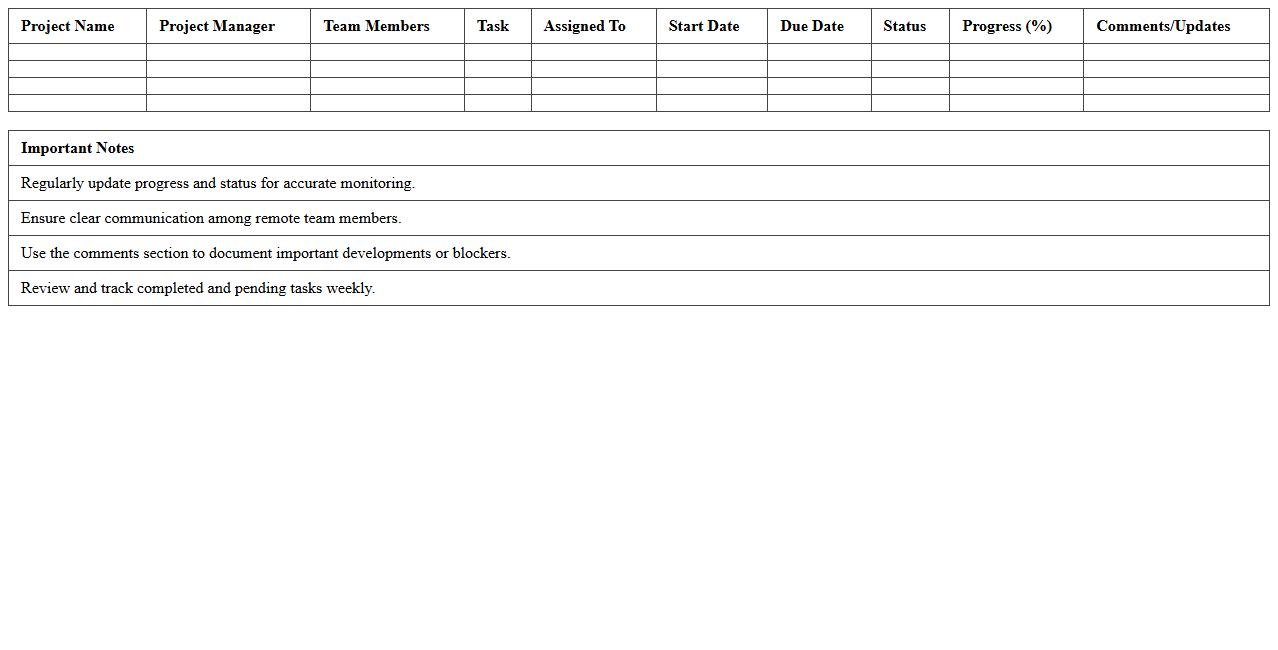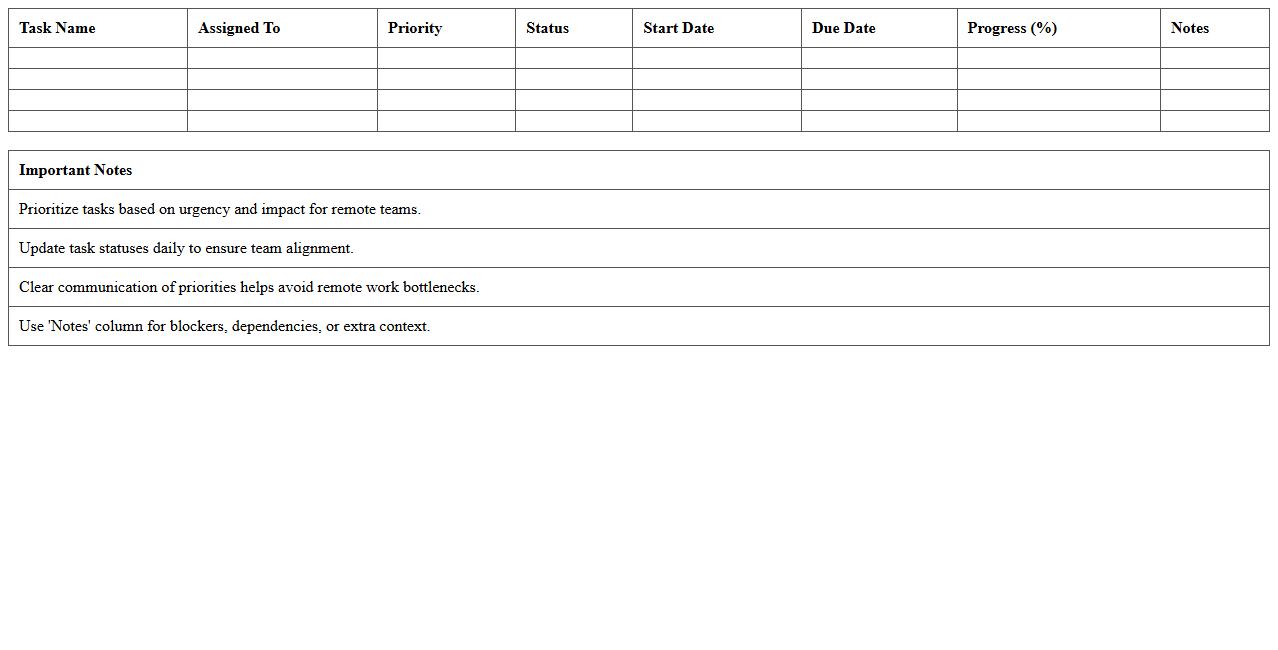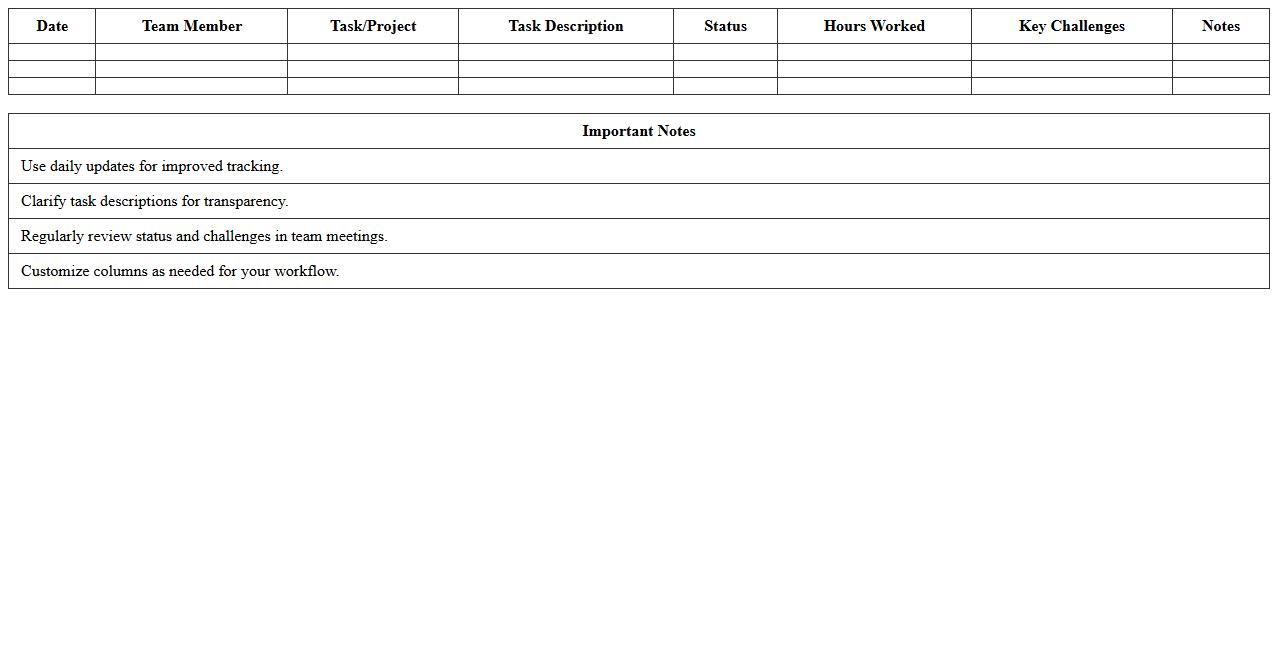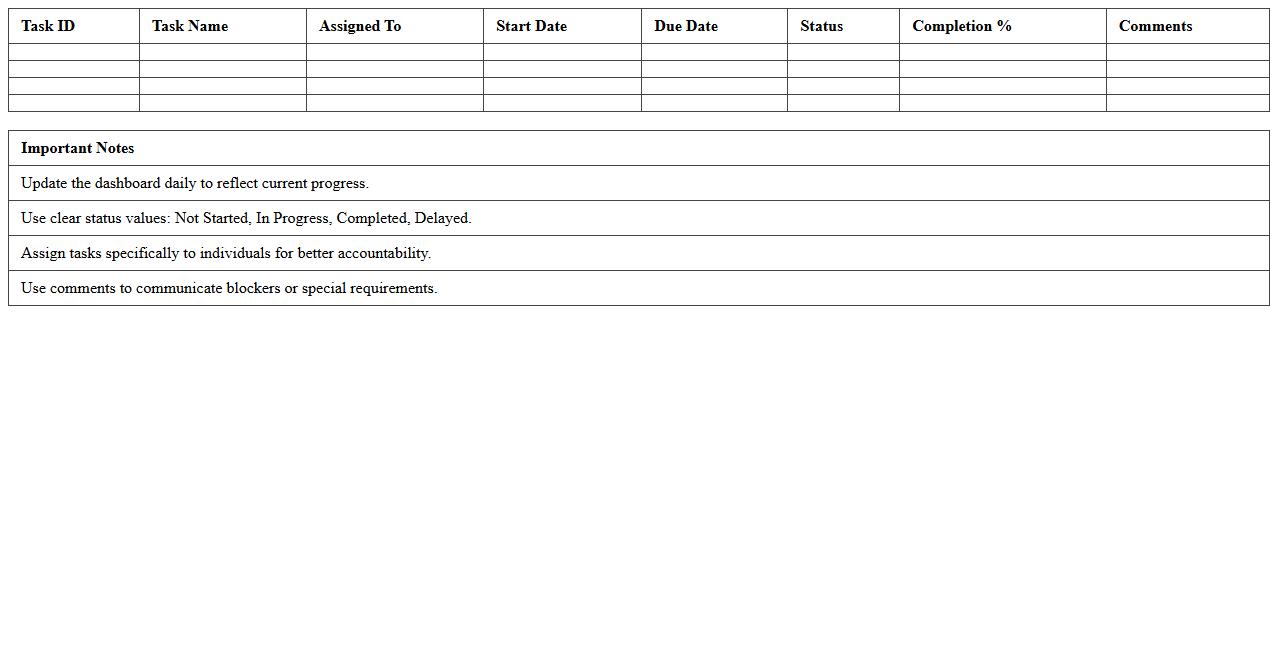
The Task Tracking Excel Template for Remote Teams enhances collaboration by organizing and monitoring tasks efficiently across different locations. It features customizable columns and progress indicators to streamline project management and ensure accountability. This template helps remote teams stay aligned and meet deadlines with ease.
Daily Remote Team Task Tracker Excel Template
The
Daily Remote Team Task Tracker Excel Template document is a structured tool designed to monitor and manage daily tasks of remote team members efficiently. It helps in organizing work progress, ensuring accountability, and enhancing communication by providing clear visibility of each team member's responsibilities and deadlines. This template supports productivity optimization by allowing managers to track performance metrics and prioritize tasks effectively in a remote work environment.
Weekly Remote Work Assignment Tracker Spreadsheet
The
Weekly Remote Work Assignment Tracker Spreadsheet is a practical tool designed to monitor and manage tasks assigned to remote employees on a weekly basis. It helps organizations maintain clear visibility of project progress, deadlines, and individual responsibilities, ensuring accountability and productivity in distributed work environments. By consolidating task details, timelines, and employee updates in one centralized document, teams can improve communication and efficiently track remote work performance.
Remote Project Progress Monitoring Excel Sheet
A
Remote Project Progress Monitoring Excel Sheet is a digital tool designed to track project milestones, task completion, and resource allocation from different locations. It enables teams and managers to update and review project status in real-time, ensuring transparency and timely decision-making regardless of physical distance. By streamlining communication and documentation, this sheet enhances productivity and helps prevent delays in complex, multi-location projects.
Remote Team Task Priority Management Template
A
Remote Team Task Priority Management Template document is a structured tool designed to organize, prioritize, and track tasks for distributed teams working in different locations. It helps enhance productivity by clearly defining task urgency, assigning responsibilities, and monitoring progress in real-time. This template reduces communication gaps, ensures alignment on deadlines, and streamlines workflow management across remote team members.
Remote Employee Task Status Reporting Excel
The
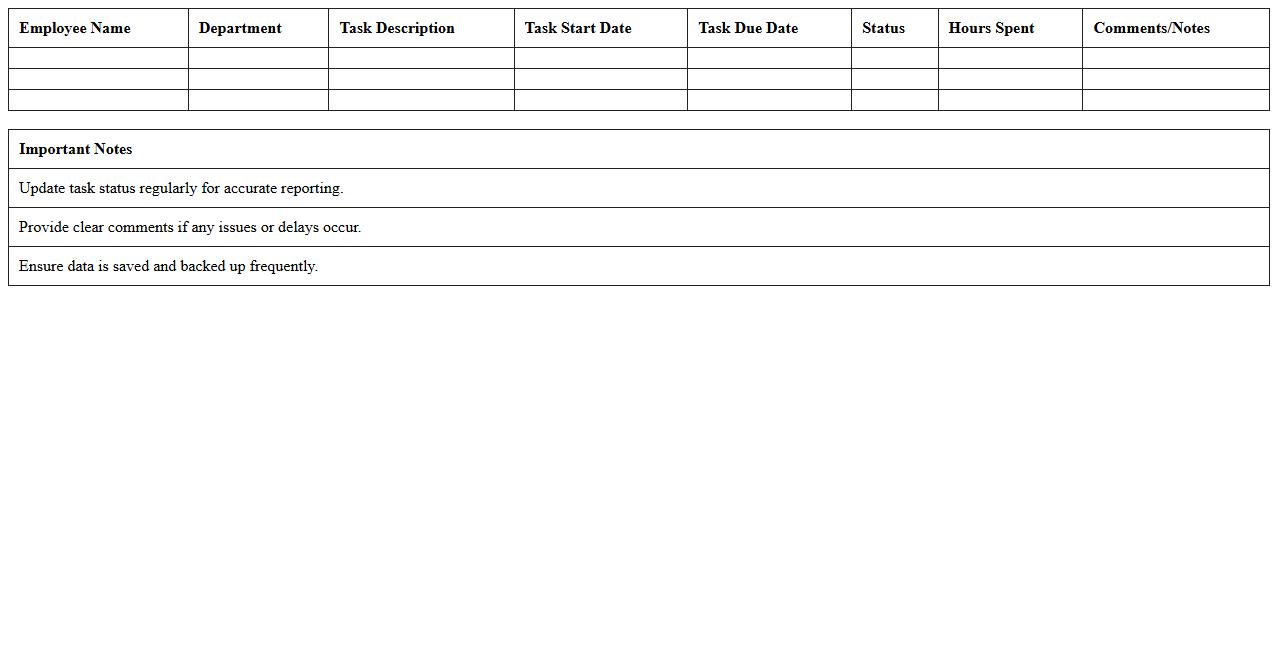
Remote Employee Task Status Reporting Excel document is a structured tool designed to track and update the progress of tasks assigned to remote employees in real-time. It enables managers to monitor productivity, identify bottlenecks, and ensure timely completion of projects by providing clear visibility of task statuses such as pending, in progress, or completed. This centralized reporting format enhances communication, accountability, and informed decision-making within remote work environments.
Virtual Team Workload Distribution Tracker Excel
The
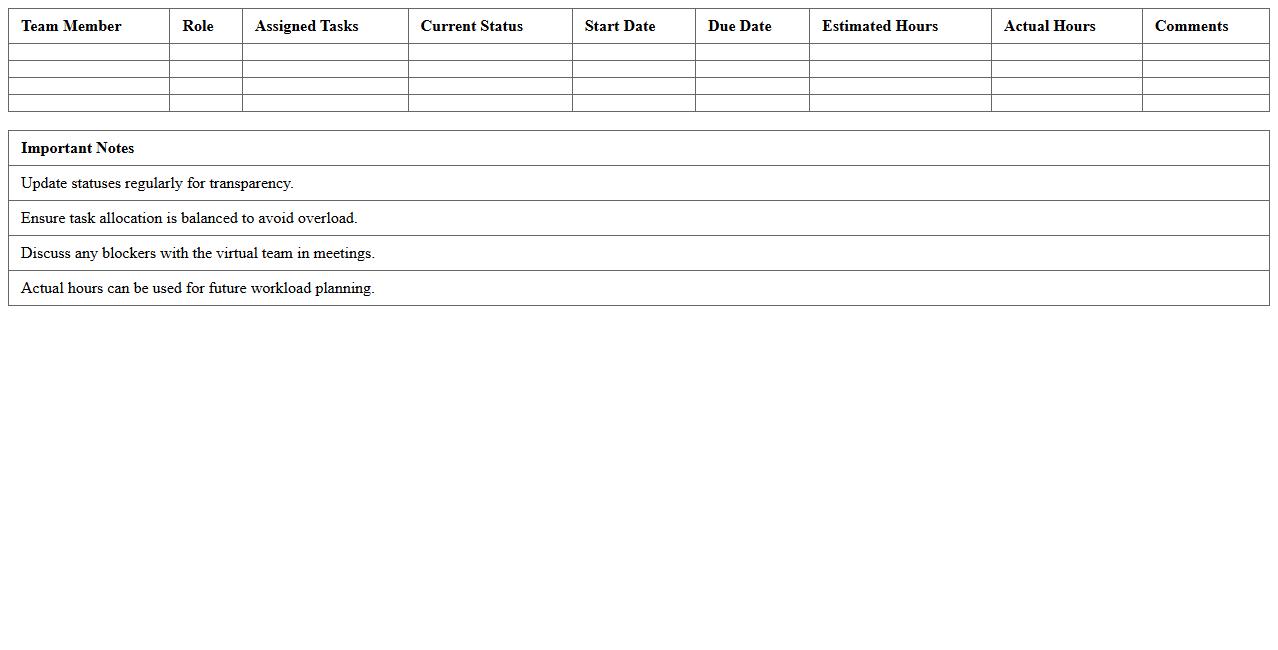
Virtual Team Workload Distribution Tracker Excel document is a powerful tool designed to monitor and balance task assignments among remote team members efficiently. It helps project managers visualize workload disparities, optimize resource allocation, and enhance productivity by preventing overburdening or underutilization of employees. This Excel tracker supports real-time updates and detailed reporting, ensuring transparent communication and streamlined collaboration across virtual teams.
Remote Collaboration Task Checklist Excel
The
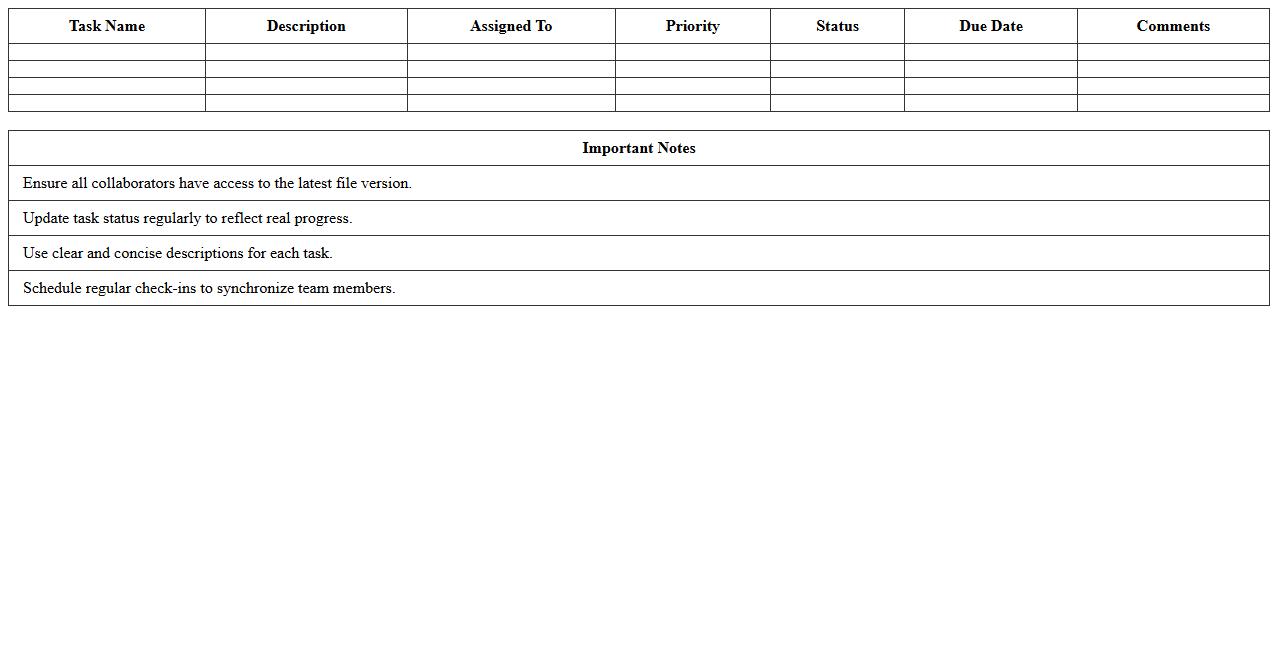
Remote Collaboration Task Checklist Excel document is a structured tool designed to organize, track, and manage tasks across distributed teams effectively. It allows users to assign responsibilities, set deadlines, and monitor progress in real-time, ensuring accountability and enhancing communication. By streamlining task management digitally, it boosts productivity and minimizes the risks of miscommunication in remote work environments.
Distributed Team Task Scheduling Excel Template
The
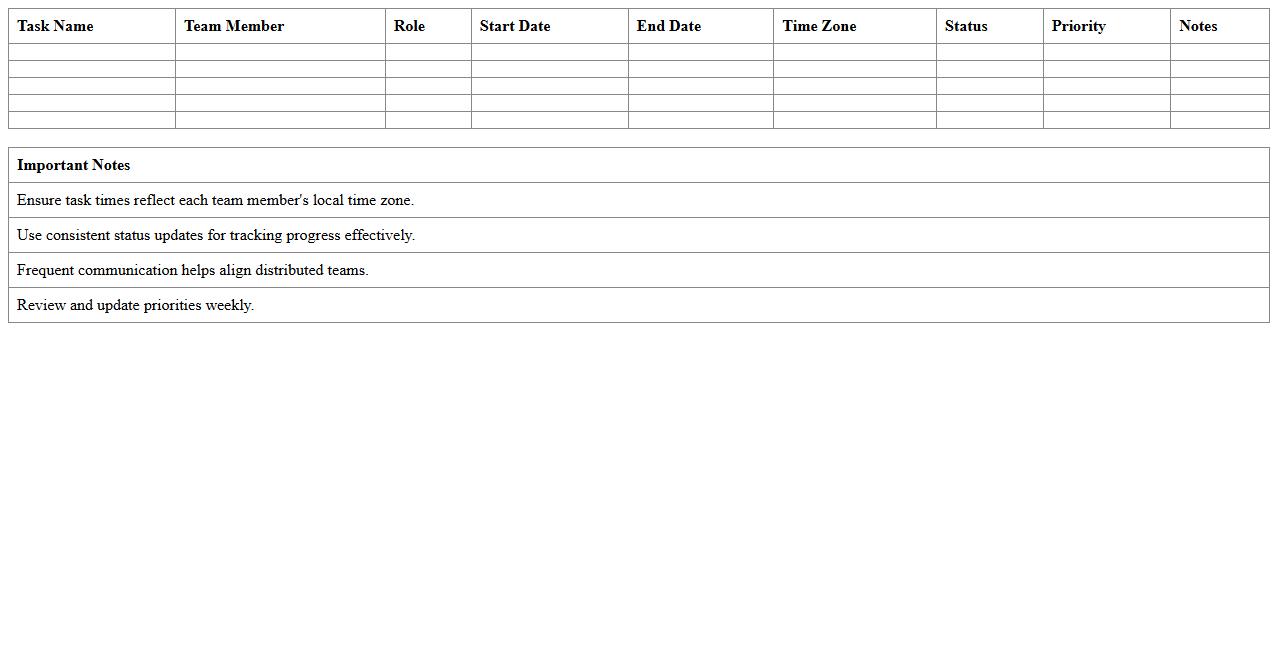
Distributed Team Task Scheduling Excel Template is a powerful tool designed to organize and allocate tasks efficiently across multiple remote or on-site team members. It enables clear visibility of deadlines, progress tracking, and resource allocation, ensuring seamless collaboration in distributed work environments. By using this template, teams can enhance productivity, avoid task overlaps, and maintain accountability through a centralized scheduling system.
Remote Team Productivity Monitoring Spreadsheet
A
Remote Team Productivity Monitoring Spreadsheet is a tool designed to track and analyze the performance of remote employees by logging tasks, hours worked, and project progress in real time. It enables managers to identify bottlenecks, allocate resources effectively, and maintain accountability within distributed teams. This spreadsheet enhances collaboration and ensures consistent productivity by providing clear visibility into each team member's contributions and deadlines.
Remote Task Completion Dashboard Excel Template
The
Remote Task Completion Dashboard Excel Template is a powerful tool designed to track, manage, and visualize the progress of remote work tasks efficiently. It consolidates task status, deadlines, and employee productivity into an interactive dashboard, enabling managers to monitor performance and identify bottlenecks in real-time. This template enhances remote team collaboration by providing clear insights and improving task accountability across distributed work environments.
How can conditional formatting highlight overdue tasks in the Task Tracking Excel for remote teams?
Conditional formatting uses rules to automatically change the appearance of cells based on specific criteria, such as task deadlines. By setting a rule that compares task dates with the current date, overdue tasks can be highlighted in red or another prominent color. This visual cue helps remote teams quickly identify and prioritize tasks that require immediate attention.
What formula tracks individual team member productivity in a shared document letter?
The SUMIF function is an effective Excel formula to track individual productivity by summing task completions based on a team member's name. In a shared document, this formula dynamically calculates total completed tasks or hours logged by filtering relevant data entries. Using this approach, managers can monitor and assess each team member's contribution seamlessly.
How to automate email reminders for pending tasks using Excel and Outlook integration?
Automating email reminders involves using VBA macros to connect Excel with Outlook, enabling task-based emails to be sent automatically. The macro scans for tasks marked as pending or approaching deadlines, then generates and sends reminder emails to assigned team members. This integration streamlines communication and ensures timely task follow-up without manual intervention.
Which Excel functions best visualize task completion rates for distributed teams?
Functions such as PIVOT TABLES and CHARTS (bar, pie, and line charts) effectively visualize task completion rates, offering at-a-glance project status. By summarizing data and displaying progress graphically, distributed teams can track performance trends and identify bottlenecks. This visual representation enhances collaboration and decision-making across remote locations.
How can access permissions be managed for sensitive task details in a collaborative Excel file?
Access permissions in Excel files can be managed through password protection and applying file-level or worksheet-level restrictions. Using features like "Protect Sheet" or "Protect Workbook" limits editing capabilities to authorized users, safeguarding sensitive task information. Employing cloud platforms like OneDrive or SharePoint provides additional granular control over file sharing and permission settings.
More Tracking Excel Templates