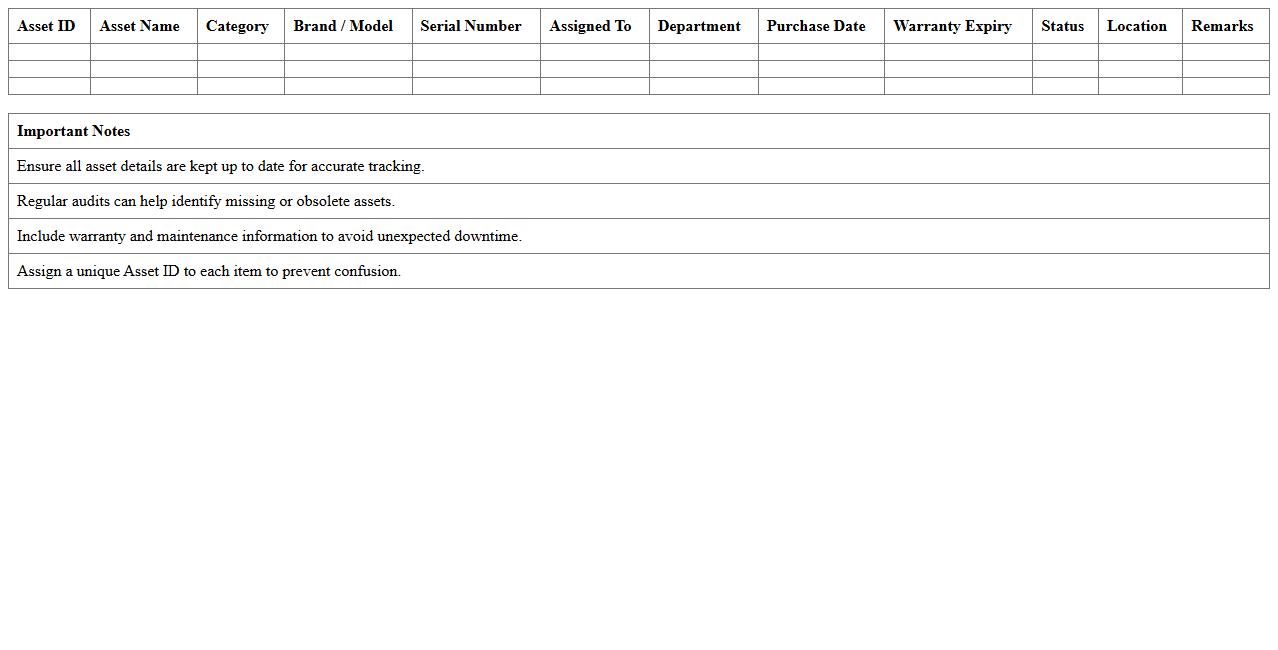
IT Asset Inventory Tracking Excel Template
An
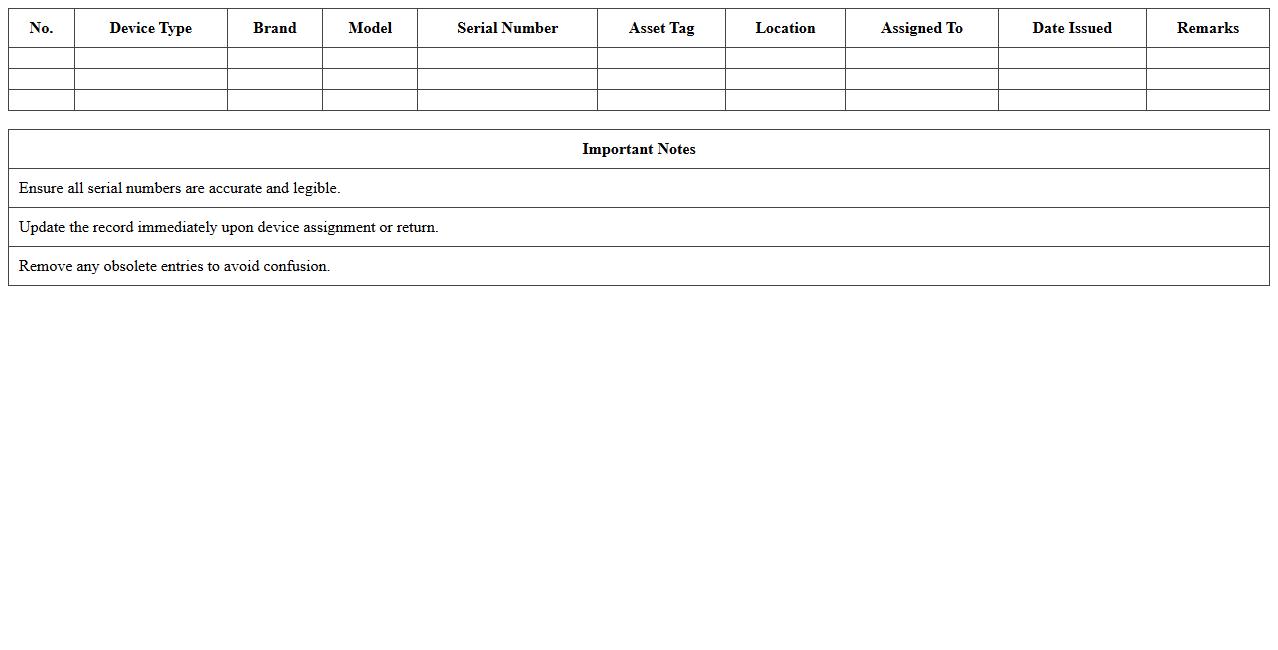
IT Asset Inventory Tracking Excel Template document serves as a structured tool to record and monitor all hardware, software, and network assets within an organization. It helps in maintaining accurate asset details such as purchase dates, warranty status, location, and user assignment, optimizing resource management and minimizing loss or theft. By enabling real-time updates and easy reporting, this template supports informed decision-making and efficient IT asset lifecycle management.
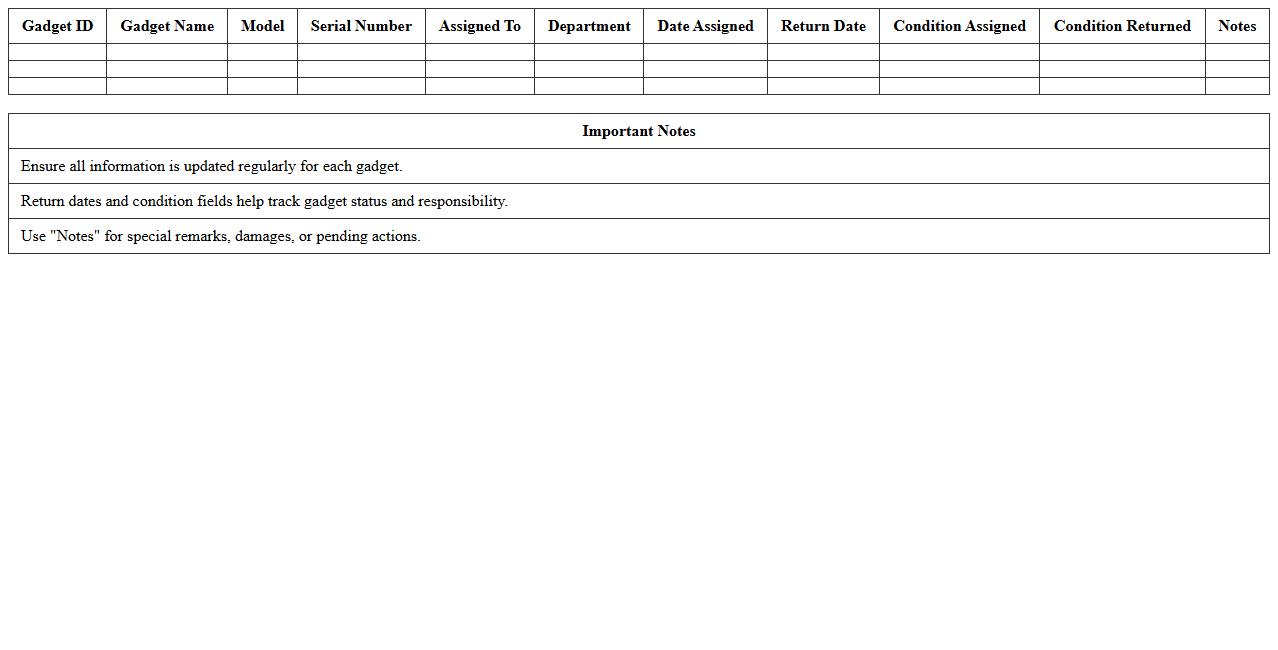
Gadget Assignment Log Spreadsheet
The
Gadget Assignment Log Spreadsheet document is a systematic tool designed to track the allocation and usage of electronic devices within an organization. It records essential data such as gadget type, assigned user, date of assignment, and return status, helping prevent device loss and ensuring accountability. This organized inventory management enhances operational efficiency by providing quick access to up-to-date information on gadget distribution.
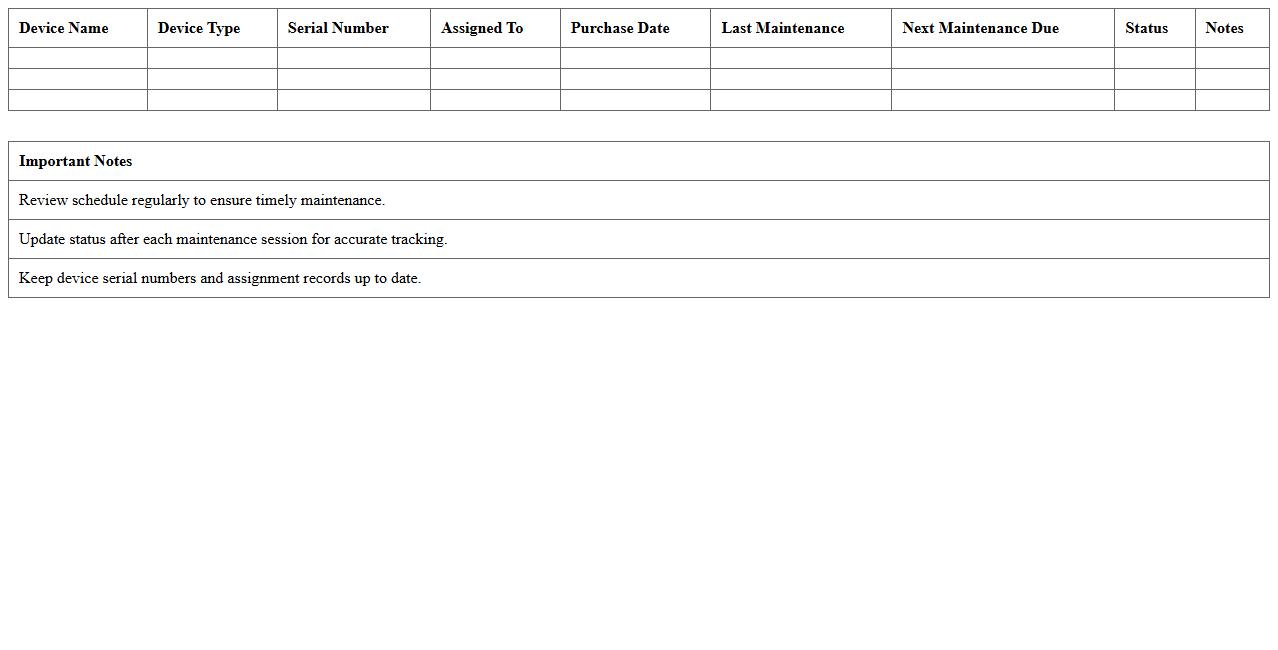
Tech Device Maintenance Schedule Excel
A
Tech Device Maintenance Schedule Excel document is a structured spreadsheet used to track and organize regular maintenance tasks for various technology devices, including computers, servers, printers, and network equipment. It helps ensure timely updates, repairs, and performance checks, reducing downtime and extending device lifespan. This tool is essential for IT managers and technicians to maintain operational efficiency and avoid unexpected failures through proactive maintenance planning.
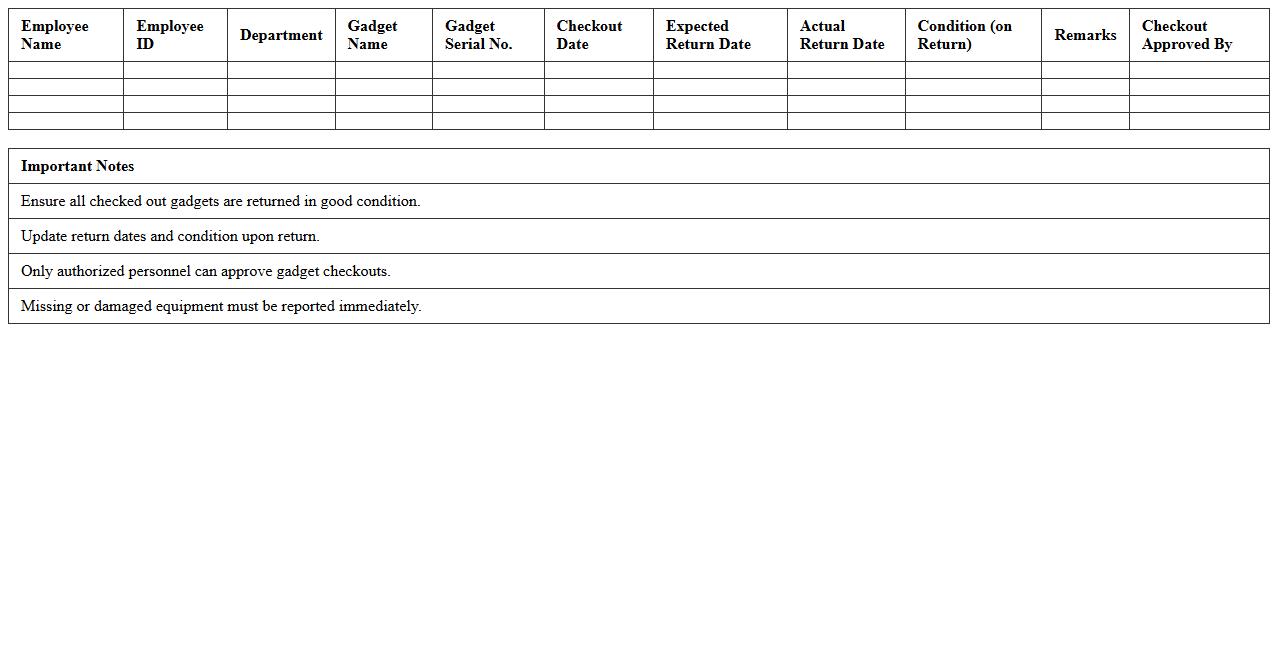
Employee Gadget Checkout Tracker
The
Employee Gadget Checkout Tracker document is a systematic record used to monitor the allocation and return of devices such as laptops, tablets, and smartphones issued to employees. This tool enhances asset management by reducing loss, preventing unauthorized usage, and streamlining the tracking process for IT departments. It is useful for maintaining accurate inventory, ensuring accountability, and improving operational efficiency within an organization.
IT Equipment Lifecycle Management Template
An
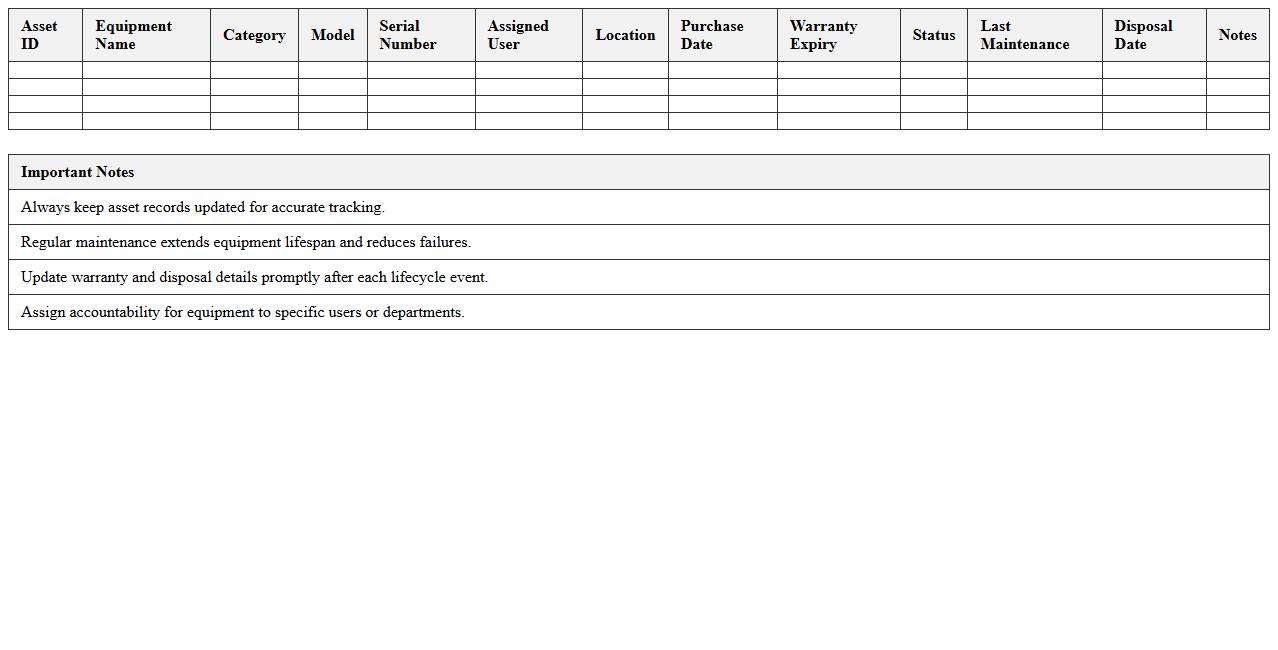
IT Equipment Lifecycle Management Template document systematically tracks the stages of IT assets from acquisition to disposal, ensuring effective resource planning and cost control. It provides clear guidelines for maintenance schedules, upgrade timelines, and compliance requirements, helping organizations maximize equipment lifespan and minimize downtime. Utilizing this template enhances accountability and streamlines asset management processes, leading to improved operational efficiency and reduced total cost of ownership.
Tech Device Warranty Tracking Sheet
A
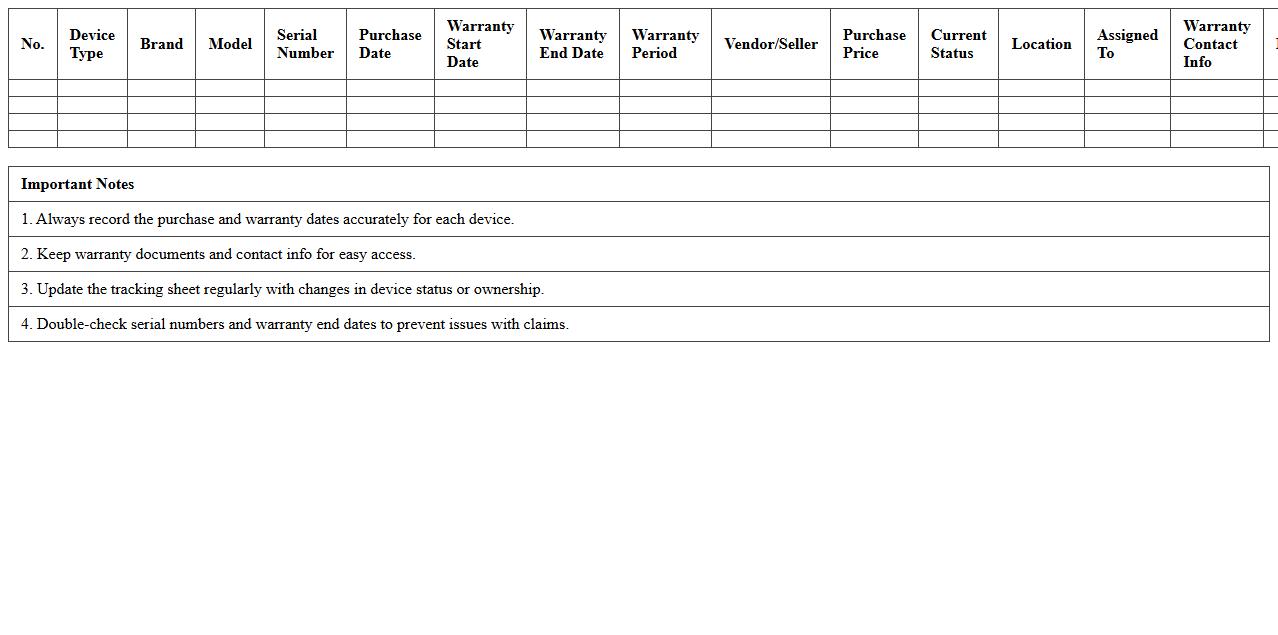
Tech Device Warranty Tracking Sheet is a comprehensive document used to monitor and organize warranty information for electronic devices, including purchase dates, warranty periods, and service details. It helps users efficiently manage repair timelines and ensures timely claims, reducing the risk of missed warranty benefits. By providing a centralized overview, this sheet enhances accountability and maintenance planning for all tech equipment.
Lost & Damaged Tech Device Register
The
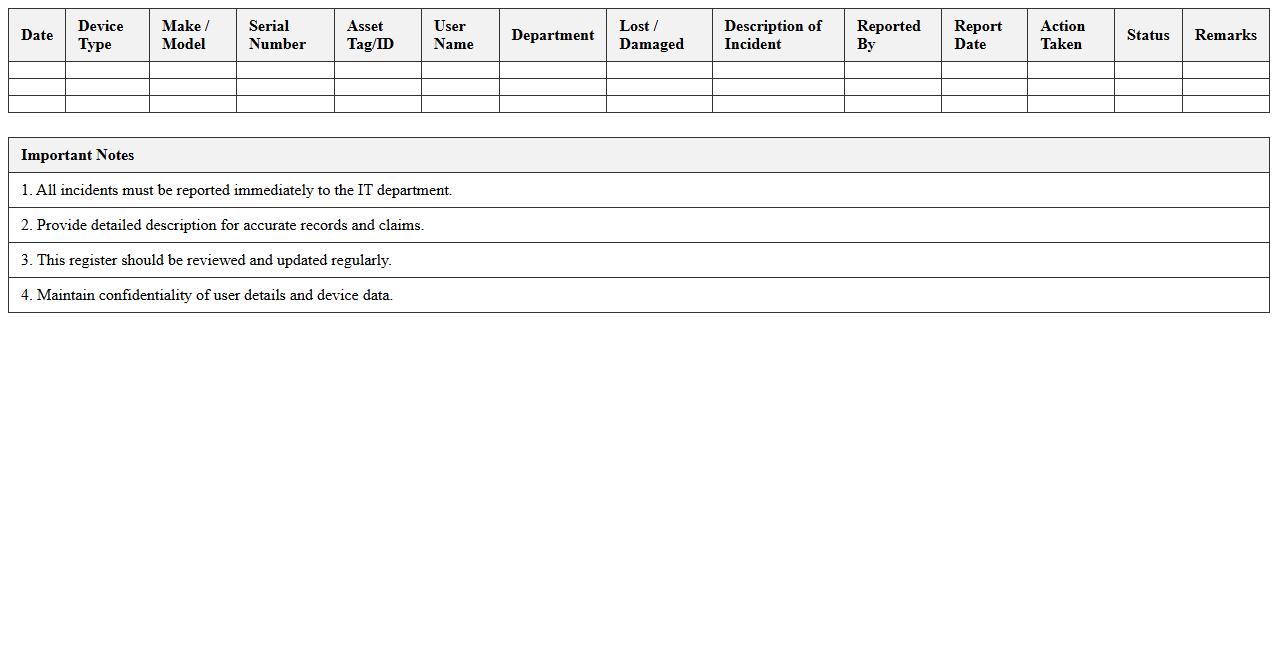
Lost & Damaged Tech Device Register document is a systematic record that tracks all incidents of lost, stolen, or damaged technology devices within an organization. It helps maintain accountability, streamlines the replacement or repair processes, and provides valuable data for identifying patterns or recurring issues. By using this register, companies can reduce losses, enhance device management, and improve overall operational efficiency.
Software License & Hardware Asset Tracker
A
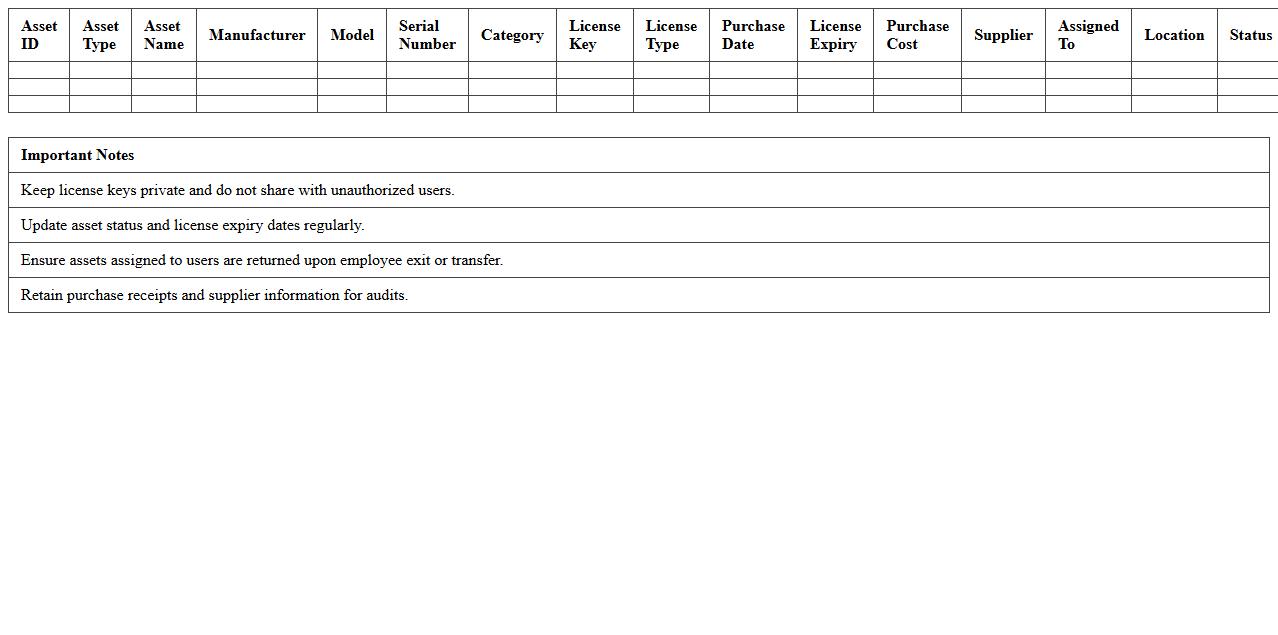
Software License & Hardware Asset Tracker document systematically records all software licenses and physical hardware assets within an organization, enabling efficient management and compliance monitoring. This tool helps prevent unauthorized software usage, reduces legal risks, and optimizes IT spending by providing clear visibility into license expirations and hardware inventory status. Maintaining an updated tracker supports informed decision-making for procurement, upgrades, and audits, ensuring operational continuity and cost control.
Device Serial Number Record Excel
A
Device Serial Number Record Excel document is a structured spreadsheet that catalogs unique identifiers assigned to individual devices, enabling efficient tracking and management of equipment. This document facilitates quick access to device history, warranty status, and maintenance schedules, enhancing operational efficiency and asset accountability. Organizations leverage this record to minimize losses, streamline inventory audits, and support regulatory compliance through accurate device documentation.
Departmental Tech Device Allocation Log
The
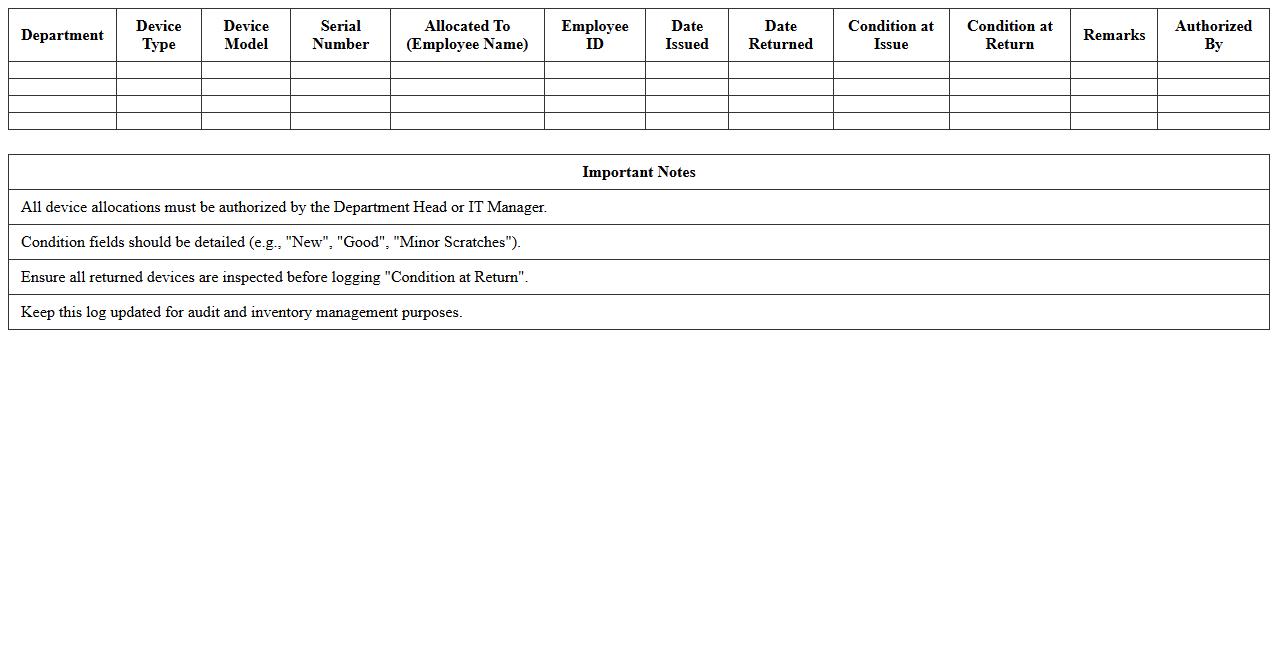
Departmental Tech Device Allocation Log is a detailed record that tracks the distribution and usage of technology devices within an organization's departments. It helps ensure accountability, prevents device misplacement, and streamlines inventory management by providing real-time data on which employee or department currently holds each device. This log is essential for optimizing resource allocation, reducing unnecessary purchases, and improving overall operational efficiency.
How to automate device warranty expiry alerts in Tech Gadget Tracking Excel?
To automate warranty expiry alerts, use the conditional formatting feature with a formula like =TODAY()>WarrantyEndDate-30 to highlight devices nearing expiry. Incorporate the IF and TODAY functions to create alert columns that signal imminent warranty end. Additionally, setting up email notifications via VBA can enhance timely reminders directly from Excel.
What formulas track asset location changes in Tech Gadget Tracking Sheets?
Use the VLOOKUP or INDEX-MATCH functions to pull the latest location data based on asset ID from historical logs. The IFERROR function helps manage missing data smoothly when tracking location transitions. Incorporating time-stamped entries with MAX and FILTER functions enables real-time tracking of asset movements efficiently.
How to link device assignment history to user profiles in IT asset Excel?
Link device assignments using unique user IDs and device serial numbers combined with lookup functions such as INDEX-MATCH for precise cross-referencing. Creating a dedicated assignment history table helps maintain a chronological record of user-device relationships. This structured approach ensures clear tracking and easy retrieval of user-device interaction history.
How to visualize gadget lifecycle stages in Excel for IT departments?
Create a lifecycle tracking sheet categorizing stages like procurement, deployment, maintenance, and retirement with color-coded status indicators using conditional formatting. Utilize Excel charts and timeline slicers for graphical representation of device statuses over time. This visualization improves management insights and helps identify lifecycle patterns efficiently.
What VBA scripts generate device audit reports from Tracking Excel?
Use VBA scripts that loop through asset data to compile summaries of device conditions, warranties, and locations into a new report sheet. Automate tasks by generating formatted audit reports with filters and date ranges using VBA procedures like Workbook and Worksheet event handlers. These scripts streamline the audit process, producing comprehensive device status overviews with a single command.