The Bank Statement Excel Template for Small Businesses offers an efficient way to track income, expenses, and account balances in a clear, organized format. This template simplifies financial management by providing customizable fields for transaction dates, descriptions, and amounts, helping business owners maintain accurate records. Designed for ease of use, it enhances cash flow monitoring and supports informed decision-making.
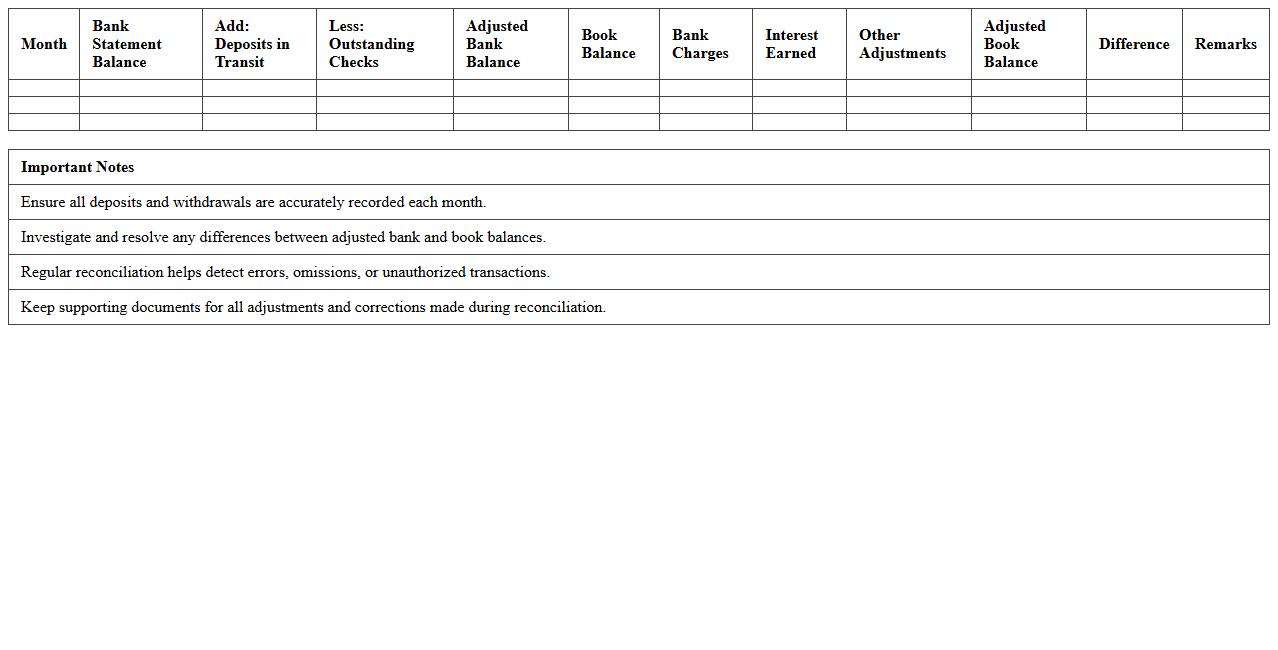
Monthly Bank Reconciliation Excel Template
The
Monthly Bank Reconciliation Excel Template is a structured spreadsheet designed to compare your company's bank statements with internal financial records, ensuring accuracy and identifying discrepancies. It streamlines the reconciliation process by automatically calculating outstanding checks, deposits in transit, and bank fees, reducing manual errors and saving time. This tool enhances financial control by providing clear visibility into cash flow and helping to detect fraud or accounting mistakes promptly.
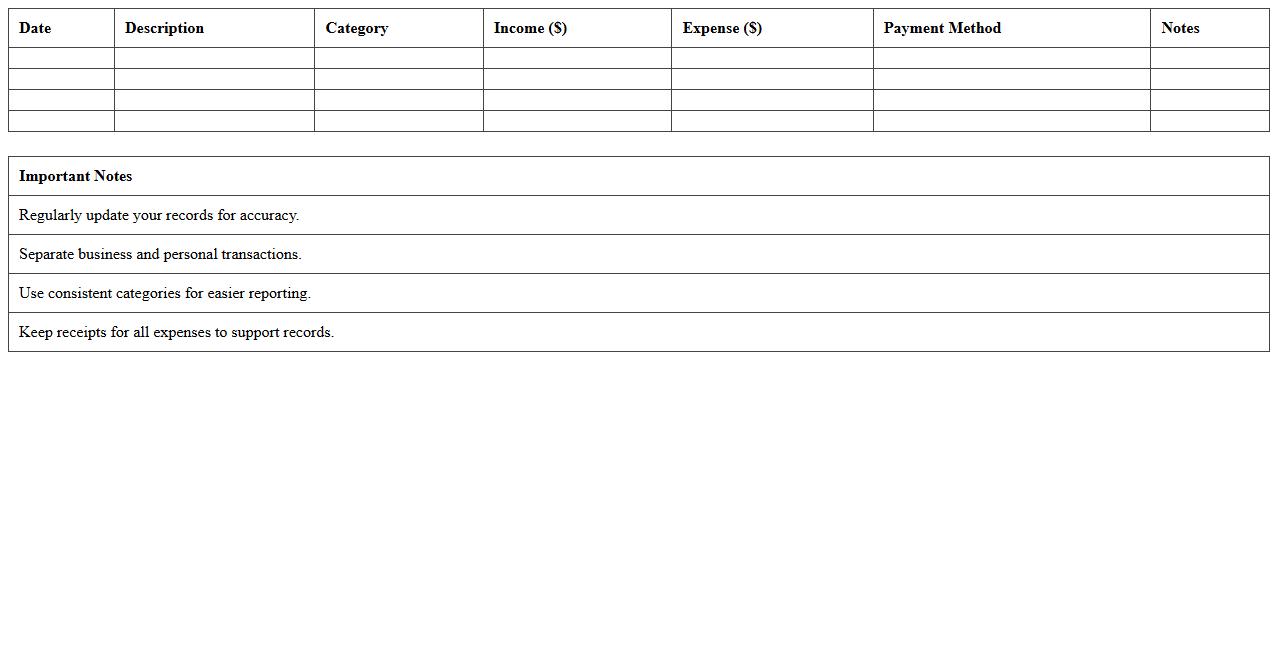
Business Income and Expense Tracker Spreadsheet
A
Business Income and Expense Tracker Spreadsheet is a digital document designed to record and organize all financial transactions related to income and expenses. This tool helps businesses monitor cash flow, analyze profit margins, and prepare accurate financial reports for tax purposes. By providing real-time insights into financial health, it enables informed decision-making and efficient budget management.
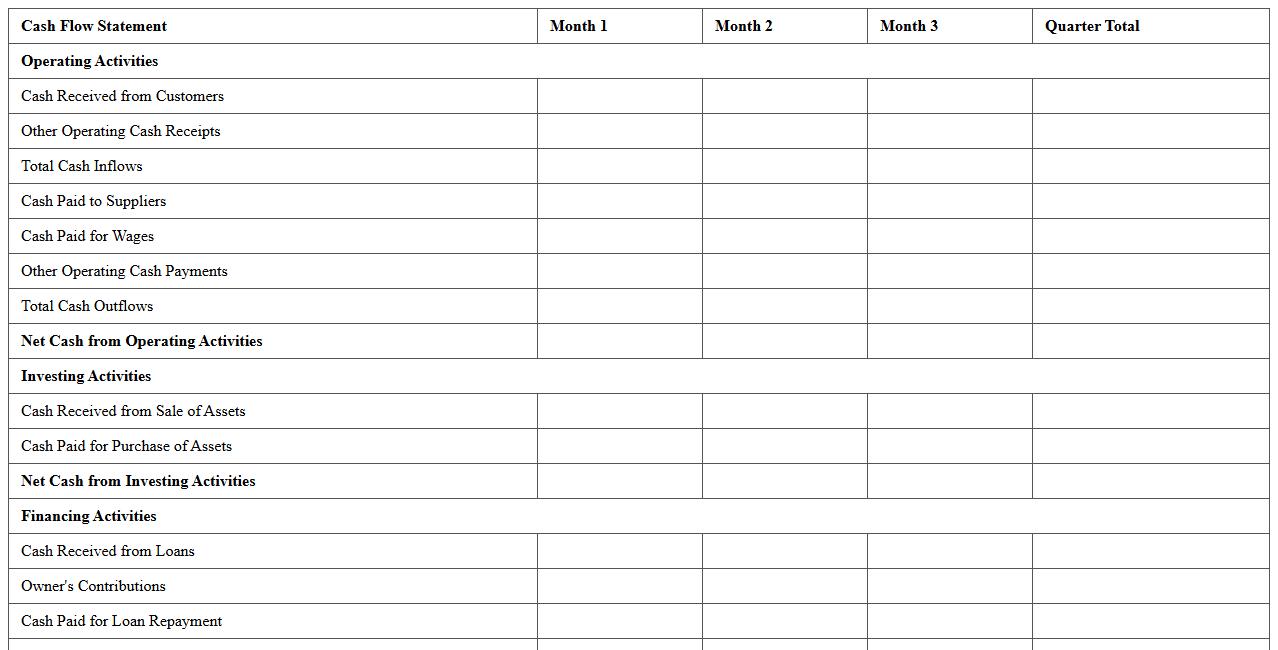
Small Business Cash Flow Statement Template
A
Small Business Cash Flow Statement Template document is a financial tool that tracks the inflow and outflow of cash within a small business over a specific period. It helps business owners monitor liquidity, forecast future cash needs, and ensure there is enough cash to cover expenses and investments. Using this template improves financial decision-making and supports maintaining steady operations by identifying potential cash shortages early.
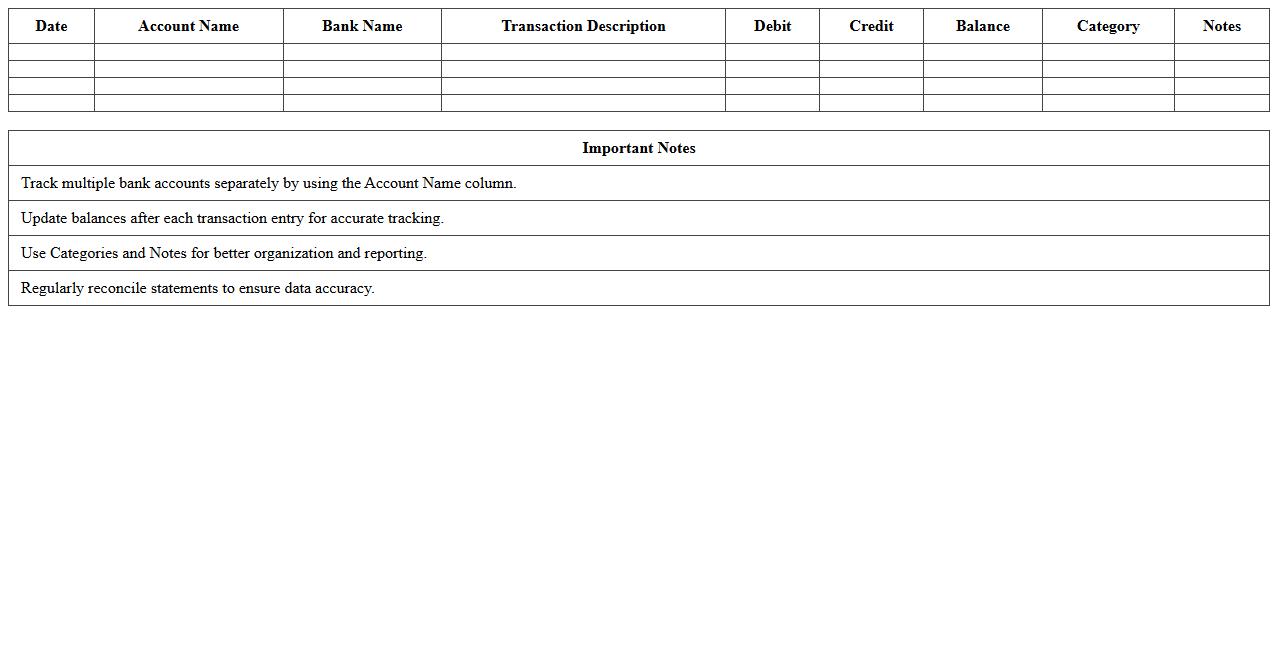
Multi-Account Bank Statement Organizer Excel
The
Multi-Account Bank Statement Organizer Excel document is a versatile tool designed to consolidate and manage multiple bank statements in one place, enabling efficient financial tracking and analysis. It simplifies reconciliation by categorizing transactions, summarizing balances, and generating clear reports across various accounts. This organizer enhances financial oversight, reduces errors, and saves time for individuals and businesses managing complex banking activities.
Automated Transaction Categorization Excel Sheet
The
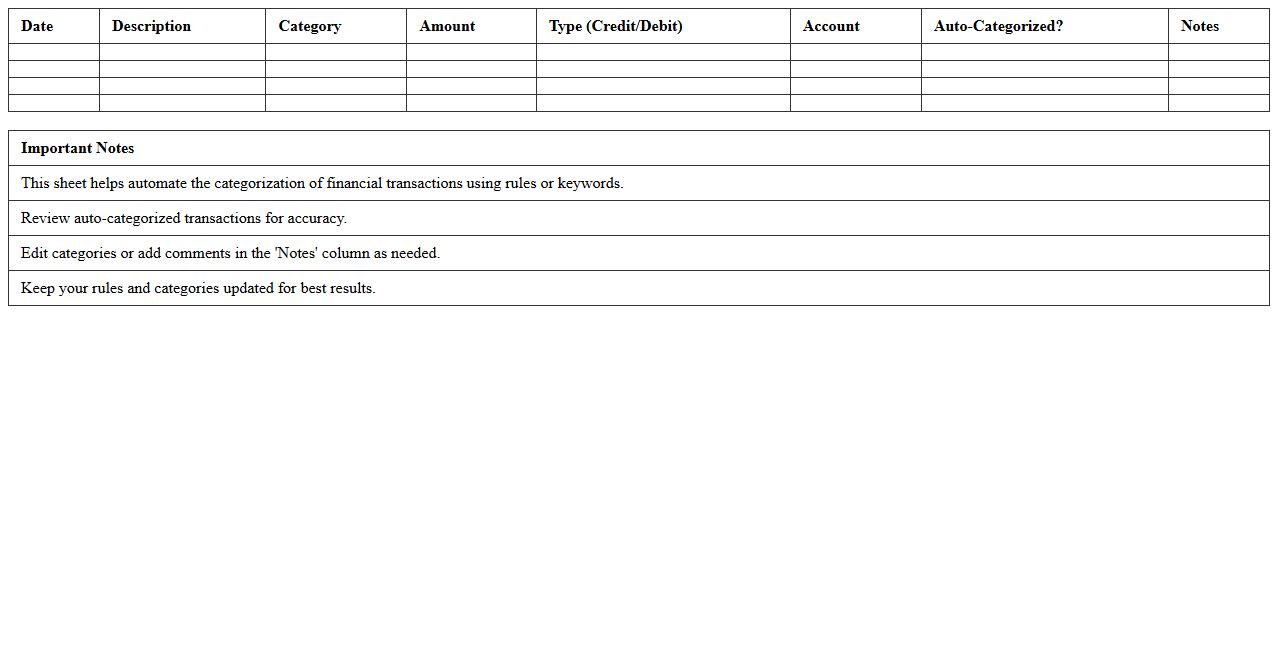
Automated Transaction Categorization Excel Sheet is a tool designed to streamline financial data management by automatically classifying and organizing transaction records based on predefined categories. It enhances accuracy in expense tracking, budget analysis, and financial reporting, reducing manual effort and errors. This document is especially useful for individuals and businesses aiming to maintain clear, organized financial records and make informed economic decisions efficiently.
Bank Statement Import and Analysis Template
The
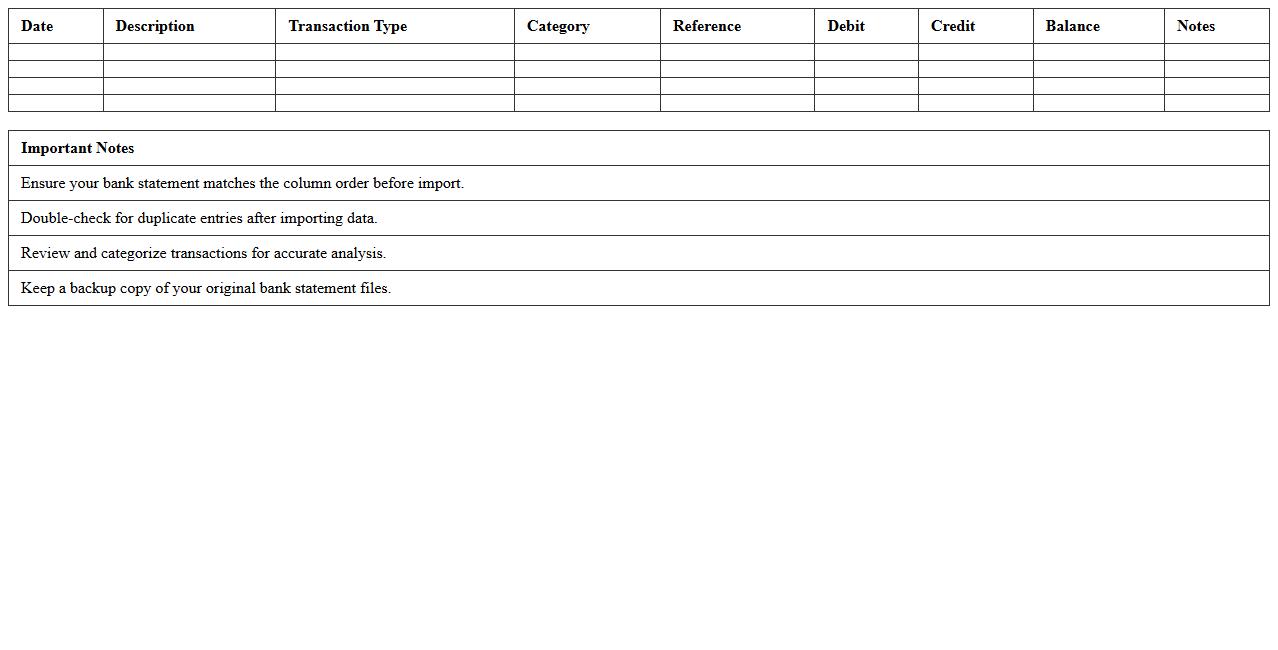
Bank Statement Import and Analysis Template is a powerful Excel tool designed to streamline the importation and detailed examination of bank transaction data. It helps users automatically categorize expenses and income, identify spending patterns, and reconcile statements with accounting records efficiently. This template enhances financial management by providing clear insights, saving time on manual data entry, and supporting accurate budgeting and cash flow analysis.
Quarterly Bank Account Summary Excel
A
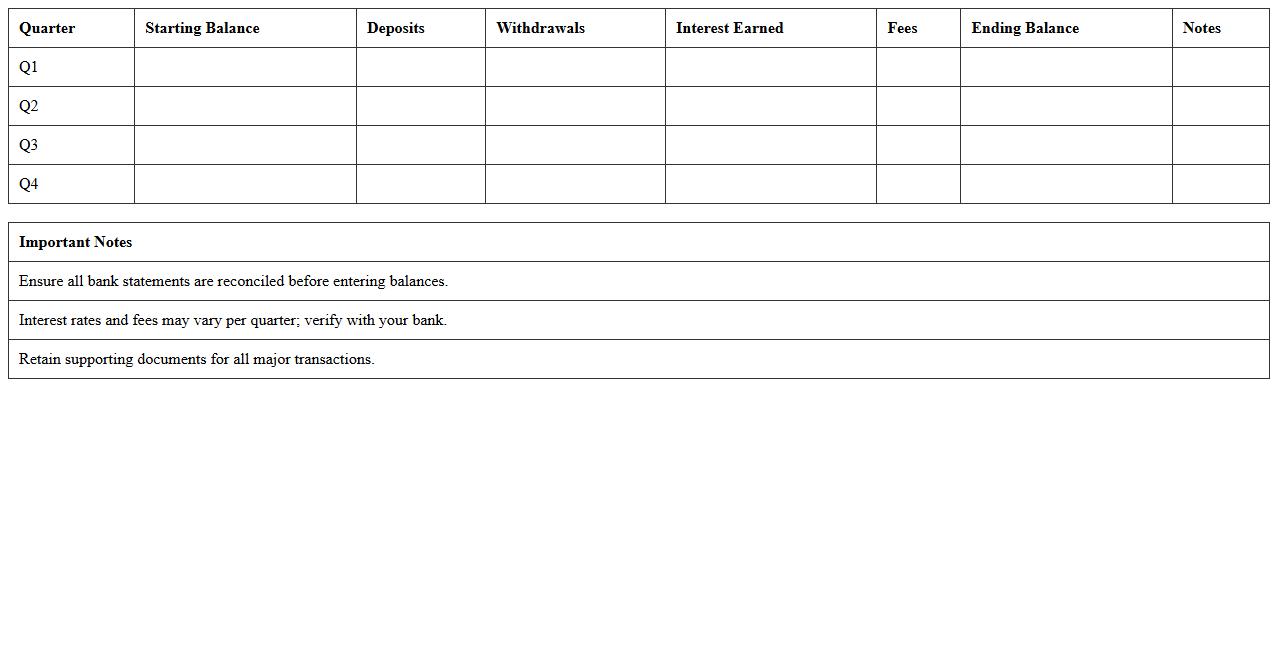
Quarterly Bank Account Summary Excel document consolidates bank transactions, balances, and fees over a three-month period into an organized spreadsheet. This summary helps individuals and businesses track cash flow, reconcile accounts, and identify discrepancies quickly. It enhances financial planning by providing a clear snapshot of account activities, aiding in budgeting and decision-making processes.
Excel Bank Transaction Log for Small Businesses
An
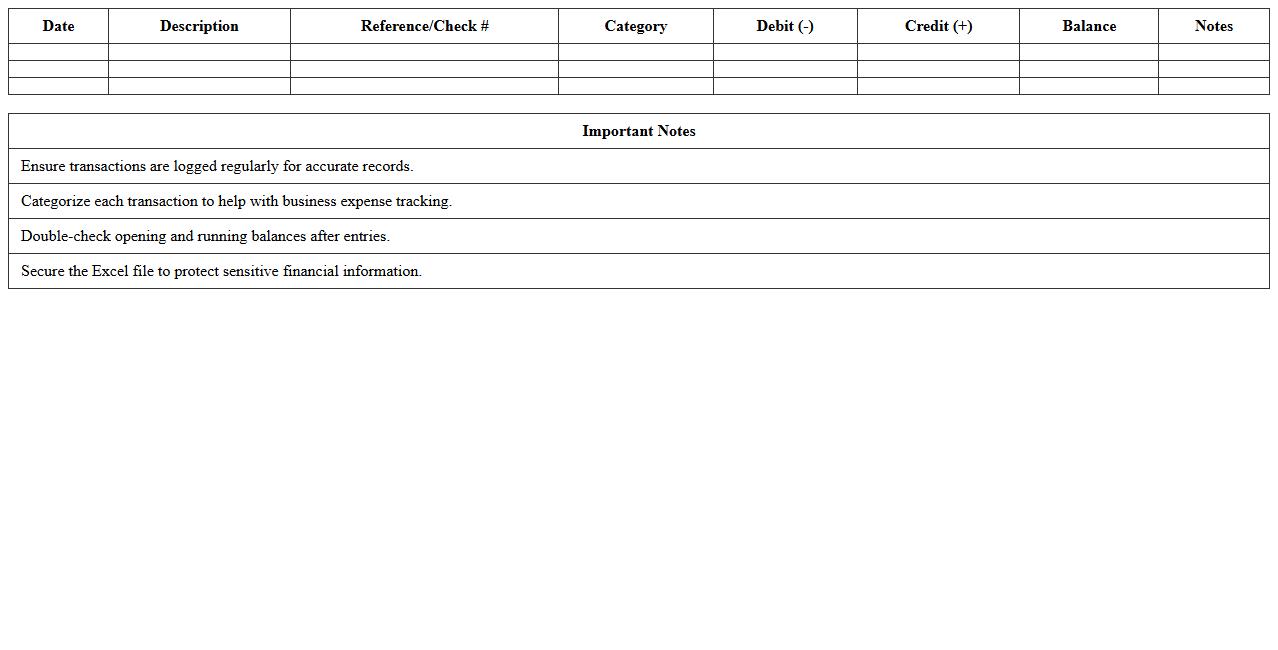
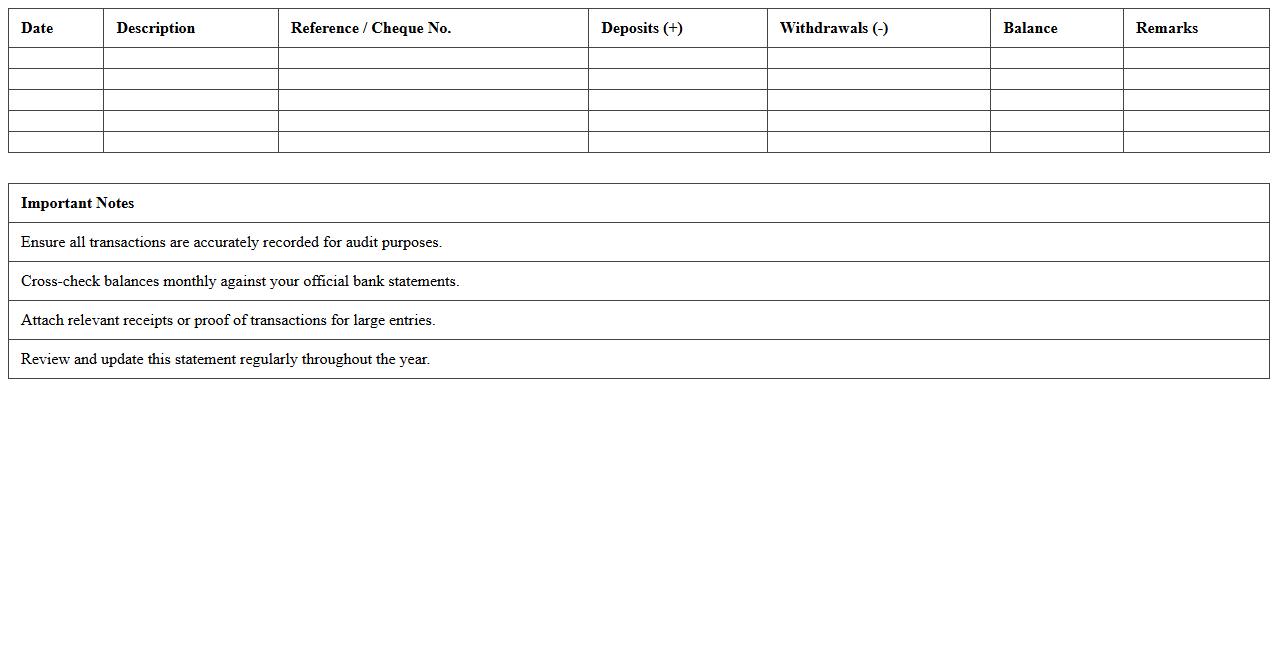
Excel Bank Transaction Log for small businesses is a spreadsheet designed to systematically record and track all financial transactions, including deposits, withdrawals, and transfers. This document helps maintain accurate cash flow records, simplifies reconciliation with bank statements, and improves financial transparency. It is an essential tool for budgeting, auditing, and ensuring compliance with accounting standards.
Small Business Bank Fees Tracking Template
The
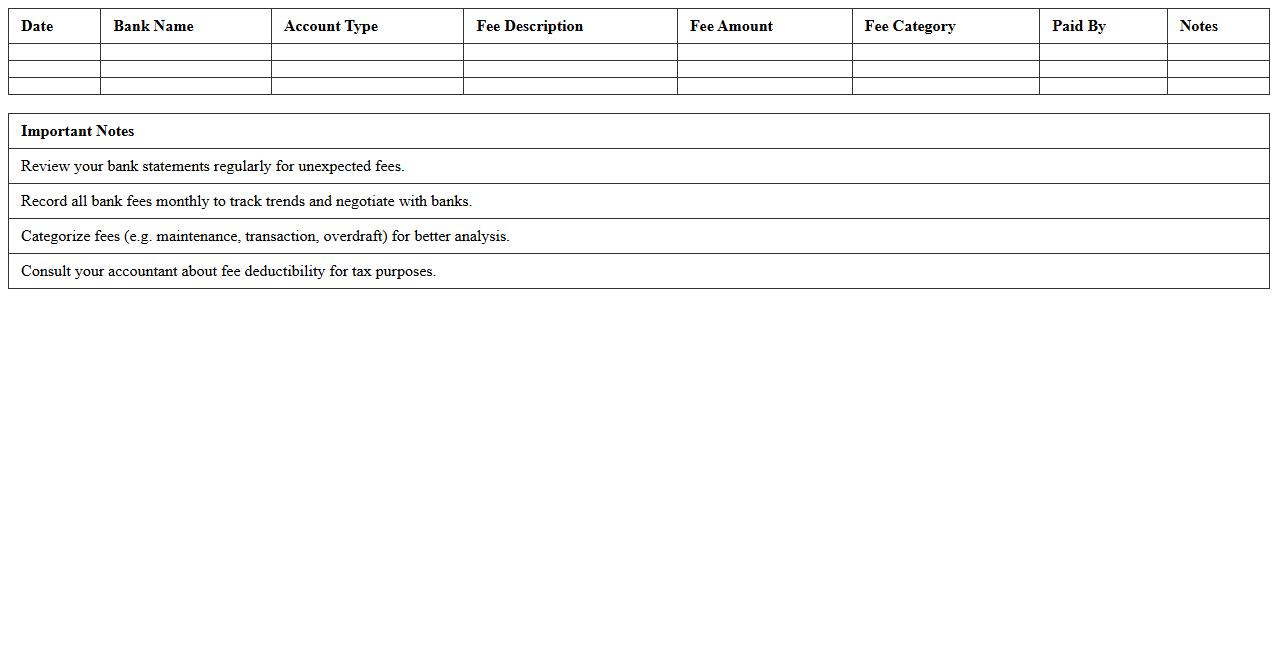
Small Business Bank Fees Tracking Template is a practical document designed to monitor and manage all bank-related charges incurred by a small business, such as service fees, transaction fees, and overdraft charges. This template helps business owners maintain detailed records of these expenses, enabling better financial oversight and more accurate budgeting. Tracking bank fees consistently with this tool can lead to cost savings by identifying unnecessary or excessive fees and negotiating better terms with banking institutions.
Yearly Bank Statement Report Excel Template
The
Yearly Bank Statement Report Excel Template is a structured spreadsheet designed to summarize and analyze annual banking transactions, including deposits, withdrawals, and balances. It helps users track financial activities, identify trends, and generate comprehensive reports for budgeting or tax purposes. By automating data organization, this template enhances accuracy and saves time in managing yearly financial records.
How to automate bank statement data import into Excel for small business accounting?
To automate bank statement data import in Excel, utilize the Power Query feature that allows direct import from CSV or Excel files exported by your bank. Connect Excel to your bank's online portal if supported, enabling automatic data refresh without manual downloads. Setting up scheduled data imports ensures your financial data is always up-to-date without manual intervention.
What are common Excel formulas for reconciling bank statements in small businesses?
Common Excel formulas for bank reconciliation include SUMIF to total specific transaction categories and VLOOKUP or XLOOKUP to match bank statement entries with internal records. The IF formula helps flag discrepancies by comparing amounts between bank and accounting data. These formulas streamline the reconciliation process, making it easier to identify and resolve errors.
How to flag suspicious transactions in a small business bank statement Excel sheet?
Use conditional formatting to highlight irregular transactions based on criteria such as unusually large amounts or transactions outside normal business hours. Implement formulas that flag transactions exceeding predefined thresholds or duplicate entries. Automatically marking these suspicious entries helps small businesses maintain financial integrity and fraud prevention.
What Excel templates are best for tracking cash flow from bank statements for small businesses?
The best Excel templates for cash flow tracking include monthly cash flow statements with categorized income and expenses derived from bank statements. Templates featuring dynamic charts and pivot tables provide clear visualizations of cash flow trends over time. Selecting templates tailored for small business accounting enhances accuracy and simplifies financial monitoring.
How to customize Excel reports for multi-account bank statements in small businesses?
Customize Excel reports by creating separate sheets or pivot tables for each bank account, enabling focused analysis of each account's transactions. Use data validation and slicers to filter and compare data across multiple accounts efficiently. Tailoring reports in this way provides comprehensive insights and supports informed multi-account financial management.
More Statement Excel Templates