Hospital Patient Admission Tracker Excel Template
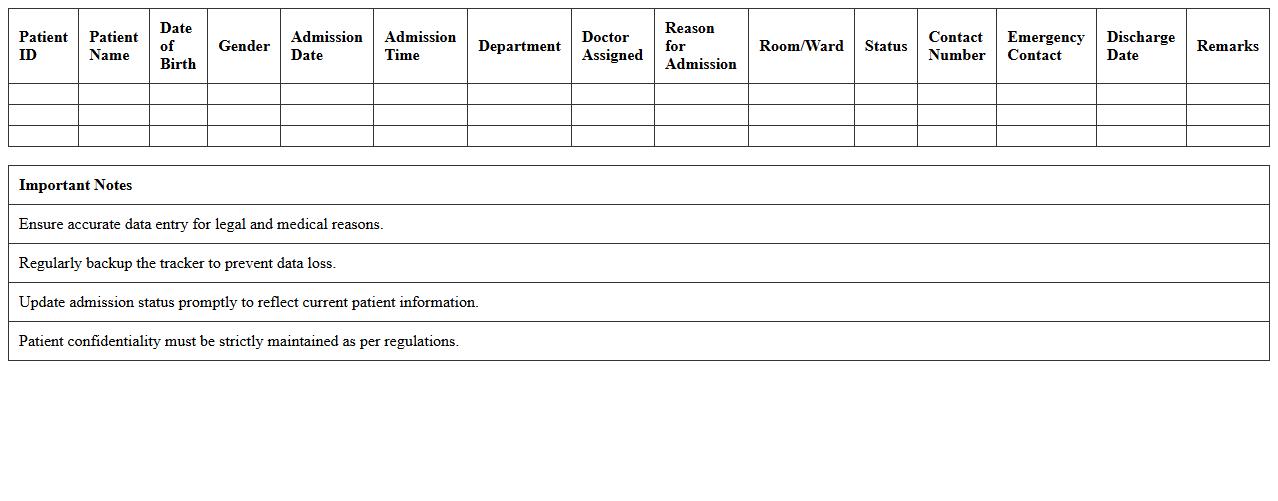
The
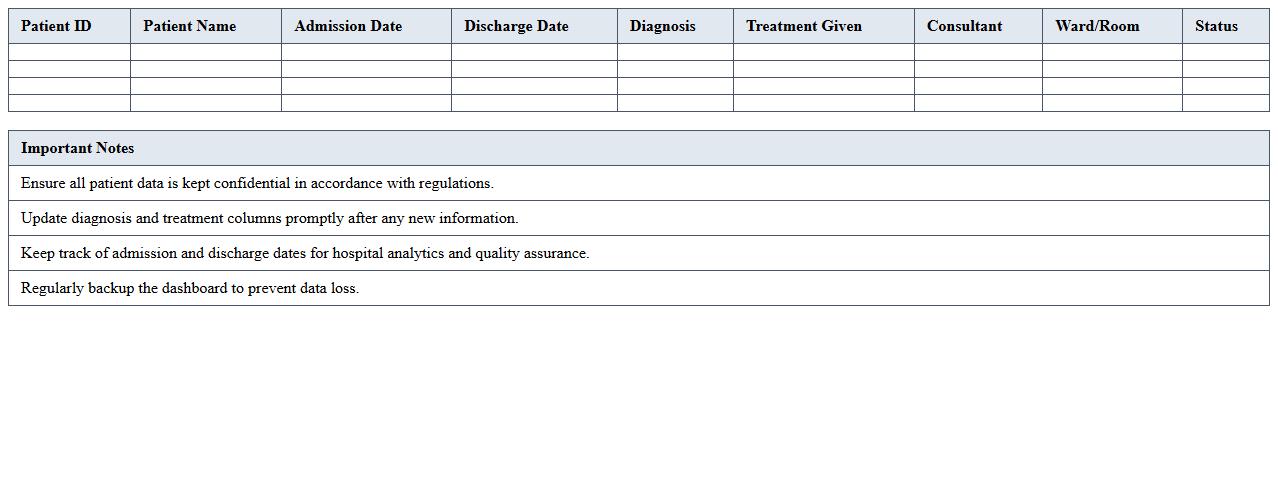
Hospital Patient Admission Tracker Excel Template is a comprehensive tool designed to efficiently record and monitor patient admissions, including details such as admission dates, patient demographics, diagnosis, and ward allocation. It streamlines hospital management by providing real-time data accessibility, enabling staff to track patient flow, bed availability, and discharge schedules accurately. This template enhances operational efficiency, reduces administrative errors, and supports data-driven decision-making in healthcare facilities.
Patient Discharge Summary Dashboard Excel Template
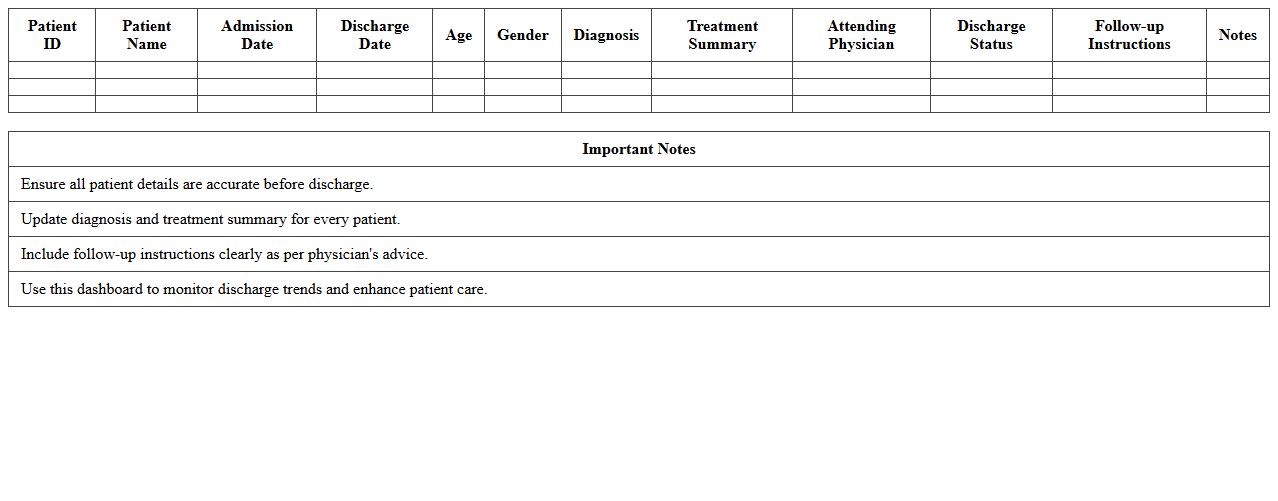
The
Patient Discharge Summary Dashboard Excel Template is a comprehensive tool designed to organize and visualize key patient discharge data efficiently. It consolidates information such as patient demographics, diagnosis, discharge dates, and follow-up instructions into an easy-to-read dashboard, enabling healthcare providers to track patient outcomes and streamline communication. This template enhances decision-making by providing quick access to critical discharge metrics and trends.
Inpatient Census Management Excel Template
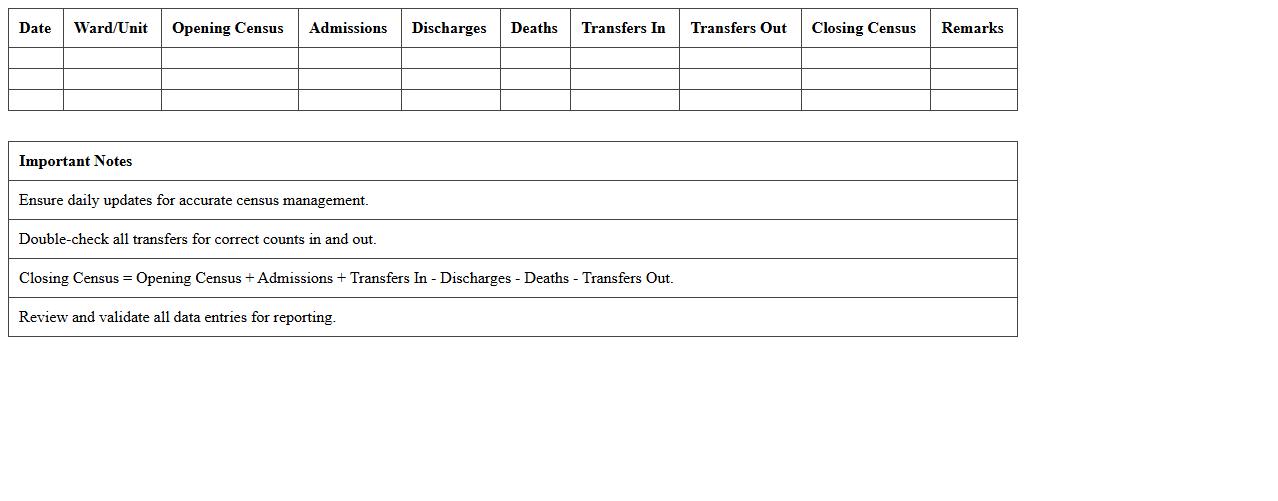
The
Inpatient Census Management Excel Template is a structured spreadsheet designed to track and analyze patient admissions, discharges, and transfers within a hospital or healthcare facility. It helps healthcare administrators maintain an accurate daily count of inpatients, facilitating resource allocation, staff scheduling, and bed management. Using this template improves operational efficiency by providing real-time data insights for decision-making and capacity planning.
Patient Flow Analysis Excel Dashboard Template
The
Patient Flow Analysis Excel Dashboard Template is a powerful tool designed to visualize and track patient movement through healthcare facilities, enabling efficient resource allocation and reduced wait times. It consolidates critical data such as admission rates, discharge times, and departmental bottlenecks into an interactive, easy-to-understand format. Healthcare administrators use this template to identify inefficiencies, optimize staffing, and improve overall patient experience and operational performance.
Outpatient Appointment Scheduling Excel Template
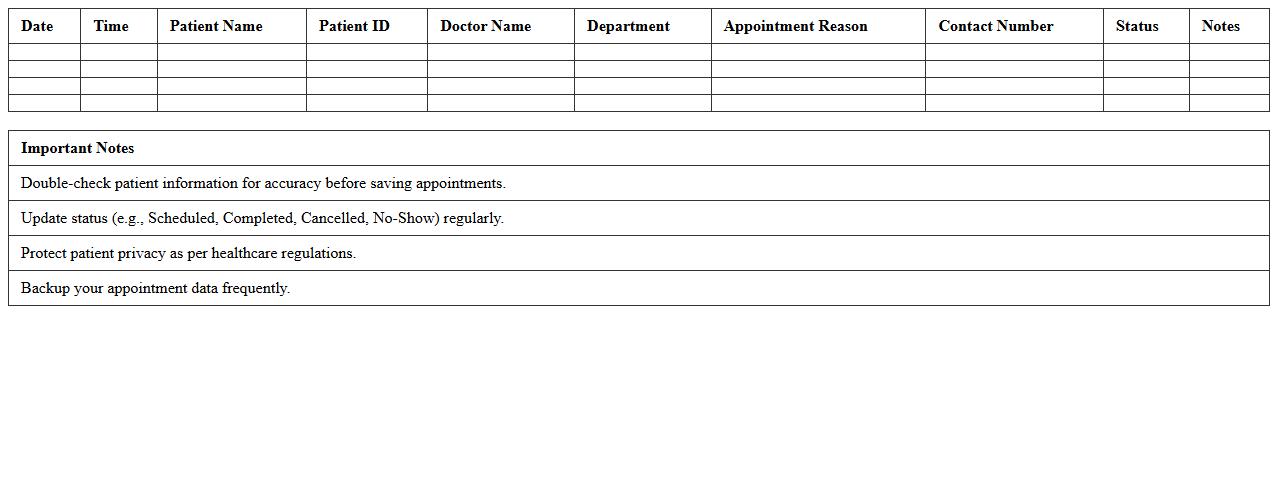
The
Outpatient Appointment Scheduling Excel Template is a structured spreadsheet designed to organize and manage patient appointment data efficiently. It helps healthcare providers track appointment dates, times, patient details, and clinician availability, reducing scheduling conflicts and no-shows. By streamlining the appointment process, this template enhances clinic workflow, optimizes resource allocation, and improves patient satisfaction.
Hospital Bed Utilization Dashboard Excel Template
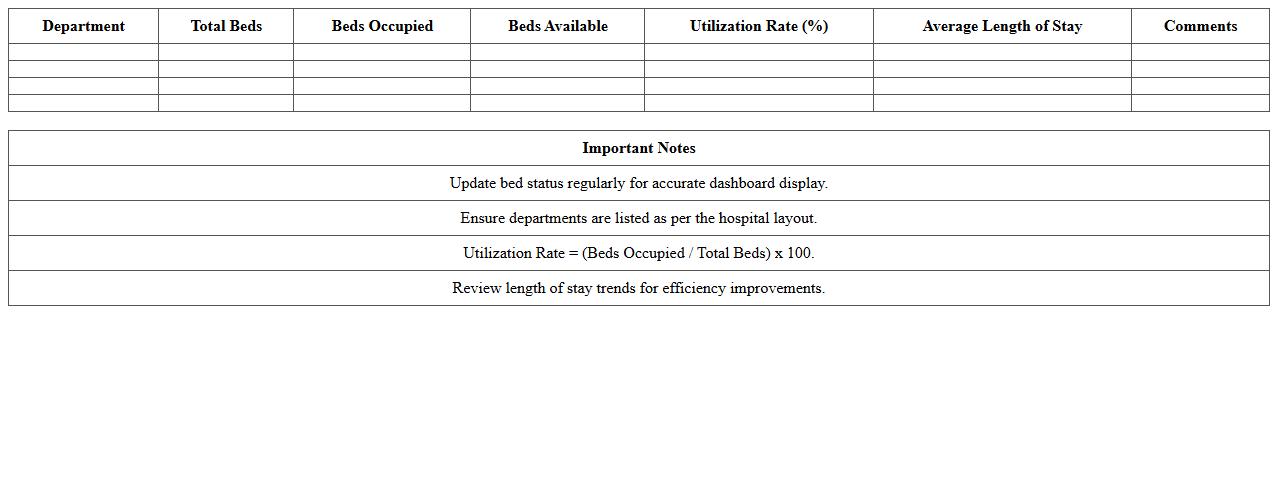
The
Hospital Bed Utilization Dashboard Excel Template is a powerful tool designed to track and analyze bed occupancy rates, patient admissions, and discharge data in healthcare facilities. It enables hospital administrators to monitor resource allocation efficiently, identify trends, and optimize patient flow to reduce wait times. This dashboard supports data-driven decision-making by providing real-time insights into bed availability and utilization patterns.
Patient Wait Time Analysis Excel Template
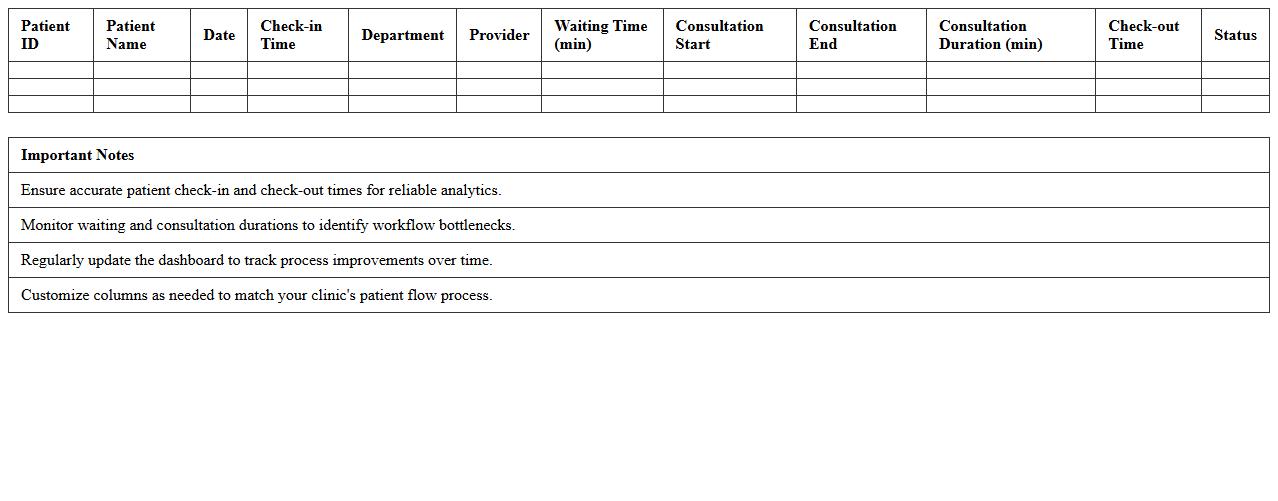
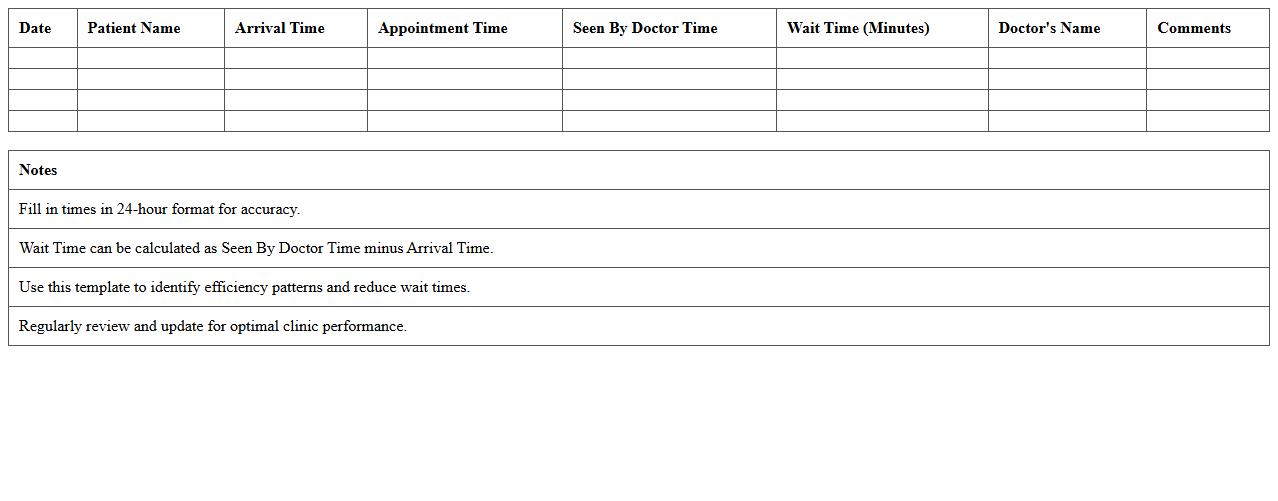
The
Patient Wait Time Analysis Excel Template document is a structured tool designed to track and evaluate the duration patients spend waiting in healthcare facilities. It helps identify bottlenecks and inefficiencies in patient flow by analyzing time-stamped data for various stages of care. This template is essential for healthcare administrators aiming to improve service delivery, reduce waiting times, and enhance patient satisfaction.
Emergency Room Patient Monitoring Excel Template
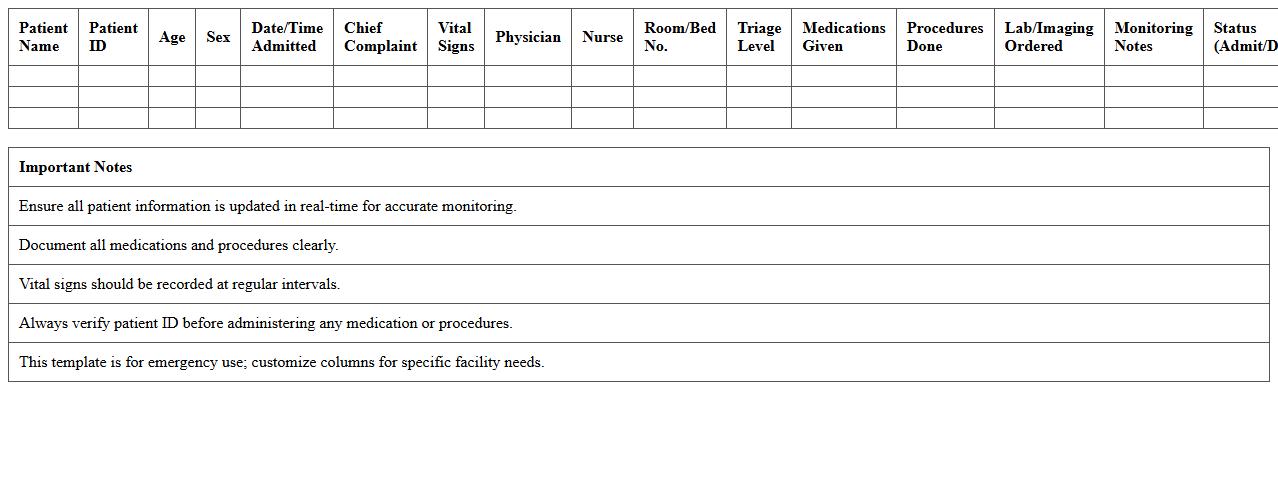
The
Emergency Room Patient Monitoring Excel Template is a structured spreadsheet designed to track vital patient data such as heart rate, blood pressure, oxygen levels, and treatment timelines in real-time. This document helps medical staff maintain accurate and up-to-date records, ensuring quick access to critical information for effective decision-making. By organizing patient monitoring data systematically, it enhances efficiency in emergency care and supports timely interventions that improve patient outcomes.
Inpatient Diagnosis and Treatment Dashboard Excel Template
The
Inpatient Diagnosis and Treatment Dashboard Excel Template is a comprehensive tool designed to track and analyze patient diagnoses and treatment outcomes within a healthcare facility. It enables healthcare professionals to visualize data trends, monitor patient progress, and optimize resource allocation for improved clinical decision-making. Using this dashboard enhances operational efficiency by providing clear insights into inpatient care performance and facilitating evidence-based management strategies.
Healthcare KPI Dashboard for Patient Metrics Excel Template
A
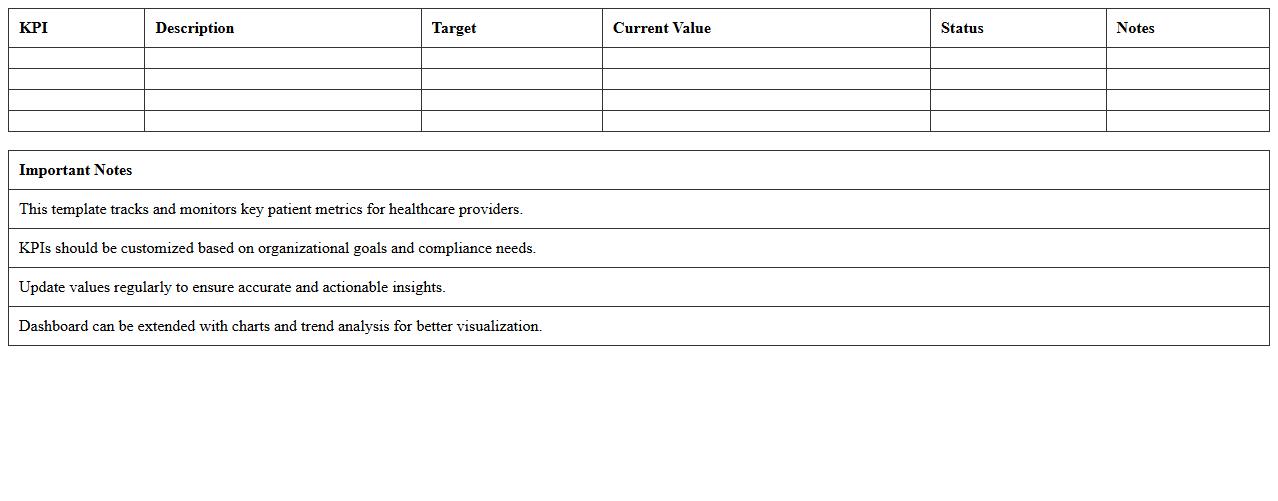
Healthcare KPI Dashboard for Patient Metrics Excel Template is a powerful tool designed to track and analyze key performance indicators related to patient care, such as admission rates, average length of stay, and patient satisfaction scores. This dashboard enables healthcare providers to visualize critical data in real-time, facilitating data-driven decision-making to improve patient outcomes and operational efficiency. By consolidating patient metrics into an easy-to-use Excel format, it helps streamline reporting processes and supports continuous quality improvement initiatives.
How can patient admission and discharge trends be visualized in the dashboard?
The dashboard uses interactive charts such as line graphs and bar charts to display patient admission and discharge trends over time. These visualizations help identify patterns and peak periods effectively. Users can filter data by date ranges or departments for more granularity.
What Excel formulas automate real-time bed occupancy tracking?
SUMIFS and COUNTIFS formulas are commonly used to calculate bed occupancy based on admission and discharge dates. Dynamic ranges combined with the TODAY() function enable real-time updates. Conditional formatting highlights beds that are occupied or available instantly.
How are patient wait times segmented by department within the dashboard?
The dashboard uses PivotTables and slicers to segment patient wait times by department easily. Calculated fields aggregate average and median wait times for each department dynamically. Visual elements like heat maps or bar charts illustrate disparities and departmental performance.
What security measures in Excel protect sensitive health data?
Excel workbooks can have password protection applied to restrict unauthorized access. Data encryption and file-level permissions ensure that sensitive patient health information remains confidential. Additionally, restricting editing and using protected sheets prevent accidental data modifications.
How does the dashboard integrate with EMR/EHR exports for bulk data updates?
The dashboard supports importing bulk data through CSV or Excel file exports from EMR/EHR systems. Automated macros or Power Query tools clean and transform the imported data for seamless integration. Scheduled refreshes ensure the dashboard stays up-to-date with the latest patient records and metrics.