Age Structure Analysis Excel Template
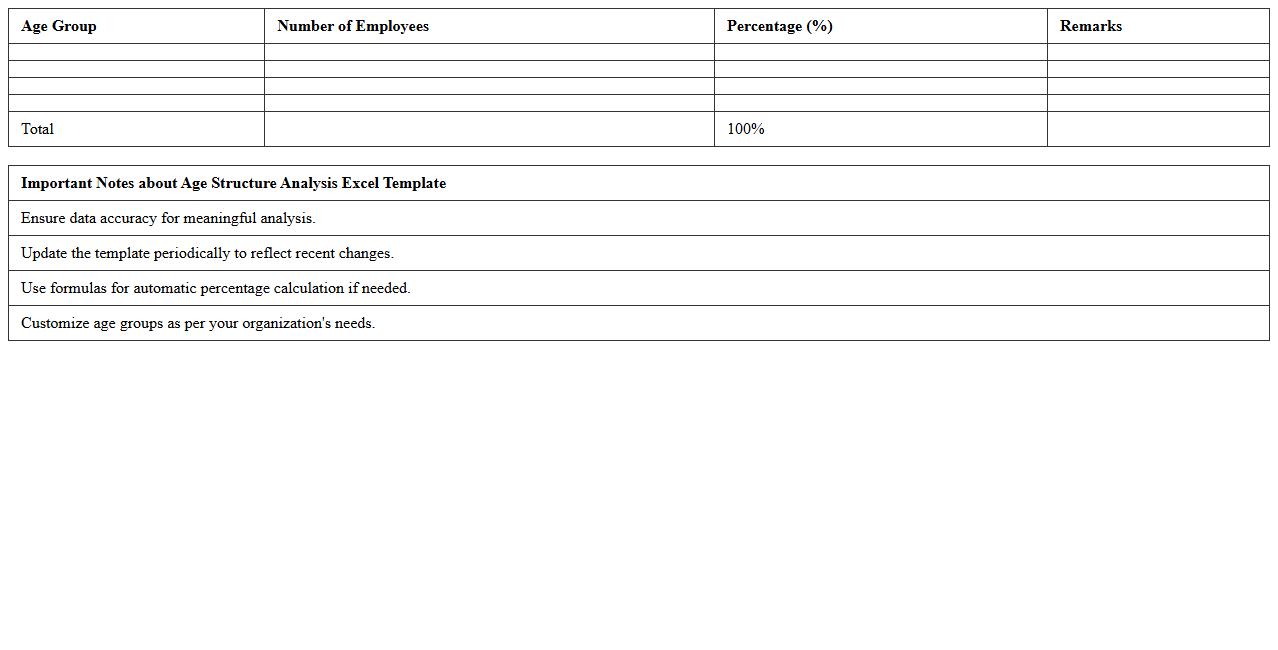
The
Age Structure Analysis Excel Template is a comprehensive tool designed to categorize population data by age groups, enabling detailed demographic analysis. This template helps organizations and researchers identify age distribution patterns, forecast resource needs, and plan services more effectively. Using this structured data visualization enhances decision-making processes related to workforce planning, healthcare, and social services.
Gender Distribution Chart Excel Sheet
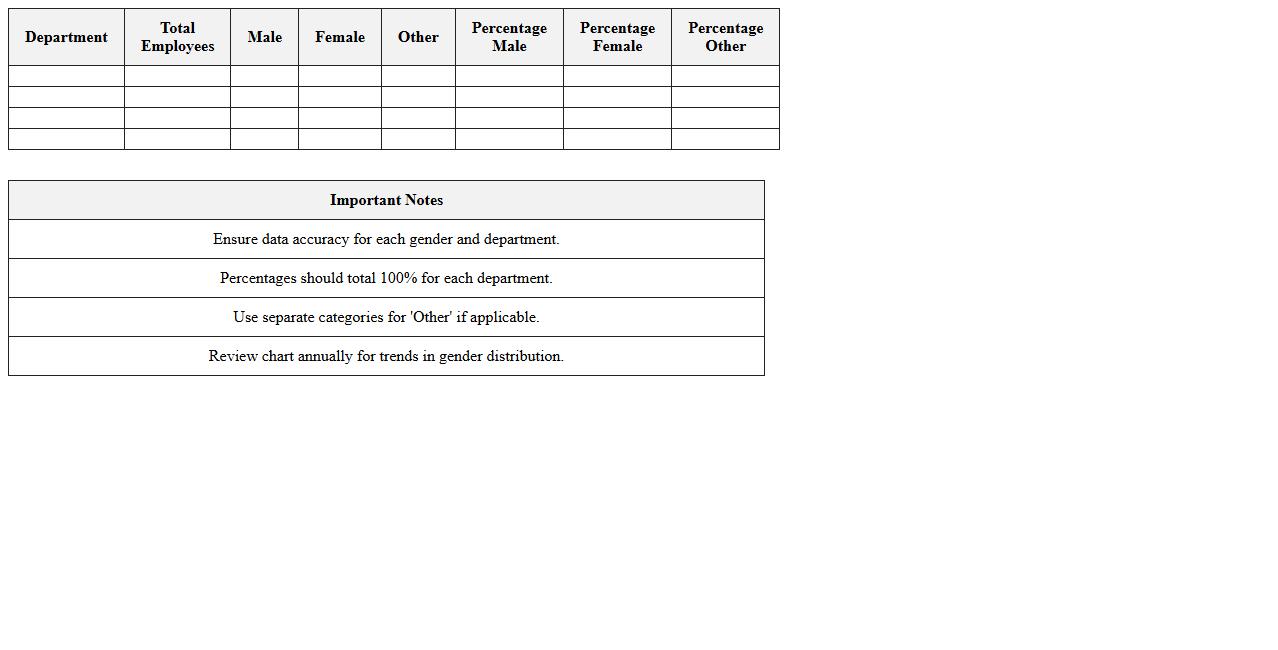
A
Gender Distribution Chart Excel Sheet document visually represents the proportion of different genders within a dataset, allowing for quick analysis of demographic balance. This tool is essential for organizations to monitor diversity, ensure compliance with equal opportunity policies, and make informed decisions based on workforce or population gender metrics. By providing clear, data-driven insights, it supports strategic planning and promotes inclusivity.
Population Age Group Comparison Template
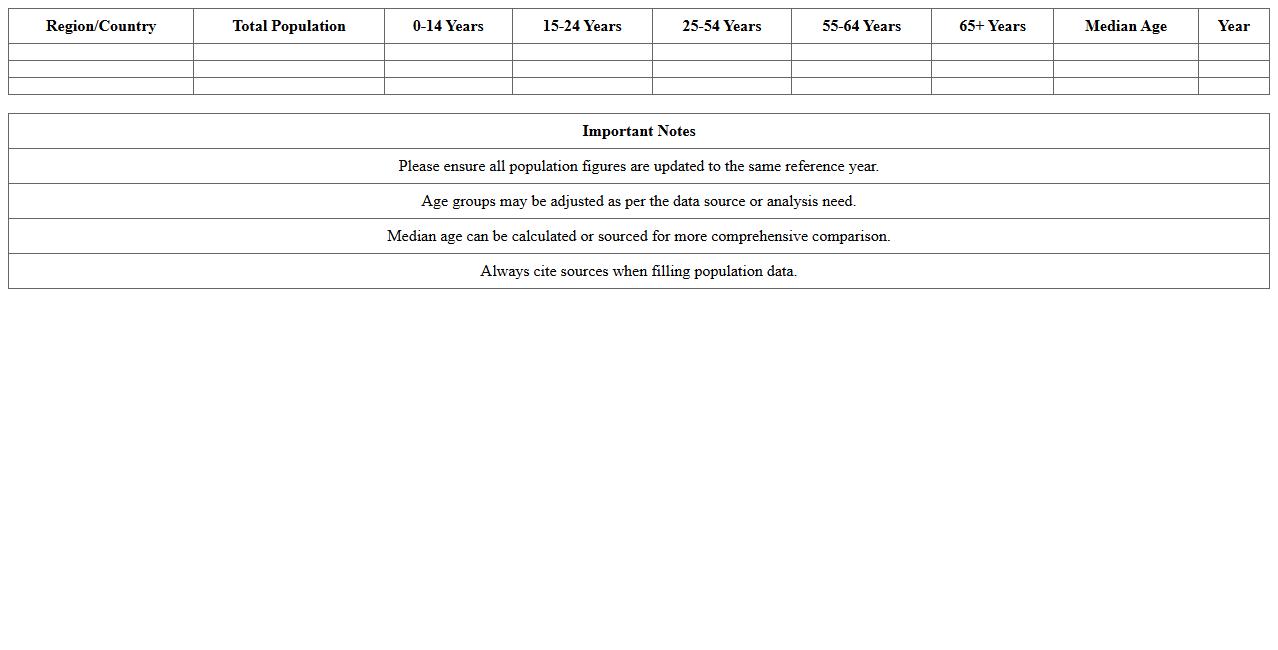
The
Population Age Group Comparison Template document categorizes demographic data into distinct age groups, enabling clear analysis of population structures. This template is useful for tracking trends, making data-driven decisions in marketing, healthcare, and urban planning. It simplifies complex age-related statistics into actionable insights.
Demographic Segmentation Dashboard Excel
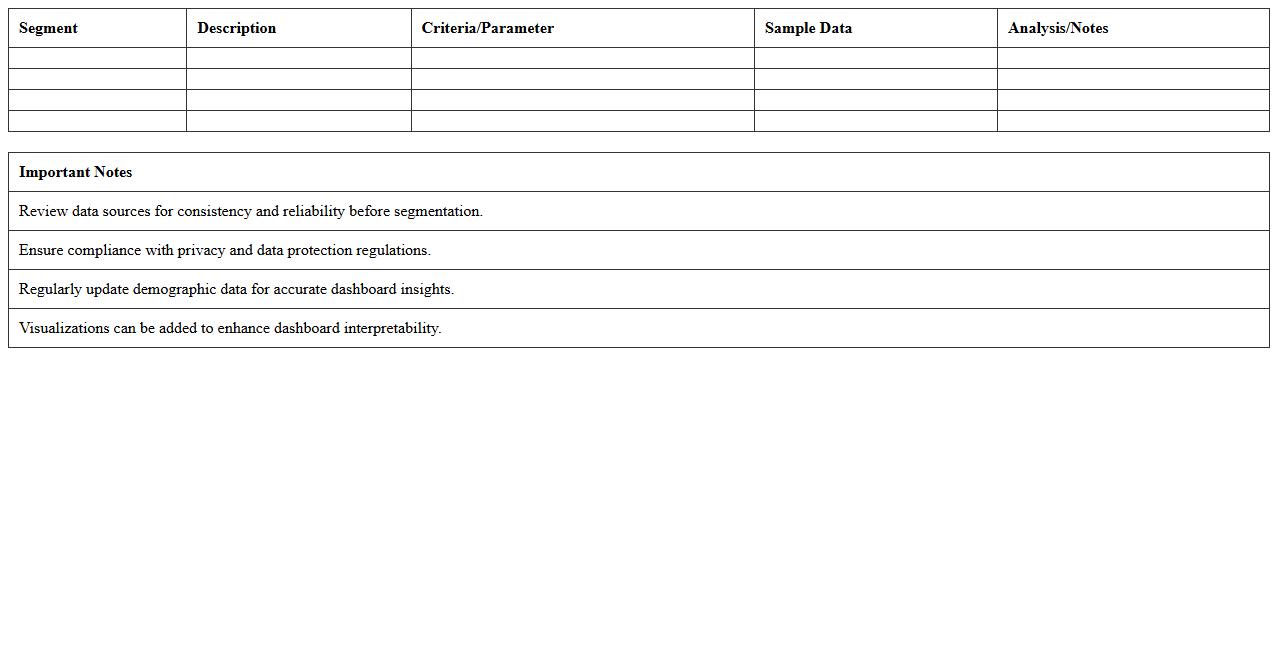
A
Demographic Segmentation Dashboard Excel document organizes and visualizes customer data based on key demographic factors such as age, gender, income, education, and location. This tool enables businesses to identify target markets, tailor marketing campaigns, and optimize product offerings by understanding the specific characteristics of different customer segments. It enhances decision-making by providing clear insights into consumer behavior trends and facilitating data-driven strategies.
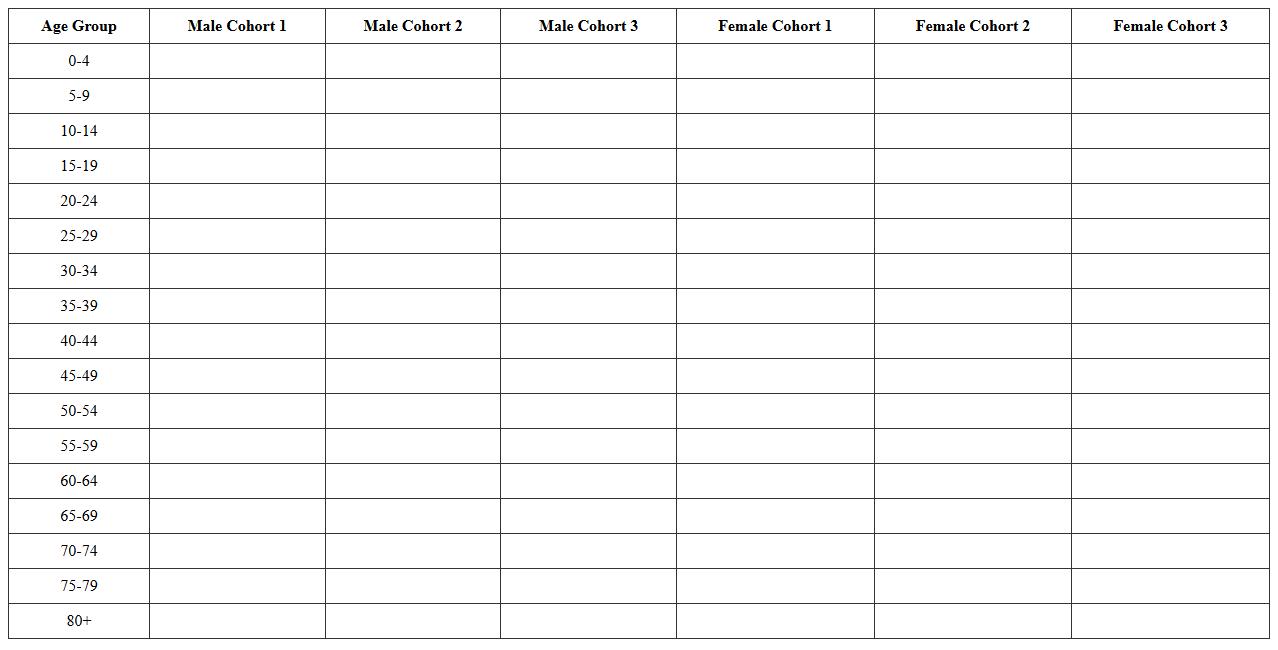
Cohort Analysis Population Pyramid Excel
A
Cohort Analysis Population Pyramid Excel document visually displays age group distributions within specific cohorts over time, helping to identify trends in population growth, decline, or aging. This tool allows analysts to segment populations by birth years or other defining characteristics, facilitating targeted marketing, resource allocation, and demographic forecasting. By comparing cohort changes across periods, organizations can make data-driven decisions to optimize strategies and anticipate future needs.
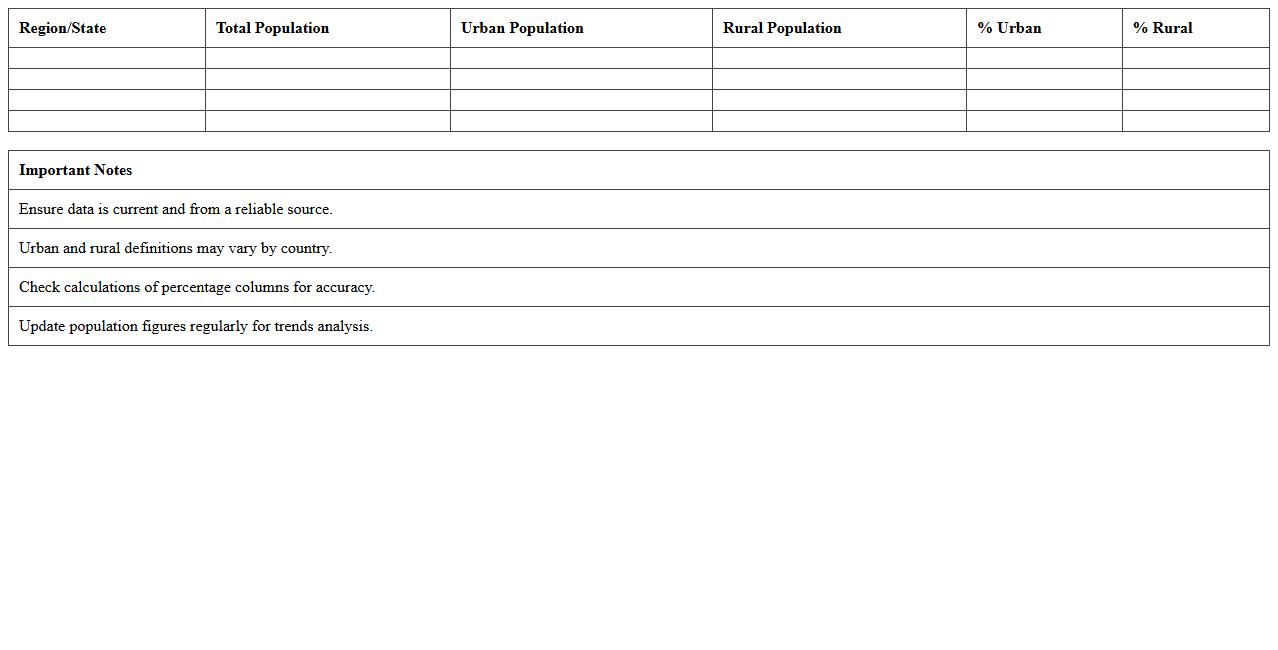
Urban vs Rural Population Distribution Template
The
Urban vs Rural Population Distribution Template document provides a structured framework for analyzing demographic data by categorizing populations into urban and rural areas. It helps identify trends in migration, resource allocation, and infrastructure development, which are crucial for policymakers, urban planners, and researchers. Utilizing this template enhances data clarity and supports informed decision-making to address the unique needs of both urban and rural communities effectively.
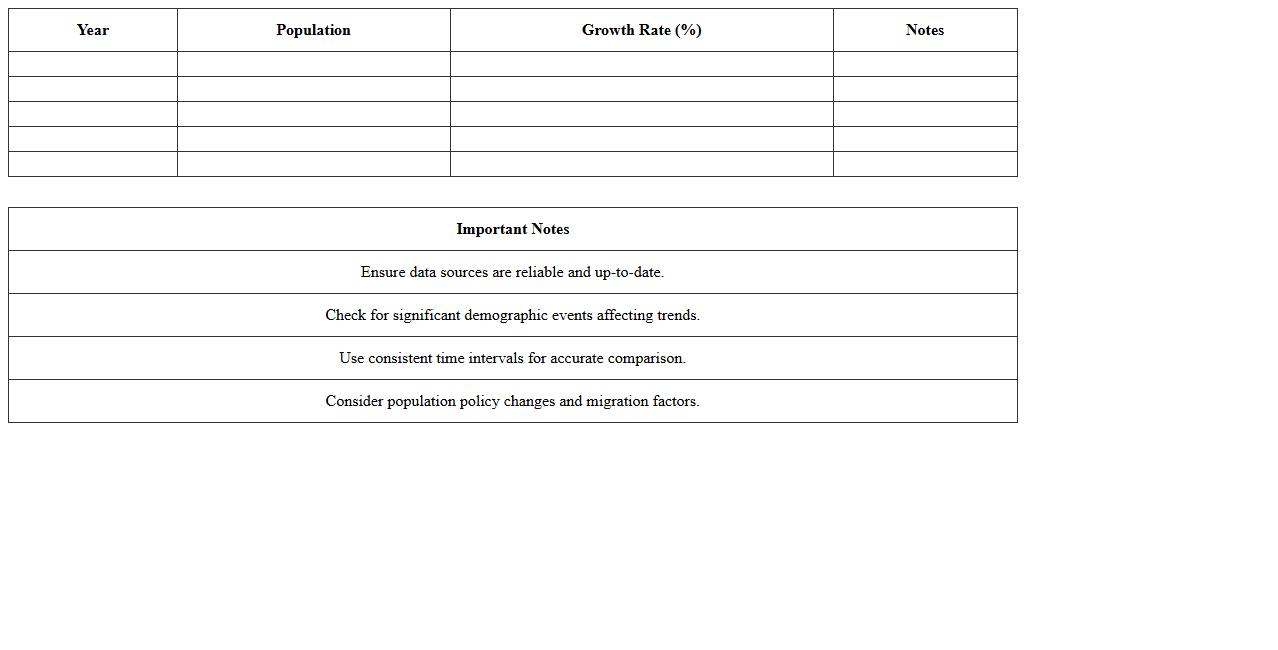
Population Trends by Year Excel Chart
The
Population Trends by Year Excel Chart document visually represents changes in population data across specified years, allowing users to track demographic shifts and growth patterns effectively. This tool is useful for urban planners, policymakers, and researchers to analyze population dynamics, forecast future trends, and make data-driven decisions. By presenting data in an easily interpretable format, it enhances the understanding of population changes and supports strategic planning and resource allocation.
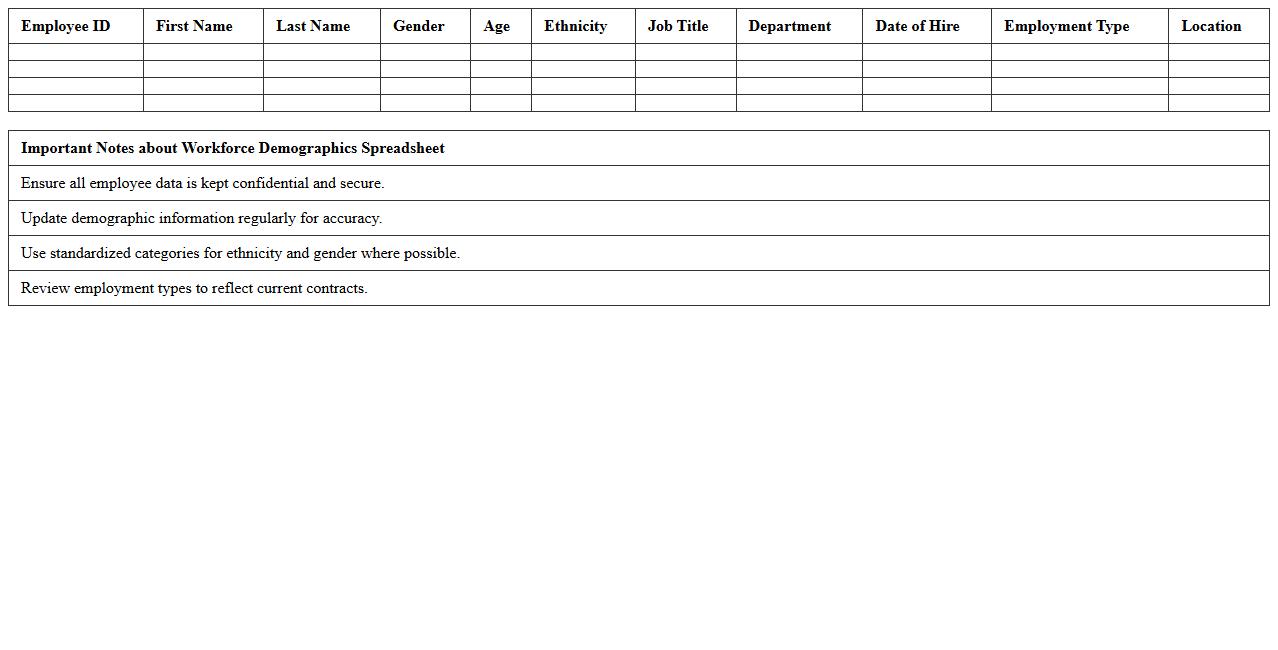
Workforce Demographics Spreadsheet
A
Workforce Demographics Spreadsheet is a detailed document that organizes employee data such as age, gender, ethnicity, job roles, and tenure in a structured format. This spreadsheet is essential for analyzing workforce diversity, identifying trends, and making informed decisions about recruitment, retention, and diversity initiatives. It enables HR professionals and managers to monitor demographic changes over time and implement strategies to foster an inclusive and balanced work environment.
Forecasting Population Growth Excel Model
The
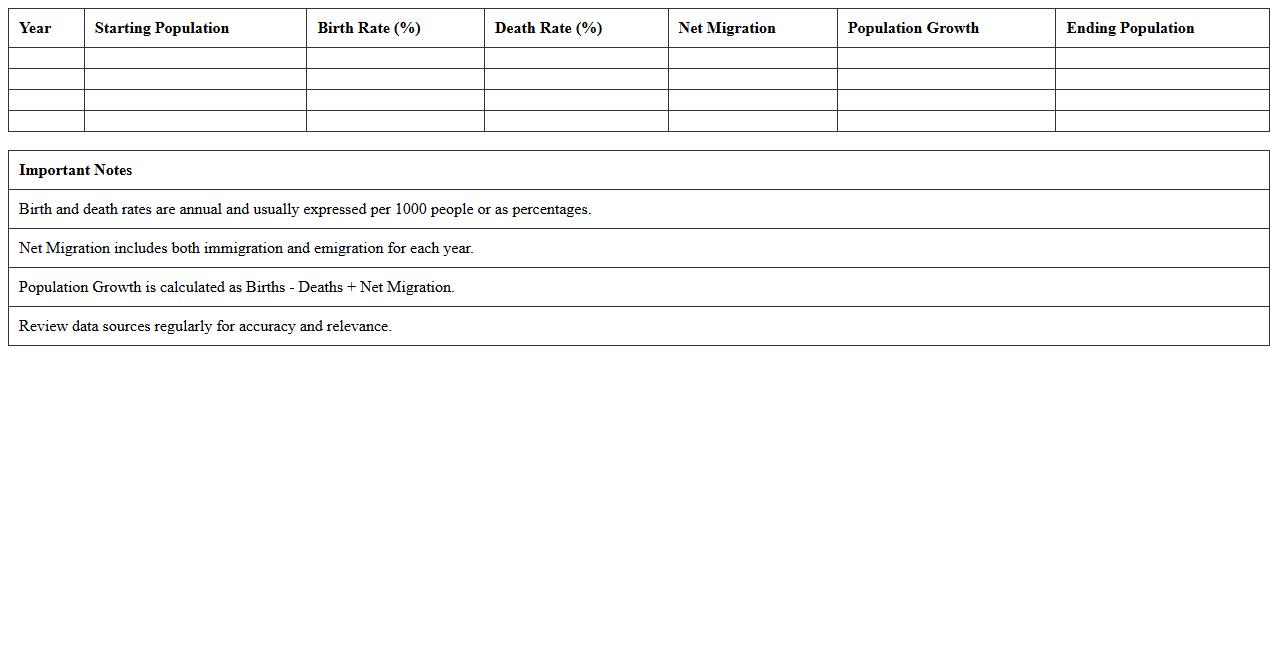
Forecasting Population Growth Excel Model is a spreadsheet tool designed to predict future population changes based on historical data and demographic variables such as birth rates, death rates, and migration patterns. It enables users to visualize population trends through charts and tables, assisting policymakers, urban planners, and researchers in making informed decisions. This model is essential for resource allocation, infrastructure development, and long-term strategic planning.
Life Expectancy Visualization Excel Template
The
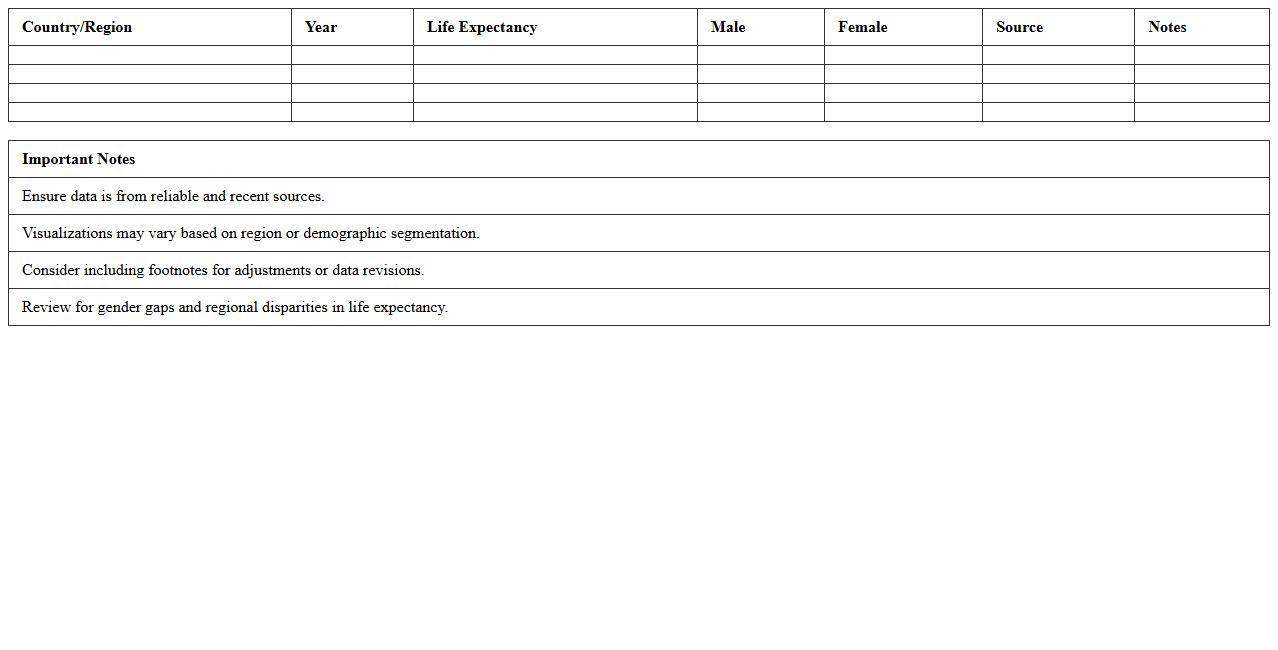
Life Expectancy Visualization Excel Template is a powerful tool designed to visually represent life expectancy data across different demographics and regions using charts and graphs. It enables users to analyze trends, compare data sets, and identify patterns that inform healthcare planning and policy decisions. By converting raw data into clear, interactive visual formats, this template enhances data comprehension and supports evidence-based strategies for improving population health outcomes.
How to automate age group categorization for a population pyramid in Excel?
To automate age group categorization, use the Excel function =FLOOR(Age, 5) to group ages into 5-year intervals. Then, apply the TEXT function to label these groups clearly. This approach streamlines data organization for a consistent population pyramid display.
Which Excel formulas optimize male vs. female data visualization in pyramid charts?
The use of negation formulas, such as =-MaleCount, is key for plotting male data on the left side of the pyramid. Female data remains positive, enabling a clear side-by-side comparison. Combine these with SUMIFS to precisely aggregate demographic data by age and gender.
What are the best Excel add-ins for dynamic demographic population pyramids?
Power BI and ChartExpo are highly recommended add-ins for creating interactive demographic pyramids in Excel. These tools enhance visual appeal and allow dynamic filtering by age groups or regions. Add-ins help turn static data into engaging, responsive charts.
How to import census data efficiently for population pyramids in Excel?
Utilize Excel's Get & Transform (Power Query) to import and clean large census datasets efficiently. This tool automates data extraction, transformation, and loading processes. It ensures accurate, up-to-date population information feeds directly into your pyramid charts.
Can Excel conditional formatting highlight demographic trends in a population pyramid?
Yes, conditional formatting can visually emphasize key demographic trends such as age group growth or decline. Apply color scales or data bars based on population values to quickly identify changes. This technique aids in better interpretation of population pyramid data trends.