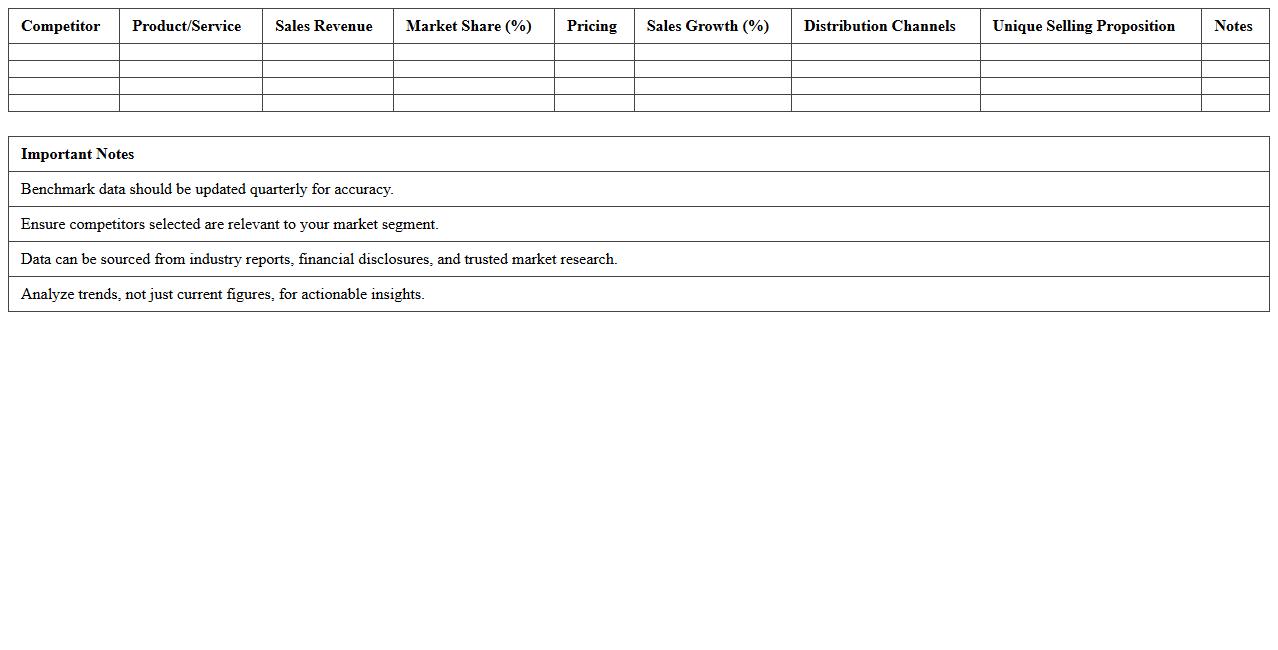
The Benchmark Chart Excel Template for Competitor Analysis offers a clear visual representation of key performance metrics across industry rivals, enabling businesses to identify strengths and weaknesses effectively. This customizable template simplifies data comparison, making it easier to track market position and strategic opportunities. Its intuitive design supports informed decision-making by highlighting competitive advantages and areas for improvement.
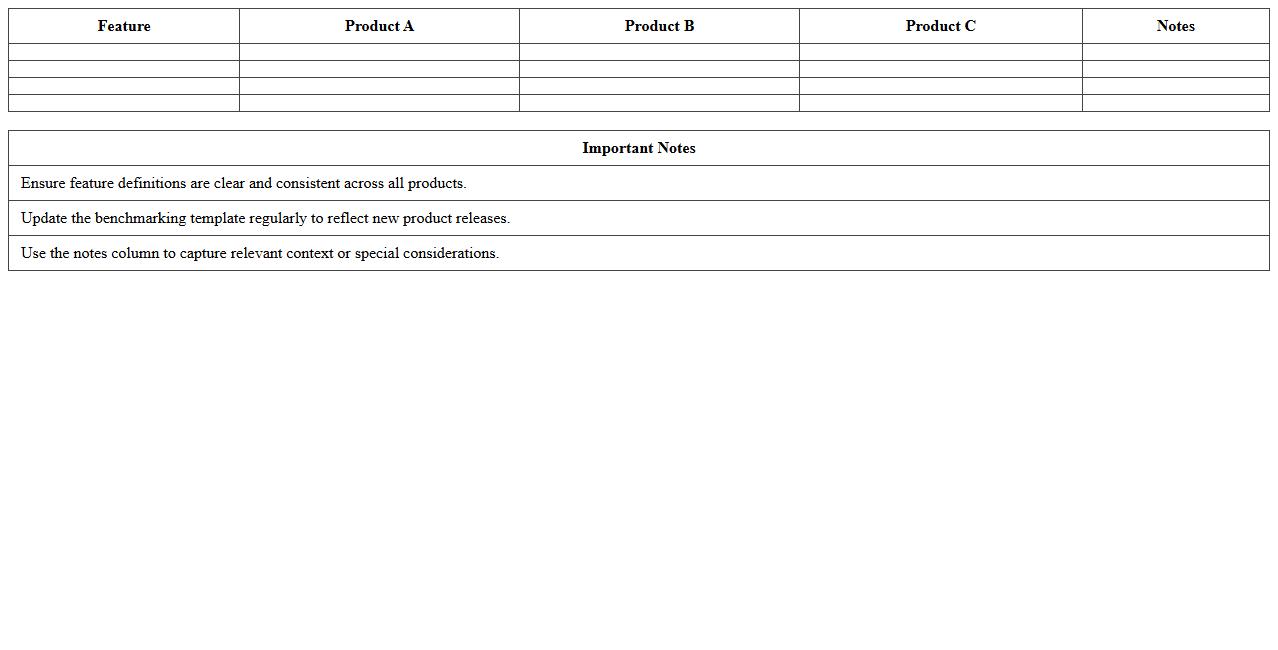
Product Feature Benchmarking Excel Template
The
Product Feature Benchmarking Excel Template is a structured tool designed to compare and analyze key features of multiple products efficiently within an Excel spreadsheet. It enables users to systematically evaluate product strengths, weaknesses, and competitive positioning by organizing feature data, assigning scores, and visualizing comparisons. This template enhances decision-making processes in product development, marketing strategies, and competitive analysis by providing clear, data-driven insights.
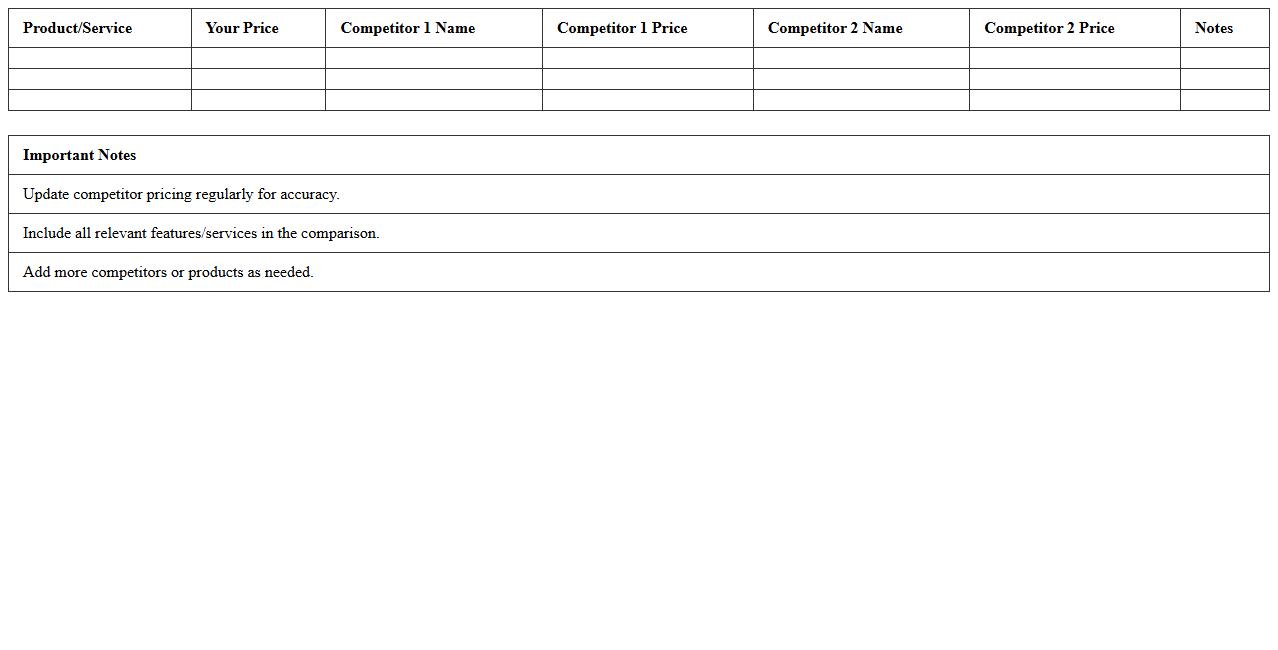
Competitor Pricing Comparison Chart Template
A
Competitor Pricing Comparison Chart Template is a structured document used to analyze and compare the pricing strategies of various competitors within a market. This template helps businesses identify pricing trends, understand market positioning, and detect opportunities for competitive pricing adjustments. Utilizing this tool enhances decision-making by providing clear, organized data that supports strategic pricing optimization and market analysis.
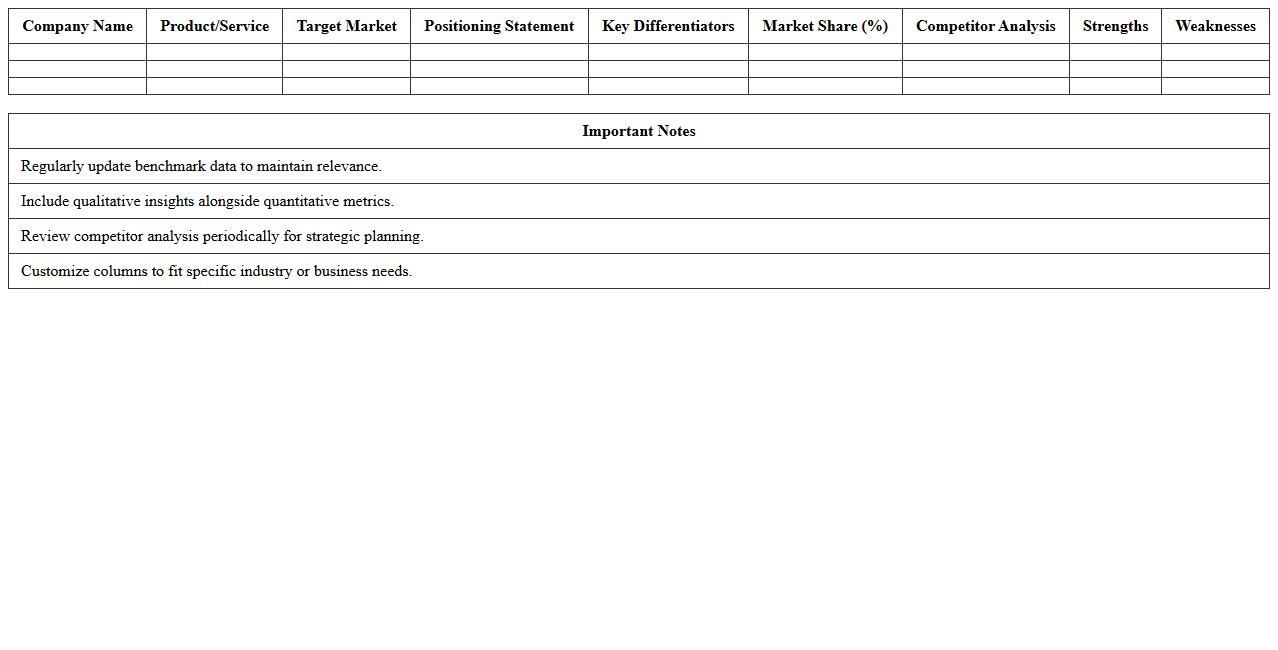
Market Positioning Benchmark Excel Template
The
Market Positioning Benchmark Excel Template is a structured tool designed to analyze and compare your brand's market standing against competitors using key performance indicators and customer perception metrics. It facilitates data-driven decision-making by visually mapping competitive advantages, market gaps, and positioning strategies, enabling businesses to refine marketing tactics effectively. This template streamlines benchmarking processes, improves identification of unique selling propositions, and supports strategic planning to enhance market share and customer engagement.
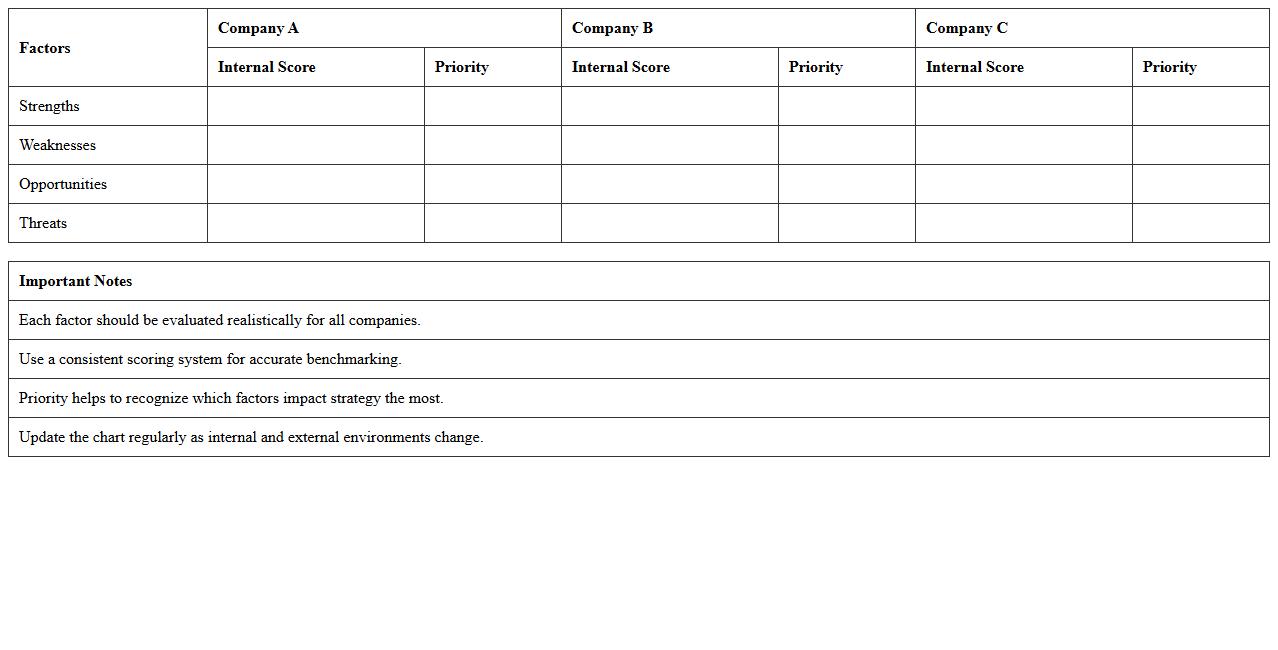
SWOT Analysis Benchmark Chart Template
A
SWOT Analysis Benchmark Chart Template is a structured document designed to evaluate an organization's strengths, weaknesses, opportunities, and threats against industry benchmarks. This tool enables businesses to identify key performance gaps and strategize effectively by comparing internal capabilities with external market conditions. Utilizing this template enhances decision-making processes, supports competitive analysis, and fosters targeted growth initiatives.
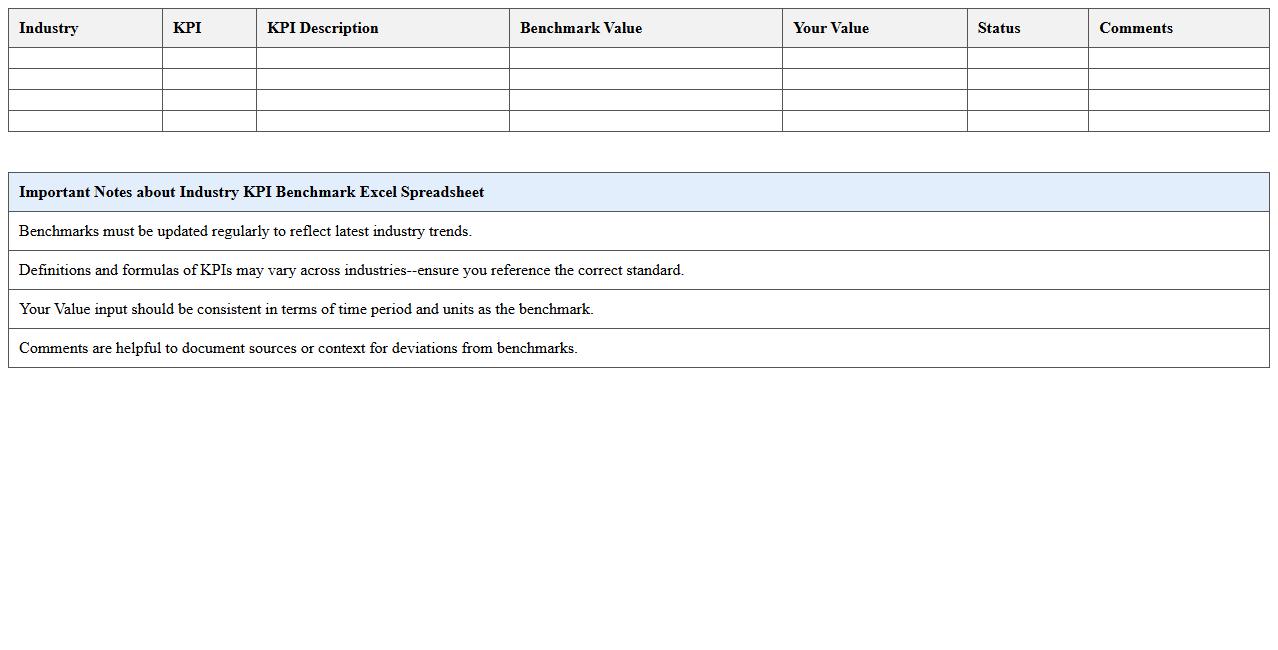
Industry KPI Benchmark Excel Spreadsheet
An
Industry KPI Benchmark Excel Spreadsheet document is a data-driven tool used to compare key performance indicators (KPIs) across companies within the same industry. It allows businesses to identify performance gaps, set realistic targets, and track progress against industry standards. This spreadsheet enhances strategic decision-making by providing clear, quantifiable insights into operational efficiency, customer satisfaction, and financial health metrics.
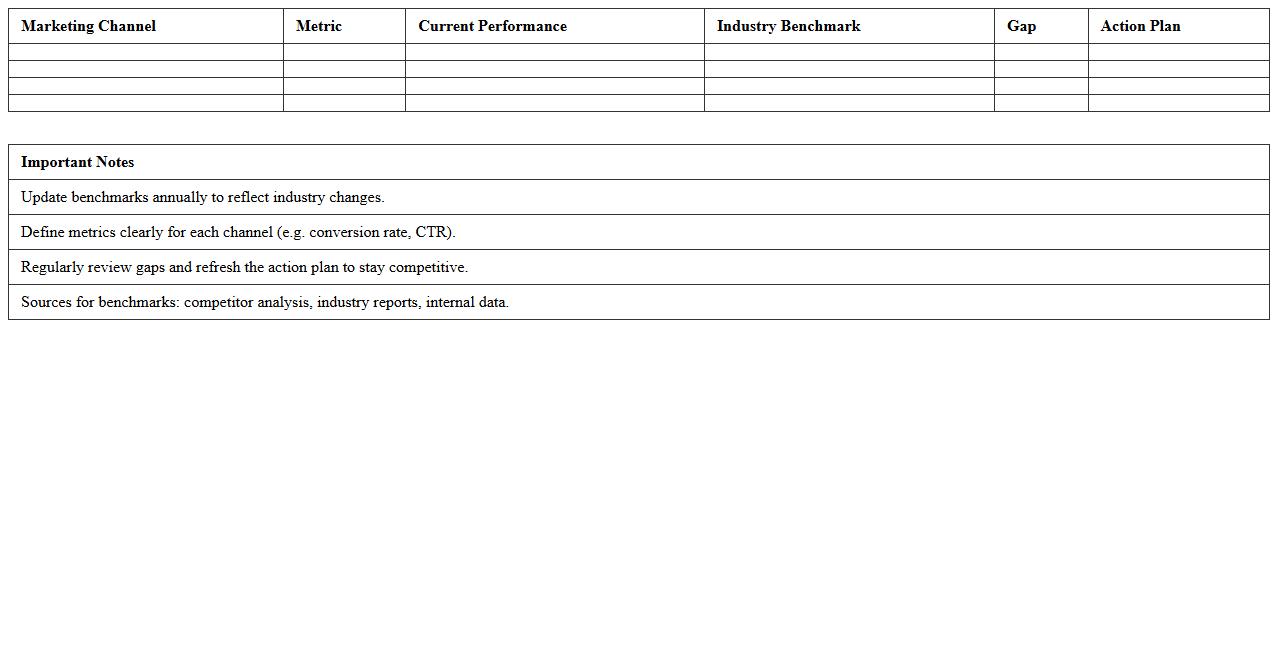
Marketing Channel Benchmarking Excel Template
The
Marketing Channel Benchmarking Excel Template document allows businesses to systematically compare the effectiveness of various marketing channels by analyzing key performance metrics such as conversion rates, cost per acquisition, and return on investment. This tool enables marketing teams to identify the most cost-efficient and high-performing channels, optimizing budget allocation and campaign strategies. Utilizing this template leads to data-driven decisions that enhance overall marketing performance and maximize customer acquisition efforts.
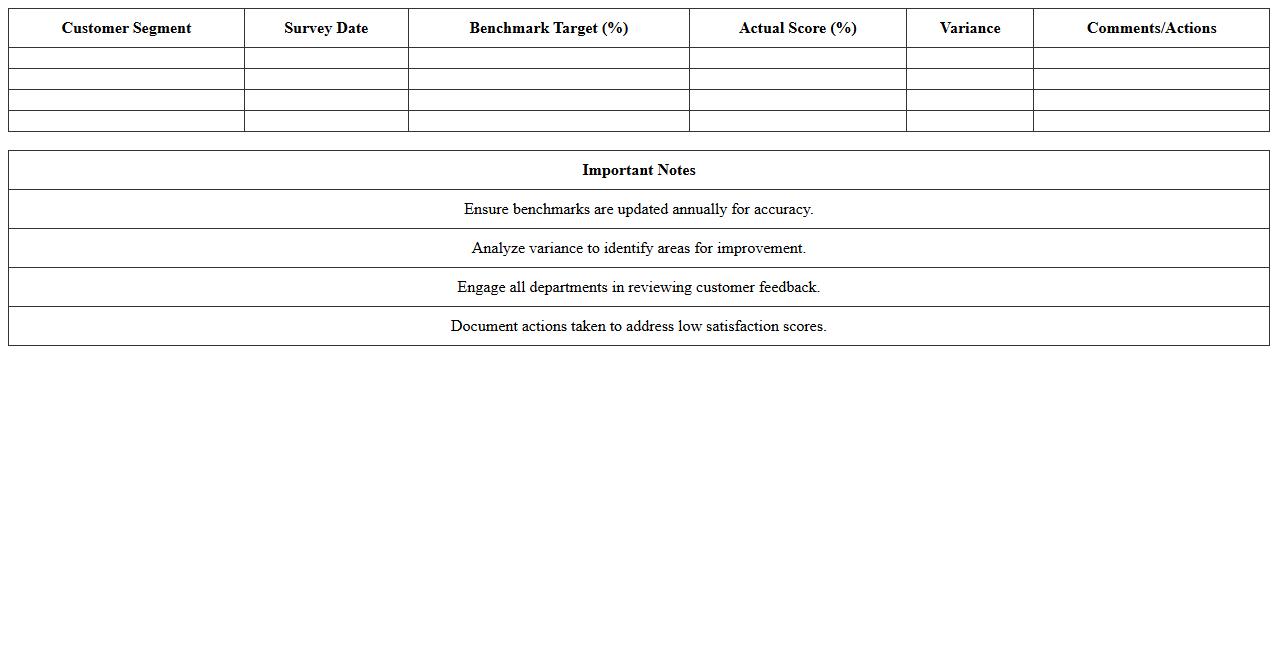
Customer Satisfaction Benchmark Chart Template
A
Customer Satisfaction Benchmark Chart Template document visually represents customer satisfaction scores against industry standards or historical data, enabling businesses to track performance trends effectively. It helps identify areas needing improvement by comparing customer feedback metrics such as Net Promoter Score (NPS), Customer Effort Score (CES), and Customer Satisfaction Score (CSAT). Utilizing this template supports data-driven decision-making to enhance service quality, boost customer retention, and increase overall business growth.
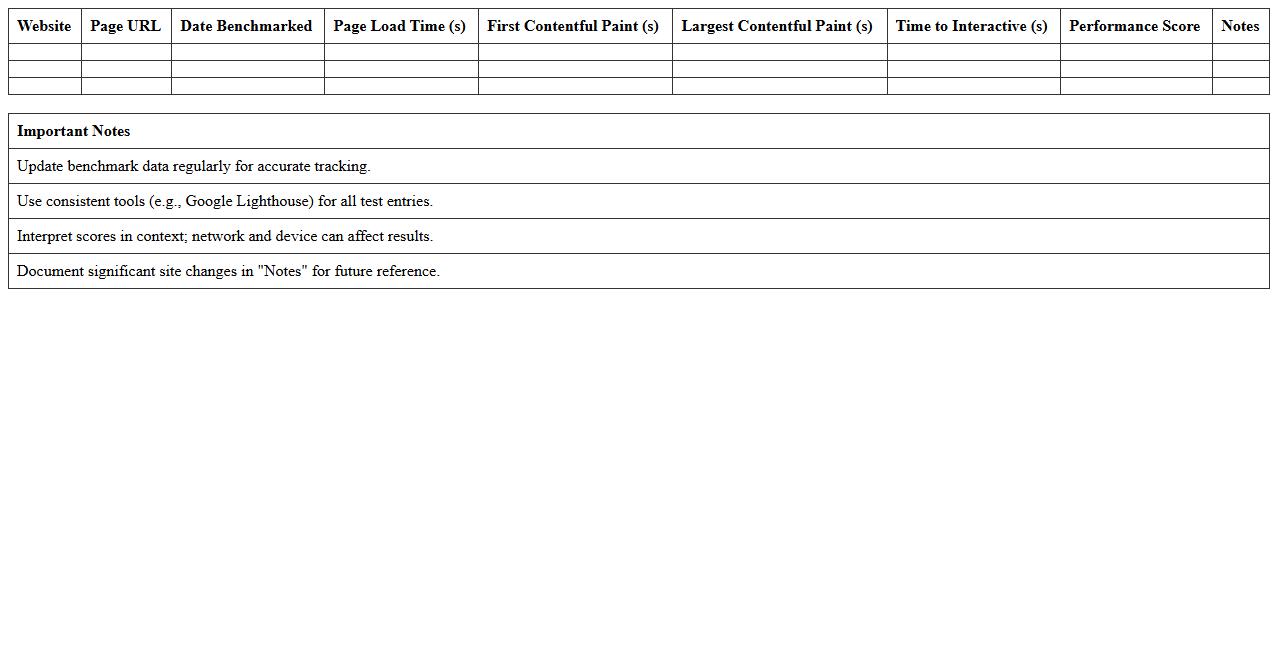
Website Performance Benchmark Excel Template
The
Website Performance Benchmark Excel Template is a tool designed to measure and analyze key metrics such as load time, page speed, and user engagement across multiple websites. It enables businesses to identify performance gaps by comparing their site's data against industry standards or competitors, facilitating data-driven decisions to enhance user experience. This template streamlines tracking improvements over time, helping optimize website functionality for increased search engine rankings and customer retention.
Sales Performance Competitor Benchmark Template
The
Sales Performance Competitor Benchmark Template document systematically compares key sales metrics across industry competitors, providing clear insights into strengths and weaknesses relative to the market. It helps identify performance gaps, sales growth opportunities, and effective strategies employed by top performers. Utilizing this template enables businesses to make data-driven decisions, improve sales tactics, and maintain a competitive edge.
Financial Metrics Benchmarking Excel Chart
The
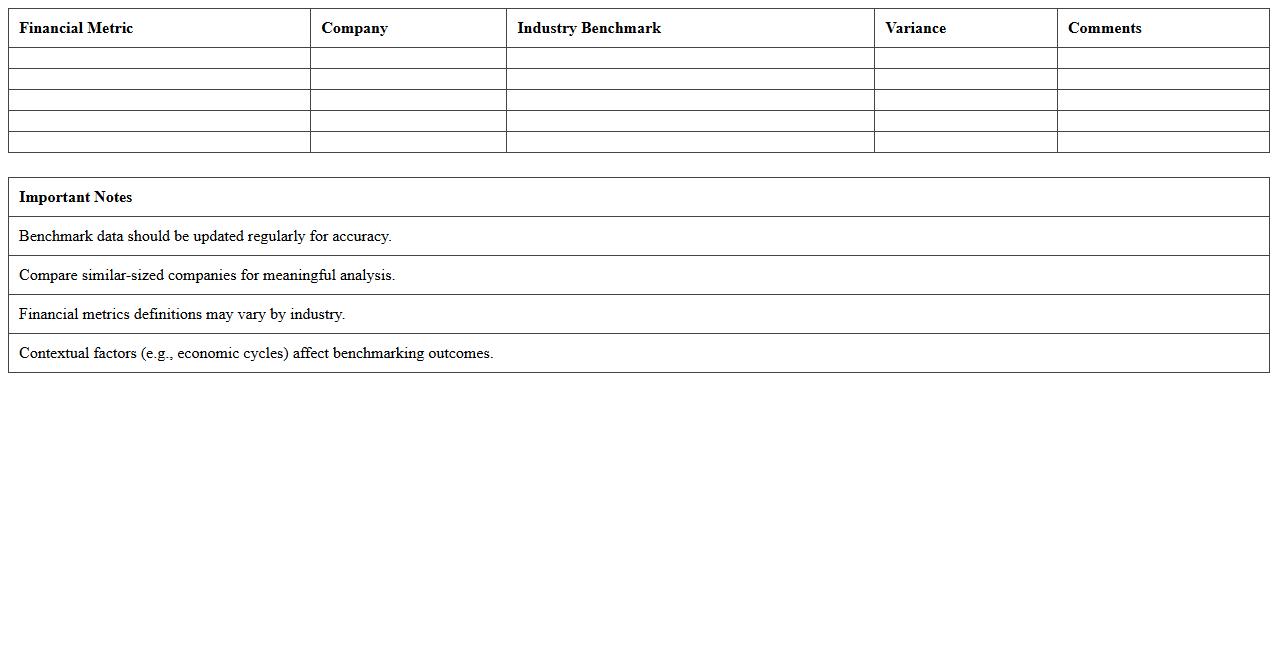
Financial Metrics Benchmarking Excel Chart document provides a comprehensive visual comparison of key financial performance indicators across multiple companies or periods, enabling users to identify trends and inefficiencies. It facilitates data-driven decision-making by illustrating metrics such as profitability ratios, liquidity ratios, and operational efficiency side-by-side. This tool is essential for businesses seeking to optimize financial strategies, improve competitive positioning, and monitor progress against industry standards.
How can I structure a Benchmark Chart Excel template to compare competitor KPIs visually?
Begin by listing all relevant competitor KPIs as column headers to maintain clarity. Use rows to represent each competitor, ensuring easy comparison across all metrics. Incorporate conditional formatting or data bars to visually enhance differences and patterns.
What data sources should be prioritized when gathering competitor metrics for document letters?
Prioritize reliable and current data sources such as industry reports, competitor websites, and financial disclosures. Supplement with third-party analytics platforms for comprehensive KPI information. Ensure all data sources are credible to maintain accuracy in document letters.
Which Excel chart types best illustrate strengths and weaknesses in competitor benchmarking?
Radar charts excellently display multiple KPIs to reveal competitor strengths and weaknesses simultaneously. Bar charts help compare individual metrics clearly across competitors. Choose charts that provide both visual clarity and insightful data representation.
How do I automate data imports for ongoing competitor updates in my Benchmark Chart Excel?
Use Excel's Power Query to automate data imports from web pages, databases, or CSV files. Set scheduled refreshes to keep your Benchmark Chart updated with the latest competitor information. This reduces manual efforts and ensures your analysis always reflects current data.
What key document sections should reference insights from the Benchmark Chart in competitor analysis letters?
Include Benchmark Chart insights prominently in the Executive Summary for quick overview by decision-makers. Use detailed findings within the Competitor Analysis section to support strategic recommendations. Additionally, refer to visual data in appendices to provide comprehensive backup information.
More Chart Excel Templates