The Pareto Chart Excel Template for Customer Complaints is designed to help businesses identify and prioritize the most frequent issues reported by customers. By visually displaying complaint categories in descending order of frequency, it enables efficient problem-solving and resource allocation. This template enhances data analysis, making it easier to focus on the critical factors impacting customer satisfaction.
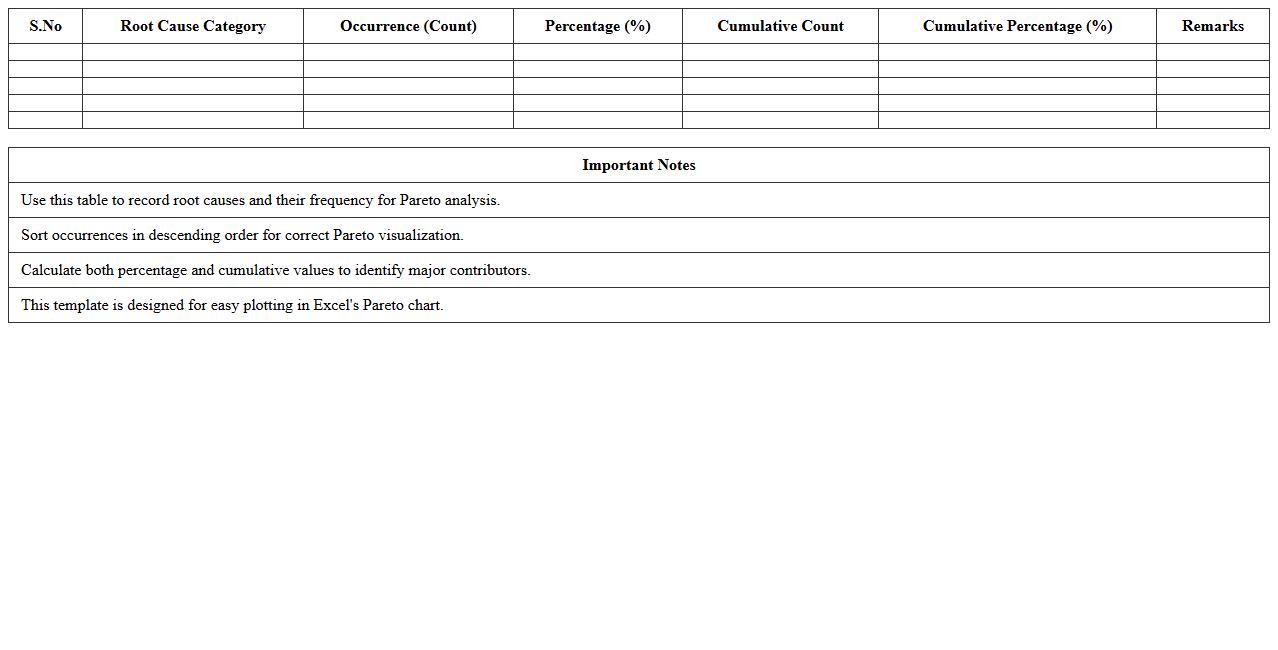
Root Cause Analysis Pareto Chart Excel Template
The
Root Cause Analysis Pareto Chart Excel Template document is a powerful tool designed to visually prioritize problems based on their frequency or impact, enabling effective identification of root causes. This template helps users organize data into a Pareto chart, highlighting the most significant issues that contribute to a majority of problems, which streamlines decision-making and resource allocation. By focusing efforts on critical causes, businesses can enhance problem-solving efficiency, improve processes, and drive continuous improvement initiatives.
Call Center Complaints Pareto Chart Excel Template
The
Call Center Complaints Pareto Chart Excel Template document is a data visualization tool designed to prioritize customer service issues by frequency and impact, making it easier to identify the most common complaints in a call center environment. This template helps managers and analysts focus on the critical few problems that contribute to the majority of customer dissatisfaction, enabling targeted improvements. By streamlining complaint analysis, it drives operational efficiency, enhances customer experience, and supports strategic decision-making with clear, actionable insights.
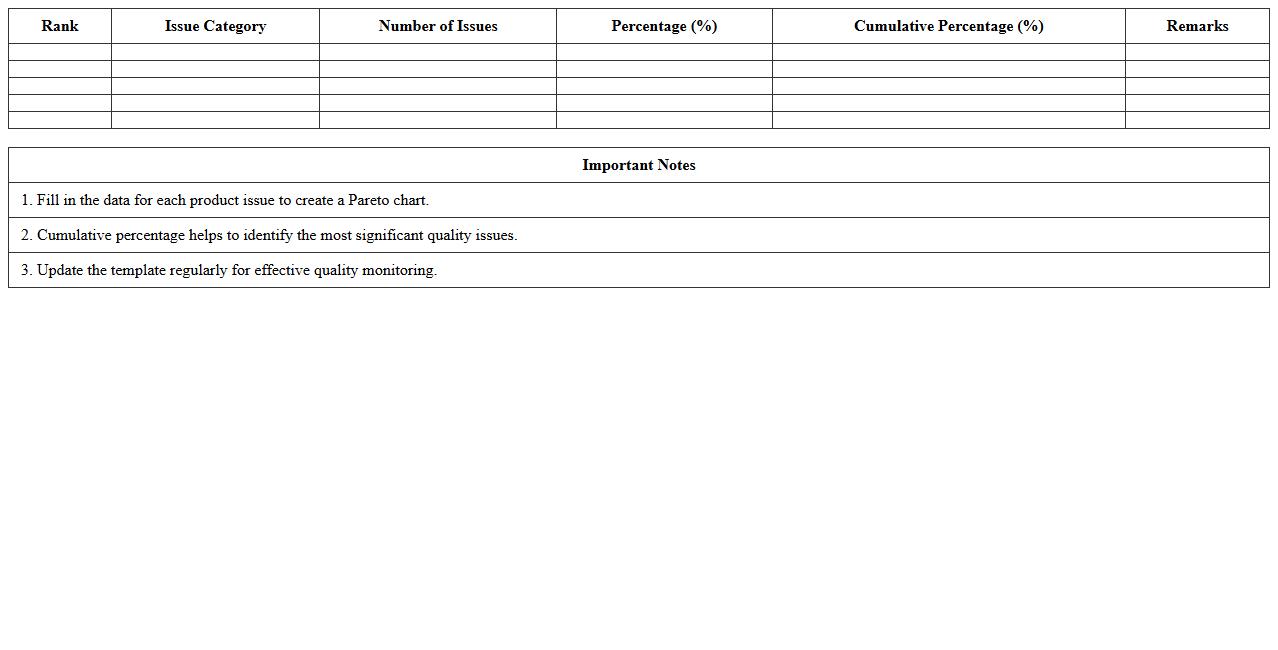
Product Quality Issues Pareto Chart Excel Template
The
Product Quality Issues Pareto Chart Excel Template is a structured tool used to identify and prioritize the most significant product defects by visually displaying their frequency or impact. This template helps businesses focus on the critical few quality problems that contribute to the majority of defects, enabling efficient resource allocation for improvements. By using this Excel chart, companies can systematically analyze issues, track quality trends, and drive data-driven decisions to enhance product reliability and customer satisfaction.
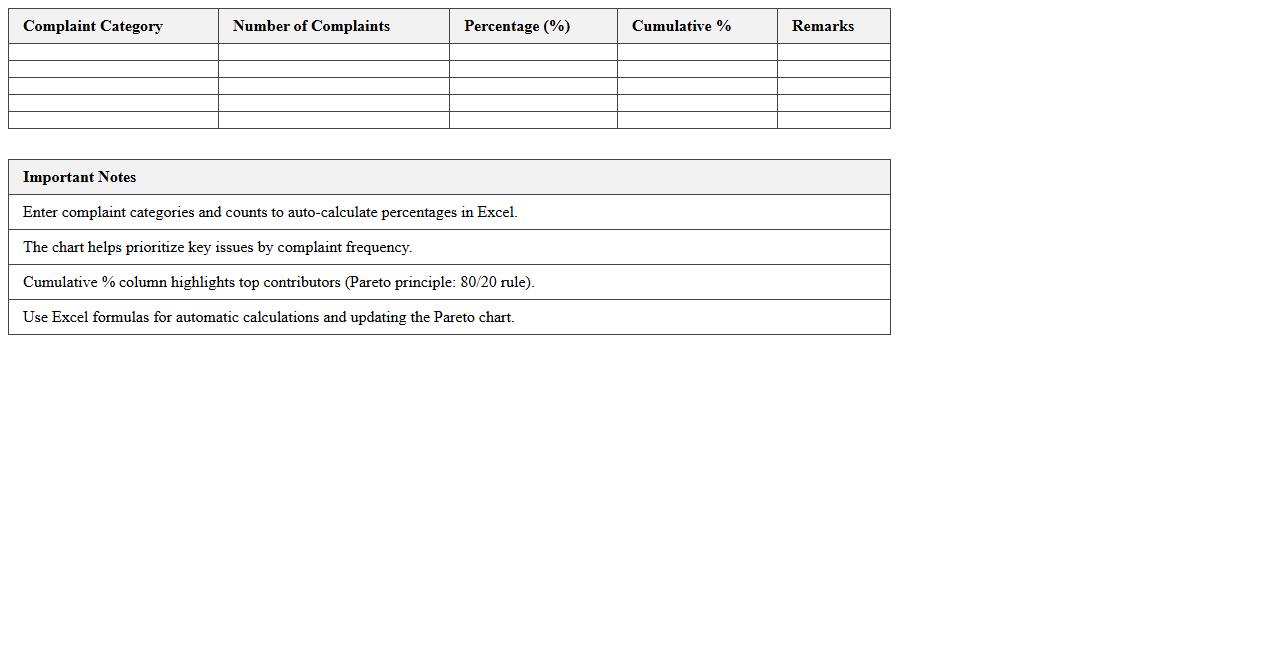
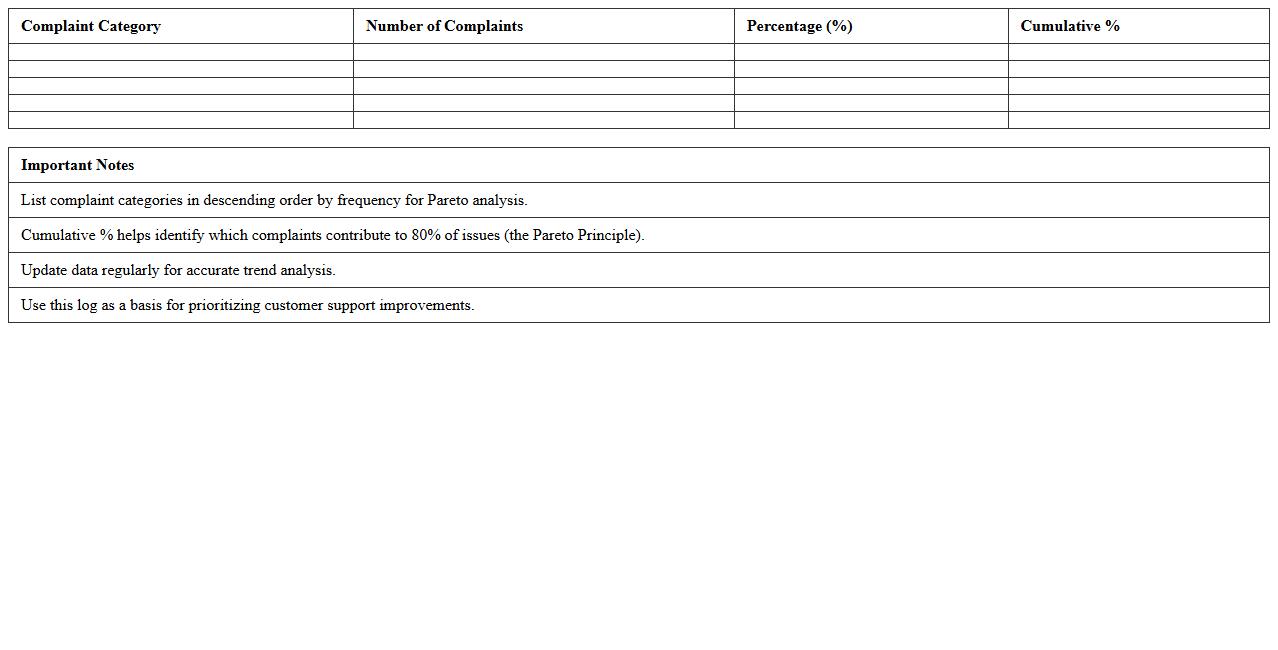
Customer Support Complaint Log Pareto Chart
A
Customer Support Complaint Log Pareto Chart document visually represents the frequency and impact of various customer complaints, helping to identify the most significant issues affecting customer satisfaction. By highlighting the top contributors to problems, it enables support teams to prioritize resources effectively and implement targeted improvements. This data-driven tool supports continuous enhancement of service quality and reduces recurring complaints by focusing on the vital few problems.
Service Feedback Pareto Analysis Excel Template
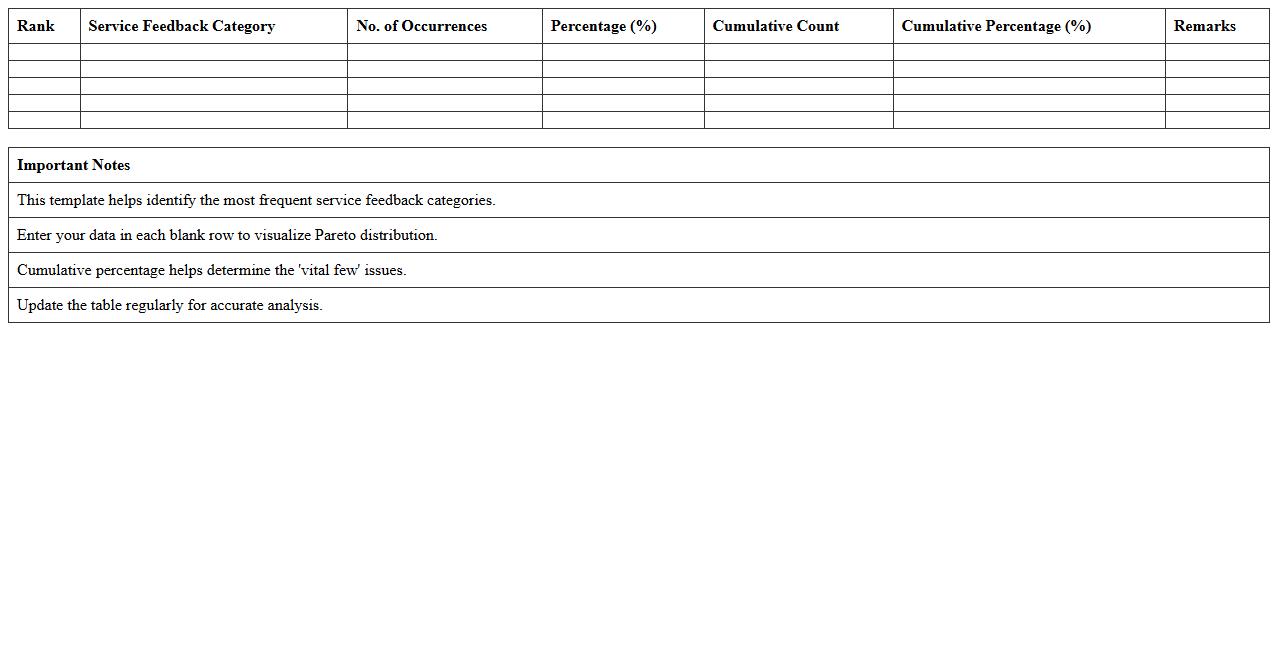
The
Service Feedback Pareto Analysis Excel Template is a structured tool designed to categorize and prioritize customer feedback based on the frequency and impact of service issues. It helps identify the most significant factors affecting service quality by applying the Pareto principle, enabling businesses to focus on the top 20% of problems causing 80% of dissatisfaction. This template streamlines data analysis, promotes informed decision-making, and supports strategic improvements to enhance overall customer satisfaction.
Retail Customer Complaint Pareto Chart Template
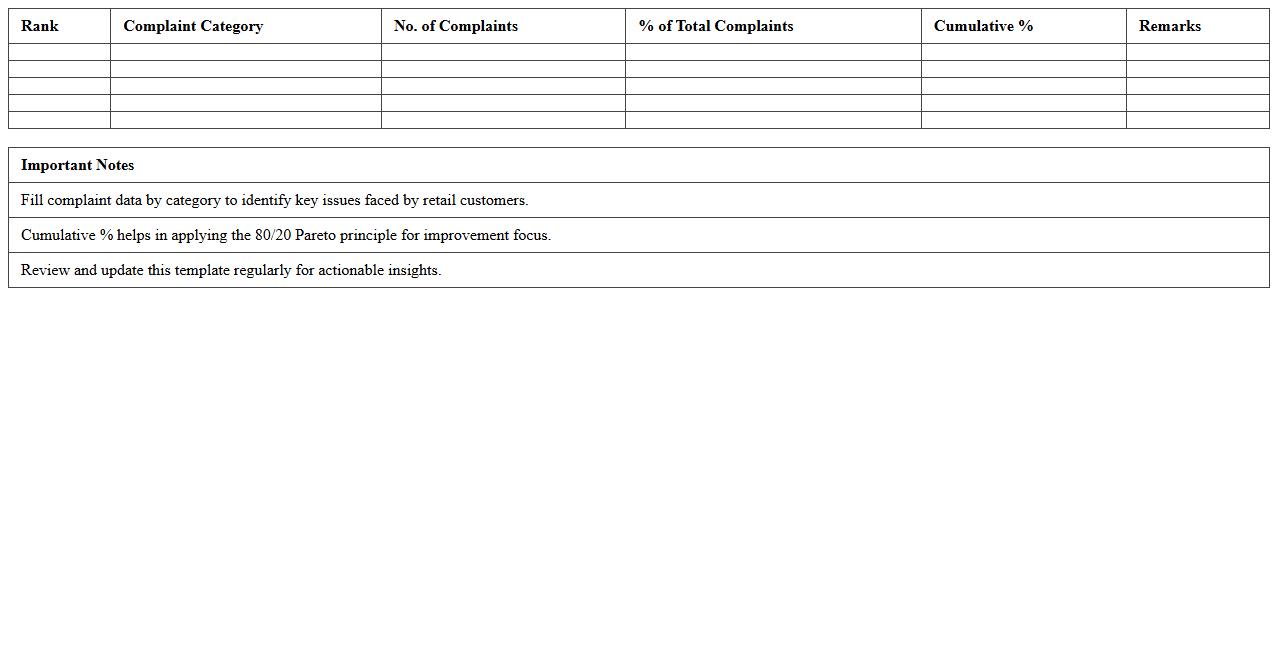
The
Retail Customer Complaint Pareto Chart Template document visually prioritizes customer complaints by frequency, helping businesses identify the most significant issues impacting customer satisfaction. By focusing on the vital few problems, retail managers can allocate resources efficiently to resolve high-impact complaints and improve overall service quality. This targeted approach fosters better decision-making and enhances customer retention in competitive markets.
Monthly Complaint Tracking Pareto Chart Excel
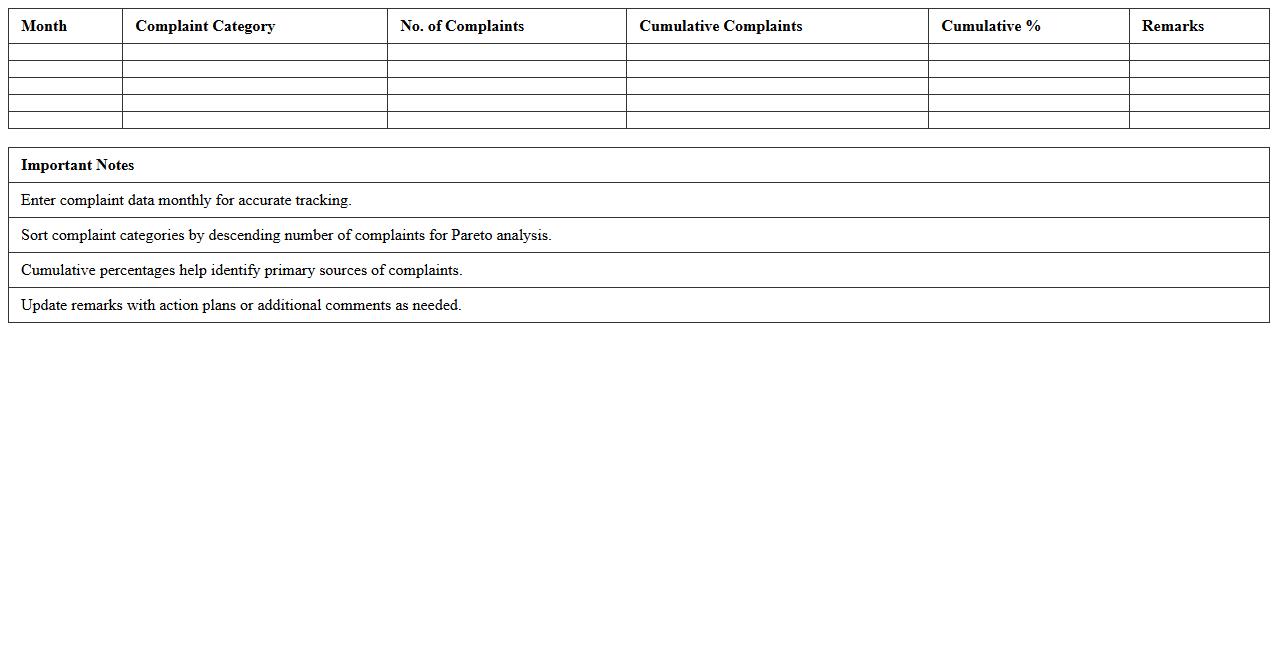
A
Monthly Complaint Tracking Pareto Chart Excel document visually displays the frequency and impact of complaints over a given month, enabling organizations to identify the most common issues quickly. By sorting complaints from highest to lowest frequency, the chart highlights the critical few problems responsible for the majority of dissatisfaction, helping prioritize corrective actions efficiently. This tool improves customer service management by providing data-driven insights for resource allocation and continuous quality improvement.
Customer Satisfaction Issue Pareto Chart Excel
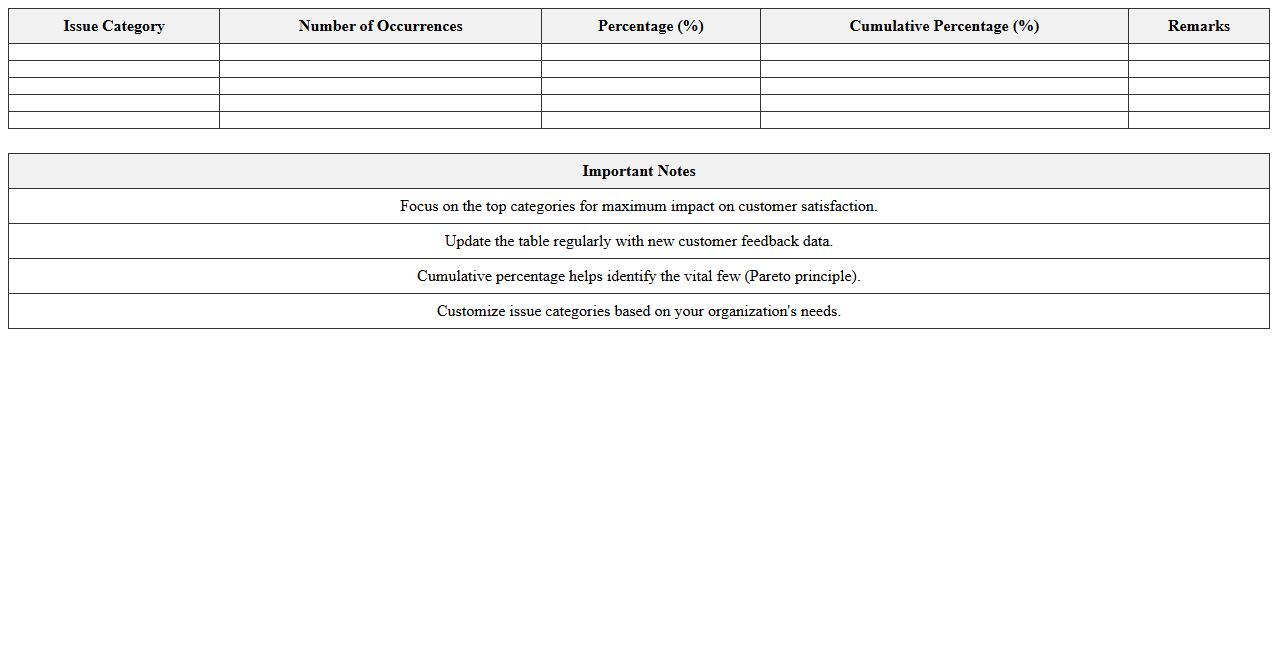
A
Customer Satisfaction Issue Pareto Chart in Excel is a visual tool that highlights the most significant problems affecting customer satisfaction by organizing data into a bar graph that prioritizes issues based on frequency or impact. This chart helps businesses identify and focus on the critical few causes that contribute to the majority of customer complaints, enabling targeted improvements. By using this Excel document, companies can efficiently allocate resources to address key problems, ultimately enhancing customer experience and loyalty.
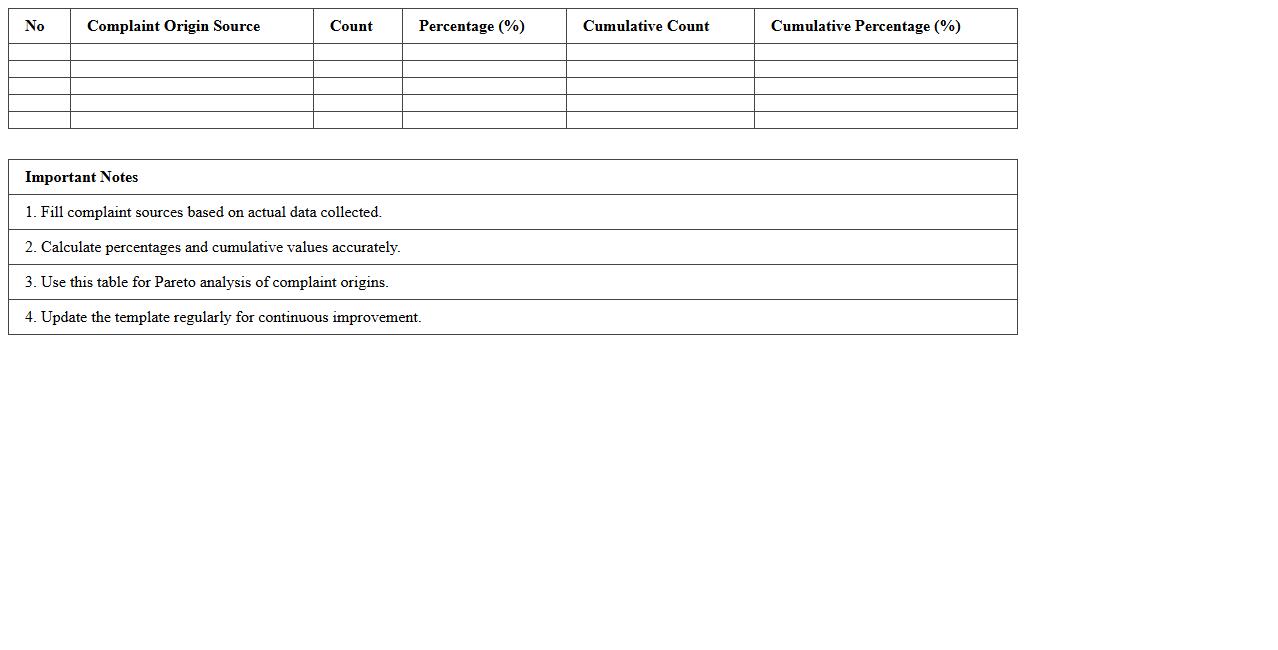
Complaint Origin Source Pareto Template Excel
The
Complaint Origin Source Pareto Template Excel document is a structured tool designed to categorize and visualize the primary sources of customer complaints using Pareto analysis principles. It helps businesses identify the most significant complaint origins by ranking them according to frequency or impact, enabling targeted problem-solving efforts. This template enhances decision-making efficiency by focusing resources on the critical few causes that drive the majority of customer dissatisfaction, ultimately improving service quality and customer retention.
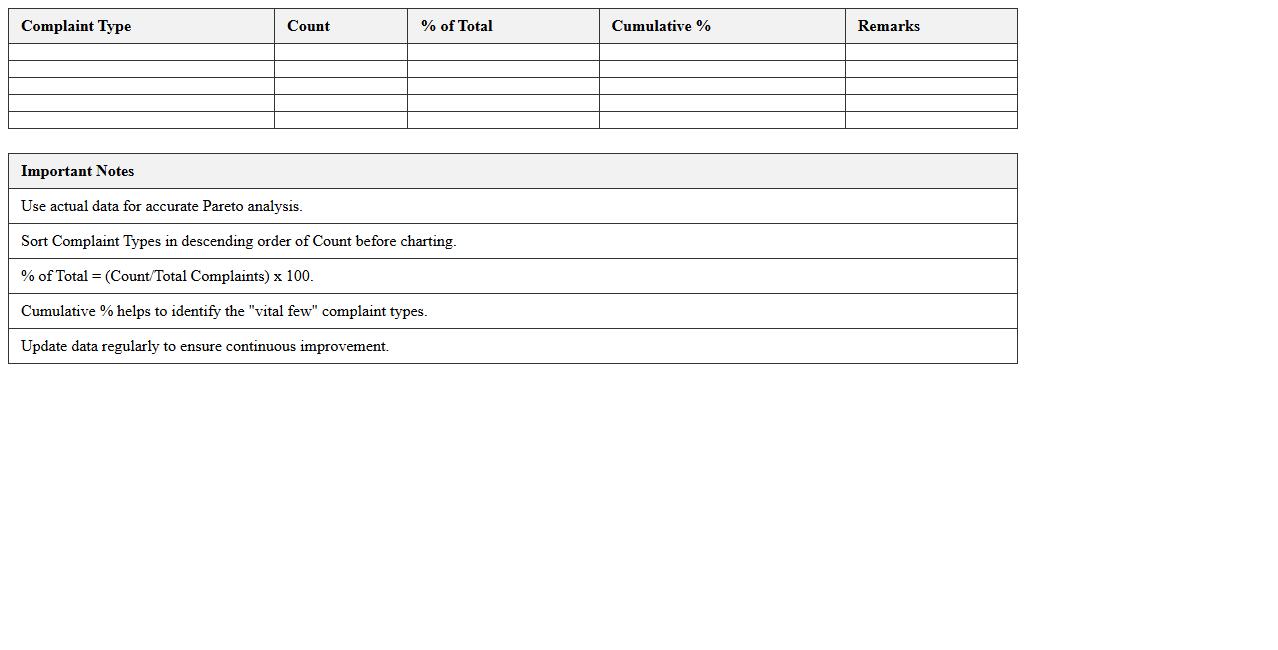
Customer Complaint Type Pareto Chart Excel Template
The
Customer Complaint Type Pareto Chart Excel Template document categorizes and visualizes customer complaints by type, highlighting the most frequent issues through a Pareto chart. This tool enables businesses to prioritize problem areas effectively, focusing on the 20% of complaint types that generate 80% of the dissatisfaction. By using this template, organizations can streamline quality improvement efforts, enhance customer satisfaction, and drive targeted operational changes.
How to automate dynamic Pareto chart updates for recurring customer complaint categories in Excel?
To automate dynamic Pareto chart updates, use Excel tables as your data source. Tables automatically expand when new customer complaint data is added, ensuring your chart updates in real-time. Pair this with PivotTables and PivotCharts linked to the table for seamless dynamic visualization.
What is the best way to link customer complaint severity levels to a Pareto chart in Excel?
Incorporate severity levels by assigning numerical weights to each complaint category within your dataset. Use calculated fields in a PivotTable to aggregate weighted complaints, reflecting severity alongside frequency. Then, create a Pareto chart based on these weighted values to emphasize critical complaints effectively.
How to visualize monthly trends of customer complaint frequencies using Pareto chart dashboards?
Leverage PivotTables with slicers to filter complaints by month, enabling dynamic monthly trend analysis. Combine slicers with Pareto charts embedded in dashboards for interactive and clear visualization. This approach simplifies tracking complaint frequency changes over time for strategic decision-making.
Which Excel formulas effectively extract root causes from complaint data for Pareto analysis?
Use formulas like COUNTIFS and SUMPRODUCT to aggregate complaint counts based on specific root cause criteria. The FILTER function (available in newer Excel versions) aids in dynamic extraction of subsets aligned with root causes. These formulas underpin accurate categorization vital for effective Pareto analysis.
How to integrate complaint resolution timelines into a Pareto chart for actionable insights in Excel?
Augment your data by calculating average resolution times per complaint category using AVERAGEIFS or PivotTable aggregated fields. Display these alongside frequency data in a dual-axis Pareto chart to correlate complaint volumes with resolution efficiency. This integration highlights areas requiring process improvements for faster complaint handling.
More Chart Excel Templates