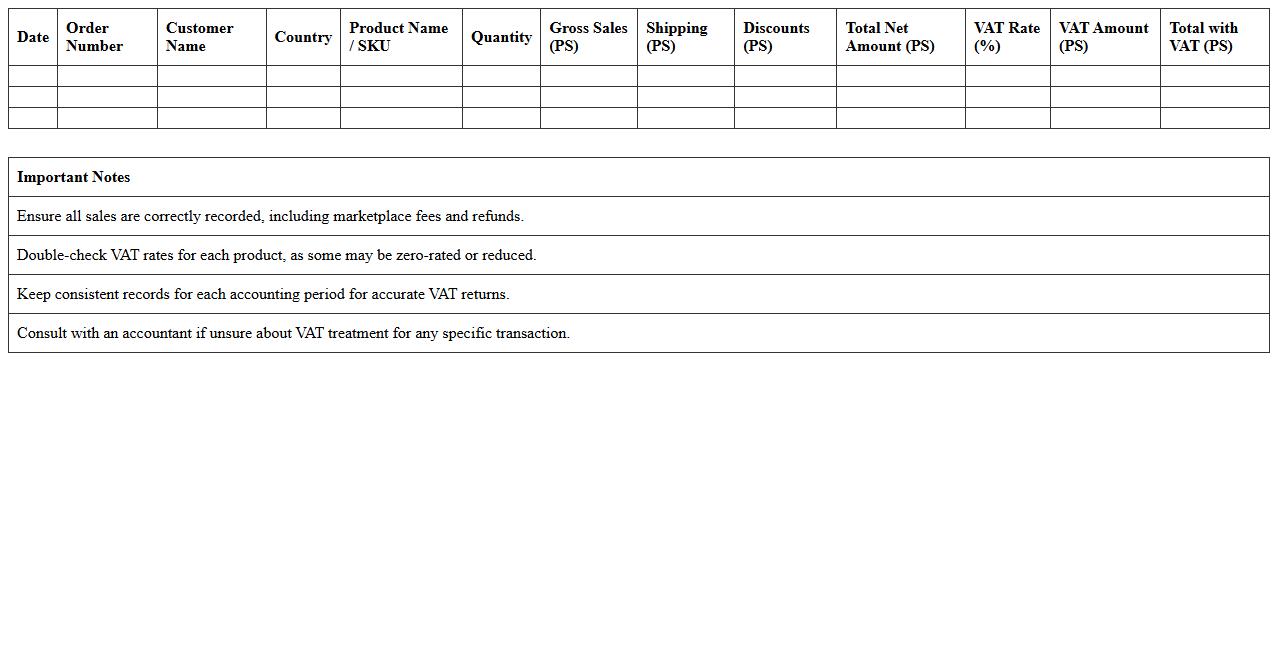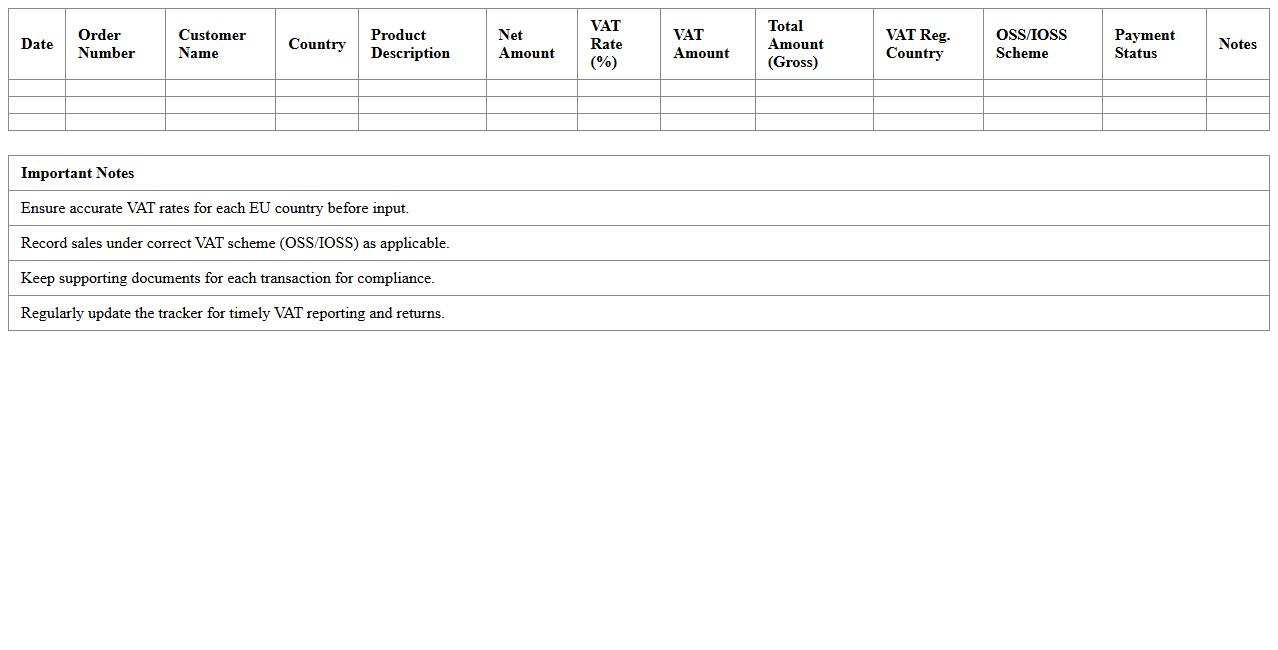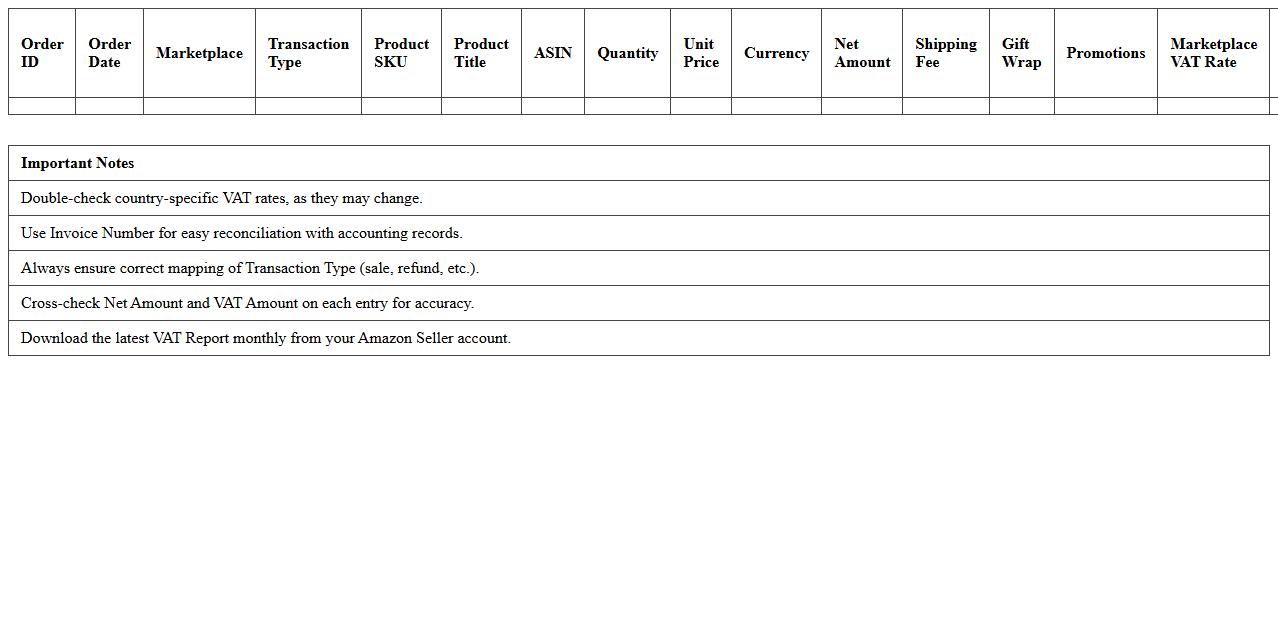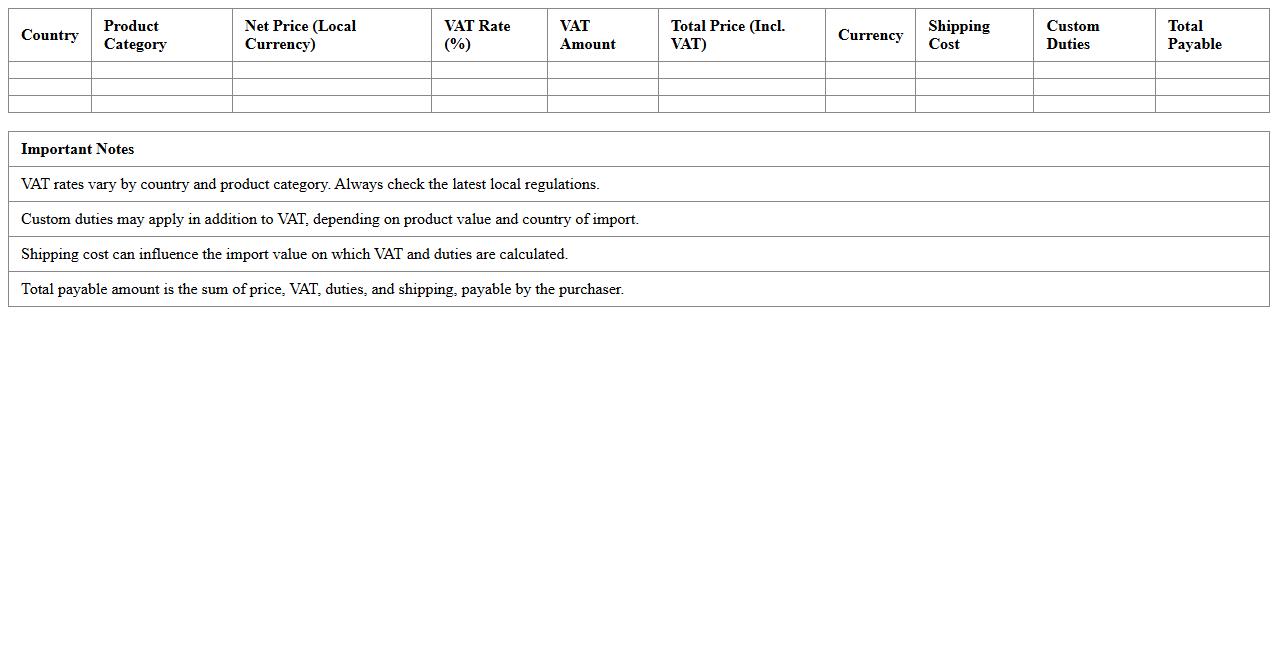
The VAT Calculation Excel Template for E-commerce Stores simplifies tax management by automating VAT computations based on sales and purchase data. This tool ensures accurate tax reporting and compliance, saving time and reducing errors for online retailers. Its user-friendly design supports multiple VAT rates and currency conversions, making it ideal for diverse e-commerce businesses.
UK VAT Calculation Excel Template for Shopify Sellers
The
UK VAT Calculation Excel Template for Shopify Sellers is a specialized tool designed to simplify the complex process of calculating Value Added Tax on sales within the UK. This template automates VAT computations based on transaction data, ensuring accurate tax amounts are reported and compliant with HMRC regulations. By using this document, Shopify sellers can efficiently track VAT liabilities, avoid costly errors, and streamline their accounting processes for better financial management.
EU E-commerce VAT Return Tracker Spreadsheet
The
EU E-commerce VAT Return Tracker Spreadsheet is a comprehensive tool designed to help online businesses monitor and manage their value-added tax (VAT) obligations across multiple EU member states. It simplifies tracking VAT rates, filing deadlines, and payment statuses, ensuring compliance with complex EU VAT regulations and avoiding penalties. By consolidating all VAT-related information in one place, it enhances accuracy, saves time, and supports efficient financial reporting for e-commerce operations within the European Union.
Amazon Seller VAT Report Excel Sheet
The
Amazon Seller VAT Report Excel Sheet is a detailed document that compiles all relevant VAT transactions for sellers, including sales, refunds, and tax amounts across different regions. This report enables efficient tax compliance by providing clear visibility into VAT liabilities and helps automate the calculation process, minimizing errors during tax filing. Using this sheet allows sellers to maintain accurate financial records and simplifies auditing procedures with comprehensive, organized data.
Cross-Border VAT Rate Calculator for Online Shops
A
Cross-Border VAT Rate Calculator for online shops is a tool designed to accurately determine the applicable Value Added Tax rates when selling products across different countries. This document helps businesses navigate varying VAT laws, ensuring compliance and correct tax calculations based on the customer's location. Using this calculator minimizes errors, streamlines pricing strategies, and improves overall financial management for cross-border e-commerce transactions.
Digital Products VAT Assessment Excel Template
The
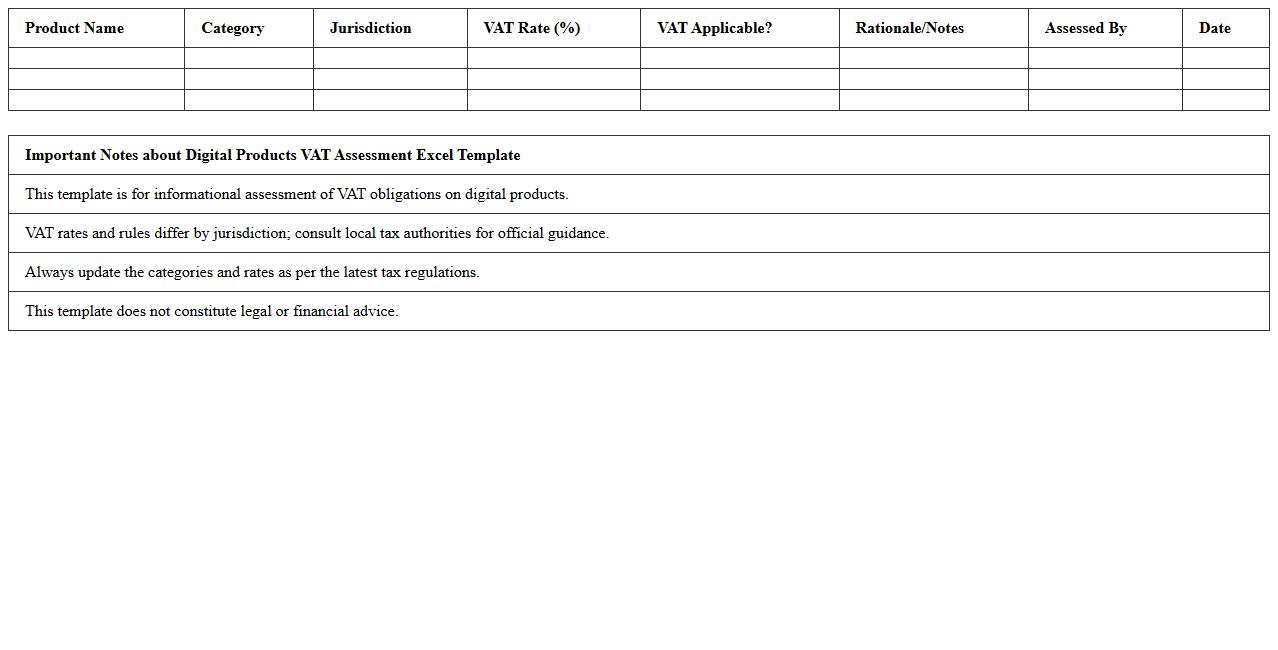
Digital Products VAT Assessment Excel Template is a specialized tool designed to simplify the calculation and documentation of Value Added Tax (VAT) on digital goods and services. By automating VAT rate application based on jurisdiction and transaction details, this template ensures accurate tax compliance and reduces the risk of errors in reporting. It is particularly useful for businesses managing cross-border sales of digital products, allowing for streamlined VAT assessment and efficient financial record-keeping.
Automated VAT Invoice Generator for E-commerce
An
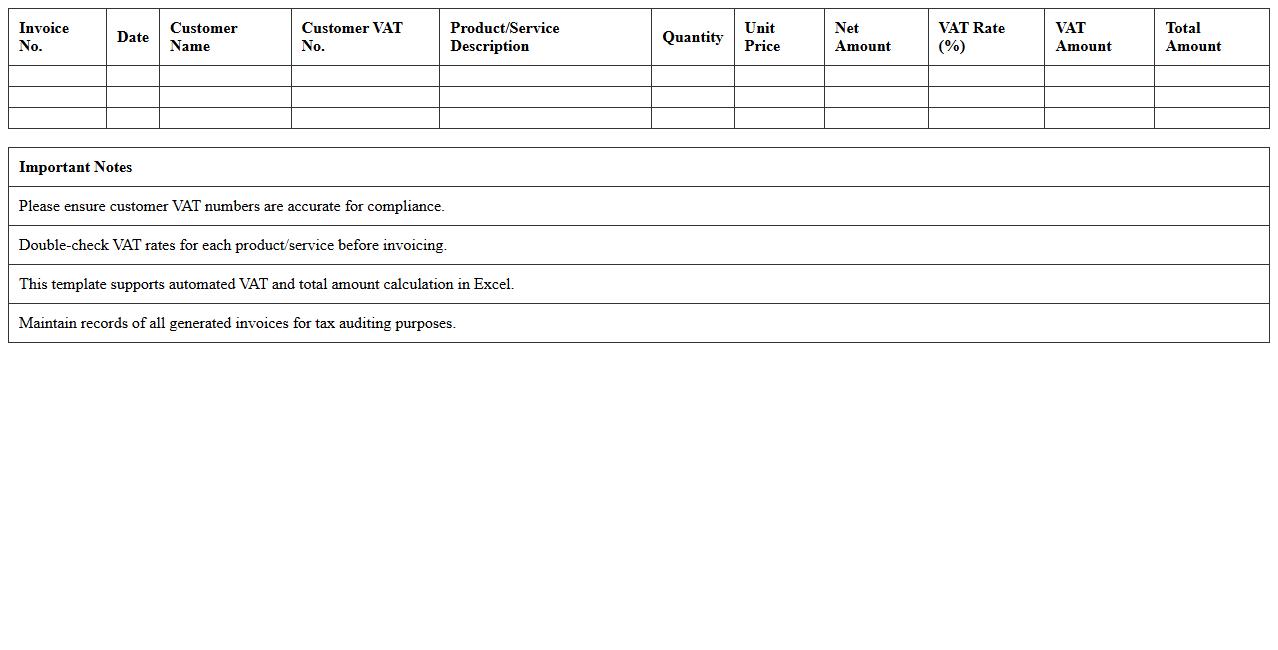
Automated VAT Invoice Generator for e-commerce documents streamlines the creation of compliant tax invoices by automatically calculating VAT rates, applying them to transactions, and generating accurate invoices. This tool reduces manual errors, ensures adherence to tax regulations, and accelerates the invoicing process, which is crucial for timely financial reporting and customer transparency. By integrating with e-commerce platforms, it simplifies tax management, improves cash flow monitoring, and enhances overall operational efficiency.
Monthly VAT Summary Excel for Online Businesses
The
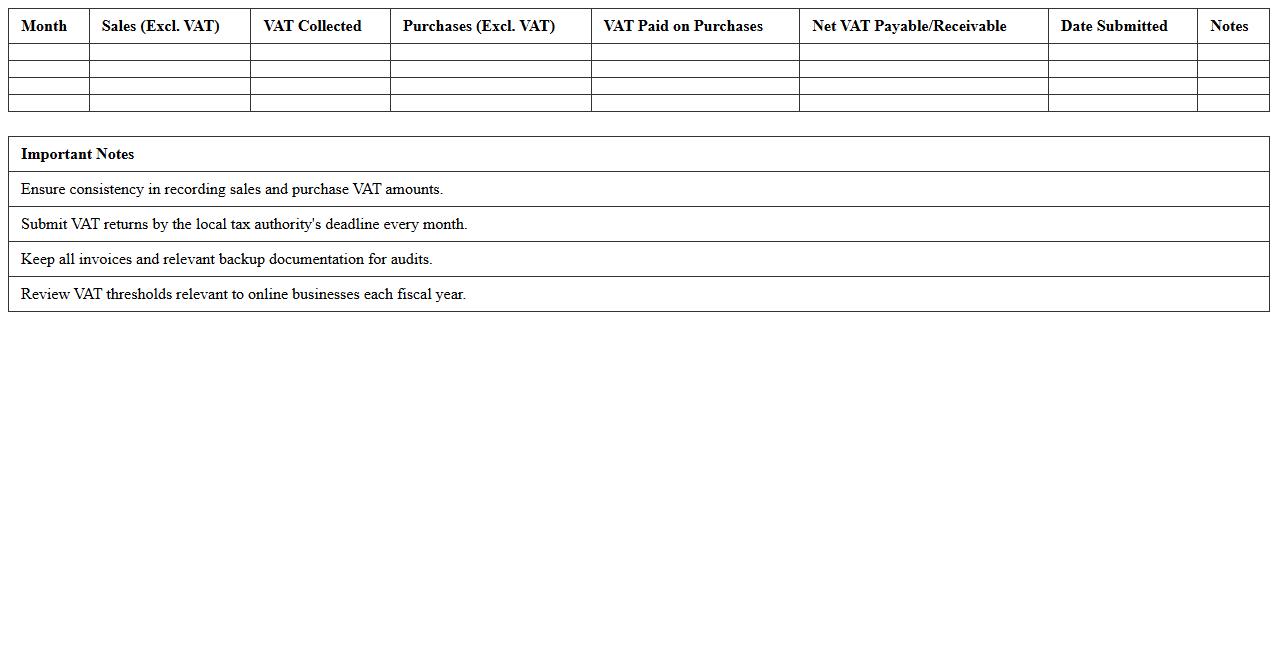
Monthly VAT Summary Excel for online businesses is a structured spreadsheet designed to accurately record and calculate the Value Added Tax (VAT) collected and paid each month. It helps businesses keep track of taxable sales, purchases, and VAT liabilities, ensuring compliance with tax regulations and simplifying the process of filing VAT returns. This document is essential for maintaining organized financial records, reducing errors, and providing clear evidence during tax audits.
Multi-Currency VAT Calculation Spreadsheet
A
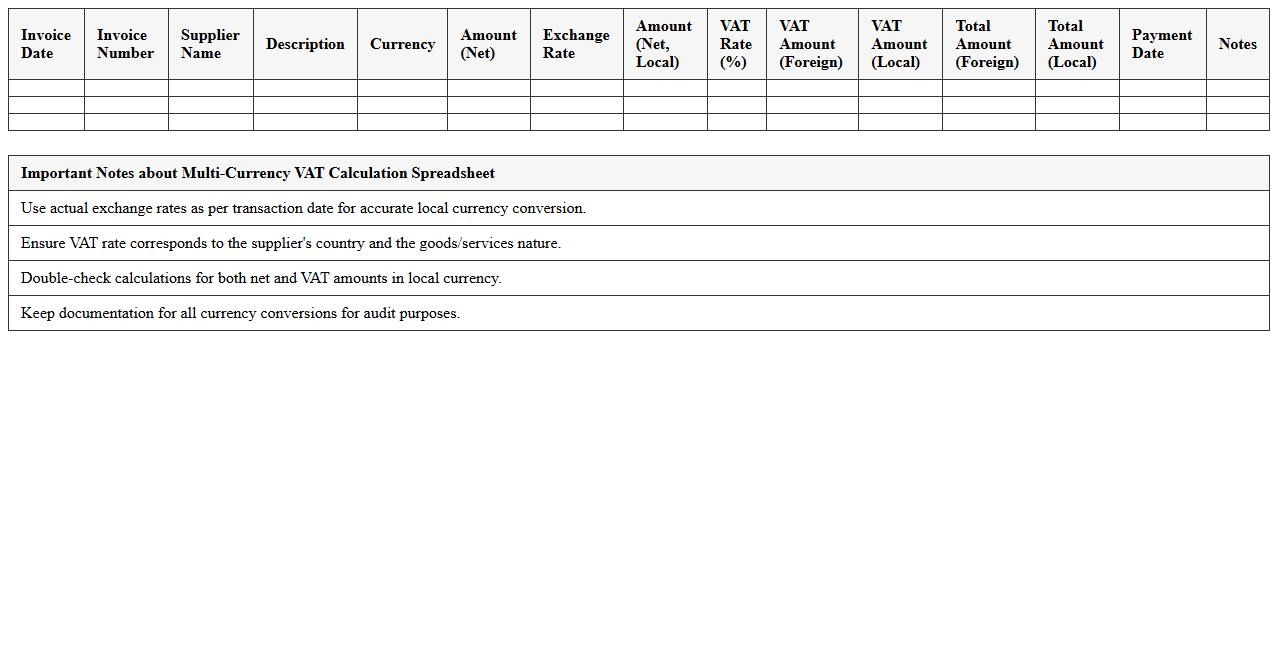
Multi-Currency VAT Calculation Spreadsheet is a dynamic tool designed to automate the calculation of Value Added Tax (VAT) across different currencies, ensuring accuracy in international transactions. It simplifies complex tax computations by converting amounts into the applicable currency using up-to-date exchange rates, helping businesses maintain compliance with local tax regulations. This spreadsheet enhances financial reporting and audit readiness by providing clear, organized records of VAT charges and payments in multiple currencies.
VAT Registration Threshold Monitor for E-commerce
The
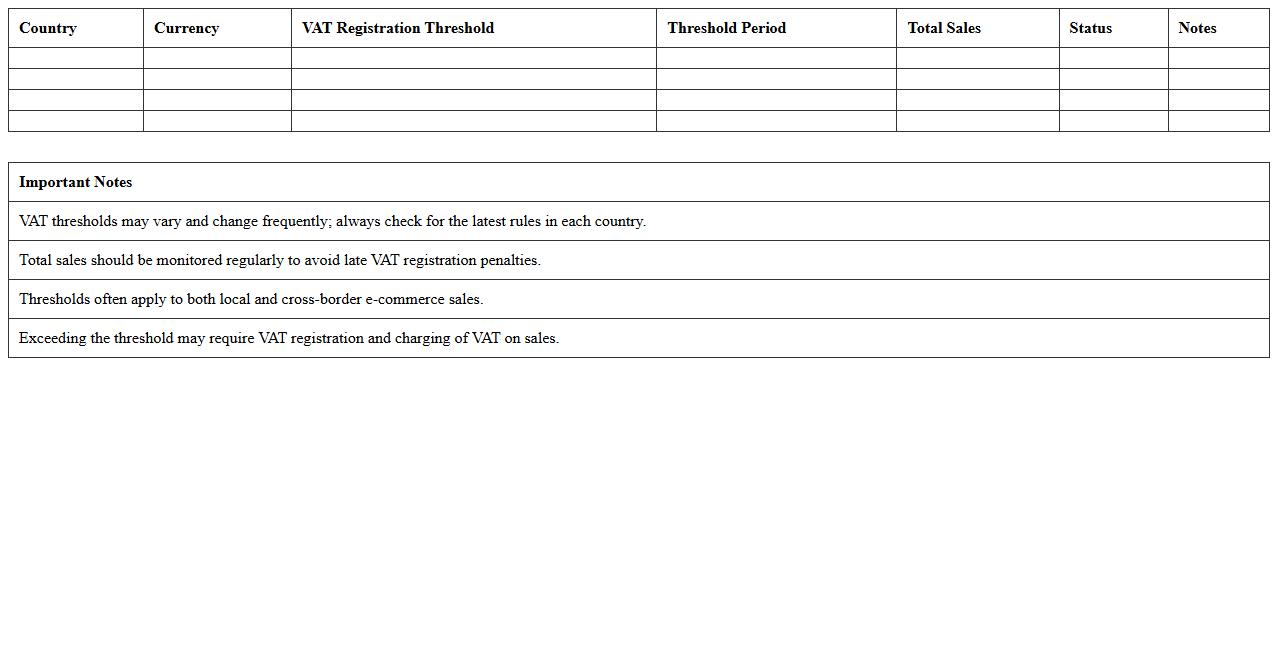
VAT Registration Threshold Monitor for e-commerce tracks sales levels to determine when a business must register for VAT in specific regions. This document helps online sellers stay compliant by alerting them once their sales approach or exceed legal thresholds. Monitoring these thresholds prevents unexpected tax liabilities and ensures timely VAT registration, safeguarding business operations.
VAT MOSS Reporting Excel Template for Online Retailers
The
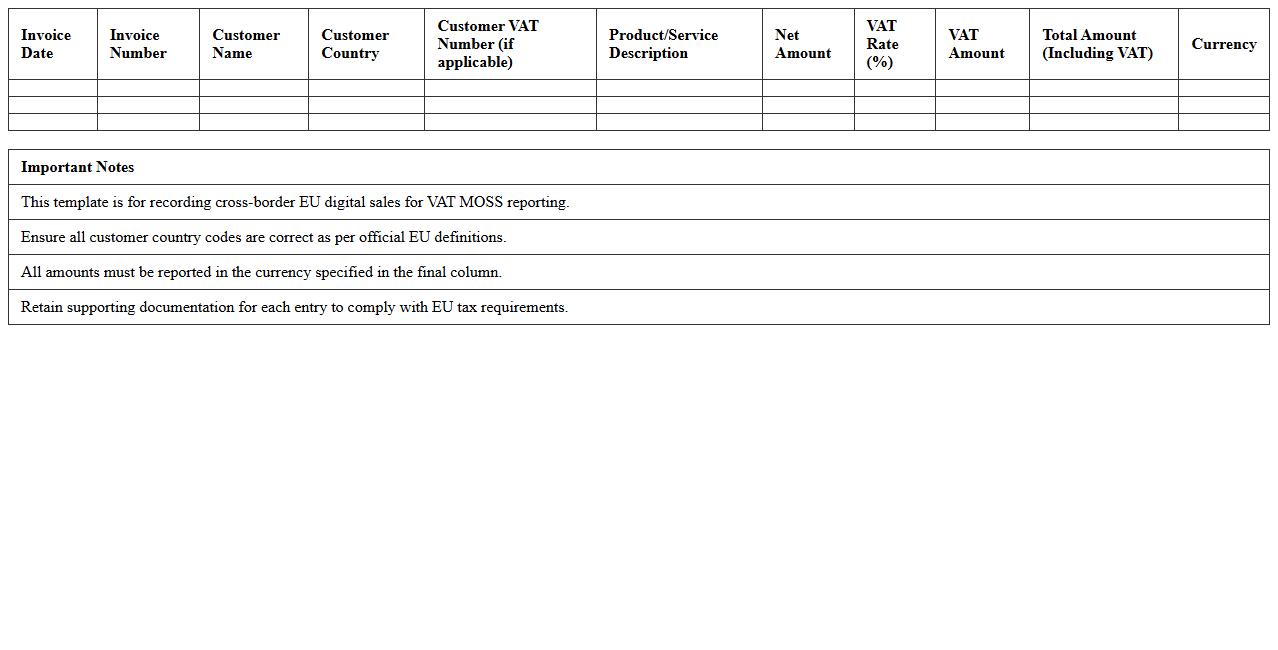
VAT MOSS Reporting Excel Template for online retailers is a structured spreadsheet designed to simplify the calculation and submission of VAT under the Mini One Stop Shop (MOSS) scheme. It helps online sellers accurately track sales, VAT rates, and taxable amounts across different EU countries, ensuring compliance with local tax regulations. This template streamlines the VAT reporting process, reducing errors and saving time during tax filings.
How to automate multi-country VAT rates in Excel for cross-border e-commerce sales?
To automate multi-country VAT rates in Excel, start by creating a master table with up-to-date VAT percentages for each country involved. Use the VLOOKUP or XLOOKUP function to dynamically fetch VAT rates based on the customer's country. This setup ensures accurate VAT calculation for cross-border sales without manual intervention.
What formulas capture VAT-exempt and reverse charge transactions in e-commerce spreadsheets?
Use logical Excel functions like IF combined with country and product criteria to identify VAT-exempt and reverse charge transactions. For example, =IF(A2="VAT-exempt",0,IF(A2="Reverse charge", "RC", VAT_rate)) categorizes each transaction correctly. Implementing these formulas helps maintain compliance and accurate VAT reporting.
How to structure Excel tables to differentiate between digital and physical product VAT?
Structure your Excel sheet with separate columns for product type, allowing classification into digital or physical goods. Incorporate a lookup table that assigns the correct VAT rate based on product category to automate tax calculations. This method enhances clarity and ensures different VAT rules are applied properly.
Which methods track VAT threshold triggers in Excel for EU distance selling?
Track cumulative sales by customer country using a running total column paired with conditional formatting to highlight when the VAT threshold is exceeded. Use SUMIF or SUMIFS functions to aggregate sales values per country automatically within the reporting period. This approach helps sellers identify when VAT registration obligations arise efficiently.
How to reconcile marketplace VAT collected on behalf in Excel reports?
Create a dedicated reconciliation tab that imports marketplace VAT data and matches it against your sales records using functions like INDEX-MATCH or SUMIFS. Highlight discrepancies by comparing marketplace-reported VAT with your calculated VAT figures to detect possible errors. This process ensures accurate bookkeeping and compliance with marketplace tax requirements.
More Calculation Excel Templates