The GAP Analysis Excel Template for Project Management helps identify discrepancies between current project performance and desired goals, enabling effective planning and resource allocation. It provides a clear visualization of gaps through customizable charts and tables, streamlining decision-making processes. This tool enhances project efficiency by highlighting areas needing improvement and tracking progress towards objectives.
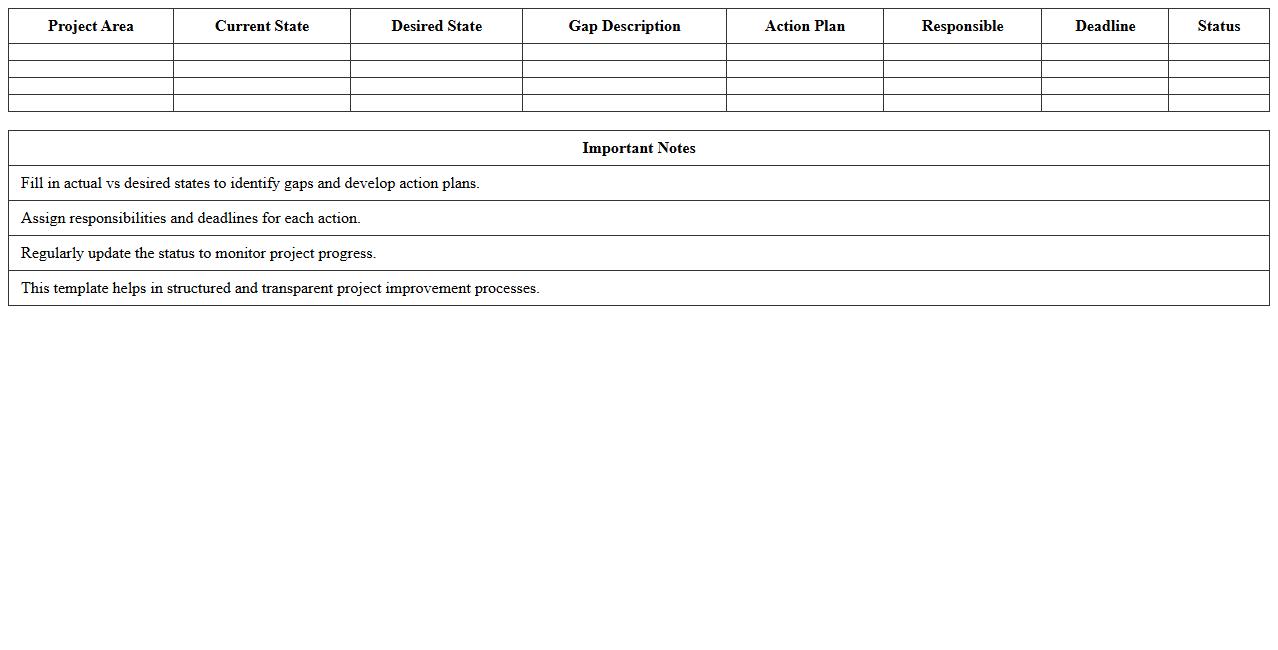
Simple Project GAP Analysis Excel Template
The
Simple Project GAP Analysis Excel Template document is a structured tool designed to identify differences between current project performance and desired outcomes. It helps project managers systematically assess gaps in resources, processes, or skills, enabling targeted improvements. By using this template, teams can prioritize actions effectively and track progress toward achieving project goals.
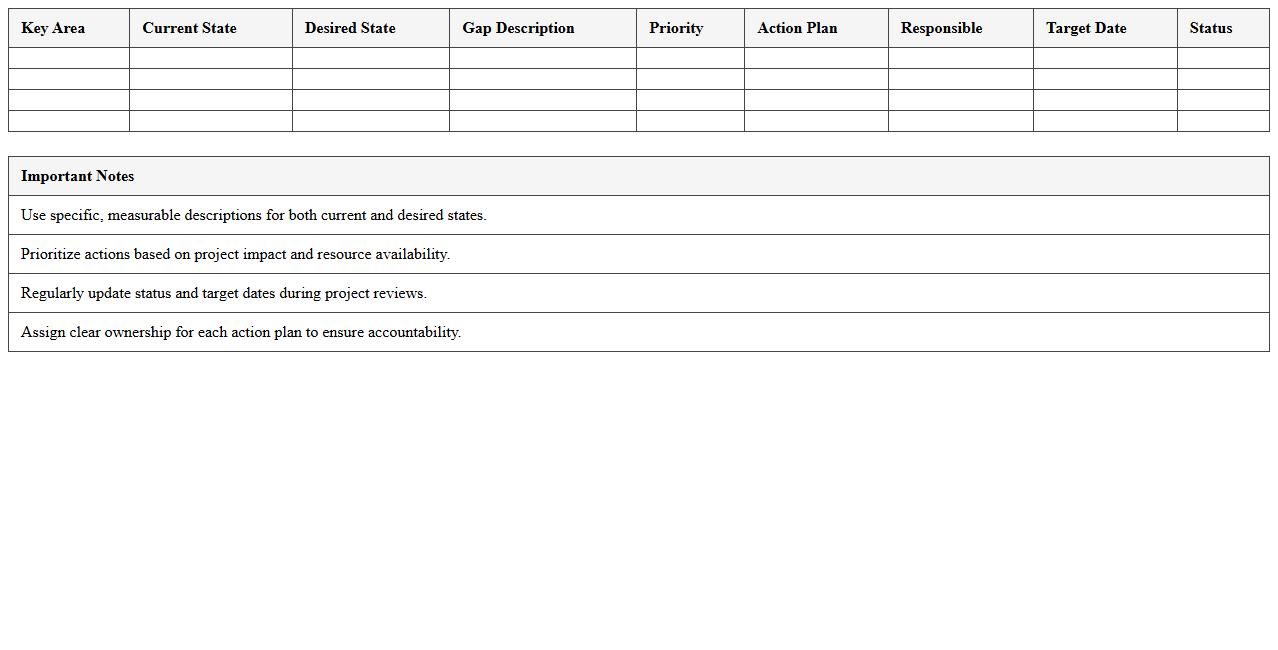
Project Management GAP Analysis Matrix
The
Project Management GAP Analysis Matrix document identifies discrepancies between current project processes and desired standards or goals, enabling targeted improvements. By clearly mapping existing capabilities against project requirements, it highlights specific areas needing enhancement, ensuring resource allocation is focused and effective. This systematic approach minimizes risks, improves efficiency, and supports successful project delivery by aligning team performance with strategic objectives.
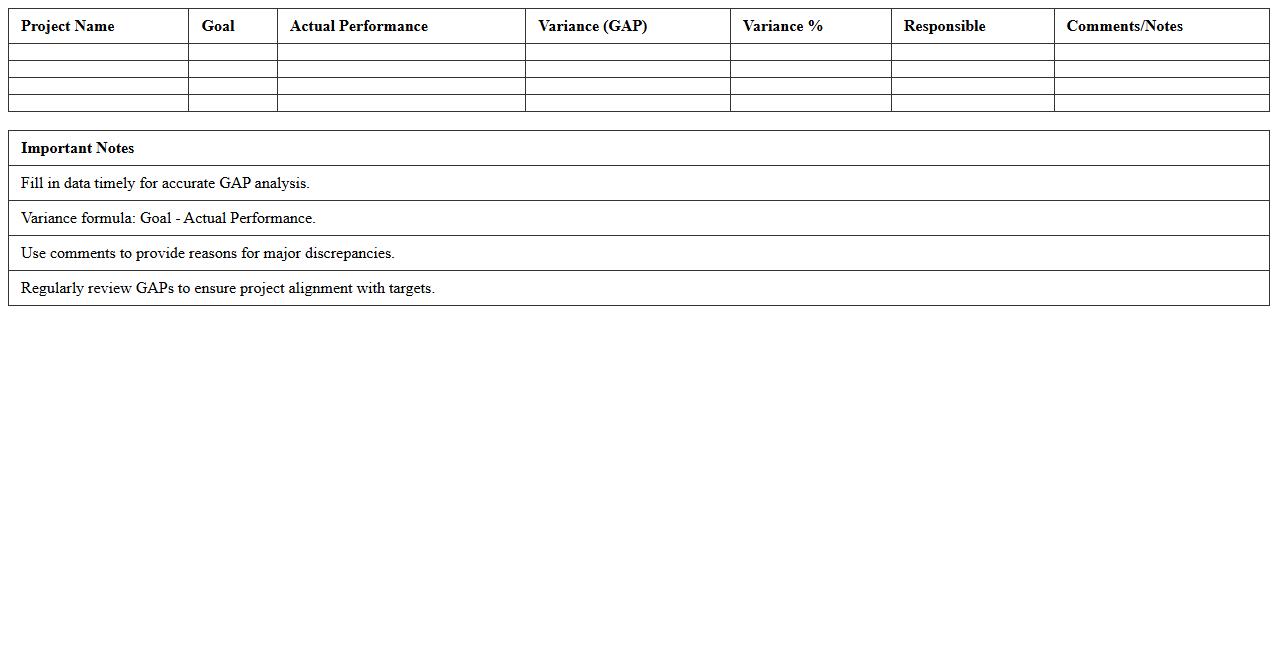
Project Performance vs. Goals GAP Excel Sheet
The
Project Performance vs. Goals GAP Excel Sheet document is a detailed tool used to compare actual project outcomes against predefined objectives, highlighting discrepancies in key performance indicators (KPIs). It helps project managers identify areas where the project is underperforming, enabling timely corrective actions to align progress with targets. By systematically analyzing these gaps, teams enhance decision-making accuracy and improve overall project success rates.
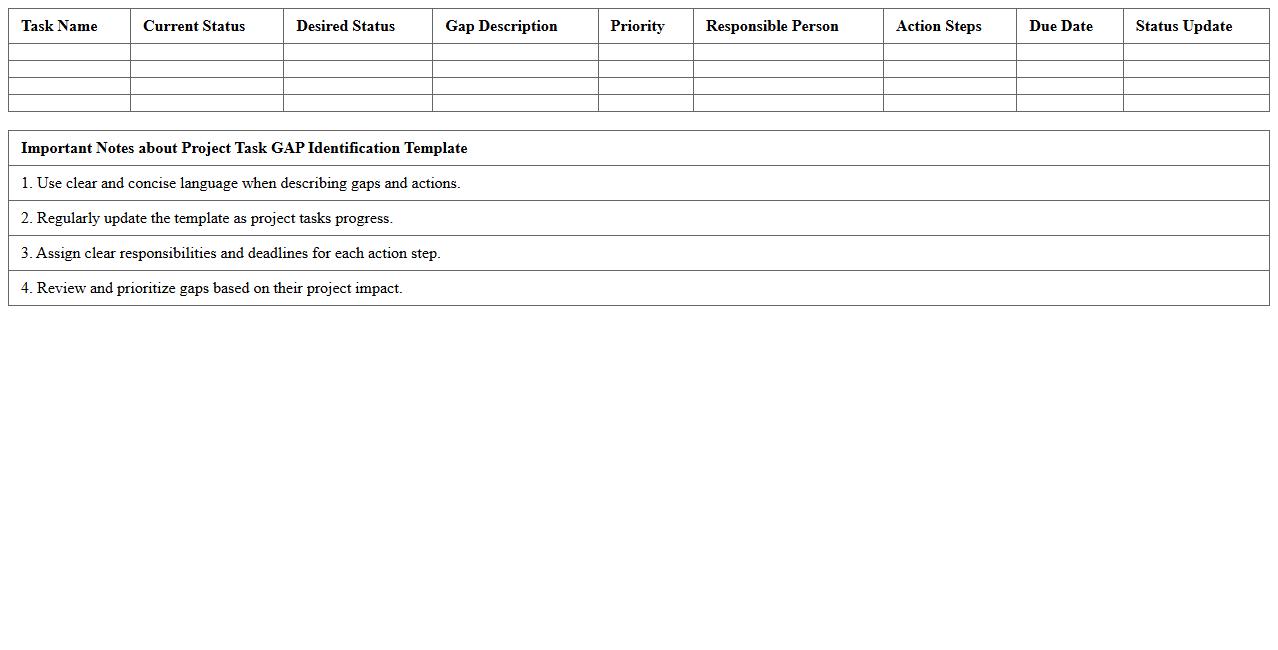
Project Task GAP Identification Template
The
Project Task GAP Identification Template document is a structured tool designed to pinpoint discrepancies between current project capabilities and desired outcomes. It helps project managers and teams systematically identify missing resources, skillsets, or processes that may hinder project success. Utilizing this template ensures proactive resolution of potential issues, leading to improved project efficiency and goal alignment.
Current vs. Future State Project GAP Analysis
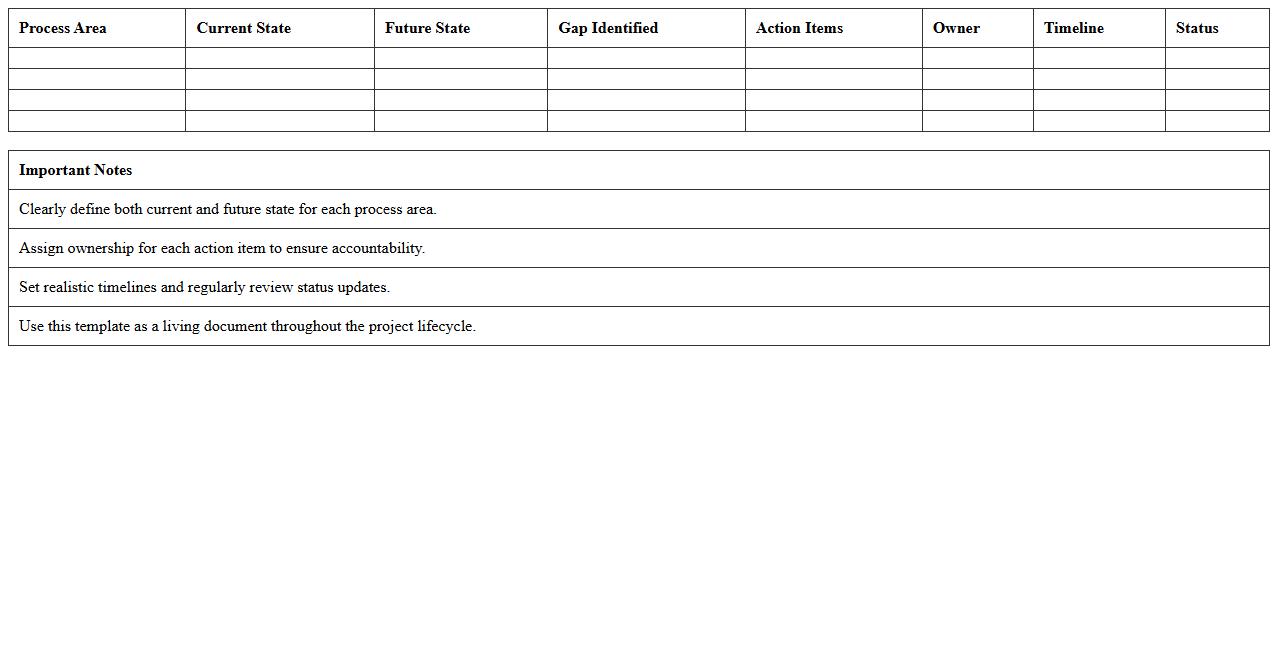
The
Current vs. Future State Project GAP Analysis document identifies discrepancies between existing processes and desired outcomes, enabling organizations to pinpoint areas for improvement and align resources effectively. By systematically comparing the current operational state with the future target state, it aids in developing strategic action plans that bridge identified gaps. This document is essential for optimizing project performance, ensuring smoother transitions, and achieving business objectives efficiently.
Project Risk GAP Assessment Spreadsheet
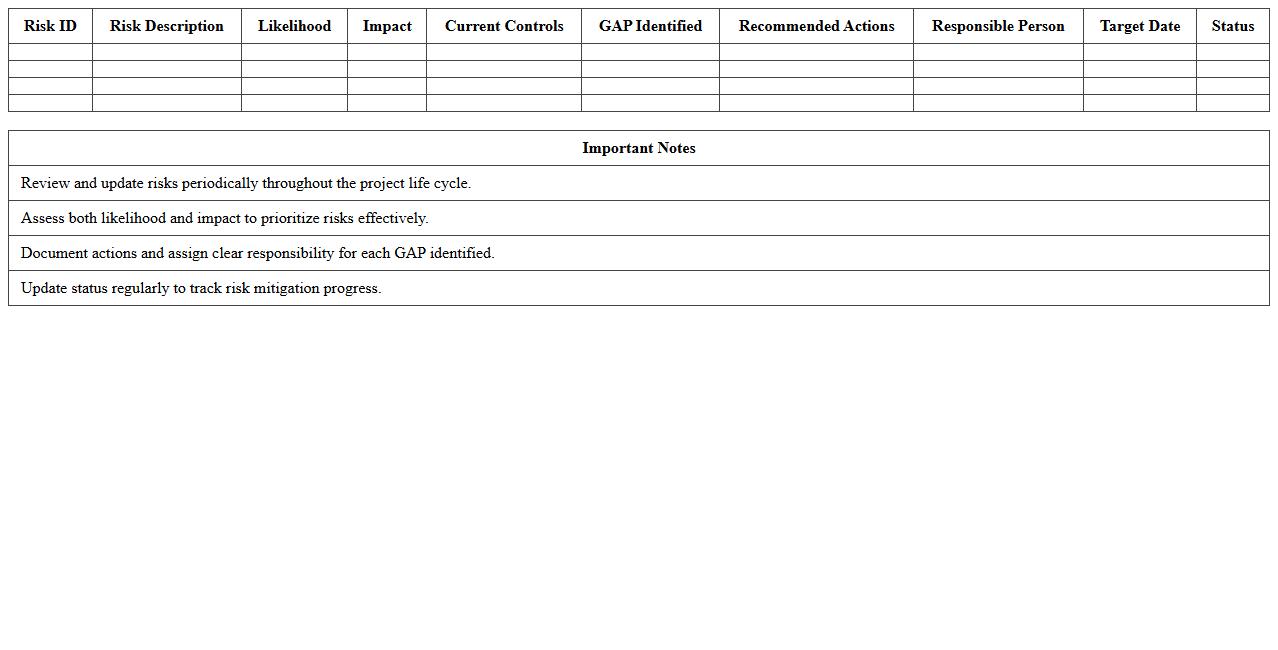
The
Project Risk GAP Assessment Spreadsheet is a comprehensive tool designed to identify, analyze, and address potential risks within a project by comparing current risk management practices against best standards or requirements. It helps project managers pinpoint vulnerabilities, prioritize risk mitigation efforts, and ensure compliance with organizational or regulatory expectations. Utilizing this spreadsheet enhances decision-making, improves risk preparedness, and increases the likelihood of project success.
Project Milestone GAP Tracking Template
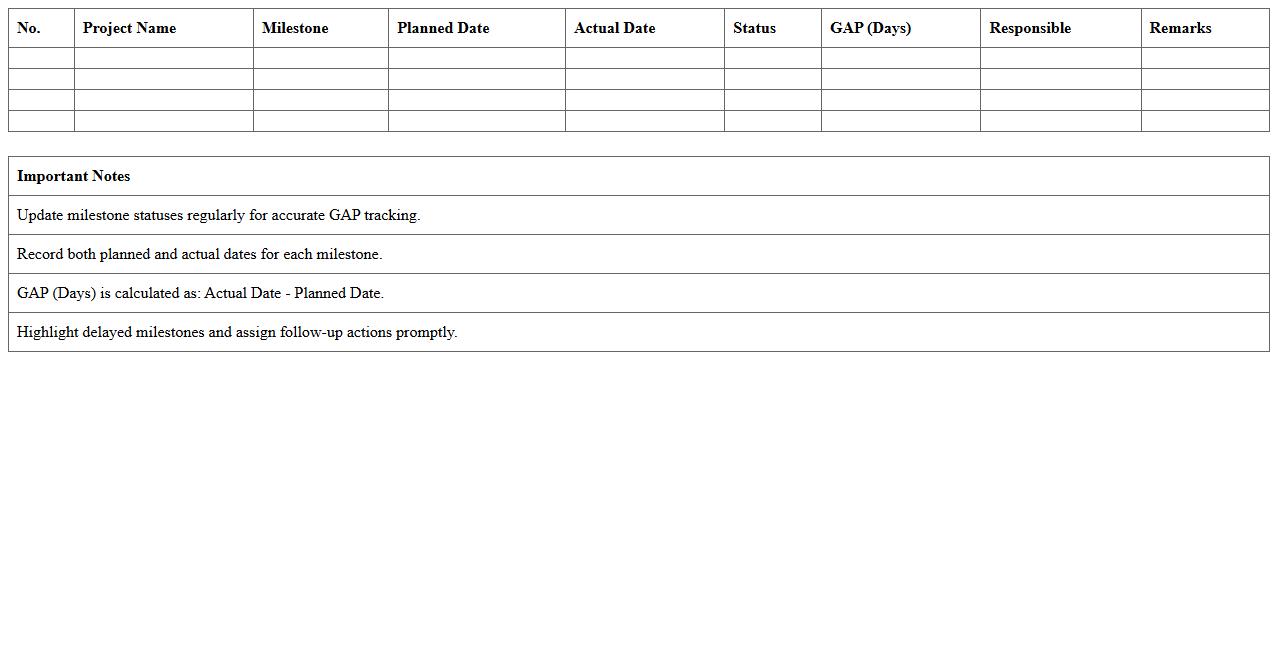
The
Project Milestone GAP Tracking Template document is a strategic tool designed to identify and monitor discrepancies between planned project milestones and actual progress. It allows project managers to quickly spot delays, resource shortages, or scope changes that may impact overall timelines. Using this template ensures better control over project delivery by facilitating timely corrective actions and improving communication among stakeholders.
Project Resource GAP Analysis Excel File
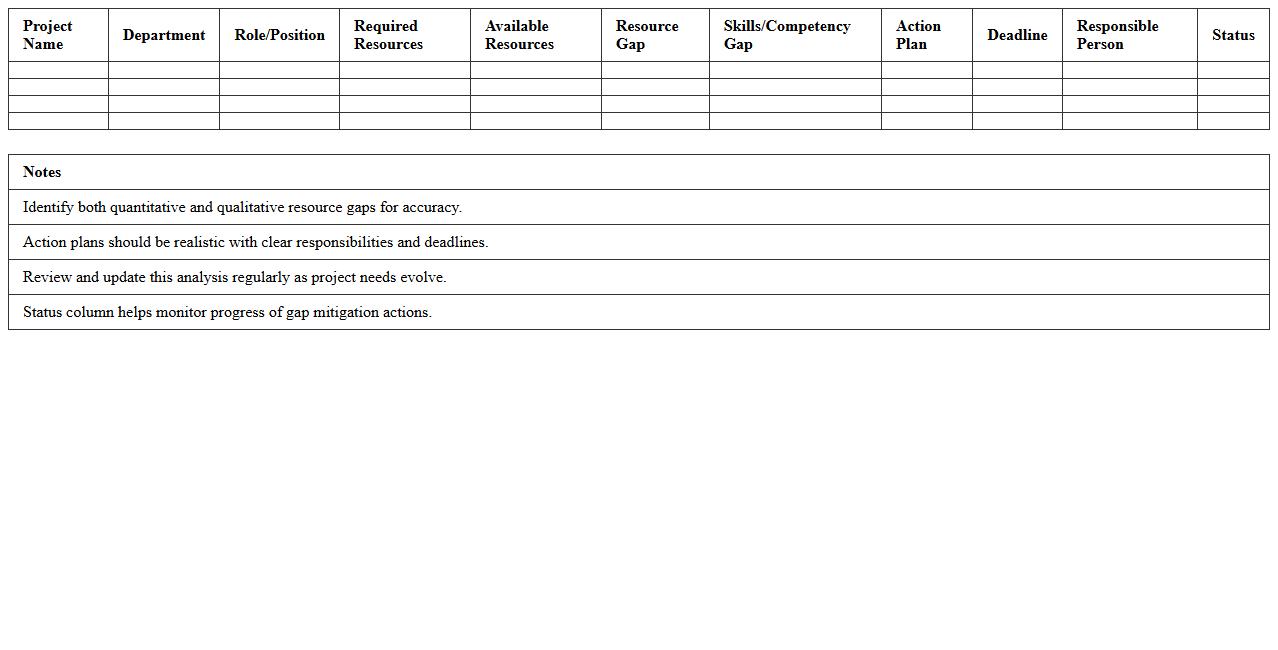
The
Project Resource GAP Analysis Excel File is a structured document designed to identify discrepancies between the current resource availability and the project requirements. It helps project managers pinpoint resource shortages or surpluses by comparing planned allocations with actual capacity. This analysis enables efficient resource planning, ensuring optimal utilization and preventing project delays or budget overruns.
Project Process GAP Evaluation Template
The
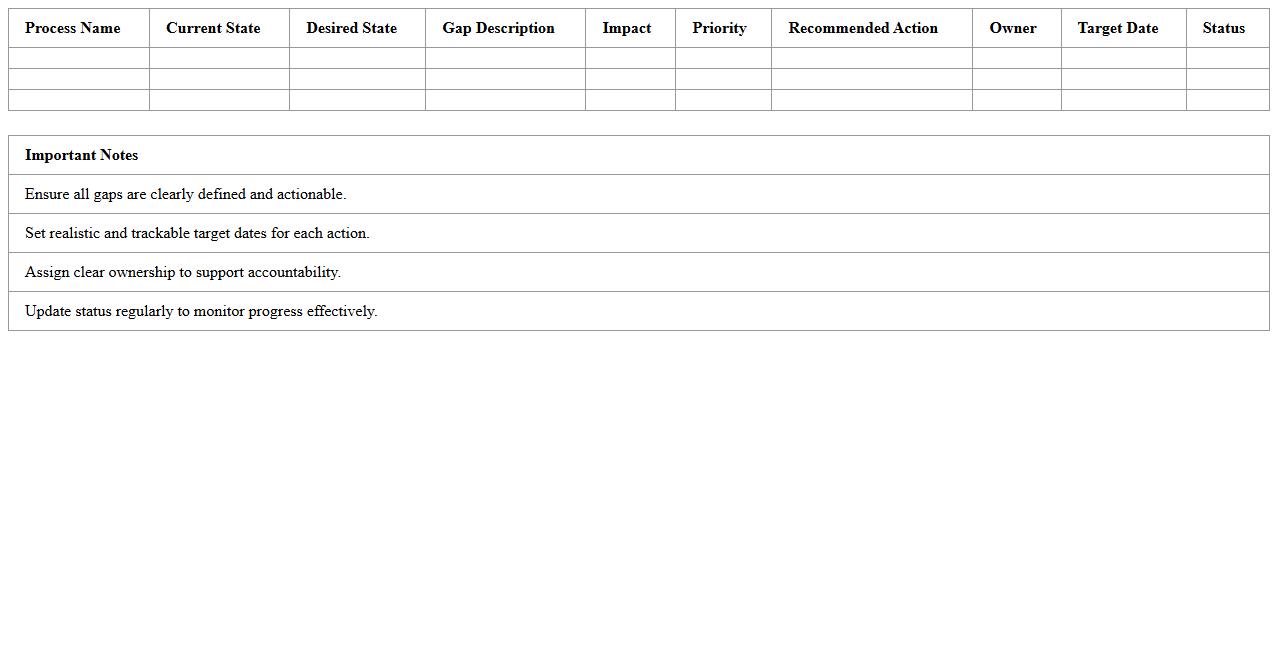
Project Process GAP Evaluation Template document serves as a structured framework to identify discrepancies between current project processes and desired standards or best practices. It facilitates the systematic assessment of process inefficiencies, enabling teams to pinpoint areas requiring improvement and align project execution with organizational goals. Utilizing this template enhances project performance by fostering targeted interventions and informed decision-making.
SWOT-Based Project GAP Analysis Excel Model
The
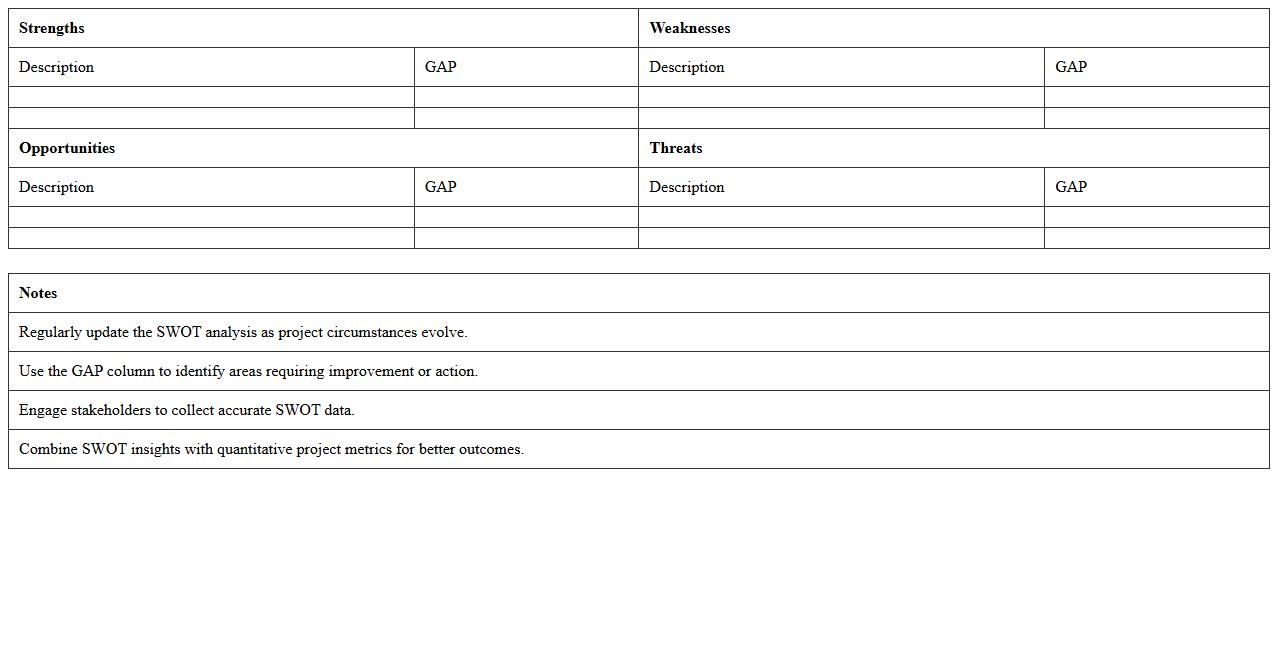
SWOT-Based Project GAP Analysis Excel Model is a strategic tool designed to identify strengths, weaknesses, opportunities, and threats related to project goals using a structured spreadsheet format. It enables organizations to systematically compare current project performance against desired outcomes, highlighting critical gaps that require targeted action. This model helps prioritize resources effectively and develop informed strategies to enhance project success and mitigate risks.
What are the key data fields to include in a GAP Analysis Excel template for project management documentation?
A well-designed GAP Analysis Excel template should include fields such as Current State and Desired State to capture the baseline and target conditions clearly. Additionally, Identified Gaps and Action Items help in outlining the specific deficiencies and the steps needed to address them. Status indicators, priority levels, and responsible persons further ensure accountability and effective tracking of progress.
How does the letter format for reporting GAP Analysis findings enhance communication with project stakeholders?
Using a formal letter format for GAP Analysis findings creates a clear, structured, and professional communication channel that stakeholders can easily follow. It emphasizes the key issues and proposed actions concisely, fostering transparency and alignment across teams. Moreover, the letter format serves as an official record that supports accountability and documented decision-making processes.
What automated Excel formulas best track progress and deviations in GAP Analysis documentation?
Formulas such as IF statements can automatically flag completed tasks or highlight deviations between current and desired states. The COUNTIF function helps summarize action items by status, while SUMPRODUCT allows weighted progress calculations based on priority. These automated formulas streamline monitoring, ensuring quick identification of critical gaps and overall project health.
How can conditional formatting in Excel highlight critical gaps in project management deliverables?
Conditional formatting can visually emphasize critical gaps by applying color codes based on criteria such as high priority or overdue action items. For example, using red fill for urgent gaps or yellow for medium priority improves immediate visibility. This dynamic visualization helps project managers focus on areas requiring urgent attention and facilitates quicker decision-making.
What is the best practice for version control when sending GAP Analysis results via formal project letters?
Best practices include clearly labeling each document version with version numbers and dates in both the file name and header to avoid confusion. Maintaining a centralized repository for all GAP Analysis letters ensures stakeholders access the most current version. Additionally, including a version history table within the document enhances traceability throughout the project lifecycle.
More Analysis Excel Templates