Supplier Delivery Performance Tracking Excel Template
The
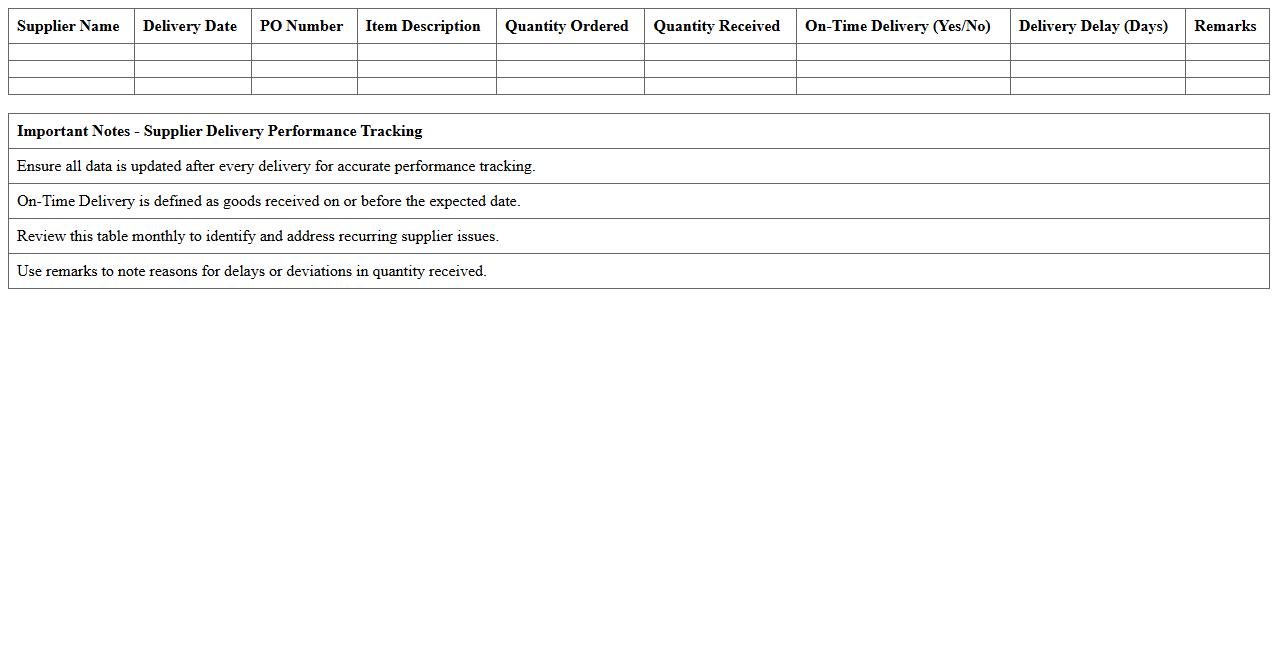
Supplier Delivery Performance Tracking Excel Template is a comprehensive tool designed to monitor and evaluate the timely delivery of goods from suppliers. It helps businesses identify delays, track supplier reliability, and analyze delivery trends to improve procurement efficiency. By using this template, companies can enhance supply chain management, minimize stockouts, and strengthen vendor relationships through data-driven insights.
Supplier Quality Assessment Report Excel Template
The
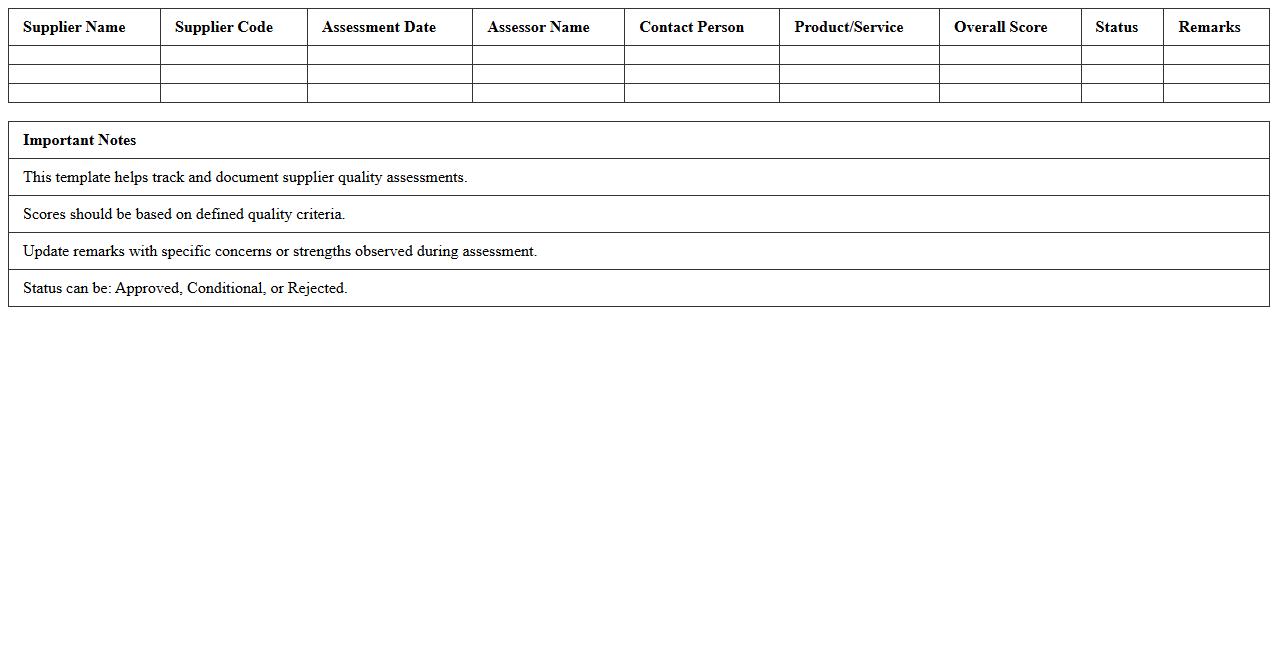
Supplier Quality Assessment Report Excel Template document is a structured tool designed to evaluate and monitor supplier performance based on quality metrics, delivery timelines, and compliance standards. This template helps businesses systematically track supplier data, identify risks, and ensure consistent quality in the supply chain. Utilizing this report enhances decision-making by providing clear insights into supplier reliability and areas for improvement.
Procurement Supplier Scorecard Dashboard Excel Template
The
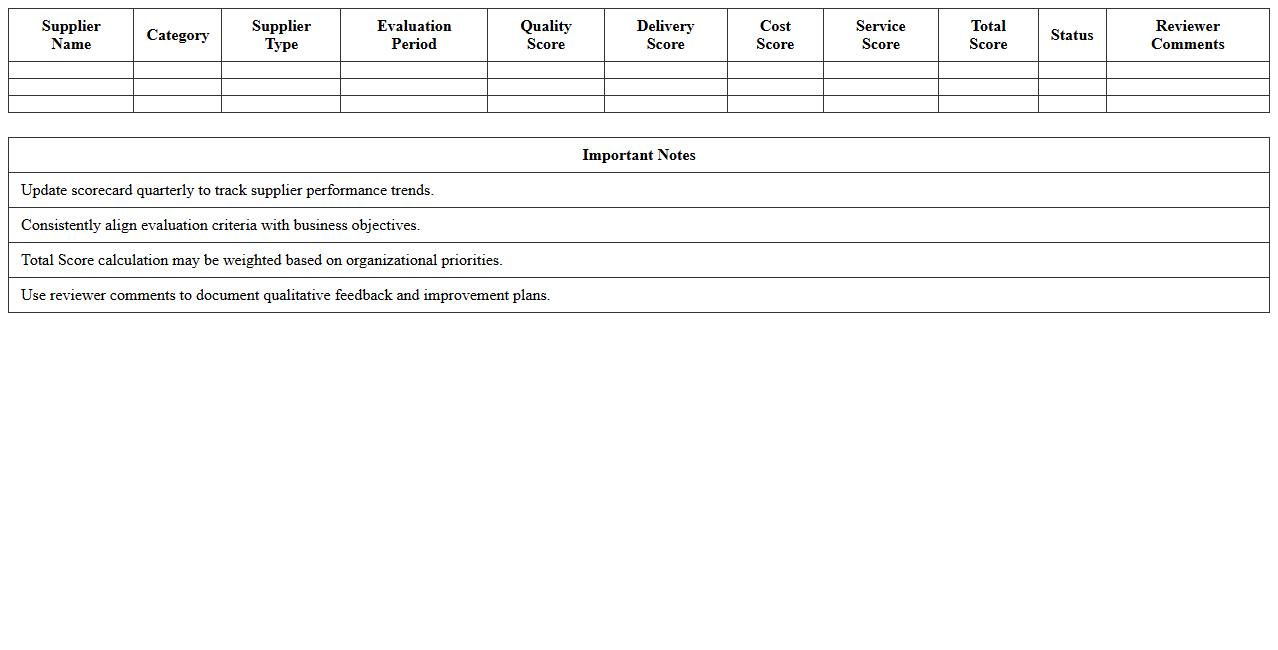
Procurement Supplier Scorecard Dashboard Excel Template is a dynamic tool designed to evaluate and monitor supplier performance through key metrics such as delivery time, quality, and cost efficiency. It consolidates procurement data into visual dashboards, enabling procurement teams to make data-driven decisions and identify areas for supplier improvement. This template enhances supplier relationship management by providing clear insights that support strategic sourcing and risk mitigation efforts.
Supplier Risk Evaluation Matrix Excel Template
The
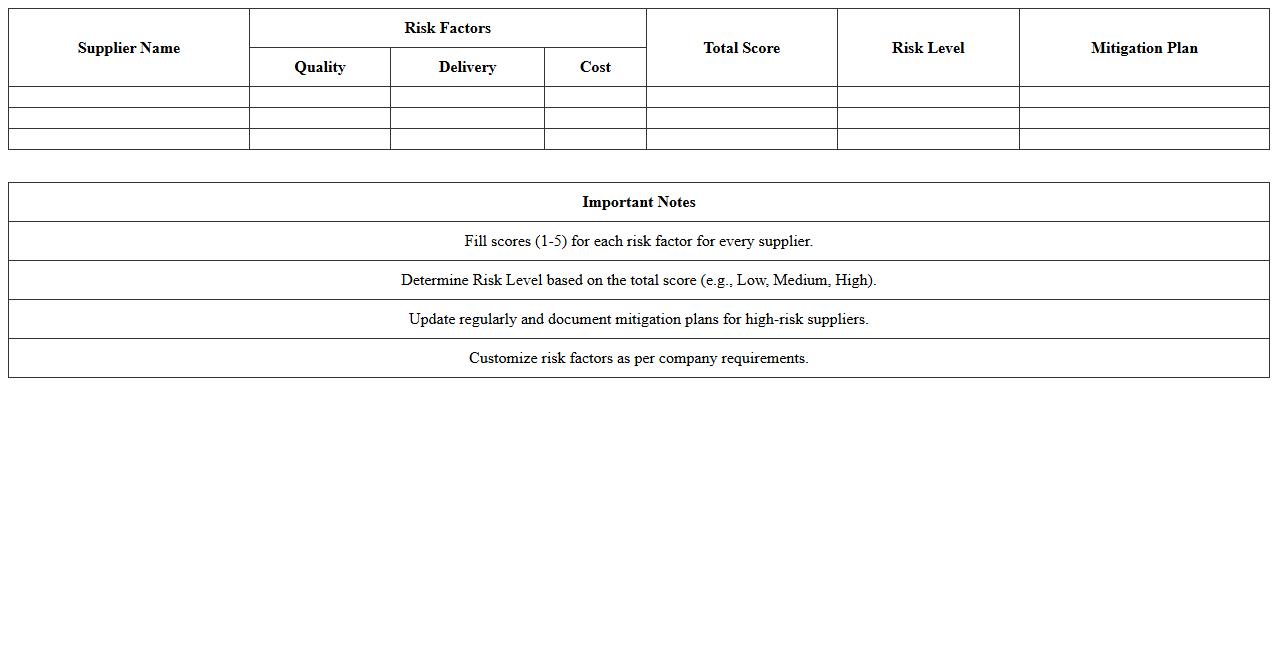
Supplier Risk Evaluation Matrix Excel Template is a structured tool designed to assess and categorize potential risks associated with suppliers based on criteria such as delivery reliability, quality, financial stability, and compliance. This template enables organizations to systematically identify high-risk suppliers, prioritize mitigation efforts, and enhance decision-making processes in procurement and supply chain management. By using this matrix, companies improve risk visibility, reduce supply disruptions, and strengthen overall supplier performance monitoring.
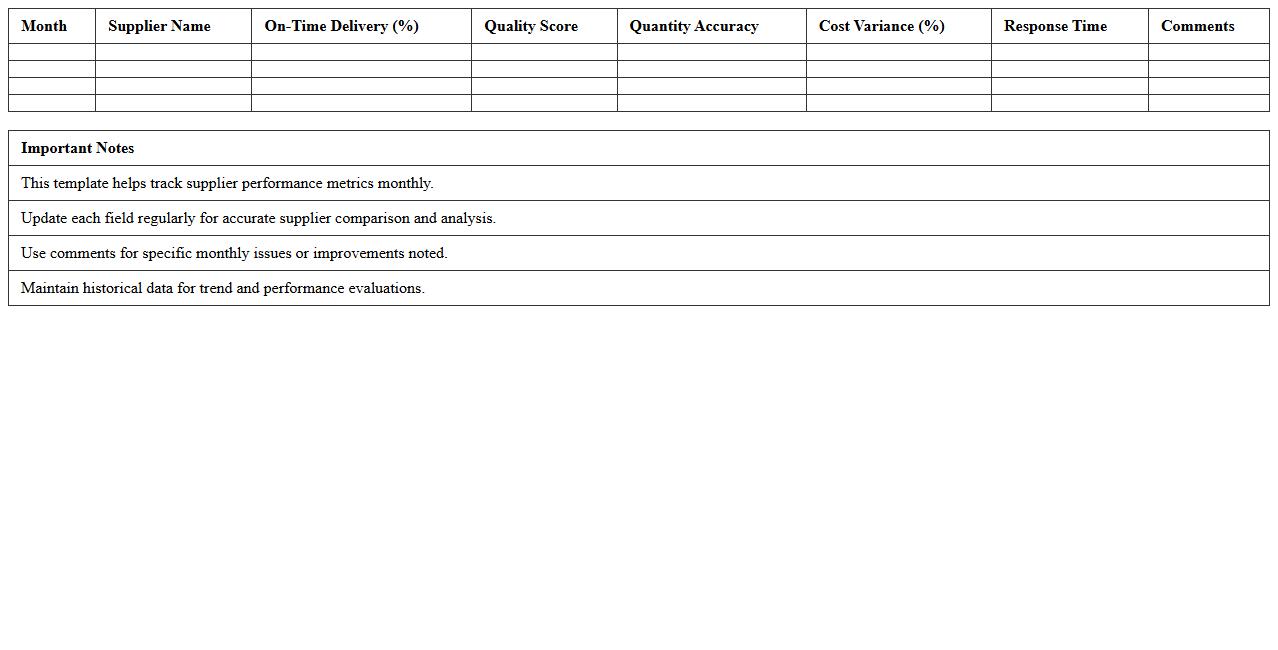
Monthly Supplier Performance Comparison Excel Template
The
Monthly Supplier Performance Comparison Excel Template document is a structured spreadsheet designed to track, evaluate, and compare supplier metrics such as delivery times, quality scores, and order accuracy on a monthly basis. It helps businesses identify the most reliable and cost-effective suppliers by providing clear visual summaries and performance trends. Using this template improves decision-making in supply chain management, enhances supplier relationships, and drives cost efficiencies.
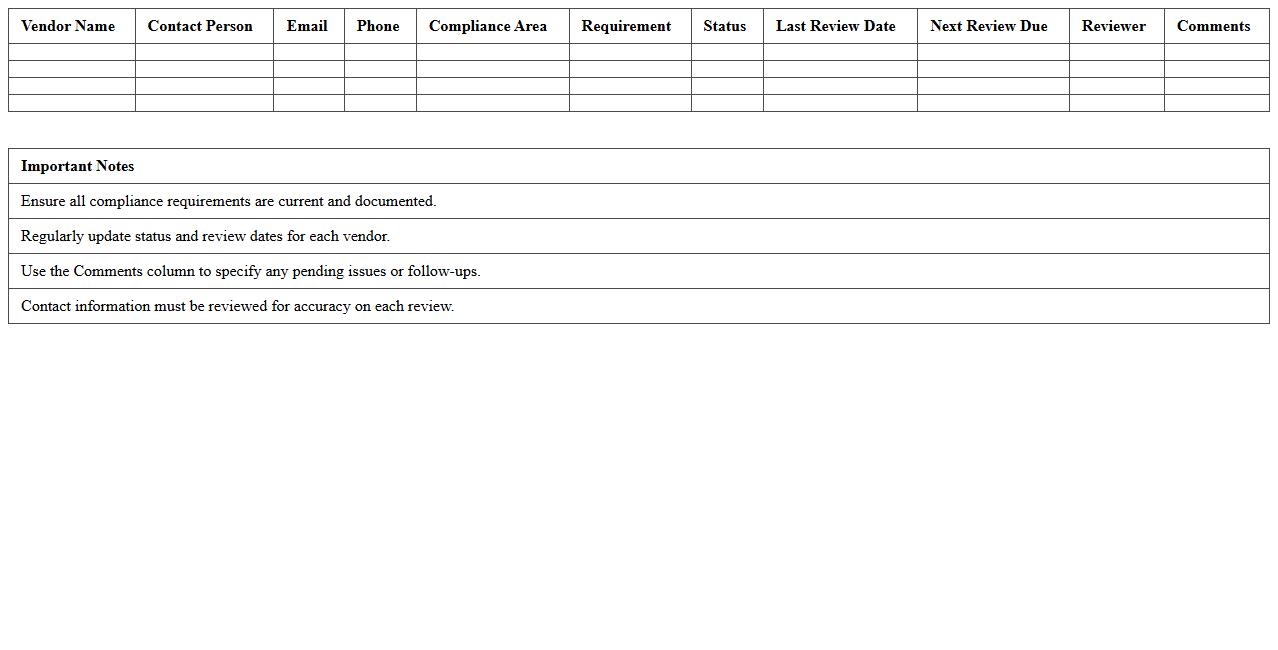
Vendor Compliance Monitoring Excel Template
The
Vendor Compliance Monitoring Excel Template is a structured document designed to track and evaluate supplier adherence to contractual requirements, quality standards, and delivery schedules. It helps businesses maintain consistency, reduce risks, and improve supplier performance by providing clear visibility into compliance metrics and deadlines. Utilizing this template streamlines vendor management processes and supports informed decision-making to enhance overall supply chain efficiency.
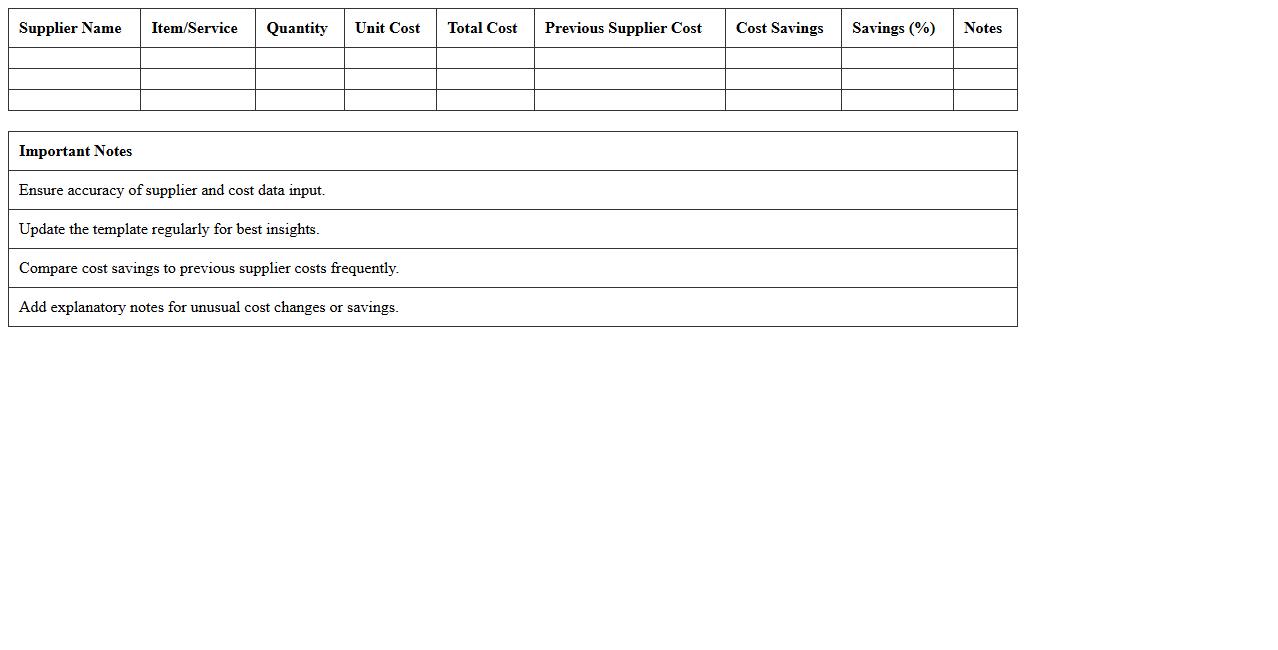
Supplier Cost and Savings Analysis Excel Template
The
Supplier Cost and Savings Analysis Excel Template is a structured document designed to track, analyze, and compare supplier costs and identify potential savings opportunities. This template helps organizations monitor procurement expenses, evaluate supplier performance, and make informed decisions to optimize their supply chain budget. By consolidating cost data and highlighting areas for cost reduction, it enhances financial efficiency and supports strategic sourcing initiatives.
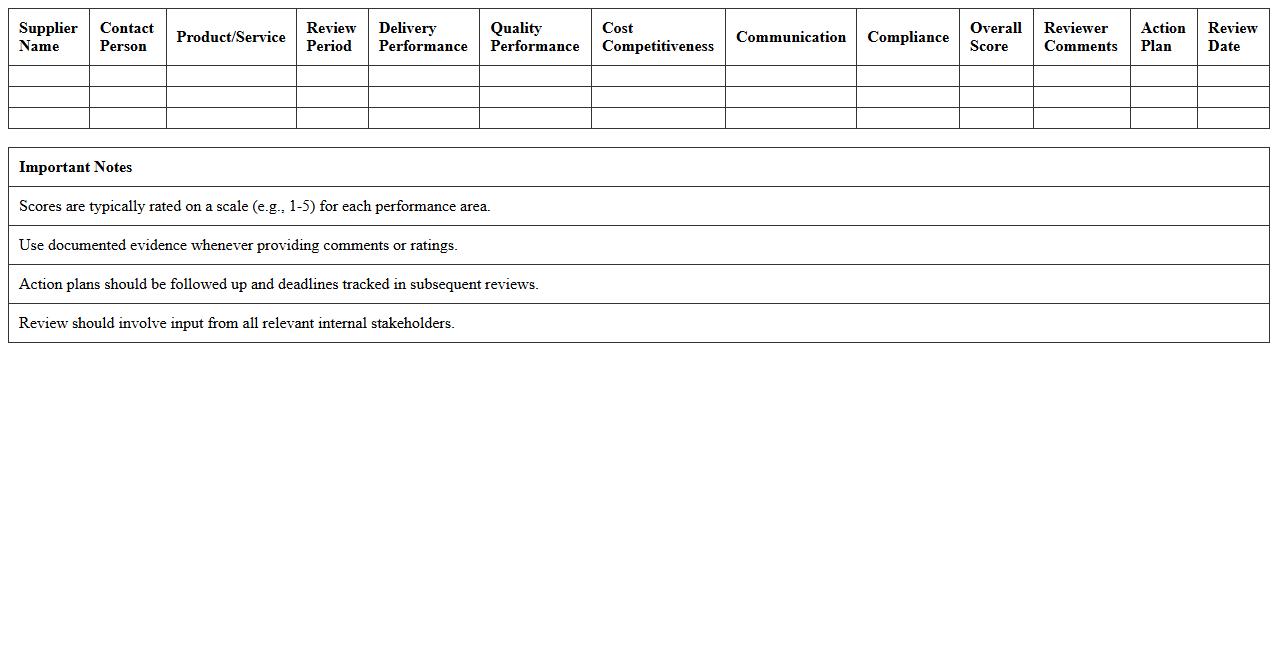
Annual Supplier Performance Review Excel Template
The
Annual Supplier Performance Review Excel Template is a structured document designed to evaluate and analyze supplier performance over a fiscal year, helping businesses track key metrics such as delivery time, quality, and compliance. It enables efficient data organization, visualization, and comparison of multiple suppliers, supporting informed decision-making and improving supplier management strategies. Using this template enhances accountability, drives continuous improvement, and optimizes procurement processes.
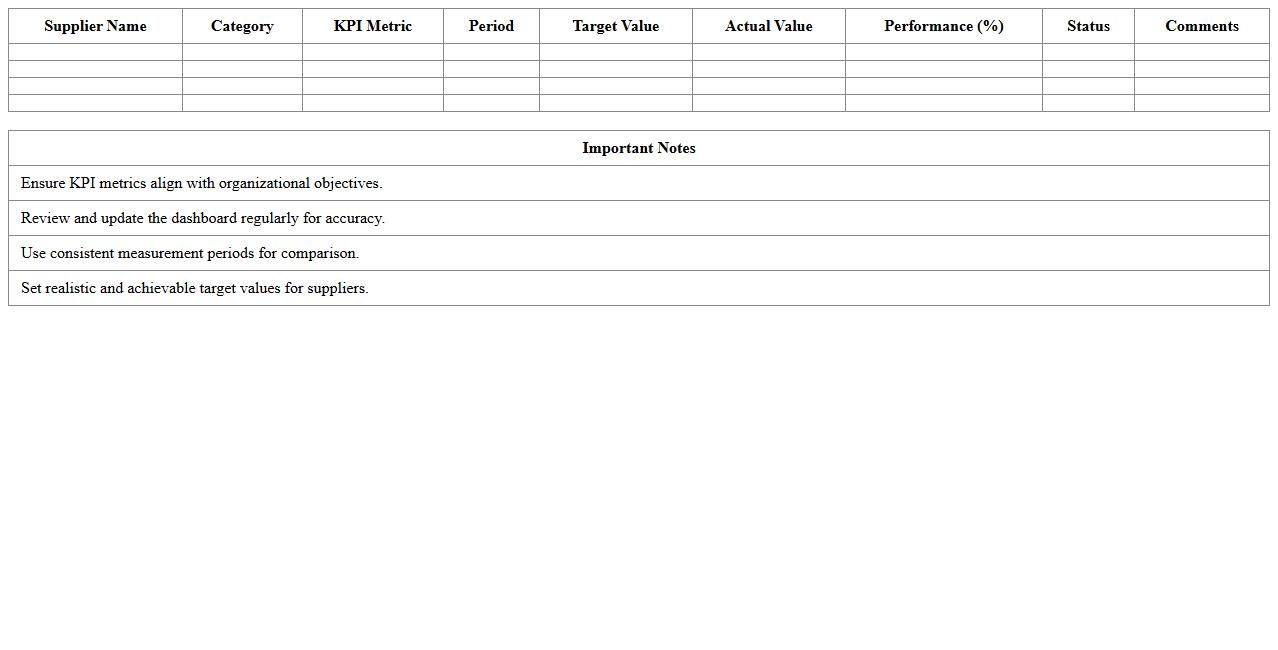
Supplier KPI Metrics Dashboard Excel Template
The
Supplier KPI Metrics Dashboard Excel Template document is a powerful tool designed to track, analyze, and visualize key performance indicators related to supplier performance. It consolidates data on delivery times, quality rates, cost efficiency, and compliance metrics into an easy-to-understand dashboard, enabling businesses to monitor supplier reliability and make data-driven decisions. This template enhances supplier management by identifying areas for improvement, optimizing procurement processes, and ensuring alignment with organizational goals.
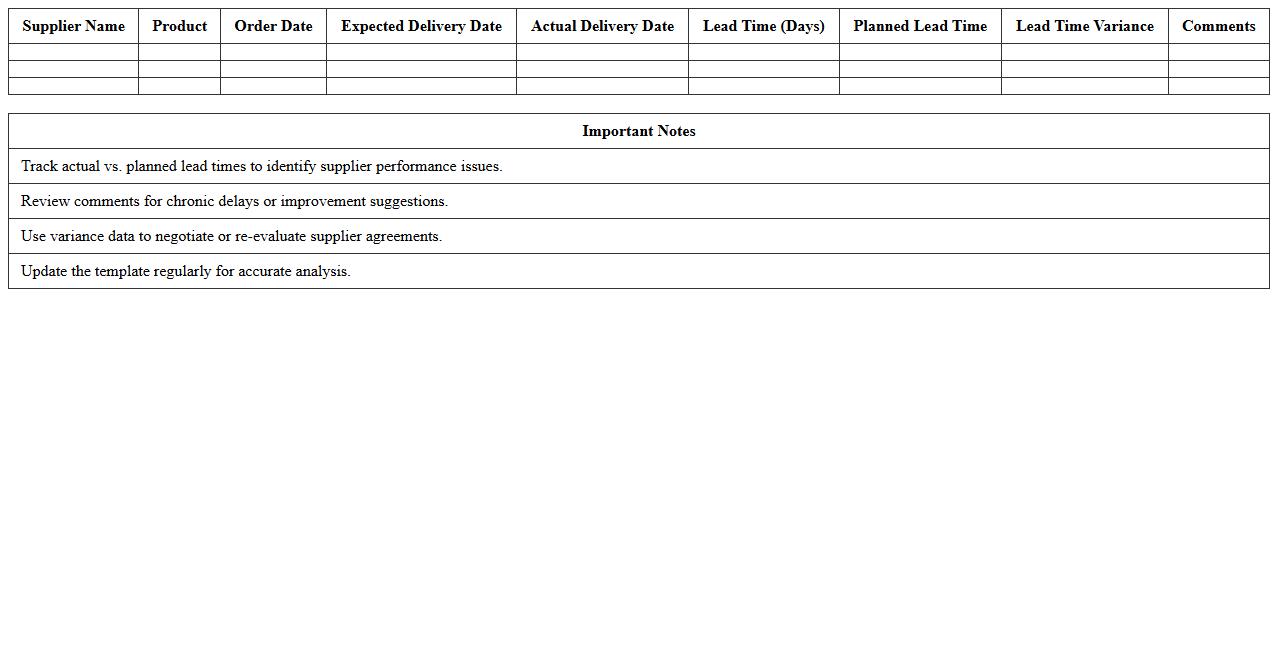
Supplier Lead Time Analysis Excel Template
A
Supplier Lead Time Analysis Excel Template is a structured spreadsheet designed to track and evaluate the time taken by suppliers to deliver goods or services. This document enables businesses to identify delays, optimize procurement schedules, and improve supply chain efficiency by analyzing delivery timelines accurately. Utilizing this template helps in making informed decisions, reducing inventory costs, and enhancing overall operational performance.
How does the Excel template track late supplier deliveries over multiple quarters?
The Excel template uses a time-stamped data entry system to log each supplier delivery against scheduled dates. It automatically aggregates the late deliveries into quarterly reports by leveraging dynamic date filters. This method provides a clear visual of trends over several quarters for effective management.
What weighted scoring method does the sheet use for supplier quality assessments?
The sheet utilizes a weighted average scoring system based on predefined quality criteria. Each quality aspect is assigned a specific weight to emphasize its importance in the overall supplier evaluation. This scoring method ensures a balanced and fair assessment tailored to critical quality metrics.
Can users customize KPI benchmarks in the performance analysis dashboard?
Yes, users have the flexibility to customize KPI benchmarks directly within the dashboard settings. This customization is supported through editable input fields that adjust targets dynamically. It enables stakeholders to align performance metrics with evolving business goals effortlessly.
Which pivot tables summarize cost variances among suppliers most efficiently?
The template features supplier cost variance pivot tables that group data by supplier and cost categories. These pivot tables efficiently highlight discrepancies by comparing actual costs against budgeted figures. They facilitate quick identification of cost-saving opportunities and areas requiring attention.
How does the document automate supplier risk categorization with conditional formatting?
Conditional formatting rules are applied to automatically assign risk categories based on defined thresholds such as delivery delays or quality scores. The document uses color-coded indicators to visually represent risk levels for immediate recognition. This automation simplifies ongoing risk management and decision-making processes.