Portfolio Performance Tracker Excel Template
The
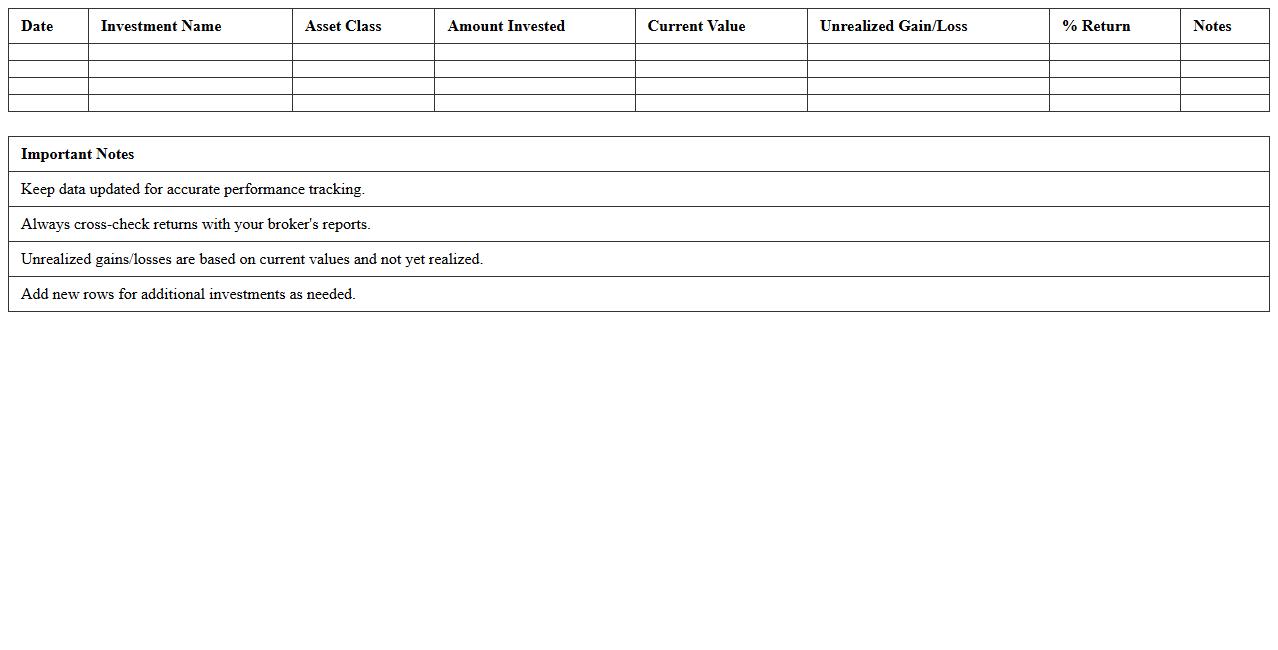
Portfolio Performance Tracker Excel Template is a powerful tool designed to help investors monitor and analyze the returns, risks, and allocations of their investment portfolios in real time. It provides automated calculations, customizable charts, and detailed summaries that enable users to make informed decisions and optimize their asset distribution effectively. By using this template, individuals and financial professionals can track historical performance, compare different assets, and identify trends to enhance overall portfolio management.
Stock Investment Log Spreadsheet
A
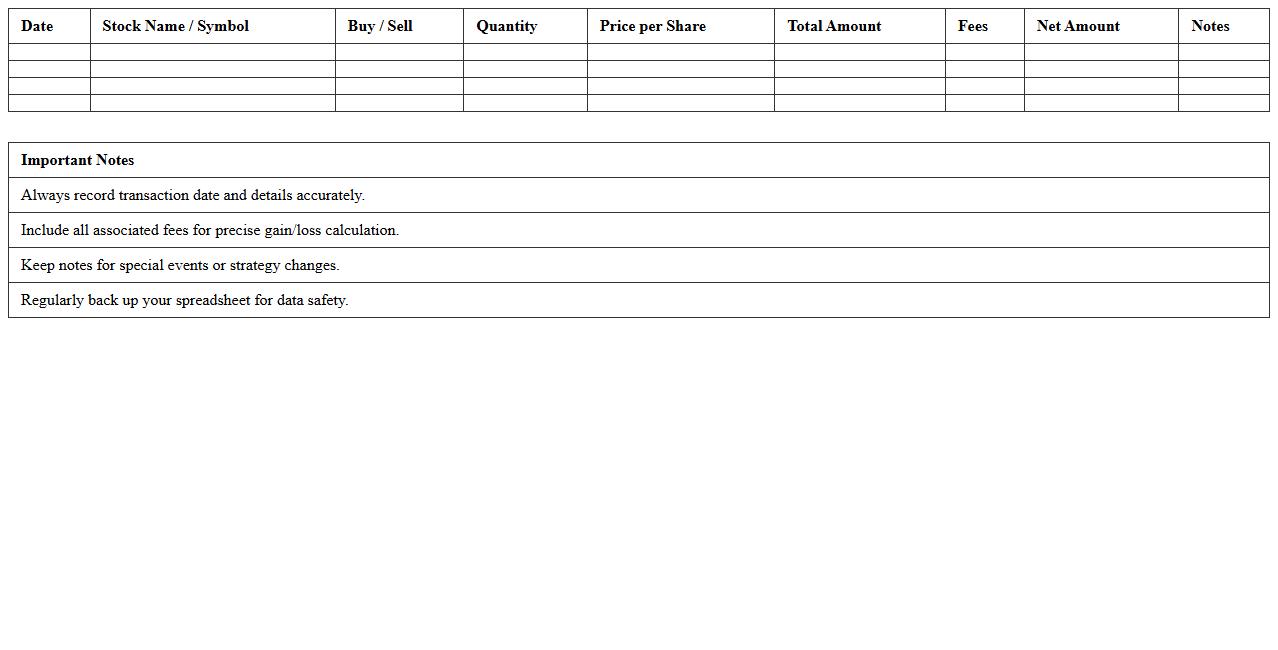
Stock Investment Log Spreadsheet is a detailed document used to track the purchase, sale, and performance of stock investments over time. It helps investors organize transaction dates, quantities, prices, dividends, and portfolio value, enabling accurate record-keeping and performance analysis. By systematically logging stock activities, this tool improves decision-making, identifies trends, and enhances portfolio management efficiency.
Dividend Income Tracker Excel Sheet
A
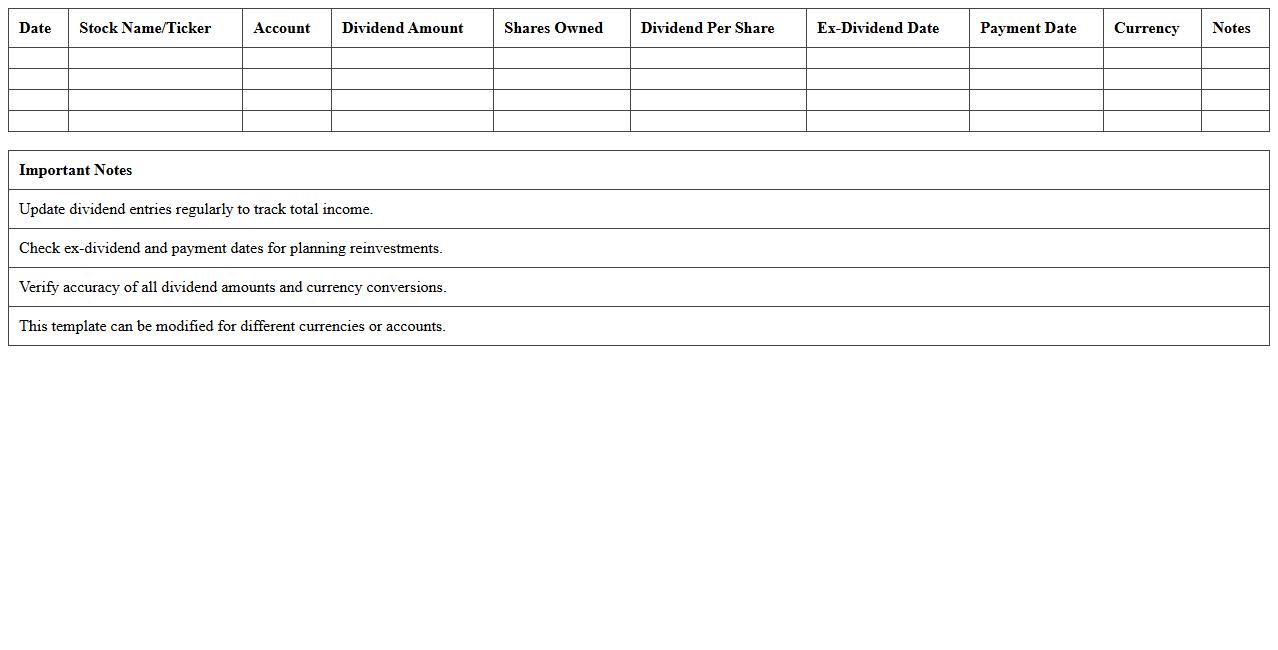
Dividend Income Tracker Excel Sheet is a specialized spreadsheet designed to monitor and record dividend earnings from various investments. It helps investors analyze dividend trends, calculate yield percentages, and project future income streams for better financial planning. Using this tool enhances portfolio management by providing clear insights into consistent dividend performance and overall profitability.
Personal Asset Allocation Tracker
A
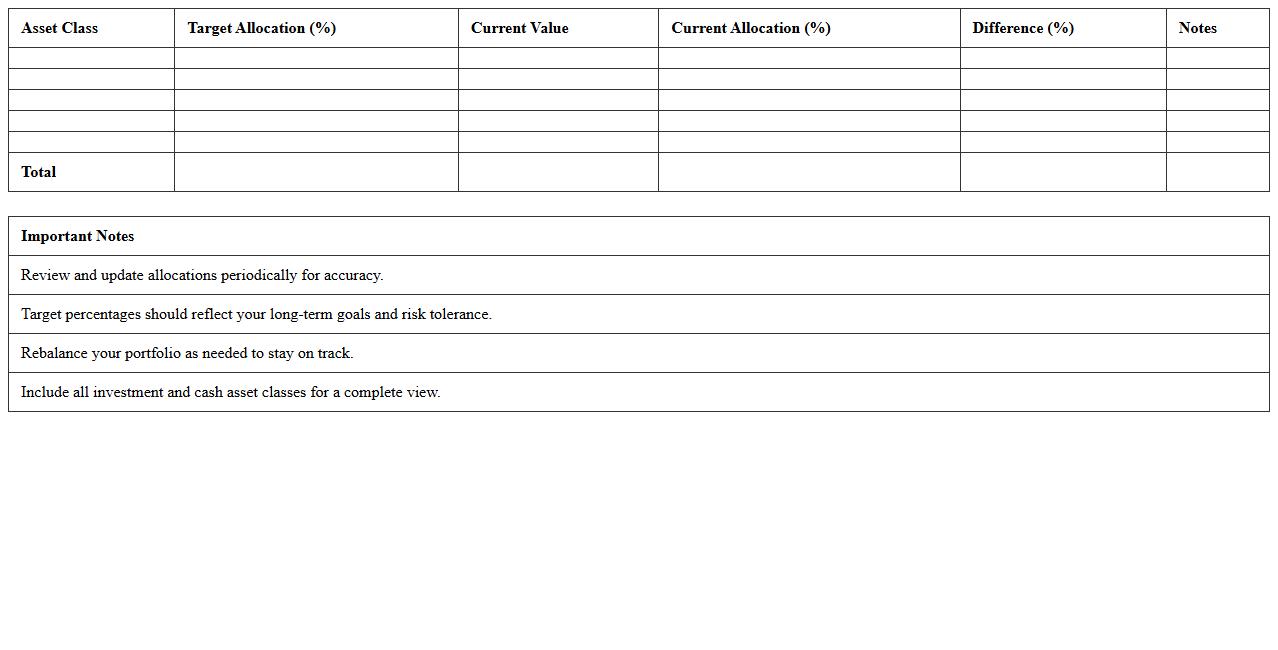
Personal Asset Allocation Tracker document is a detailed record that categorizes and monitors the distribution of an individual's investments across various asset classes such as stocks, bonds, real estate, and cash. It is useful for maintaining a balanced portfolio aligned with financial goals, risk tolerance, and market conditions, enabling informed decisions for rebalancing and growth optimization. By regularly updating this tracker, investors can identify diversification gaps and ensure their asset mix supports long-term wealth preservation and income generation.
Mutual Fund Investment Record Excel
A
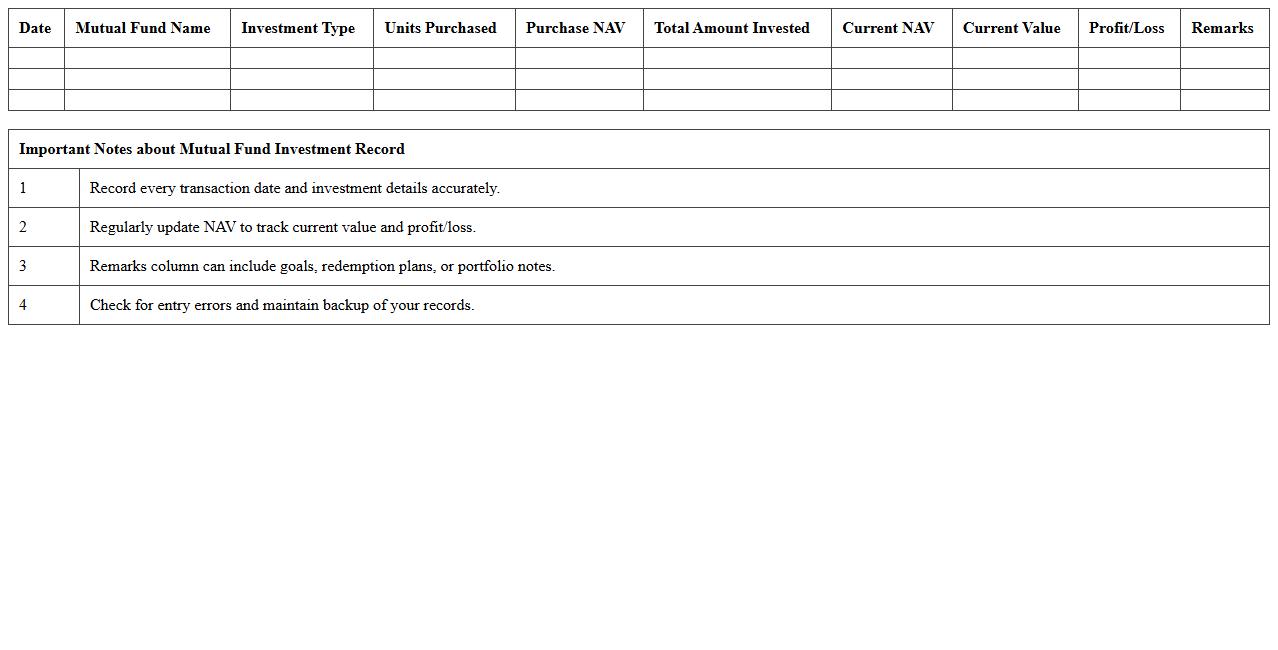
Mutual Fund Investment Record Excel document organizes detailed transaction data, including purchase dates, amounts invested, NAV (Net Asset Value), and returns for various mutual funds. It facilitates tracking portfolio performance, analyzing trends, and making informed decisions by consolidating all investment information in a single, easy-to-update format. This tool enhances financial planning and helps investors maintain accurate records for tax purposes and goal setting.
Buy/Sell Transaction Log Excel Template
The
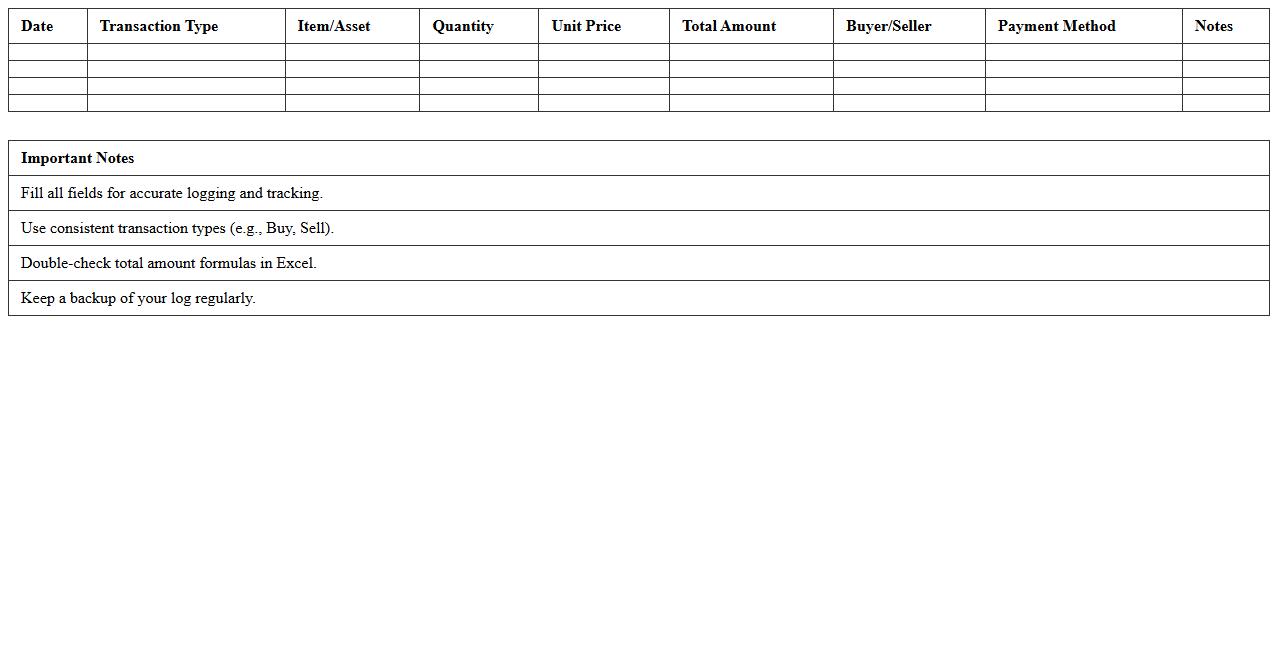
Buy/Sell Transaction Log Excel Template is a structured document designed to record and track financial transactions involving purchases and sales, providing essential details like dates, amounts, parties involved, and transaction types. This template enhances financial organization and accuracy, enabling users to monitor cash flow, analyze trading patterns, and generate reports effortlessly. Businesses and individuals rely on it for transparent record-keeping and improved decision-making in their buy-sell activities.
Investment Return Calculator Spreadsheet
An
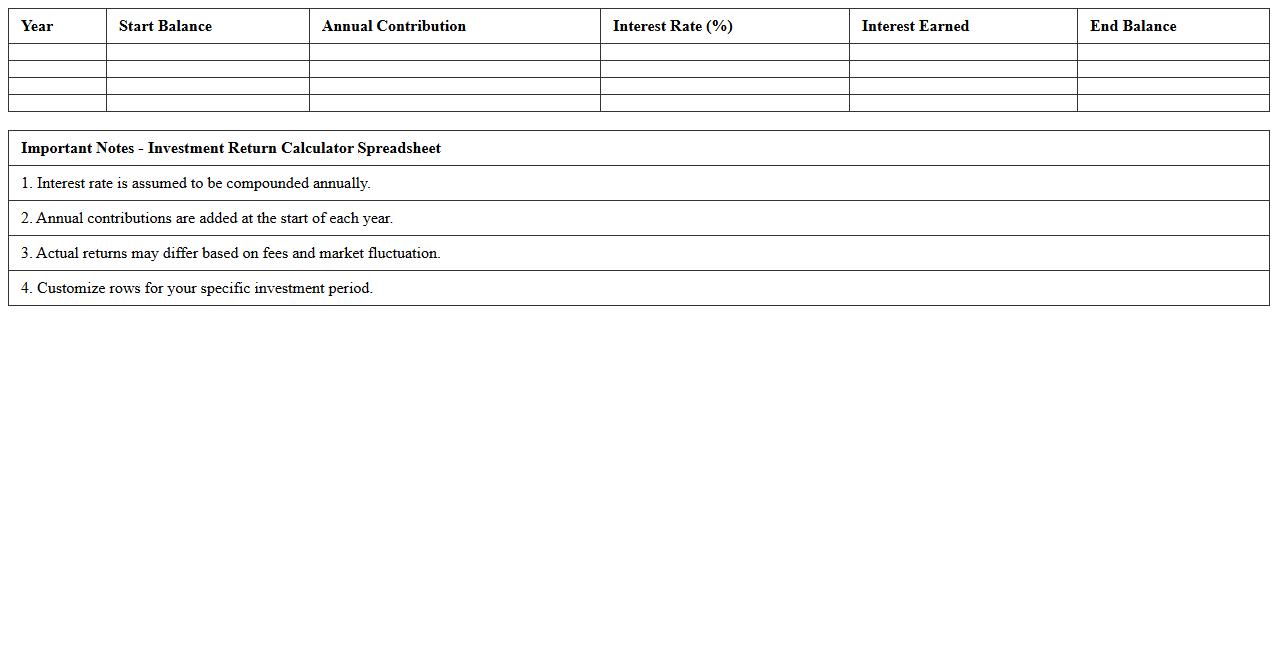
Investment Return Calculator Spreadsheet document is a digital tool designed to help users compute and analyze the potential gains or losses from various investment options by inputting data such as initial capital, interest rates, and time periods. This spreadsheet enables investors to compare different investment scenarios, forecast future value, and make informed decisions based on precise numerical results. It improves financial planning by providing a clear, customizable, and automated methodology to assess investment performance over time.
Capital Gains Tracking Excel Sheet
A
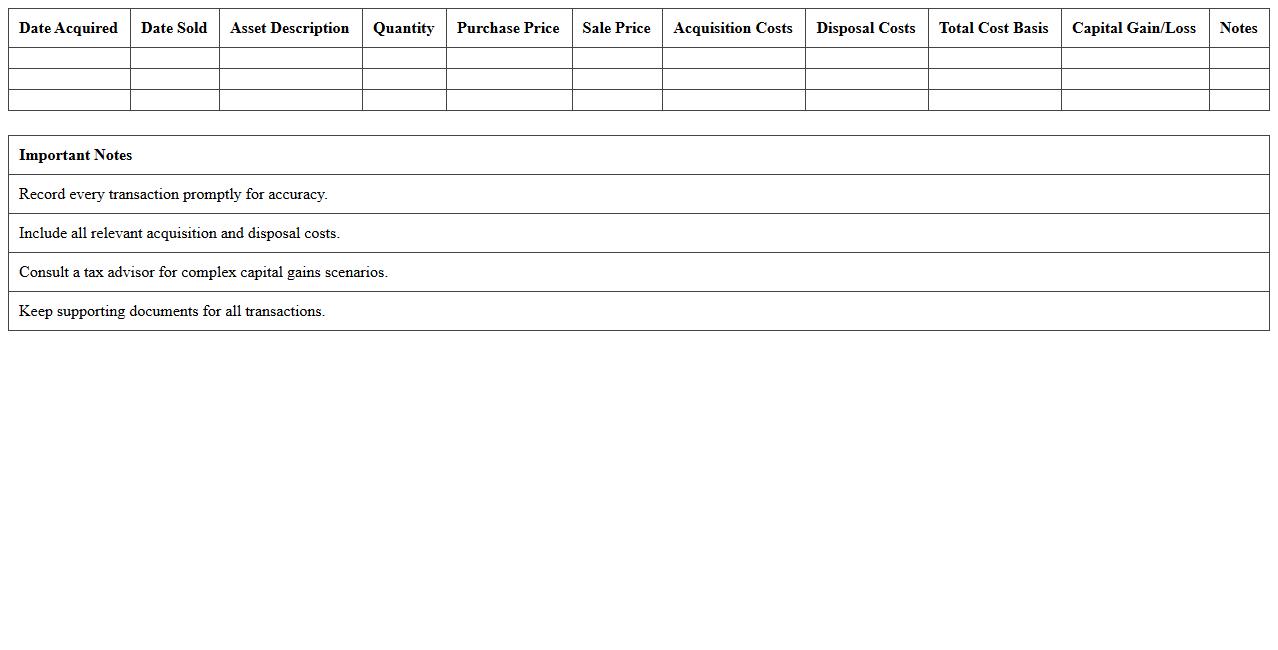
Capital Gains Tracking Excel Sheet document is a specialized spreadsheet designed to monitor and calculate profits or losses from the sale of assets such as stocks, real estate, or other investments. It helps investors organize transaction details, purchase and sale dates, cost basis, and capital gain amounts to ensure accurate tax reporting and financial analysis. This tool streamlines the tracking process, reduces errors, and supports informed decision-making for optimized investment strategy and tax compliance.
Individual Bond Investment Tracker
An
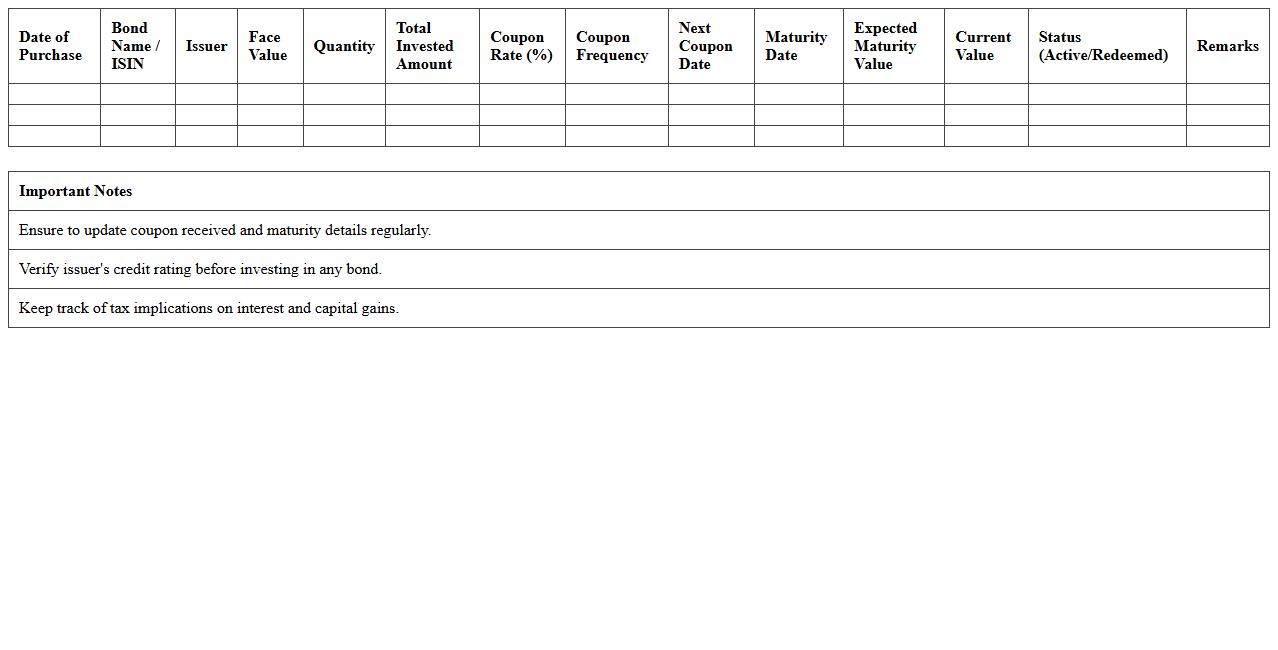
Individual Bond Investment Tracker document is a detailed record used to monitor and manage personal bond investments, including purchase dates, yields, maturities, and market values. It provides real-time insights into bond performance and helps investors make informed decisions regarding portfolio adjustments and risk management. By maintaining accurate tracking, investors can optimize returns and ensure alignment with their financial goals.
Risk Assessment Dashboard Excel Template
The
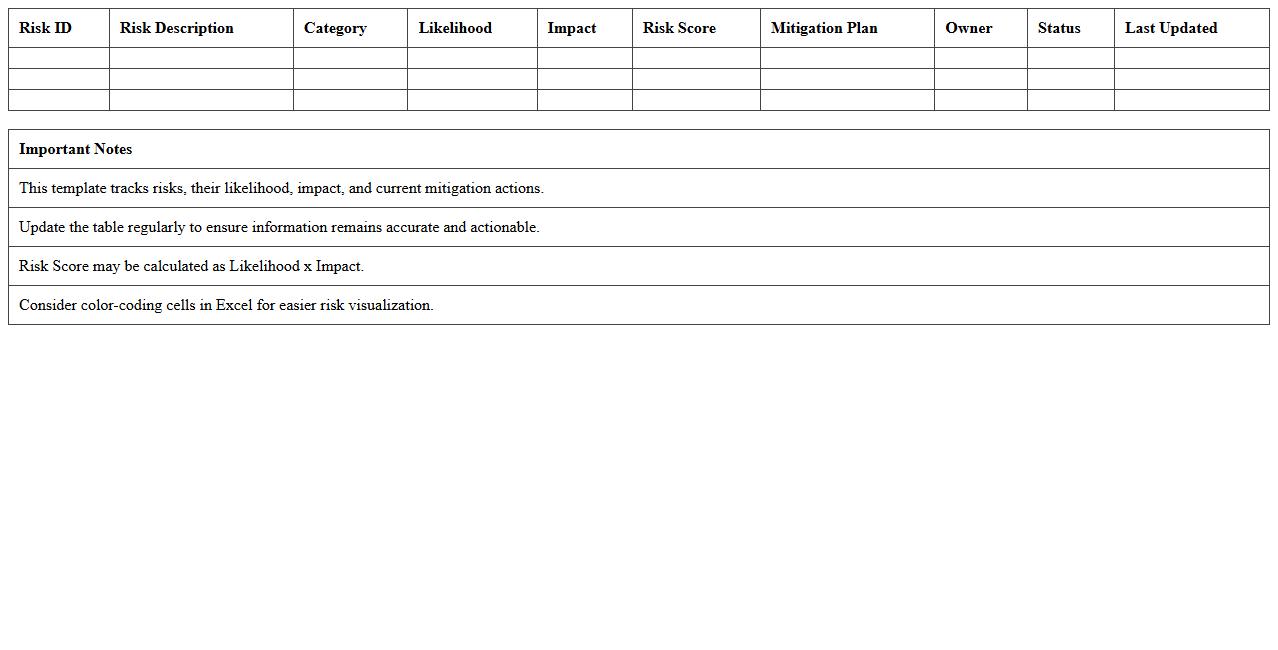
Risk Assessment Dashboard Excel Template is a structured document designed to identify, analyze, and visualize potential risks within projects or business processes. It consolidates risk data into clear charts and graphs, enabling efficient tracking and prioritization of threats based on their impact and likelihood. This tool improves decision-making by providing real-time insights that help mitigate risks proactively and allocate resources effectively.
How to customize asset allocation categories in an Investment Tracking Excel for personal portfolios?
To customize asset allocation categories in Excel, start by defining your primary investment types such as stocks, bonds, and cash equivalents. Use data validation lists to create drop-down menus, making category selection consistent and customizable. Employ pivot tables and slicers to dynamically analyze and adjust your portfolio's allocation percentages.
What advanced Excel formulas optimize ROI tracking for individual investment records?
Advanced Excel formulas like XIRR and SUMPRODUCT are essential for accurate ROI calculation, especially when dealing with cash flows on irregular dates. Use XIRR to calculate the internal rate of return based on actual investment dates, enhancing precision. Additionally, SUMPRODUCT helps aggregate weighted returns to optimize portfolio performance tracking.
How to automate dividend and interest income logging in a document letter format?
Automate dividend and interest income logging by using Excel's VBA macros or Power Query to extract transaction data and generate formatted letters automatically. Set up templates with placeholders for income amounts, dates, and payee details to create personalized income statements. Integrate mail merge features with Word to produce document letters directly from your investment tracking worksheet.
Which Excel templates best visualize individual investment performance over time?
Excel templates featuring dynamic charts like line graphs, waterfall charts, and combo charts effectively visualize investment performance over time. The Money Management and Portfolio Tracker templates offer built-in features for tracking gains, losses, and asset distribution visually. Customizable dashboards equipped with slicers and timelines enhance temporal data analysis and decision-making.
How to integrate real-time stock price updates in personalized investment tracking sheets?
Integrate real-time stock price updates using Excel's Data Types feature or Power Query connected to financial APIs such as Yahoo Finance or Alpha Vantage. Use the STOCKHISTORY function for historical data retrieval and live web queries to fetch the latest market prices. Automate refresh intervals to keep your personalized investment sheet current without manual input.