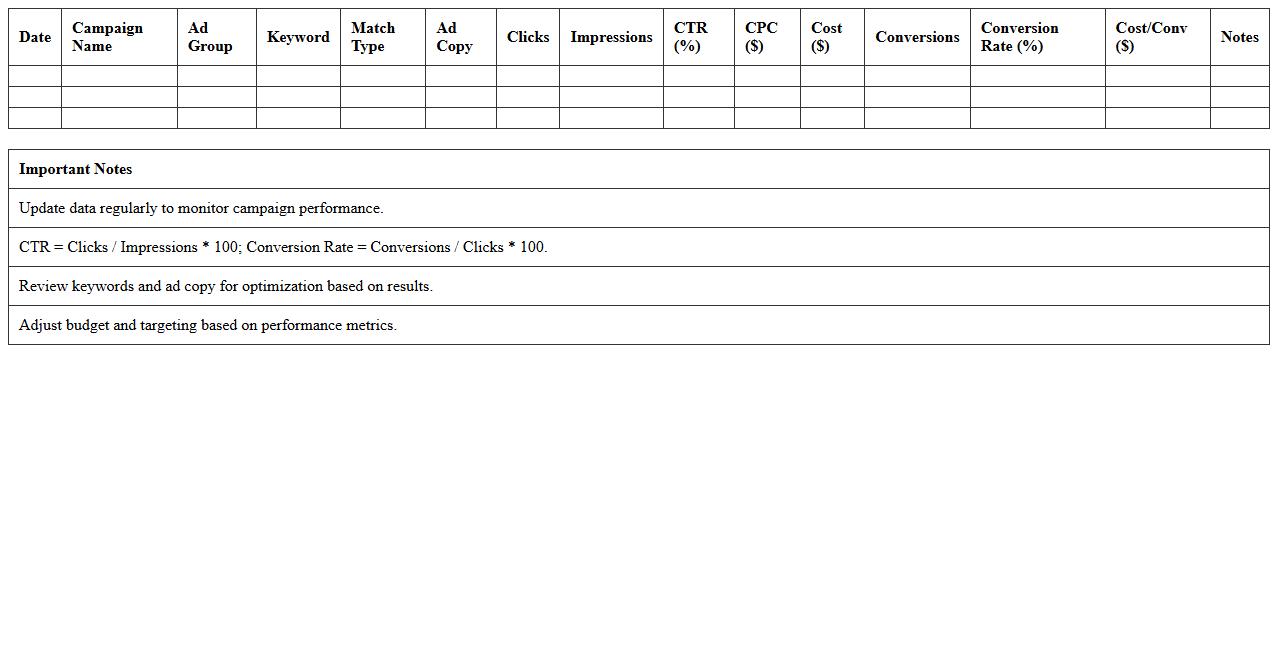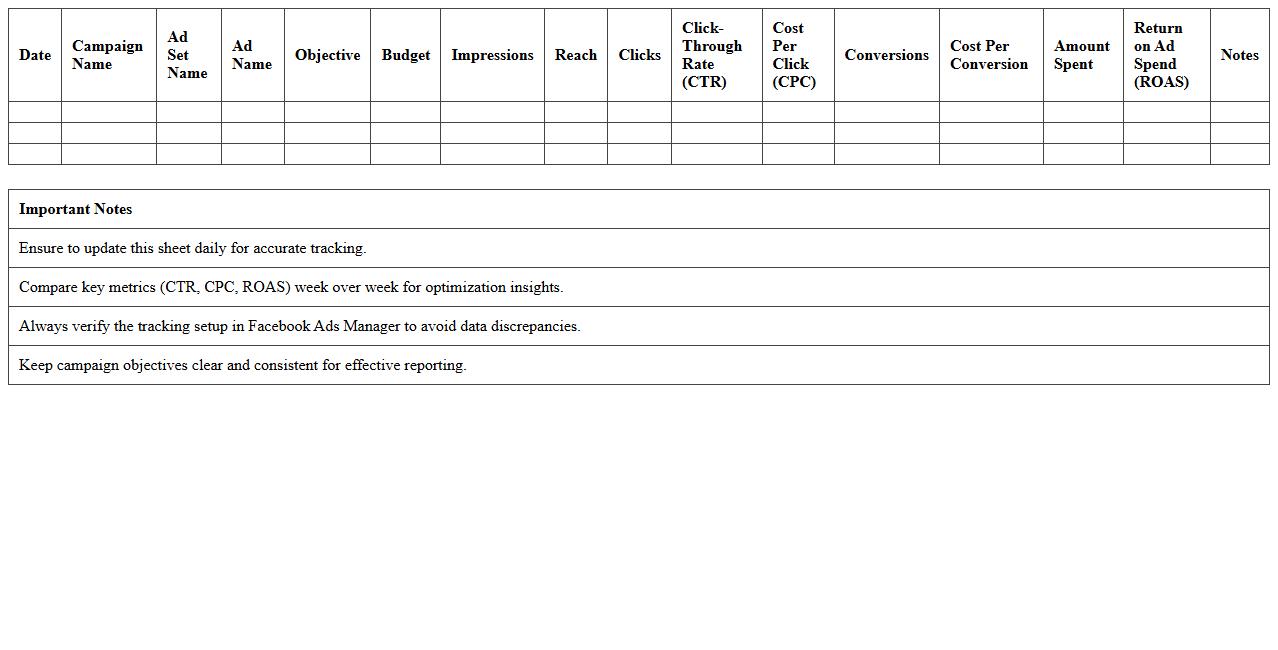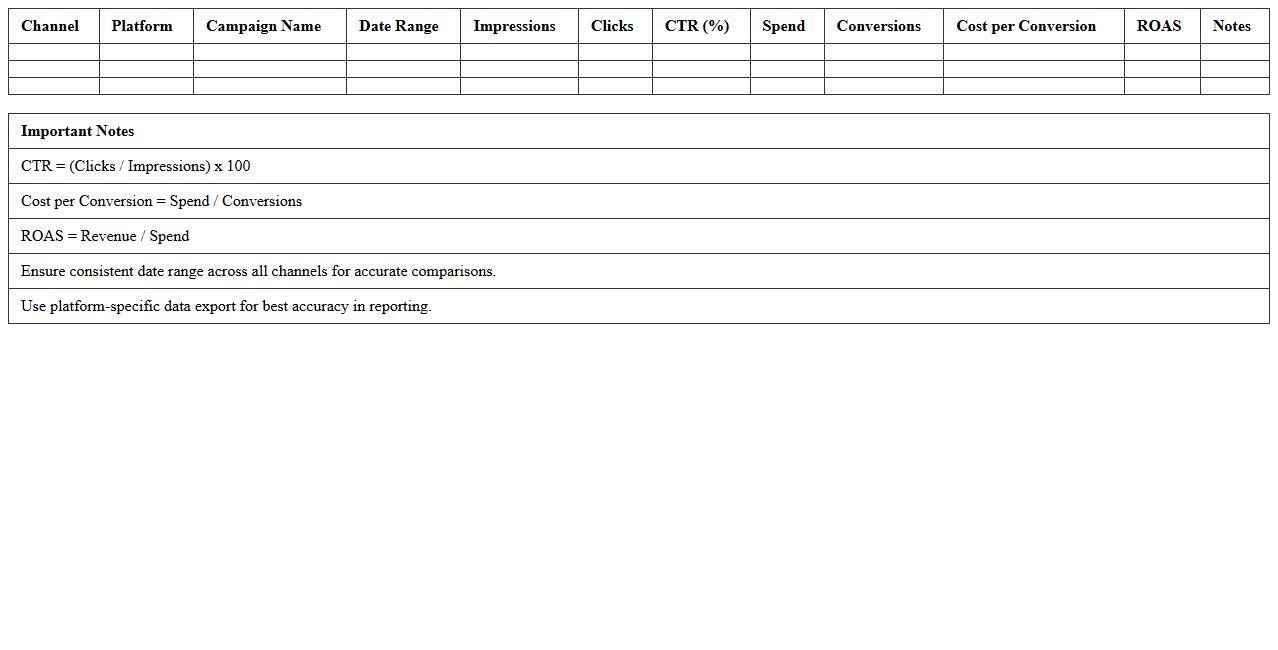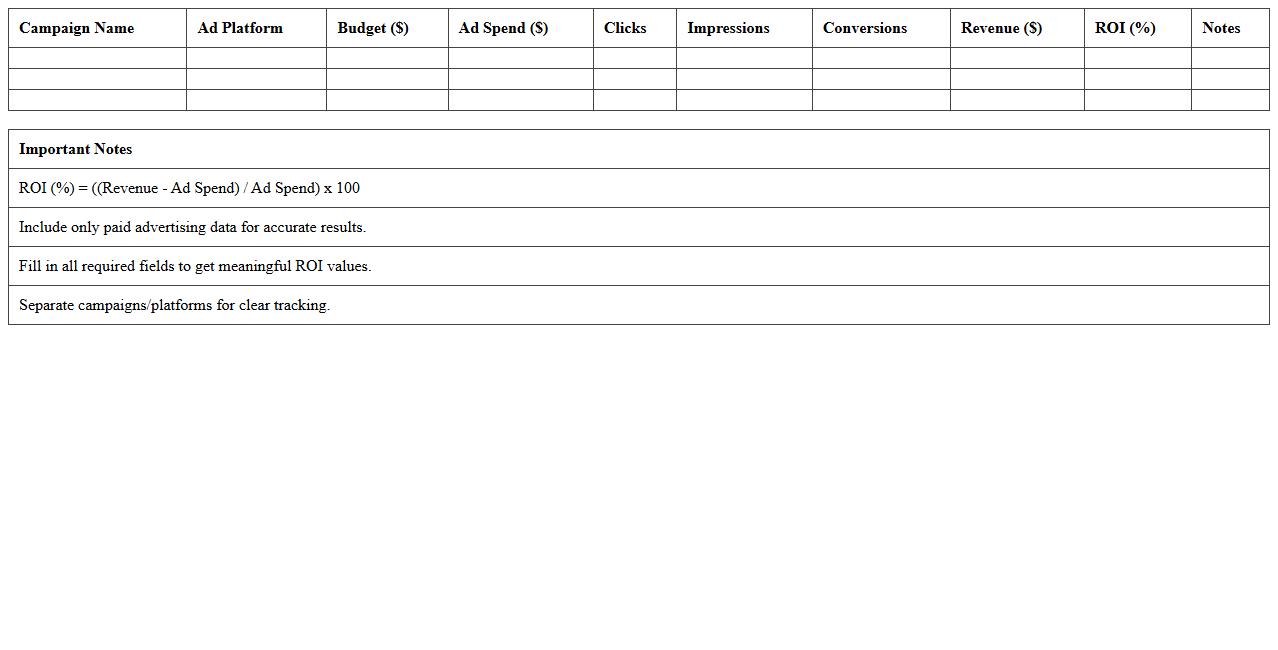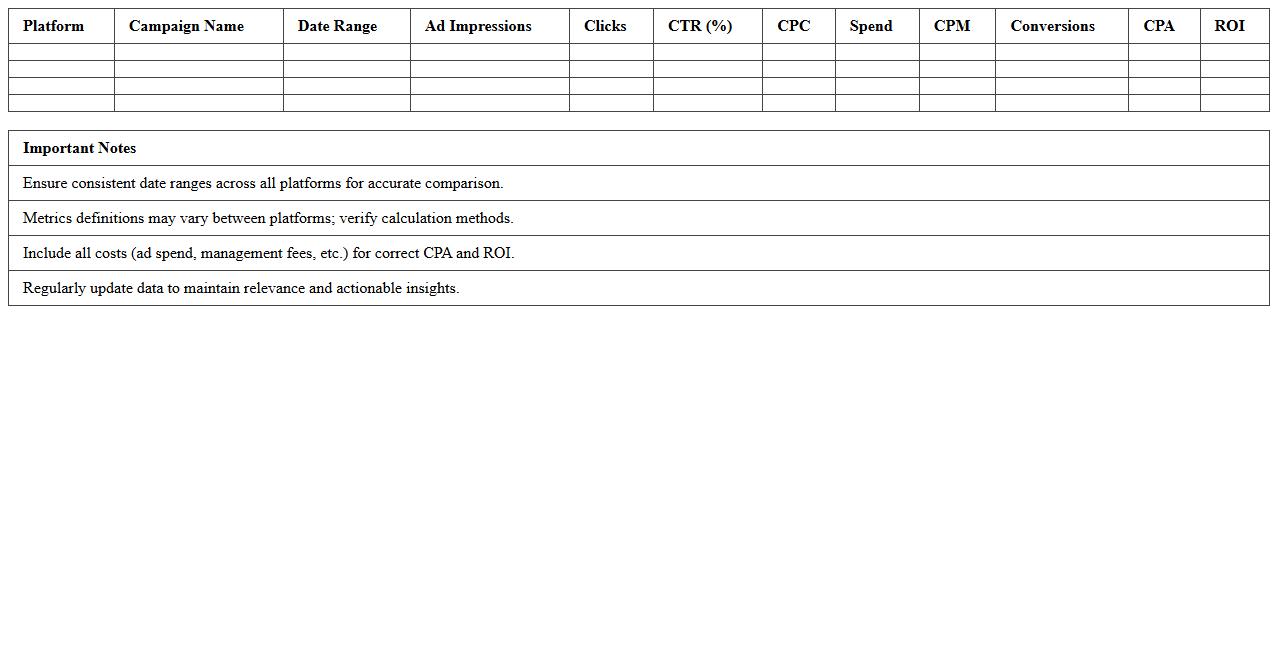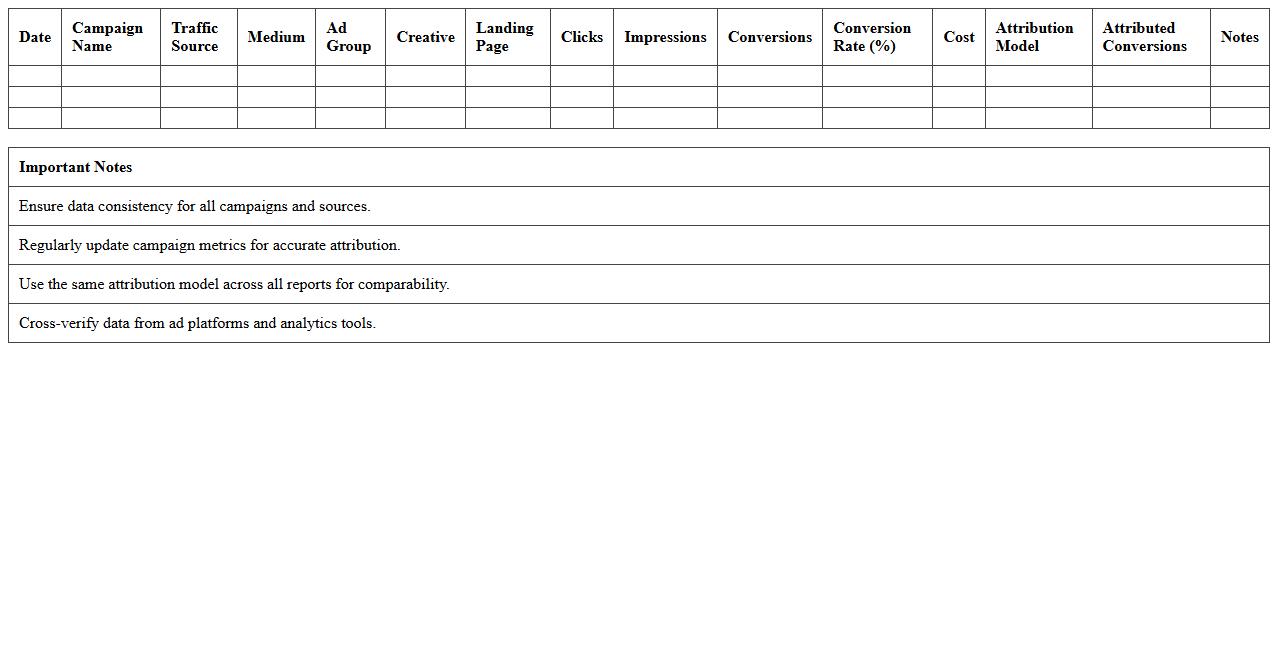
The Paid Advertising Tracking Excel Template for Digital Agencies streamlines campaign management by organizing key metrics such as ad spend, clicks, conversions, and ROI in one user-friendly spreadsheet. This template enables agencies to monitor performance, optimize budgets, and generate detailed reports with ease. Designed for efficiency, it helps digital agencies maximize advertising impact while maintaining accurate and transparent tracking.
Google Ads Campaign Tracking Excel Template
The
Google Ads Campaign Tracking Excel Template is a structured spreadsheet designed to monitor and analyze the performance of Google Ads campaigns efficiently. It helps marketers track key metrics such as click-through rates, conversion rates, and cost per acquisition in one centralized location, enabling data-driven decisions. By using this template, users can optimize budget allocation, identify high-performing ads, and improve overall campaign ROI.
Facebook Ads Performance Tracker Spreadsheet
The
Facebook Ads Performance Tracker Spreadsheet document is a tool designed to systematically record, analyze, and visualize key metrics from Facebook advertising campaigns such as click-through rates, conversion rates, and ad spend. It enables marketers to efficiently monitor campaign effectiveness, identify trends, and make data-driven decisions to optimize budget allocation and improve return on investment (ROI). By having all performance data in a centralized location, teams can quickly assess progress and implement strategies that boost overall ad performance.
Multi-Channel Paid Media Reporting Excel Template
The
Multi-Channel Paid Media Reporting Excel Template document consolidates data from various advertising platforms like Google Ads, Facebook Ads, and LinkedIn Ads into a unified, easy-to-analyze format, enabling marketers to track key performance metrics such as impressions, clicks, conversions, and ROI. This template streamlines campaign performance analysis by offering customizable dashboards and visualizations, facilitating data-driven decision-making and budget optimization across multiple channels. Using this tool enhances transparency and efficiency in managing paid media campaigns, ultimately driving improved marketing outcomes.
ROI Calculator for Paid Advertising Excel Sheet
An
ROI Calculator for Paid Advertising Excel Sheet is a tool designed to measure the return on investment from advertising campaigns by analyzing costs, conversions, and revenue generated. It helps marketers and business owners quickly assess the effectiveness of their ad spend, enabling data-driven decisions to optimize budget allocation. Using this calculator increases accuracy in financial forecasting and improves overall campaign performance.
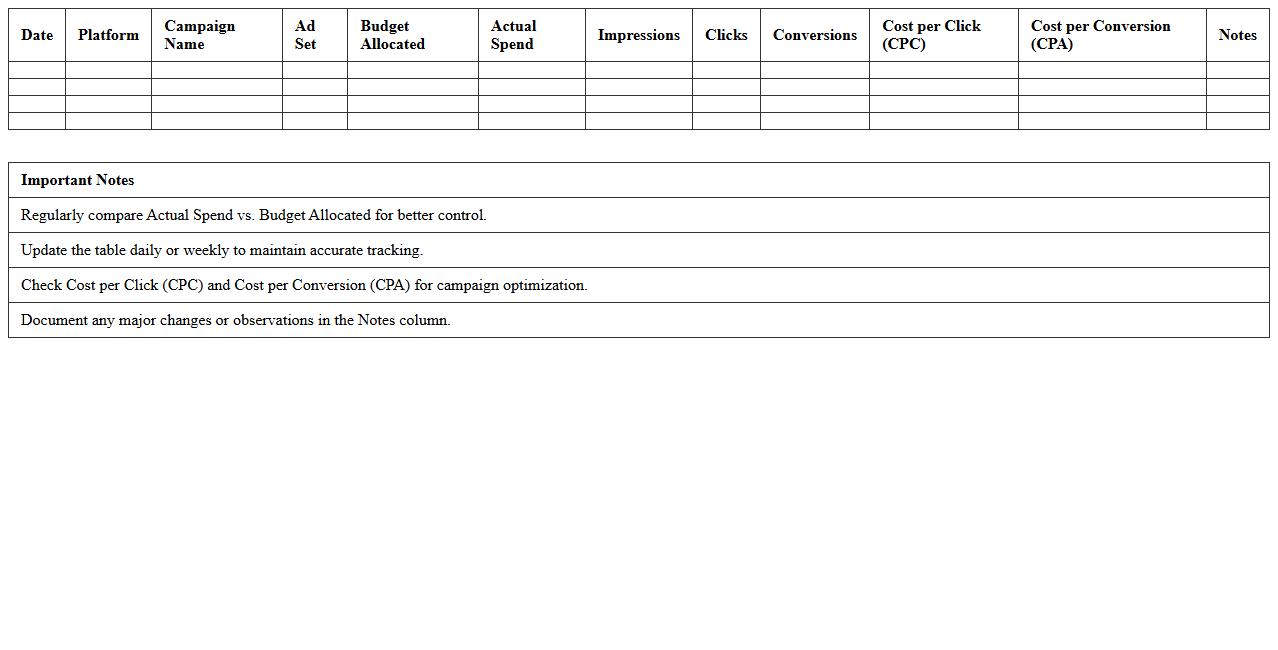
Ad Spend & Budget Management Excel Template
An
Ad Spend & Budget Management Excel Template document is a structured spreadsheet designed to track, analyze, and optimize advertising expenditures across various channels. It helps marketers allocate budgets efficiently, monitor campaign performance, and forecast future spending to maximize return on investment. By providing clear visualization of data, this template enables informed decision-making and enhances financial control over advertising efforts.
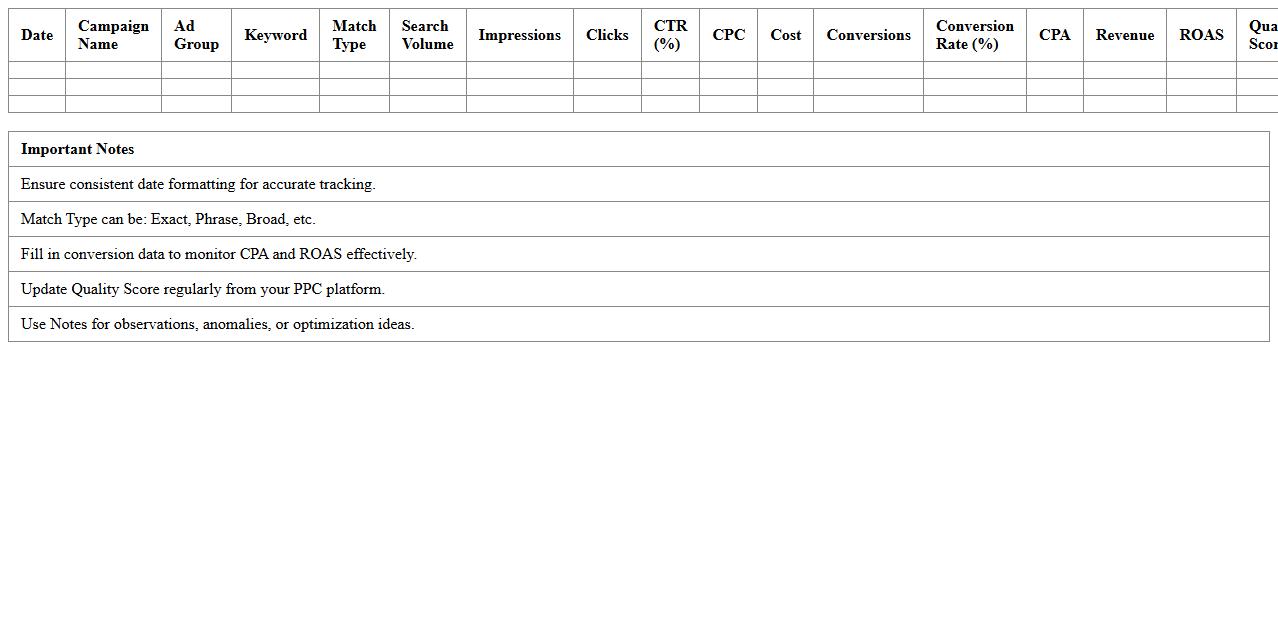
PPC Keyword Performance Tracker Spreadsheet
The
PPC Keyword Performance Tracker Spreadsheet is a detailed document designed to monitor and analyze the effectiveness of pay-per-click (PPC) campaign keywords by tracking metrics such as click-through rates, cost per click, and conversion rates. It enables marketers to identify top-performing keywords, optimize bids, and allocate budgets more efficiently to improve overall campaign ROI. By providing clear, organized data, this tool helps businesses make informed decisions to enhance online advertising strategies and increase targeted traffic.
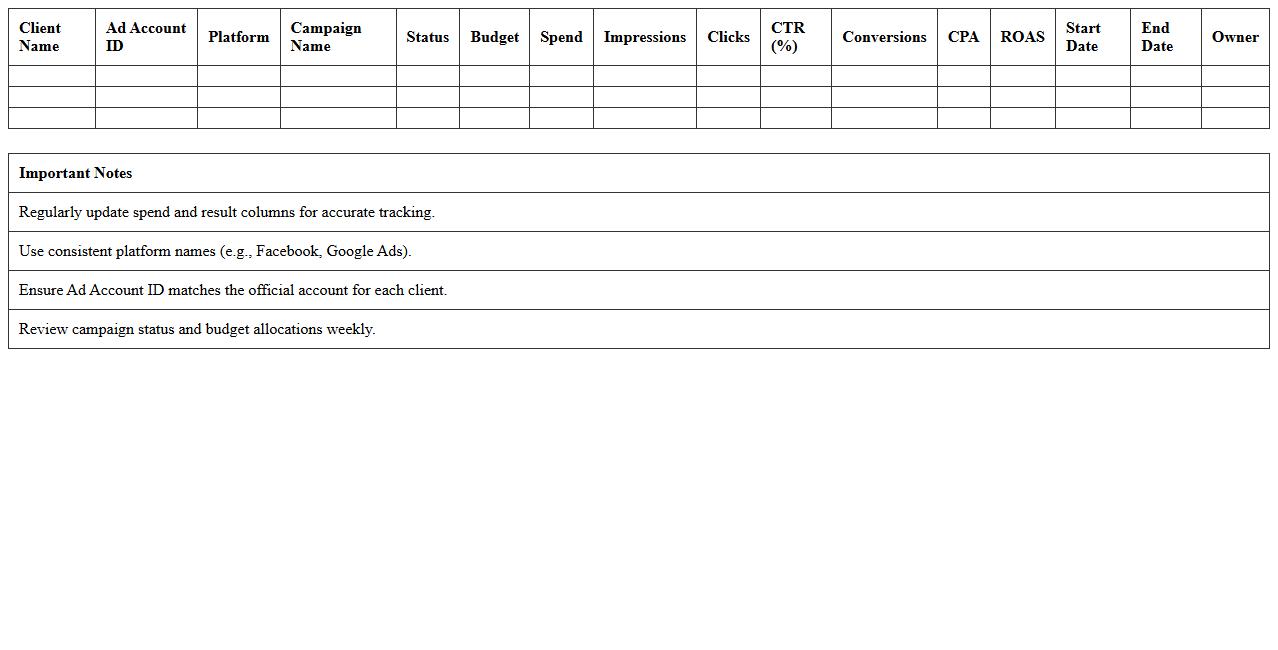
Client Ad Account Dashboard Excel Template
The
Client Ad Account Dashboard Excel Template is a powerful tool designed to consolidate and visualize advertising data from multiple client accounts in one place. It streamlines performance tracking by organizing key metrics such as impressions, clicks, conversions, and spend, enabling marketers to make data-driven decisions quickly. This template enhances reporting efficiency and accuracy, saving valuable time while providing clear insights into campaign effectiveness.
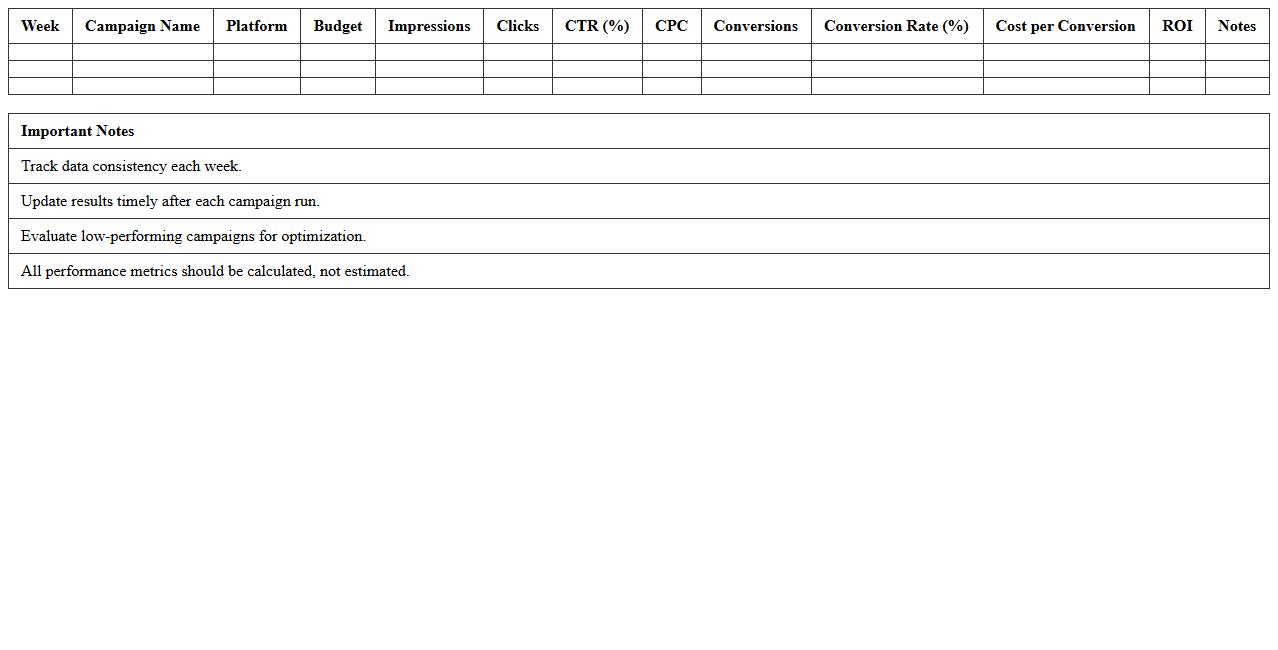
Weekly Digital Ads Result Tracking Sheet
A
Weekly Digital Ads Result Tracking Sheet is a document used to systematically monitor and analyze the performance metrics of digital advertising campaigns on a weekly basis. It helps marketers identify trends, measure return on investment (ROI), and optimize ad spend by tracking key indicators such as click-through rates, conversions, and cost per acquisition. Utilizing this sheet enhances decision-making and improves the efficiency of marketing strategies through data-driven insights.
Cross-Platform Ad Metrics Comparison Excel
The
Cross-Platform Ad Metrics Comparison Excel document consolidates advertising performance data from multiple platforms into a single, easy-to-analyze spreadsheet, enabling marketers to track and compare key metrics like click-through rates, conversion rates, and ROI. This tool helps identify which platforms deliver the best results, optimize budget allocation, and improve overall campaign effectiveness through data-driven decisions. By streamlining data from diverse sources, it enhances reporting accuracy and saves valuable time in performance analysis.
Conversion Tracking & Attribution Excel Template
The
Conversion Tracking & Attribution Excel Template is a powerful tool designed to monitor and analyze marketing campaign performance by mapping customer interactions to final conversions. It enables businesses to allocate budget effectively by identifying which channels and touchpoints contribute most to sales and lead generation. Using this template enhances decision-making accuracy, improves return on investment (ROI), and optimizes marketing strategies through clear visualization of attribution data.
How can digital agencies automate UTM parameter tracking within Paid Advertising Tracking Excel sheets?
Digital agencies can automate UTM parameter tracking by using Excel's built-in data validation and concatenation formulas. Integrating scripts or add-ins that extract UTM codes from URLs enhances automation. This process reduces manual entry errors and streamlines campaign performance tracking within the spreadsheet.
What formulas best calculate ROAS per channel in an agency's ad spend tracking Excel?
The most effective formula for calculating Return on Ad Spend (ROAS) is Revenue divided by Ad Spend for each channel. For example, use =SUMIF(ChannelRange, ChannelName, RevenueRange)/SUMIF(ChannelRange, ChannelName, SpendRange). This formula provides a clear performance metric by channel, essential for optimizing ad budgets.
Which columns should be included for granular attribution of leads in a paid ad tracking spreadsheet?
Essential columns include Lead Source, Campaign Name, UTM Parameters, Conversion Date, and Lead Status. Adding detailed funnel stage data allows accurate tracking of lead progression. This granular attribution enables agencies to pinpoint the effectiveness of each paid channel and campaign.
How can Excel track multi-platform ad budgets and performance in a single unified view for clients?
Excel can consolidate data from various ad platforms using pivot tables and linked sheets to create a unified performance dashboard. Employing consistent naming conventions for campaigns and channels ensures accurate data mapping. This approach provides clients with a real-time overview of cross-platform ad spend and results.
What's the optimal structure for weekly vs. monthly campaign reporting in an agency's PPC tracking Excel?
The optimal structure separates weekly and monthly data into distinct tabs or sections for clarity. Weekly reports focus on immediate performance trends, while monthly summaries highlight overall campaign effectiveness. Including key metrics like spend, impressions, clicks, conversions, and ROAS in both ensures comprehensive insights.
More Tracking Excel Templates