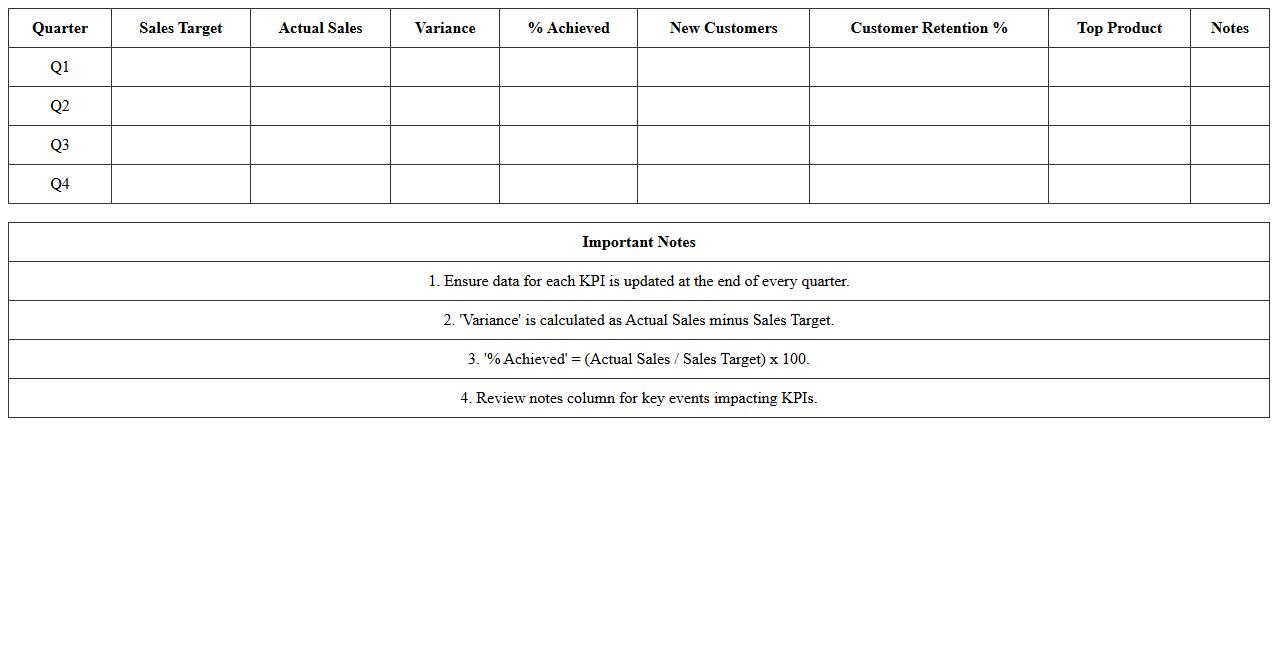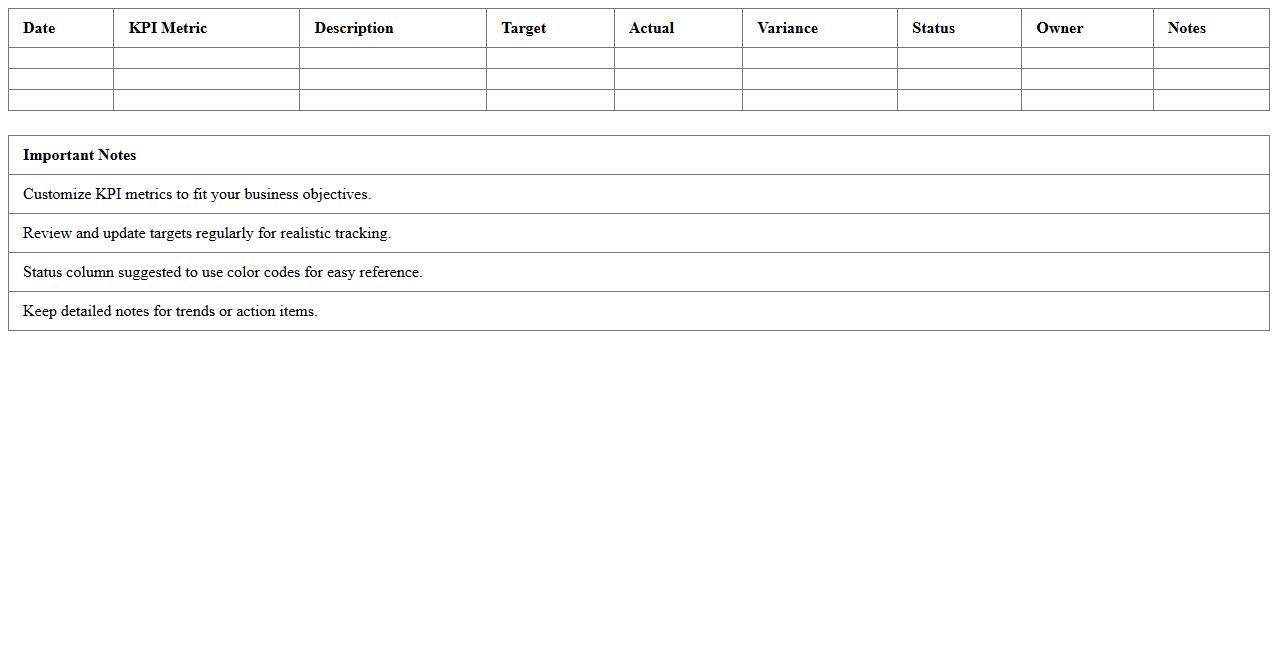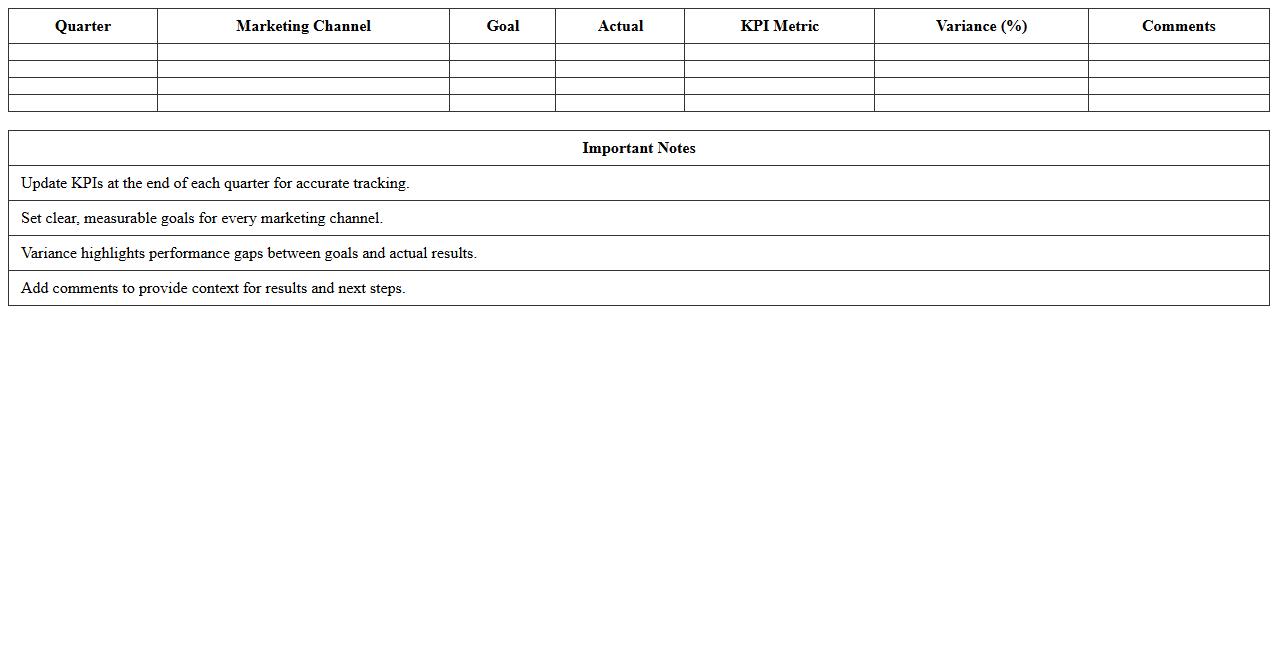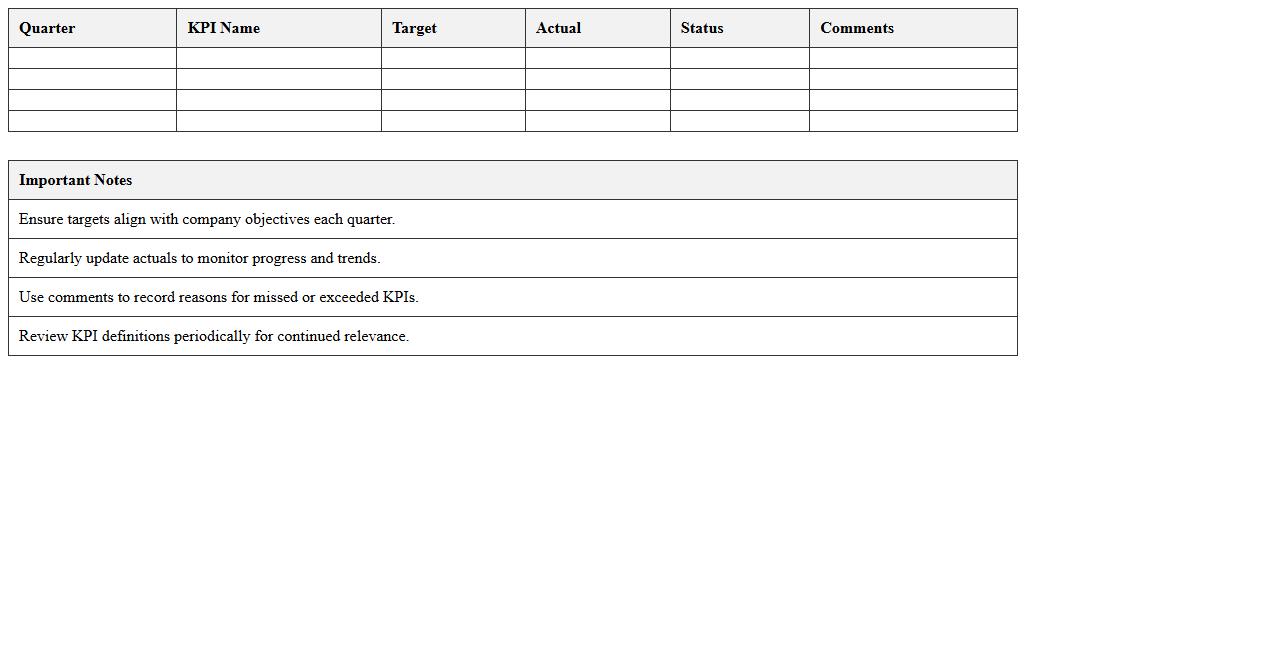
The Quarterly KPI Summary Excel Template for Startups helps track essential performance metrics efficiently, enabling data-driven decision-making. It provides a clear overview of key indicators such as revenue growth, customer acquisition, and operational costs. Startups can easily customize the template to align with their unique business goals and monitor progress each quarter.
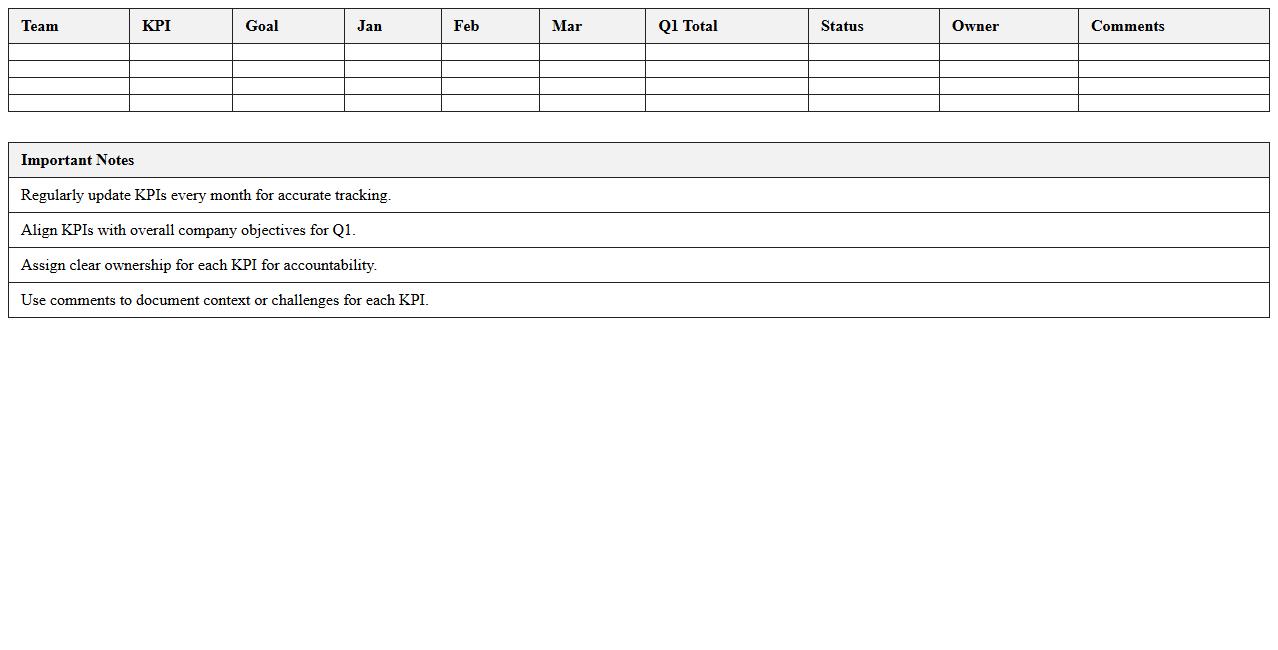
Q1 KPI Tracking Dashboard for Startup Teams
The
Q1 KPI Tracking Dashboard for Startup Teams is a comprehensive document designed to monitor and analyze key performance indicators critical to early-stage business growth. It provides real-time insights into metrics such as customer acquisition cost, monthly recurring revenue, and user engagement, enabling teams to make data-driven decisions effectively. This tool helps optimize resource allocation, track progress against targets, and identify areas requiring strategic adjustments to accelerate startup success.
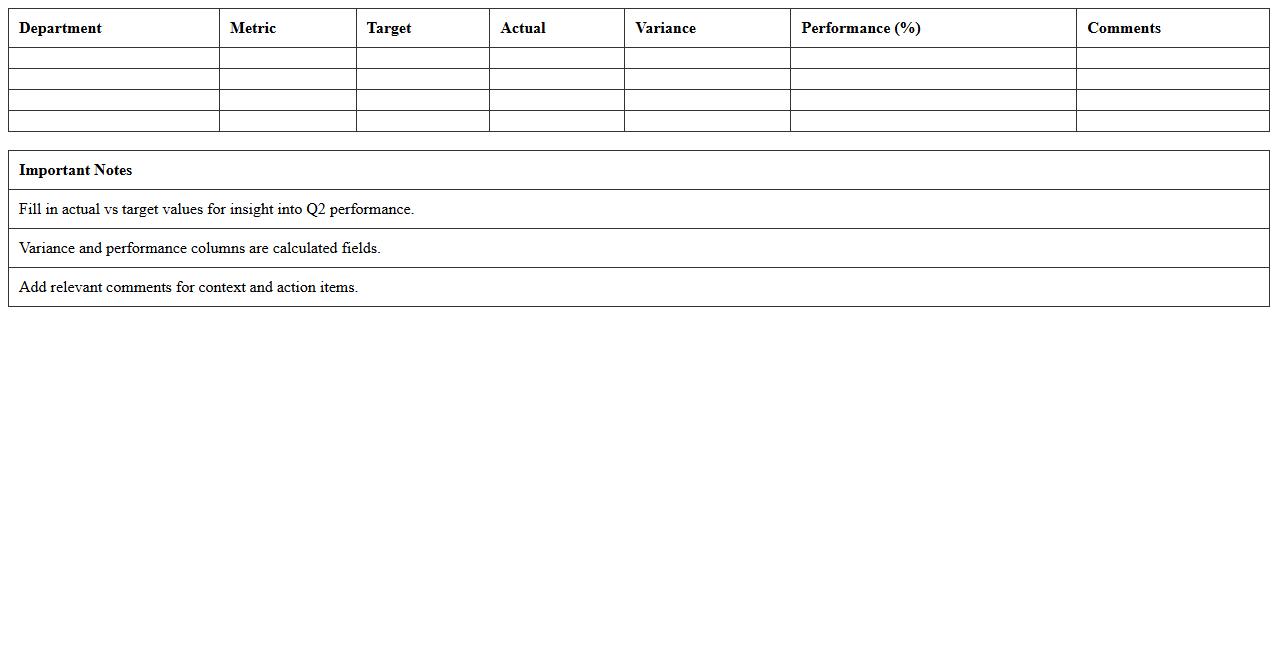
Q2 Metrics Performance Summary Spreadsheet
The
Q2 Metrics Performance Summary Spreadsheet document consolidates key performance indicators from the second quarter, enabling organizations to track progress against goals efficiently. It offers a clear, data-driven overview of sales figures, customer engagement, and operational efficiency, facilitating informed decision-making. This spreadsheet serves as a valuable tool for identifying trends, benchmarking performance, and strategizing future improvements.
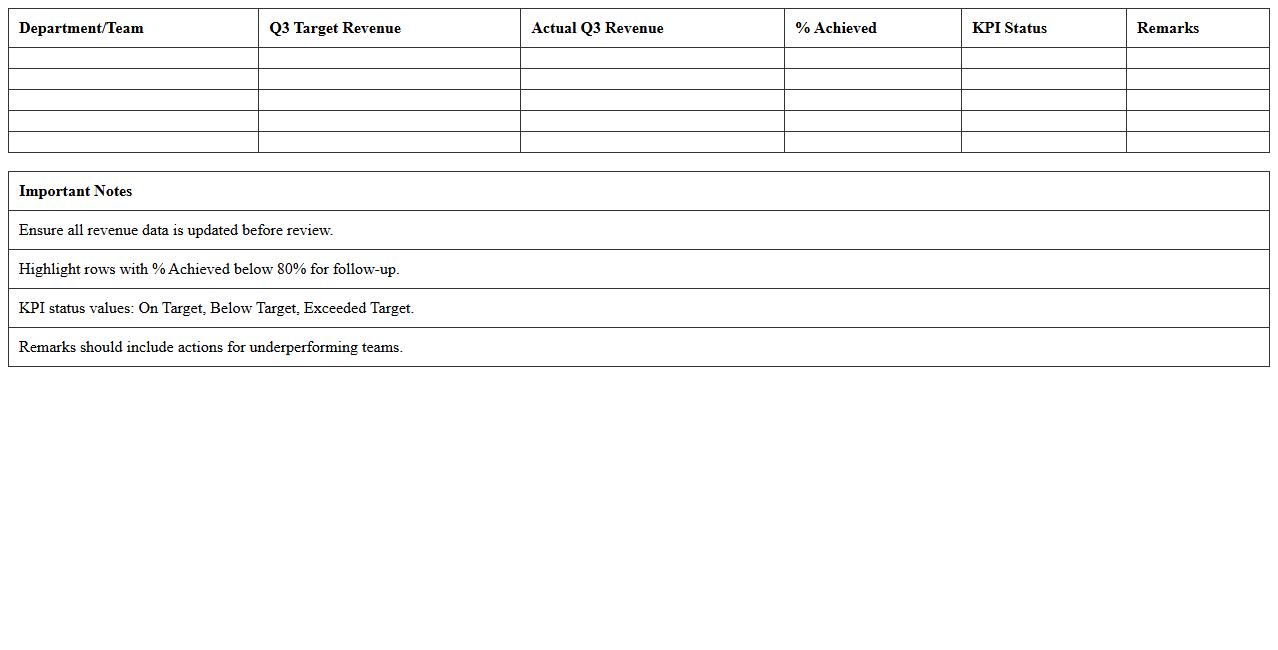
Q3 Revenue vs Target KPI Excel Sheet
The
Q3 Revenue vs Target KPI Excel Sheet document tracks actual revenue against projected targets for the third quarter, providing a clear and concise visual comparison. This KPI tool helps businesses identify performance gaps, monitor sales trends, and make data-driven decisions to optimize revenue strategies. By organizing key financial metrics, it supports effective forecasting and resource allocation for improved financial outcomes.
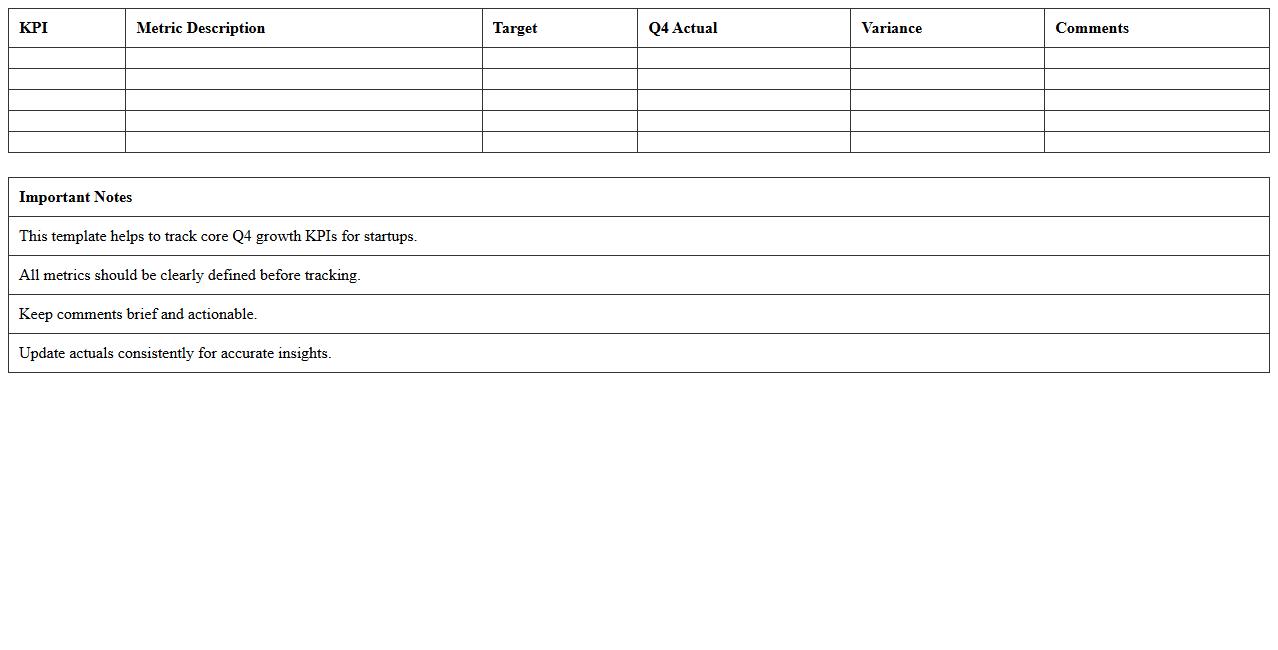
Q4 Startup Growth KPI Overview Template
The
Q4 Startup Growth KPI Overview Template document provides a structured framework to track and analyze critical performance indicators specific to the last quarter of the fiscal year. By consolidating essential metrics such as revenue growth, customer acquisition rates, and burn rate, this template helps startups make data-driven decisions to optimize resources and pivot strategies effectively. Using this tool allows teams to monitor progress against goals, identify bottlenecks early, and align growth initiatives with overall business objectives.
Quarterly Sales KPI Analysis Workbook
The
Quarterly Sales KPI Analysis Workbook is a comprehensive tool designed to track, measure, and analyze key performance indicators related to sales over a three-month period. It provides detailed insights into sales trends, revenue growth, customer acquisition, and sales team productivity, enabling data-driven decision-making. Organizations utilize this workbook to identify strengths, address weaknesses, and optimize sales strategies for improved business outcomes.
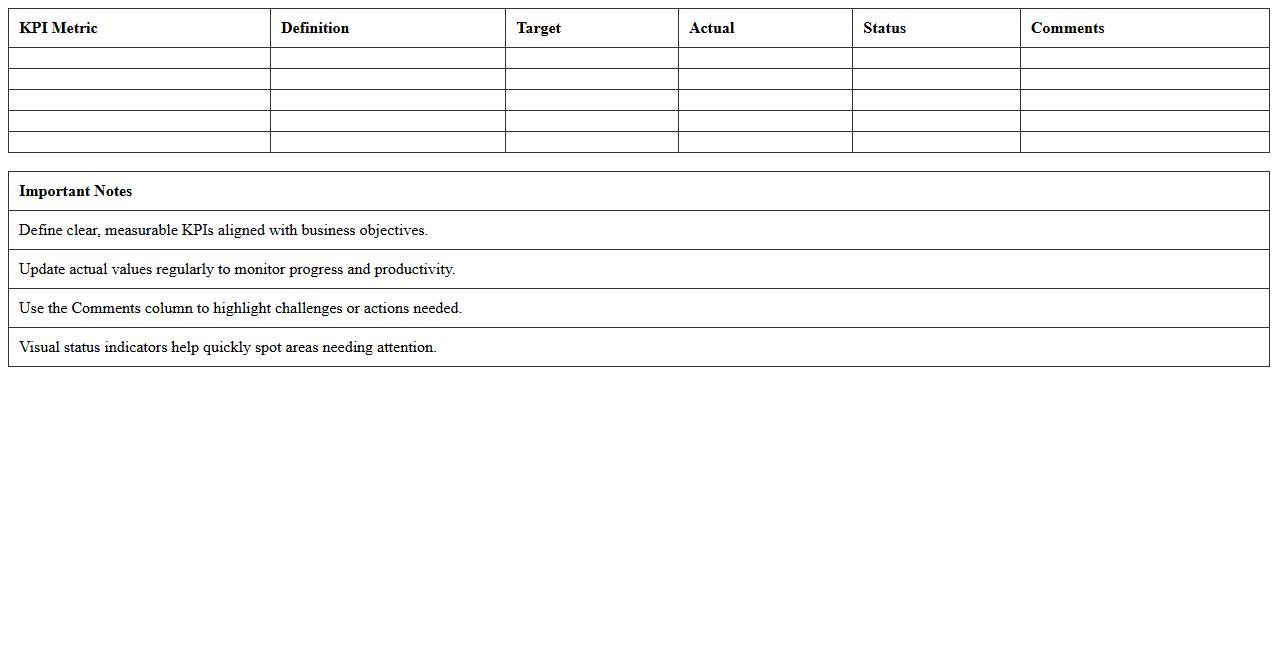
Startup Productivity KPI Monitoring Excel
The
Startup Productivity KPI Monitoring Excel document is a tool designed to track and analyze key performance indicators critical to the growth and efficiency of early-stage companies. It consolidates metrics such as revenue growth, customer acquisition cost, and employee output into an organized, easy-to-understand format that aids in identifying bottlenecks and opportunities for improvement. Using this document enhances decision-making by providing clear data insights that help steer strategic efforts toward achieving measurable business goals.
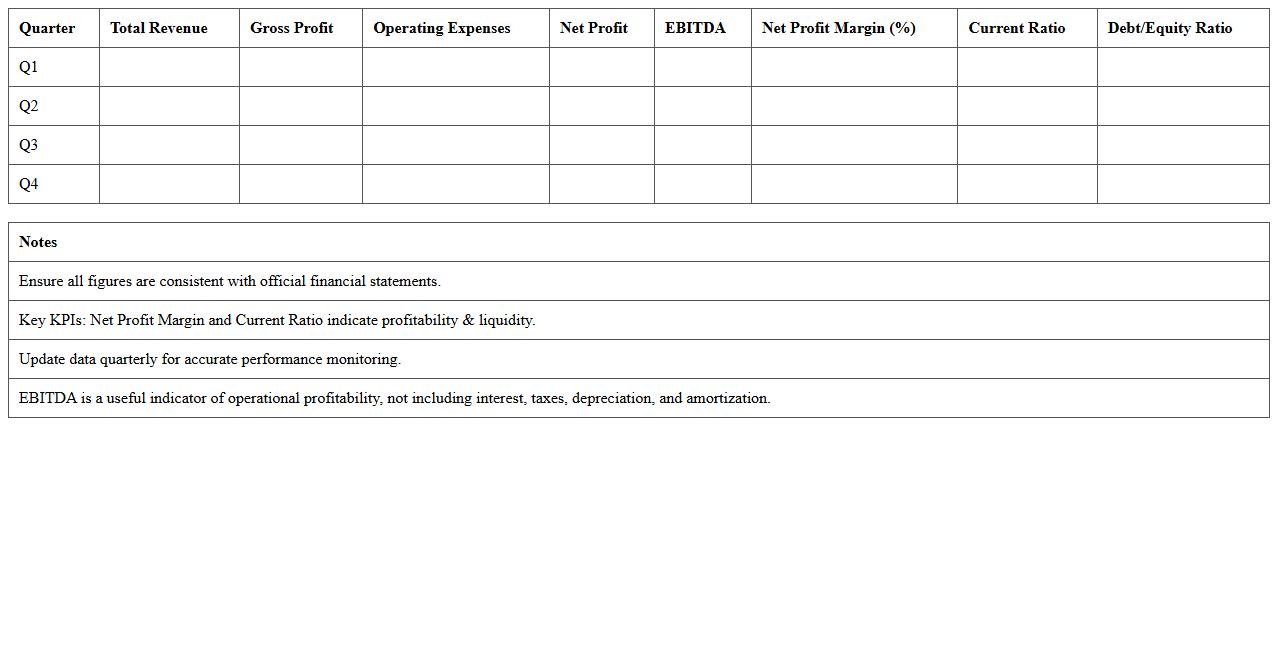
Quarterly Financial KPI Summary Sheet
A
Quarterly Financial KPI Summary Sheet is a document that consolidates key financial performance indicators such as revenue growth, profit margins, and expense ratios over a three-month period. This summary enables businesses to track financial health, identify trends, and make data-driven decisions for budgeting and forecasting. By providing a clear snapshot of financial metrics, it supports strategic planning and performance management across departments.
Growth & Retention KPI Review Excel Template
The
Growth & Retention KPI Review Excel Template is a structured tool designed to track and analyze key performance indicators related to business growth and customer retention. It enables organizations to visualize trends, measure customer lifetime value, and identify areas needing improvement, thereby supporting data-driven decision-making. This template enhances strategic planning by providing clear insights into retention rates, churn metrics, and growth patterns, making it essential for optimizing business performance.
Quarterly Marketing KPI Results Tracker
The
Quarterly Marketing KPI Results Tracker document is a strategic tool designed to monitor and evaluate key performance indicators (KPIs) across marketing campaigns every quarter. It enables teams to measure progress against goals, identify trends, and make data-driven decisions to optimize marketing efforts. This tracker streamlines reporting processes, enhances accountability, and supports continuous improvement in marketing strategies.
Customer Success KPI Quarterly Report Excel
The
Customer Success KPI Quarterly Report Excel document serves as a comprehensive tool to track and analyze key performance indicators related to customer satisfaction and retention over a three-month period. It enables businesses to monitor metrics such as churn rate, customer lifetime value, and net promoter score, providing actionable insights to improve customer engagement strategies. By regularly reviewing this report, companies can identify trends, optimize customer support efforts, and drive long-term growth through data-driven decision-making.
How can I automate data input for Quarterly KPI Summary Excel in early-stage startups?
Automating data input for a Quarterly KPI Summary in Excel can be achieved using tools like Power Query or VBA macros. These methods allow seamless integration of data from multiple sources such as CRM, accounting software, or databases. Automating these inputs saves time and reduces errors, especially crucial for early-stage startups with limited resources.
What key metrics should be prioritized for a SaaS startup's quarterly KPI letter?
For a SaaS startup, prioritizing Monthly Recurring Revenue (MRR), Customer Churn Rate, and Customer Acquisition Cost (CAC) is essential. These metrics provide valuable insights into growth, retention, and profitability. Emphasizing these KPIs enables investors and stakeholders to understand the startup's financial health and scalability.
How do I visualize trend variances in a KPI summary letter using Excel charts?
Using Excel's line charts or combo charts helps visualize trend variances effectively in a KPI summary letter. Applying conditional formatting and adding data labels can highlight significant changes over time. These visual tools enhance clarity and make it easier to identify patterns and anomalies in key performance data.
What are best practices for collaborative commenting in a startup's quarterly KPI Excel sheet?
Collaborative commenting is optimized by using Excel's threaded comments or integration with cloud platforms like OneDrive or SharePoint. Establishing a clear commenting protocol encourages constructive feedback and maintains document organization. Version history should be enabled to track discussions and changes efficiently within the startup team.
How do I ensure data integrity and version control when sharing KPI summaries with investors?
Ensuring data integrity involves protecting the Excel file with password encryption and restricting editing permissions. Utilizing cloud-based platforms such as Microsoft Teams or Google Drive provides robust version control and access tracking. This approach guarantees that investors always access the most accurate and up-to-date KPI summaries.
More Summary Excel Templates