The Expense Summary Excel Template for Freelancers simplifies tracking and managing business expenses efficiently. It provides customizable categories, automated calculations, and clear visual summaries to optimize financial organization. Freelancers can easily monitor spending patterns, ensuring accurate budgeting and tax preparation.
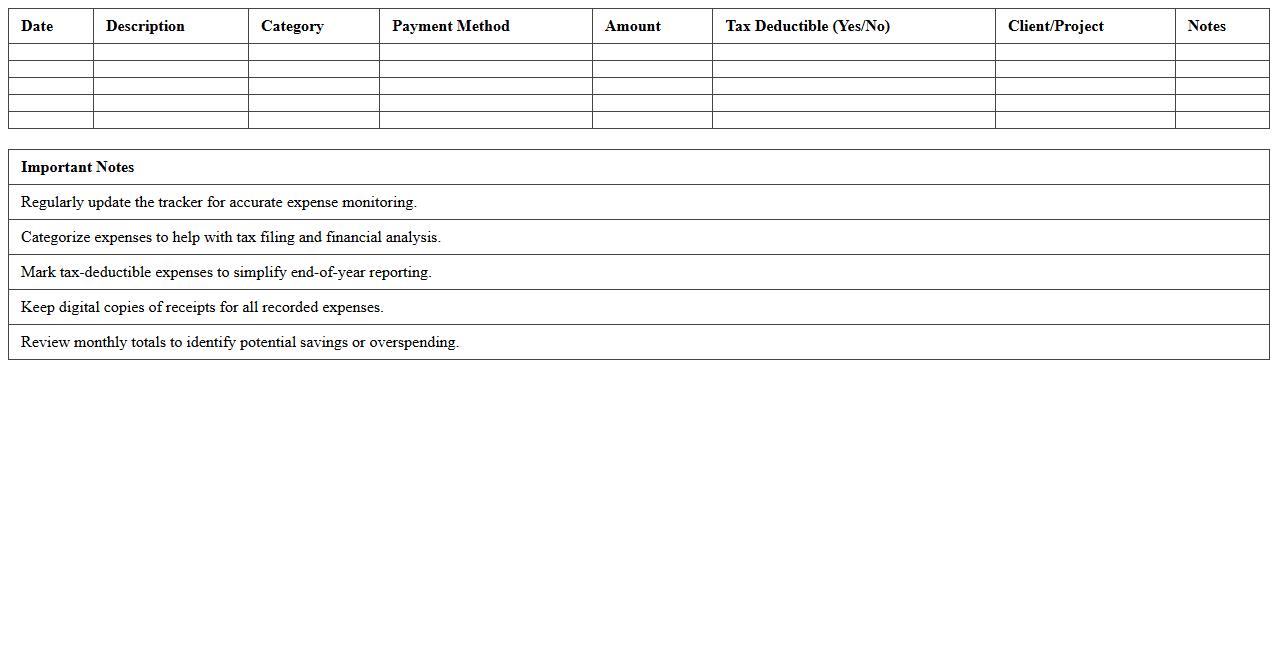
Monthly Freelancer Expense Tracker Excel Sheet
The
Monthly Freelancer Expense Tracker Excel Sheet is a comprehensive tool designed to help freelancers efficiently record and monitor their monthly expenses. This document categorizes expenses, calculates totals automatically, and provides insights into spending patterns, enabling better financial management and budgeting. By using this tracker, freelancers can maintain organized records for tax purposes and make informed decisions to optimize their income and expenditures.
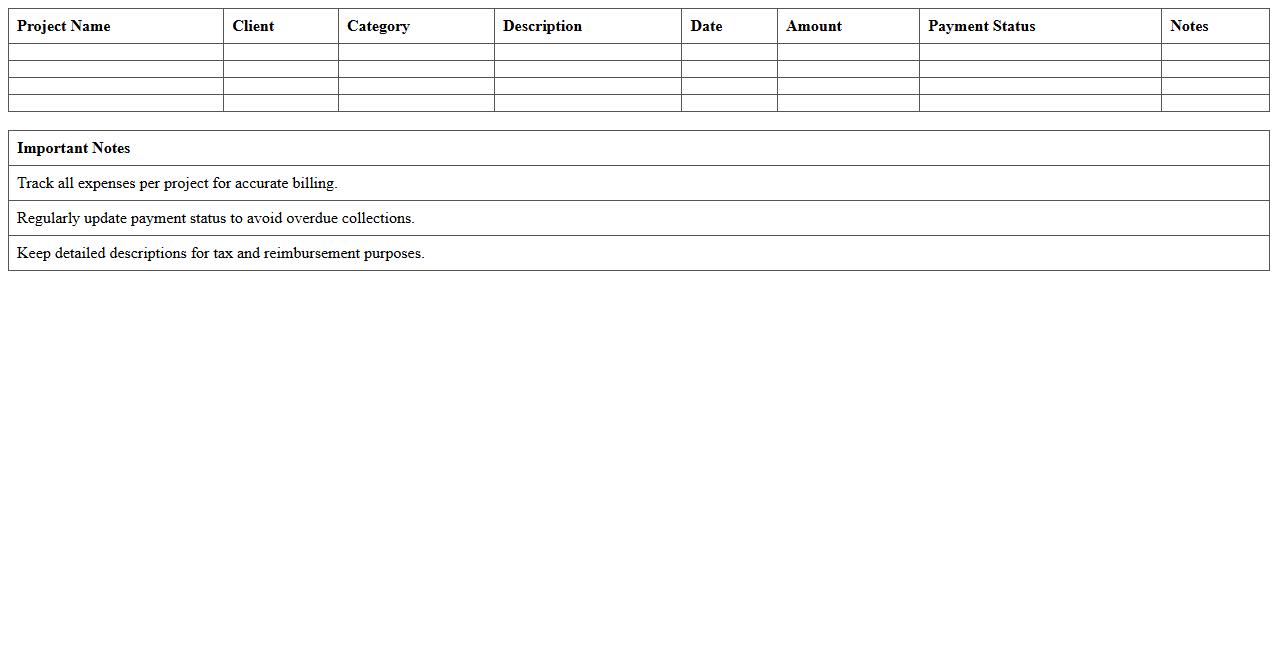
Project-Based Freelance Expense Summary Template
A
Project-Based Freelance Expense Summary Template document organizes and tracks all expenses related to freelance projects, ensuring accurate financial management and budget adherence. It provides detailed records of costs such as materials, software, travel, and other project-related expenditures, facilitating clear invoicing and expense reporting. Using this template helps freelancers maintain transparency with clients, streamline tax preparation, and improve overall project profitability analysis.
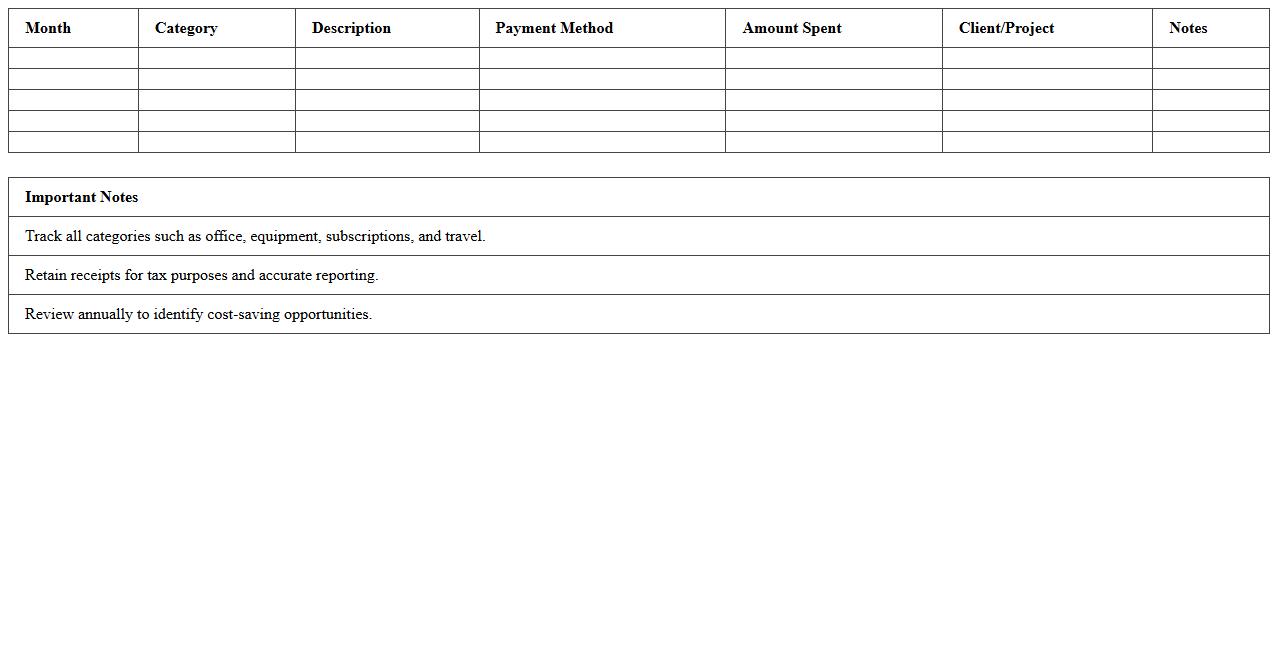
Annual Freelance Spending Report Excel
The
Annual Freelance Spending Report Excel document compiles comprehensive data on freelance expenditures throughout the year, enabling detailed tracking and analysis of budgeting trends. It is useful for businesses and freelancers alike to monitor cash flow, identify cost-saving opportunities, and forecast future spending accurately. By organizing spending information in a structured format, this report facilitates informed decision-making and financial planning.
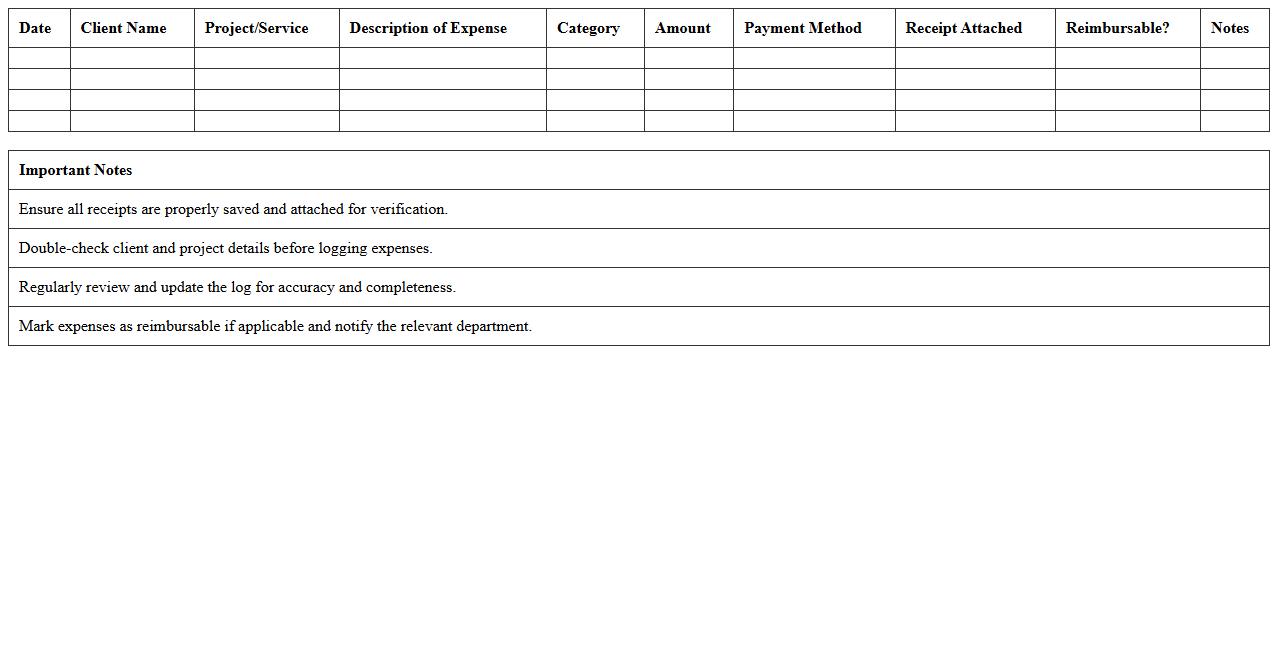
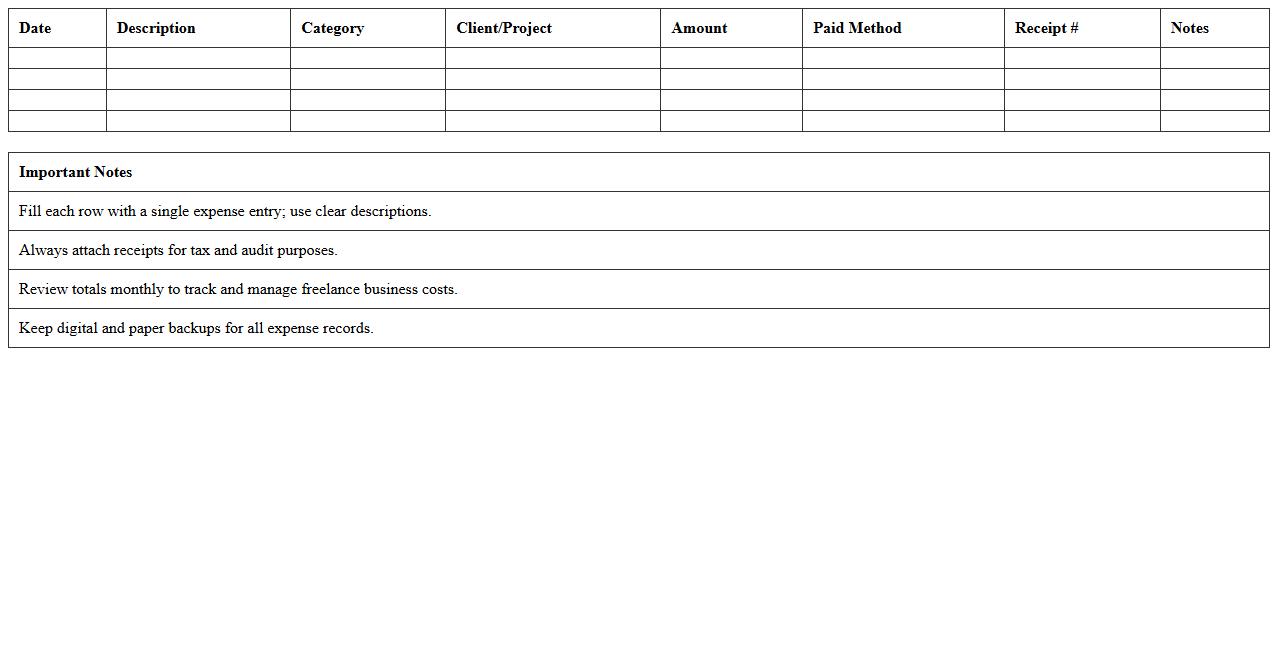
Client-Specific Expense Log Excel Template
The
Client-Specific Expense Log Excel Template is a structured spreadsheet designed to track and categorize expenses related to individual clients, enabling precise financial management and accountability. This document helps businesses monitor project costs, ensure accurate billing, and streamline expense reporting by maintaining organized and detailed records for each client. Utilizing this template enhances budgeting accuracy and supports better decision-making by providing clear visibility into client-related expenditures.
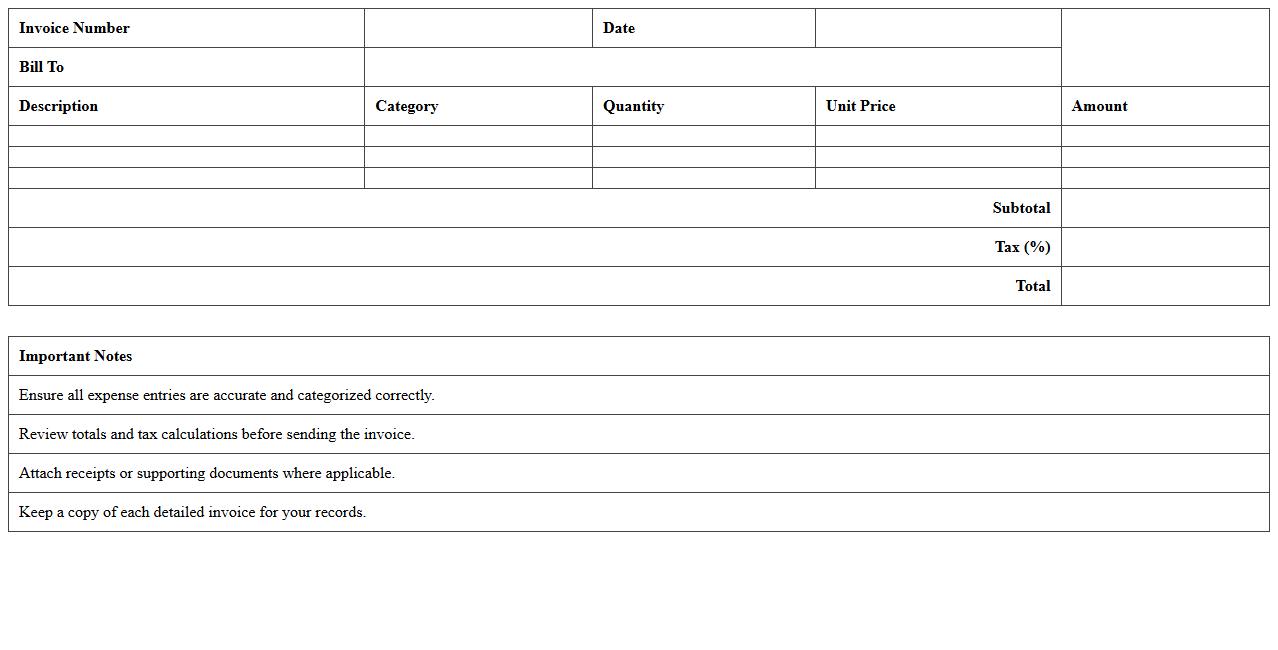
Detailed Invoice Expense Breakdown Spreadsheet
A
Detailed Invoice Expense Breakdown Spreadsheet document itemizes each cost component within an invoice, providing clarity on expenses such as labor, materials, taxes, and discounts. It enables businesses to track spending accurately, identify cost-saving opportunities, and streamline budgeting processes. This detailed financial insight supports better expense management and enhances overall accounting transparency.
Simple Freelance Expense Recap Sheet
A
Simple Freelance Expense Recap Sheet is a streamlined document that tracks and categorizes all business-related expenses incurred by freelancers, helping maintain clear financial records. It allows freelancers to easily monitor spending, prepare taxes, and create detailed reports for clients or personal budgeting. This tool enhances financial organization by consolidating expense data into one accessible summary.
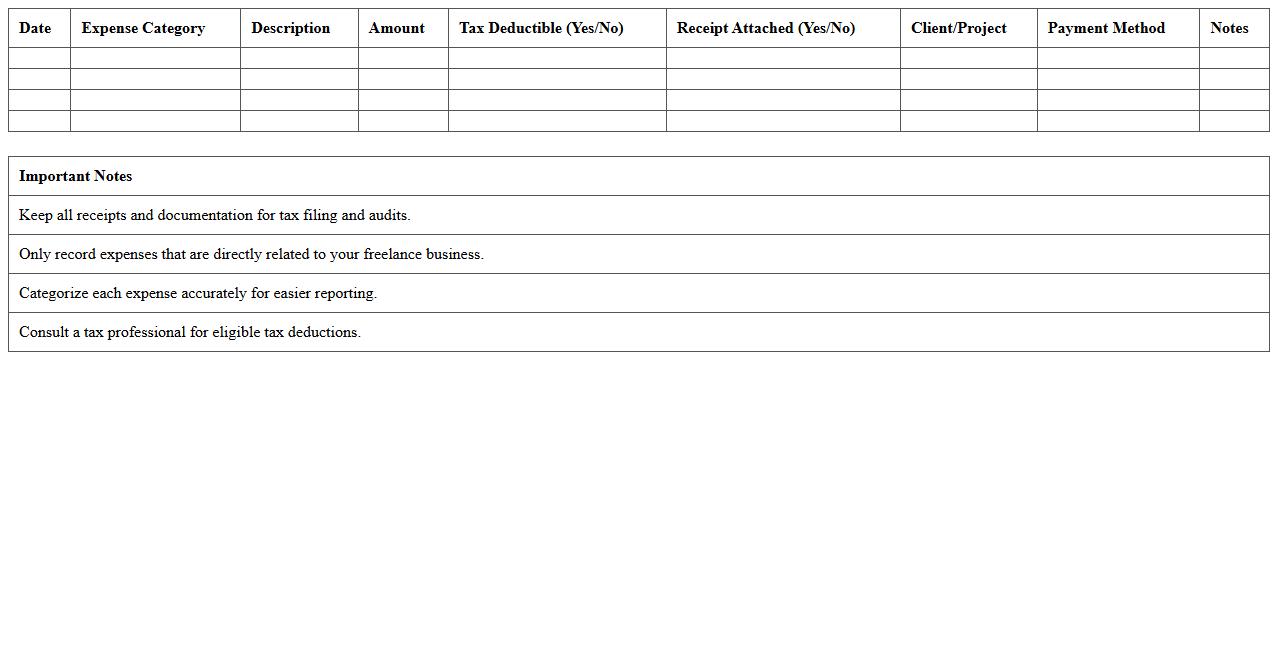
Tax-Ready Freelance Expense Summary Excel
The
Tax-Ready Freelance Expense Summary Excel document is a comprehensive tool designed to organize and track freelance business expenses systematically throughout the fiscal year. It categorizes deductible expenses such as software subscriptions, office supplies, travel costs, and client-related expenditures, ensuring accurate record-keeping for tax reporting. This summary simplifies tax preparation by providing freelancers with a clear overview of their financial data, reducing errors and maximizing potential deductions during tax filing.
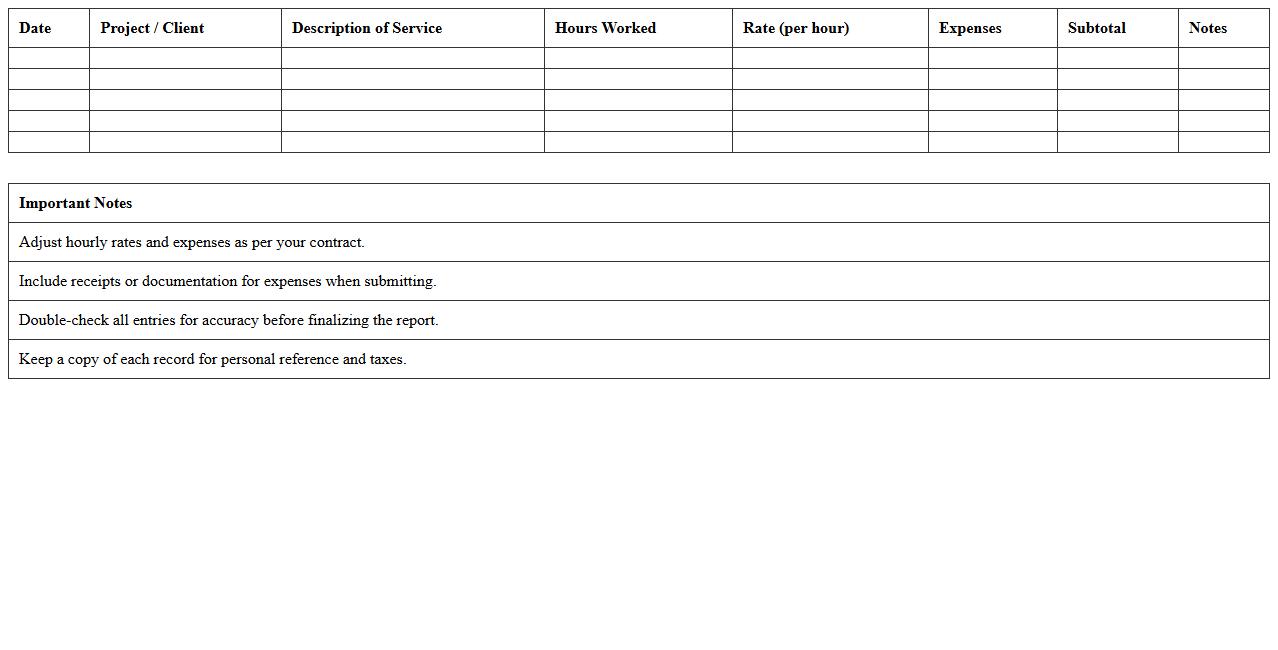
Itemized Freelancer Cost Report Template
The
Itemized Freelancer Cost Report Template is a detailed document designed to track and organize individual expenses incurred by freelancers during a project. It allows precise categorization of costs such as materials, hours worked, and miscellaneous fees, ensuring transparent financial management. This template is useful for accurate budgeting, invoicing clients, and maintaining clear records for tax purposes.
Income vs Expense Analysis Excel Sheet for Freelancers
An
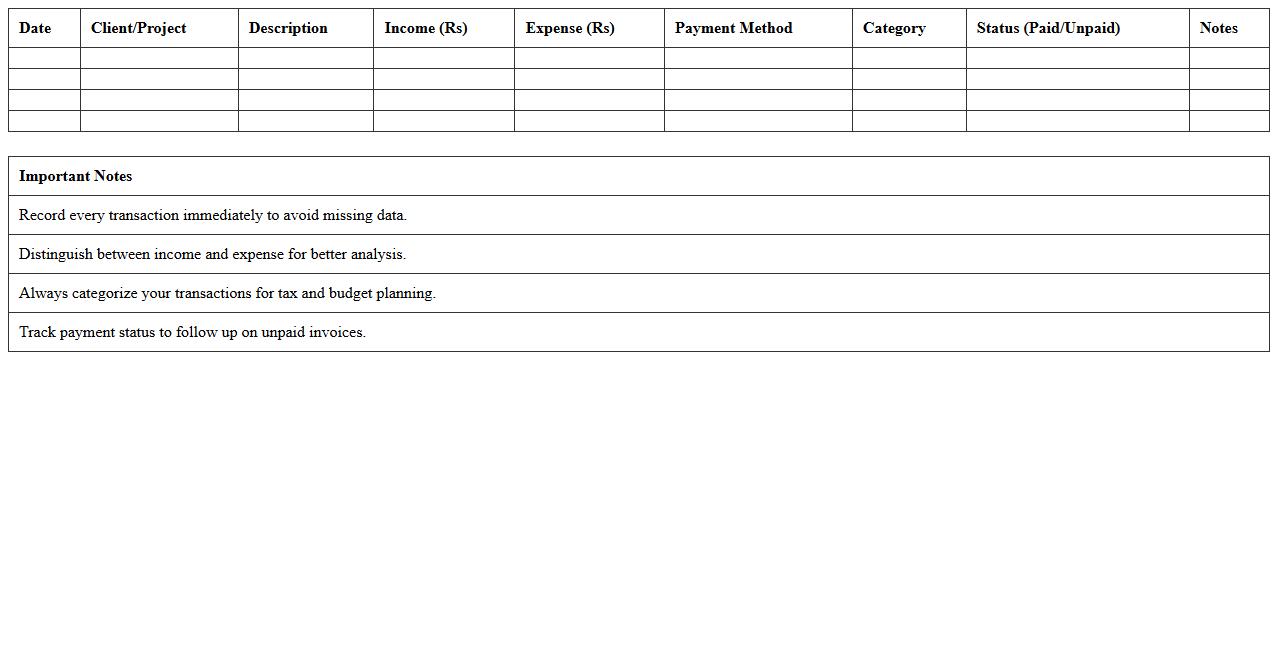
Income vs Expense Analysis Excel Sheet for Freelancers is a financial tool designed to track and compare earnings against expenditures, enabling clear visibility into cash flow management. This document helps freelancers monitor their profitability, identify spending patterns, and make data-driven decisions to optimize budgeting and tax preparation. Using this sheet improves financial discipline, ensuring that projects remain profitable and personal finances stay organized.
Quick Freelance Receipt Organizer Excel Template
The
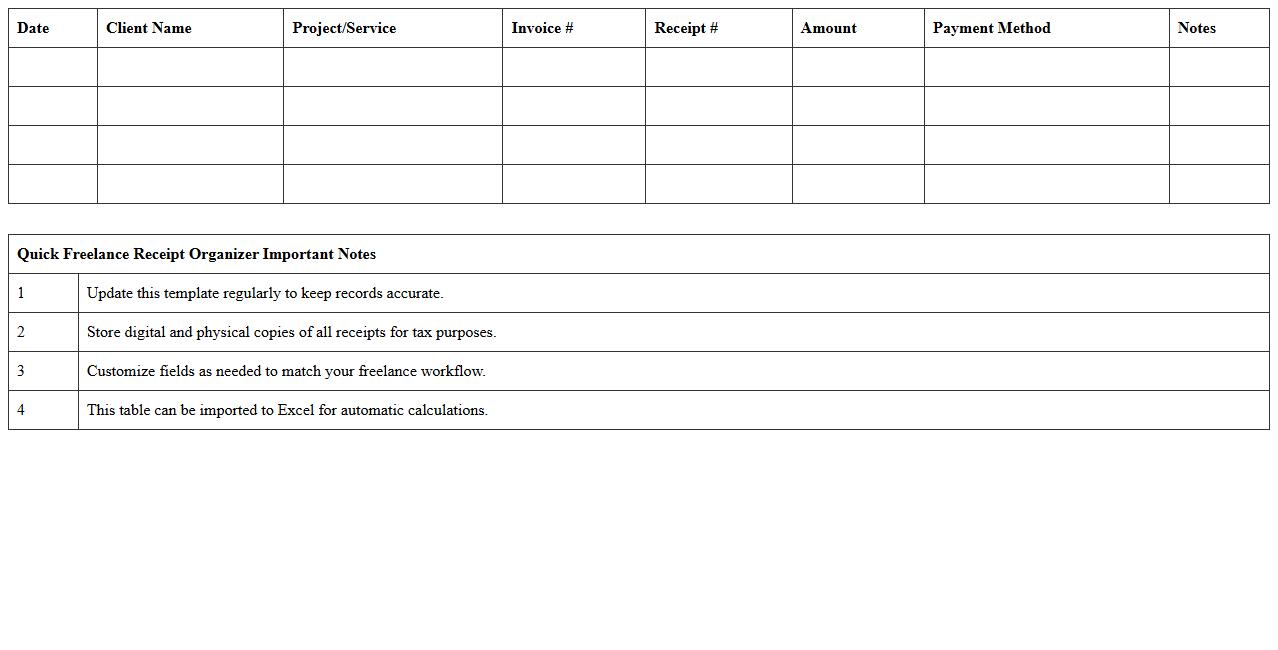
Quick Freelance Receipt Organizer Excel Template is a pre-designed spreadsheet that helps freelancers efficiently track and manage their receipts and expenses. It organizes financial data by date, category, and client, making it easier to monitor cash flow and prepare accurate tax filings. This template streamlines bookkeeping, saving time and reducing errors in expense reporting.
What are the essential columns to include in an Expense Summary Excel for freelancers?
To create an effective Expense Summary Excel, include Date, Expense Description, and Category columns. Additionally, have columns for Amount, Payment Method, and Receipts Status for comprehensive tracking. These key columns ensure every expense is clearly categorized and easily referenced.
How can formulas automate monthly and yearly expense tracking in the spreadsheet?
Using formulas like SUMIF and SUMIFS, you can automatically calculate total expenses based on criteria such as month or year. Additionally, MONTH and YEAR functions help to filter data dynamically, streamlining review processes. Automation via formulas reduces manual errors and speeds up financial analysis for freelancers.
Which Excel templates optimize tax-deductible expense documentation for freelancers?
Templates such as Business Expense Trackers and Freelance Invoice and Expense Templates help organize tax-deductible expenses efficiently. These templates often include pre-defined categories and sections aligned with tax reporting requirements. Using these ensures accurate documentation and simplifies tax preparation for freelancers.
How do I categorize recurring vs. one-time expenses in my freelance summary?
Label expenses clearly with a recurring or one-time tag in a dedicated column. Also, create separate categories or use conditional formatting to distinguish between both types visually. This categorization aids in budgeting and anticipating future cash flow needs effectively.
What data visualization tools in Excel help freelancers analyze spending trends?
Excel tools like Pivot Tables and Charts (such as line, bar, and pie charts) visually represent spending trends over time. Conditional formatting can also highlight expense spikes or unusual patterns instantly. These visualization tools empower freelancers to make data-driven financial decisions quickly.
More Summary Excel Templates