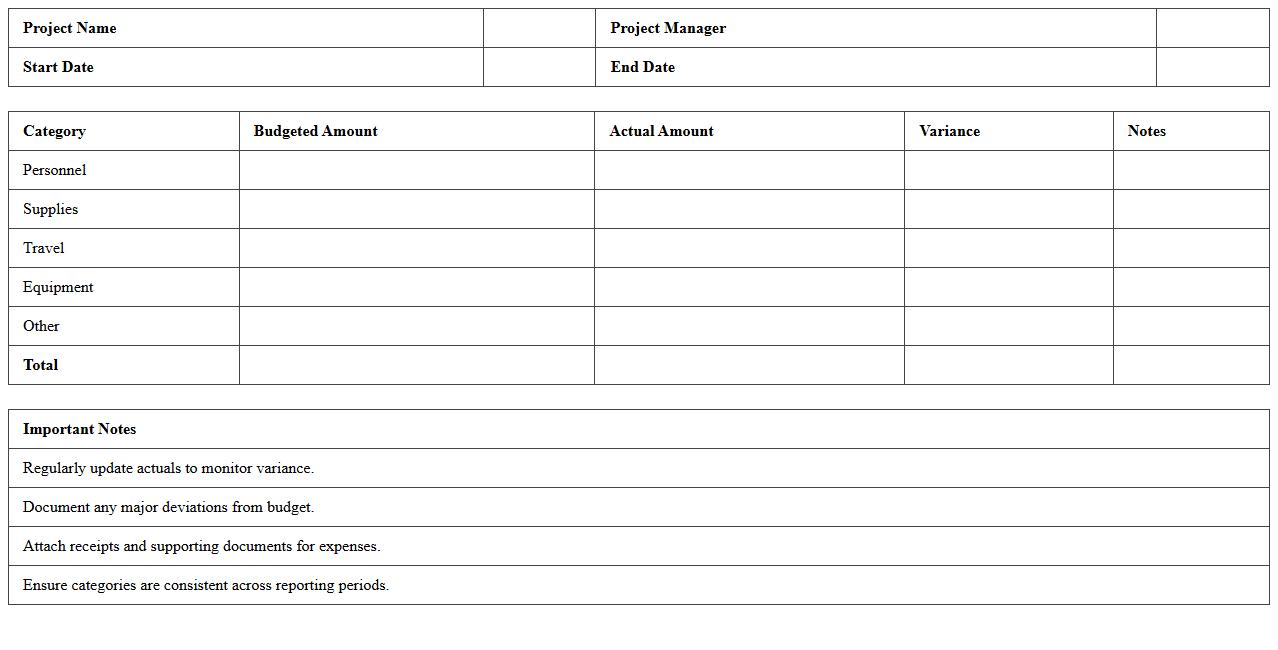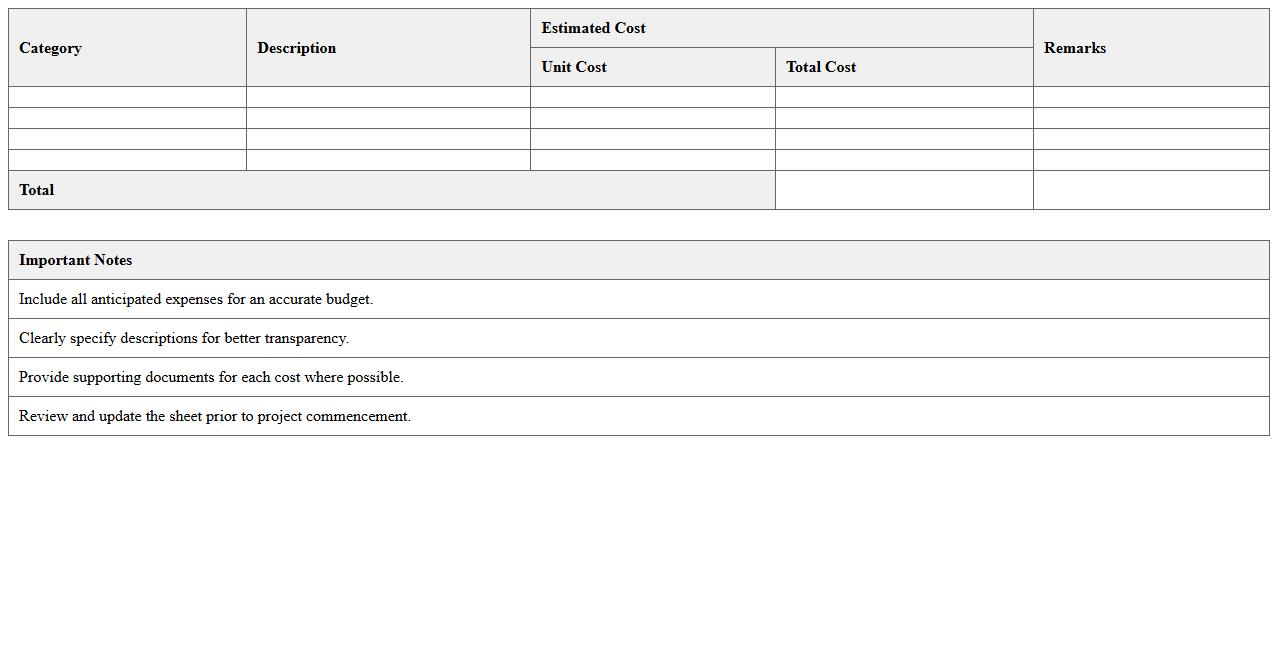
The Project Budget Summary Excel Template for Nonprofits provides an organized and efficient way to track expenses and funding sources for various projects. It helps nonprofit organizations maintain financial transparency and ensure all budgetary elements are accounted for in one comprehensive sheet. Customizable categories and automatic calculations simplify budgeting and reporting processes, making project financial management more effective.
Grant-Funded Project Budget Excel Template for Nonprofits
The
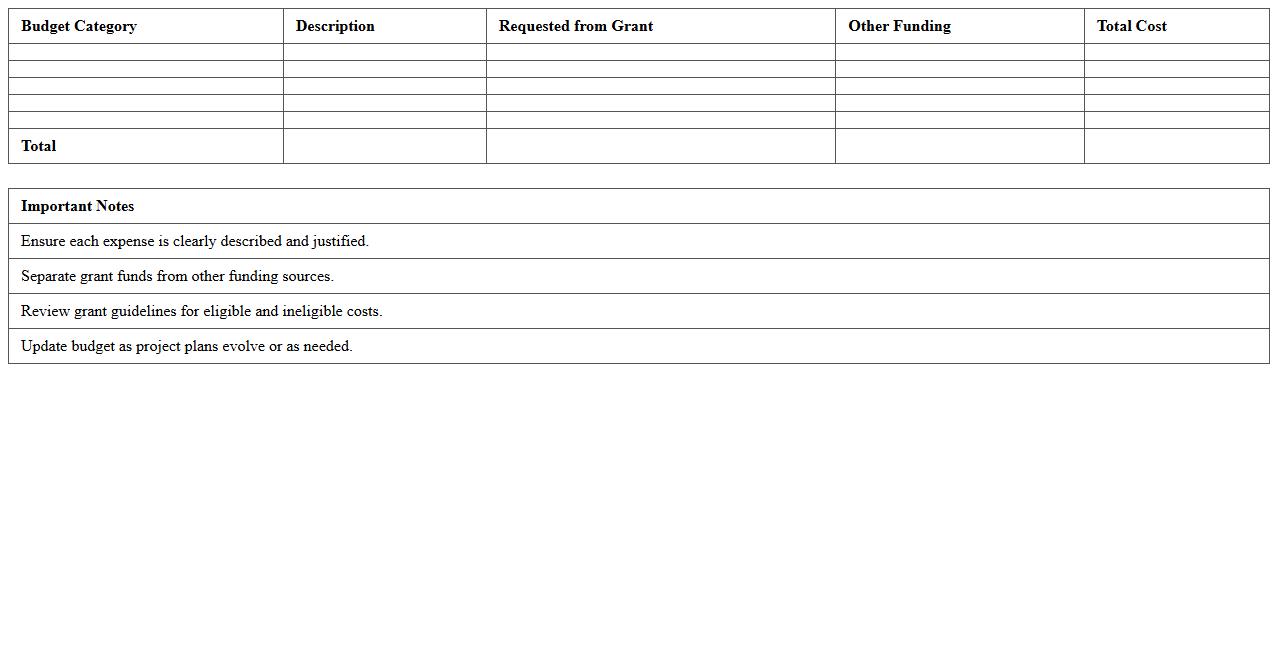
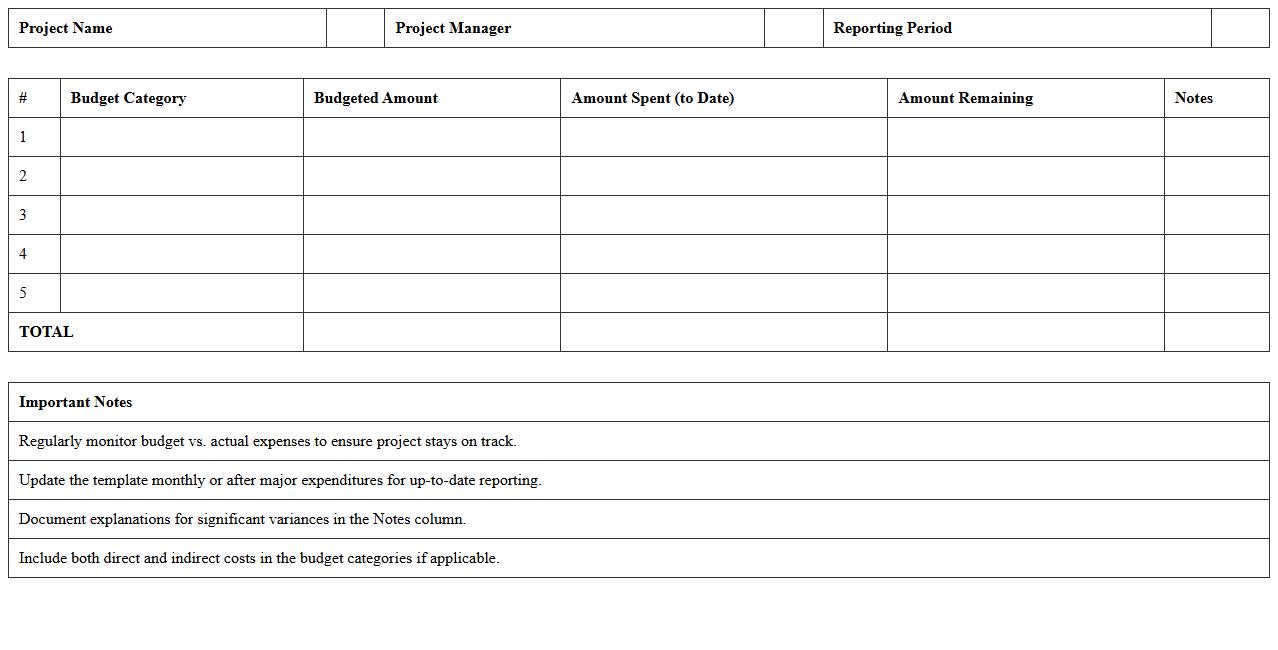
Grant-Funded Project Budget Excel Template for Nonprofits is a detailed financial planning tool designed to help nonprofit organizations accurately track and manage funds received through grants. It streamlines budget creation by categorizing expenses, projecting costs, and ensuring compliance with grantor requirements. This template is essential for maintaining transparency, facilitating reporting, and enhancing the likelihood of securing future funding by presenting well-organized financial data.
Annual Nonprofit Program Budget Summary Spreadsheet
The
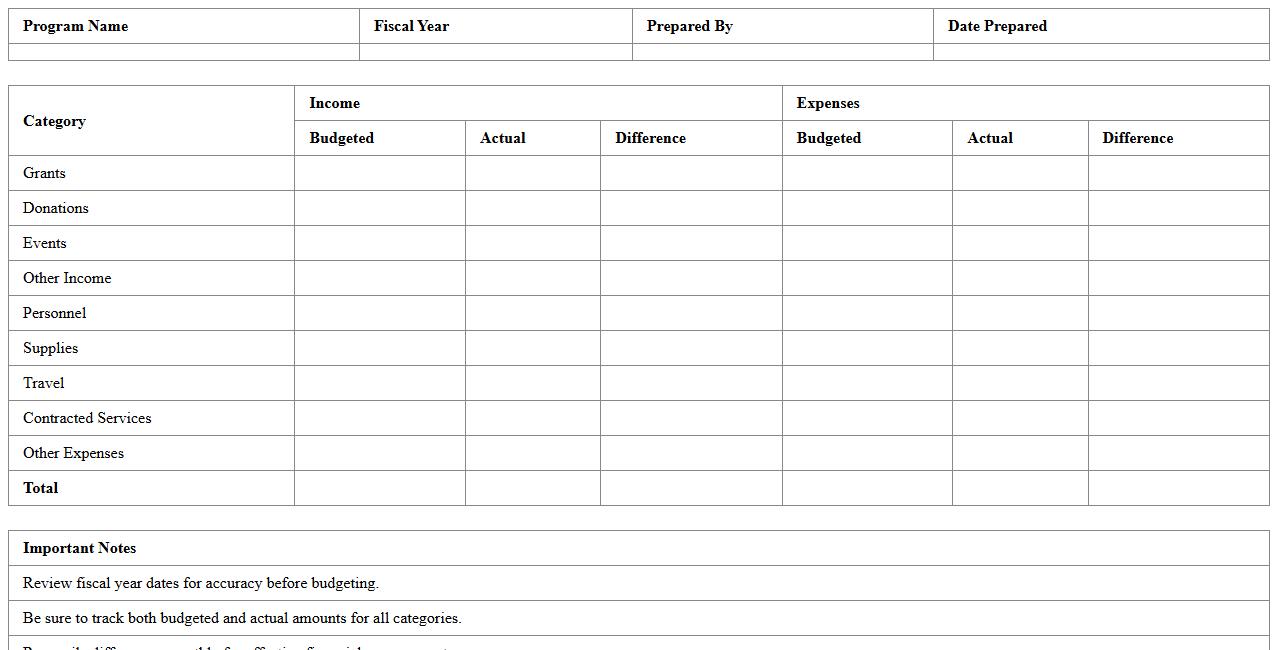
Annual Nonprofit Program Budget Summary Spreadsheet is a comprehensive financial document that consolidates all program-related expenses and revenues over a fiscal year. It enables nonprofit organizations to effectively monitor funding allocations, track expenditures, and assess program cost efficiency. By providing a clear overview of the financial health of each program, this spreadsheet supports strategic decision-making and enhances transparency for stakeholders.
Nonprofit Event Projected Budget Planner Excel
The
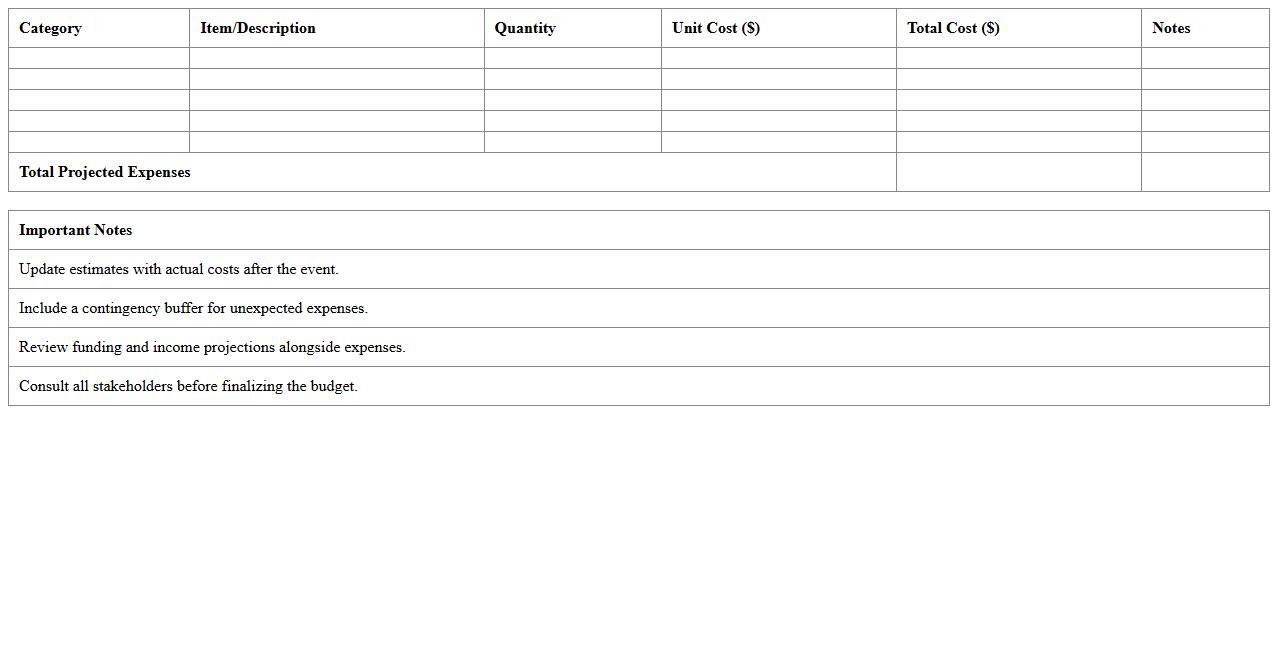
Nonprofit Event Projected Budget Planner Excel document is a specialized financial tool designed to help organizations estimate and manage all costs associated with planning and executing fundraising or community events. It provides detailed categories for income sources and expenses, enabling accurate forecasting and efficient allocation of resources. Using this planner enhances financial transparency, aids in setting realistic financial goals, and supports informed decision-making for successful event management.
Multi-Year Nonprofit Project Budget Summary Sheet
A
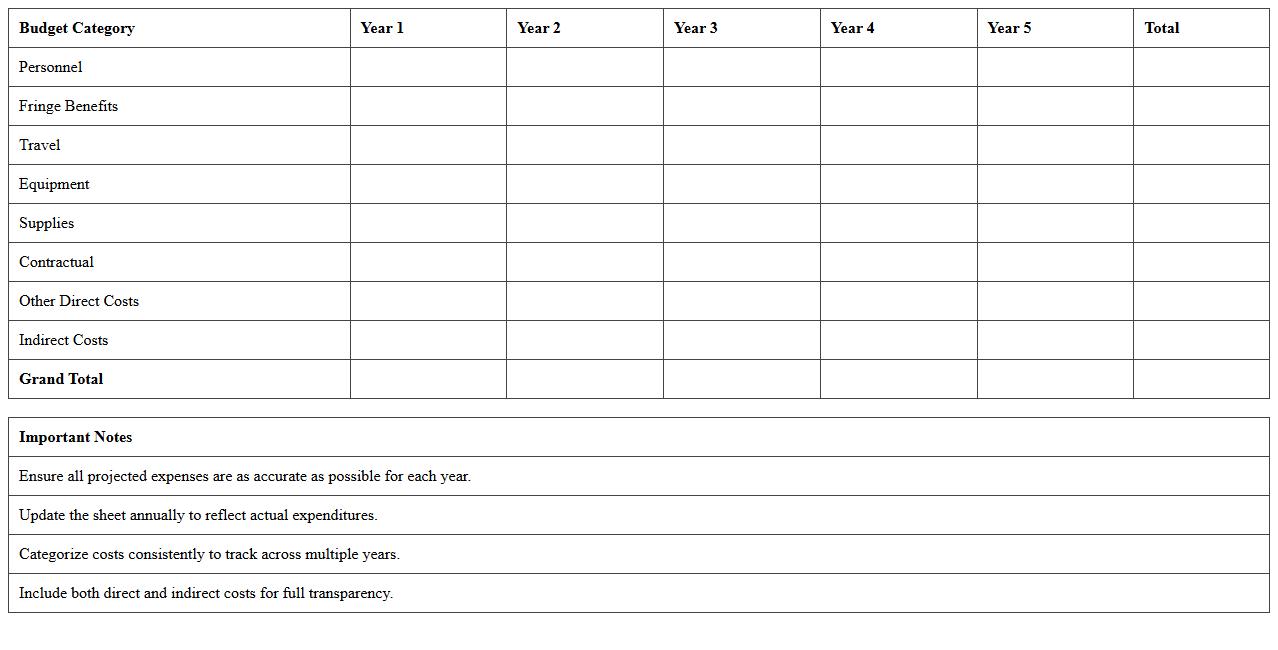
Multi-Year Nonprofit Project Budget Summary Sheet consolidates financial data across multiple fiscal years, enabling clear tracking of income, expenses, and funding sources for long-term projects. This document is essential for strategic financial planning and grant reporting, providing stakeholders with transparent insights into project sustainability and resource allocation. Utilizing this summary sheet improves budget accuracy and supports informed decision-making for program growth and impact assessment.
Nonprofit Capital Project Budget Monitoring Template
A
Nonprofit Capital Project Budget Monitoring Template is a structured document designed to track and manage the financial aspects of capital projects within nonprofit organizations. It enables precise oversight of budget allocations, expenses, and funding sources, ensuring projects stay within financial limits and meet intended goals. This template is crucial for maintaining transparency, facilitating reporting to stakeholders, and optimizing resource management throughout the project's lifecycle.
Restricted Funds Project Budget Summary Excel
The
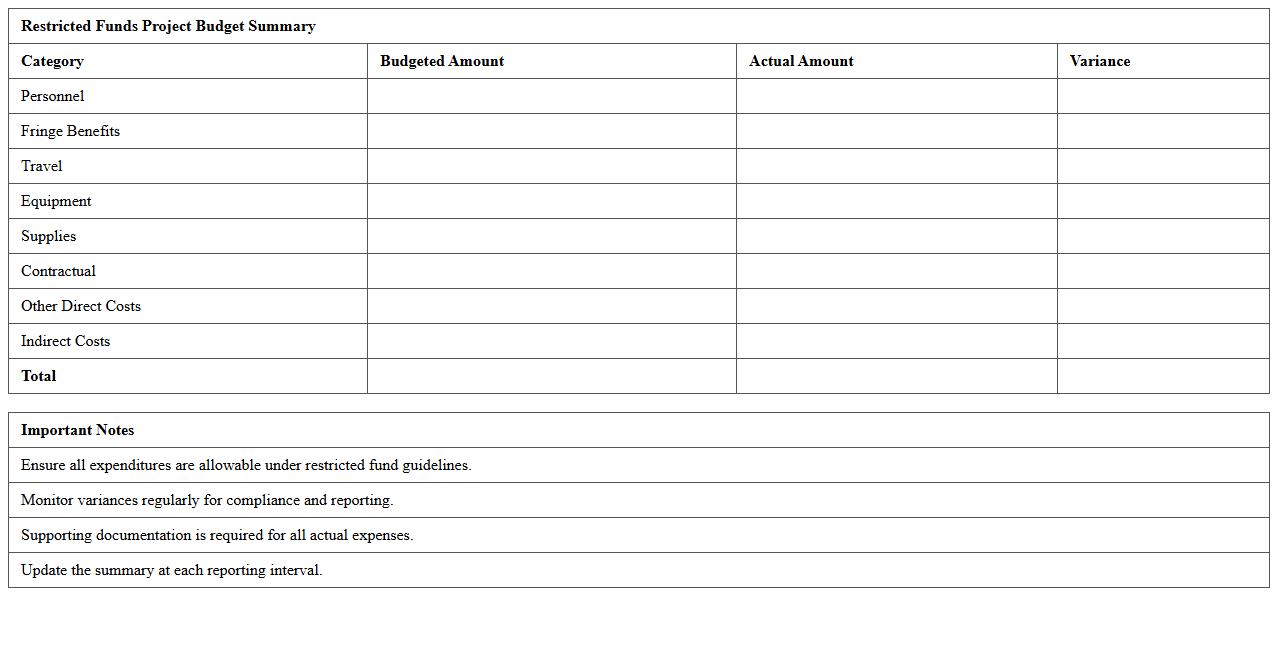
Restricted Funds Project Budget Summary Excel document is a detailed financial tool designed to track and manage funds earmarked for specific projects with spending limitations. It allows organizations to monitor budget allocations, expenditures, and remaining balances accurately, ensuring compliance with donor or grant restrictions. This document is essential for maintaining transparency, optimizing fund utilization, and facilitating informed financial decision-making in project management.
Nonprofit Departmental Project Budget Breakdown Template
A
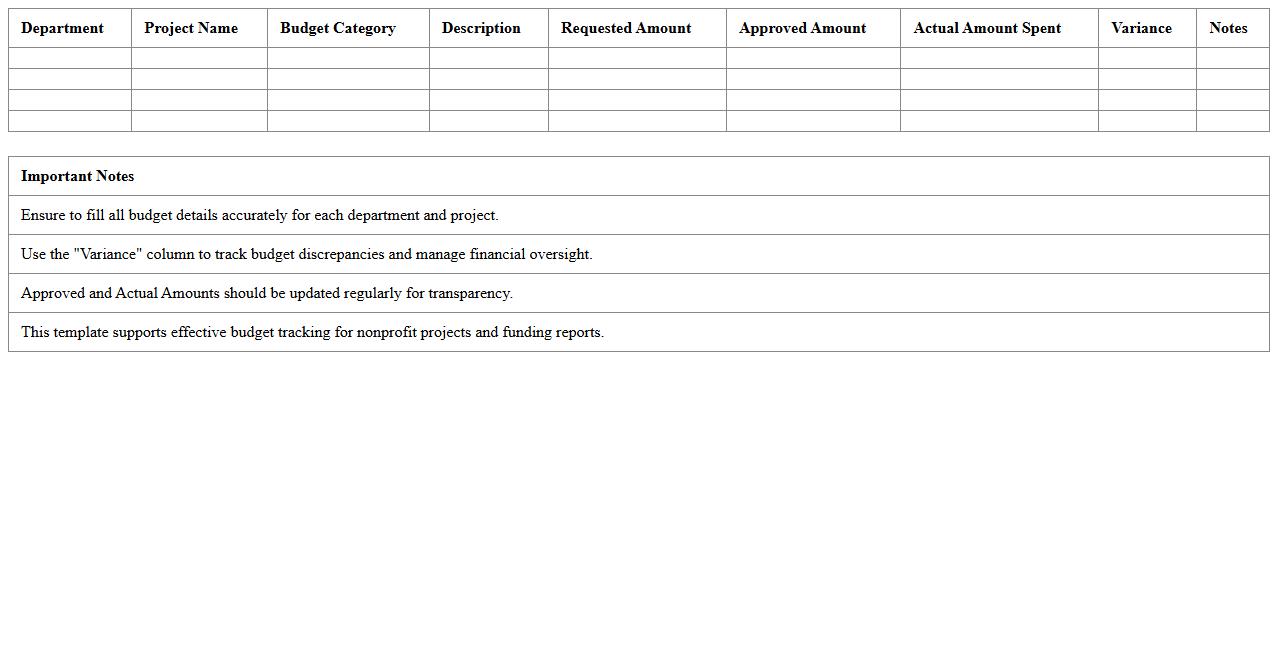
Nonprofit Departmental Project Budget Breakdown Template is a structured document that outlines projected expenses and allocations for various departments within a nonprofit organization's projects. It helps ensure financial transparency, improve resource allocation, and track spending against goals, enabling effective budget management. This template streamlines grant applications, internal reporting, and fiscal accountability, supporting overall organizational efficiency.
Community Outreach Project Budget Summary Spreadsheet
The
Community Outreach Project Budget Summary Spreadsheet is a detailed financial tool designed to track and manage expenses and funding allocations for community programs. It enables organizations to monitor budget adherence, forecast costs, and report financial status accurately to stakeholders, ensuring transparency. Using this spreadsheet improves resource allocation efficiency and supports informed decision-making for successful project implementation.
Nonprofit Operations Project Budget Tracking Excel
The
Nonprofit Operations Project Budget Tracking Excel document is a specialized tool designed to help nonprofit organizations monitor and manage their project expenses against allocated budgets efficiently. It provides detailed expense categorization, real-time budget updates, and customizable financial reports, ensuring transparency and accurate financial oversight. This resource enhances decision-making, aids in compliance with funding requirements, and supports effective allocation of resources for successful project execution.
Volunteer Initiative Project Budget Summary Sheet
The
Volunteer Initiative Project Budget Summary Sheet is a detailed financial document that outlines projected and actual expenses for volunteer-led projects, helping to track funding allocation and spending efficiency. It serves as a critical tool for managing resources, ensuring accountability, and facilitating transparent reporting to stakeholders and donors. By using this sheet, organizations can optimize budget planning, avoid overspending, and measure the financial impact of volunteer initiatives.
How can conditional formatting highlight budget variances in a nonprofit Project Budget Summary Excel sheet?
Conditional formatting in Excel allows for automatic highlighting of budget variances by applying color codes to cells that fall outside of defined thresholds. For nonprofit Project Budget Summaries, this technique visually emphasizes areas where expenses significantly exceed or lag behind budgeted amounts. Using formulas within conditional formatting rules, such as comparing actual versus planned costs, enables instant variance detection and improved budget monitoring.
What formulas best auto-calculate restricted vs. unrestricted funds in nonprofit budget tracking?
The most effective formulas for differentiating restricted and unrestricted funds involve SUMIF or SUMIFS functions that categorize amounts based on designated fund codes or descriptions. These formulas automatically total restricted donations separately from general operational funds, ensuring clear financial tracking. Using named ranges and consistent fund labels within the formula parameters ensures accurate automated calculations across the budget sheet.
How should in-kind donations be documented and summarized in project budget Excel templates?
In-kind donations should be documented in dedicated Excel columns specifying the donation type, estimated fair market value, and donor information for transparency. Summarizing these entries requires formulas like SUM to aggregate total in-kind contributions, distinct from cash contributions in the project budget template. Clear documentation paired with summary tables ensures that non-cash support is accounted for in overall project funding reports.
Which Excel pivot table layouts most clearly present grant-specific spending?
Effective pivot table layouts for grant-specific spending include using grant names or codes as row labels combined with expense categories as column labels. Including values such as sums of expenditures enables concise display of spending per grant across different budget line items. Applying filters for time periods or projects can further refine the pivot table's clarity and usability for financial analysis.
What are effective Excel data validation rules for preventing entry errors in nonprofit budget summaries?
Data validation rules that restrict input to predefined lists, numerical ranges, or date formats are critical for minimizing errors in nonprofit budget summaries. Applying dropdown lists for fund categories and restricting amounts to positive numbers help maintain data integrity and consistency. These rules proactively prevent incorrect entries, ensuring the budget data remains reliable for reporting and decision-making.
More Summary Excel Templates