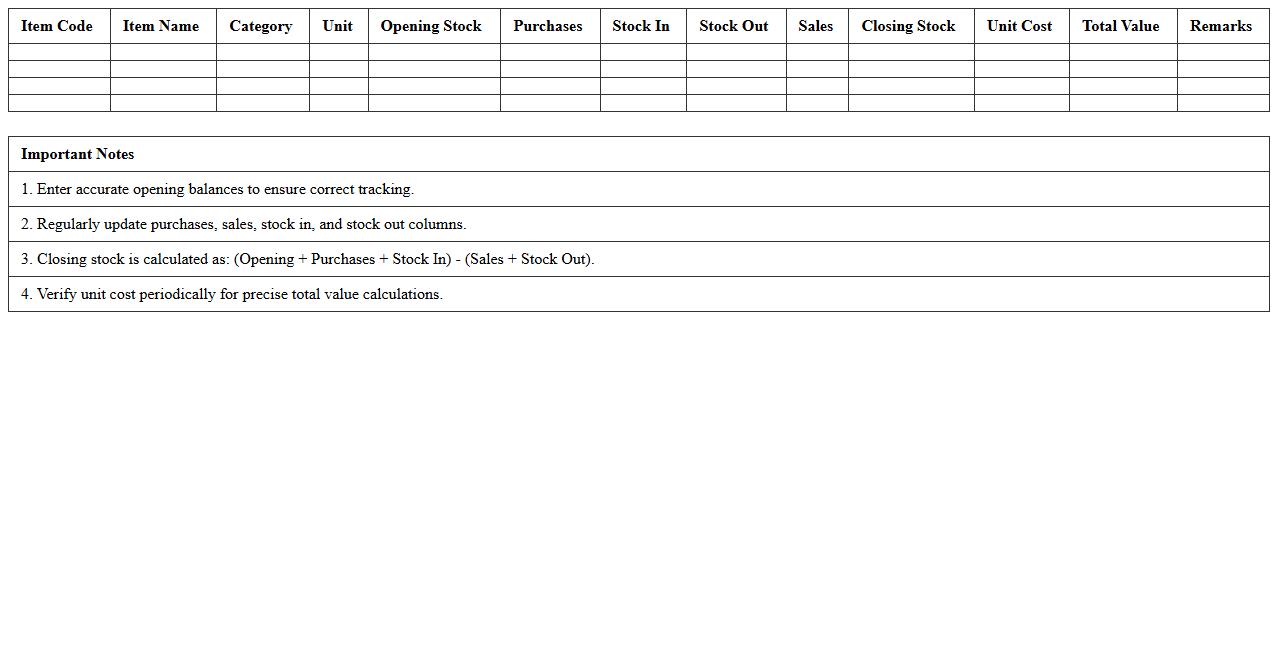
The Inventory Stock Summary Excel Template for Retail Stores provides a streamlined way to track and manage product quantities, sales, and restocking needs. It offers customizable columns for item details, stock levels, and reorder alerts to prevent stockouts and overstocking. Designed for easy updates and clear visualization, this template enhances inventory accuracy and supports efficient retail operations.
Inventory Stock Balance Sheet Excel Template for Retailers
The
Inventory Stock Balance Sheet Excel Template for Retailers is a comprehensive tool designed to track and manage stock levels efficiently, providing real-time visibility into inventory quantities and values. It helps retailers minimize stockouts and overstock situations by automating data entry and generating accurate financial reports. This template supports better decision-making through detailed analysis of product movement, cost management, and inventory valuation.
Retail Store Inventory Reconciliation Excel Template
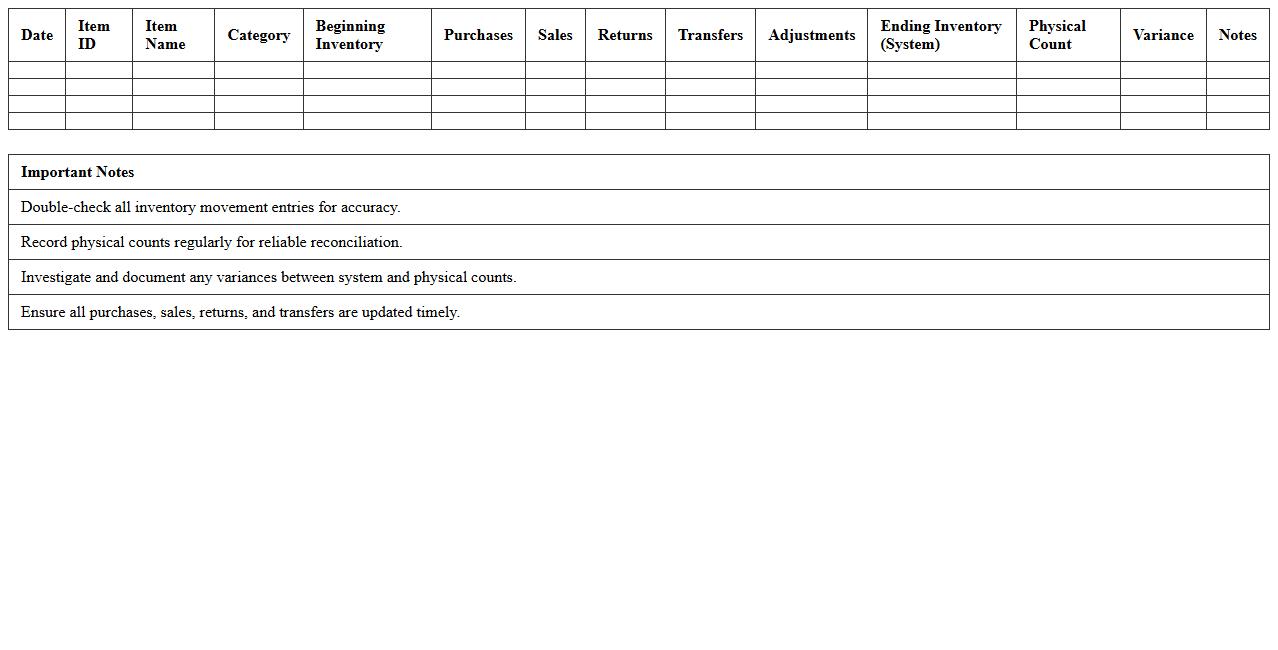
The Retail Store Inventory Reconciliation Excel Template is a
powerful tool designed to track stock levels, identify discrepancies, and streamline inventory management in retail environments. This document enables accurate comparison between physical inventory counts and system records, minimizing errors and financial losses. It enhances operational efficiency by providing clear, organized data that supports timely decision-making and stock optimization.
Product Stock Movement Log Excel Sheet for Retail Shops
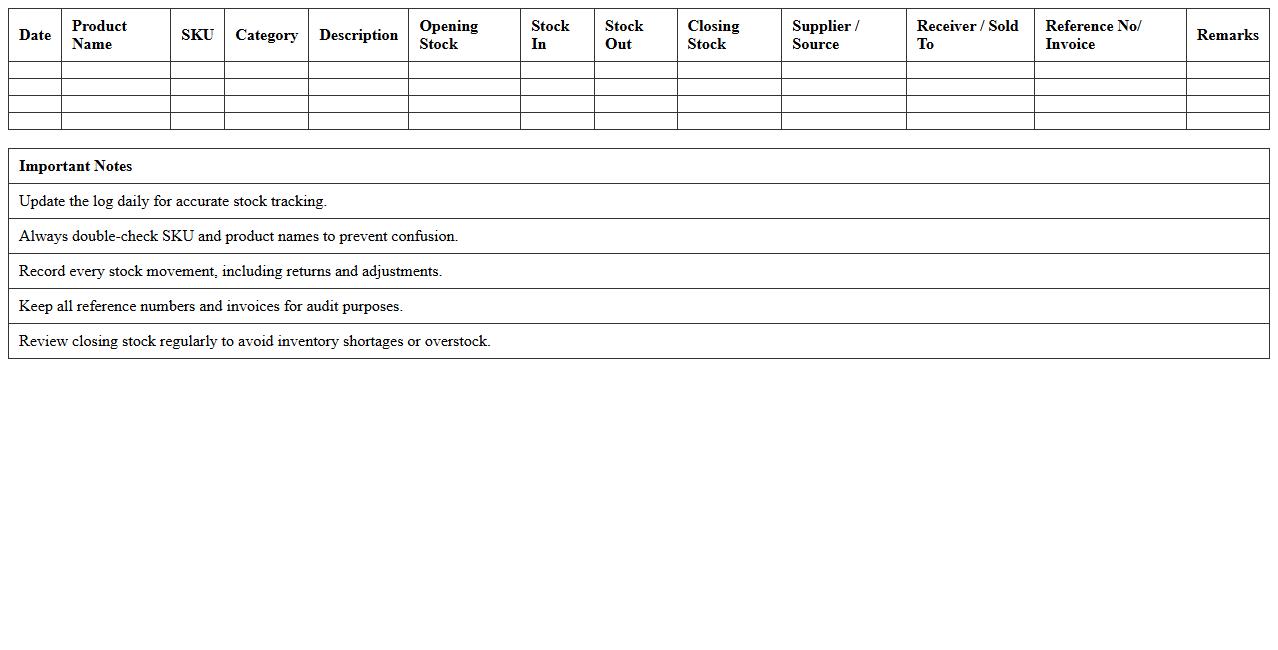
The
Product Stock Movement Log Excel Sheet for retail shops is a detailed record-keeping tool that tracks the inflow and outflow of inventory items, including purchases, sales, returns, and adjustments. It helps retailers maintain accurate stock levels, identify trends in product demand, and prevent overstocking or stockouts, thus optimizing inventory management. This document enhances operational efficiency by providing clear visibility into stock changes and supporting data-driven decision-making.
Daily Inventory Tracking Excel Template for Retail Stores
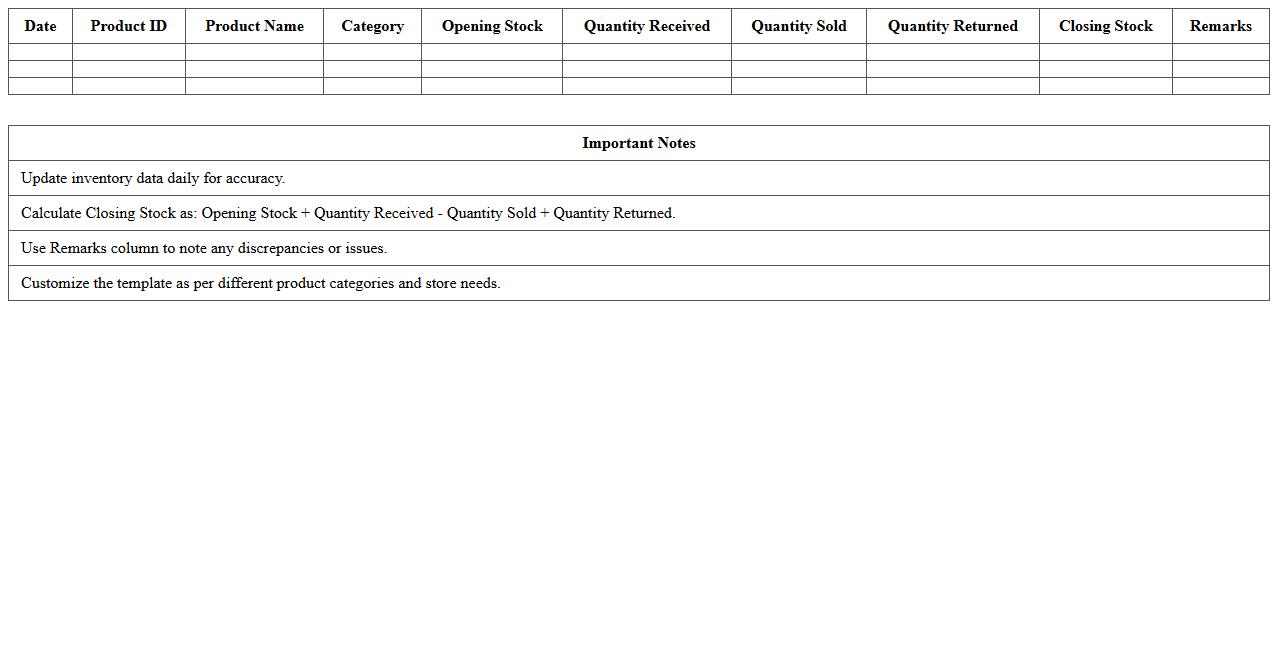
The
Daily Inventory Tracking Excel Template for retail stores is a structured spreadsheet designed to record and monitor stock levels, sales, and restocking activities on a daily basis. It helps retail managers maintain real-time visibility of product quantities, reduce stockouts, and optimize reorder timing, leading to improved inventory control and cost savings. By automating data entry and providing analytical insights, this template enhances decision-making efficiency and supports accurate demand forecasting.
Retail Store Item Stock Count Excel Spreadsheet
A
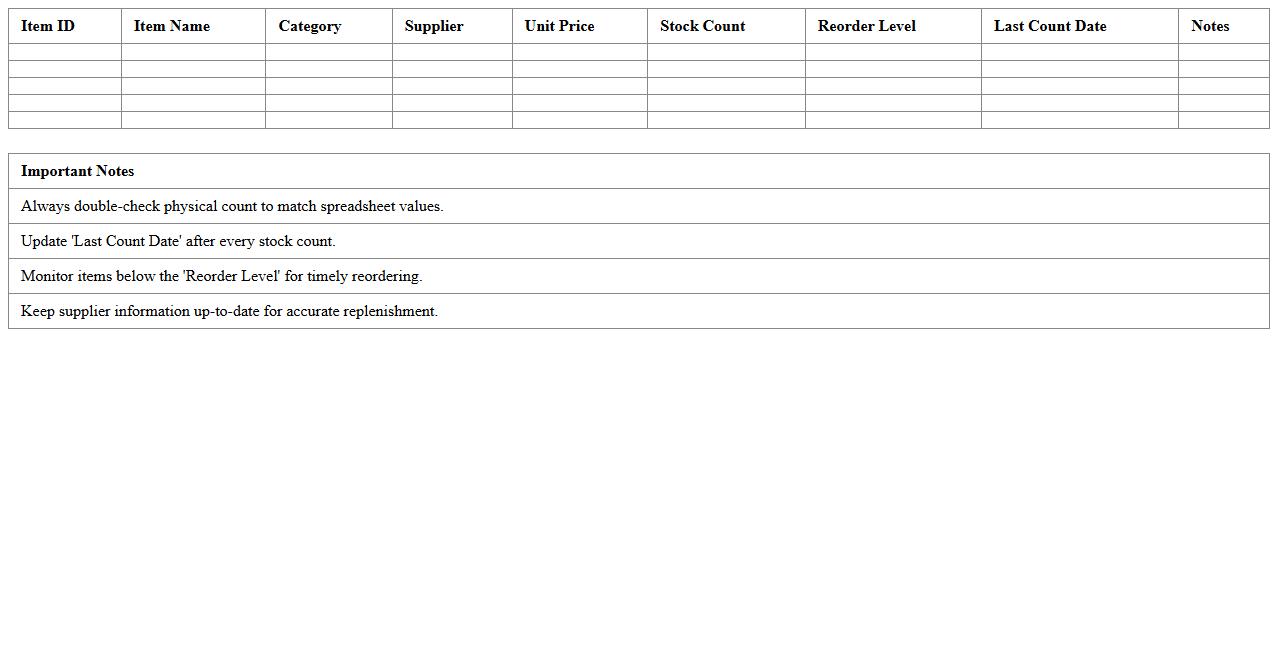
Retail Store Item Stock Count Excel Spreadsheet document serves as a systematic tool to record and monitor inventory levels accurately. It helps businesses track stock quantities, identify discrepancies, and manage reorder points efficiently, reducing the risk of overstocking or stockouts. Utilizing this spreadsheet improves inventory control, streamlines auditing processes, and supports data-driven decision-making in retail operations.
Inventory Stock Value Summary Excel Template for Retail Chains
The
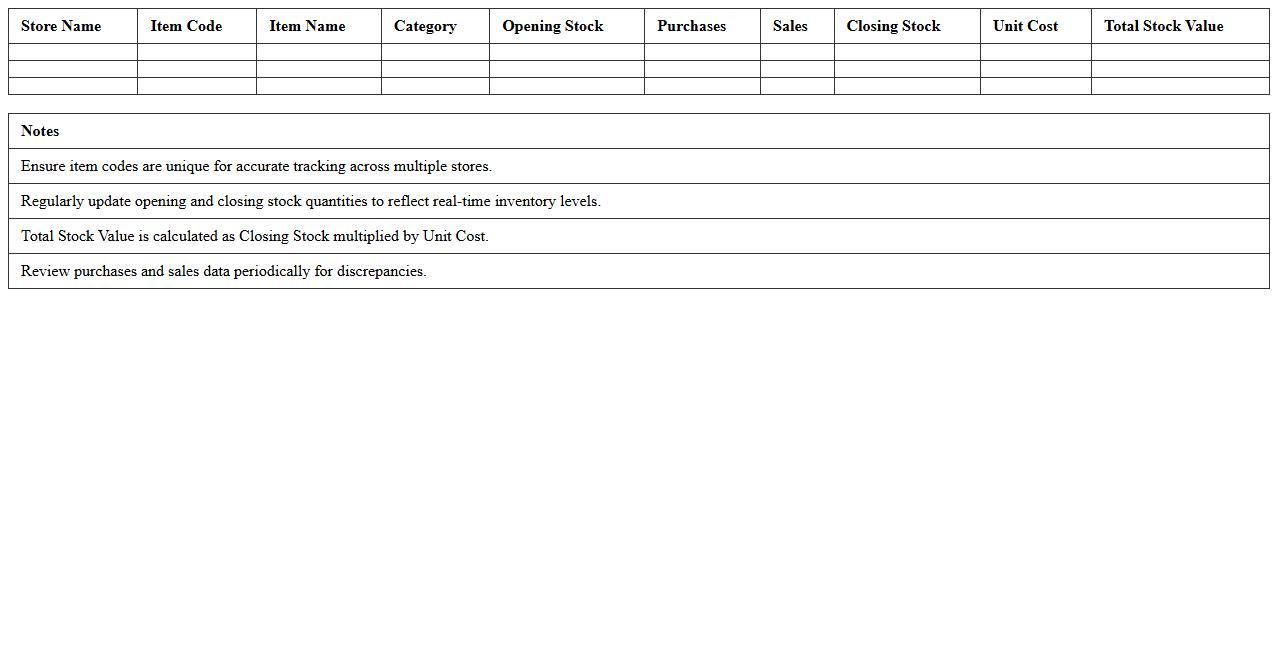
Inventory Stock Value Summary Excel Template for retail chains is a comprehensive tool designed to track and analyze the financial worth of stock across multiple store locations. It consolidates data such as item quantities, unit costs, and total stock value, enabling retail managers to monitor inventory investment and optimize stock levels efficiently. This template aids in reducing carrying costs, improving cash flow management, and making informed purchasing decisions based on real-time inventory valuation.
Retail Stock On-Hand Report Excel Template
The
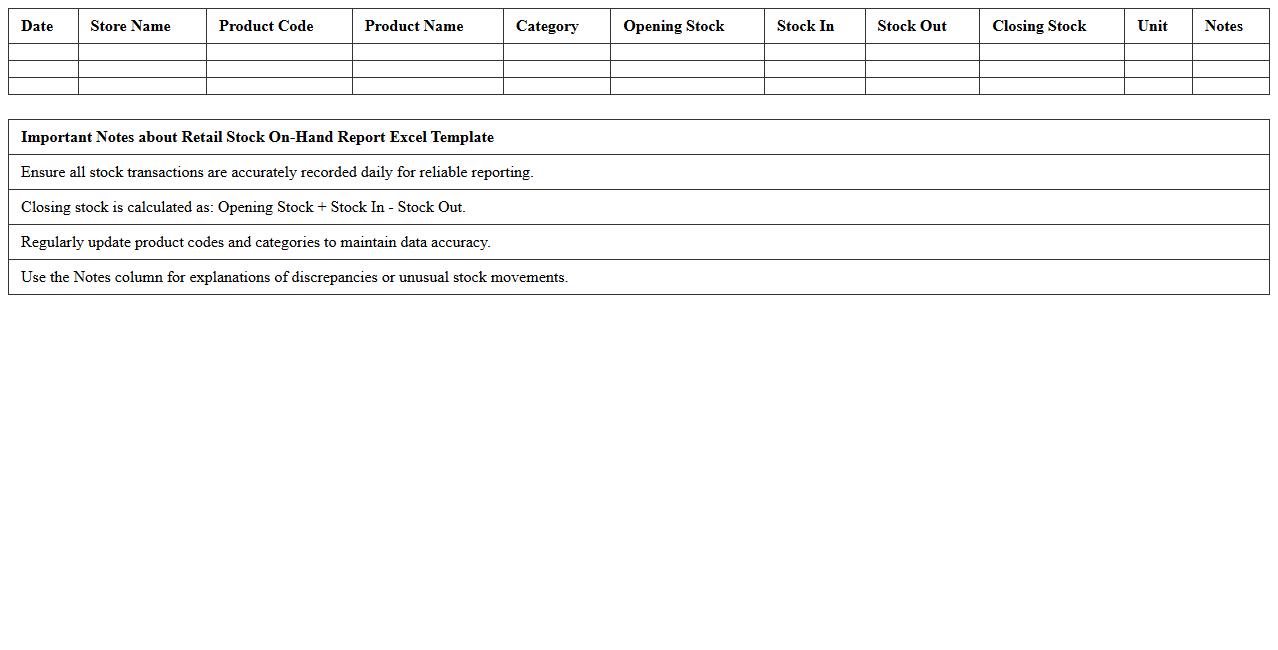
Retail Stock On-Hand Report Excel Template document is a structured spreadsheet designed to track inventory levels, sales, and stock availability in retail businesses. It helps managers maintain accurate records of current product quantities, identify reorder points, and optimize stock management to prevent overstocking or stockouts. This template streamlines inventory control, improves decision-making, and enhances overall retail operational efficiency.
Inventory Status Dashboard Excel Template for Retailers
The
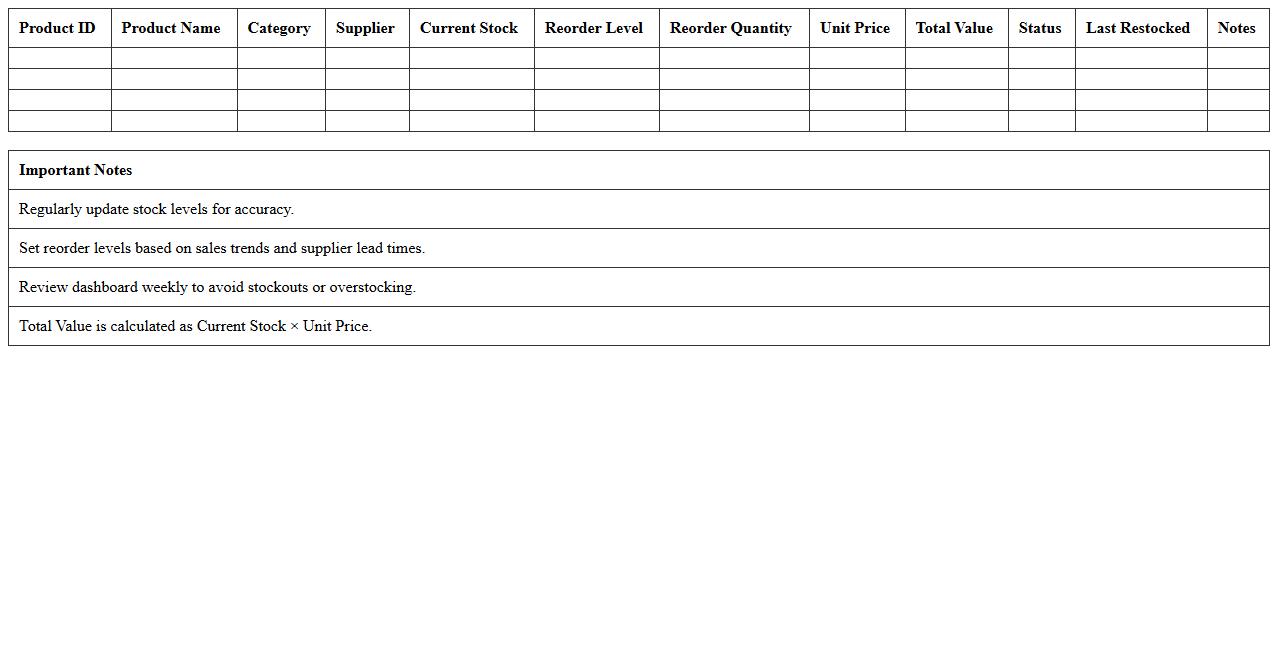
Inventory Status Dashboard Excel Template for retailers is a dynamic tool designed to track and manage stock levels, sales performance, and reorder points efficiently. It consolidates real-time data into clear visual charts and tables, enabling retailers to make informed decisions about inventory control and prevent stockouts or overstock situations. This template enhances operational efficiency by streamlining inventory monitoring and supporting data-driven purchasing strategies.
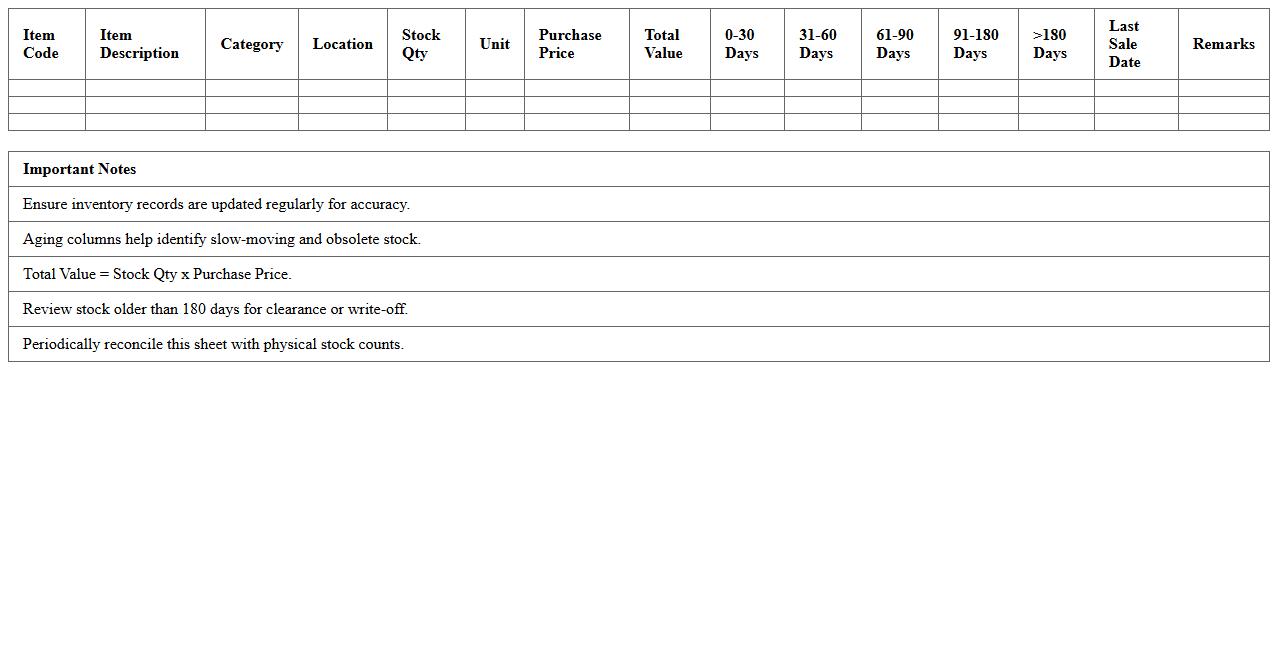
Retail Stock Aging Analysis Excel Sheet
A
Retail Stock Aging Analysis Excel Sheet is a tool designed to track and evaluate the age of inventory items in a retail business, helping identify slow-moving or obsolete stock. By categorizing products based on the duration they have been in inventory, this document enables better decision-making for stock replenishment, discount strategies, and inventory optimization. It ultimately improves cash flow management and reduces carrying costs by highlighting areas where inventory turnover needs improvement.
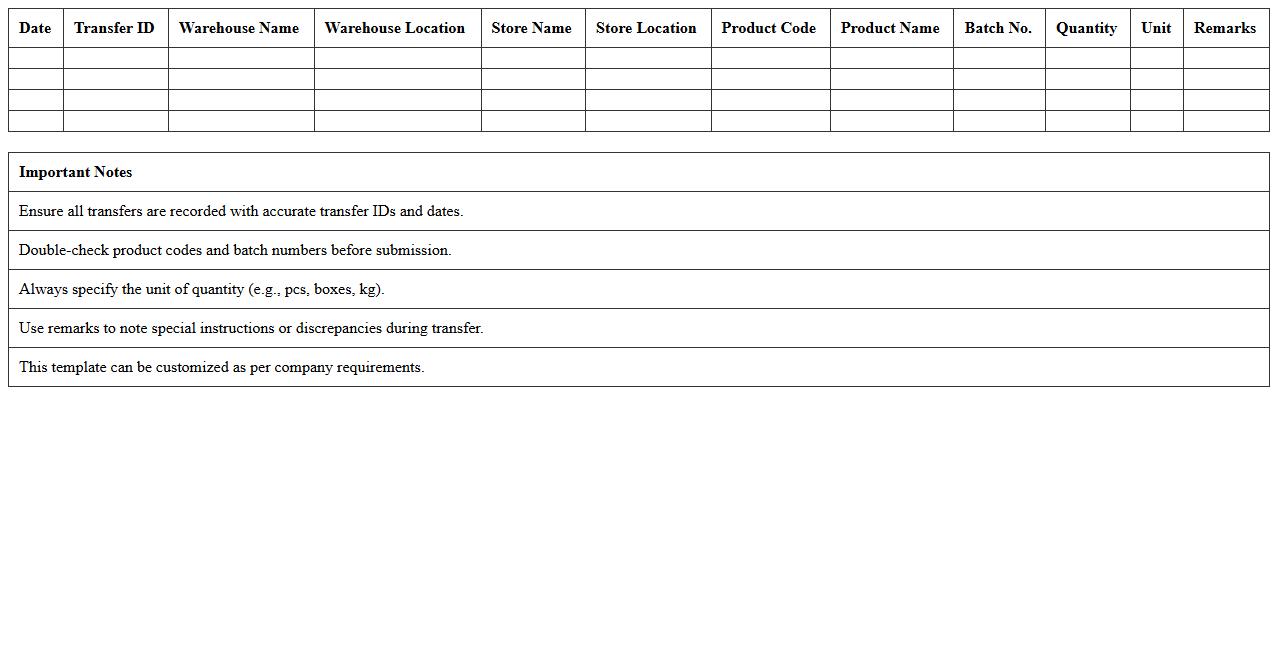
Warehouse-to-Store Inventory Transfer Excel Report Template
The
Warehouse-to-Store Inventory Transfer Excel Report Template document is a structured tool designed to track and manage the movement of goods from warehouse storage to retail outlets. It helps businesses maintain accurate records of inventory levels, transfer dates, and quantities, reducing the risk of stock discrepancies and improving inventory accuracy. This template streamlines inventory reporting processes, enhancing operational efficiency and supporting better supply chain decisions.
How can I automate low-stock alerts in an Inventory Stock Summary Excel for retail stores?
To automate low-stock alerts, use Excel's conditional formatting to highlight inventory items below a specific threshold. Implement the IF function to create custom alerts that notify you when stock levels reach critical points. Additionally, utilize Excel formulas combined with data validation to automatically update and signal when reordering is necessary.
What formulas efficiently calculate inventory turnover rates in a retail stock summary sheet?
The most efficient formula for calculating inventory turnover rates is dividing the cost of goods sold (COGS) by the average inventory over a period. Use the formula =COGS/AVERAGE(BeginningInventory, EndingInventory) to get precise turnover rates. This helps determine how quickly inventory is sold and restocked within the retail environment.
How do I link sales and inventory data across multiple store locations in Excel?
Linking sales and inventory data across locations requires combining data using Excel's Power Query or the VLOOKUP and INDEX-MATCH functions for dynamic referencing. Create a master sheet with unique store and SKU identifiers to consolidate data from each location effectively. This approach ensures real-time tracking and comparison of inventory and sales metrics.
What is the best way to track product expiry dates within the stock summary document?
To track product expiry dates, use a dedicated column with date entries and apply conditional formatting to highlight items nearing expiration. Set rules to flag products expiring within a specified timeframe, such as 30 days, for quick review. Additionally, use the TODAY() function in formulas to dynamically calculate and monitor expiration status.
How can I visualize fast-moving versus slow-moving items using conditional formatting in Excel?
Visualize fast-moving versus slow-moving items by applying conditional formatting based on sales velocity or turnover rates. Use color scales or data bars to differentiate high and low movement, making it easier to identify key products at a glance. This method helps prioritize inventory management and optimize stock levels effectively.
More Summary Excel Templates