The Meeting Room Schedule Excel Template for Office Managers streamlines booking and managing conference spaces efficiently. It offers customizable time slots and automatic conflict detection to prevent double bookings. This template enhances organization and maximizes meeting room utilization in any office environment.
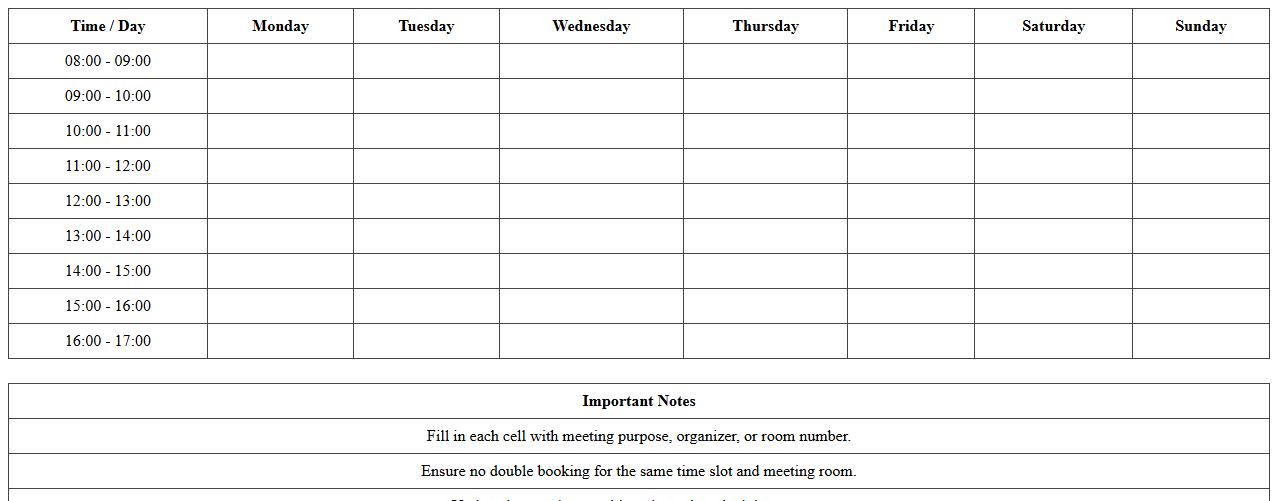
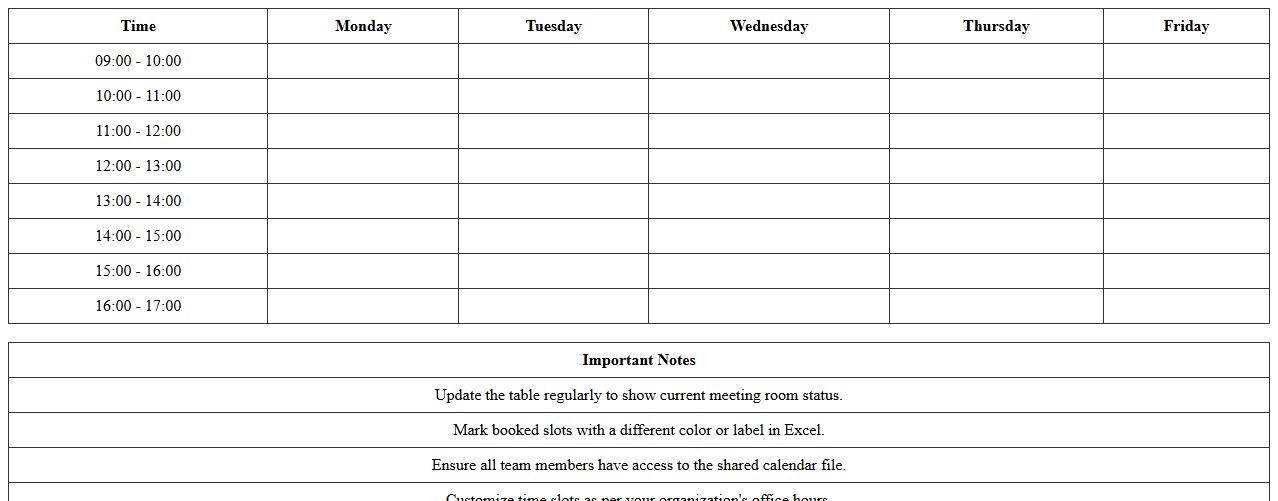
Weekly Meeting Room Booking Excel Template
The
Weekly Meeting Room Booking Excel Template is a structured spreadsheet designed to efficiently organize and manage room reservations on a weekly basis. It allows users to track availability, avoid scheduling conflicts, and allocate meeting spaces effectively by capturing date, time, and room details in a clear format. This template enhances productivity by streamlining the booking process and ensuring optimal use of meeting resources within organizations.
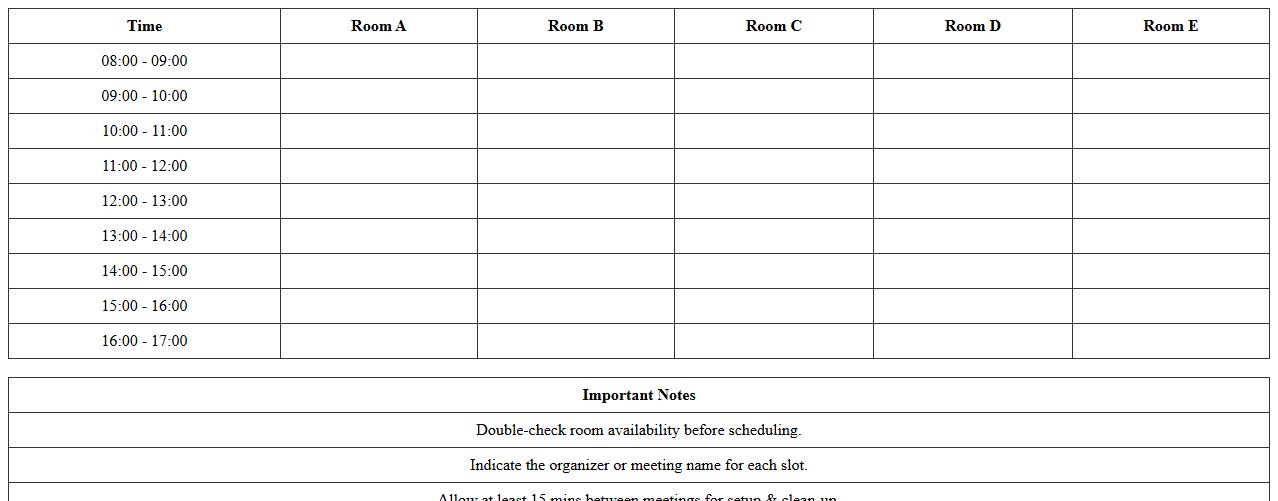
Daily Conference Room Schedule Excel Sheet
A
Daily Conference Room Schedule Excel Sheet is a structured document designed to organize and track the booking times, availability, and usage of conference rooms within an office or facility. It allows users to efficiently allocate meeting spaces, avoid scheduling conflicts, and ensure optimal room utilization throughout the day. By providing clear visibility on room occupancy, this tool enhances team coordination and supports operational productivity in workplace management.
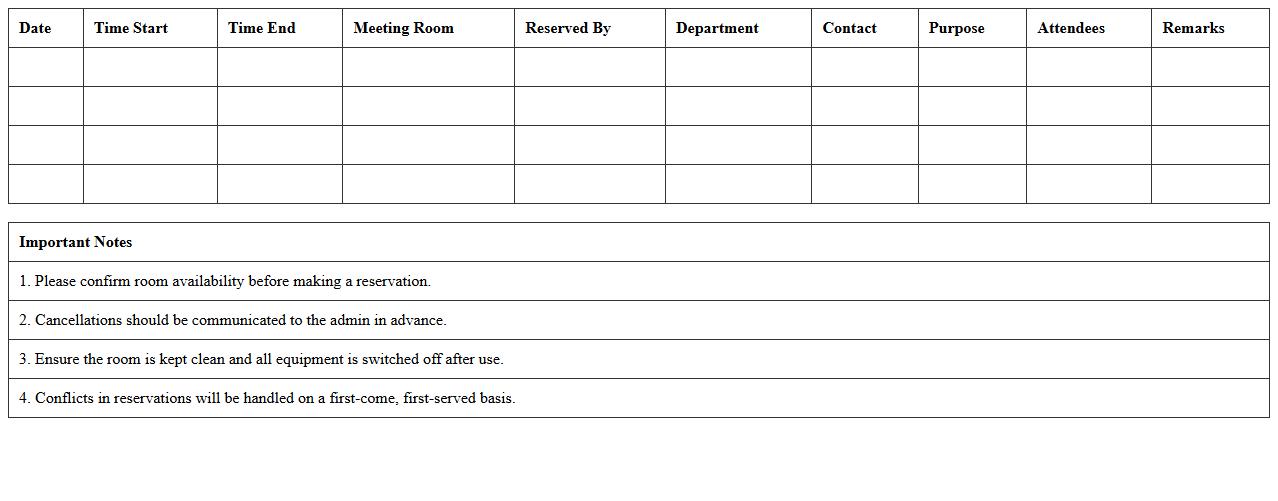
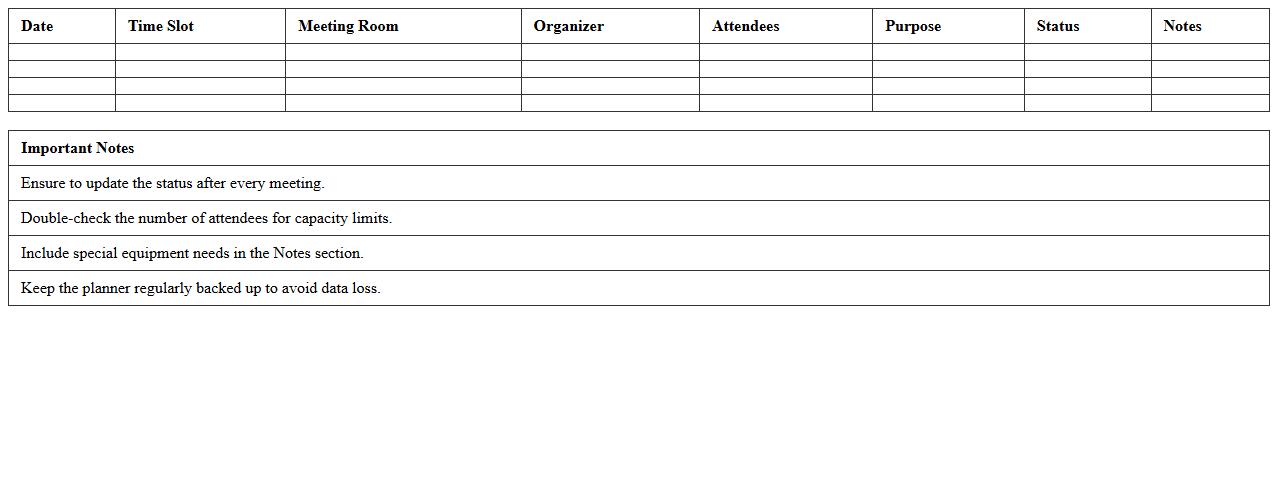
Office Meeting Room Reservation Log Excel
The
Office Meeting Room Reservation Log Excel document serves as a centralized tool for tracking and managing the scheduling of meeting rooms within an organization. It records essential details such as reservation dates, times, meeting purpose, and participants, ensuring efficient room utilization and minimizing scheduling conflicts. This log enhances coordination, improves resource allocation, and supports seamless communication among team members.
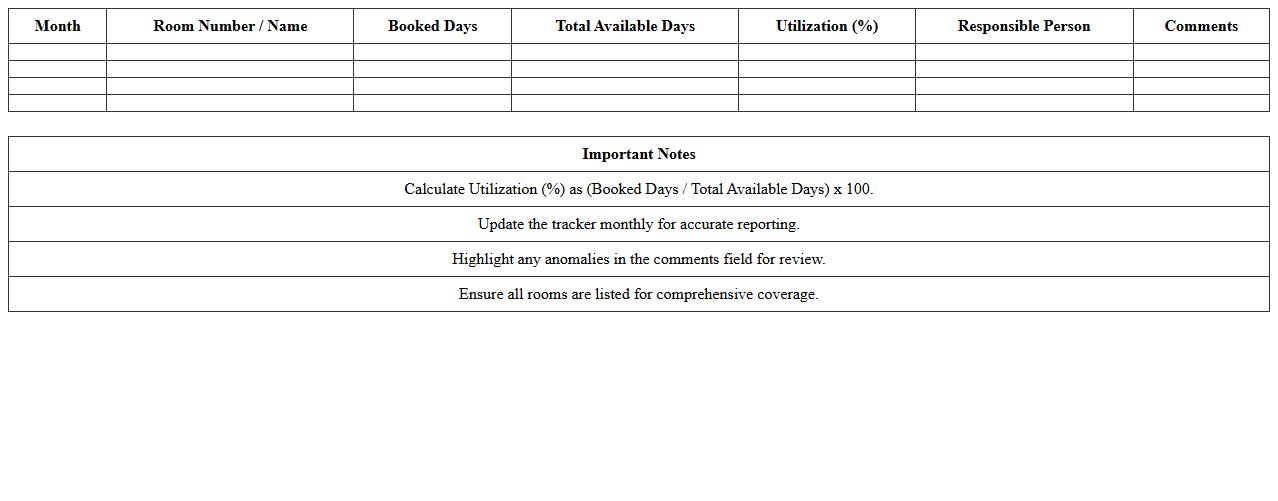
Monthly Room Utilization Tracker Template
The
Monthly Room Utilization Tracker Template is a document designed to monitor and analyze the usage of rooms over a specified period, helping organizations maximize space efficiency. It systematically records data such as room occupancy rates, booking frequencies, and peak usage times, enabling better decision-making for facility management. This template facilitates cost savings, improves resource allocation, and supports strategic planning by providing clear insights into room utilization patterns.
Excel Meeting Room Availability Calendar
The
Excel Meeting Room Availability Calendar document is a structured spreadsheet designed to track and manage the booking status of meeting rooms within an organization. It consolidates room schedules, showing available time slots and preventing double bookings, which enhances productivity and resource allocation. This calendar simplifies coordination, reduces scheduling conflicts, and ensures efficient use of meeting spaces.
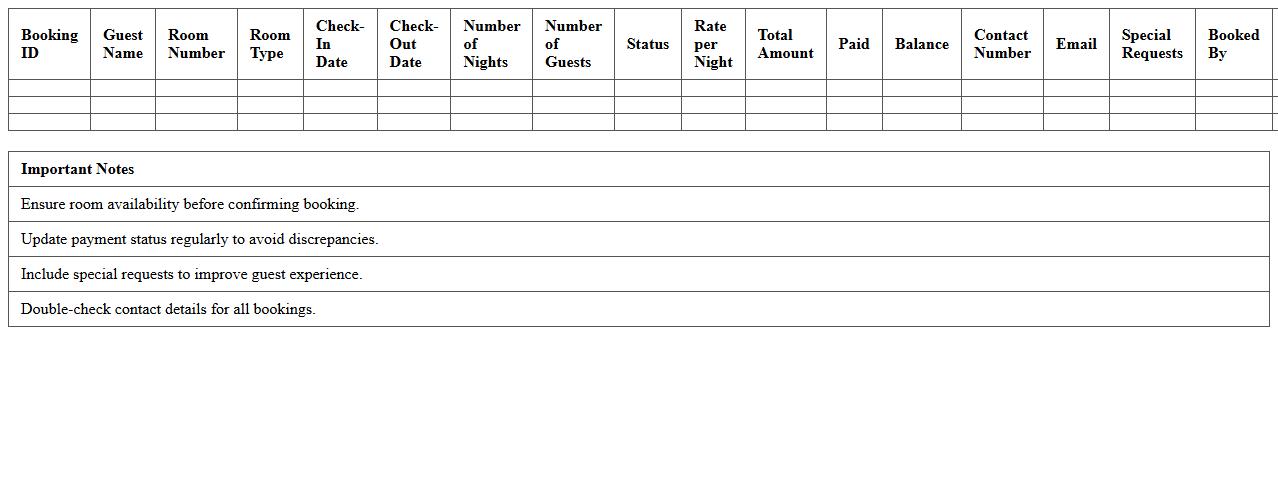
Multi-Room Booking Management Template
The
Multi-Room Booking Management Template document streamlines the organization and scheduling of multiple room reservations within hotels, conference centers, or event spaces by providing a centralized overview of bookings. It helps avoid double bookings, optimize room usage, and improve communication between staff and clients, ensuring efficient resource allocation. This template is essential for managing complex booking scenarios, reducing administrative errors, and enhancing overall operational productivity.
Meeting Room Occupancy Planner Excel
The
Meeting Room Occupancy Planner Excel document is a tool designed to efficiently track and manage the usage of meeting spaces within an organization. It helps optimize room allocation by providing clear visibility into booking patterns, capacity limits, and time slots, ensuring no overlaps or underutilization. Utilizing this planner improves scheduling precision, enhances workspace productivity, and aids in resource planning for teams and facilities management.
Office Space Scheduling Excel Worksheet
An
Office Space Scheduling Excel Worksheet is a digital tool designed to organize and allocate workspace efficiently by tracking desk availability, employee assignments, and meeting room usage. It helps businesses optimize office layouts, minimize overcrowding, and ensure compliance with social distancing guidelines. Using this worksheet enhances productivity by simplifying resource management and providing clear visibility into space utilization patterns.
Recurring Meeting Room Scheduler Excel
The
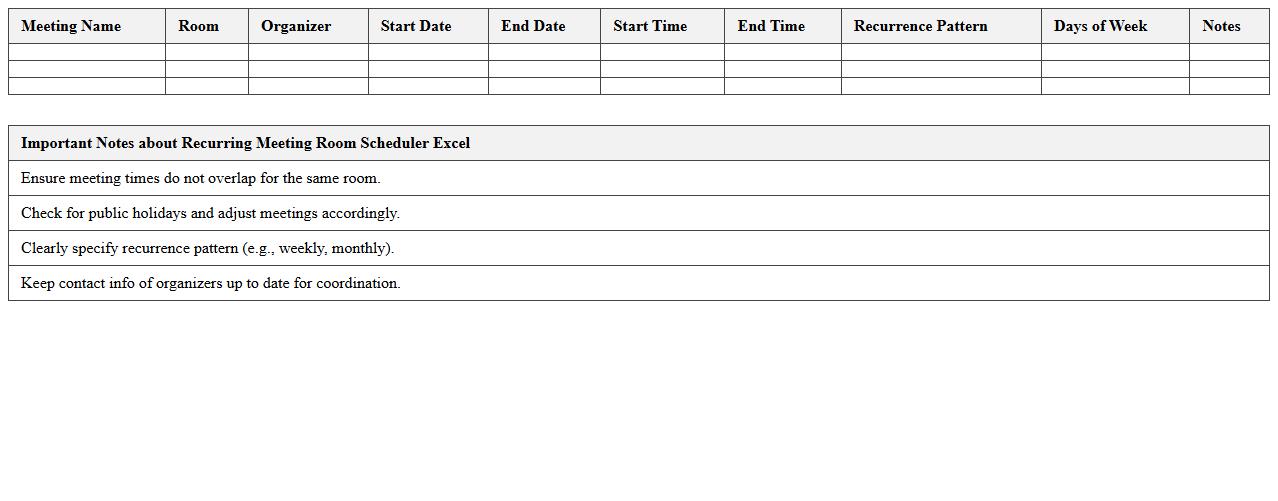
Recurring Meeting Room Scheduler Excel document is a powerful tool designed to manage and automate the booking of meeting rooms over multiple dates efficiently. It helps organizations avoid scheduling conflicts by tracking room availability, meeting times, and participant details in a centralized spreadsheet. This scheduler streamlines the coordination process, saving time and ensuring optimal use of shared spaces within workplaces.
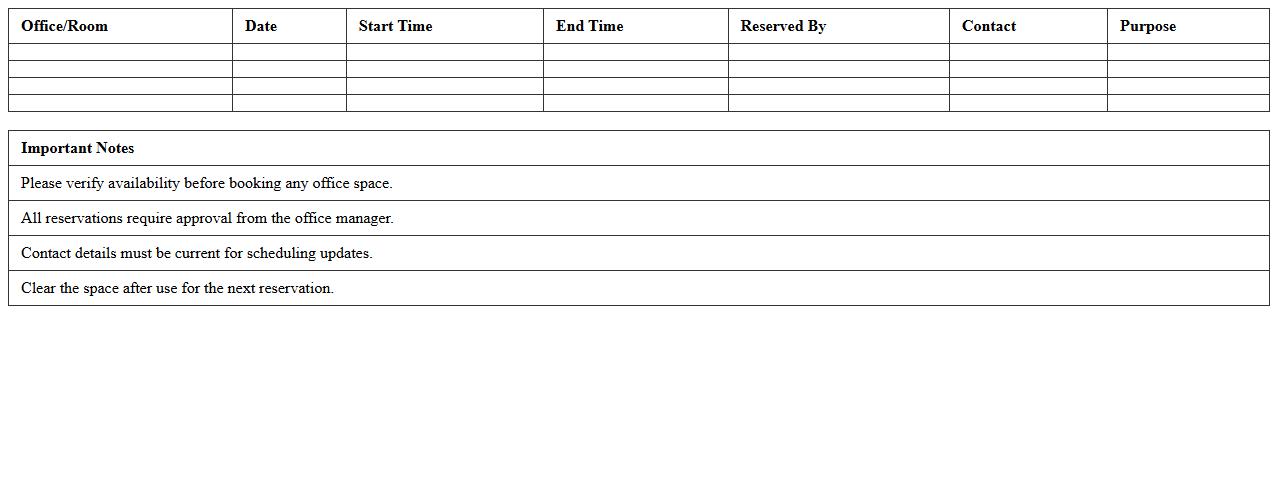
Shared Meeting Space Reservation Excel Form
The
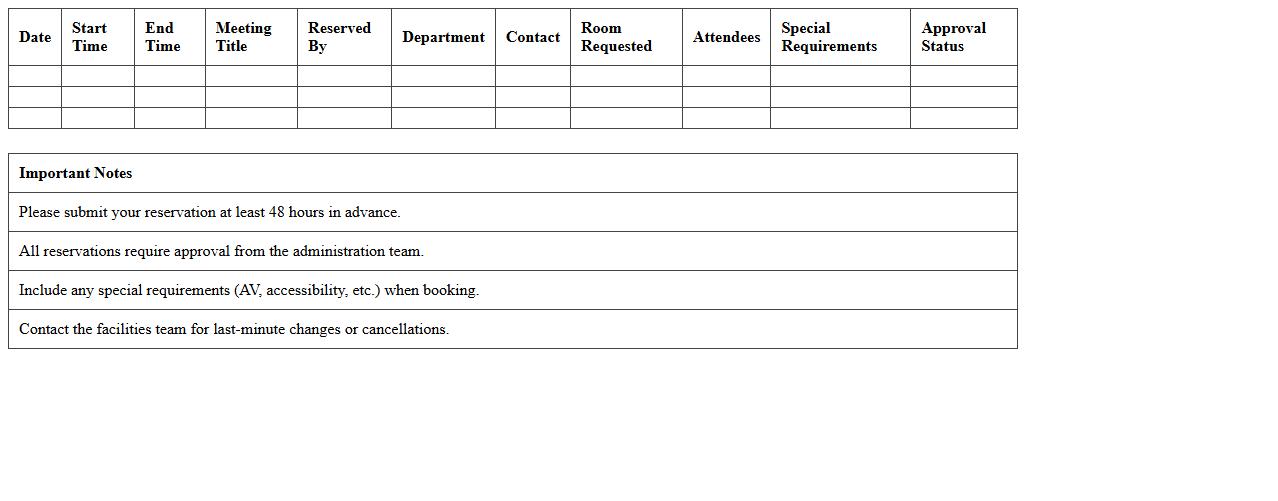
Shared Meeting Space Reservation Excel Form is a structured document designed to streamline the booking process for communal meeting areas within an organization or facility. It allows users to efficiently track, manage, and coordinate reservations, preventing scheduling conflicts and optimizing space utilization. By centralizing booking information, it enhances collaboration and ensures transparent access to meeting rooms for all team members.
How can I automate recurring bookings in a Meeting Room Schedule Excel sheet?
To automate recurring bookings in your Meeting Room Schedule Excel sheet, use Excel's VBA macros to create a script that duplicates bookings at specified intervals. Another effective method is using Excel formulas combined with conditional logic to populate recurring dates automatically. This approach makes managing repeat meetings seamless and minimizes manual entries.
What conditional formatting highlights double-booked rooms in Excel schedules?
Use conditional formatting with a formula that checks for duplicate room names on the same date and time slot. Implement a formula such as =COUNTIFS($A$2:$A$100,A2,$B$2:$B$100,B2)>1 to highlight cells where room bookings overlap. This visual cue instantly alerts users to double-booked rooms in your schedule, improving room management.
How do I restrict specific users from editing certain meeting rooms in a shared Excel file?
To restrict users, use the Protect Sheet feature with specific locked/unlocked cell ranges corresponding to each meeting room. Combine this with user-level permissions and password protection to prevent unauthorized edits. This ensures only designated users can modify certain meeting room bookings in the shared Excel file.
Which Excel formulas best track meeting room usage statistics for analysis?
Formulas like COUNTIF and SUMIFS are ideal for tracking how often and when meeting rooms are booked. Use COUNTIF to calculate total bookings for each room and SUMIFS to sum booking durations across dates. These formulas provide clear metrics for analyzing utilization and optimizing meeting room allocation.
How can I integrate Outlook calendar invites with my Excel-based meeting room schedule?
Export your Excel meeting data to a CSV file and import it into Outlook to create calendar invites, or utilize VBA scripts to automate the process directly from Excel. This integration enables automatic generation of Outlook calendar invites based on your Excel schedule entries. Syncing both platforms streamlines scheduling and reduces the risk of booking conflicts.
More Schedule Excel Templates