Weekly Blog Content Calendar Excel Template
The
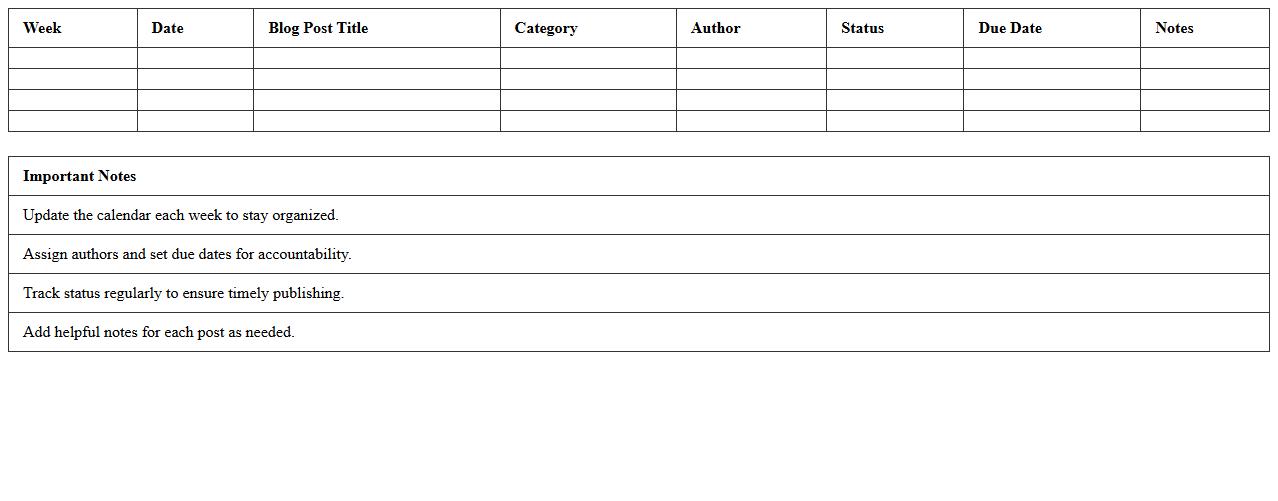
Weekly Blog Content Calendar Excel Template is a structured tool designed to organize and schedule blog posts on a weekly basis, enhancing content planning and consistency. It allows users to track topics, deadlines, publishing dates, and assigned authors, ensuring timely and strategic content delivery. This template improves productivity by providing a clear overview of the blog content pipeline, helping content creators manage resources and meet audience engagement goals effectively.
Monthly Blog Publishing Schedule Excel Sheet
A
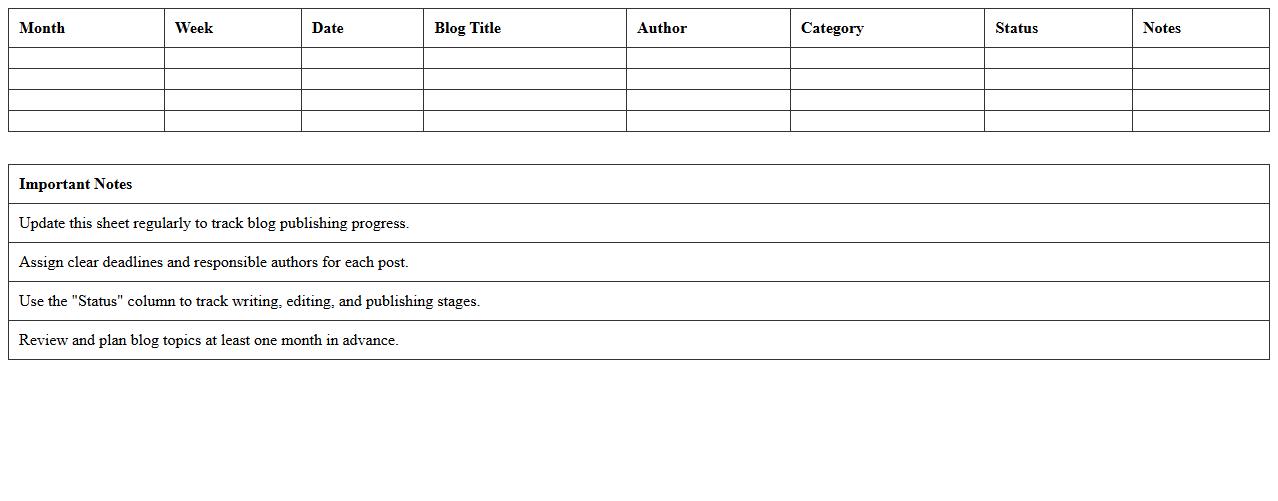
Monthly Blog Publishing Schedule Excel Sheet is a structured template that helps content creators plan, organize, and track blog post deadlines, topics, and publishing dates efficiently. This document ensures consistent content delivery by providing a clear overview of the entire month's blogging activities, which enhances time management and productivity. By maintaining a centralized schedule, teams can easily coordinate efforts, avoid missed deadlines, and optimize content strategies for better audience engagement.
Editorial Workflow Tracker Template for Bloggers
The
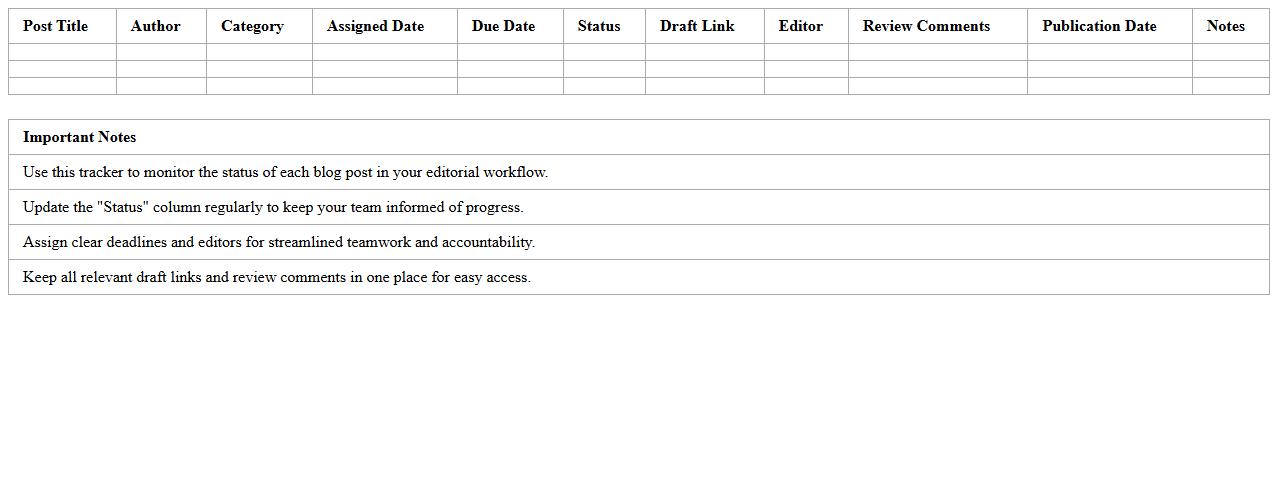
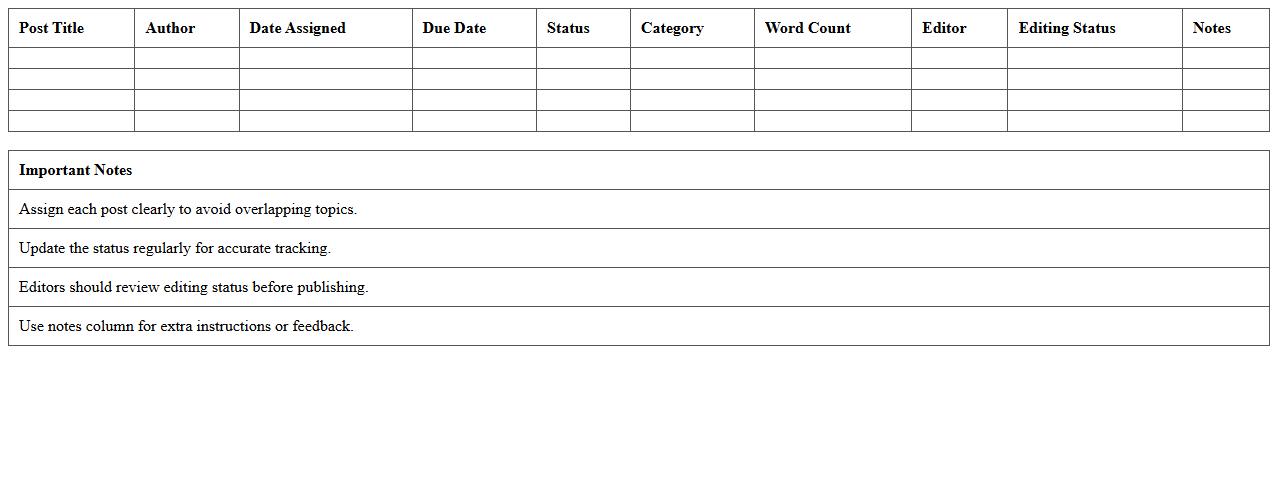
Editorial Workflow Tracker Template for bloggers is a structured document designed to organize and streamline content creation from ideation to publication. It helps bloggers monitor the status of each post, assign tasks, set deadlines, and track progress, thereby ensuring consistent and timely content delivery. Using this template boosts productivity, improves collaboration, and maintains editorial quality across all blog posts.
Blog Post Deadlines & Status Excel Template
The
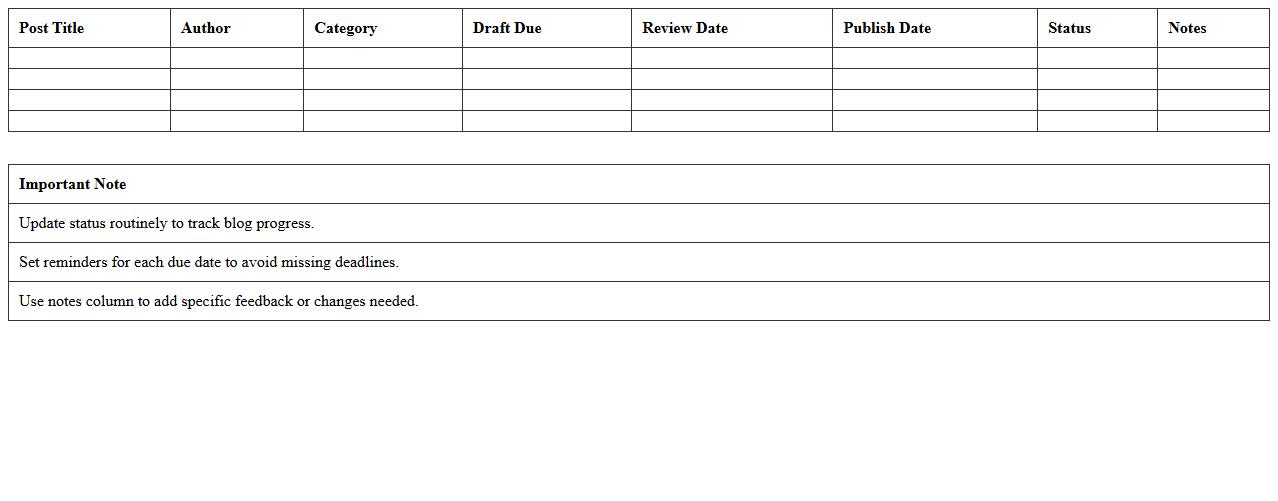
Blog Post Deadlines & Status Excel Template is a powerful tool designed to help content creators and marketing teams efficiently track the progress and deadlines of blog posts. It allows users to organize publication dates, monitor the status of each post--such as drafting, editing, or published--and prioritize tasks to ensure timely delivery. By providing a clear overview of content schedules and workflow, this template enhances productivity and helps maintain a consistent publishing cadence.
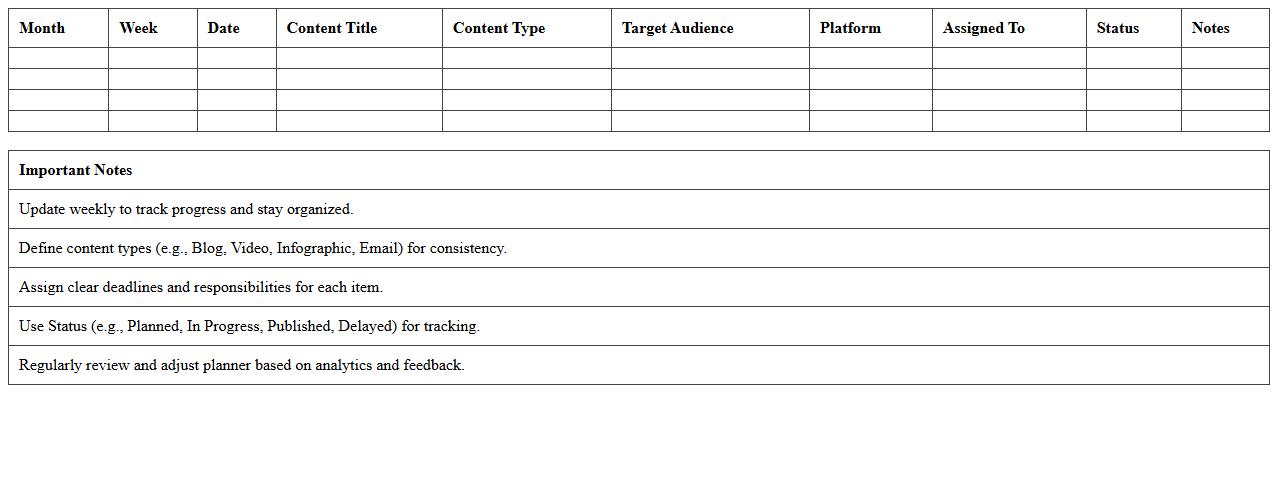
Annual Content Publishing Planner Spreadsheet
The
Annual Content Publishing Planner Spreadsheet is a strategic tool designed to organize and schedule all content marketing activities throughout the year, ensuring timely and consistent publishing across platforms. It helps users track deadlines, coordinate topics, assign responsibilities, and monitor the performance of each piece of content, enhancing overall workflow efficiency. By providing a clear overview of the content calendar, it supports improved audience engagement and optimizes content marketing efforts for better ROI.
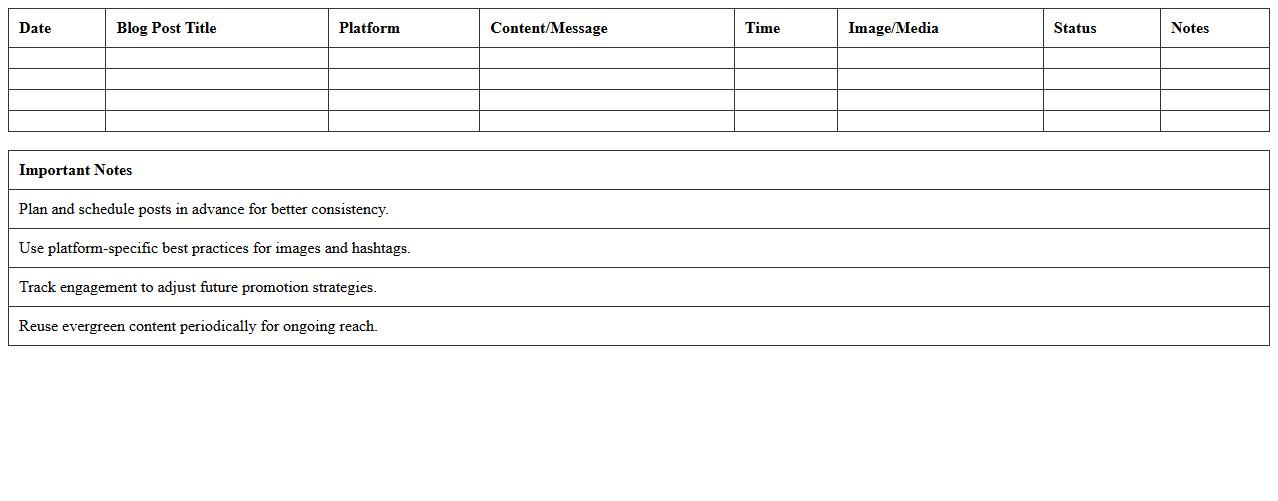
Social Media Promotion Schedule for Blog Posts
A
Social Media Promotion Schedule for Blog Posts document outlines the strategic timing and channels for sharing blog content across various social media platforms to maximize reach and engagement. It helps streamline marketing efforts by organizing posting dates, content formats, and target audiences, ensuring consistent visibility and follower interaction. Utilizing this schedule enhances brand awareness, drives traffic to the blog, and improves overall content performance through systematic promotion.
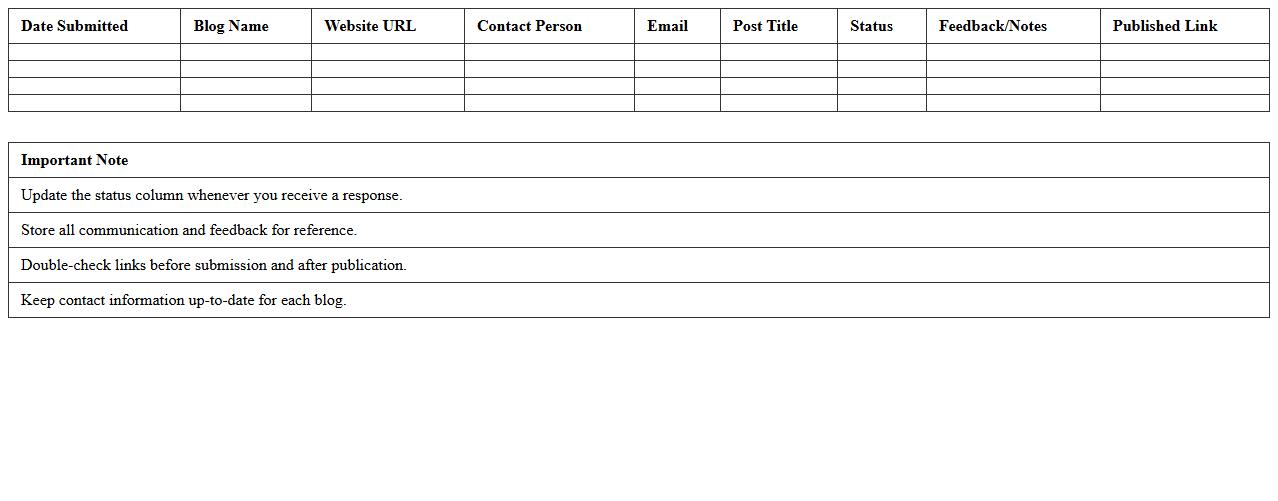
Guest Blogger Submission Tracker Excel Sheet
The
Guest Blogger Submission Tracker Excel Sheet is a structured tool designed to organize and monitor guest post submissions efficiently. It helps track essential details such as submission dates, publication status, editor feedback, and deadlines, ensuring timely follow-ups and improved workflow management. Utilizing this tracker enhances collaboration and maximizes content outreach by maintaining a clear record of all guest blogging activities.
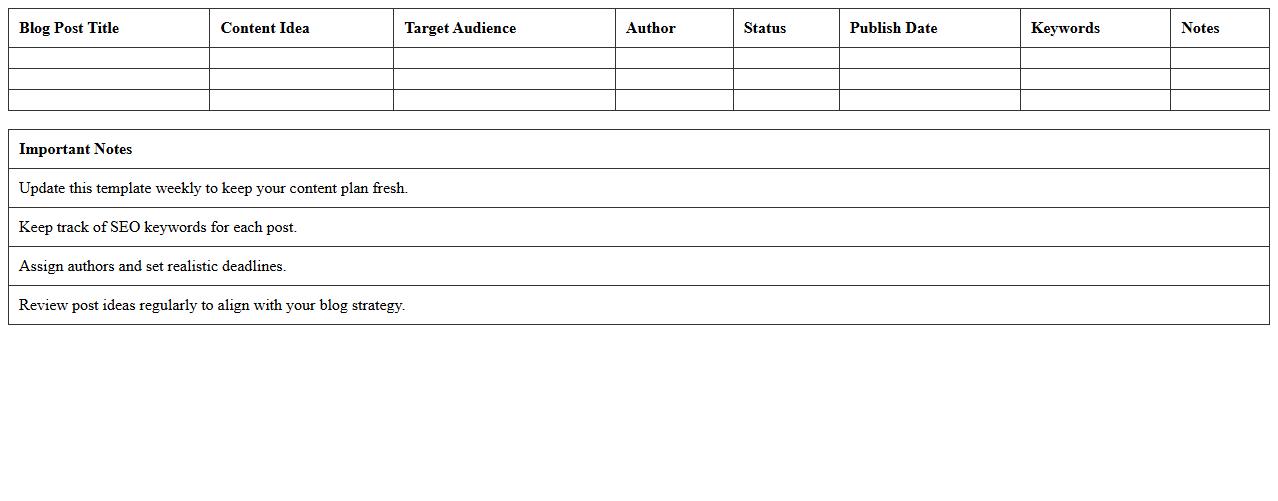
Blog Content Ideas & Scheduling Template
A
Blog Content Ideas & Scheduling Template is a strategic tool designed to organize and plan your blog posts effectively, ensuring consistent content delivery. It helps capture creative blog topics, prioritize them based on relevance and audience interest, and schedule publishing dates to maintain a steady posting rhythm. Using this template enhances productivity, aligns content with marketing goals, and improves audience engagement by keeping your blog updated with fresh, well-timed articles.
Multi-Author Blog Post Management Template
A
Multi-Author Blog Post Management Template is a structured document designed to streamline collaboration among multiple content creators by organizing tasks, deadlines, and responsibilities clearly. It facilitates efficient content planning, editing, and publishing workflows, ensuring consistency and timely delivery of blog posts. Using this template improves communication, reduces overlap or missed deadlines, and enhances overall blog quality and productivity.
Blog SEO Optimization & Posting Calendar Excel
The
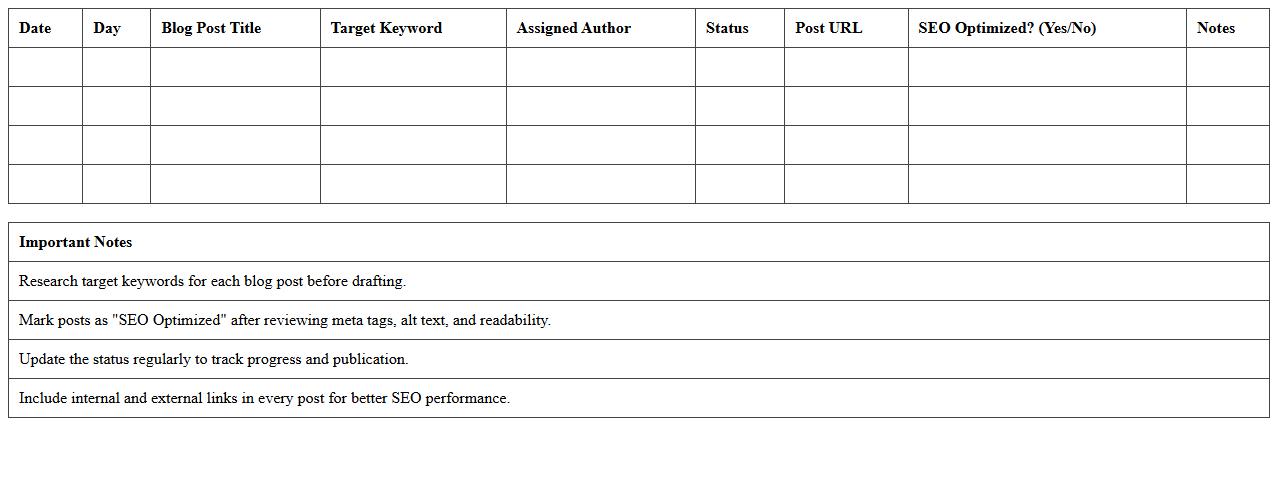
Blog SEO Optimization & Posting Calendar Excel document is a powerful tool designed to organize, plan, and track blog content with a focus on search engine ranking improvements. It helps in scheduling posts, optimizing content with targeted keywords, and monitoring SEO performance metrics systematically. This document streamlines content strategy execution, enhances keyword management, and boosts organic traffic by ensuring consistent, well-optimized blog publishing.
How do you automate post status updates in a Content Publishing Schedule Excel for multi-author blogs?
To automate post status updates, use the IF function combined with data validation dropdowns for each post's status. Implement conditional formatting to change cell colors based on status like Draft, Review, or Published. This setup allows real-time tracking and easy updates from multiple authors within a single workbook.
What formula tracks keyword integration per post within a publishing calendar?
The formula =IF(ISNUMBER(SEARCH("keyword", A2)), "Yes", "No") identifies if a specific keyword is used in a blog post title or content summary. Incorporate this into your publishing calendar to flag posts with proper keyword integration. This helps ensure SEO optimization is consistently applied across multiple blog entries.
How can you visualize weekly vs monthly publishing goals using Excel charts?
Create pivot tables summarizing posts by week and month, then generate line or bar Excel charts that represent publishing frequency over time. Use slicers for dynamic filtering between weekly and monthly views. This visual aids in monitoring progress towards publishing targets and adjusting schedules accordingly.
Which Excel functions flag missed publishing deadlines automatically?
The =IF(TODAY()>DeadlineCell, "Missed", "On Time") function checks if the current date exceeds the scheduled publishing deadline. Conditional formatting can also highlight missed deadlines with distinctive colors. This automatic flagging system helps keep authors accountable and ensures timely blog publishing.
How do you link editorial notes in Excel cells for each scheduled blog post?
Use the Insert Comment or Notes feature in Excel cells to attach editorial feedback directly to each blog post entry. Alternatively, create a dedicated column for editorial notes where contributors can input remarks. These annotations maintain clear communication and enhance workflow efficiency within the content schedule.