The Expense Report Excel Template for Small Businesses streamlines tracking and managing daily expenditures to maintain accurate financial records. Designed for simplicity and efficiency, this template helps small business owners monitor budget compliance and identify cost-saving opportunities. It supports customizable categories and automatic calculations, ensuring precise and organized expense reporting.
Monthly Expense Tracking Excel Template for Small Businesses
The
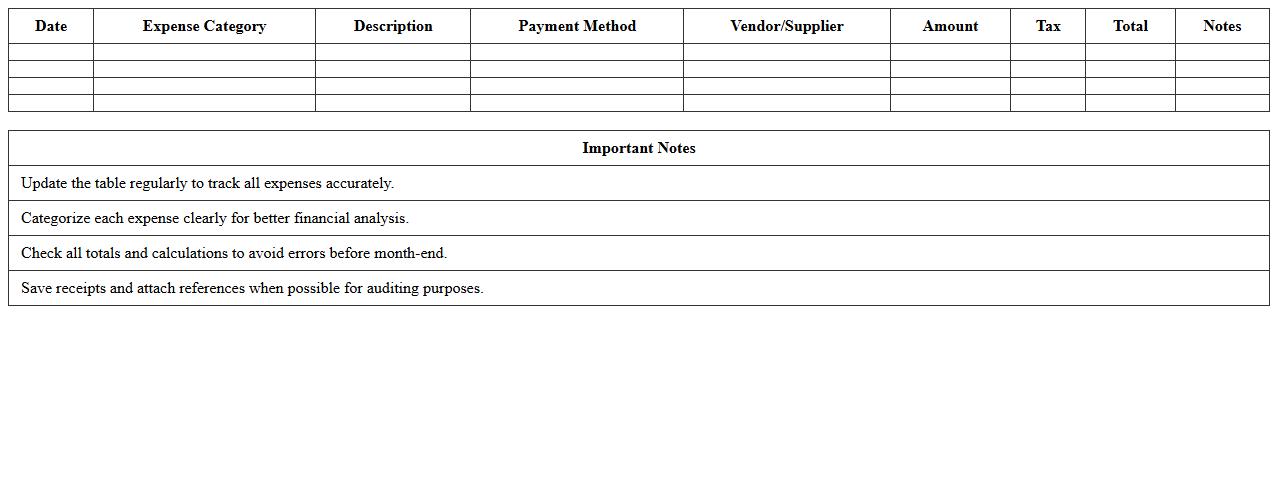
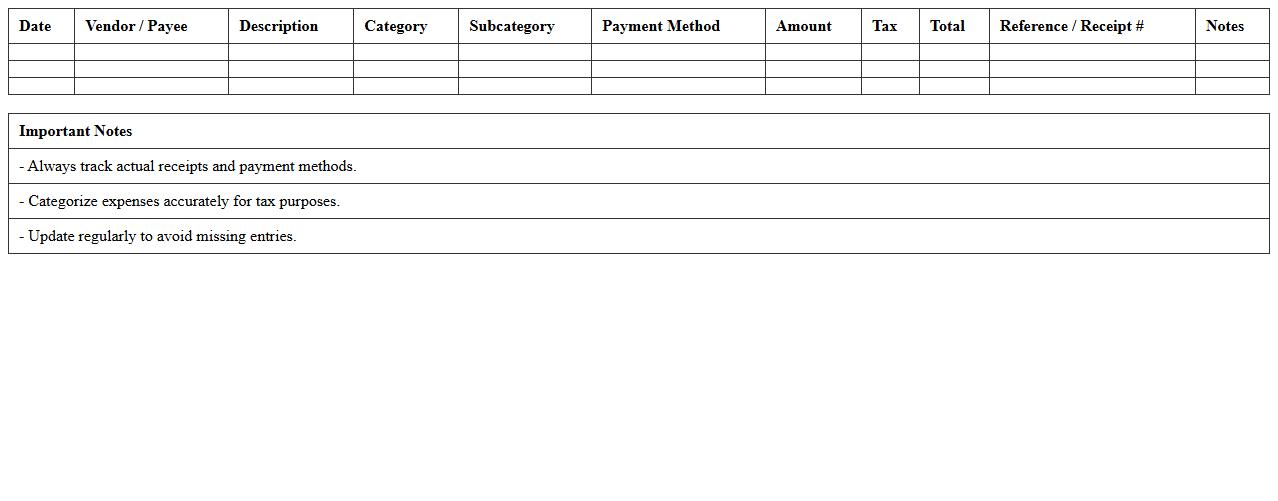
Monthly Expense Tracking Excel Template for small businesses is a structured spreadsheet designed to record, categorize, and monitor business expenses on a monthly basis. This template helps business owners maintain accurate financial records, identify spending patterns, and make informed budgeting decisions. By using this tool, small businesses can improve cash flow management, reduce unnecessary costs, and ensure financial transparency.
Simple Business Expense Report Spreadsheet Template
A
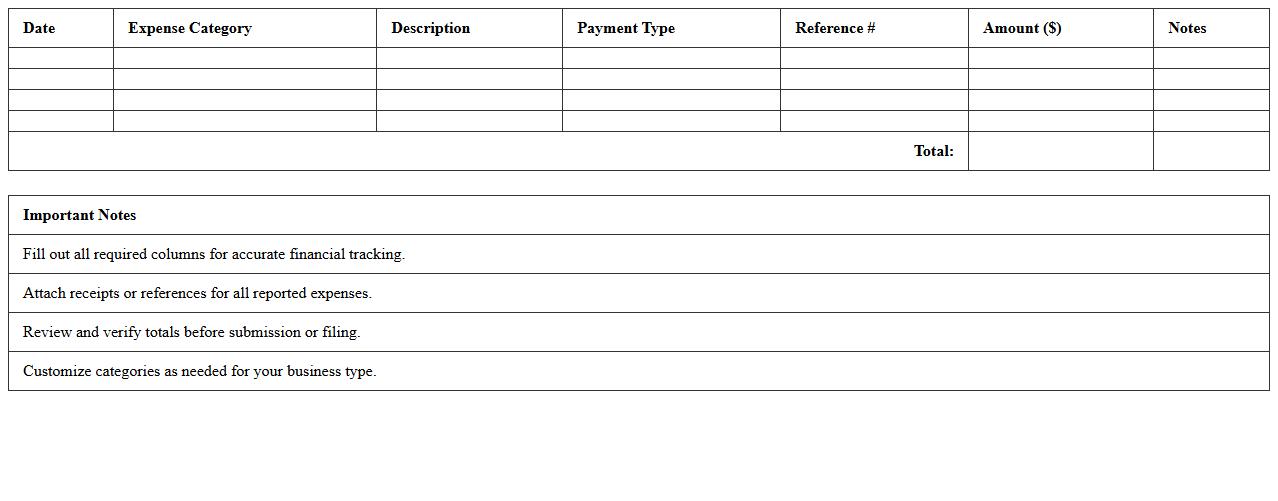
Simple Business Expense Report Spreadsheet Template is a structured document designed to track and organize business expenses efficiently. It helps users categorize costs, monitor spending patterns, and maintain accurate financial records for budgeting and tax purposes. This template streamlines expense reporting, saving time and improving financial transparency for businesses of all sizes.
Annual Expense Summary Excel Sheet for Entrepreneurs
An
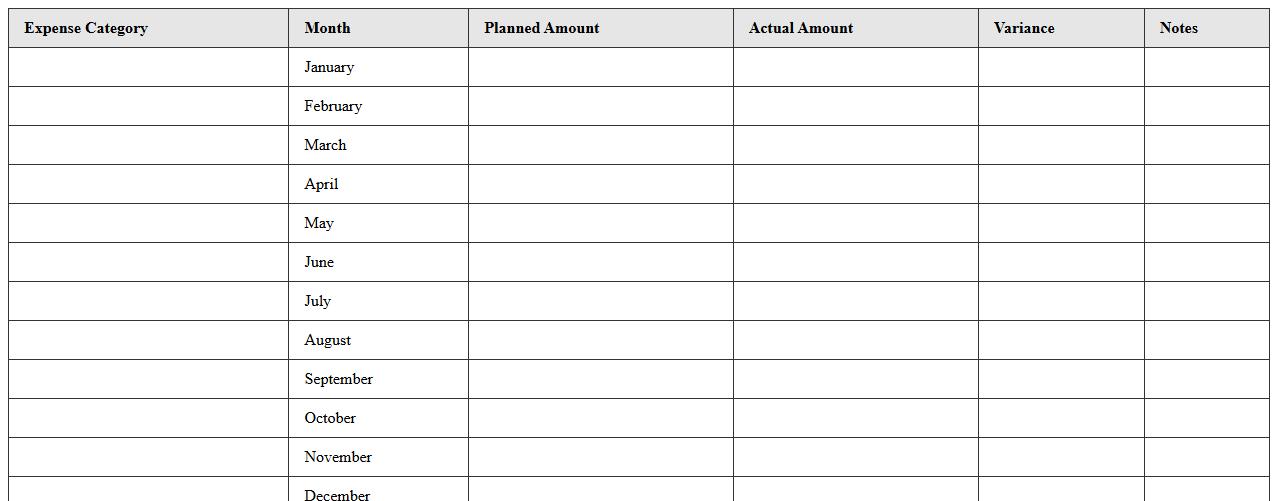
Annual Expense Summary Excel Sheet for entrepreneurs is a structured financial document that tracks and categorizes all yearly business expenses, enabling precise budget management and tax preparation. This tool helps entrepreneurs identify spending patterns, control costs, and optimize financial planning by consolidating expense data in one accessible format. Utilizing this summary sheet improves financial clarity, supports informed decision-making, and enhances overall business efficiency.
Reimbursable Expenses Log Excel Template for Teams
The
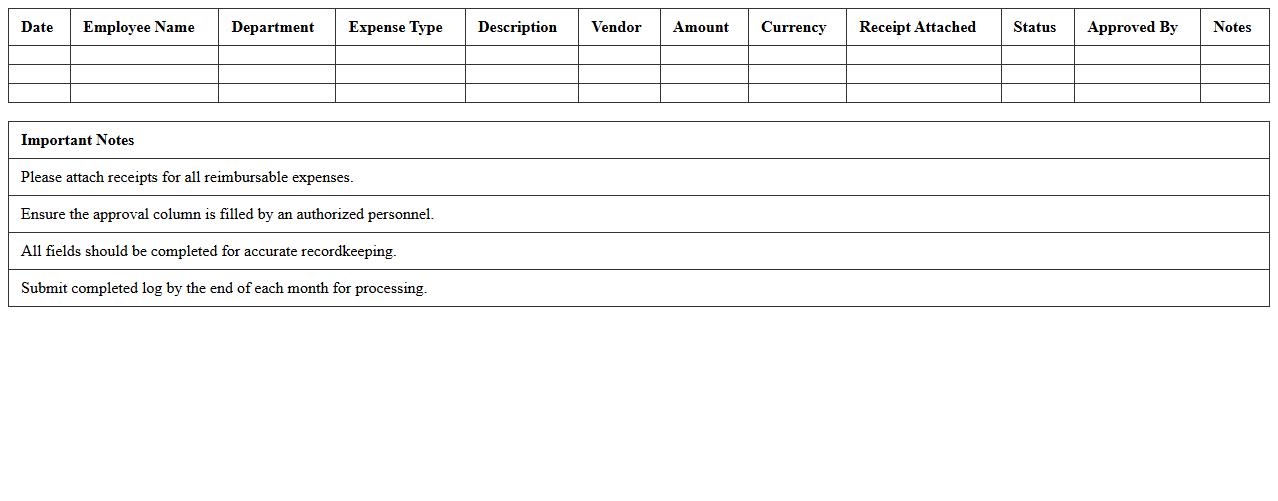
Reimbursable Expenses Log Excel Template for Teams is a structured spreadsheet designed to track and manage expense claims efficiently within a collaborative environment. It allows team members to record, categorize, and submit expenses for reimbursement, ensuring accuracy and transparency in financial reporting. This tool streamlines the approval process, reduces errors, and provides a centralized record that enhances budget tracking and accountability.
Detailed Small Business Expense Category Tracker
A
Detailed Small Business Expense Category Tracker document systematically organizes expenses into specific categories, enabling precise financial monitoring and management. It helps small business owners identify spending patterns, control costs, and streamline budgeting processes. By providing clear insights into where money is allocated, this tool supports informed decision-making and improved profitability.
Project-Based Expense Report Excel Form
The
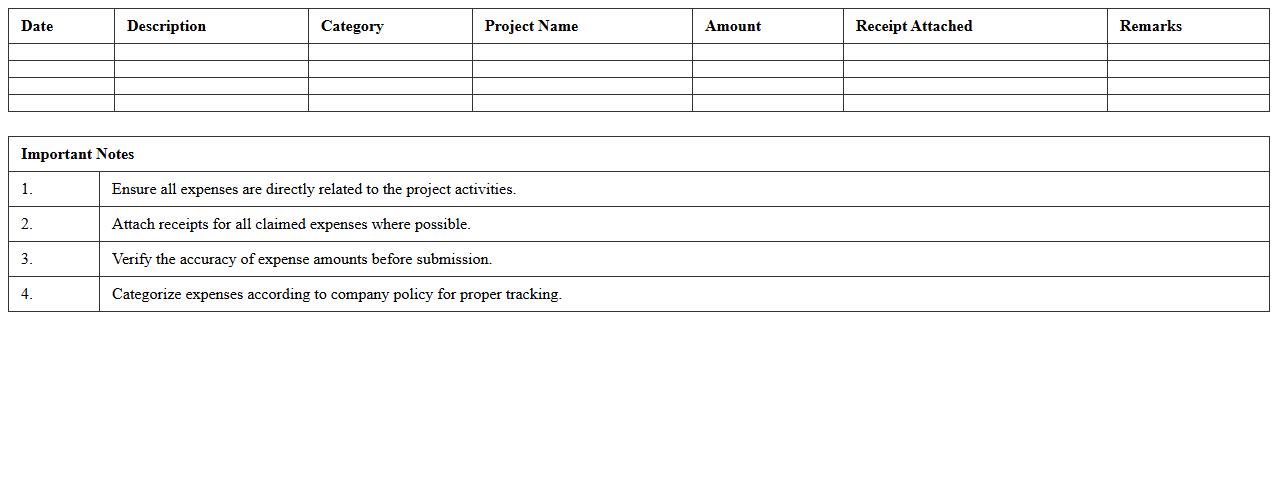
Project-Based Expense Report Excel Form is a structured document designed to track and categorize expenses related to specific projects, ensuring accurate financial management and accountability. It allows project managers and teams to monitor budget adherence, identify cost overruns, and generate detailed expenditure reports efficiently. Utilizing this form streamlines expense tracking, facilitates transparent financial reporting, and supports informed decision-making throughout the project lifecycle.
Employee Expense Reimbursement Template in Excel
An
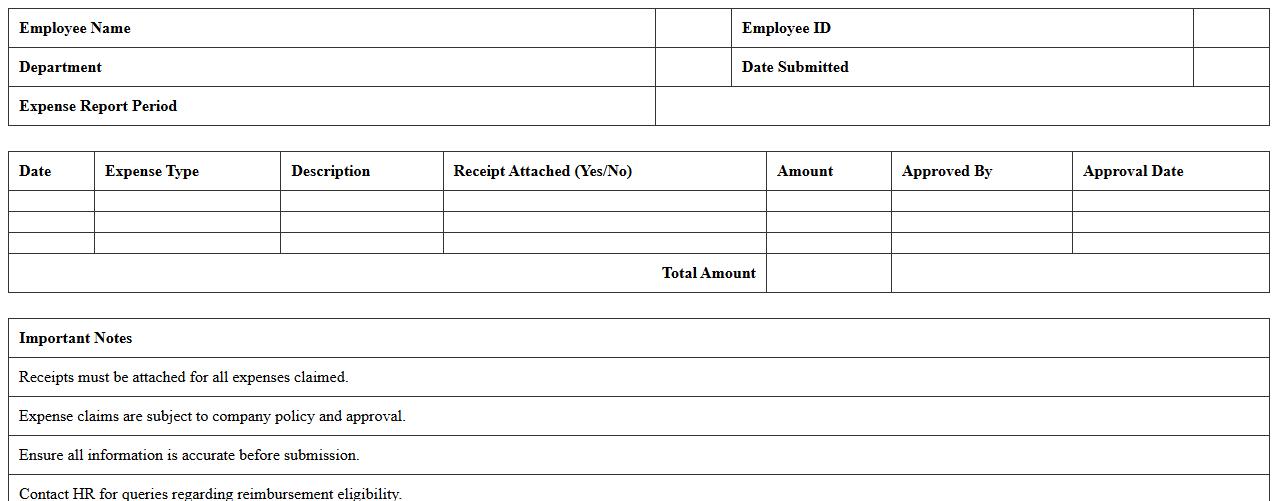
Employee Expense Reimbursement Template in an Excel document is a structured spreadsheet designed to record, track, and manage employee-submitted expenses for reimbursement purposes. This template streamlines the process by categorizing expenses, calculating totals, and maintaining organized records, ensuring accurate and timely reimbursements. Using this tool enhances financial transparency, reduces administrative errors, and simplifies expense reporting for both employees and finance teams.
Startup Budget and Expense Monitoring Sheet
A
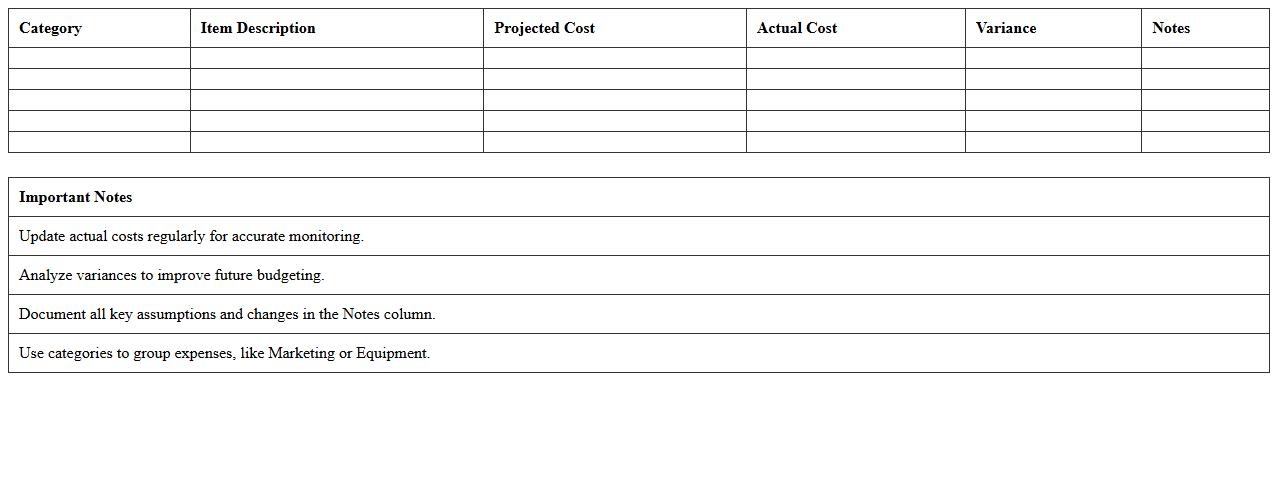
Startup Budget and Expense Monitoring Sheet is a financial tool designed to track initial expenditures and ongoing costs systematically, ensuring precise budget management for new businesses. It helps entrepreneurs allocate resources efficiently, monitor cash flow, and identify overspending trends to maintain financial stability. Regular use of this document supports informed decision-making and enhances the potential for sustainable growth.
Business Travel Expense Report Excel Sheet
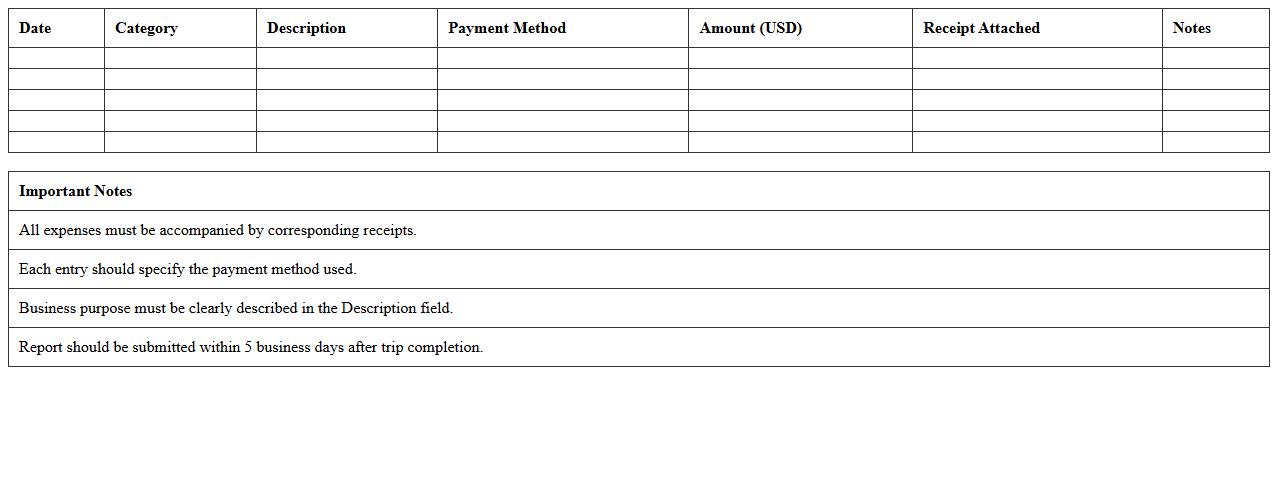
A
Business Travel Expense Report Excel Sheet document is a structured template used to itemize and track travel-related costs such as transportation, lodging, meals, and incidentals. It helps organizations maintain accurate financial records, ensuring compliance with corporate policies and simplifying reimbursement procedures. By consolidating all expenses in one file, it improves budgeting accuracy and enhances transparency in travel spending management.
Recurring Business Expenses Planner Spreadsheet
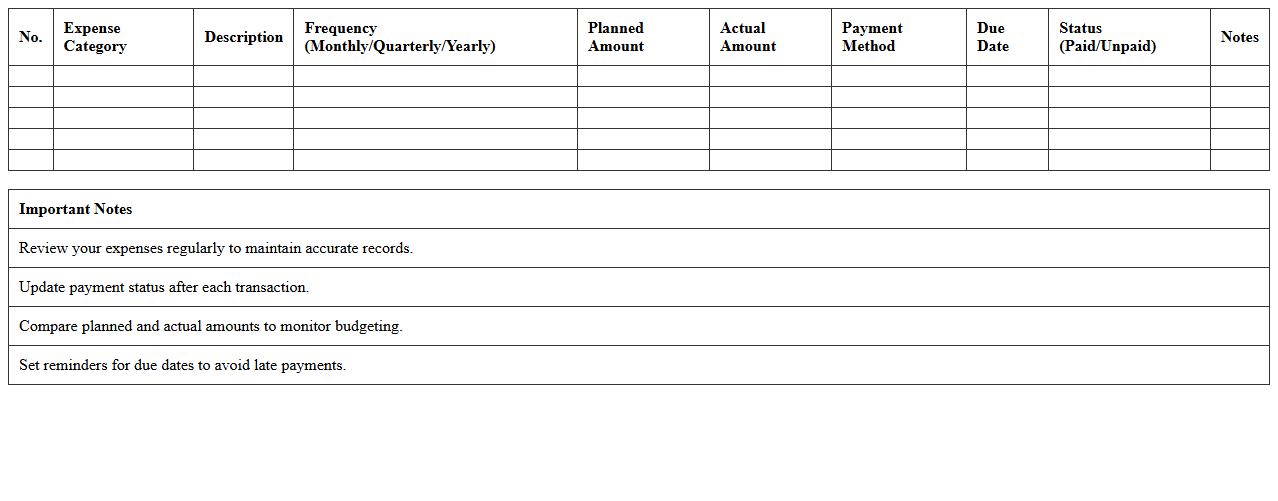
A
Recurring Business Expenses Planner Spreadsheet document is a financial tool designed to track and manage ongoing costs such as rent, utilities, salaries, and subscriptions. It helps businesses forecast cash flow, identify cost-saving opportunities, and maintain budget discipline by providing a clear overview of regular expenditures. By organizing recurring expenses systematically, companies can make informed decisions that support sustainable financial health and operational efficiency.
How to automate receipt attachment in an Expense Report Excel template?
To automate receipt attachment in Excel, use hyperlinks to link digital copies of receipts saved on your local drive or cloud storage. Combine this with VBA macros to prompt users to attach files during data entry seamlessly. This automation saves time and improves the accuracy of expense documentation.
What formulas track departmental expenditures in small business expense sheets?
Utilize the SUMIF and SUMIFS functions to track departmental spending by summing expenses based on department names or codes. These formulas provide dynamic, real-time aggregation across categories. Additionally, PivotTables can summarize expenditures efficiently to gain deeper insights.
How to set category-based approval workflows in Excel expense reports?
Use Data Validation dropdowns combined with conditional formatting to categorize expenses for different approval paths. Integrate Excel's IF and VLOOKUP formulas to assign approvers based on categories automatically. For advanced automation, link Excel to Power Automate to route approvals via email notifications.
Which Excel features help flag policy violations in small business expenses?
Conditional Formatting is essential for highlighting expenses exceeding predefined limits or disallowed categories. Data Validation prevents incorrect entries by restricting input based on company policy rules. Utilizing custom formulas within these features enhances accuracy in spotting non-compliant expenses instantly.
How to integrate mileage reimbursement calculations in an Excel expense report?
Calculate mileage reimbursement by multiplying the total miles traveled by a fixed rate per mile using a simple formula (Miles * Rate). Create a dynamic table where employees enter their travel data, and the spreadsheet computes the reimbursable amount automatically. This method ensures consistent and error-free mileage expense reporting.
More Report Excel Templates