The Student Register Excel Template for Coaching Institutes streamlines the process of maintaining detailed student records, including attendance, fees, and course progress. This template enhances organization and efficiency by providing easy-to-use, customizable spreadsheets tailored to the specific needs of coaching centers. It ensures accurate data management, helping institutes track student performance and administrative details effortlessly.
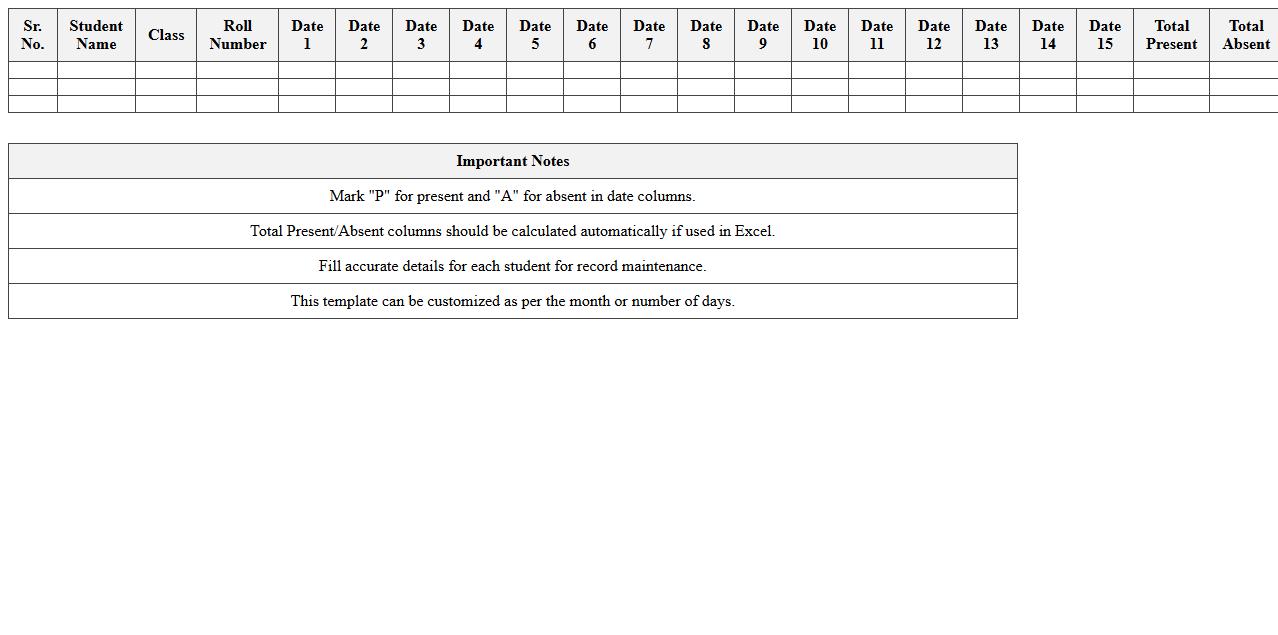
Student Attendance Register Excel Template
The
Student Attendance Register Excel Template is a digital spreadsheet designed to accurately track and record student attendance in educational settings. It simplifies monitoring by allowing educators to input daily attendance, automatically calculate attendance percentages, and generate reports for analysis. This tool helps improve classroom management, ensures compliance with attendance policies, and supports interventions for students with irregular attendance patterns.
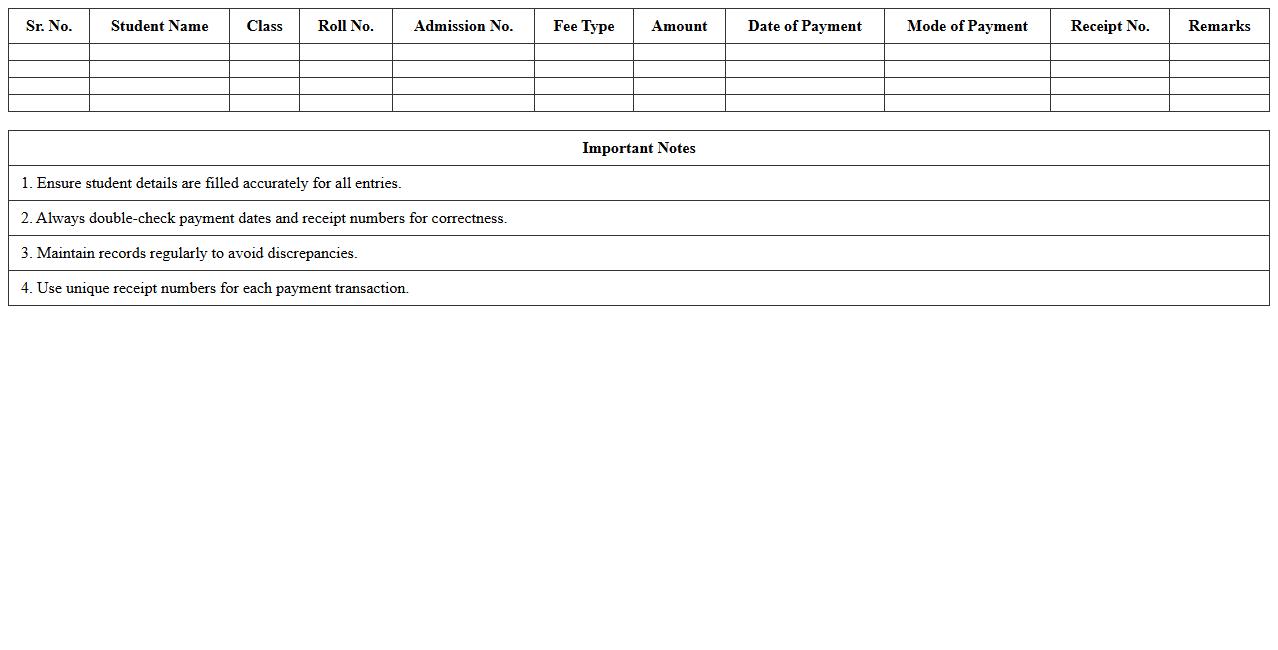
Student Fee Payment Register Excel Template
The
Student Fee Payment Register Excel Template is a structured spreadsheet designed to record and track fee payments made by students efficiently. It helps educational institutions manage financial transactions by organizing payment dates, amounts, and outstanding balances in a centralized, easy-to-access format. This template improves accuracy, streamlines fee management, and facilitates timely reminders for pending payments.
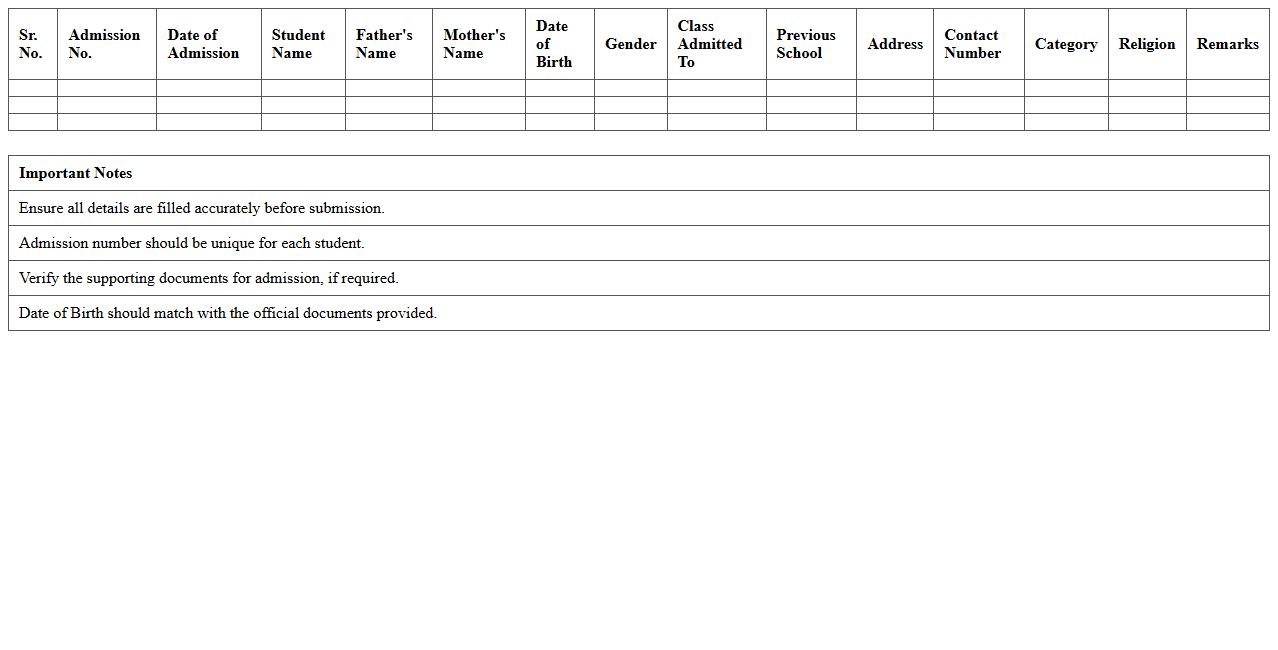
New Admission Register Excel Template
The
New Admission Register Excel Template is a structured spreadsheet designed to efficiently record and manage new student enrollment data, including personal details, admission dates, and course information. It streamlines the admission process by providing organized, easily accessible records that help institutions track and update student information systematically. Using this template enhances data accuracy, simplifies reporting, and supports better administrative decision-making in educational settings.
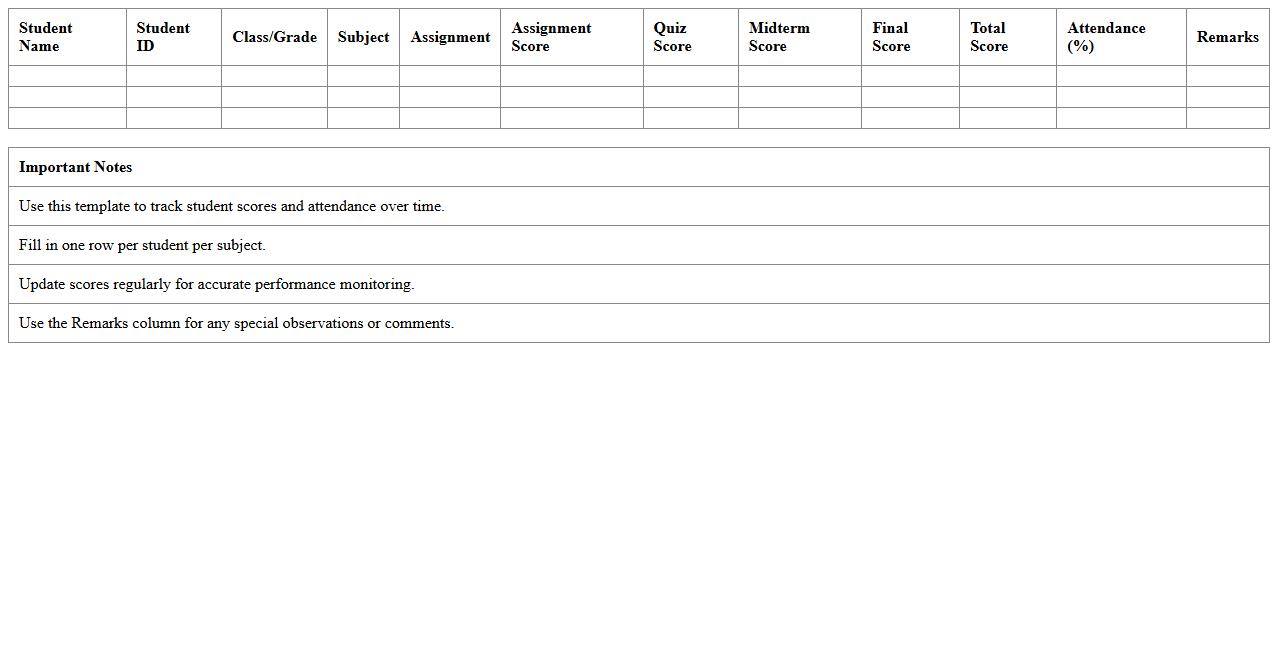
Student Performance Tracking Excel Template
The
Student Performance Tracking Excel Template is a structured spreadsheet designed to monitor and analyze students' academic progress, attendance, and other key performance indicators. It helps educators identify strengths and areas for improvement by organizing grades, test scores, and behavioral data in a clear, accessible format. Utilizing this template enhances data-driven decision-making, enabling targeted interventions and personalized learning strategies for better educational outcomes.
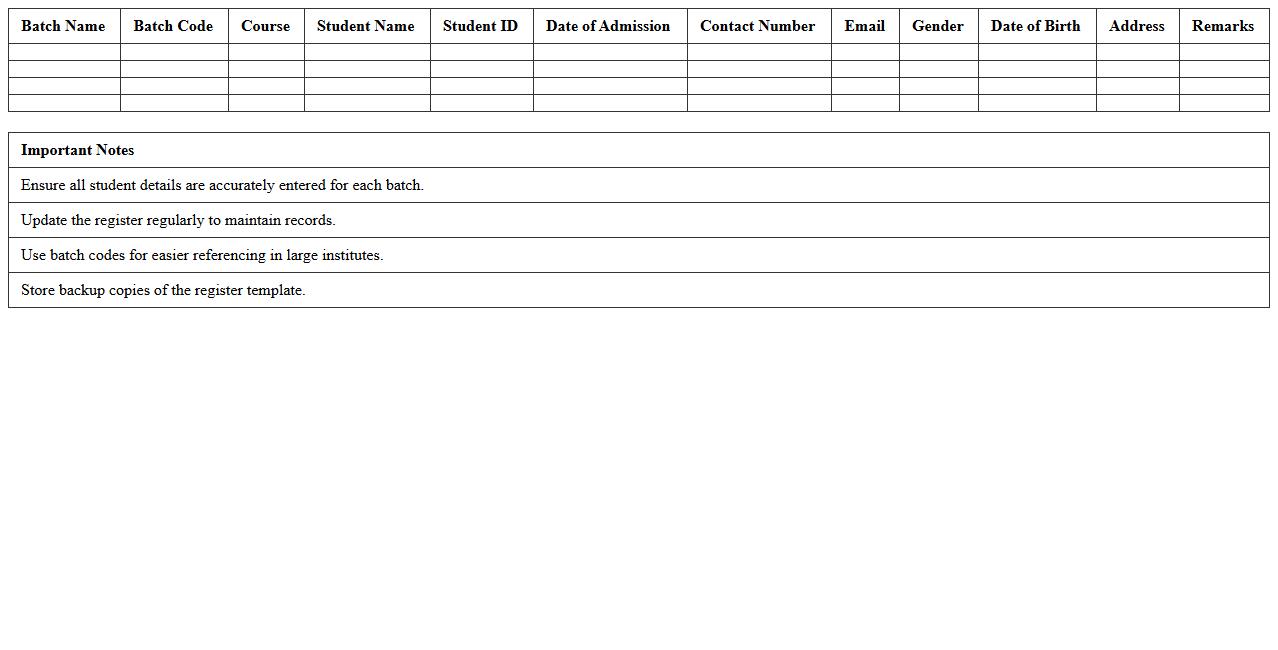
Batch Wise Student Register Excel Template
The
Batch Wise Student Register Excel Template is a structured spreadsheet designed to organize and maintain detailed records of students enrolled in different batches or classes. It helps educators and administrators track student attendance, performance, and personal information efficiently in a centralized format. This template enhances data management accuracy and simplifies reporting processes, making student monitoring more systematic and time-effective.
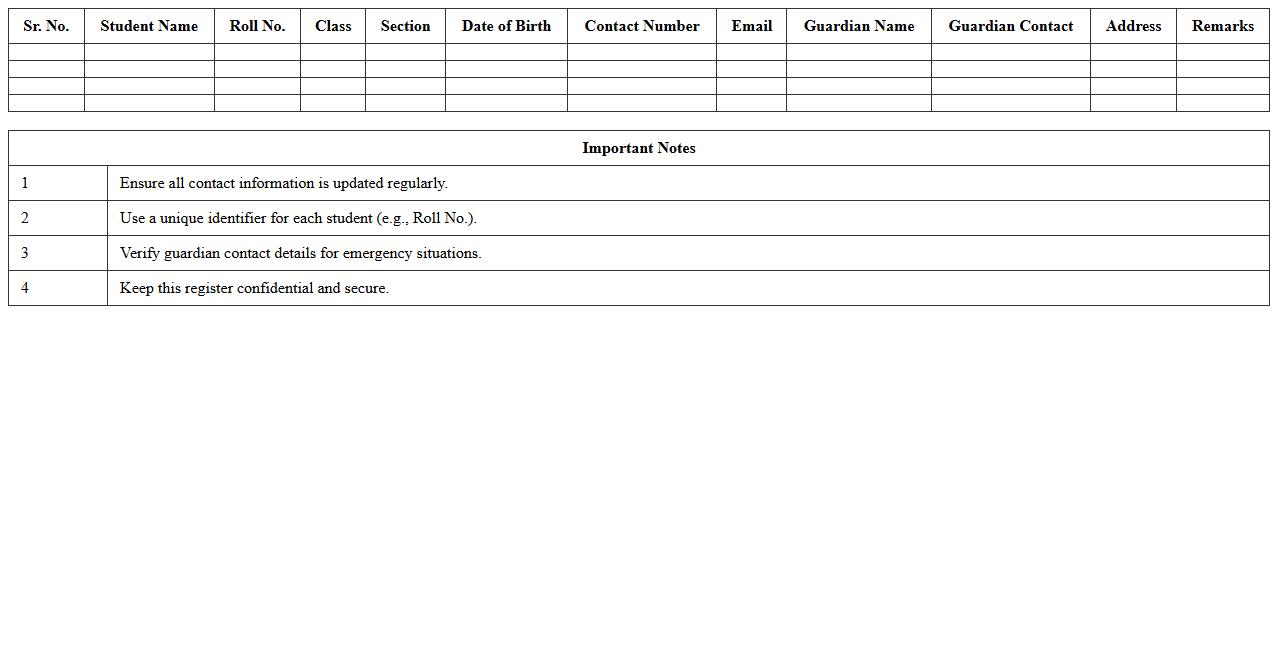
Student Contact Details Register Excel Template
The
Student Contact Details Register Excel Template is a structured spreadsheet designed to organize and maintain comprehensive student information such as names, phone numbers, email addresses, and emergency contact details. It facilitates quick access and efficient management of student data, enabling educational institutions and administrators to communicate effectively and respond promptly to student needs. This template enhances record-keeping accuracy while saving time in updating and retrieving essential contact information.
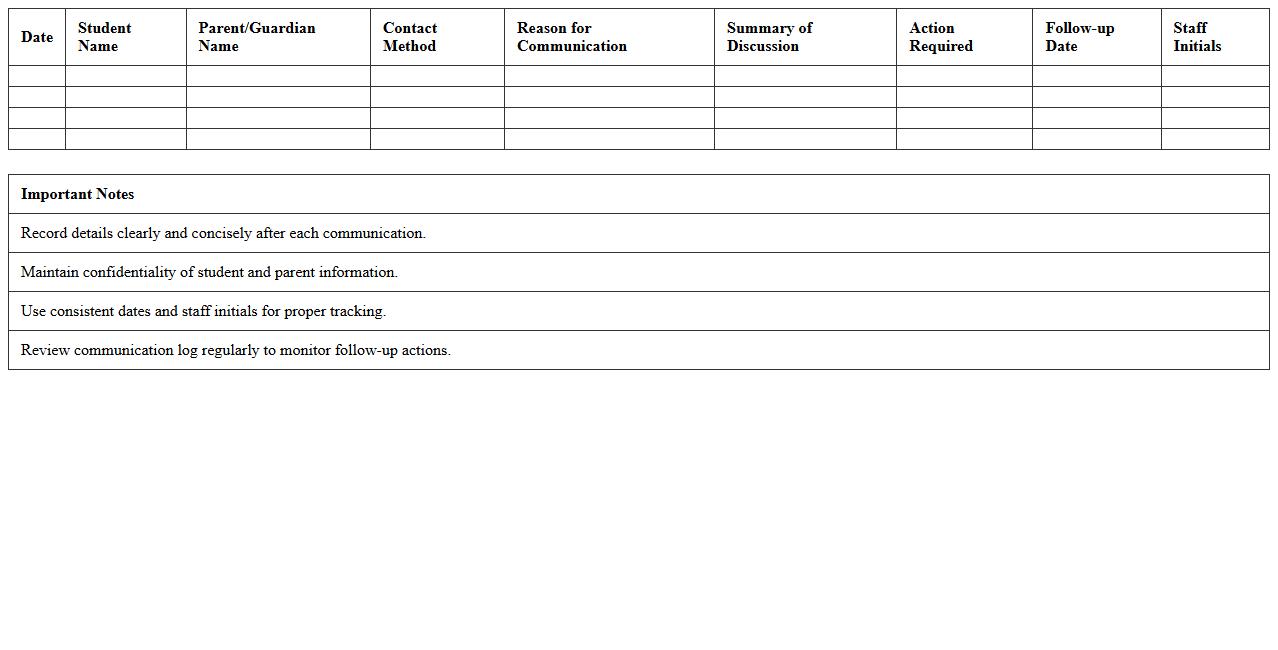
Parent Communication Log Excel Template
The
Parent Communication Log Excel Template is a structured document designed to track and document interactions between educators and parents effectively. This template helps maintain a detailed record of conversations, meeting dates, and key discussion points, ensuring transparent and consistent communication. Utilizing this log enhances parental engagement, supports student progress monitoring, and fosters a collaborative educational environment.
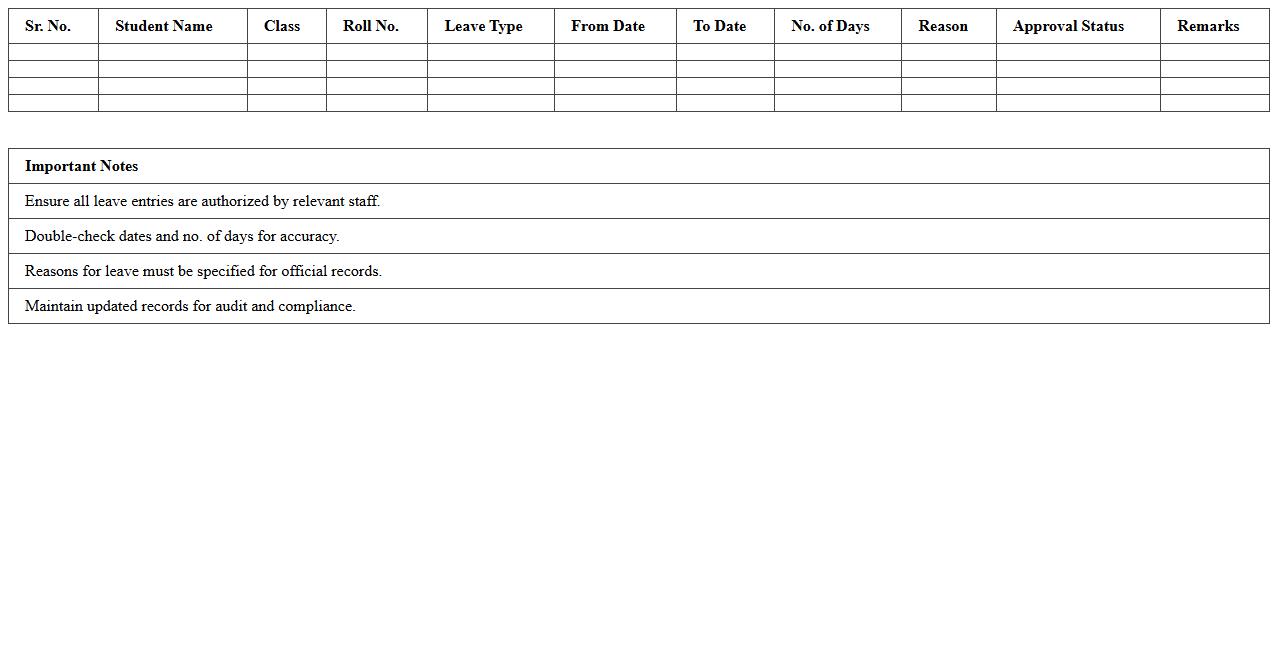
Student Leave Register Excel Template
The
Student Leave Register Excel Template is a structured spreadsheet designed to track and manage student absences efficiently. It allows educators to record leave dates, reasons, and duration, ensuring accurate attendance monitoring and easy access to leave history. This tool streamlines administrative tasks, enhances transparency, and supports data-driven decision-making in educational institutions.
Course Enrollment Register Excel Template
The
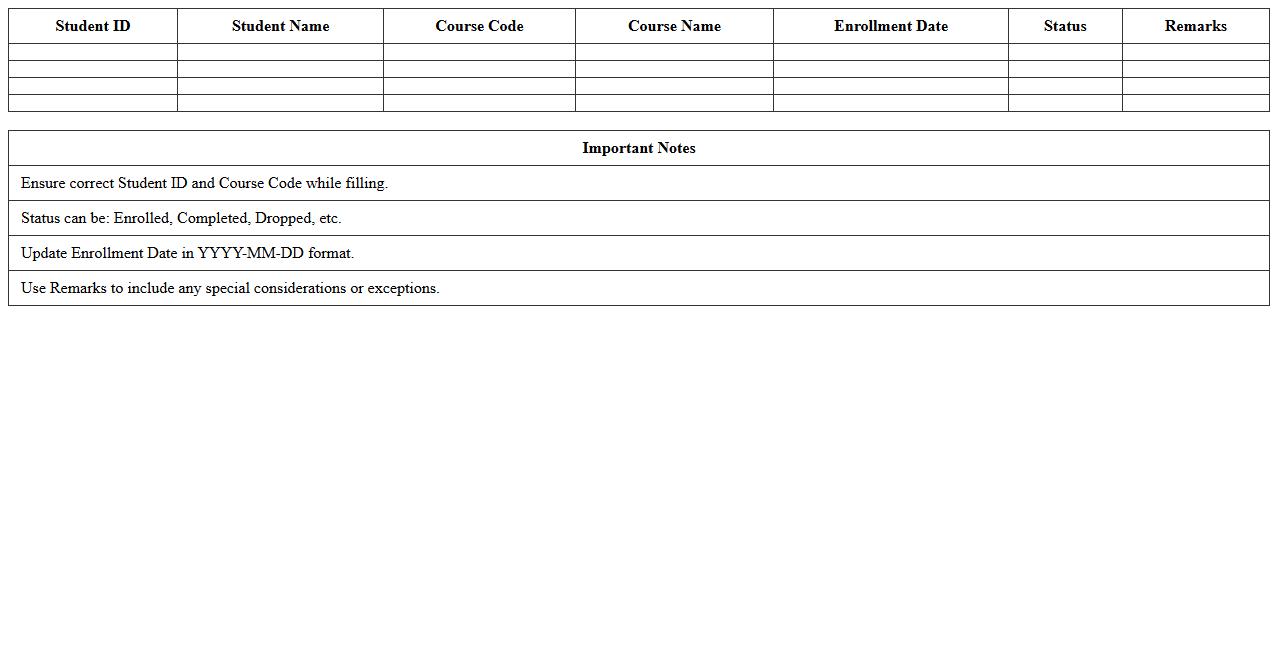
Course Enrollment Register Excel Template is a structured spreadsheet designed to systematically record and manage student enrollment data for various courses. It allows educational institutions to track student details, course names, enrollment dates, and payment statuses efficiently, enhancing administrative accuracy. By organizing data in one place, this template improves reporting capabilities and streamlines the process of monitoring enrollment trends and managing course capacity.
Student ID Card Register Excel Template
The
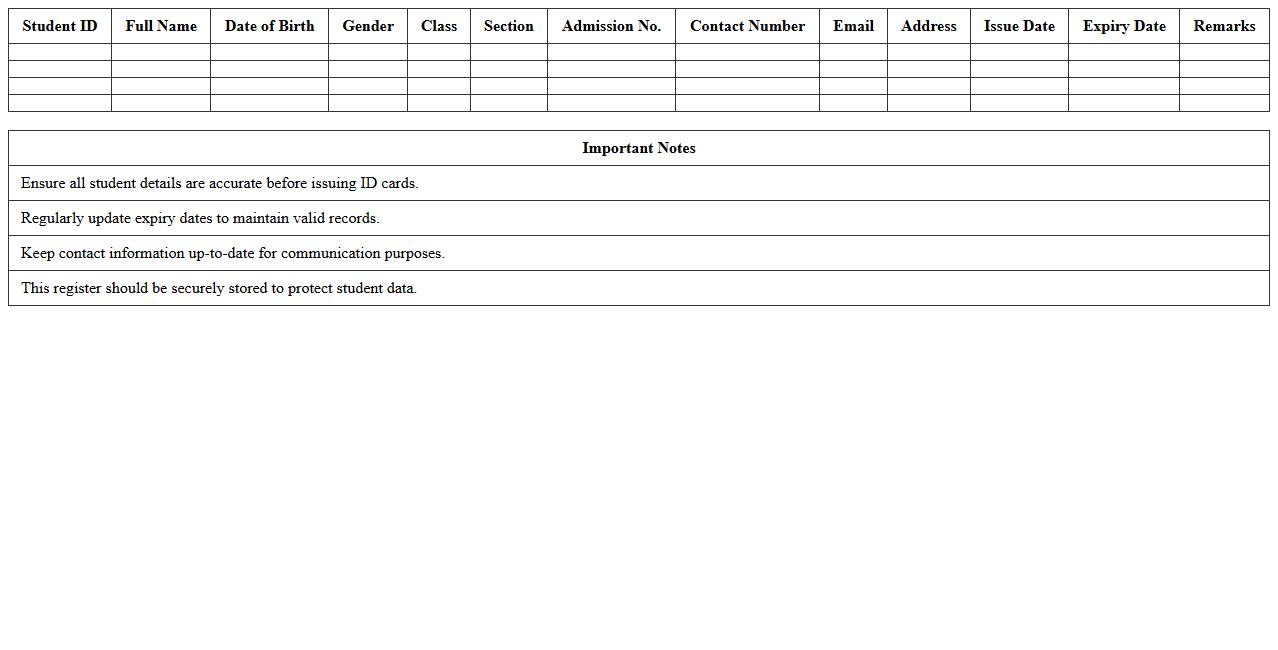
Student ID Card Register Excel Template is a digital tool designed to systematically record and manage student identification details such as names, ID numbers, and issue dates. This template enhances organization by allowing educational institutions to maintain accurate and easily accessible records, facilitating quick retrieval and verification of student information. It streamlines administrative tasks, reduces errors, and improves overall data management efficiency within schools or colleges.
How to automate attendance tracking in a Student Register Excel for coaching institutes?
To automate attendance tracking in Excel, start by creating a matrix with student names and dates. Use dropdown lists for marking attendance statuses such as Present, Absent, or Late. Implement conditional formatting to visually highlight attendance patterns and automate summary counts.
What are the best formulas for calculating student fee balances in Excel registers?
Use formulas like =SUM() to total fees paid and =SUMIF() to sum payments per student. Calculate the balance by subtracting total payments from the total fees with a formula like =TotalFee - SUM(Payments). Incorporate IF() functions to flag overdue balances for quick review.
How to design a student performance dashboard within an Excel register?
Create dynamic charts and graphs linked to student grades to visualize performance trends. Utilize pivot tables to summarize data by student, subject, or assessment period. Embed interactive slicers to filter and analyze performance metrics efficiently.
Which Excel template features help manage multiple batches in coaching institutes?
Leverage multi-sheet organization to separate data by batches and consolidate results on a master summary sheet. Use data validation and drop-down menus for batch selection, enhancing data entry accuracy. Employ pivot tables or Power Query to aggregate and analyze data across multiple batches seamlessly.
How to secure sensitive student information in an Excel register for coaching use?
Protect sensitive data by enabling password protection on the workbook and worksheets. Utilize encryption options to add an extra security layer and restrict unauthorized access. Limit editing by locking cells containing confidential student information while allowing data input in designated areas only.
More Register Excel Templates