The Event Planning Excel Template for Corporate Conferences streamlines organizing every aspect of your event, from budgeting and scheduling to attendee management. This template offers customizable sheets tailored to track tasks, vendor contacts, and logistical details, ensuring seamless coordination. Designed for efficiency, it helps event planners stay on top of deadlines and resources, enhancing overall productivity.
Conference Budget Planning Excel Template
A
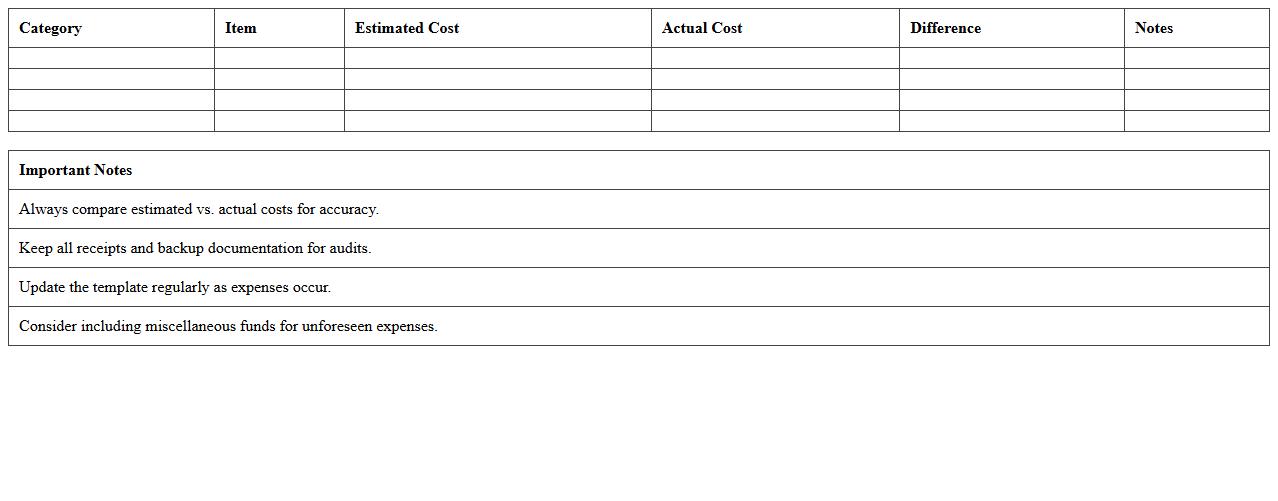
Conference Budget Planning Excel Template is a specialized spreadsheet designed to help organizers accurately estimate and manage all financial aspects of planning a conference. It includes predefined categories such as venue costs, catering, speaker fees, marketing expenses, and contingency funds, enabling efficient tracking and allocation of resources. This template ensures better financial control, reduces the risk of overspending, and facilitates timely adjustments to stay within budget.
Corporate Conference Agenda Schedule Tracker
A
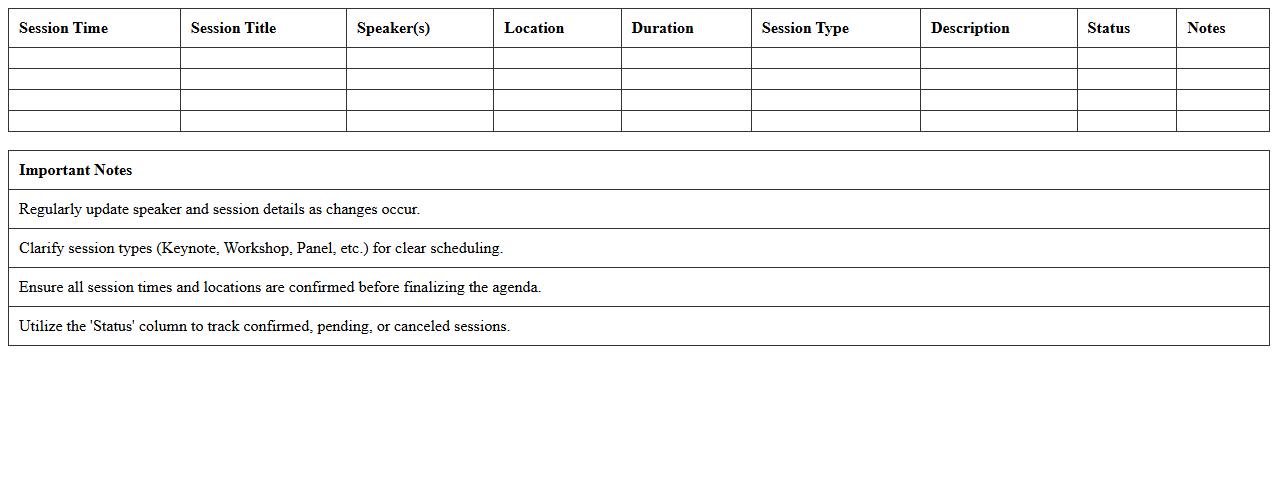
Corporate Conference Agenda Schedule Tracker document organizes all scheduled sessions, speakers, and activities, enabling efficient time management and clear communication among participants. It helps ensure that every agenda item is accounted for, preventing overlaps and allowing attendees to plan their participation effectively. This tool also facilitates smooth event coordination and enhances overall productivity by providing a centralized reference for all conference details.
Event Registration and Attendee List Spreadsheet
An
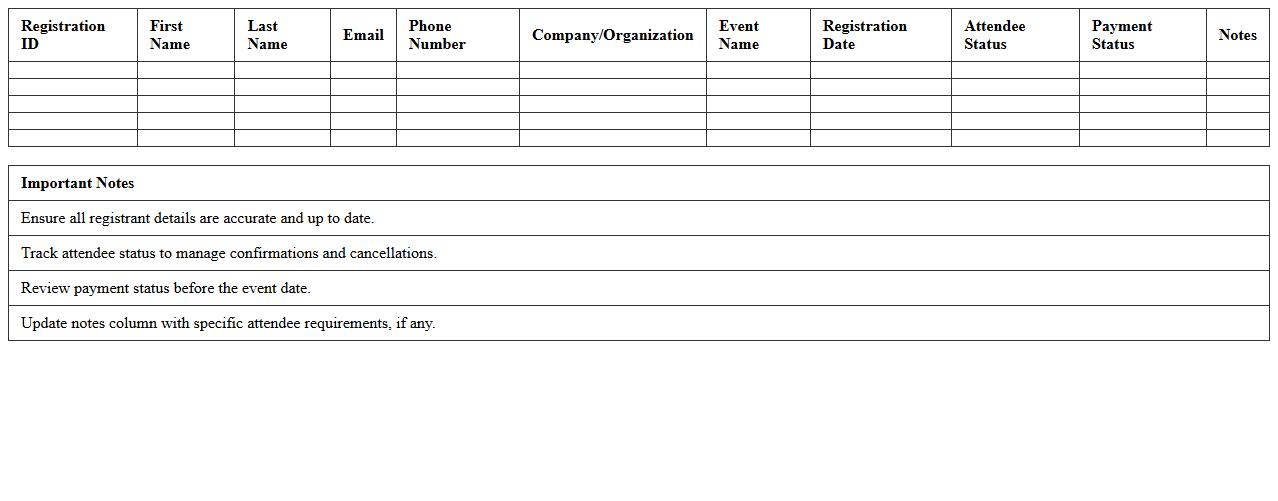
Event Registration and Attendee List Spreadsheet is a structured document used to collect and organize participant information for events, such as names, contact details, and registration status. This spreadsheet streamlines event management by providing easy access to attendee data for communication, check-in, and follow-up activities. It enhances accuracy and efficiency, ensuring a smooth event experience for both organizers and participants.
Speaker Coordination and Session Planning Sheet
The
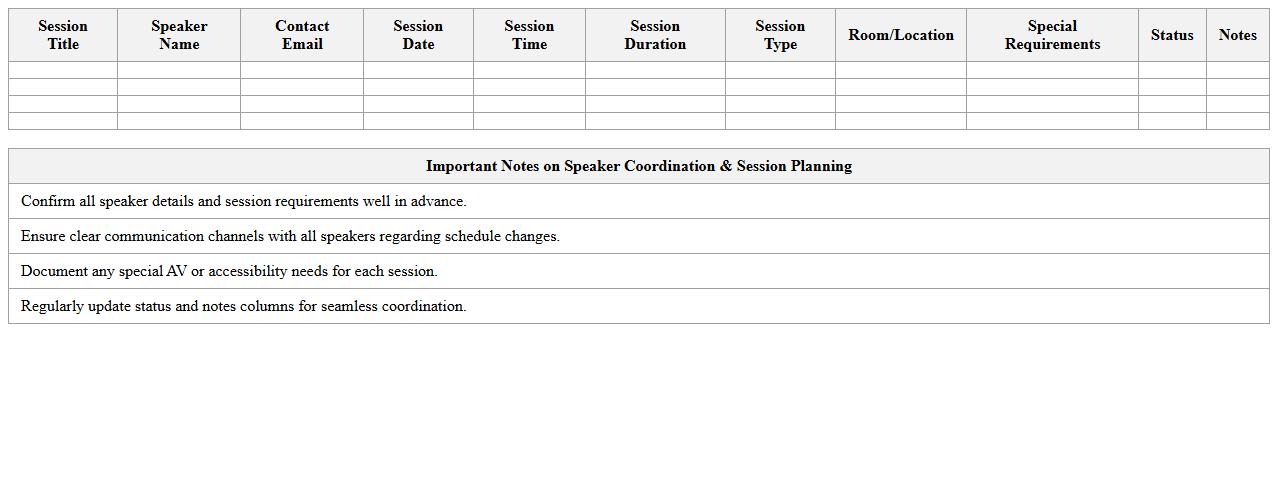
Speaker Coordination and Session Planning Sheet is a comprehensive document designed to organize and streamline the management of event speakers and session details. It consolidates vital information such as speaker bios, session topics, schedules, and technical requirements, ensuring smooth communication and timely preparation. Utilizing this sheet enhances event efficiency by minimizing scheduling conflicts, improving speaker readiness, and facilitating a seamless flow of sessions.
Event Vendor Contact and Management Template
The
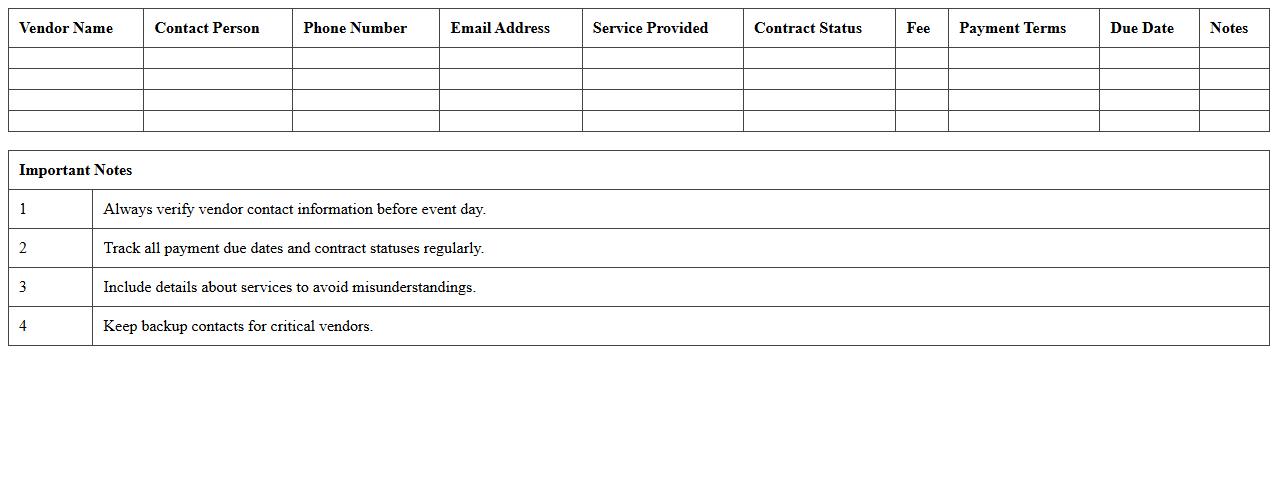
Event Vendor Contact and Management Template document is a structured tool designed to organize and streamline communication with multiple event vendors, including caterers, decorators, and equipment suppliers. It helps track contact information, service agreements, payment schedules, and delivery timelines, ensuring all vendor-related details are centralized and easily accessible. This template improves coordination, reduces the risk of miscommunication, and enhances overall event planning efficiency.
Conference Marketing & Promotion Calendar Excel
The
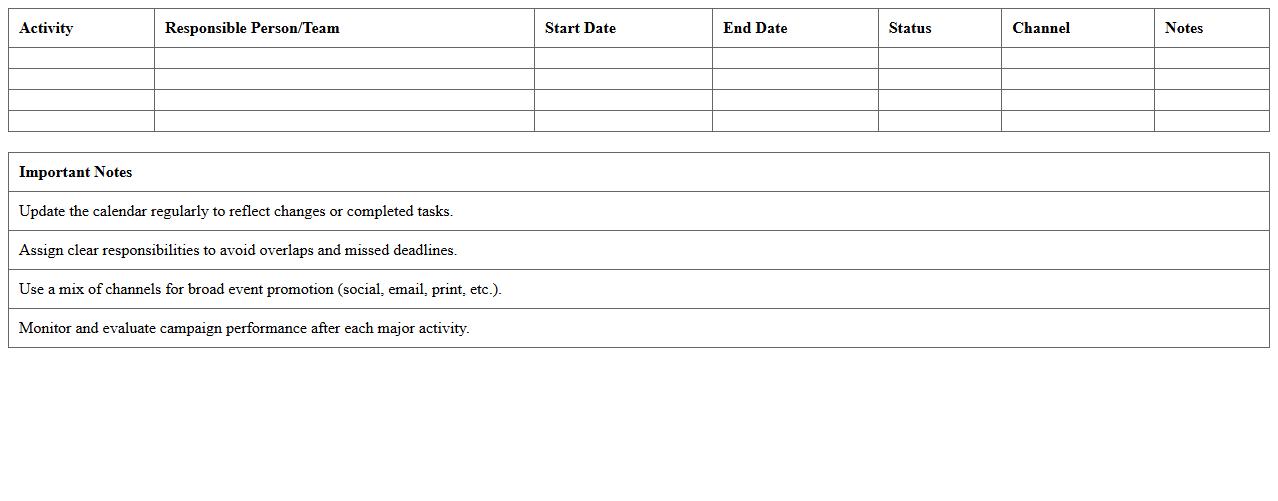
Conference Marketing & Promotion Calendar Excel document is a comprehensive tool designed to organize and schedule marketing activities related to conferences. It allows users to plan timelines, track promotional campaigns, allocate resources, and monitor key milestones efficiently, ensuring seamless coordination across teams. By consolidating all marketing deadlines and tasks in one place, it enhances productivity and maximizes the impact of conference-related promotions.
Venue Layout and Seating Plan Worksheet
The
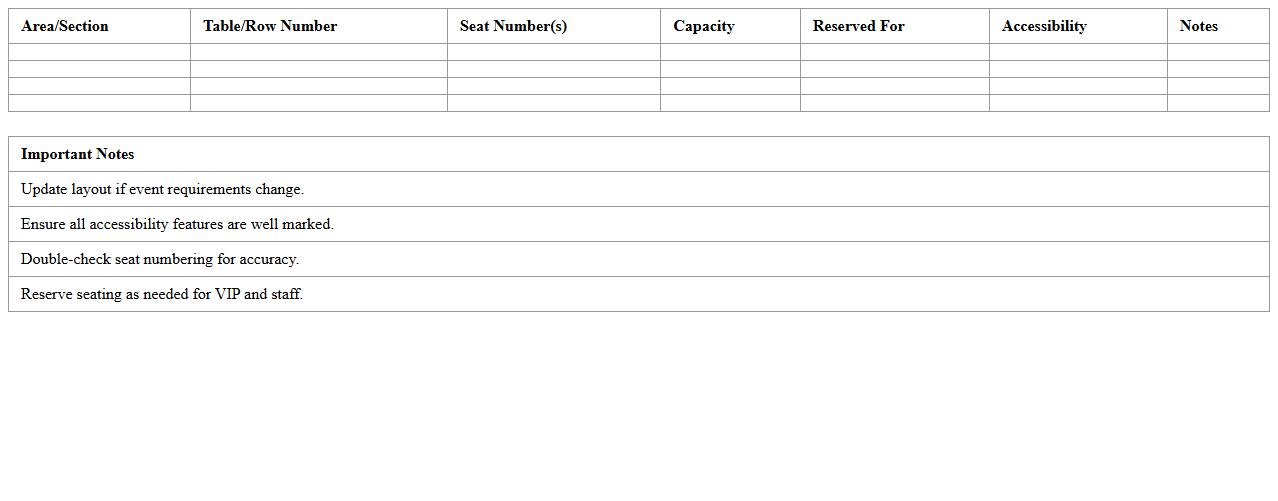
Venue Layout and Seating Plan Worksheet is a detailed document used to organize and visualize the arrangement of seats and spaces within an event venue. It helps event planners efficiently allocate seating based on capacity, guest preferences, and accessibility requirements, ensuring a smooth flow and optimal use of space. This worksheet is essential for maximizing comfort, improving guest experience, and facilitating logistical arrangements during events.
Conference Task Assignment and Timeline Tracker
A
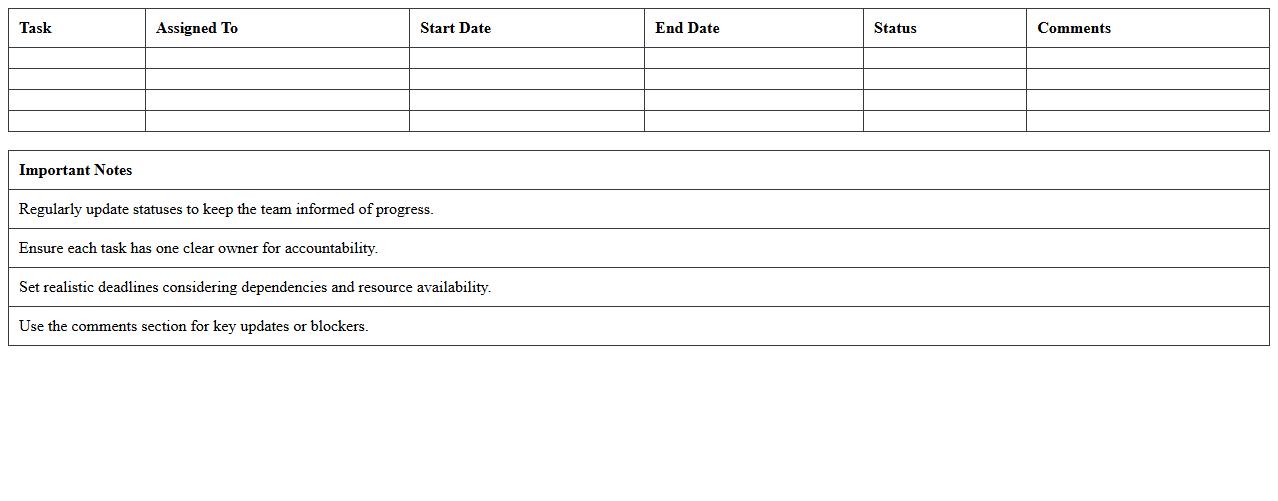
Conference Task Assignment and Timeline Tracker document organizes responsibilities and deadlines for all team members involved in conference planning. It streamlines project management by clearly defining tasks, responsible parties, and critical milestones, ensuring timely completion and accountability. Using this tracker improves coordination, reduces missed deadlines, and enhances overall event execution efficiency.
Sponsorship Management and Tracking Spreadsheet
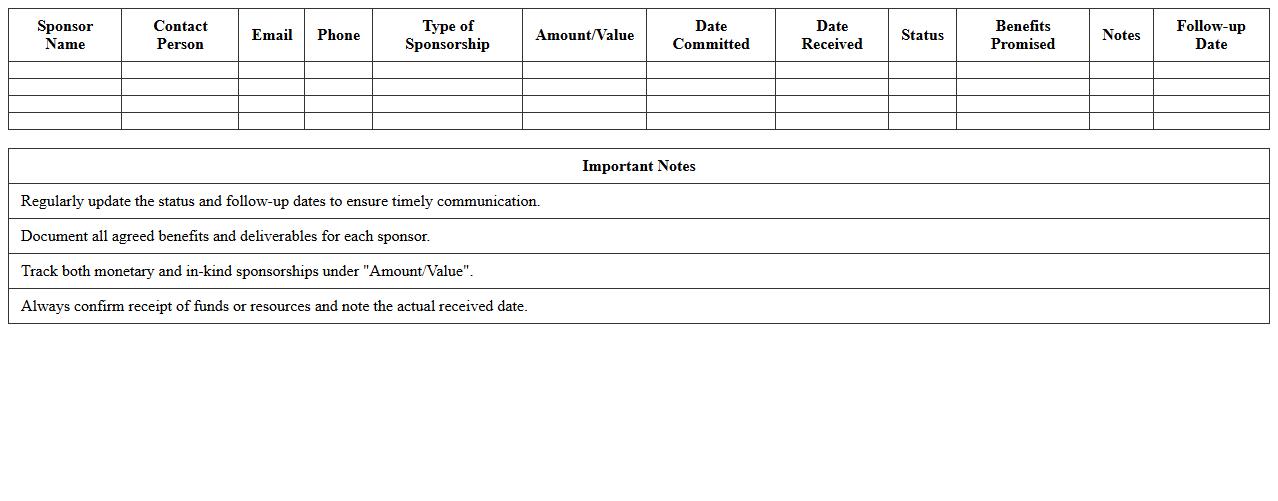
A
Sponsorship Management and Tracking Spreadsheet is a comprehensive tool designed to organize, monitor, and analyze sponsorship agreements, payments, and deliverables. It streamlines the coordination of sponsor details, deadlines, and performance metrics to ensure efficient communication and fulfillment of contractual obligations. This document enhances transparency, supports financial planning, and helps maximize the value derived from sponsorship partnerships.
Post-Event Feedback and Survey Analysis Template
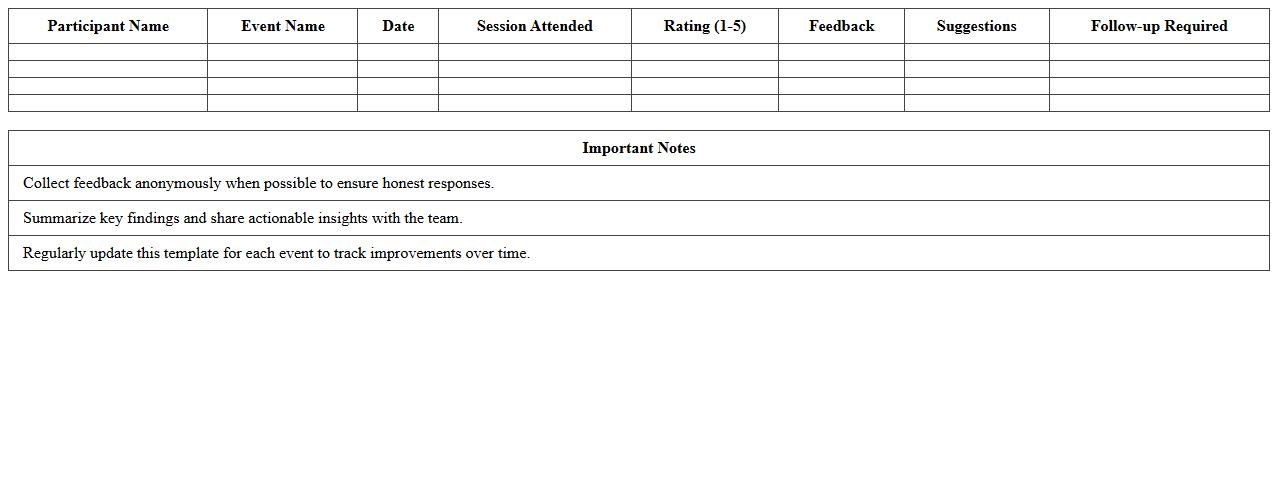
The
Post-Event Feedback and Survey Analysis Template document is a structured tool designed to collect and analyze attendees' responses following an event, providing valuable insights into participant satisfaction and event effectiveness. This template streamlines data organization, helping event planners identify strengths, weaknesses, and areas for improvement based on quantitative and qualitative feedback. Using this document enhances decision-making for future events by offering evidence-based recommendations and measurable performance metrics.
How can I automate attendee check-in tracking in an Event Planning Excel sheet for corporate conferences?
Automate attendee check-in tracking in Excel by using data validation lists paired with checkboxes or dropdown menus. Incorporate the COUNTIF function to automatically tally attendees who have checked in. This enables real-time monitoring of conference participant attendance directly within your event planning sheet.
What Excel formulas best calculate real-time budget variances for multi-day conference events?
Use the SUMIFS function to aggregate expenses by day or category, comparing actual vs. budgeted costs. Implement the simple formula =Actual-Budget to calculate variance amounts dynamically. Combining these formulas provides an effective way to track and manage real-time budget variances across multi-day conference events.
How do I integrate speaker session feedback using Excel survey data within the event planning document?
Import survey results into your event planning Excel sheet and link them with speaker session details using the VLOOKUP or XLOOKUP functions. Use pivot tables to summarize and analyze feedback scores or comments efficiently. This integration enables comprehensive tracking of speaker session feedback to improve conference quality.
What conditional formatting highlights schedule conflicts across breakout rooms in conference planning sheets?
Apply conditional formatting rules using formulas that check overlapping time slots for each breakout room. For example, use the COUNTIFS function to identify if the same room is booked at overlapping times. Highlight cells with a distinct color to visually flag schedule conflicts in your conference planning sheet.
How to link vendor payment status dashboards in Excel for transparent event budget management?
Create a centralized vendor payment status table and connect it with a dashboard using Excel's PivotTables and slicers for dynamic filtering. Use hyperlinks or formulas like INDEX-MATCH to link detailed payment records. This approach provides transparent event budget management and easy access to vendor payment statuses.